Pet Costume AI Generator
Your pet as a pumpkin, bat, ghost or witch, no dressing up required.
- 8-second video
- Vertical, square or widescreen
- With the trend sound
- Ready in 3 to 5 minutes
- Four costumes
- Head tilt
- Happy wag
Costume
Your photo
By adding a photo you confirm everyone in it is 18+ and agreed to have their face used for this. We use faces only to make what you ask for. How we handle faces
Video size
Quality
- Not charged if it fails
- Private till you share
- Photos gone in 7 days
What is the Pet Costume AI trend?
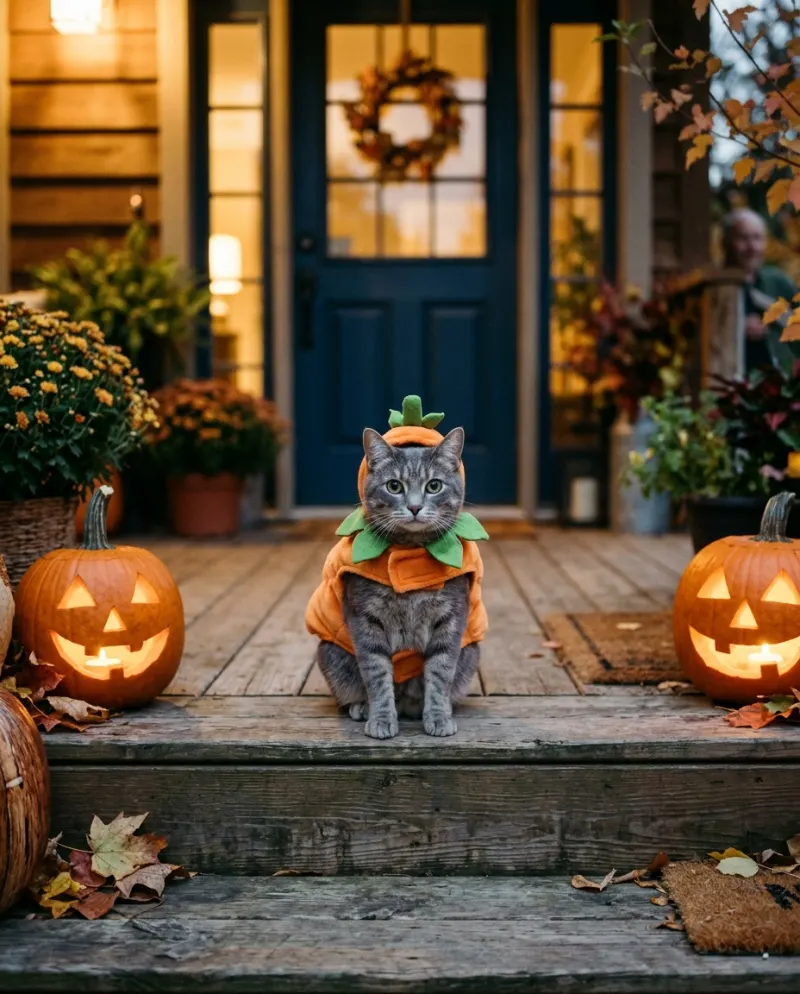
Pet Costume AI puts your pet in a small, comfy Halloween costume without anyone wrestling a costume on. From one photo, your pet appears as a pumpkin, a bat, a little ghost or a witch, sitting by a front door lined with jack-o’-lanterns. Pick the costume, or start with the pumpkin suit and stem hat.
Then the cute part: a head tilt and a wag, right at the door, like they’re waiting for trick-or-treaters. It’s the pet Halloween post without the struggle, the bribes or the one blurry photo before the hat comes off. Your pet’s breed, coat and markings are built from your photo, so it reads as yours, not a stock Halloween pet.
The clip is 8 seconds with sound, vertical by default so it fits TikTok and Instagram Reels, or square or widescreen if you pick, and it makes a sweet Story on Halloween night. Post it as your pet’s costume reveal, or as the porch greeter for your party invite. It suits pets who hate hats, older pets who shouldn’t be fussed with, and anyone who’d rather skip the costume aisle.
Updated
- TikTok, Instagram
- #pethalloween
- For pets
In the 8 seconds
How to make the Pet Costume AI video
Three taps on your side. The rest happens on ours.
 1
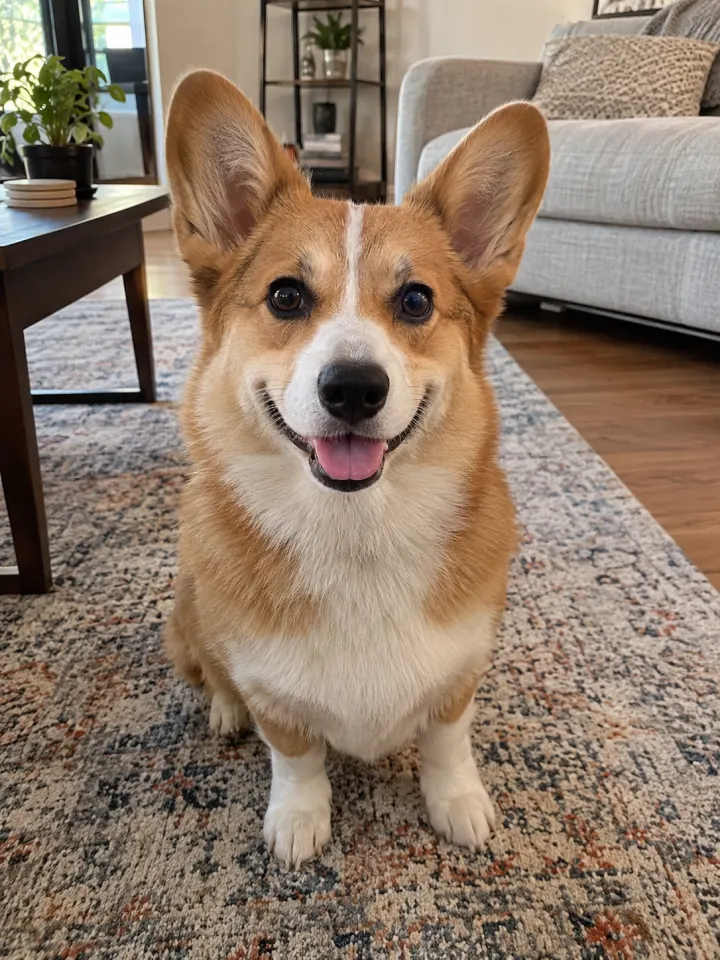
1Add a photo
Your pet, face clear and toward the camera.
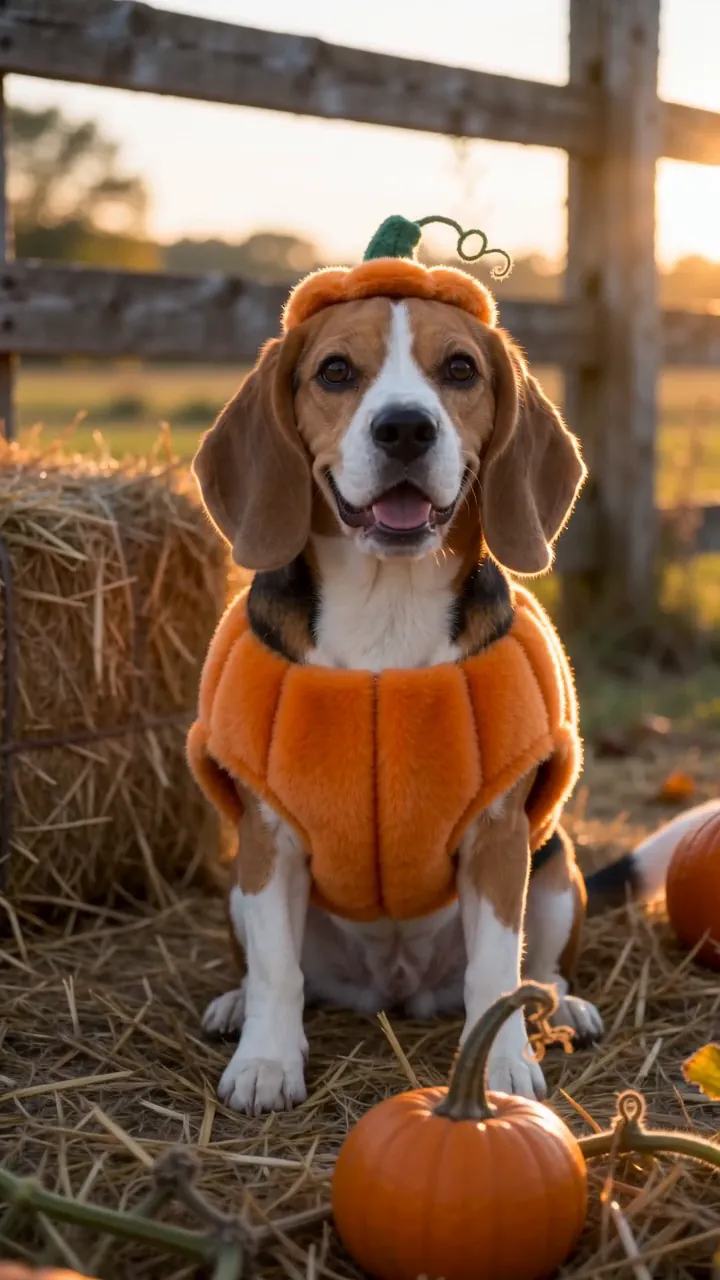 Make my videoPet Costume AI2
Tap Make my video
No prompt to write. The trend’s moves and music are built in.
- MP4 with soundShare link#pethalloween3
Post it
Download it with the trend sound and tag #pethalloween.
What you add, what you get
One Pet Costume AI run, from the photo in to the file out.
You add
- One photo of your cat or dog
- Costume: pumpkin, bat, ghost or witch
- No prompt to write
- JPG, PNG or WebP, up to 10 MB
You get
- An 8-second Pet Costume AI video starring your pet
- Vertical, square or widescreen, your pick
- HD 720p or standard 480p, with the trend sound
- Ready in 3 to 5 minutes, credits back if it fails
- Private until you share it; no watermark after your first purchase
Best photo for Pet Costume AI
Face the camera in good light. The clearer the face, the more it looks like your pet.
Works
Heavy filter
Too dark
Blurry
Face too small
- Pet facing the camera
- Ears and face visible
- Daylight, no flash
- Pet already in costume
- Several pets in frame
- Blurry, mid-motion shot
Ideas to try with Pet Costume AI
Who to put in it, and what to say when you post it.
Our little pumpkin, reporting for duty. #pethalloween
Trend soundWho to make it for
- Costume reveal, zero struggleFor the pet who won’t keep a hat on for a second. They get the costume; you keep your hands unscratched.
- Halloween party invitePost your pet as the porch greeter, with the party details in the caption.
- An older pet joins inA senior pet who shouldn’t be fussed with can still dress up, from a favorite photo.
- Group chat pet paradeGet friends to make one for each of their pets and share them all on Halloween.
Caption ideas · tap to copy
Pet Costume AI guides
How it’s made, whether it’s free, and a prompt for other tools.
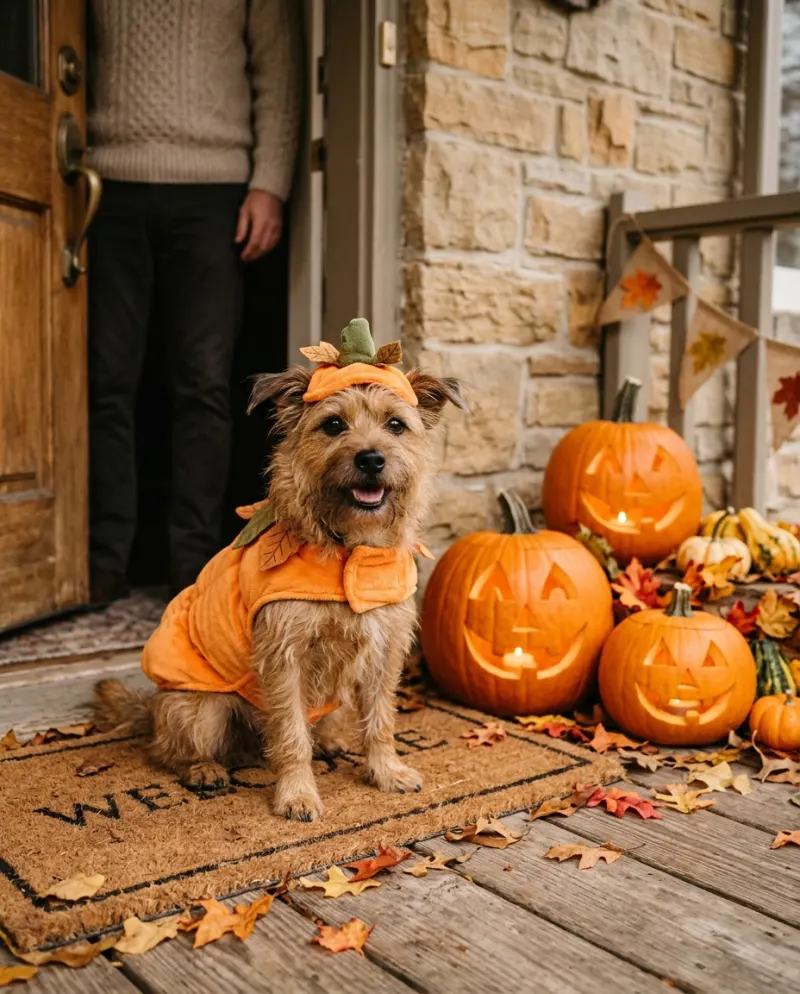 Trends explained · 3 min readHow to put your pet in a Halloween costume with AI
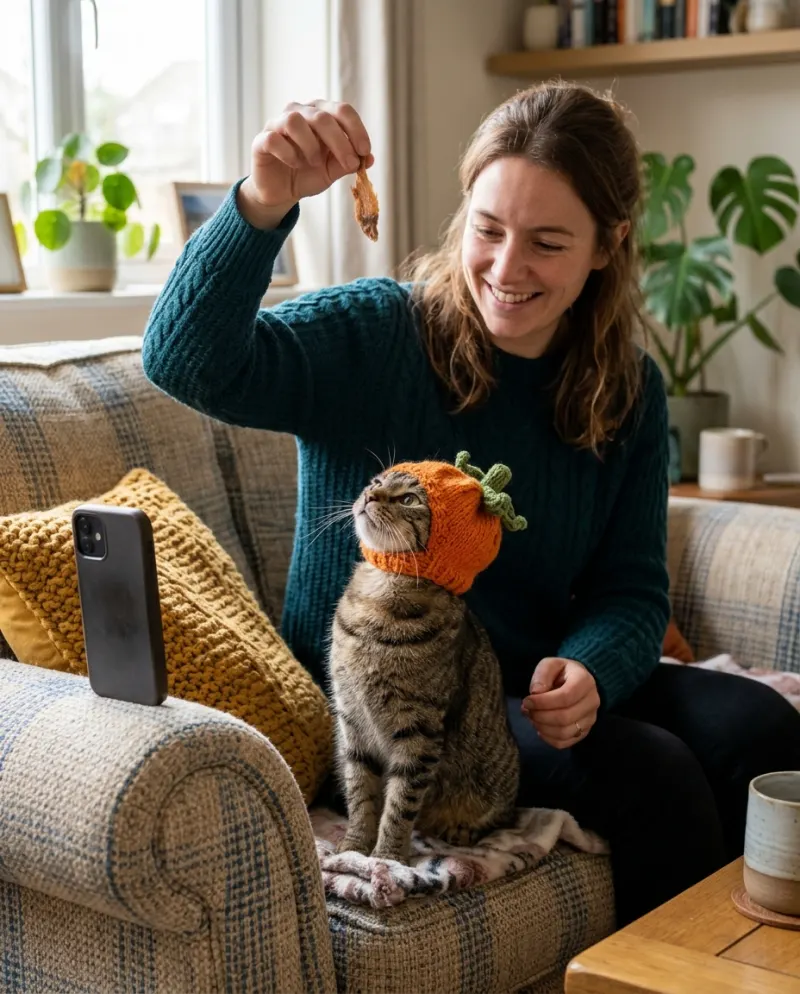 Trends explained · 3 min readFree pet Halloween costume photos: a kind DIY shoot, or AI
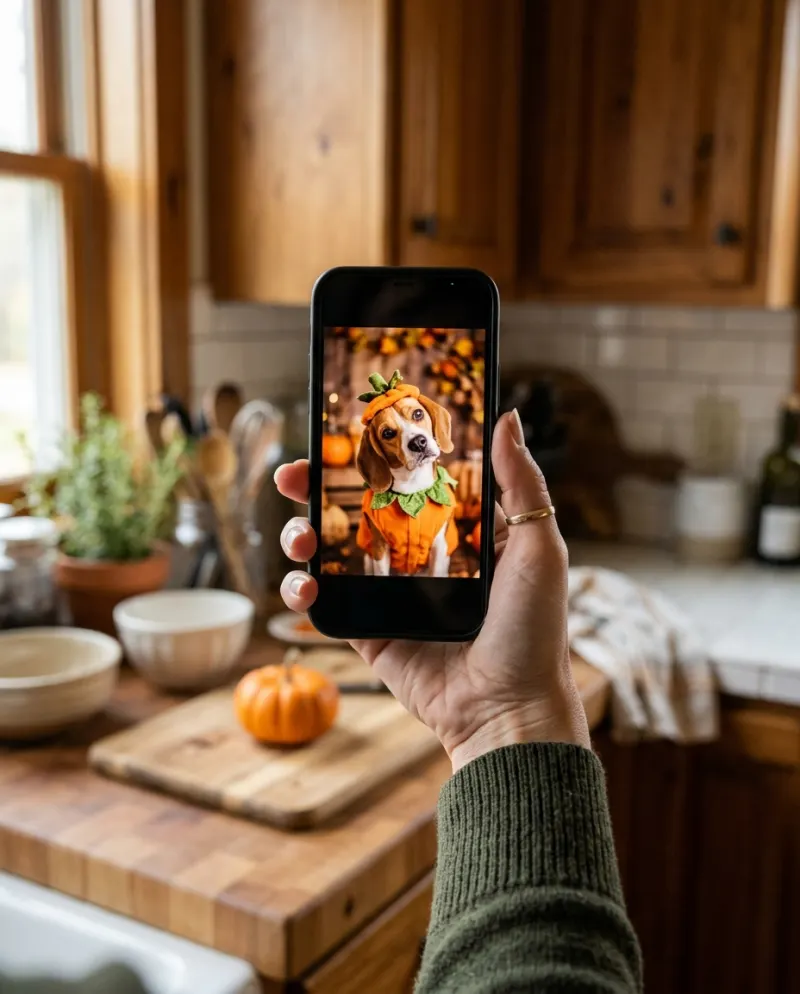
 Trends explained · 3 min readAI pet Halloween costume prompts for pictures and video
 Trends explained · 3 min readPet costume video: a CapCut edit of real photos, or AI?
Pet Costume AI questions
The short answers. Ask a person or visit the help center.
Does my pet need to wear a costume in the photo?
No. An everyday photo works. The costume is added in the video, so your pet never has to wear one.
Can I pick a different costume?
Yes. Choose a pumpkin suit with a stem hat, soft bat wings and ears, a sheet-ghost cape, or a tiny witch hat and cape. The setting stays the same: a front door with jack-o’-lanterns.
Will the costume hide my pet’s markings?
The costume covers some of the body, but the face, ears and coat are built from your photo. A clear shot of your pet’s face and coat gives it the most to work with.
Is Pet Costume AI free?
Not free, but you can try Reelfie first: every new account gets one photo trend free, no card needed. Pet Costume AI itself starts at $9.90 for a credit pack, with no watermark once you buy, and a run that fails costs nothing.
How much does Pet Costume AI cost?
80 credits in HD (720p), 40 in standard (480p). A pack from $9.90 makes 2 in HD or 4 in standard, and a plan from $16.58/mo, billed yearly, makes 6 in HD a month. The Make button shows the total before it runs, and a run that fails gives the credits back.
What app makes the Pet Costume AI video?
Reelfie (reelfie.app) makes it from one photo, with no prompt to write: the trend’s look is built in. It costs 80 credits, shown before it runs, and a run that fails costs nothing.
Is Reelfie the official Pet Costume AI app?
No. Pet Costume AI is a trend, and no app owns it. Reelfie (reelfie.app) is independent, not affiliated with TikTok, CapCut or the trend’s creators; it makes your own version from your photo.
Can I make Pet Costume AI with ChatGPT, Gemini or CapCut?
Partly. ChatGPT and Gemini can write a prompt, and AI video tools, CapCut’s included, can turn a photo into a clip from it, usually after a few tries and with a watermark on free tiers. They don’t know this trend’s scene or timing. Here both are built in, so one photo is all it takes.
How long does it take?
Most videos are ready in 3 to 5 minutes. You can close the page; the video keeps going and waits for you in Assets.
Can I make it with my cat or dog?
Yes. Choose Your pet and upload a photo where your pet’s face is clear and facing the camera.
Why does the face not look like me?
Usually the photo: side angle, low light or something covering the face. Try a clear front photo. If one doesn’t come out, you are not charged.
Can I post it on TikTok?
Yes. The video is vertical with the trend sound, and after your first purchase it has no watermark. Pick the trend’s sound when you post and your video also shows on that sound’s page.
Who can see my video?
Only you. It stays private in Assets until you create a share link.
What happens to my photos?
Your photos are deleted 7 days after upload and never used to train AI.
More trends to try


One photo.
Your pet in Pet Costume AI.
Pet Costume AINot charged if it fails