Skip to content

AI video and image models Top AI models. One place to use them.

Seedance, Kling, Veo, Nano Banana, GPT Image and more, side by side in one studio. Not sure which to pick? Auto chooses for you.

Try Auto
  • 34 video and image models
  • Cost shown before you start
  • Failed runs refunded
Has

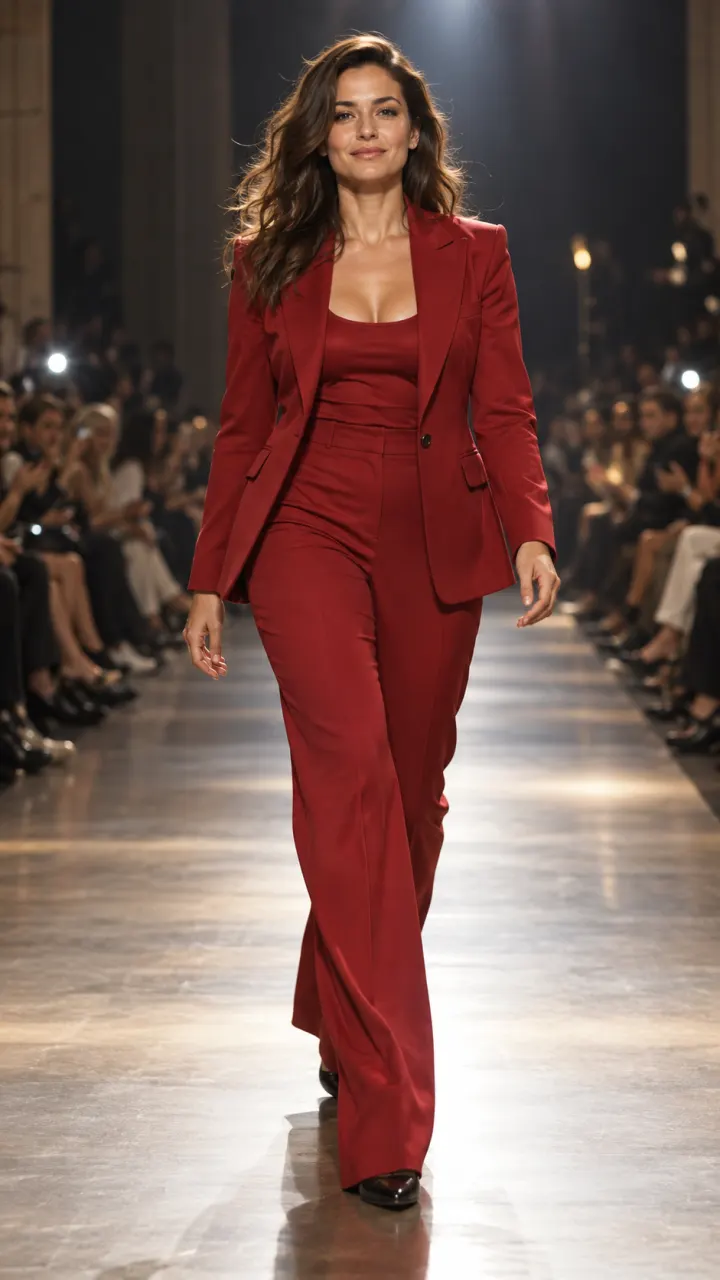
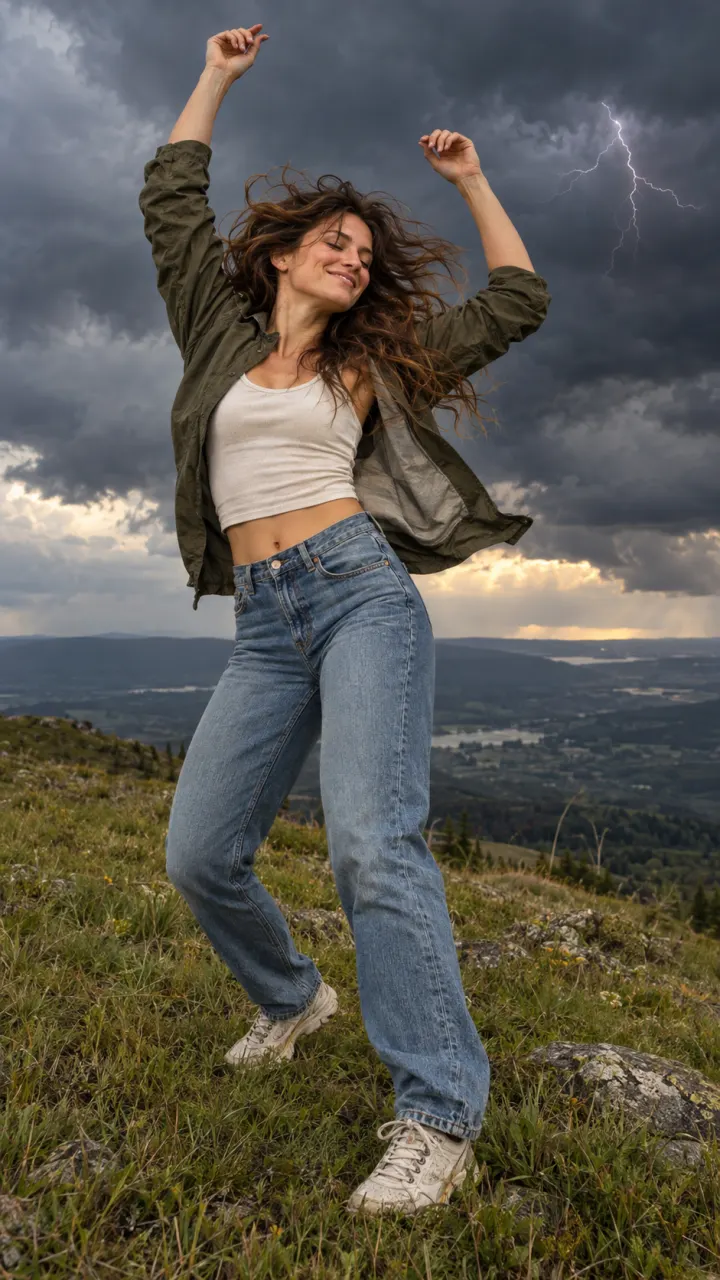
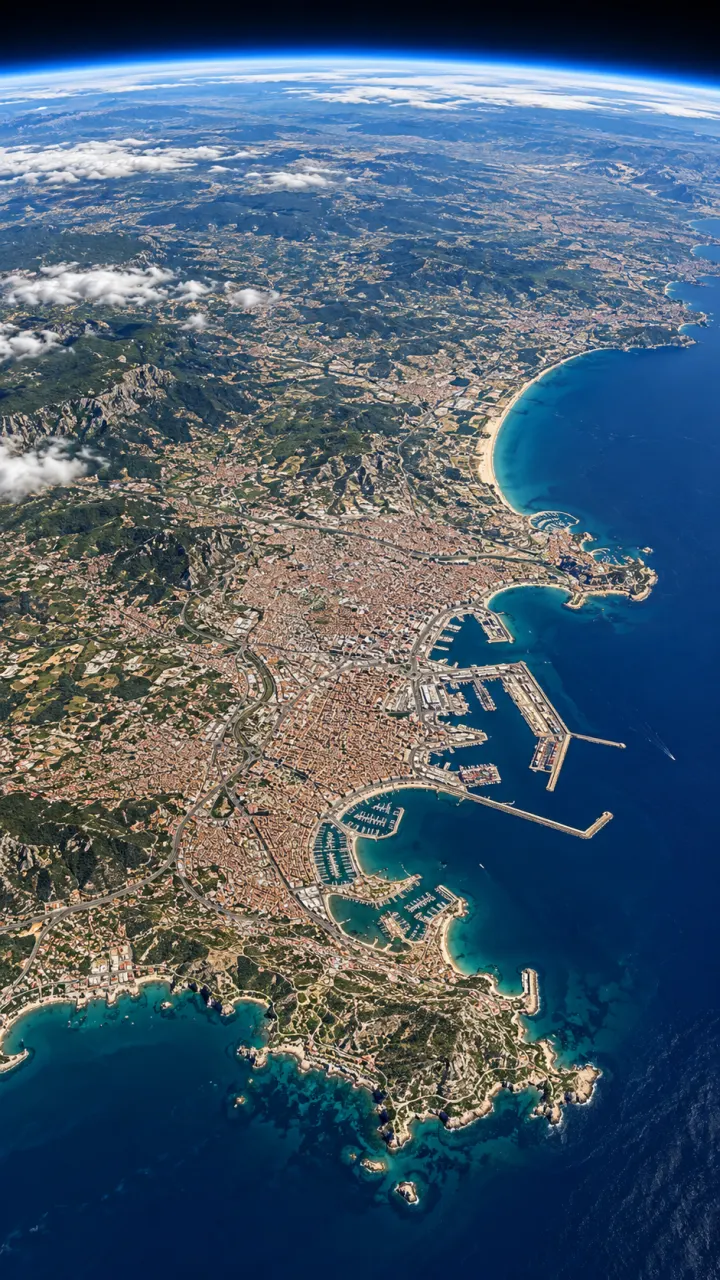
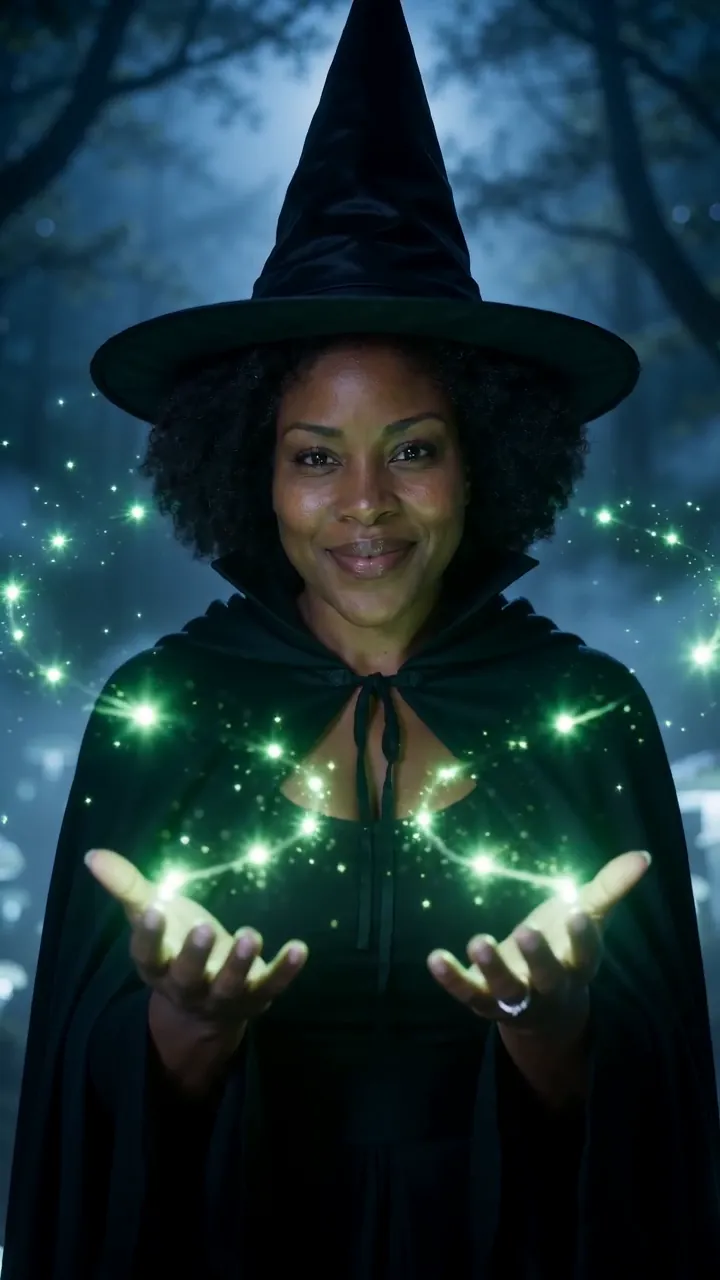
Cover pictures are illustrations, not output from the model named.

Which model for which job

Auto picks for you from what you add. If you’d rather choose, start with the job. Each list is in the order we’d try them, not a ranking.

Video

Bring a selfie to life

Add your photo as the start frame. These keep the face and move it like real footage.

Video

Clips with sound or dialogue

Voices, music and effects made with the picture, so you don’t add audio after.

Video

Start and end frames

Give the first and the last frame and the model fills the move between them. Good for transitions.

Video

Longer clips, up to 15 s

For a scene that needs time to play out, or one clip that covers a whole sound.

Video

Anime, clay and comic looks

Stylized motion and big expressions, from a prompt or a photo.

Video

Test an idea for few credits

Try the prompt short and small first, then run the keeper on a bigger model.

Image

Edit a photo with words

Upload a photo and say what to change: the outfit, the light, the background.

Image

Posters and text in the image

Titles, signs and menus spelled the way you typed them.

Image

Photoreal portraits and products

Skin, fabric and surfaces that read like a camera took them.

Image

Logos, stickers and illustration

Flat shapes and clean edges for graphics rather than photos.

Not sure which? Let Auto pick

Most people never open the model list. Add what you have and Auto matches it to a model that takes it.

  1. A man in a dark jacket dances down a rain-soaked street at night, arms wide, splashing through puddles, neon signs reflected on the wet road, slow tracking shot

    1

    Add a photo or a line

    A photo to animate, an end frame to land on, or just words. Auto reads what you added.

  2. 9:1616:91:1Auto
    Generate
    2

    Auto picks the model

    It chooses one that takes your input and says which and why. Switch any time.

  3. MP4Share link
    3

    Generate and keep it

    Download the clip or image, or share a link. Failed runs are refunded.

Questions

Which model should I pick?

Leave it on Auto. It looks at what you added, a photo, an end frame or words to letter, picks a model that takes it, and shows you which one and why before you generate. You can switch to any model in the same composer.

Is there a free tier?

Every new account gets one photo trend free. After that, every model runs on credits, the Generate button shows the exact cost before you start, and a run that fails costs nothing. Pick a plan or top up with a credit pack.

Do I need an account with each model’s maker?

No. One Reelfie account runs every model here, and the same credits pay for all of them. You don’t sign up anywhere else or bring your own key.

Can I animate my own photo?

Yes. Add a photo as the start frame and most video models move it from there; some also take an end frame to land on. Image models with “Edits a photo” change the photo you upload. Your photos are deleted 7 days after upload and never used to train AI.

How long are the clips, and in what sizes?

Video models make clips from 4 to 15 seconds, in vertical, wide or square shapes, up to 1080p. Image models go up to 4K on some versions. Each model page lists exactly what it offers.

Is Reelfie made by these companies?

No. Reelfie is an independent studio that runs these models for you. The model names belong to their makers, and Reelfie isn’t affiliated with them.

Why do prices differ between models?

Bigger models cost more to run, and so do longer clips, higher resolutions and sound on some models. Each card shows the lowest cost, and the model pages list the full range.

Do credits expire?

Bonus credits last 7 days. Credits from a pack last 12 months and work on every model, trend and tool.

What if a render fails?

You get the credits back automatically, and the run shows Retry in your feed.

Model names belong to their makers. Reelfie isn’t affiliated with them.

Every model,
one studio.

Try AutoNot charged if it fails