Caricature AI Generator
A boardwalk-style caricature of you, minus the queue.
- 2 photos
- Square, portrait or vertical
- Ready in about a minute
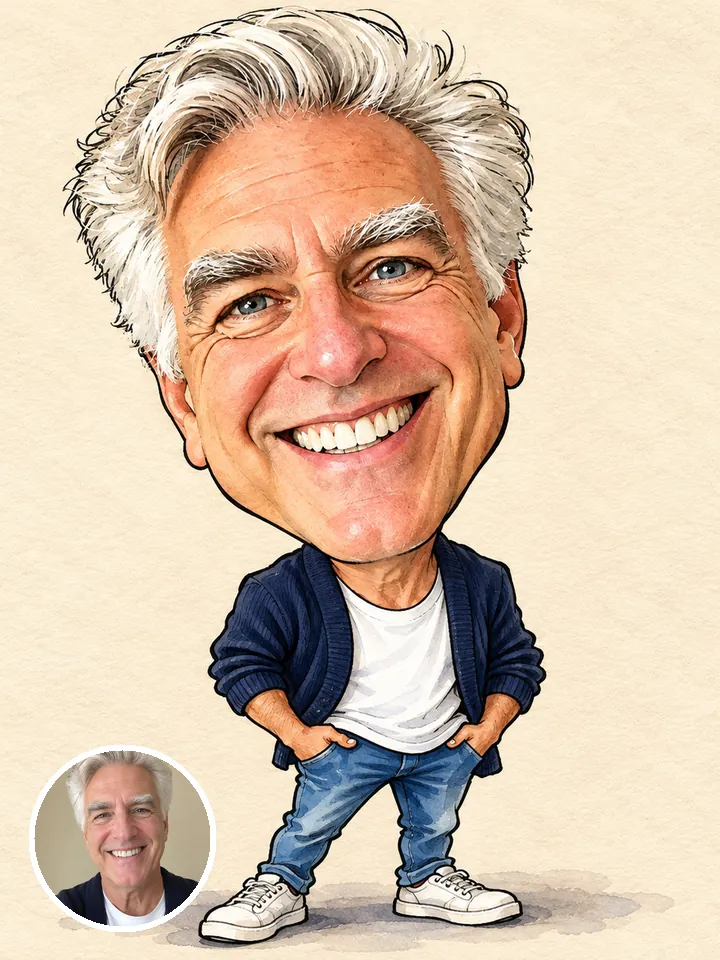
- Big head, small body
- Marker and watercolor
- Ready to print
Your photo
By adding a photo you confirm everyone in it is 18+ and agreed to have their face used for this. We use faces only to make what you ask for. How we handle faces
Photo size
- Free with a new account · no card
- Private till you share
- Photos gone in 7 days
What is the Caricature AI trend?
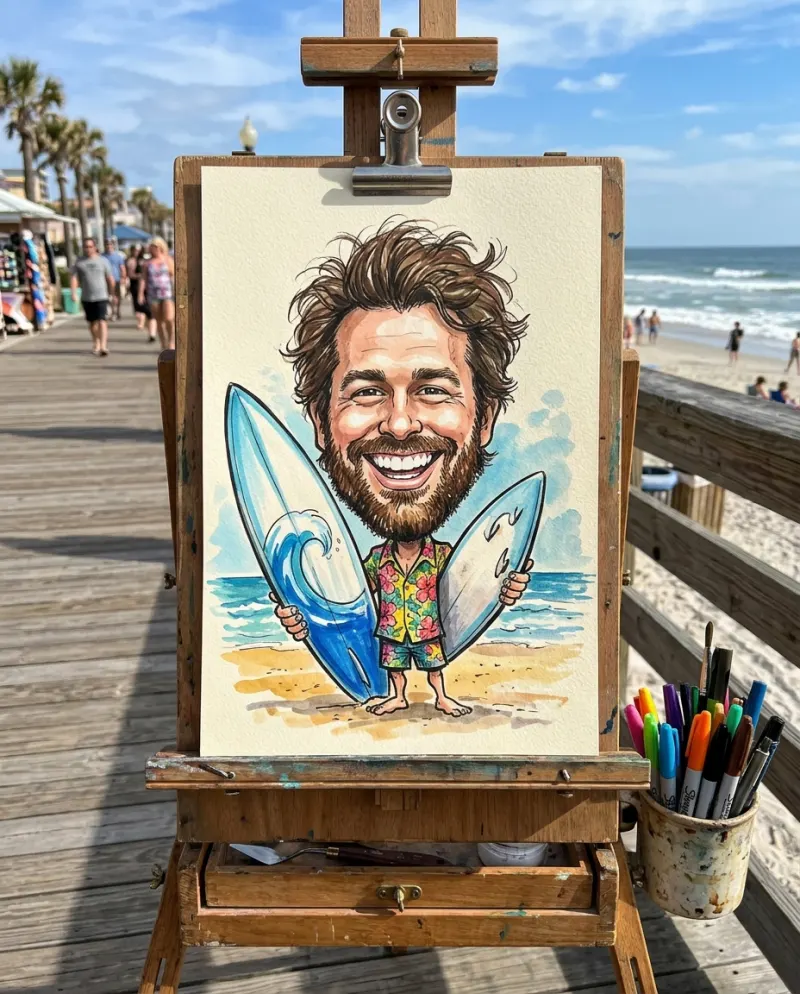
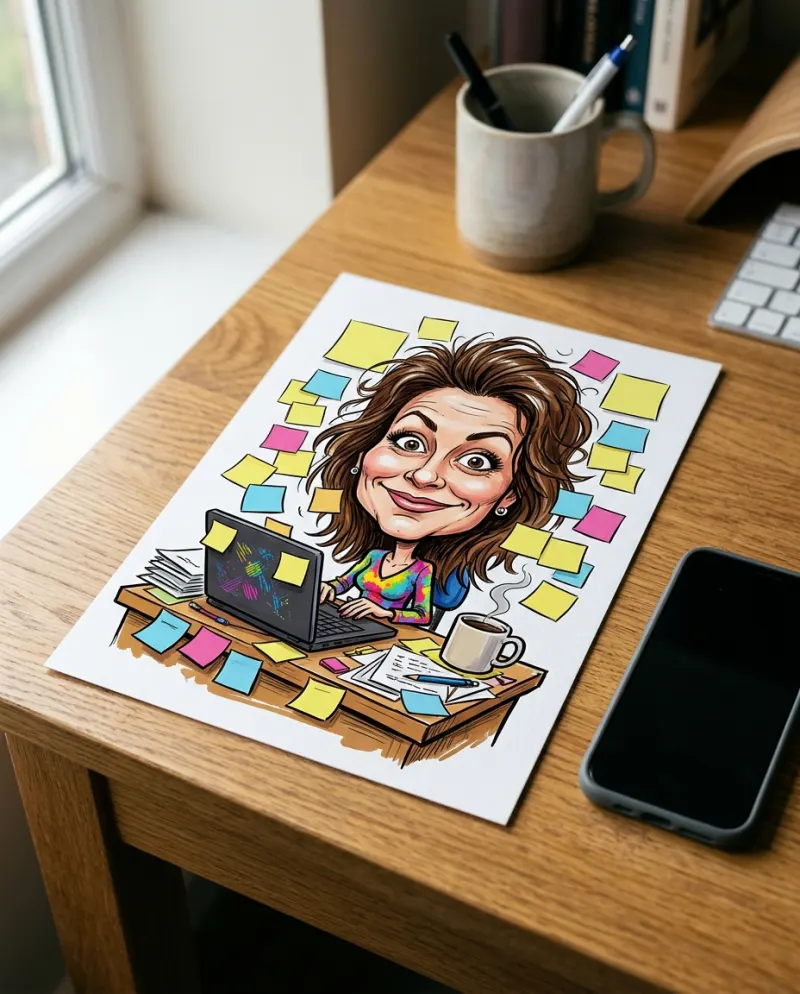
Caricature AI draws you the way a boardwalk artist would: an oversized head on a little body, a grin that takes over the page and features pushed just far enough to be funny. The style is bold marker lines with watercolor washes on a plain warm cream background, so it looks hand-drawn rather than filtered.
The point is affection, not mockery. Your features are exaggerated, but the drawing stays flattering and recognizable, which is why people happily post one of themselves. You get 2 square drawings from one selfie, so you can pick a favorite or post them side by side.
It works as a profile picture, an Instagram post, or a TikTok slideshow where your selfie flips to the drawing. It also makes a fun card for a coworker who’s leaving or a friend’s birthday. There’s no text or signature on the drawing, so there’s room to add your own.
Updated
- Instagram, TikTok
- #caricature
- For you
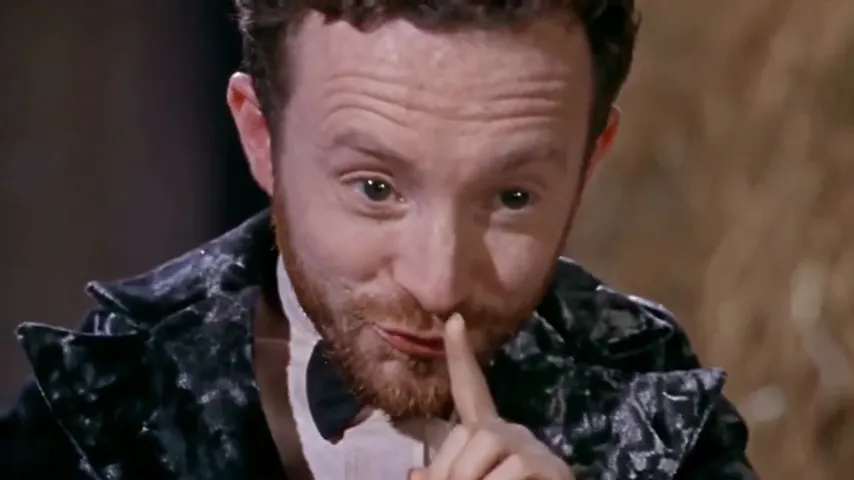
In the 2 photos
Where Caricature AI started
The AI caricature trend went viral in early February 2026, built on a ChatGPT prompt along the lines of “Create a caricature of me and my job based on everything you know about me.” Users added a selfie and got a cartoon portrait surrounded by objects from their work and interests, and the prompt also worked in tools like Google Gemini.
Since February 2026
How to make Caricature AI photos
Three taps on your side. The rest happens on ours.
 1
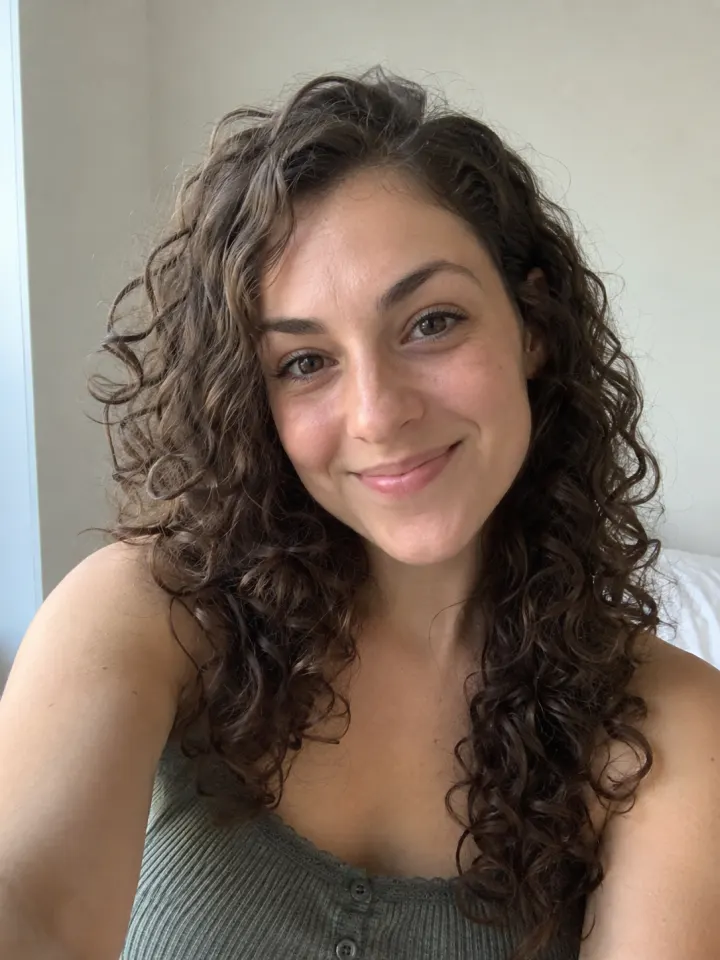
1Add a photo
One clear, front-facing photo of you.
- Make my photosCaricature AI2
Tap Make my photos
No prompt to write. The trend’s look is built in.
- PhotosShare link#caricature3
Post it
Download the photos and tag #caricature.
What you add, what you get
One Caricature AI run, from the photo in to the file out.
You add
- One clear photo of you
- No prompt to write
- JPG, PNG or WebP, up to 10 MB
You get
- 2 Caricature AI photos of you
- Square, portrait or vertical, your pick
- Download each photo, ready to post
- Ready in about a minute, credits back if it fails
- Private until you share it; no watermark after your first purchase
Best photo for Caricature AI
Face the camera in good light. The clearer the face, the more it looks like you.
Works
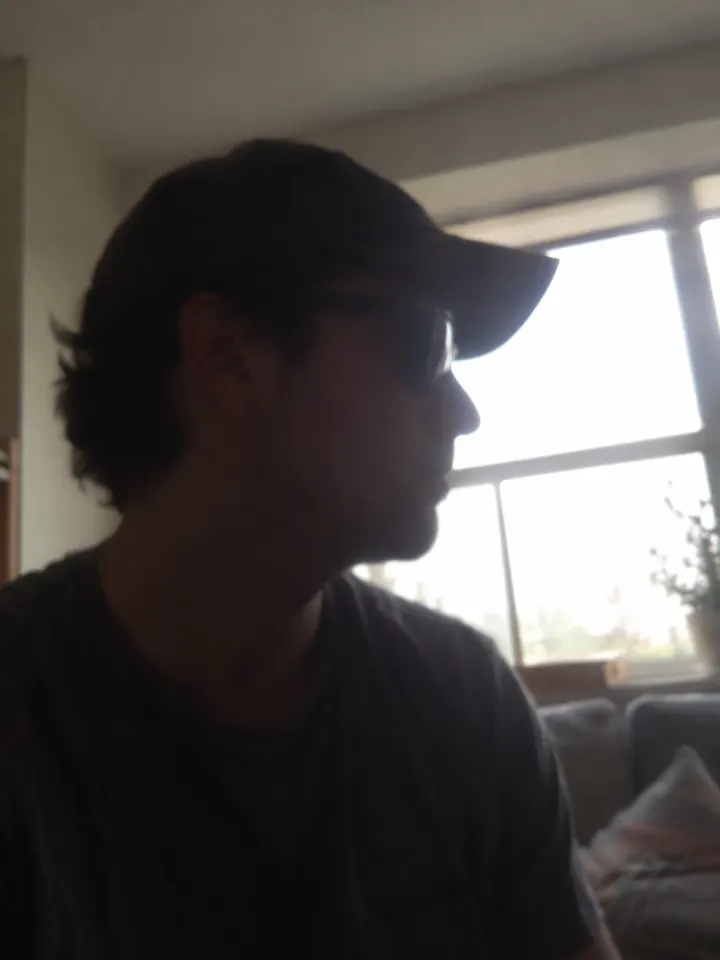
Turned away
Too dark
Blurry
Face too small
- Close-up, front-facing
- Big, open smile
- Hair and face visible
- Group photos
- Sunglasses
- Tiny face, wide shot
Ideas to try with Caricature AI
Who to put in it, and what to say when you post it.
Commissioned a portrait. Got honesty. #caricature
Who to make it for
- A new profile pictureSwap your usual headshot for a caricature on socials or your work chat.
- Selfie versus sketchPost your original photo next to the drawing as a two-slide before-and-after.
- A coworker’s farewell cardWith their OK, turn a coworker’s photo into a caricature for their leaving card.
- A matching pairYou and your partner or a friend each make one, then post them together.
Caption ideas · tap to copy
Caricature AI guides
How it’s made, whether it’s free, and a prompt for other tools.
Caricature AI questions
The short answers. Ask a person or visit the help center.
Is the caricature mean or unflattering?
No. Your features are exaggerated, but it’s drawn to be friendly and flattering, and you should still be recognizable.
What exactly do I get?
Two square (1:1) caricatures in a hand-drawn marker and watercolor style, on a plain warm cream background with no text or signature.
Can I put two people in one caricature?
Not on this one. Caricature AI takes one photo of one person. You can make one for each person and post them together.
Is Caricature AI free?
Yes, to try: every new account gets one photo trend free, and Caricature AI is one, no card needed. After that it costs 4 credits, and a run that fails costs nothing.
How much does Caricature AI cost?
4 credits for 2 photos. Every new account makes its first set free. A pack from $9.90 makes 40 sets, and a plan from $16.58/mo, billed yearly, makes 120 sets a month. The Make button shows the total before it runs, and a run that fails gives the credits back.
What app makes the Caricature AI photo?
Reelfie (reelfie.app) makes it from one photo, with no prompt to write: the trend’s look is built in. It costs 4 credits, shown before it runs, and a run that fails costs nothing.
Is Reelfie the official Caricature AI app?
No. Caricature AI is a trend, and no app owns it. Reelfie (reelfie.app) is independent, not affiliated with TikTok, CapCut or the trend’s creators; it makes your own version from your photo.
Can I make Caricature AI with ChatGPT or Gemini?
Yes, if you write and tweak the prompt yourself: ChatGPT and Gemini both make images from a photo. Here the look is built in, and one photo gets you 2 images in the trend’s style.
How long does it take?
Most photos are ready in about a minute. You can close the page; the photo keeps going and waits for you in Assets.
Why does the face not look like me?
Usually the photo: side angle, low light or something covering the face. Try a clear front photo. If one doesn’t come out, you are not charged.
Can I post it on TikTok?
Yes. The photos are 1:1, and after your first purchase they have no watermark.
Who can see my photo?
Only you. It stays private in Assets until you create a share link.
What happens to my photos?
Your photos are deleted 7 days after upload and never used to train AI.
More trends to try
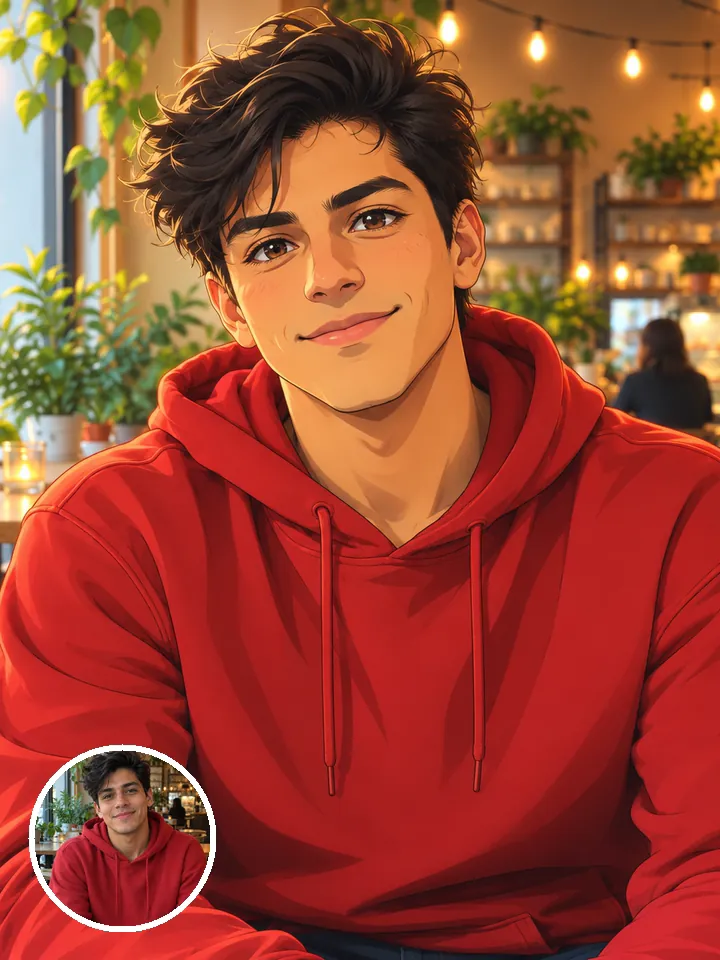
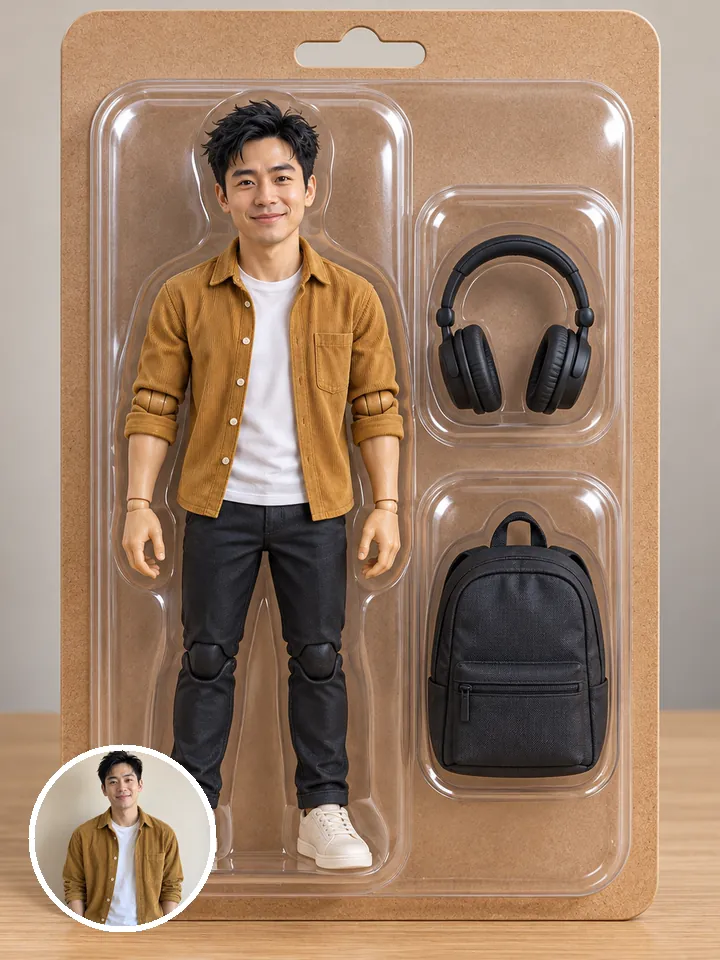
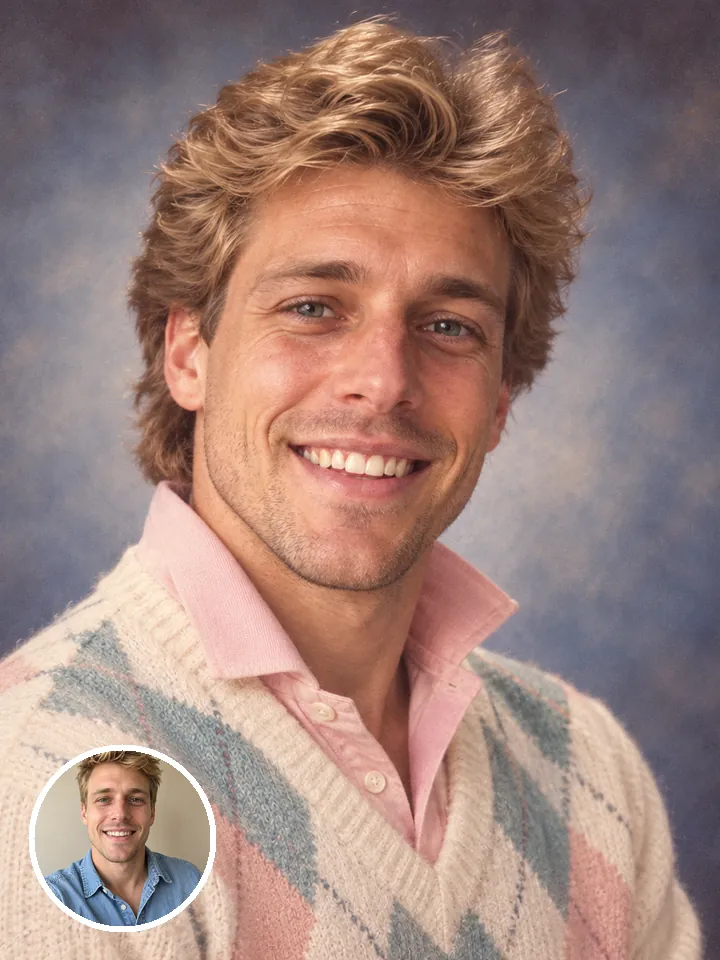
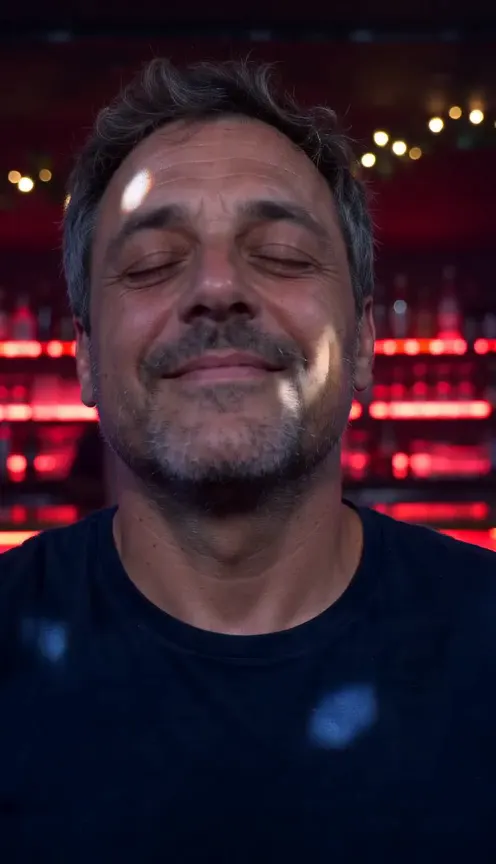
One selfie.
You in Caricature AI.
Caricature AINot charged if it fails