Photo to Anime AI
Turn a selfie, a pet or a group photo into anime art. Same face, same pose, drawn like a still from a show.
Not charged if it fails.
By adding a photo you confirm everyone in it is 18+ and agreed to have their face used for this. We use faces only to make what you ask for. How we handle faces
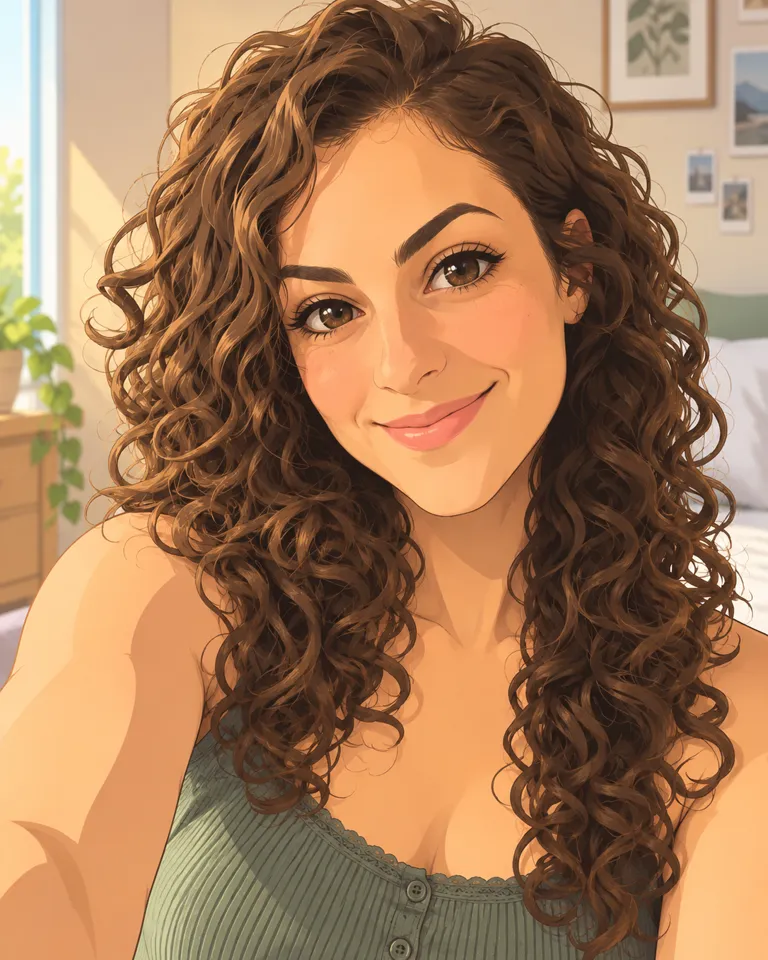
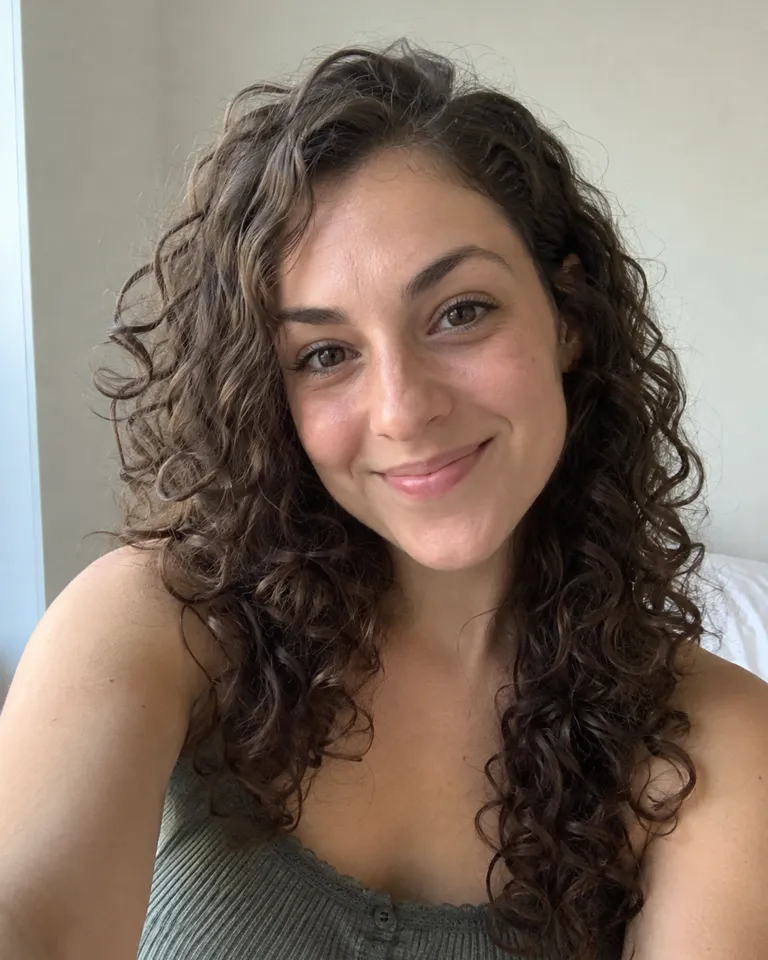
Samples are illustrations. Your result depends on your photo.
Turn a selfie into an anime avatar
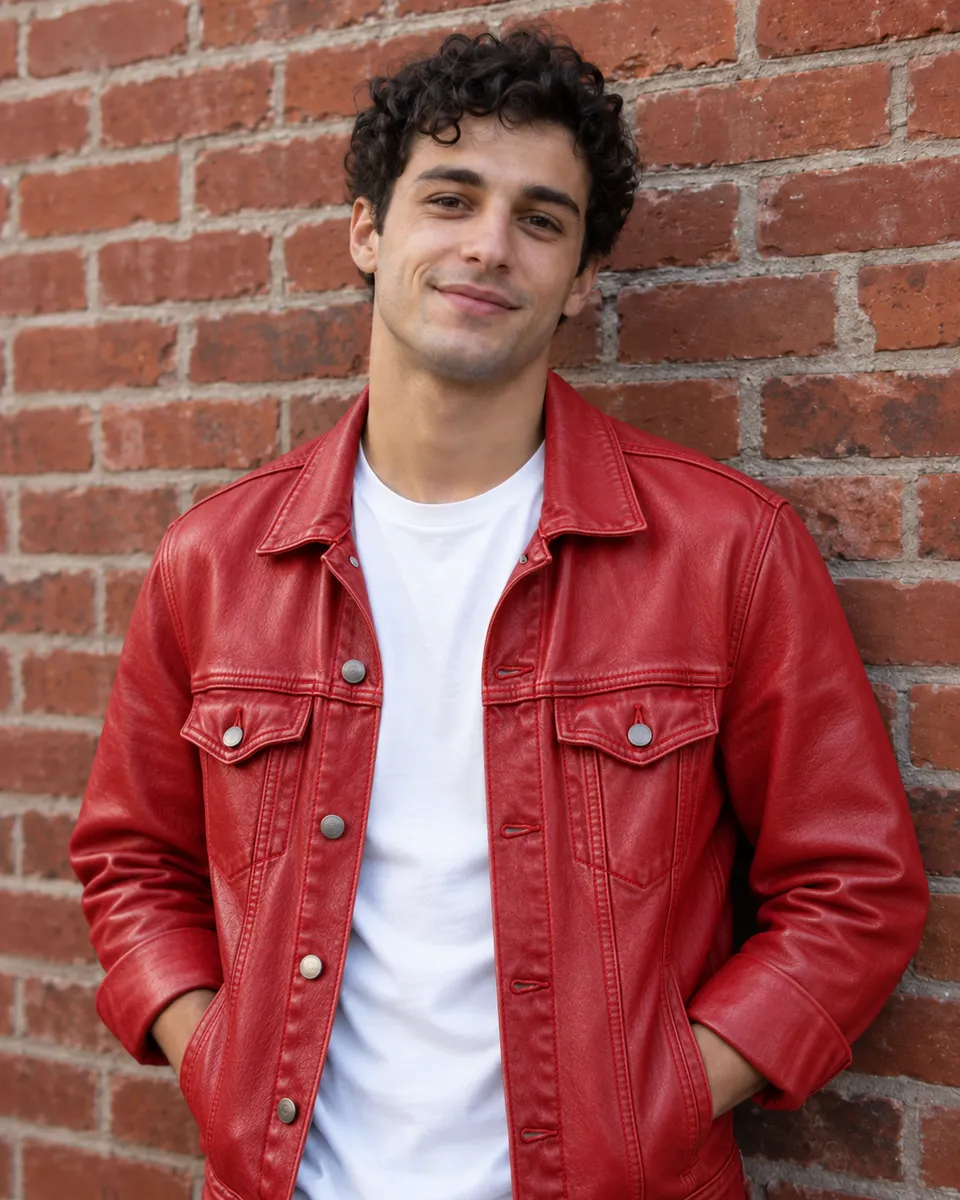
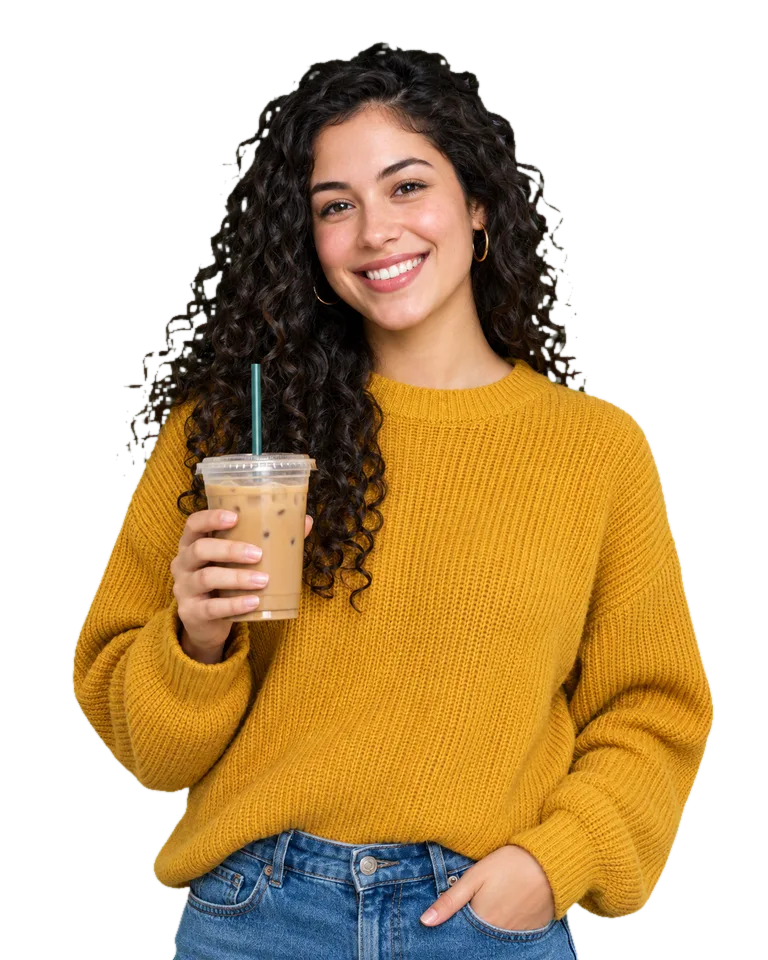
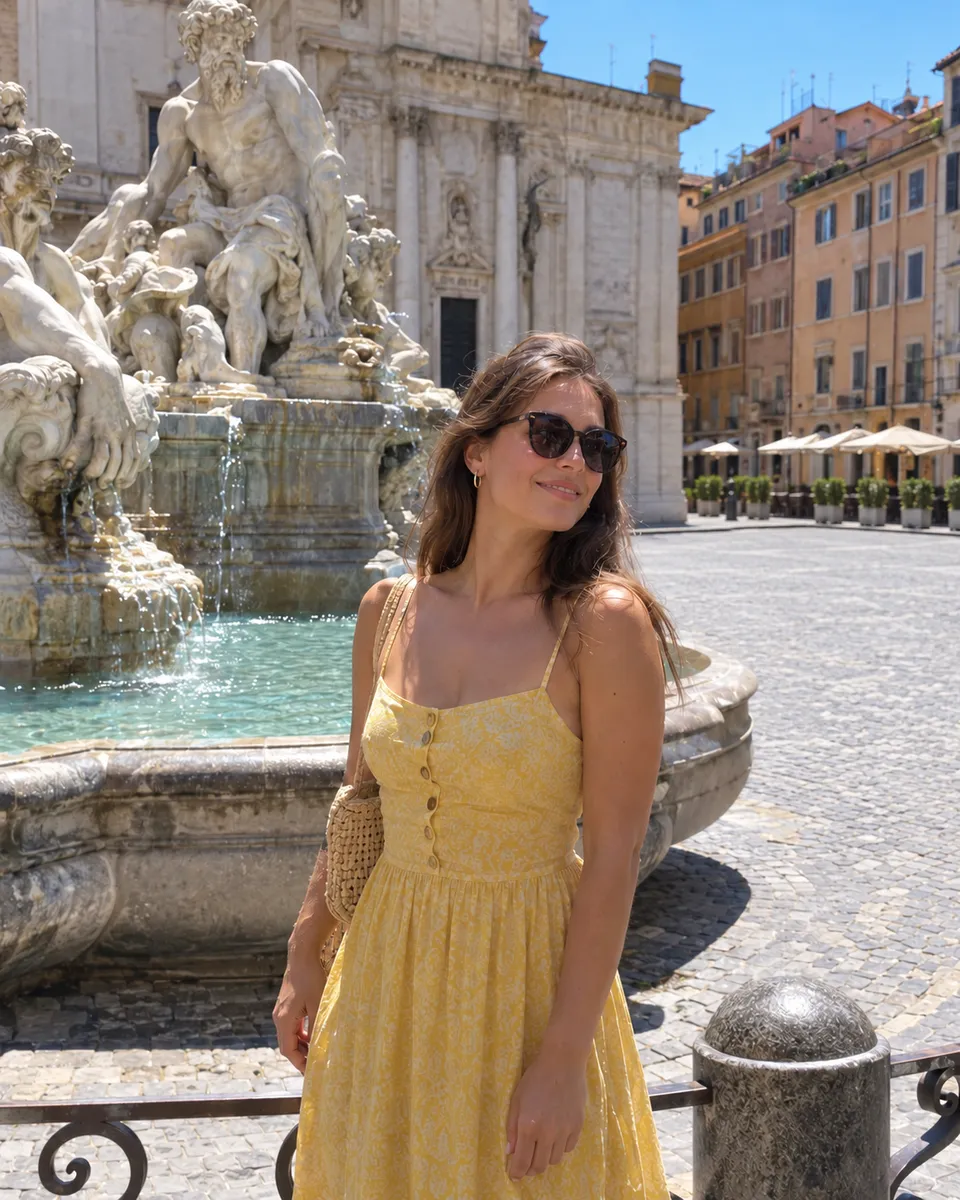
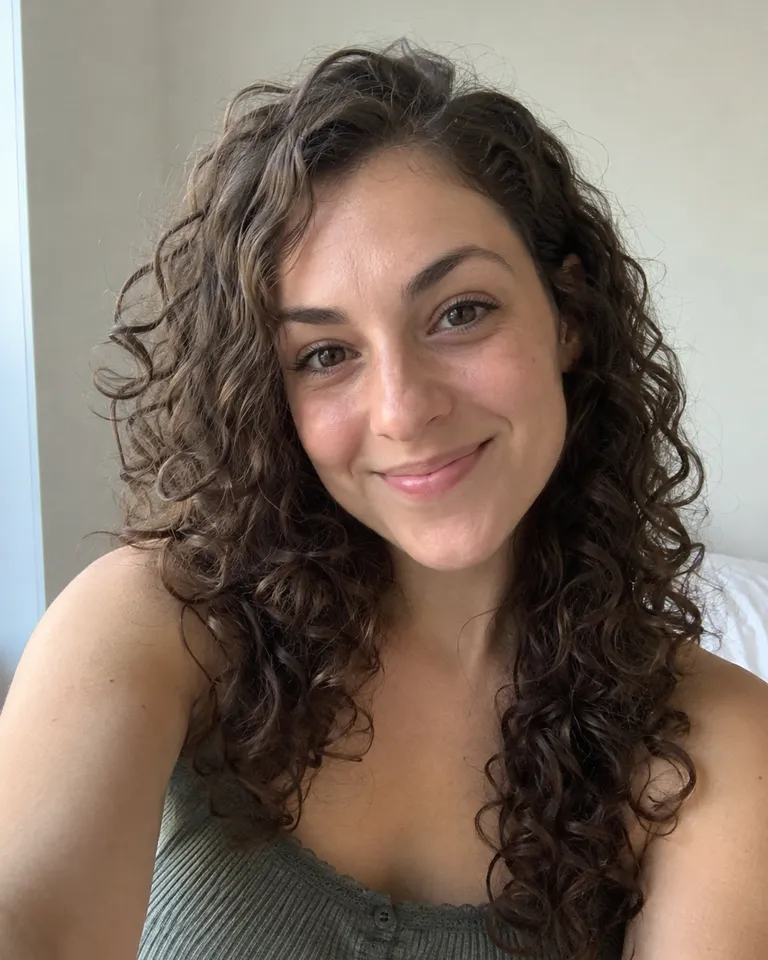
A selfie is the easiest place to start. The AI keeps your face shape, curls, smile and the angle of your head, then redraws it all with anime line work, flat shading and brighter eyes. The result works as a profile picture that friends still recognize. Use a photo with your face lit from the front and not covered by sunglasses or a hand. If the anime look isn’t quite you, run the same selfie in the clay, comic or watercolor style and compare. Trend looks, like the yearbook photo, are in photo styles.
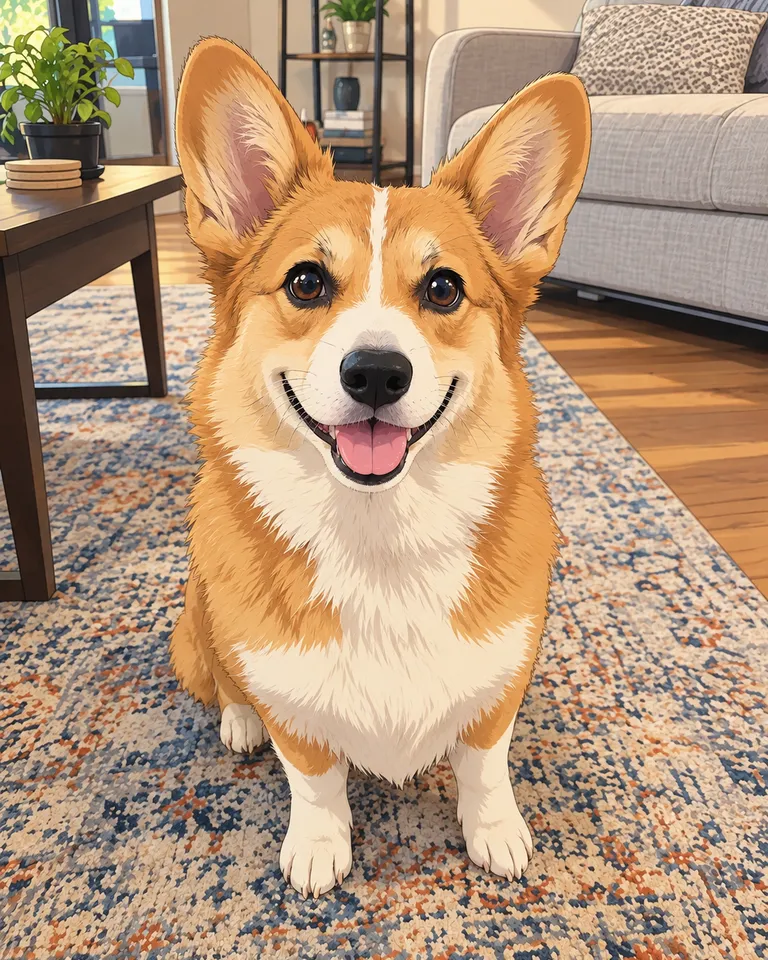
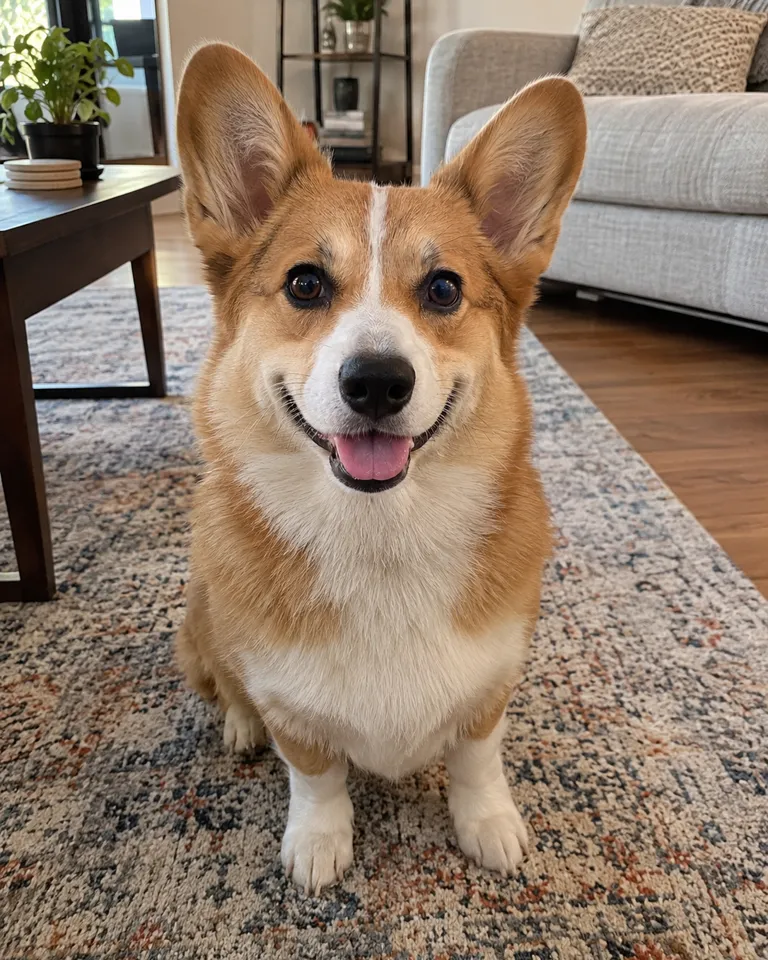
Make your pet an anime character
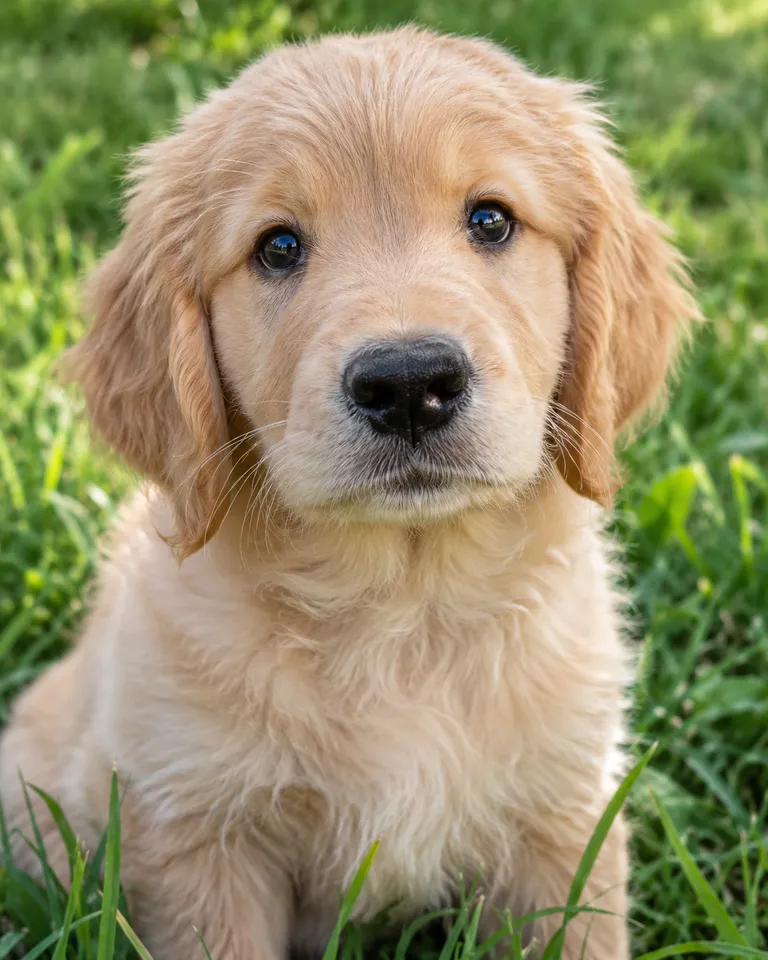
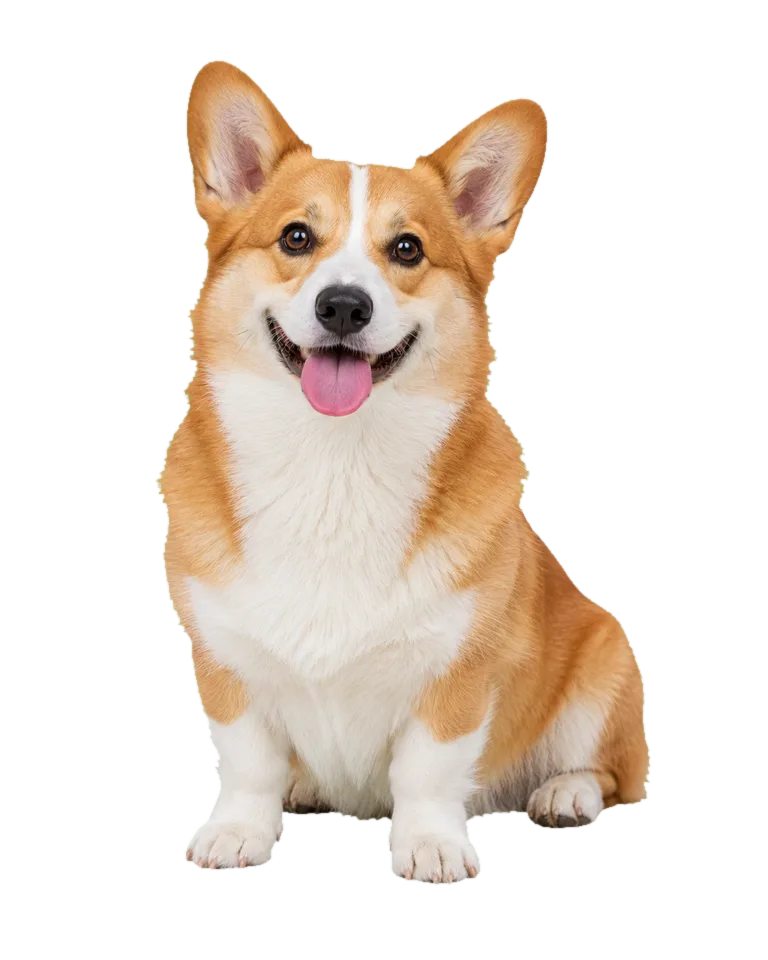
Dogs and cats suit anime well. The AI keeps the markings, ear shape and coat color that make your pet yours, and draws them with the big eyes and clean lines of a show. Photos taken at your pet’s eye level work well, and so do ones where the whole face is visible. A pet curled up or half hidden gives the AI less to go on. Want it as a gift? Download it as a poster print, or animate the result as a short clip.
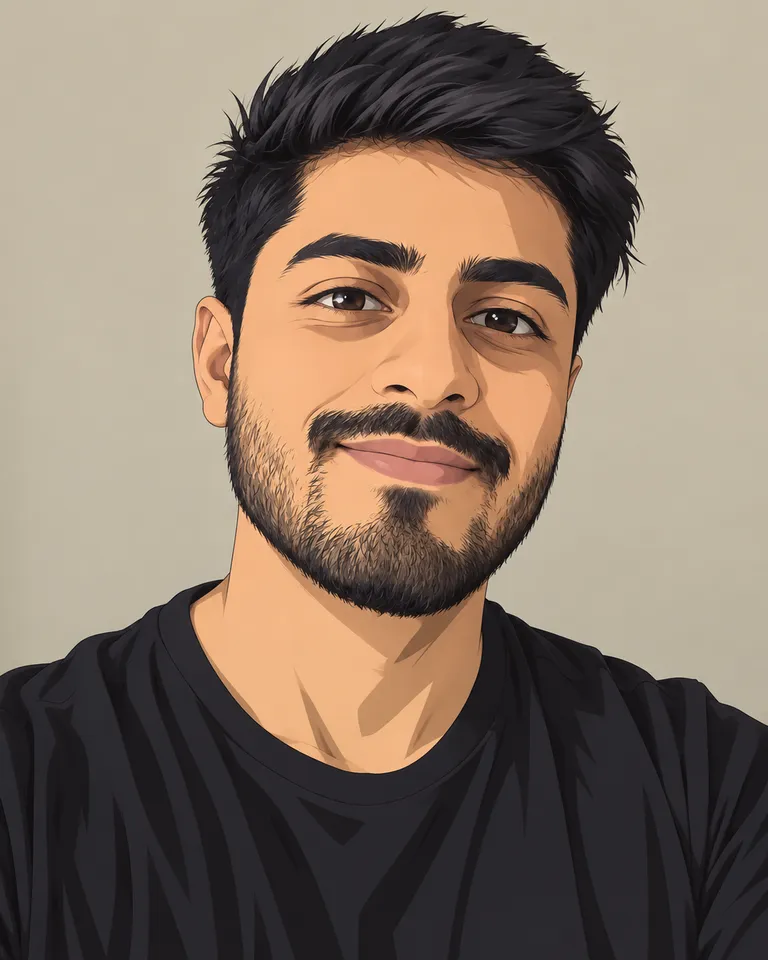
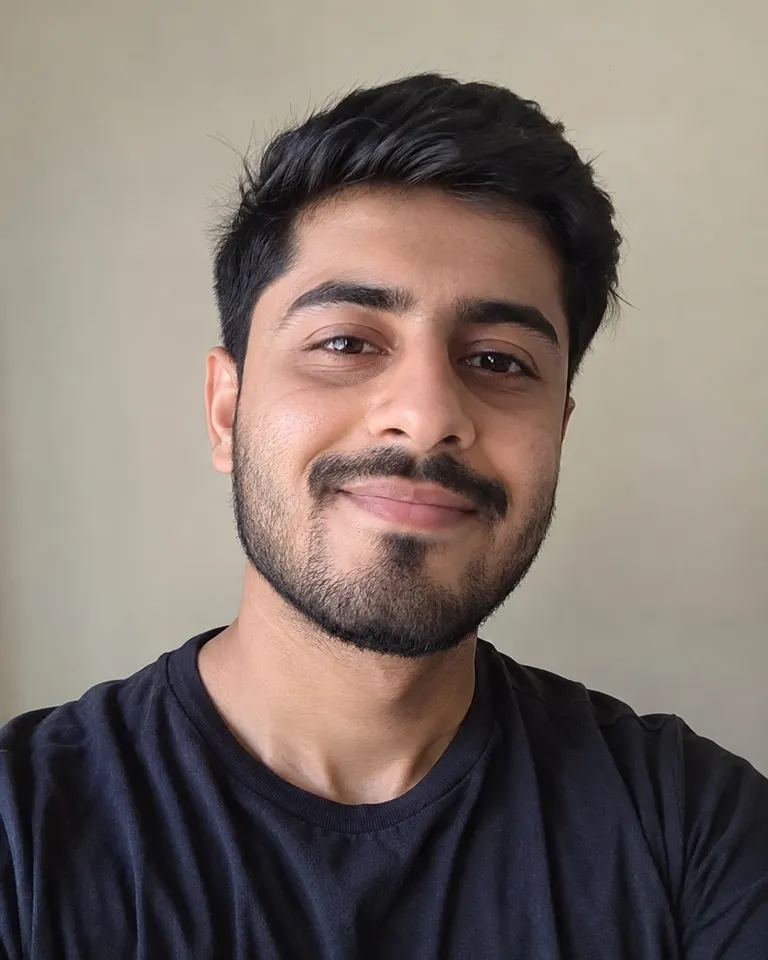
Turn a portrait photo into anime
Portraits keep the details that make a person look like themselves. A beard, a hairline and an expression carry over into the drawing, so friends still know who it is. The background gets redrawn too, so a busy street becomes a painted scene rather than a distraction. Small things can be simplified: jewelry, text on clothing and hands may change shape. Only restyle photos of yourself or of people who agreed to it, and look over the result before you share it. Printing it? Run it through the image upscaler first.
Anime, clay, comic and watercolor styles
How to turn a photo into anime
- Choose photo1
Add a photo
A clear face works best. JPG, PNG, WEBP or HEIC, up to 20 MB.
- StyleAnimeClayComicWatercolorMake it anime2
Pick a style
Anime, clay, comic or watercolor. Your face and pose stay.
- Full sizeShare link3
Download or keep going
Save it, or make it into a trend video from the result.
What people turn photos into anime for
- 01Profile picturesAn anime avatar that still looks like you.
- 02Gifts for friendsTurn a group photo into a poster for the group chat.
- 03Pet portraitsYour cat or dog as an anime character.
- 04Trend starterUse the anime version as the photo for any trend template.
Tips for a good anime version
Photo to anime keeps the structure of your photo, the face, the pose, the framing, and redraws it with anime line work, flat shading and bigger, brighter eyes. The closer and clearer the face, the more it will look like you.
Use a photo where the face is lit from the front and not covered by sunglasses or a hand. Busy backgrounds are fine: they get redrawn too. For pets, get down to their eye level.
Not quite right? Try the clay or comic style on the same photo. Each one reads faces a little differently.
Photo to Anime FAQ
Something else? Visit the help center.
Is photo to anime free?
Free to try: every new account gets one photo trend free. After that, each run shows its cost before you start. Pick a monthly or yearly plan, or top up with a credit pack. You can cancel a plan any time, and the price is on the button before you start.
Will it look like me?
It keeps your face shape, hair and expression. A clear, front-facing photo gives the closest match.
Does it work on pets?
Yes. Dogs and cats work well, especially photos taken at their eye level.
What other styles are there?
Clay, comic and watercolor, from the same photo. Pick one before you start.
What files can I upload?
JPG, PNG, WEBP or HEIC, up to 20 MB. Only upload photos of yourself or people who agreed to it.
What happens to my photo?
Your photos are deleted 7 days after upload and never used to train AI. The anime version stays in Assets until you delete it.
Can I use it commercially?
Yes, for photos you have the rights to. Don’t use other people’s photos without their permission.
Can I turn a group photo into anime?
Yes. Photos with a few people work, and everyone is redrawn in the same style. Each face is smaller in a group shot, so the likeness is a little looser than in a close-up. For the closest match, pick a photo where everyone faces the camera and is well lit.
How do I turn a photo into a cartoon?
Pick the comic or clay style instead of anime. Comic gives bold outlines and flat color, and clay makes a soft, rounded figure. Add a photo, choose the style and start. Every style costs 4 credits, and the price is on the button before you start.
Why do small details look different in my anime version?
Because the style simplifies on purpose. Anime drawings use fewer lines, so jewelry, patterns, text on clothes and hands can change shape or disappear. The face, hair and pose are what it keeps closest. If a detail matters, use a closer photo where it’s large and clear, or try the comic style.