AI Image Upscaler
Make small or blurry photos bigger and sharper. Pick 2× or 4× and get real detail back, not a stretched blur.
Not charged if it fails.
By adding a photo you confirm everyone in it is 18+ and agreed to have their face used for this. We use faces only to make what you ask for. How we handle faces
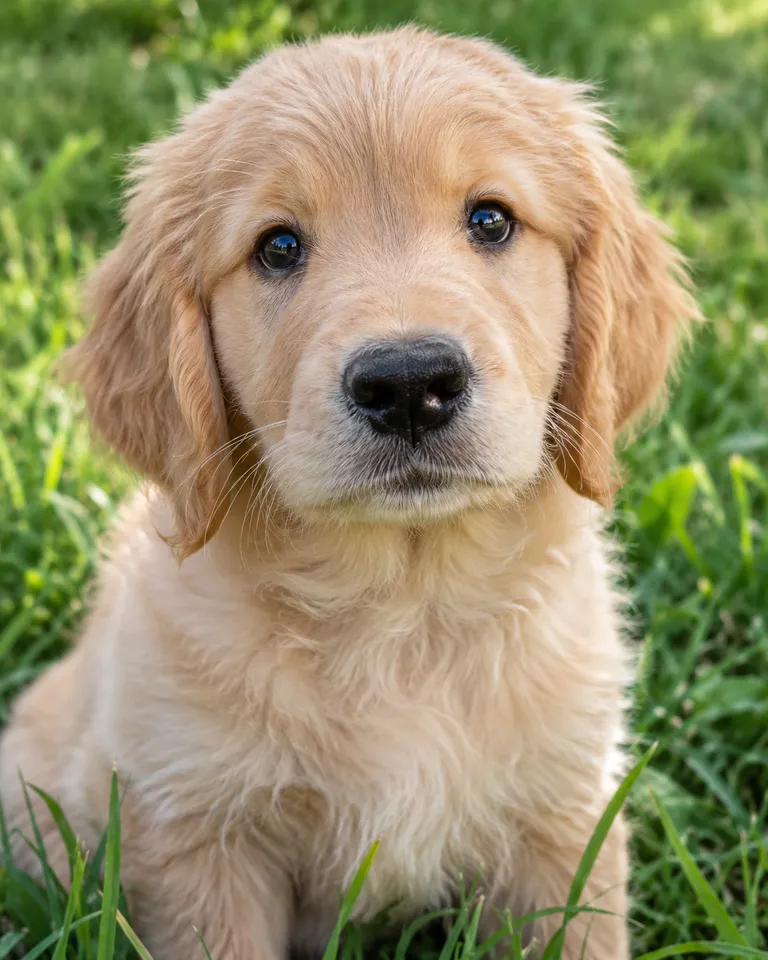
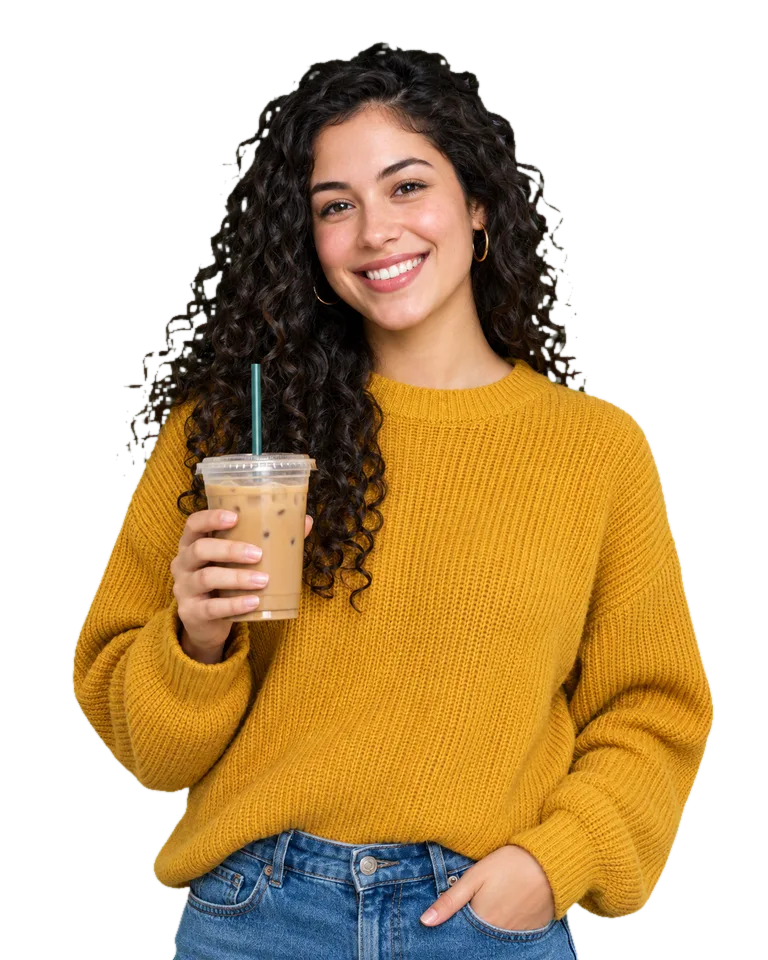
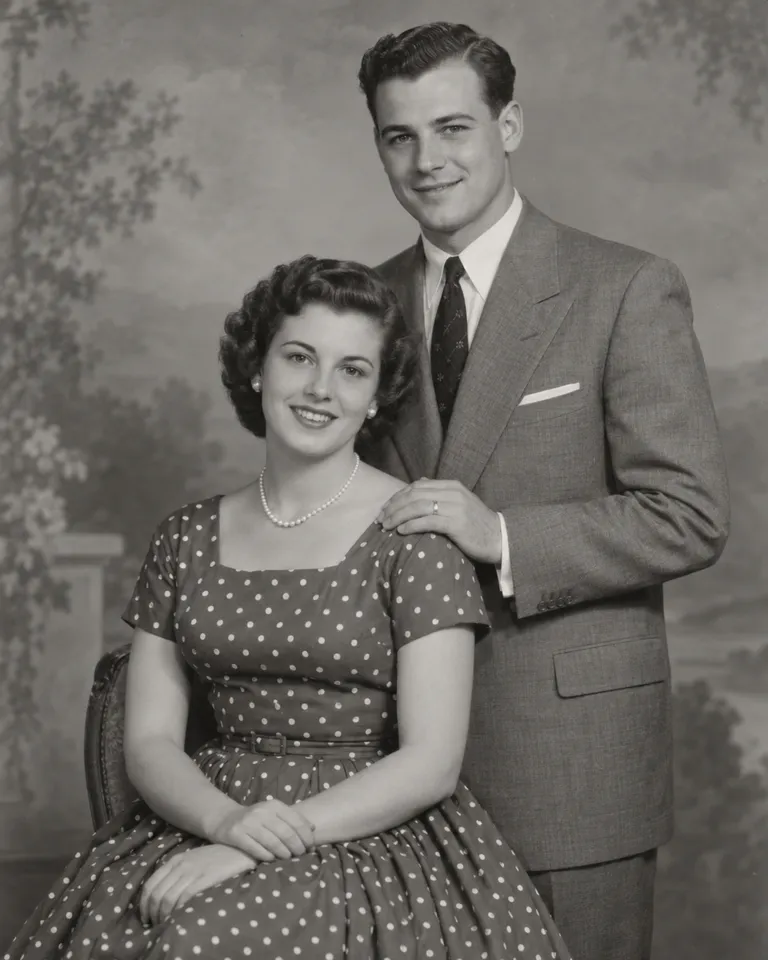
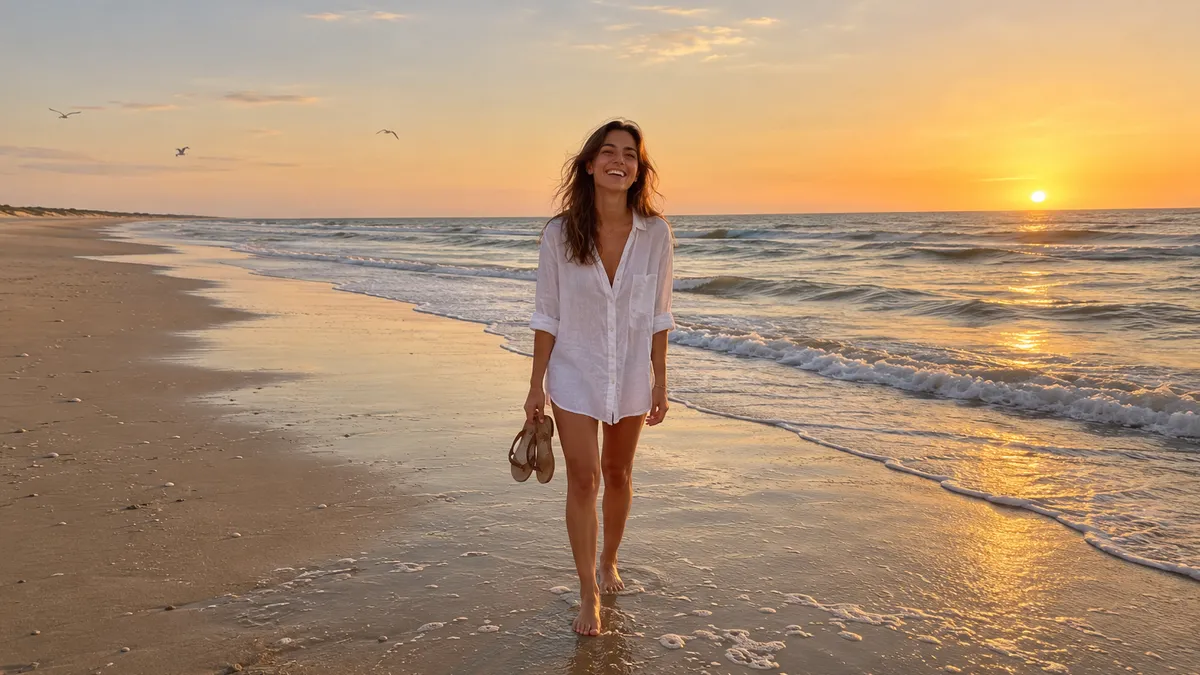
Samples are illustrations. Your result depends on your photo.
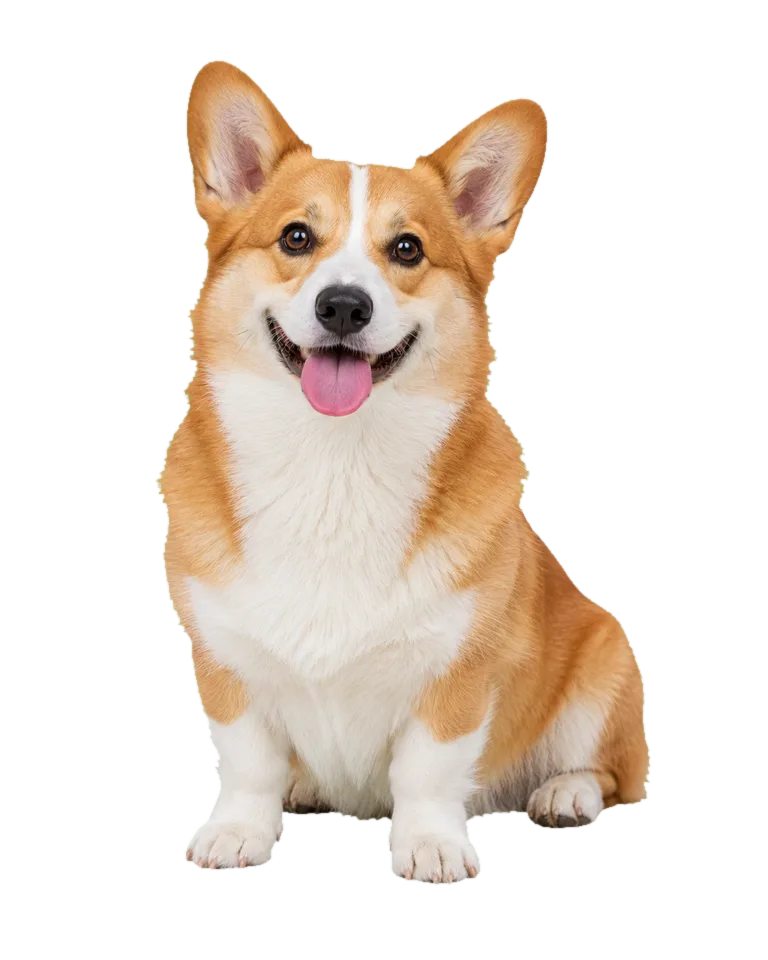
Bring back fur in small pet photos
Pet photos are often taken in a hurry, on a phone, from across the room. Crop in and the fur turns to mush. The upscaler redraws fur, whiskers and the shine in the eyes at 2× or 4× the size, so a small crop can become a print or a wallpaper. It works when the pet was in focus to begin with. If the shot is blurred from movement, the result will be cleaner but softer than a sharp photo. Start from the original file, not a copy sent through a chat app. Want the pet moving too? Take the result to image to video.
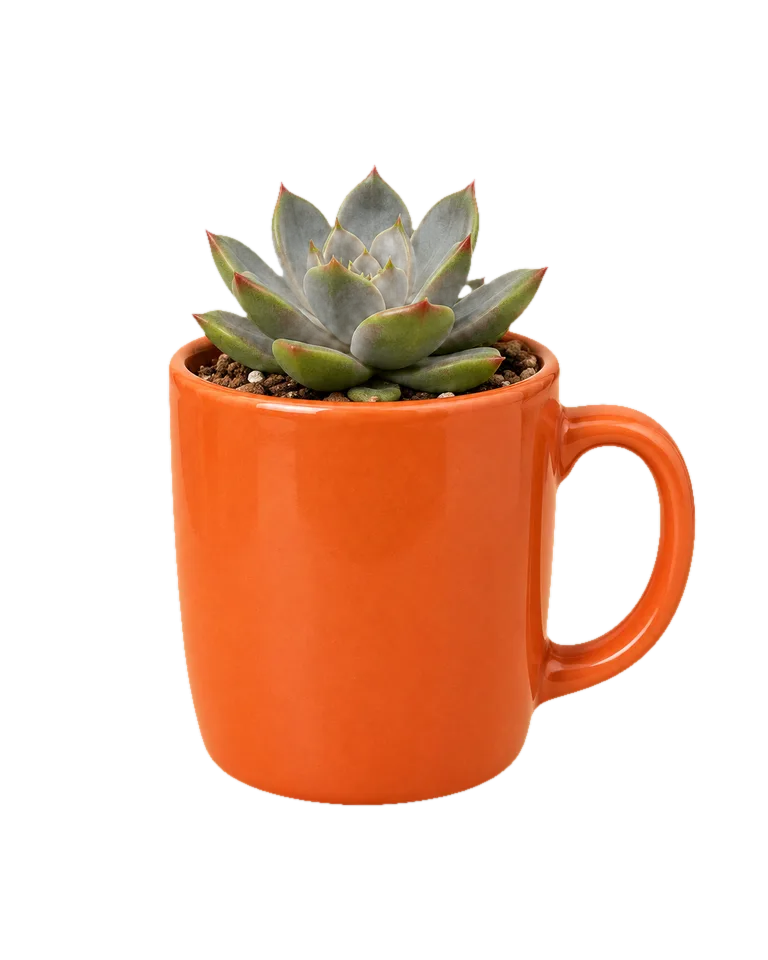
Upscale product photos for listings
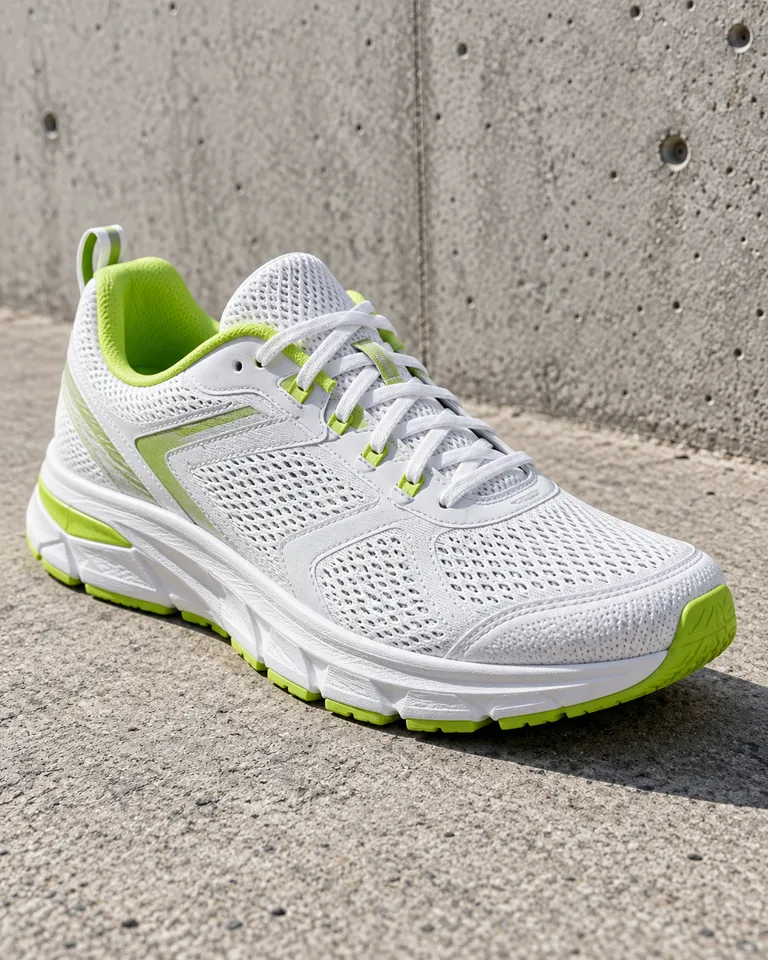
Shoppers zoom in to check stitching, mesh and texture before they buy. A small or compressed product photo hides exactly that. Upscaling at 4× gives a listing enough pixels to hold up when someone zooms, and it cleans up blocky JPEG artifacts on the way. Straight edges and printed patterns stay crisp, but tiny text can come out slightly reshaped, so check labels before you publish. Want a plain backdrop too? Upscale first, then use the Background Remover, so the cut-out edges are made at full size.
Sharpen an old profile photo
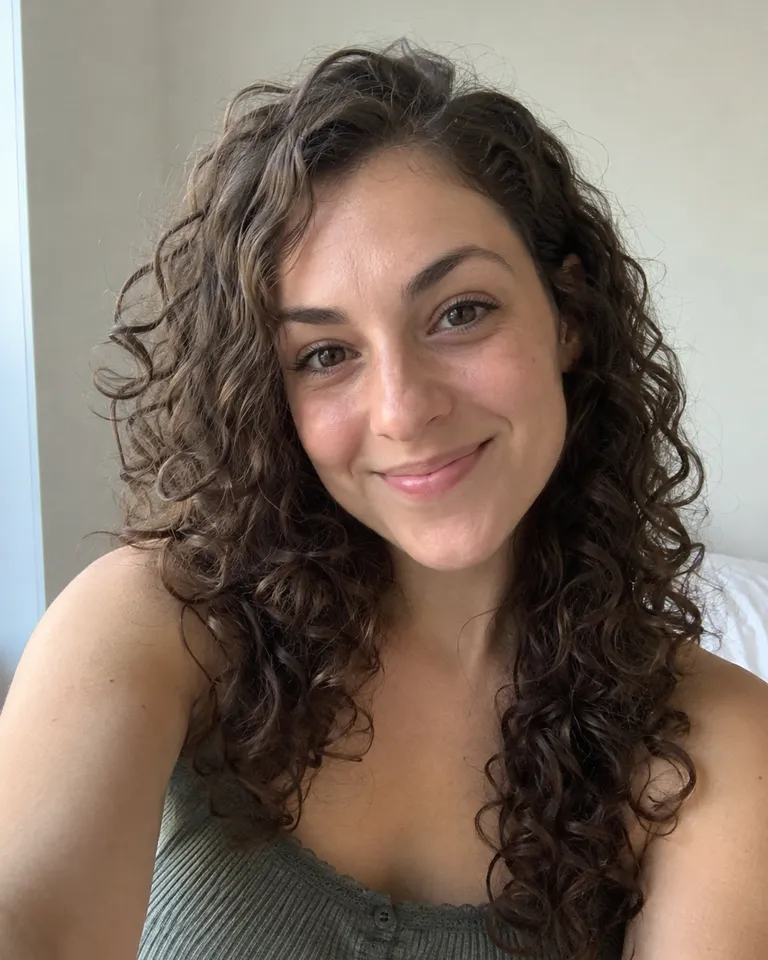
That profile photo from a few phones ago looks soft on today’s screens. A 4× upscale sharpens eyes, lashes, teeth and hairlines while keeping the face the same person. The AI adds detail it reads from the photo, so skin keeps some texture instead of turning waxy. Faces that are tiny in a group shot, or turned away, have less to work with and may come back smoother. Pick the largest copy you can find, and only upscale photos of yourself or of people who agreed to it. Scanned print with creases? Run it through the old photo restorer first.
Upscale images without the stretched blur
How to upscale an image
- Choose photo1
Add a photo
Drop it in, paste it, or pick a sample. JPG, PNG, WEBP or HEIC, up to 20 MB.
- Size2×4×Upscale2
Pick 2× or 4×
2× for sharing, 4× for prints and crops. Then tap Upscale.
- Full sizeShare link3
Compare and download
Drag the slider to check the detail, then save the PNG. It’s in Assets too.
What people upscale photos for
- 01Old phone photosPictures from older phones and chat apps are tiny by today’s standards.
- 02Product listingsBuyers zoom in. Give them enough pixels to see the texture.
- 03Prints and postersA 4× result gives a print shop something to work with.
- 04Videos and screenshotsSharpen a crunchy reaction image before you post it again.
Tips for the sharpest result
An AI upscaler doesn’t just stretch a photo. It looks at what’s in the picture, a dog’s fur, a brick wall, the stitching on a shoe, and redraws that detail at two or four times the size. That’s why a 4× result can look sharper than the original, not just bigger.
It works best on photos that are small but in focus. A badly blurred shot will come back cleaner, but the AI can’t recover detail the camera never caught, and it may smooth very fine textures. Start from the biggest copy you have: a screenshot of a screenshot has lost more than you think.
Planning to cut out the background too? Upscale first, then remove the background, so the edges of the cut-out stay crisp.
Image Upscaler FAQ
Something else? Visit the help center.
Is the image upscaler free?
Free to try: every new account gets one photo trend free. After that, each run shows its cost before you start. Pick a monthly or yearly plan, or top up with a credit pack. You can cancel a plan any time, and the price is on the button before you start.
How big will my image get?
2× or 4× the width and height of the photo you add. A photo 1000 pixels wide comes back 2000 or 4000 pixels wide.
Will it change faces?
No. It sharpens what’s there. Eyes, teeth and hair get crisper, but the person still looks like themselves.
What files can I upload?
JPG, PNG, WEBP or HEIC, up to 20 MB. One photo at a time.
What happens to my photo?
Your photos are deleted 7 days after upload and never used to train AI. The upscaled result stays in Assets until you delete it.
Can I use the result commercially?
Yes, as long as you have the rights to the original photo.
What if it fails?
You get the credits back automatically. You don’t need to ask.
How do I upscale an image to 4K?
Pick 4× on a photo at least 960 pixels wide. A 4K screen is 3840 pixels across, and 960 × 4 reaches it. A smaller photo still comes back four times bigger, just short of 4K. The upscaler offers 2× and 4×, so there are no larger sizes to choose from.
Can I upscale a photo without losing quality?
Yes, that’s what it’s for. Instead of stretching pixels, the AI redraws detail at the new size, so edges stay sharp and blocky compression gets cleaned up. What it can’t do is invent detail the camera never caught, so a badly blurred photo will improve but won’t look like a sharp one.
Why does my upscaled photo look smooth or plastic?
Usually because the original was very small, blurred or heavily compressed. With little real detail to go on, the AI smooths fine textures like skin, grass or fabric. Find a larger or less compressed copy, try 2× instead of 4×, and compare with the slider before you download.