HappyHorse AI video generator
All results are AI-generated and labeled.
0 / 1500
Add a start frame.
By adding a photo you confirm everyone in it is 18+ and agreed to have their face used for this. We use faces only to make what you ask for. How we handle faces
Your videos
 Example · The new boss
Examples show what each idea aims for. They are illustrations, not output from a particular model.
Characters that act
Raised eyebrows, double takes and slow smiles: faces play the moment instead of just moving. The difference shows in short skits, where the joke is the reaction rather than the action. Describe the feeling, not only the move, like “looks at the cake, then slowly at the camera, unimpressed”. Skits with the setup already written are in trends.
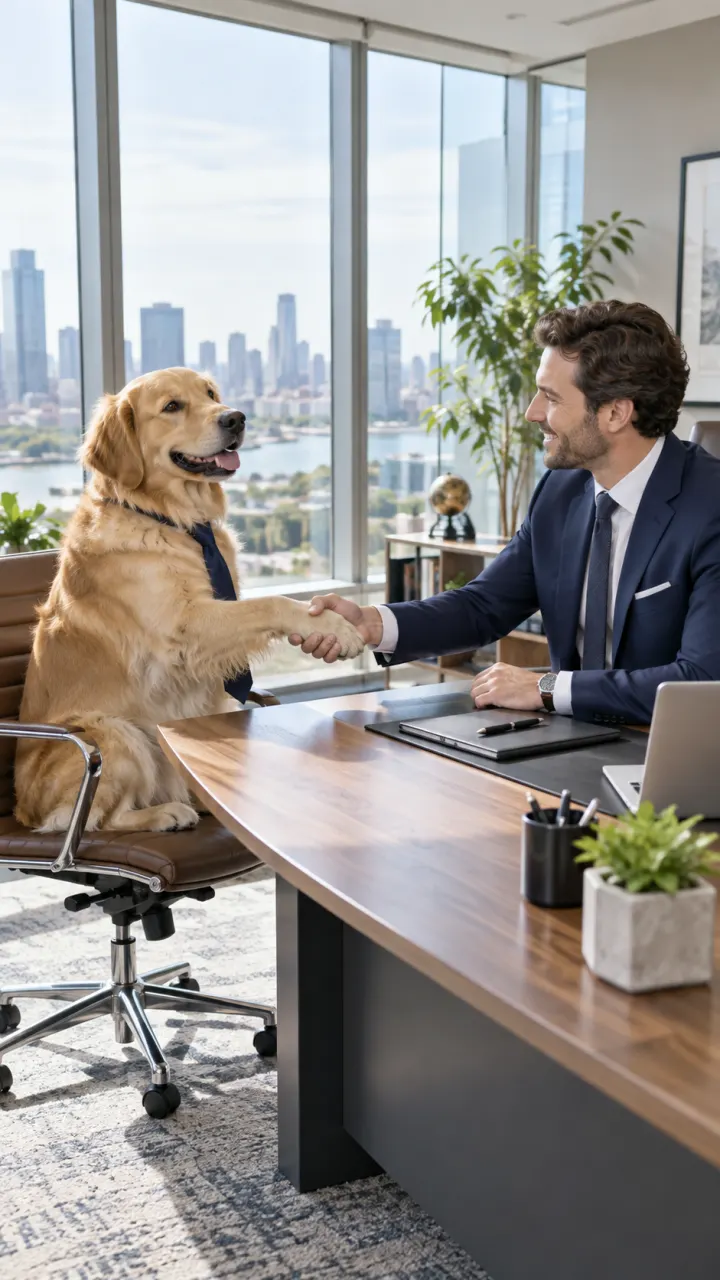
A golden retriever in a high-rise office shakes hands with a man in a suit across the desk, city skyline behind, deadpan office comedy
Comic timing
Describe the beat, like “then he looks at the camera”, and the reaction lands where you put it. Write the clip as two or three short steps with “then” between them; the model follows the order. Leave room at the end for the reaction to land rather than cramming in another action. To keep the joke going, extend it in Studio with the next beat.
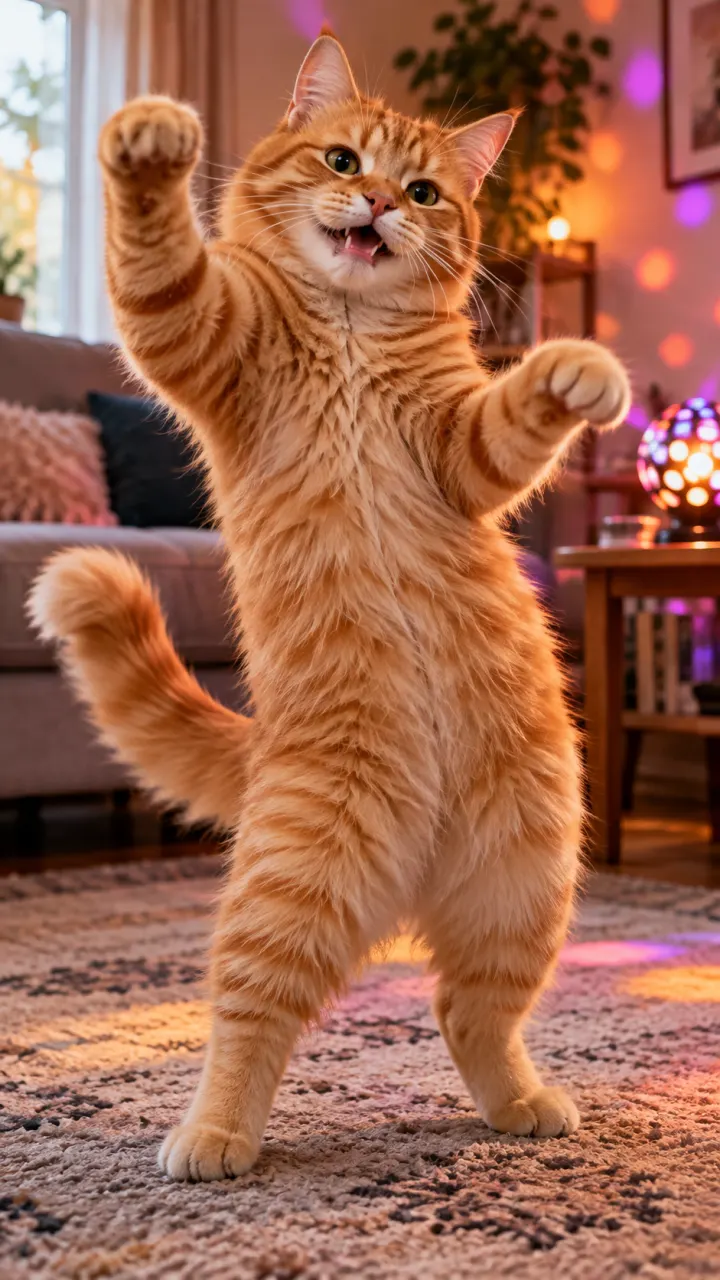
A fluffy ginger cat dances on its hind legs on a living-room rug, bouncing to the beat, warm lamps and candles
Pets with personality
Dogs and cats get expressions people recognize, which is most of the joke. A side-eye, a slow blink or a proud strut reads the way it would from a real pet. Start from a clear photo of your pet and write what it does next. More ideas with the prompt ready are in pet trends.
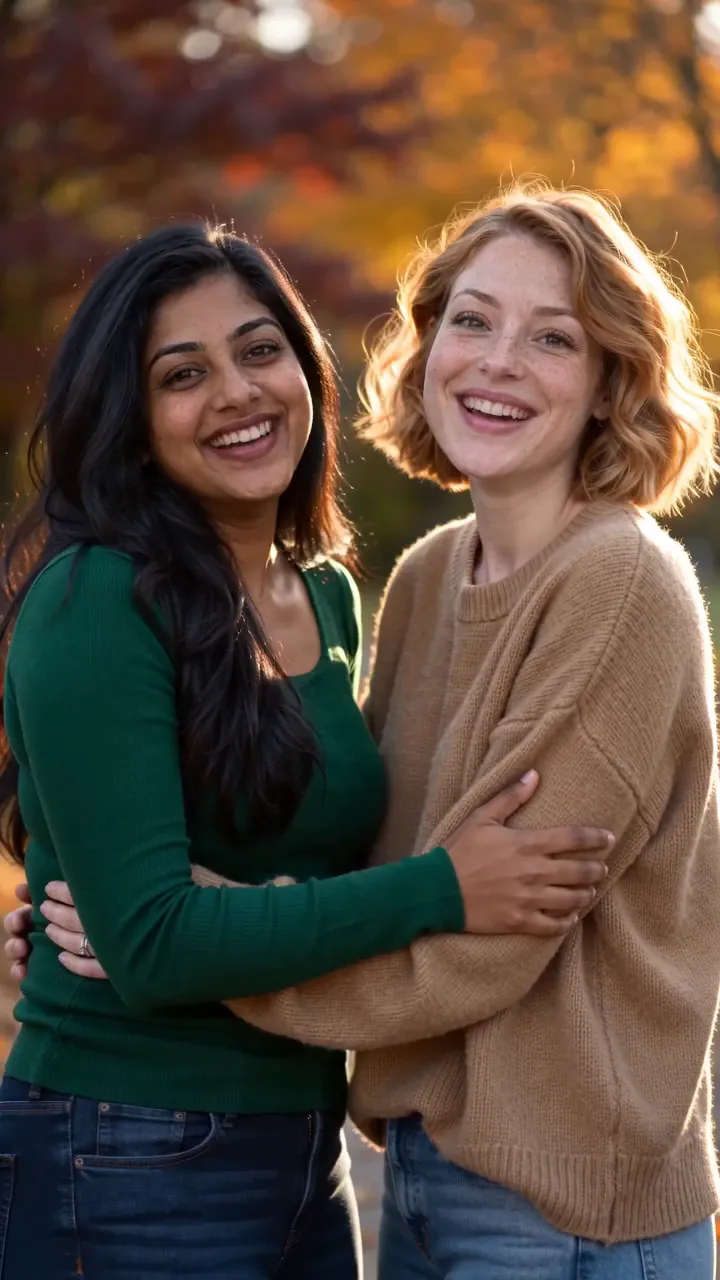
An elderly woman and her grown son share a long, warm hug in a sunlit living room, she closes her eyes and smiles, slow push-in
What people make with HappyHorse
 Reaction clips and memes
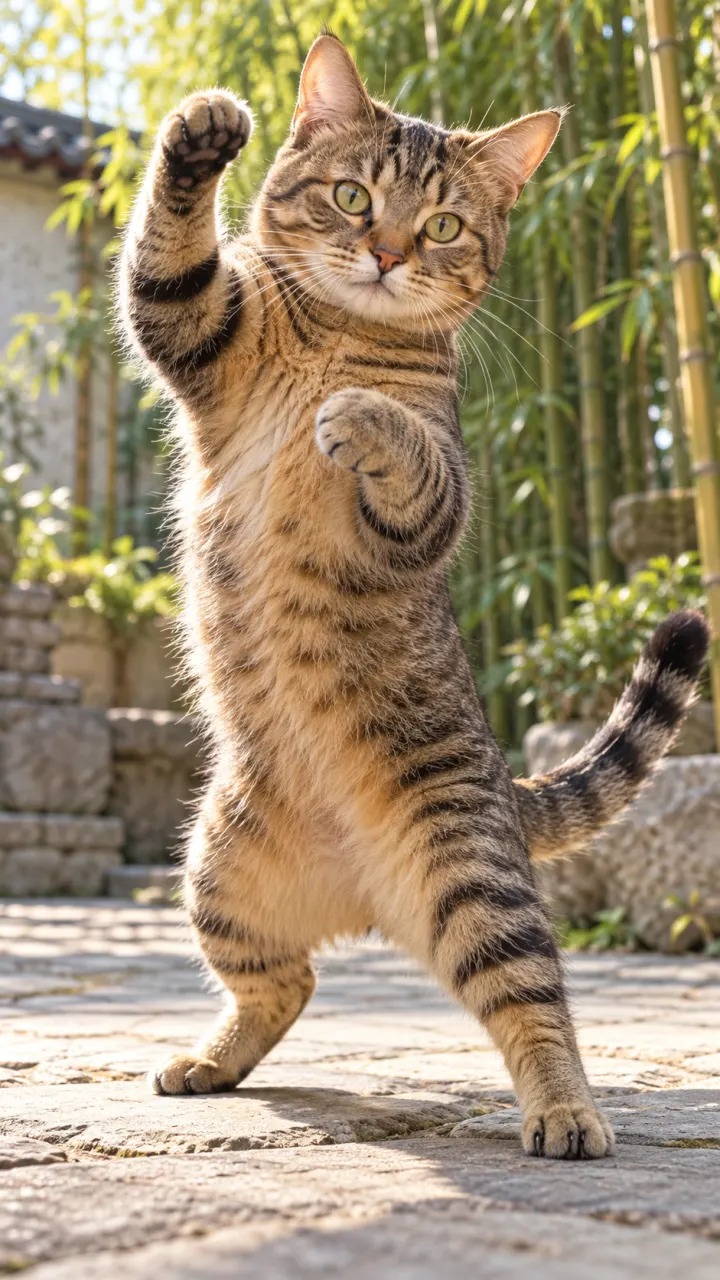 Pet comedy
 Character skits
- Greeting-card moments
- Mascots that talk back
Pictures are illustrations of the kind of result, not outputs of HappyHorse.
How to use HappyHorse in 3 steps
A golden retriever in a high-rise office shakes hands with a man in a suit across the desk, city skyline behind, deadpan office comedy
1Upload a photo
One clear subject works best: a person, a pet, a product or a place. Or switch to Text to Video and skip it.
- 16:9HappyHorse 1.1Generate2
Describe the motion
One line about what moves and how the camera follows. Then set the shape, length and sound.
- MP4Share link3
Generate and download
The button shows the cost first. Your clip lands in the feed when it’s done, and you can leave the page.
When to pick another model
Other models do other jobs. All of them run in the same composer.
HappyHorse FAQ
Compare all modelsIs Reelfie the official HappyHorse site?
No. HappyHorse is made by Alibaba. Reelfie is an independent studio that runs it for you next to other models, with one account and one set of credits. Reelfie isn’t affiliated with Alibaba.
How much does HappyHorse cost on Reelfie?
From 66 credits a clip, depending on the version, the length, the resolution and sound. The Generate button shows the exact cost before you start, and a run that fails costs nothing.
Can I use HappyHorse with my own photo?
Yes. Add a photo of yourself, or of someone who agreed, and nobody under 18. Your photos are deleted 7 days after upload and never used to train AI.
How long are HappyHorse clips, and do they have sound?
HappyHorse makes clips of 5, 10 and 15 seconds. Sound by version: HappyHorse 1.1, always on. Pick the shape and resolution in the composer.
Do I need a Alibaba account?
No. Your Reelfie account runs HappyHorse and every other model here on the same credits. You don’t sign up with Alibaba or bring a key.
What if a render fails?
You get the credits back automatically, and the run shows Retry in your feed.
Model names belong to their makers. Reelfie isn’t affiliated with Alibaba.