Turn a photo into a video
Add a selfie, a pet or a product shot, say how it should move, and get a short clip that starts from your photo.
All results are AI-generated and labeled.
0 / 1500
Add a start frame.
By adding a photo you confirm everyone in it is 18+ and agreed to have their face used for this. We use faces only to make what you ask for. How we handle faces
Your videos
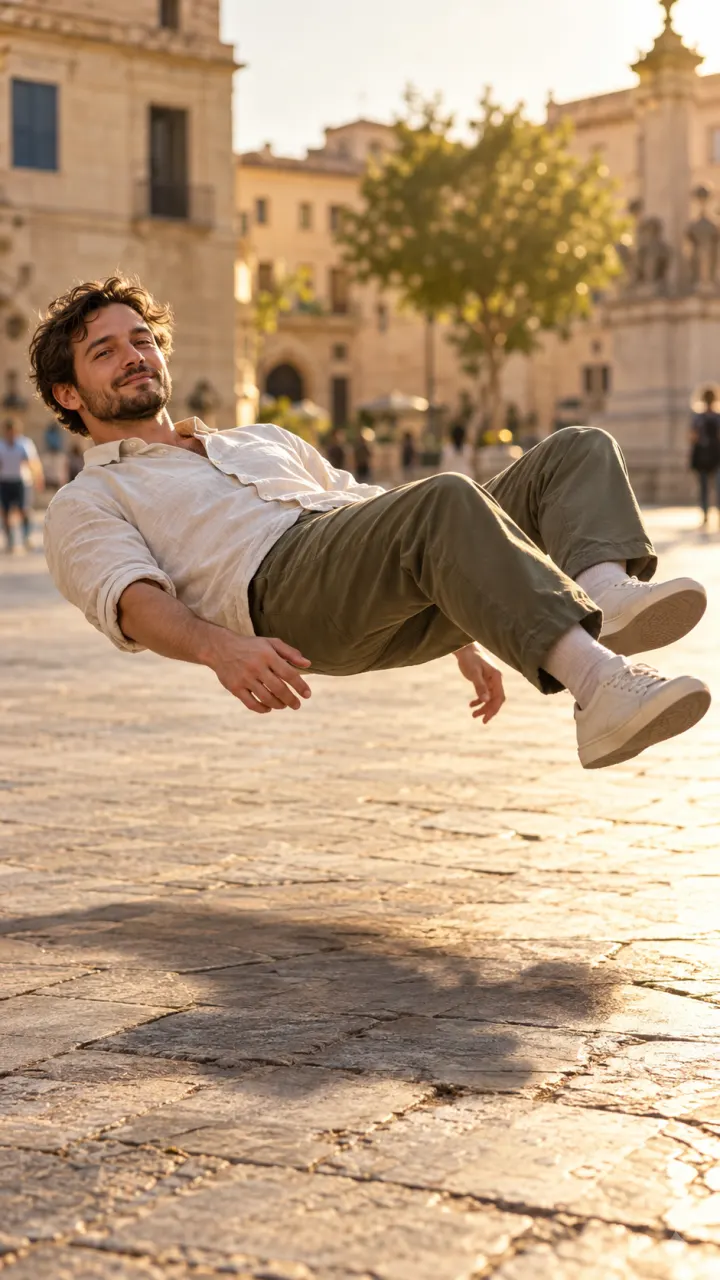 Example · Levitate
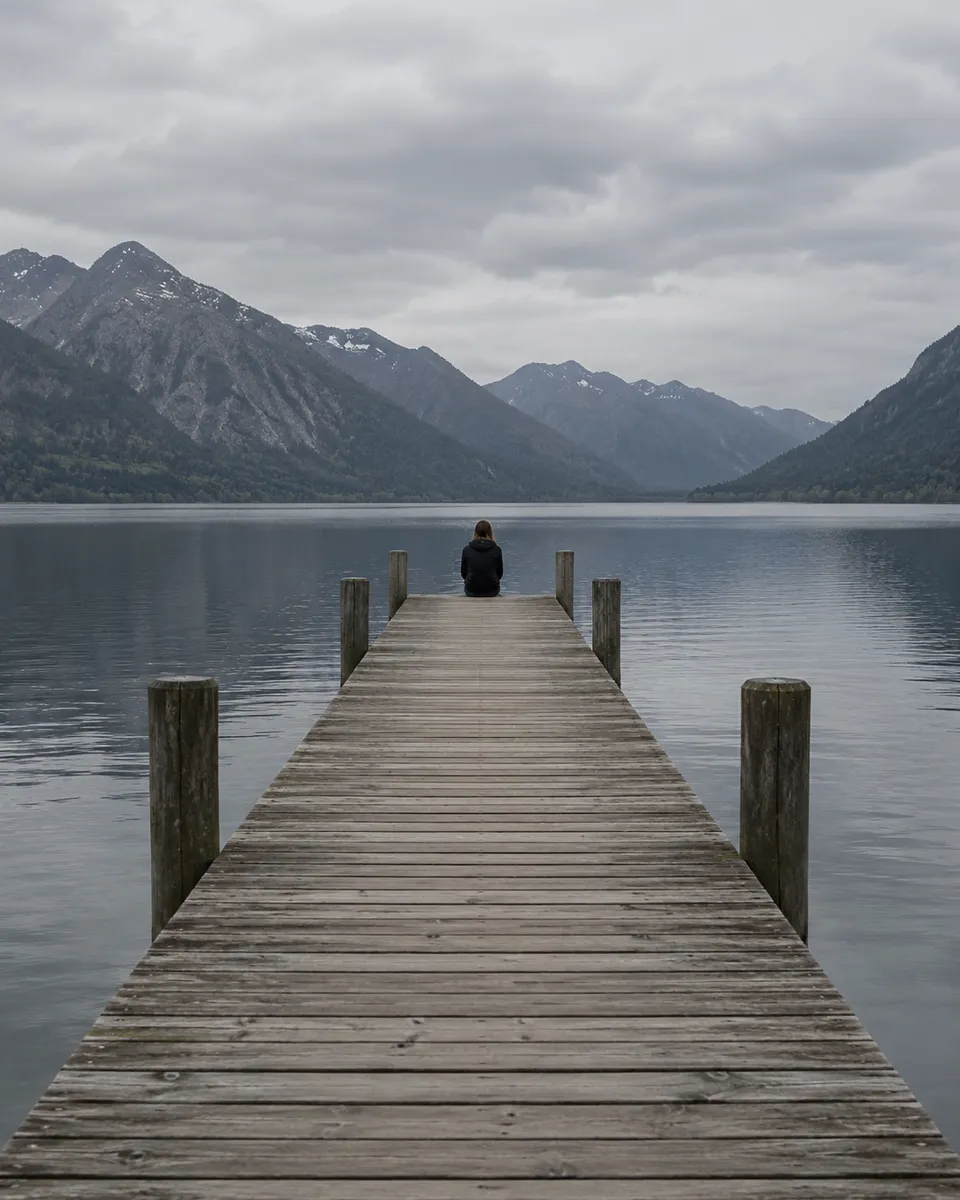
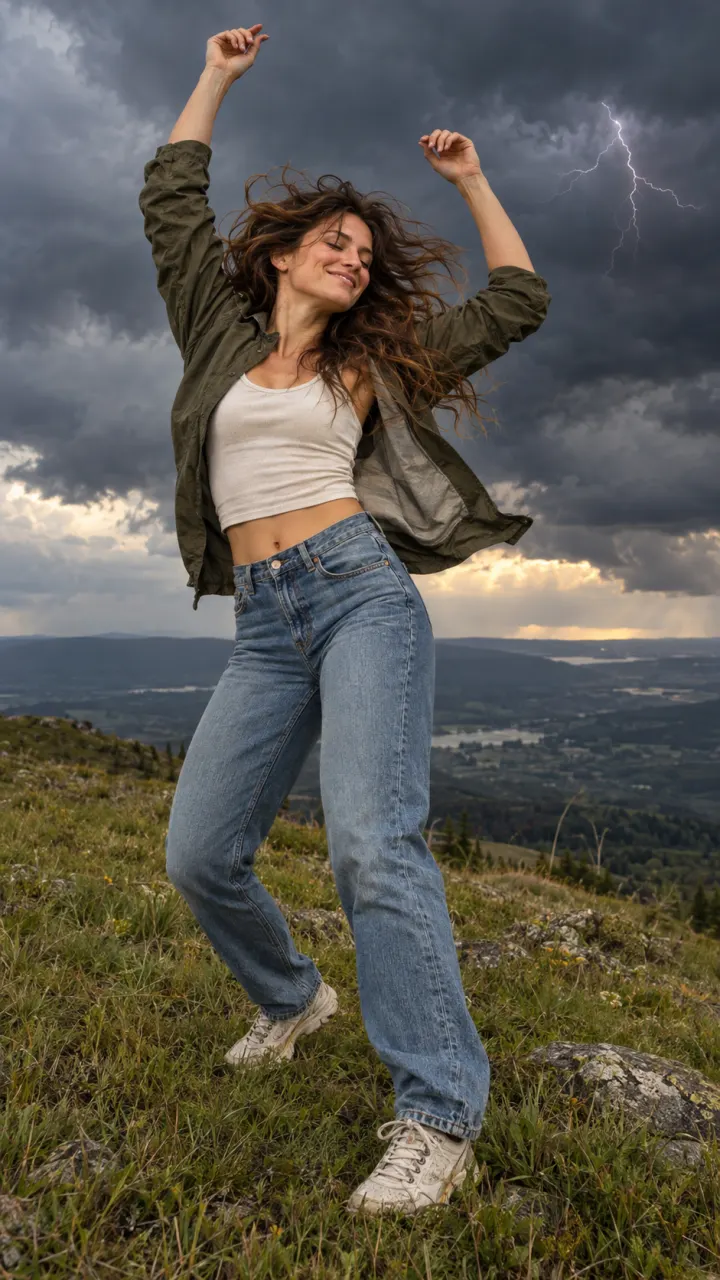
Examples show what each idea aims for. They are illustrations, not output from a particular model.
Or start from a trend
The prompt is already written. Add your photo and get the video everyone is posting.
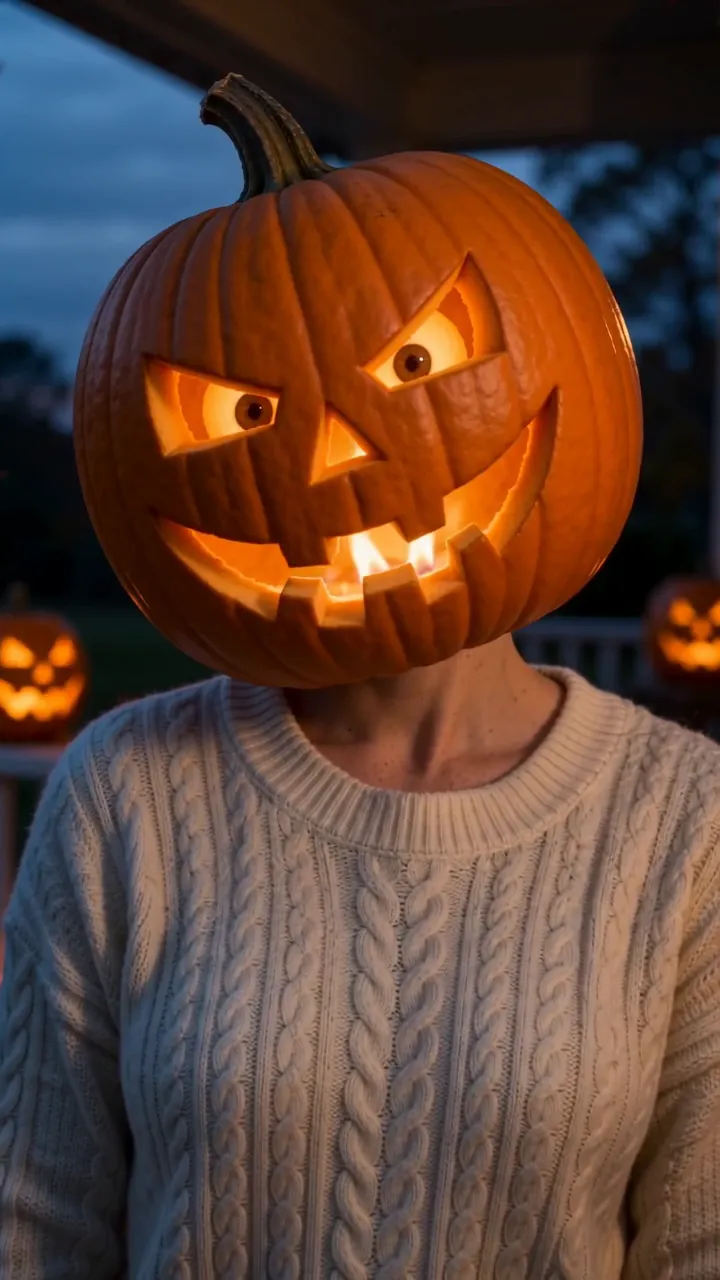
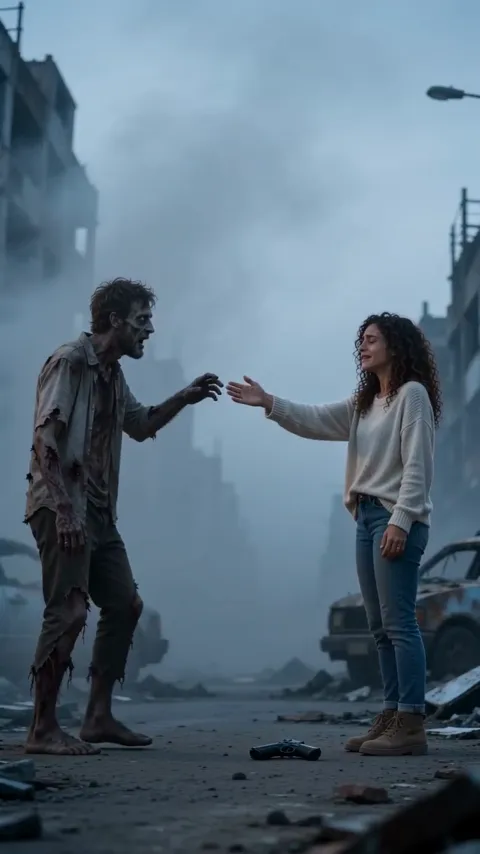
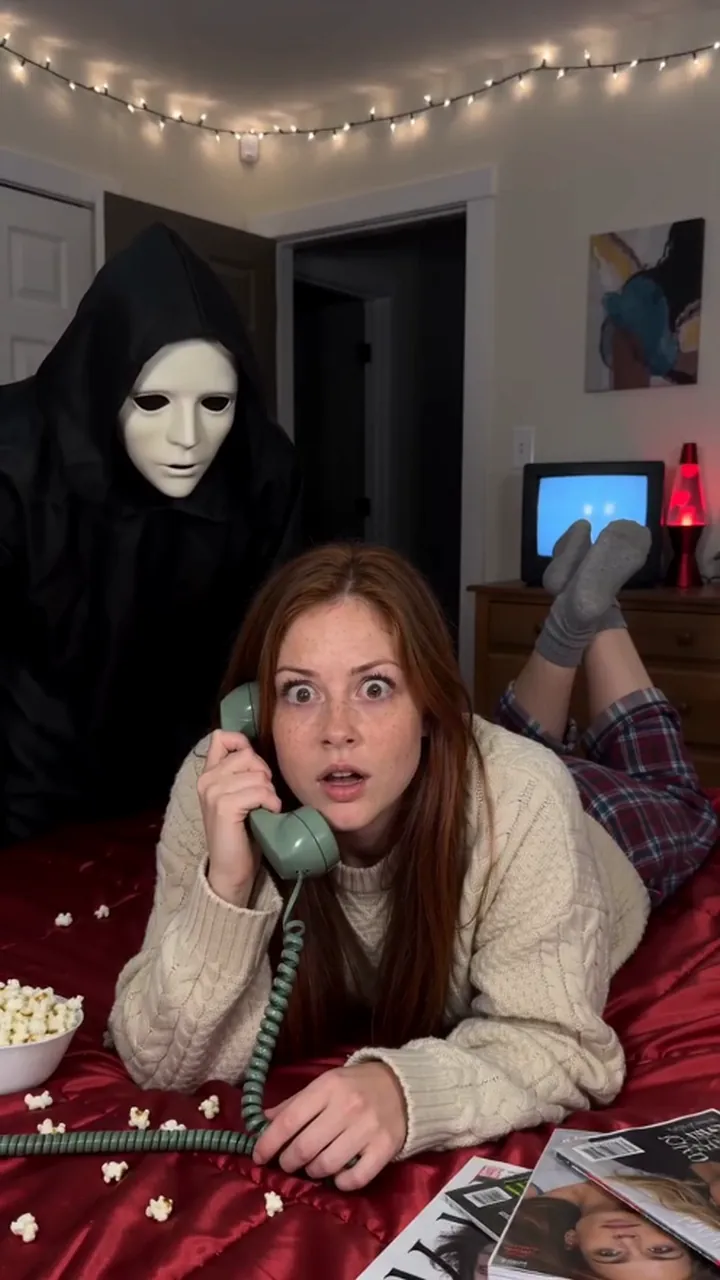
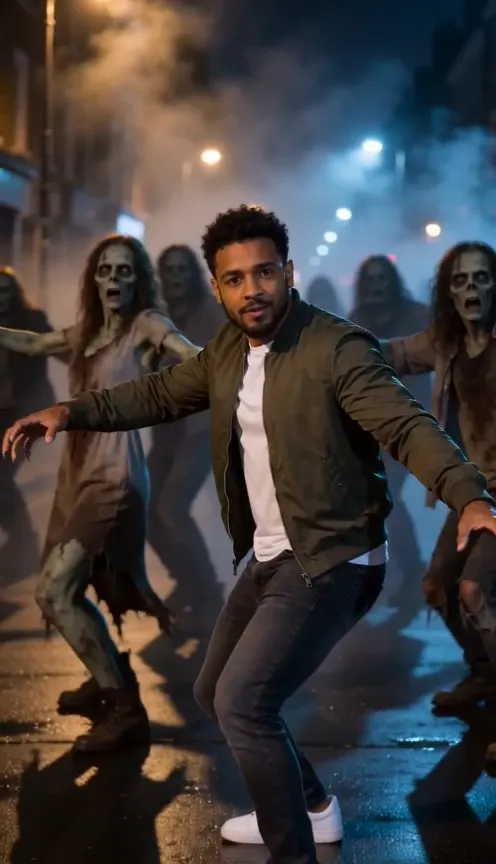
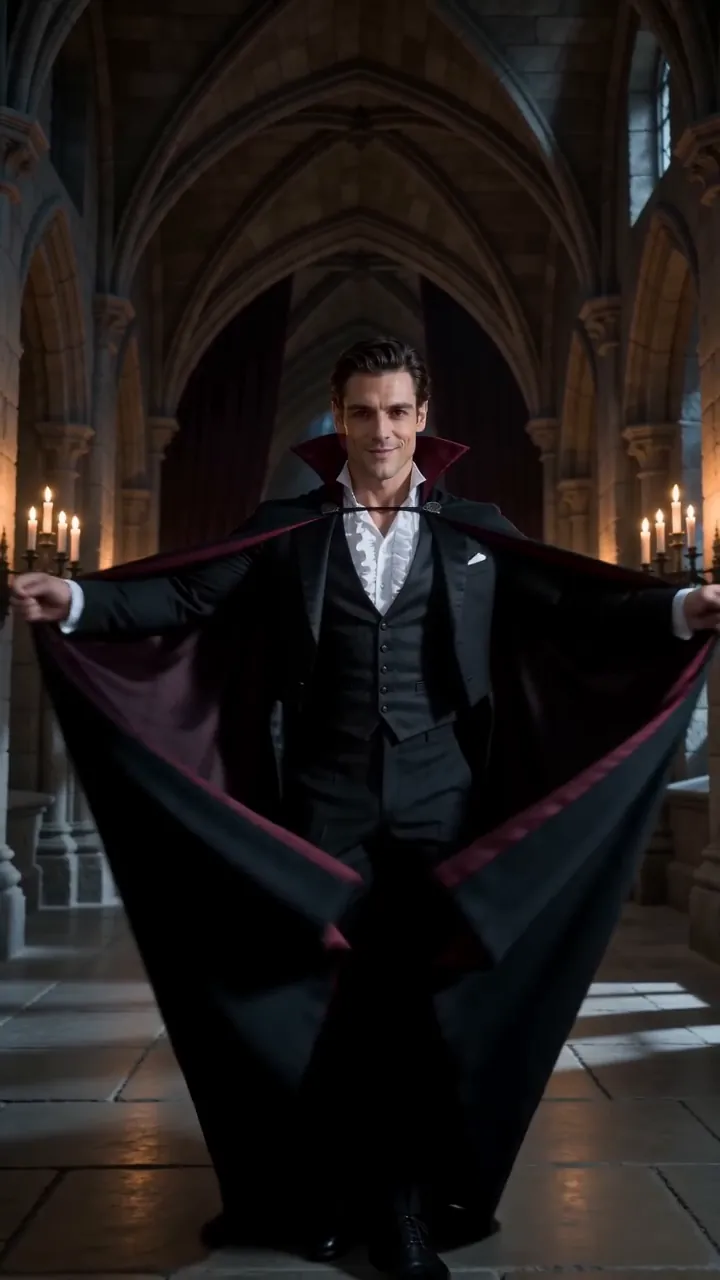
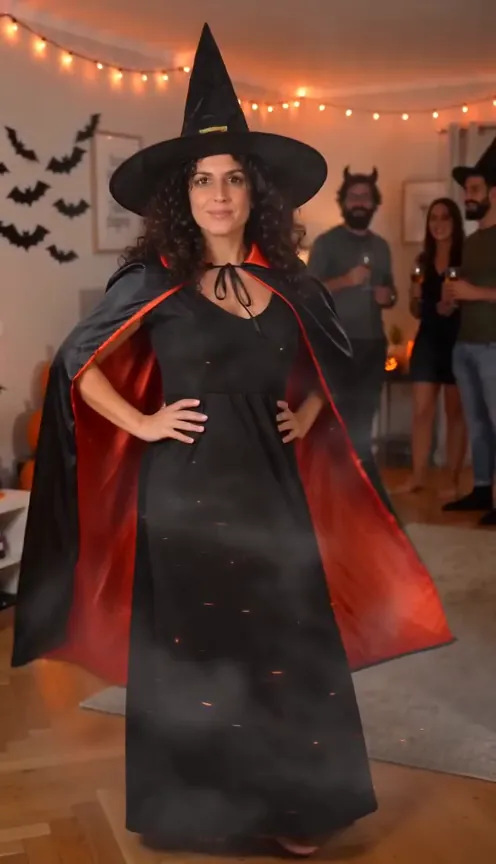
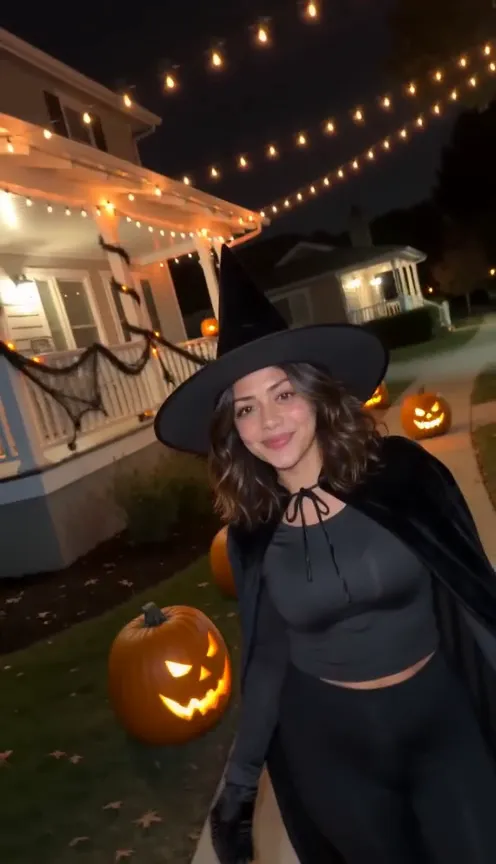
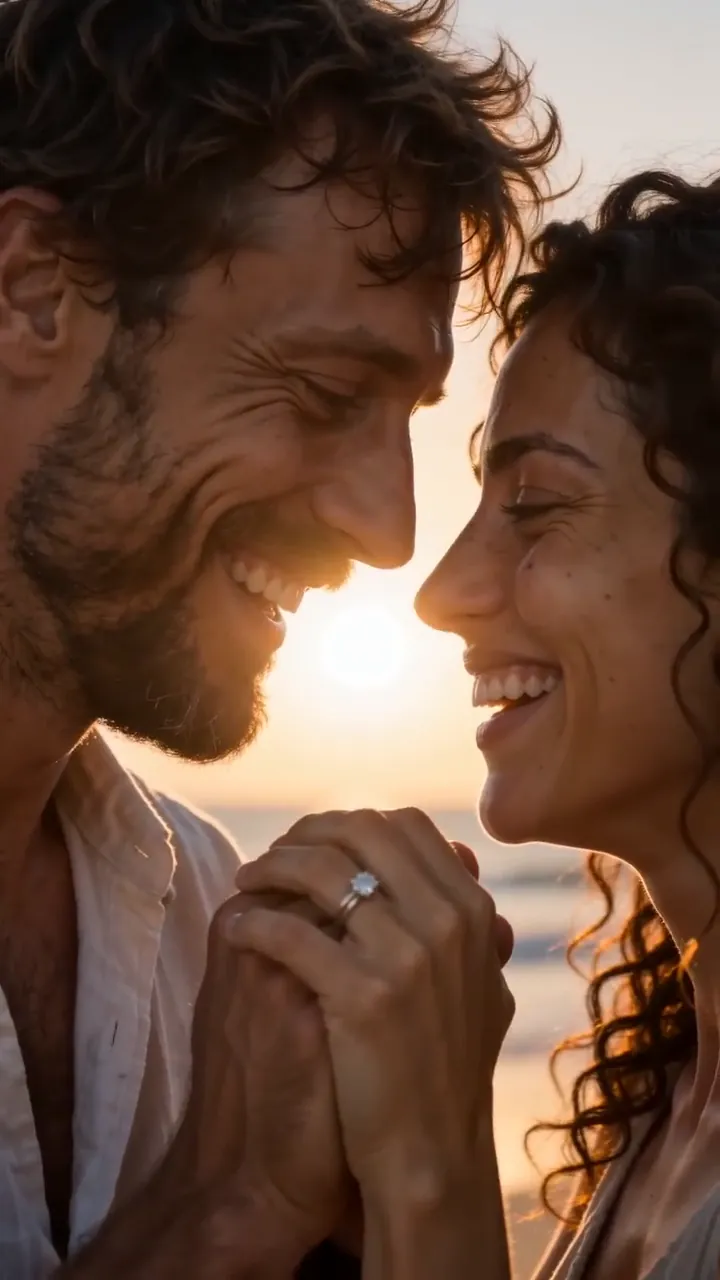
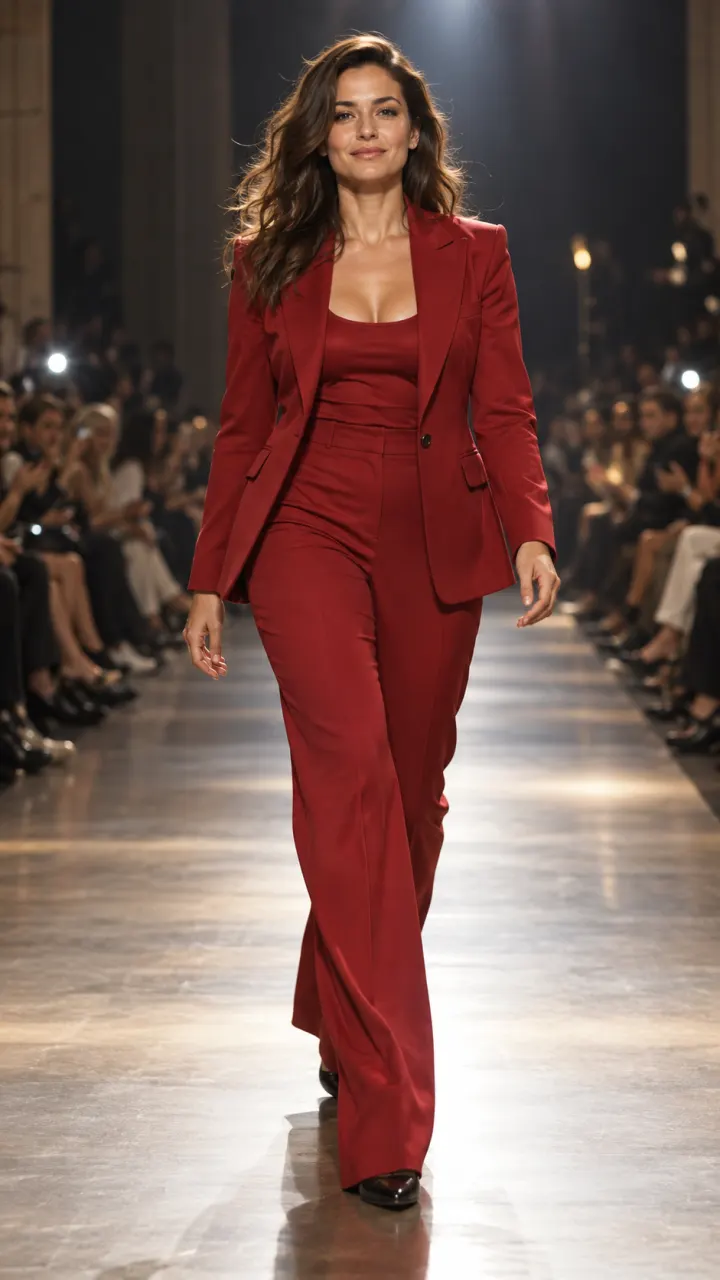
Bring a portrait to life
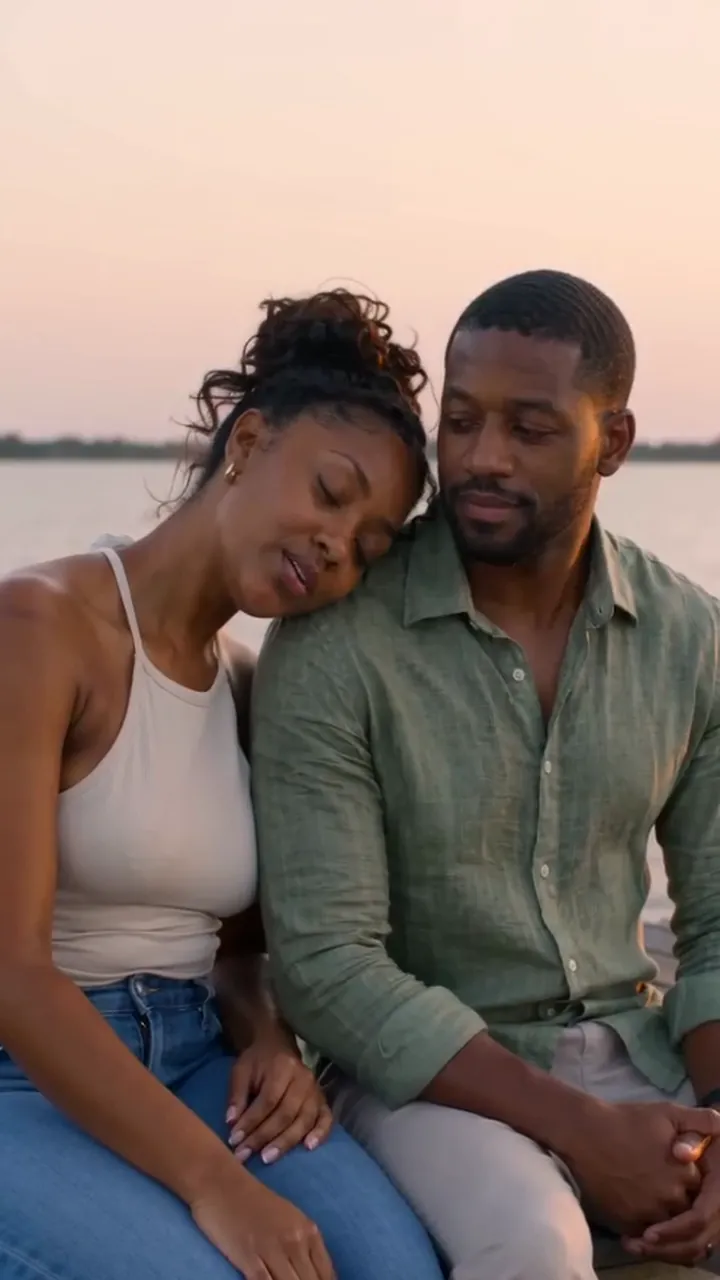
A selfie becomes a clip where you smile, turn and walk into the scene. Write the motion and the camera move, for example "slow push-in, hair moving in the wind", and the face from your photo carries through every frame. A sharp, front-facing photo with good light gives the most faithful result.
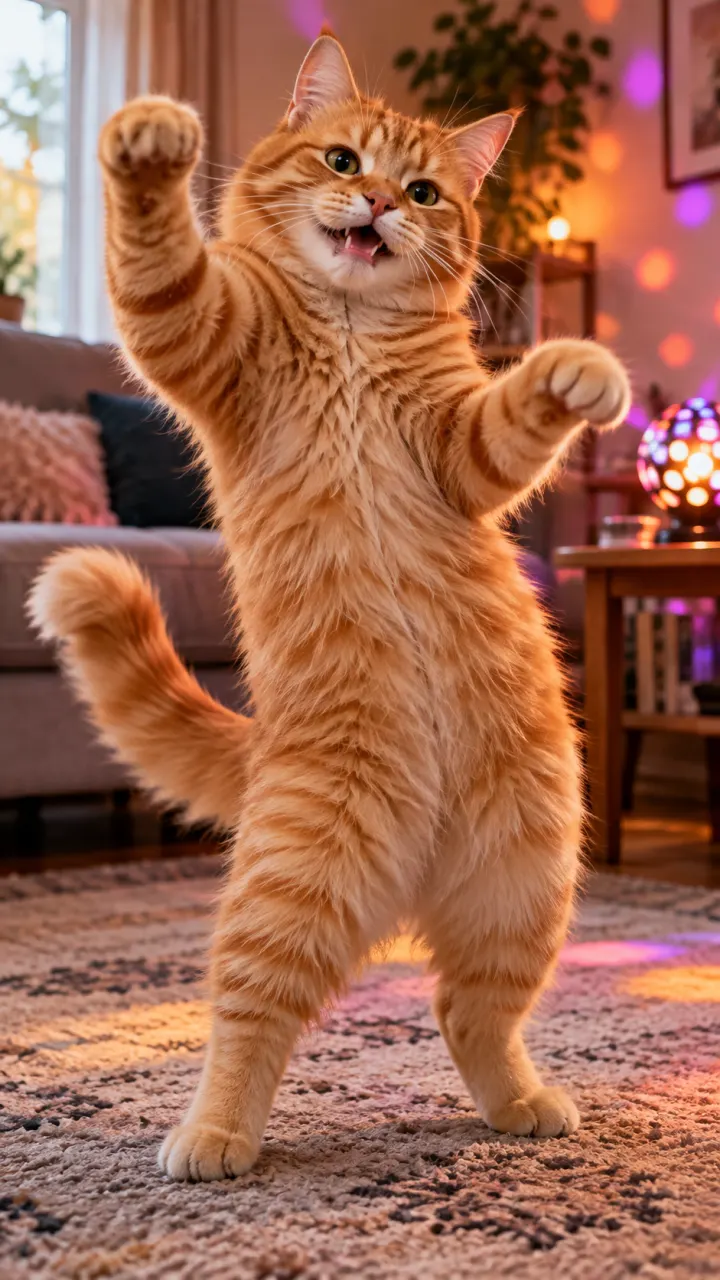
Your pet or product as the star
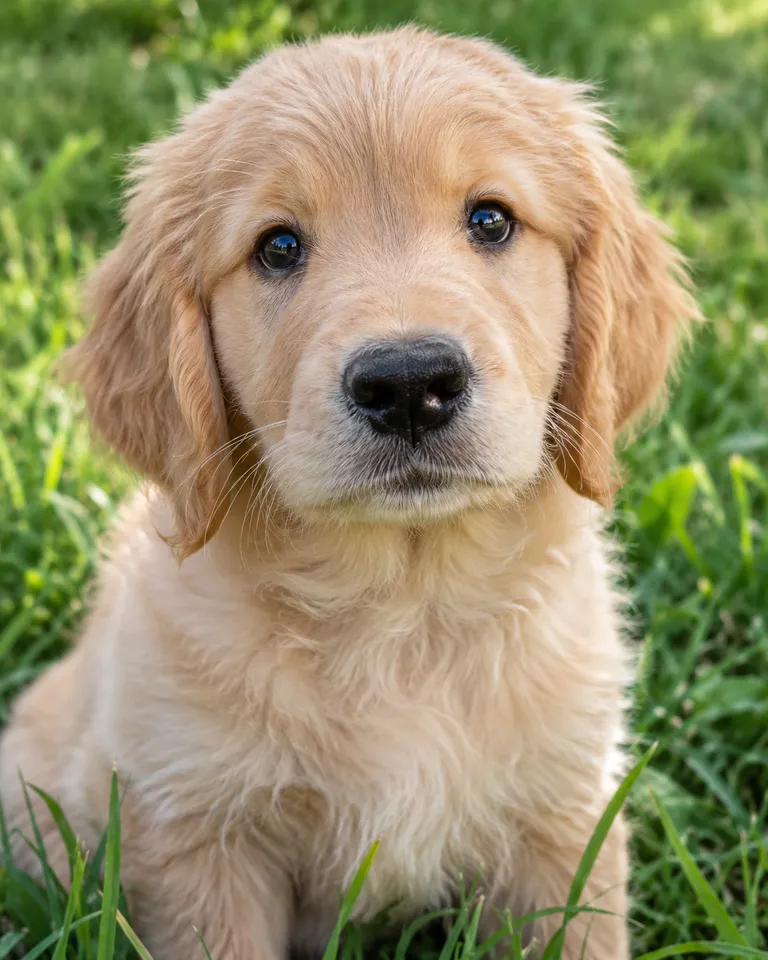
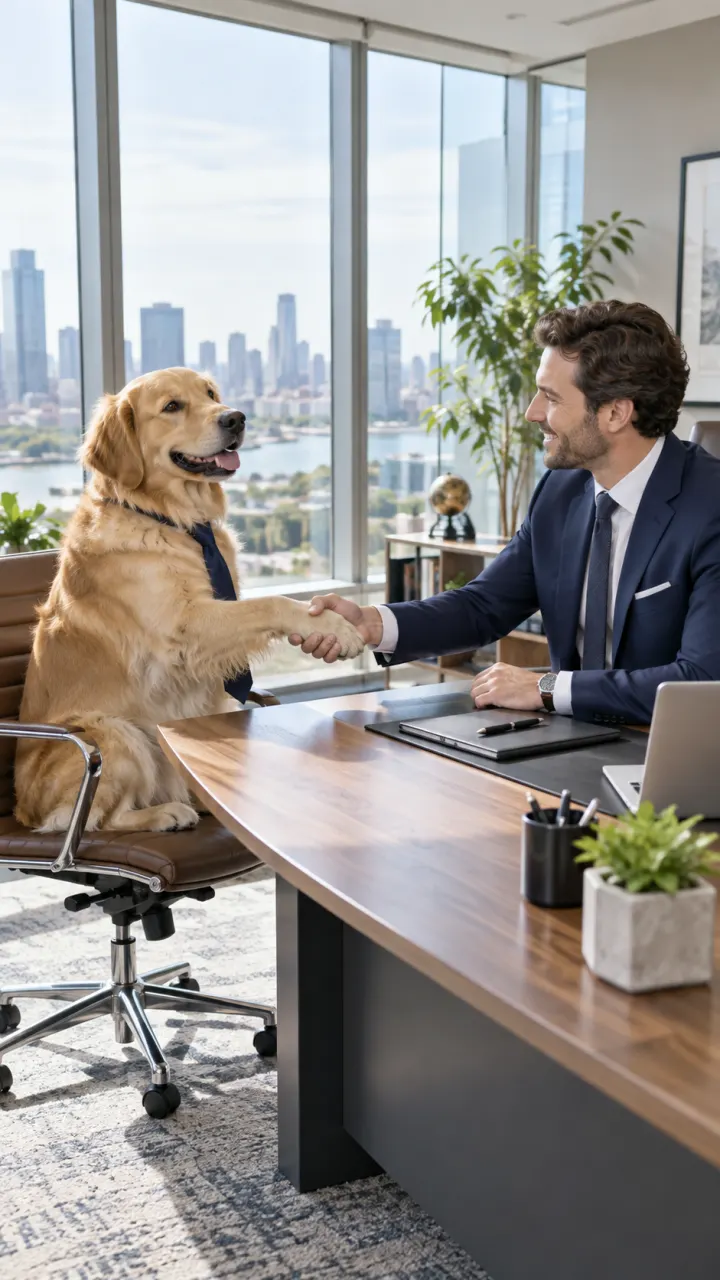
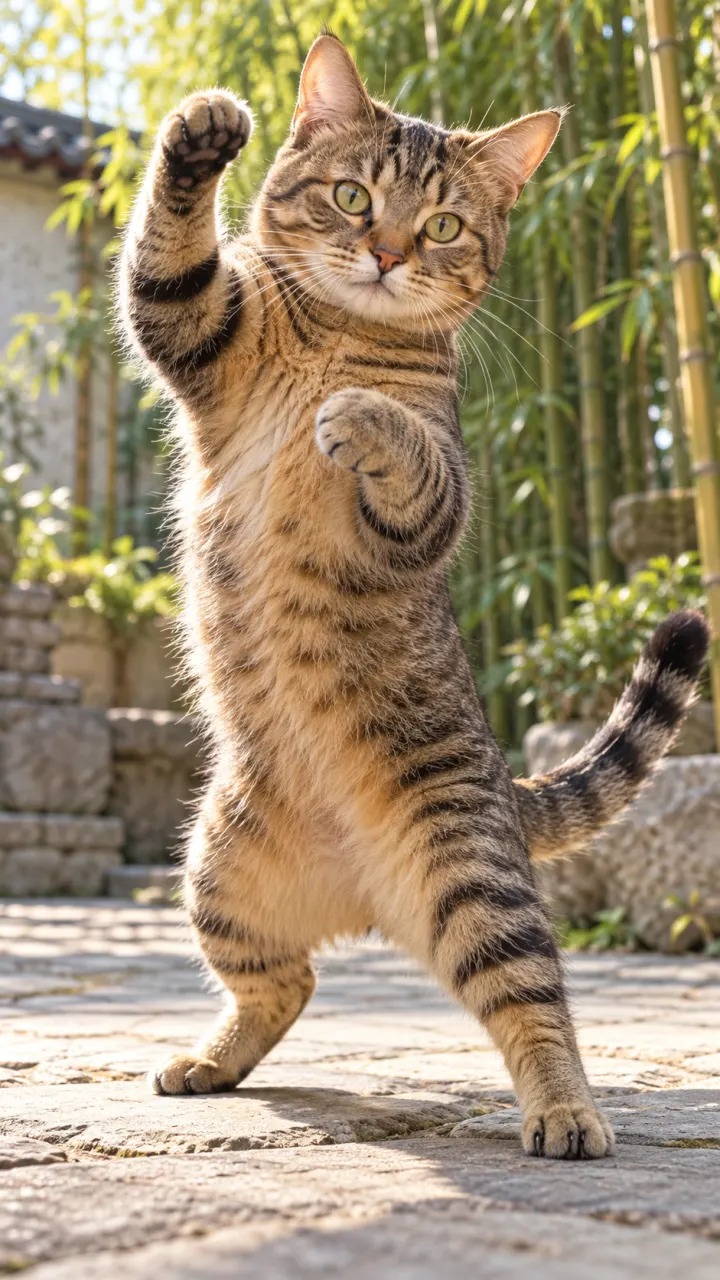
Your dog in a suit, your cat dancing, your sneaker turning slowly on a pedestal. Any clear photo can be the first frame, so the result looks like your animal or your product, not a stock lookalike. Pet owners can skip the prompt entirely with the ready-made pet trends.
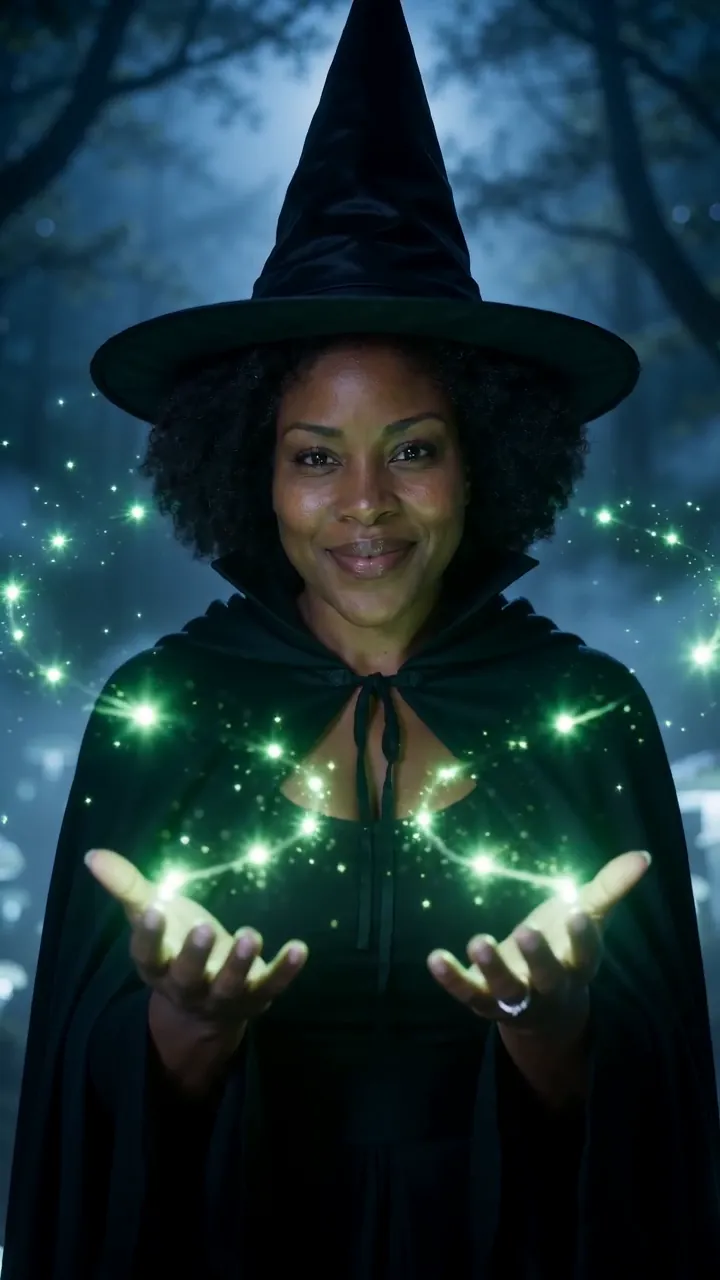
Go from one photo to another
Add a second photo as the end frame and the clip moves from the first to the last. It suits before and after shots, outfit changes and reveals, because you decide the ending instead of the model. The AI video generator has the same option when you start from a prompt.
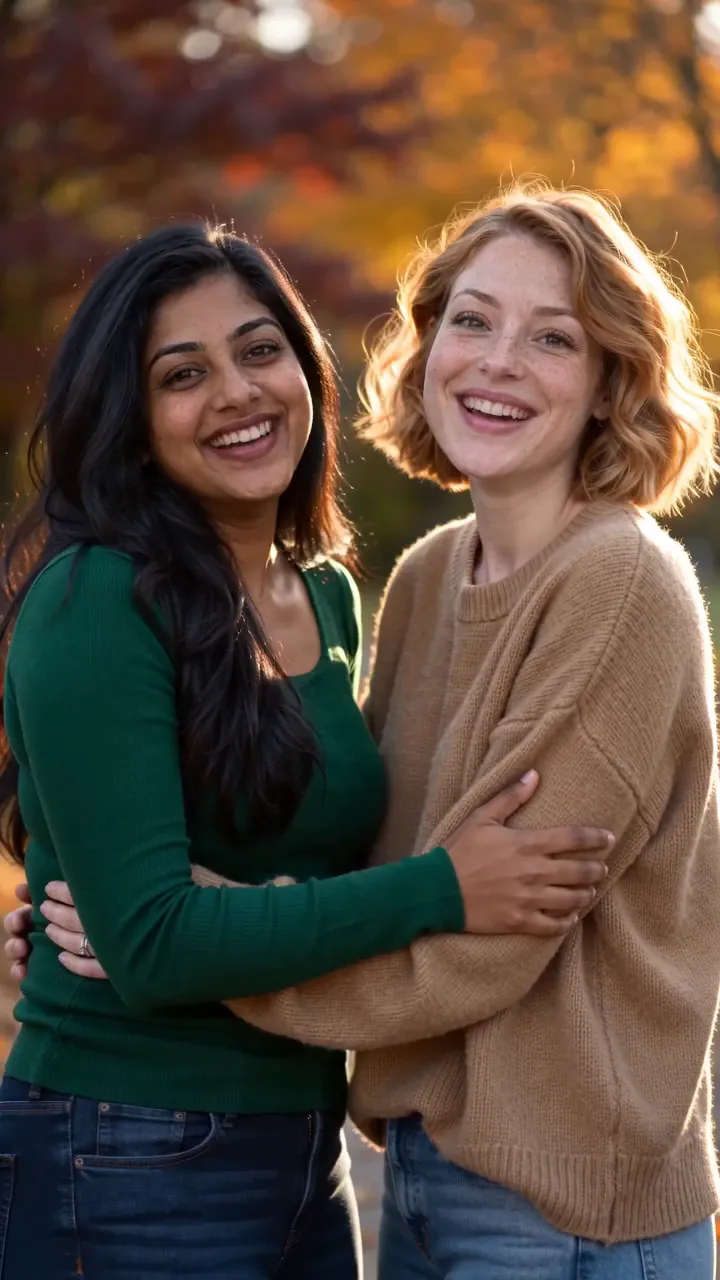
Or skip the prompt with a trend
Trend templates are image to video with the prompt already written and tested. Pick one, add your photo, and get the hug, the dance or the transformation everyone is posting this week. New ones arrive every week, from couple trends to Halloween looks.
Made for every feed
Tall for Reels and TikTok, wide for YouTube, square for posts. Pick the shape before you make it.
9:16Reels, TikTok, Shorts
16:9YouTube and slides
1:1Feed posts
- 4–15 second clips
- Up to 1080p
- Starts from your photo
- Set the last frame
- Sound on many models
- Auto picks from 19 models
How to turn a photo into a video
The person smiles, blinks and turns slightly toward the camera, hair moving in a light breeze, slow push-in
1Add your photo
Use a clear, well-lit photo where the face or the object is easy to see. JPG, PNG or HEIC up to 20 MB.
- 9:1616:91:1AutoGenerate2
Describe the motion
Say what moves and how the camera moves: “she turns and smiles, slow push-in.” Or tap an idea to start from a tested prompt.
- MP4Share link3
Generate and download
The clip lands in your feed and in Assets, ready to download as MP4 or share with a link.
Image to video FAQ
Something else? Visit the help center.
How does image to video work?
Your photo becomes the first frame, and the model works out what happens next from your prompt. People, pets, products and places all work, as long as the photo is clear.
Is the image to video tool free?
Free to try: every new account gets one photo trend free. After that, a run starts at 8 credits and shows its cost before you start; the smallest pack is $9.90. A run that fails costs nothing.
What kind of photo should I use?
One clear subject, good light, nothing covering the face, at least 512 pixels on the short side. Some models keep your photo’s shape, so crop it first if you want 9:16.
Can I control how it moves?
Yes, with the prompt: what moves, at what pace, and what the camera does. For an exact ending, add a second photo as the end frame.
Which AI model does it use?
Auto picks a video model that fits what you set up (a start frame, an end frame, sound, 1080p) and tells you why. In Studio you can pick one yourself; the models page lists them all with their prices.
How long is the video?
4 to 15 seconds depending on the model, up to 1080p. Longer clips cost more credits; the price shows before you run.
Can I use the results commercially?
Results made with paid credits can be used commercially, including in ads, as long as everyone in them agreed. Results made with free credits are for personal posts.
What happens to the photo I upload?
Your photos are deleted 7 days after upload and never used to train AI. You can delete a photo sooner from your account.
Do I need a plan?
No. A plan adds credits every month for less per credit, and you can cancel any time. Credit packs are one-time top-ups from $9.90, and pack credits last 12 months. A failed or blocked run refunds its credits automatically.
What can’t I make?
Everyone in a photo must be 18 or older and agree to its use. No photos of children, nothing sexual, no celebrities or film characters, nothing meant to deceive. Every result is labeled as AI-generated.