Anime Style Generator
Your photo, redrawn as an anime still. Two to choose from.
- 2 photos
- Square, portrait or vertical
- Ready in about a minute
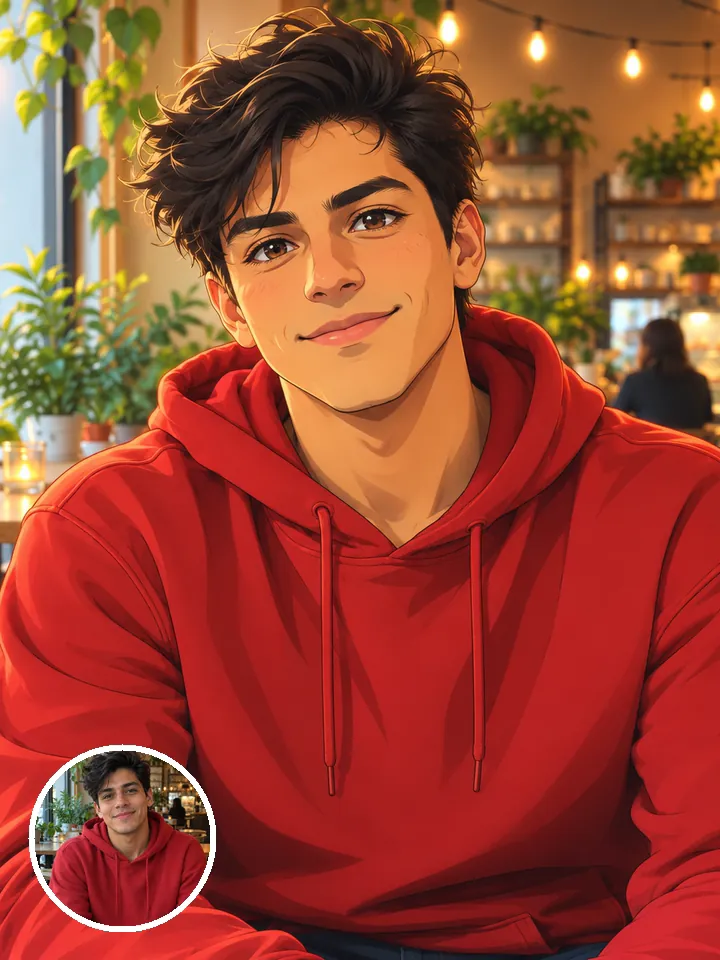
- Clean cel shading
- Your pose stays
- Two takes
Who’s in it
Your photo
By adding a photo you confirm everyone in it is 18+ and agreed to have their face used for this. We use faces only to make what you ask for. How we handle faces
Photo size
- Free with a new account · no card
- Private till you share
- Photos gone in 7 days
What is the Anime Style trend?
Anime Style redraws your photo as a modern anime key visual: clean line art, soft cel shading and big, expressive eyes. It doesn’t move you into a new scene. Your pose, your outfit and the layout of your background stay where they were, so the result looks like a still from a show set in your actual day.
That’s the fun of it. A coffee shop selfie becomes a slice-of-life frame. A photo on a train platform turns into an opening shot. Your hair color, skin tone and features carry over, so friends can tell it’s you in drawn form. It works for a pet too, and for two people when you add a photo of each.
You get two square images, so you can pick a favorite or post both as a carousel. Square fits an Instagram grid and a profile picture, and on TikTok it works as a photo post or next to the original.
Updated
- Instagram, TikTok
- #animefilter
- For you, two people or pets
In the 2 photos
Where Anime Style started
The anime selfie trend took off with TikTok’s “AI Manga” filter in December 2022, which turned faces, pets and objects into manga-style drawings. Some of the earliest videos using it were posted on December 2, 2022, and the #aimanga hashtag passed a billion views in about two weeks. TikTok removed the filter on December 15, 2022, but anime-style AI conversions have stayed popular since.
Since December 2022
How to make Anime Style photos
Three taps on your side. The rest happens on ours.
 1
1Add a photo
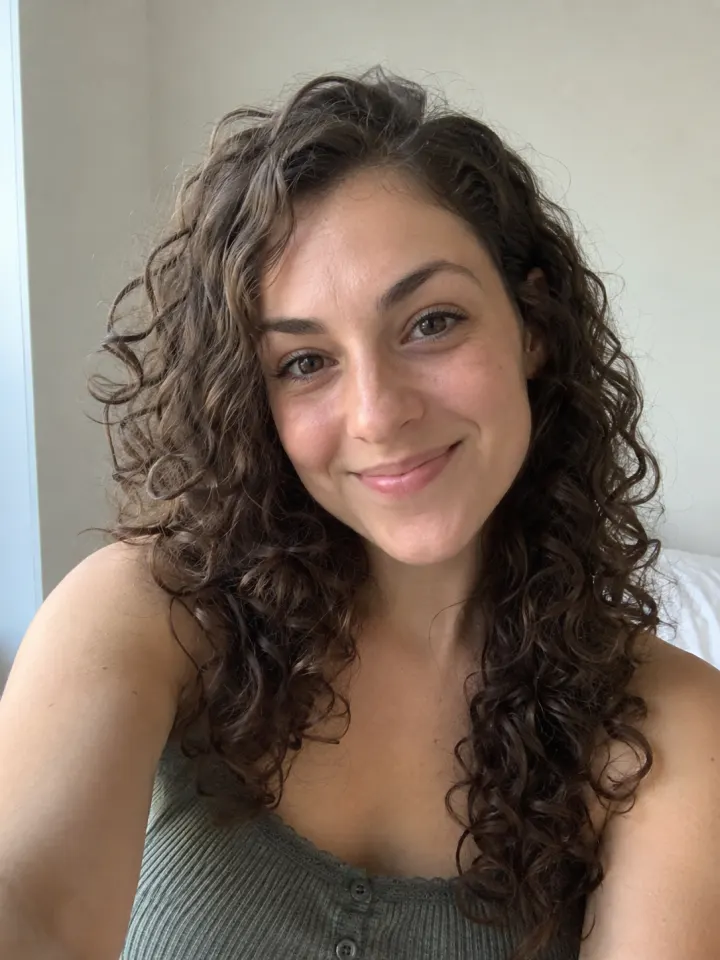
One clear, front-facing photo of you.
- Make my photosAnime Style2
Tap Make my photos
No prompt to write. The trend’s look is built in.
- PhotosShare link#animefilter3
Post it
Download the photos and tag #animefilter.
What you add, what you get
One Anime Style run, from the photo in to the file out.
You add
- One clear photo of you
- Or two photos, one of each of you
- Or one photo of your cat or dog
- No prompt to write
- JPG, PNG or WebP, up to 10 MB
You get
- 2 Anime Style photos of you
- Square, portrait or vertical, your pick
- Download each photo, ready to post
- Ready in about a minute, credits back if it fails
- Private until you share it; no watermark after your first purchase
Best photo for Anime Style
Face the camera in good light. The clearer the face, the more it looks like you.
Works
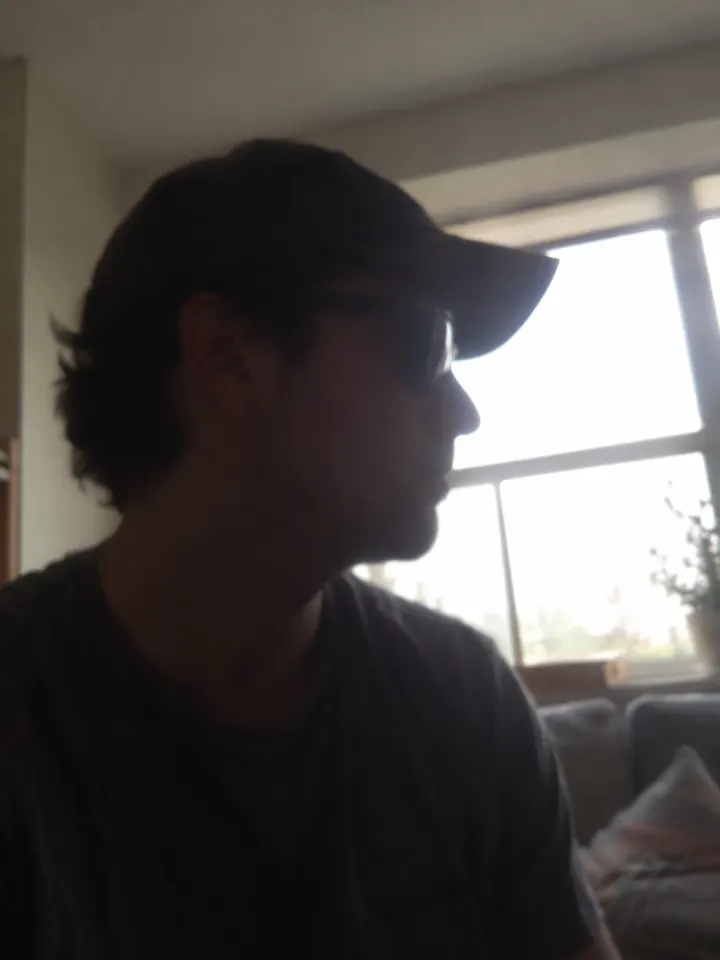
Turned away
Too dark
Blurry
Face too small
- Clean, uncluttered background
- Natural, relaxed pose
- Bright, even light
- Filters or stickers
- Crowded group shots
- Motion blur
Ideas to try with Anime Style
Who to put in it, and what to say when you post it.
Main character, finally drawn that way. #animefilter
Who to make it for
- New profile pictureRedraw a clear headshot and use the take you like as your avatar everywhere.
- Your pet, drawnYour cat or dog’s picture becomes a drawn companion with big, bright eyes.
- Couple key visualUpload one picture per person and get you both drawn in the same style. A sweet anniversary post.
- Travel photo, redrawnPick a shot with a strong background, like a street or a view. The layout stays, so it reads like an establishing frame.
Caption ideas · tap to copy
Anime Style questions
The short answers. Ask a person or visit the help center.
Will it change my pose, outfit or background?
No. It keeps the same pose, outfit and background layout and redraws them in anime style. If you want a different setting, start from a different photo.
Why do I get two images?
You get two square versions of the drawing. They differ a little in line and shading, so you can keep the one that feels more like you, or post both.
Does it work on a full-body photo?
Yes, the pose carries over. The face is smaller in a full-body shot, though, so fine features have less to go on. For a profile picture, shoulders up works better.
Is Anime Style free?
Yes, to try: every new account gets one photo trend free, and Anime Style is one, no card needed. After that it costs 4 credits, and a run that fails costs nothing.
How much does Anime Style cost?
4 credits for 2 photos. Every new account makes its first set free. A pack from $9.90 makes 40 sets, and a plan from $16.58/mo, billed yearly, makes 120 sets a month. The Make button shows the total before it runs, and a run that fails gives the credits back.
What app makes the Anime Style photo?
Reelfie (reelfie.app) makes it from one photo, with no prompt to write: the trend’s look is built in. It costs 4 credits, shown before it runs, and a run that fails costs nothing.
Is Reelfie the official Anime Style app?
No. Anime Style is a trend, and no app owns it. Reelfie (reelfie.app) is independent, not affiliated with TikTok, CapCut or the trend’s creators; it makes your own version from your photo.
Can I make Anime Style with ChatGPT or Gemini?
Yes, if you write and tweak the prompt yourself: ChatGPT and Gemini both make images from a photo. Here the look is built in, and one photo gets you 2 images in the trend’s style.
How long does it take?
Most photos are ready in about a minute. You can close the page; the photo keeps going and waits for you in Assets.
Can I make it with my cat or dog?
Yes. Choose Your pet and upload a photo where your pet’s face is clear and facing the camera.
Can two people be in it?
Yes. Choose Two of you and add one photo for each person.
Why does the face not look like me?
Usually the photo: side angle, low light or something covering the face. Try a clear front photo. If one doesn’t come out, you are not charged.
Can I post it on TikTok?
Yes. The photos are 1:1, and after your first purchase they have no watermark.
Who can see my photo?
Only you. It stays private in Assets until you create a share link.
What happens to my photos?
Your photos are deleted 7 days after upload and never used to train AI.
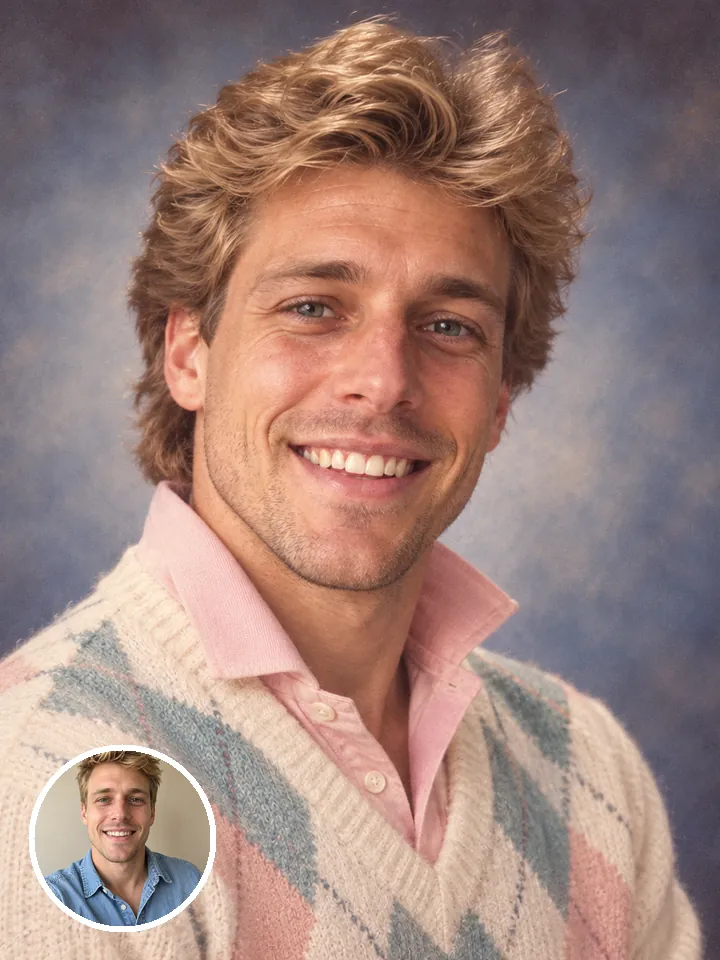
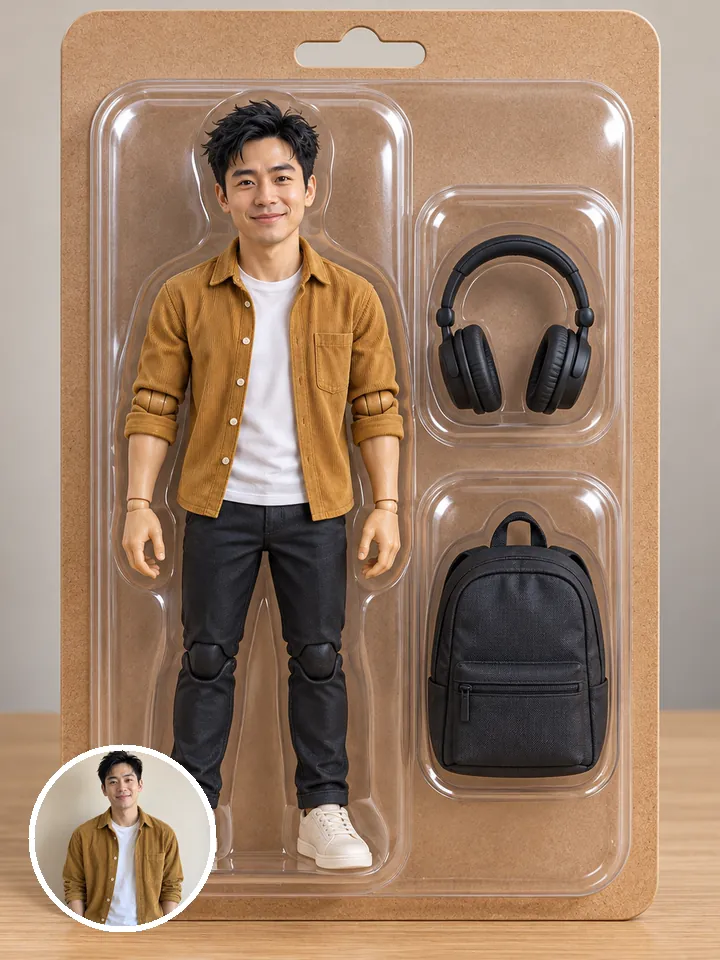
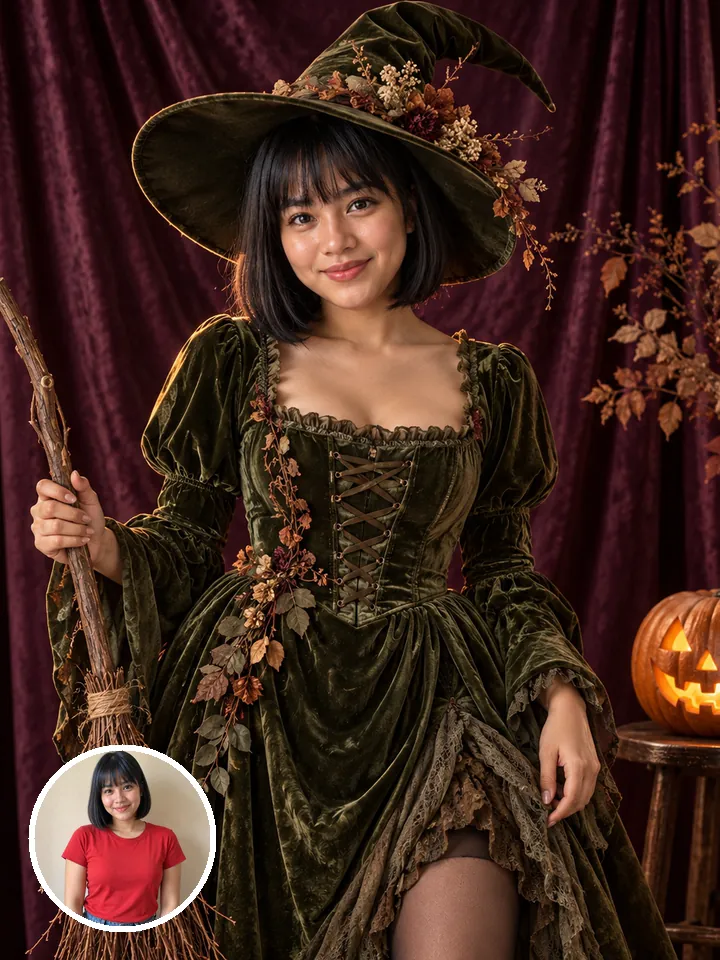
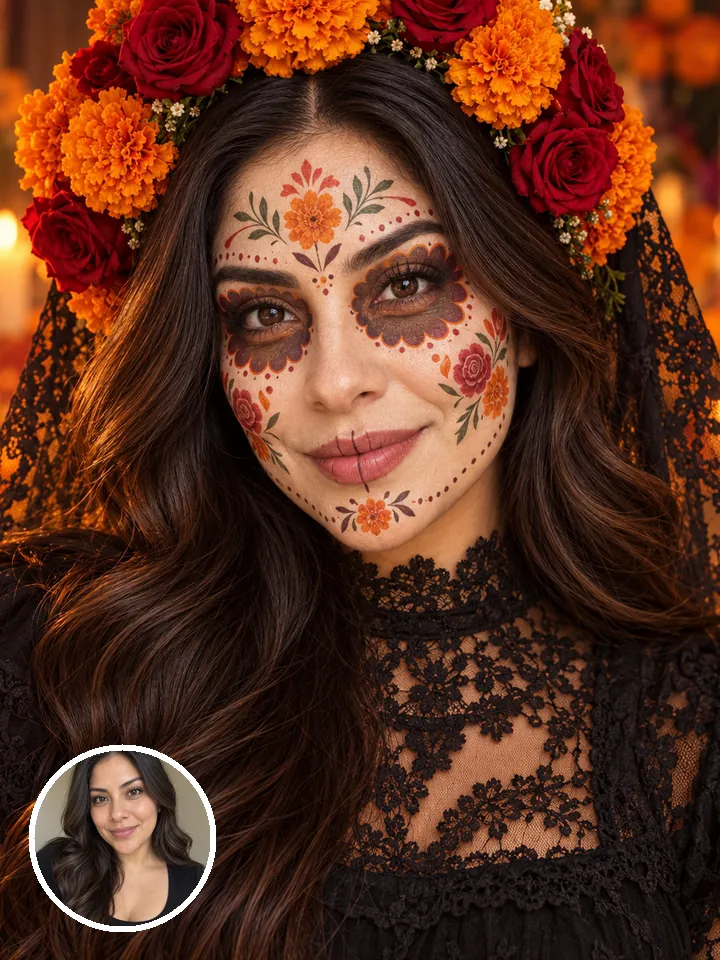
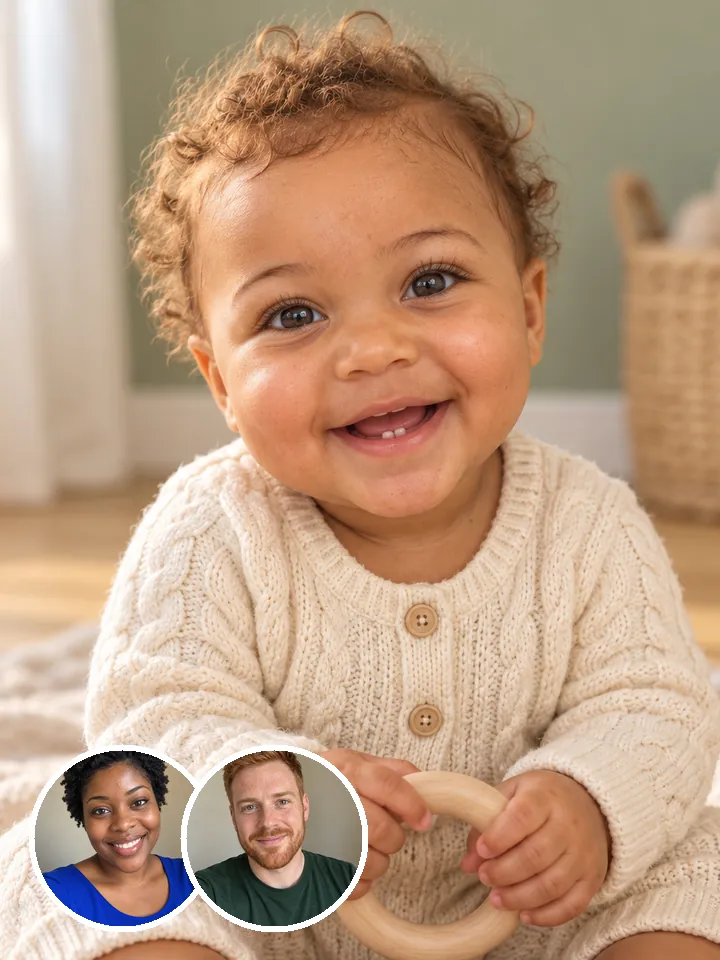
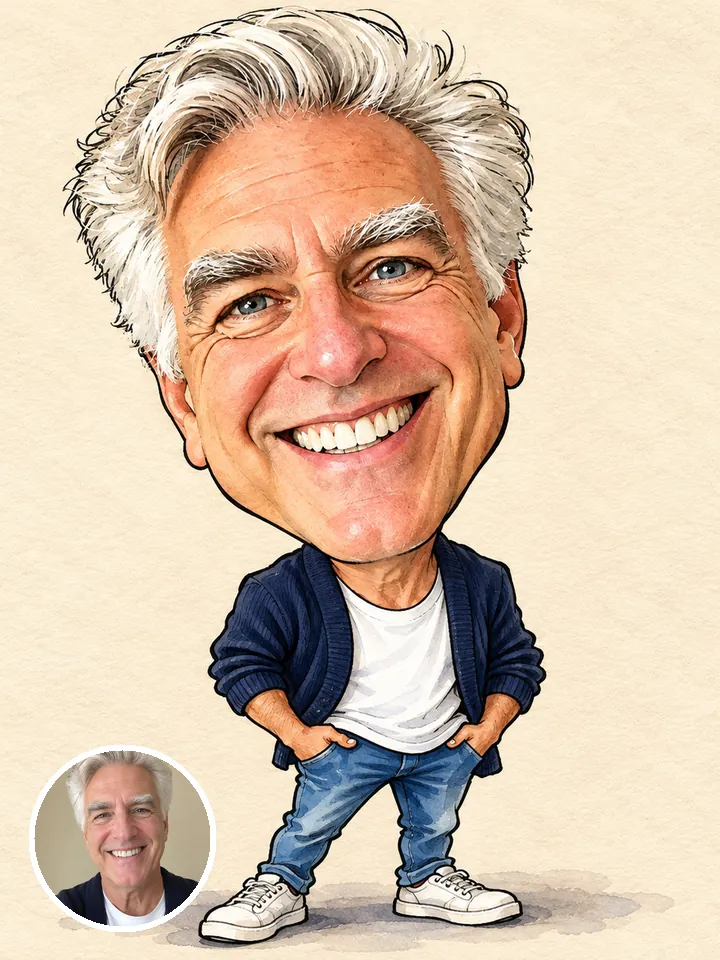
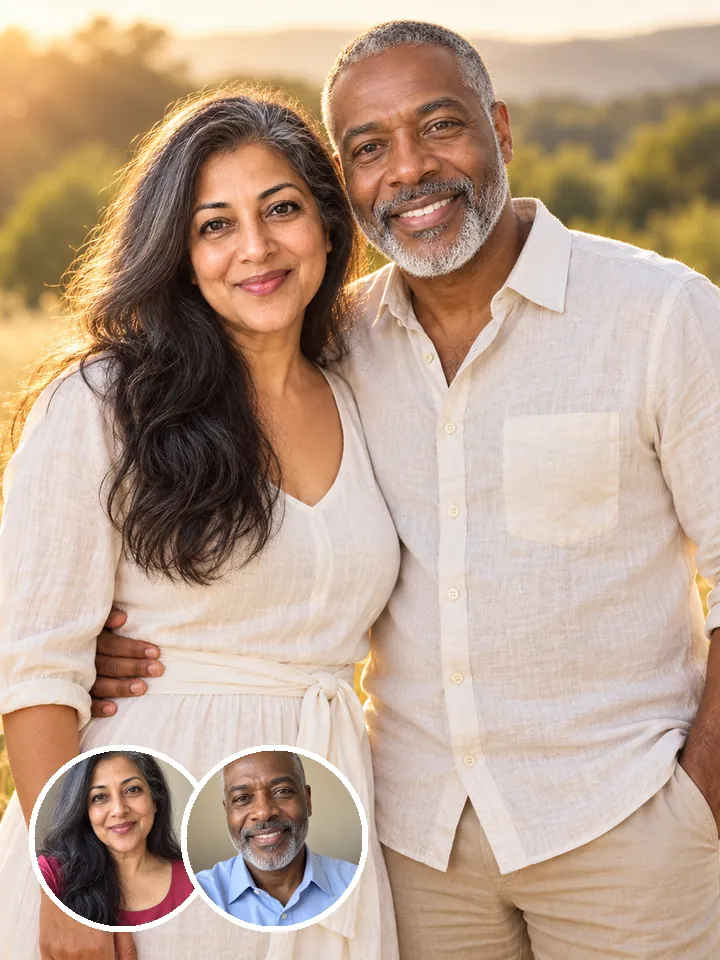
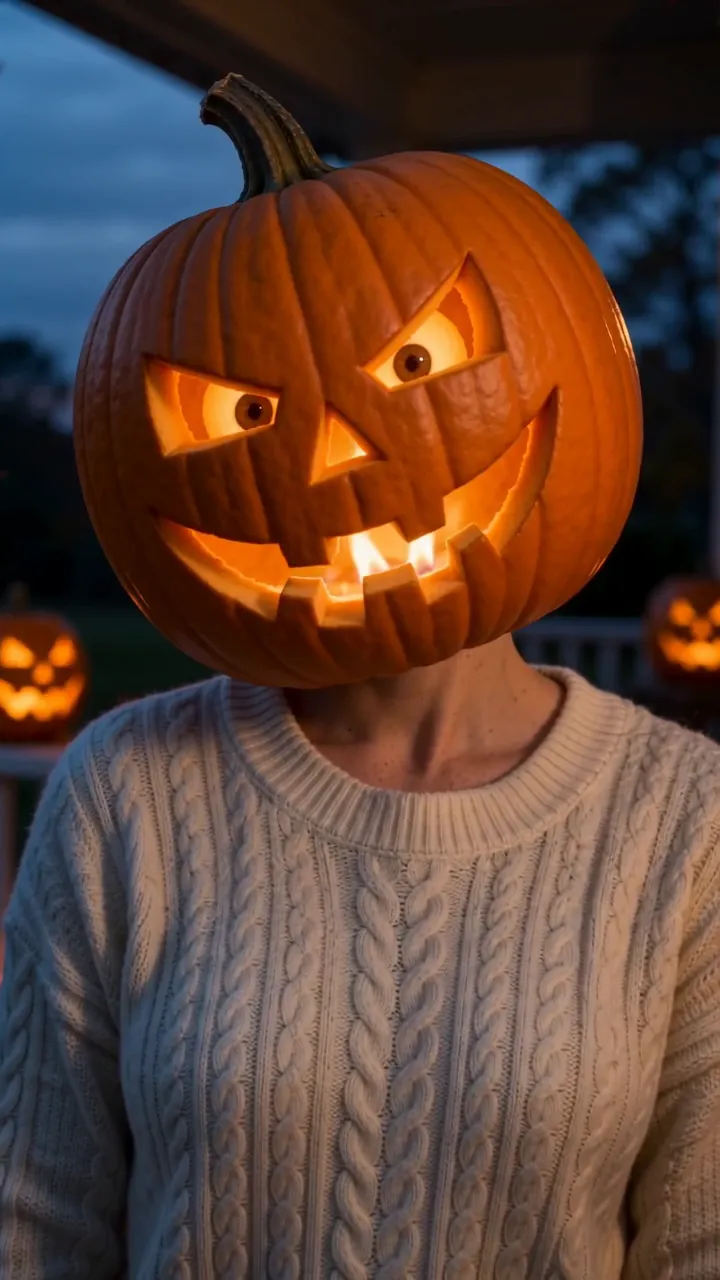
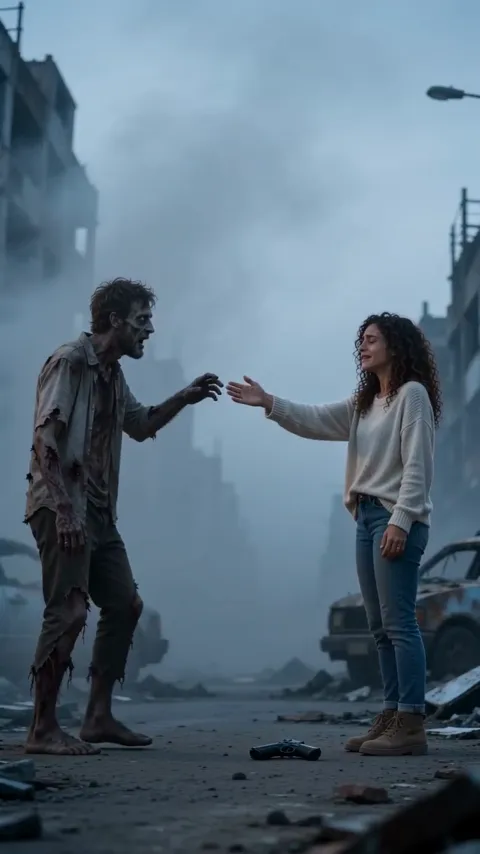
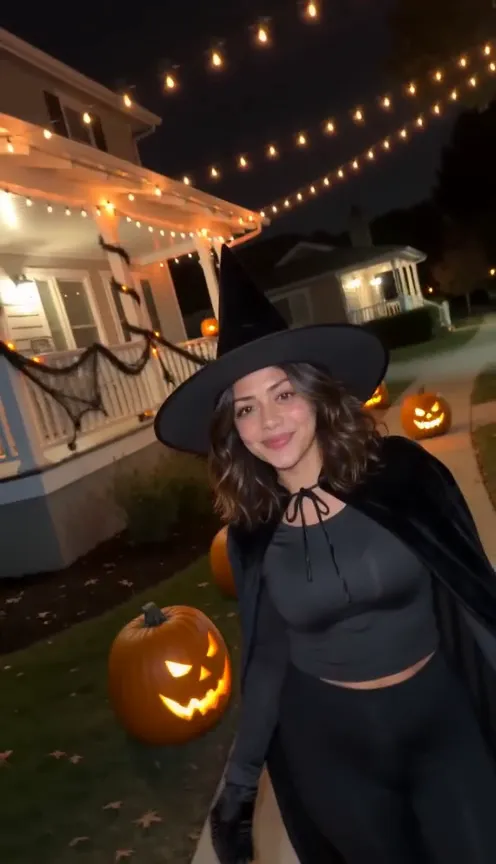
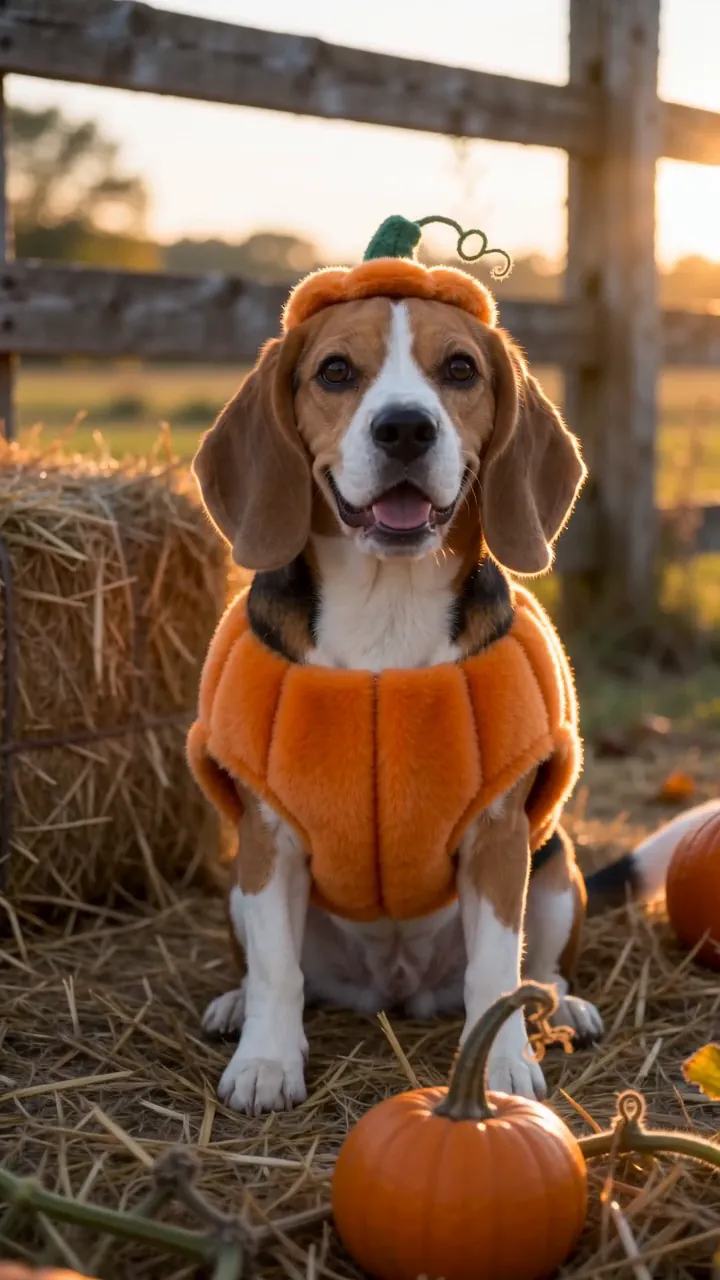
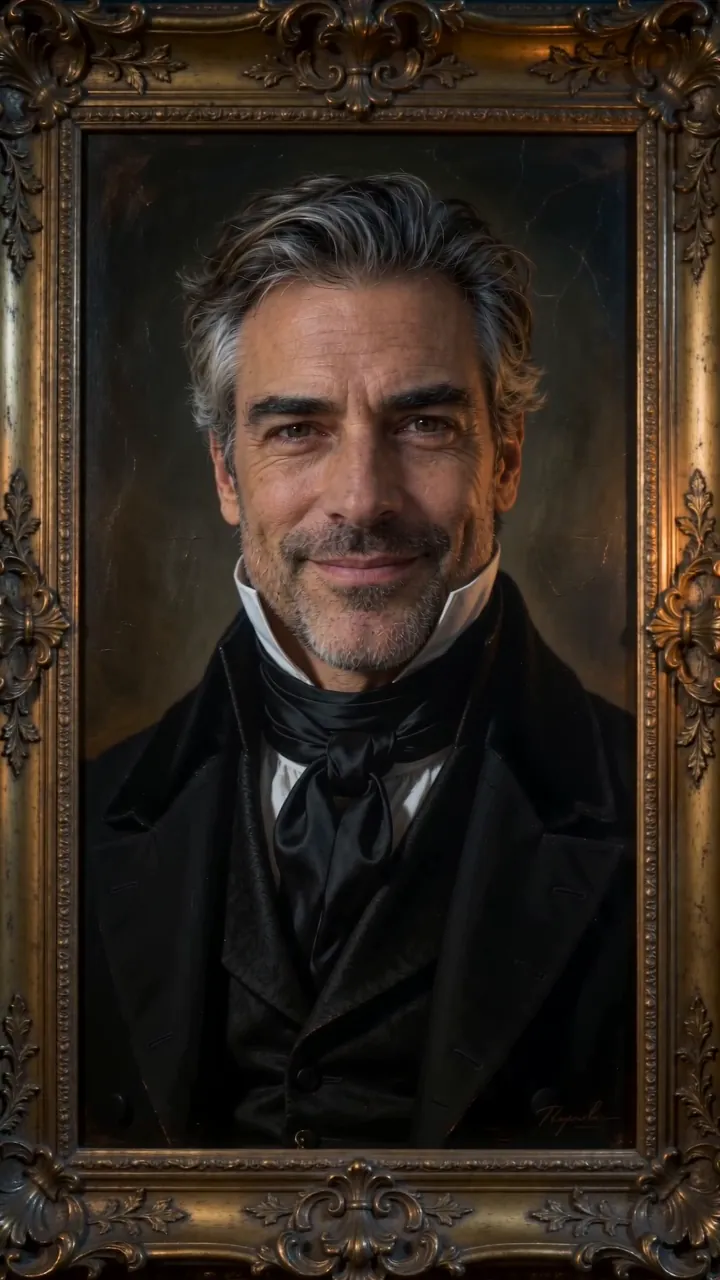
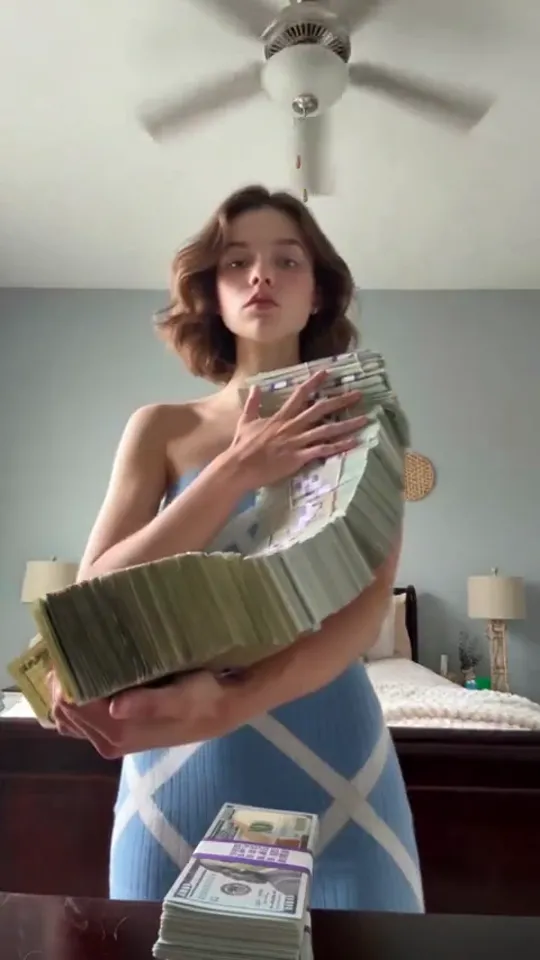
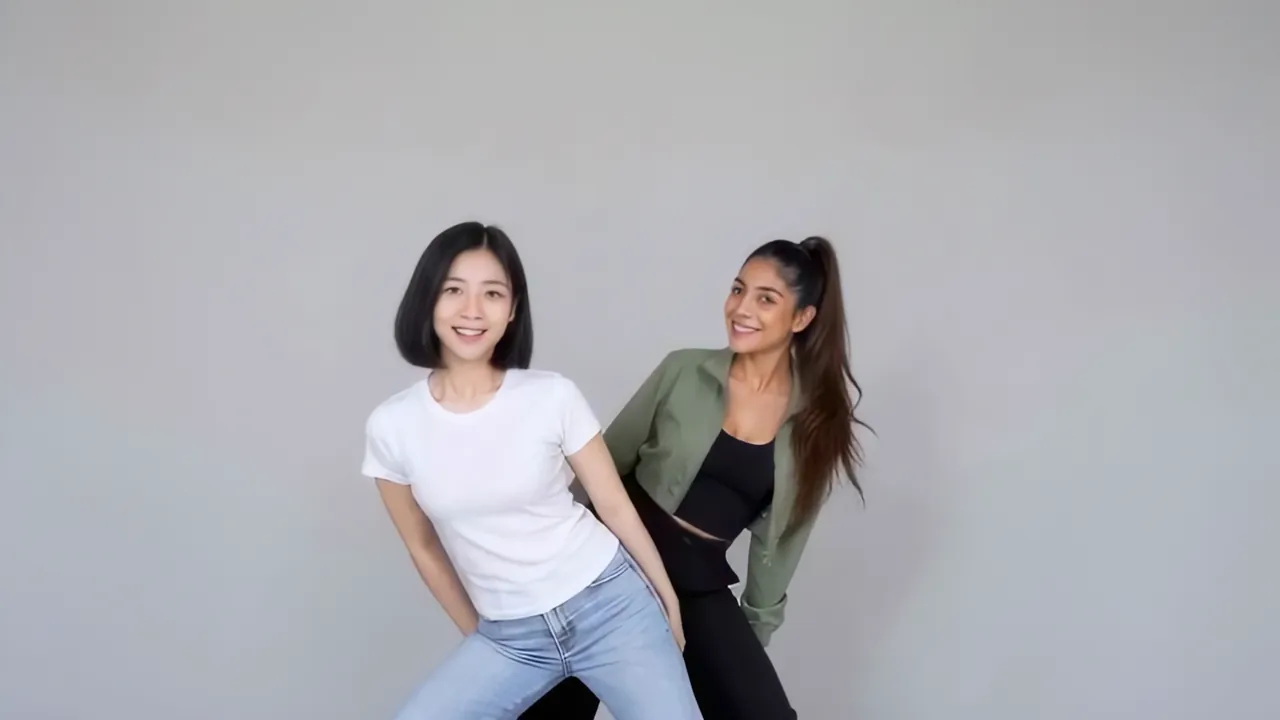
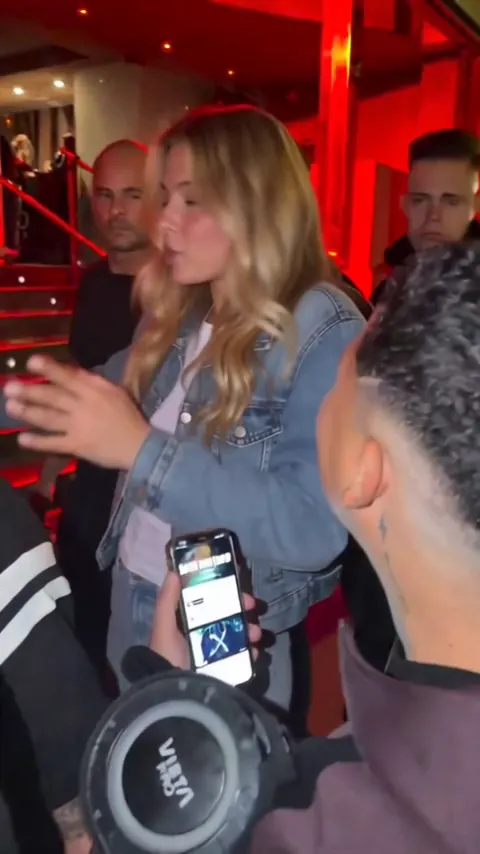
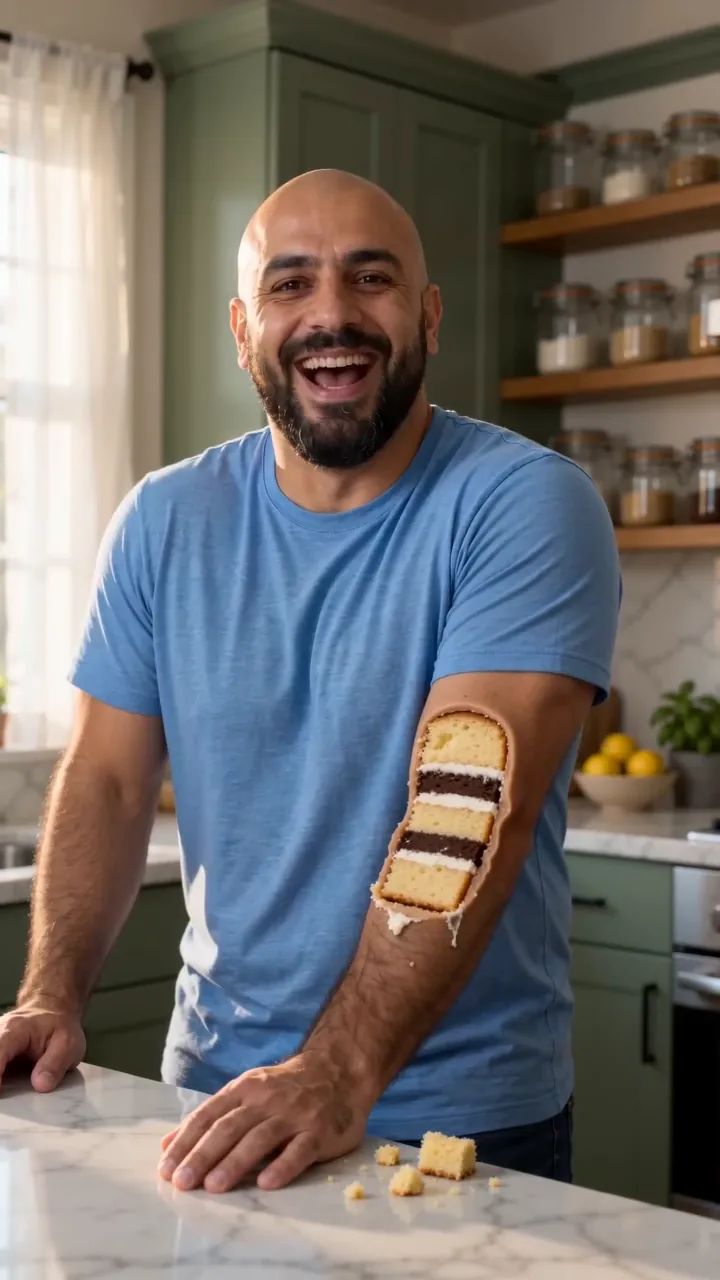
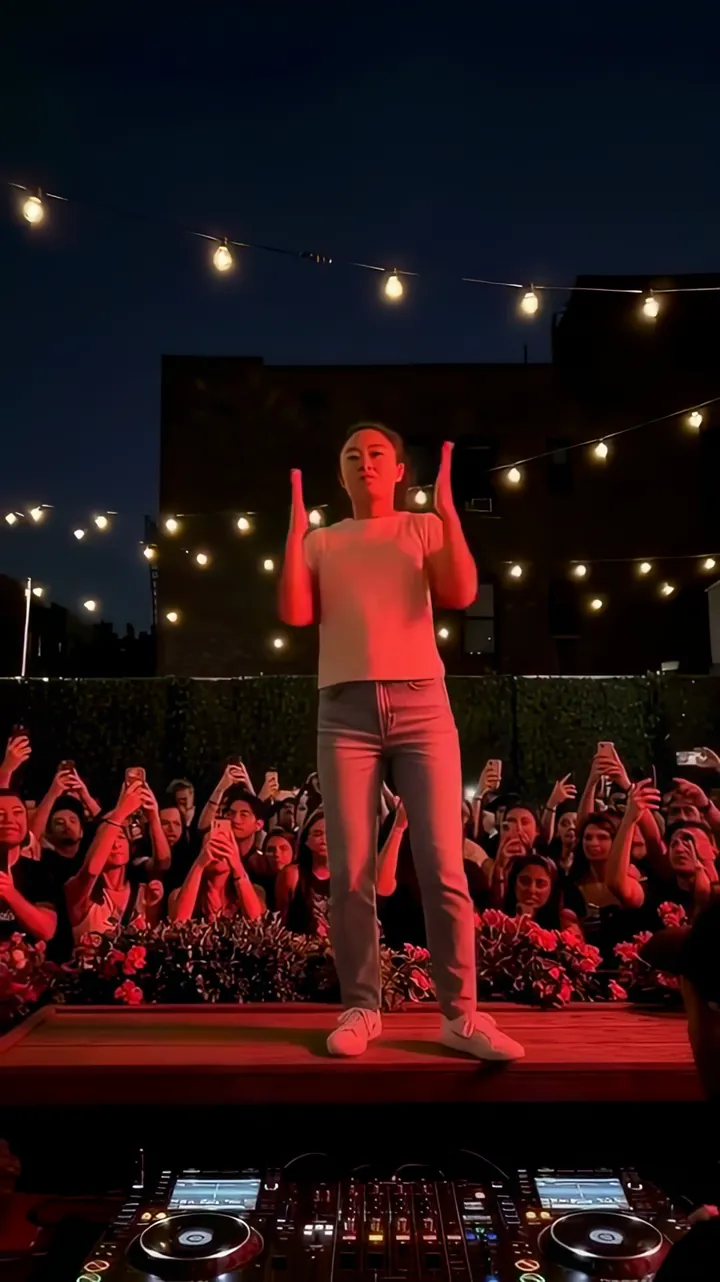
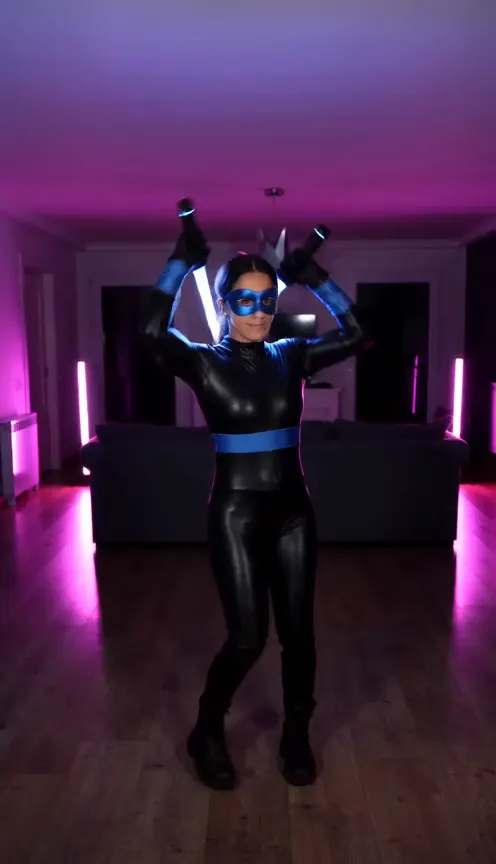
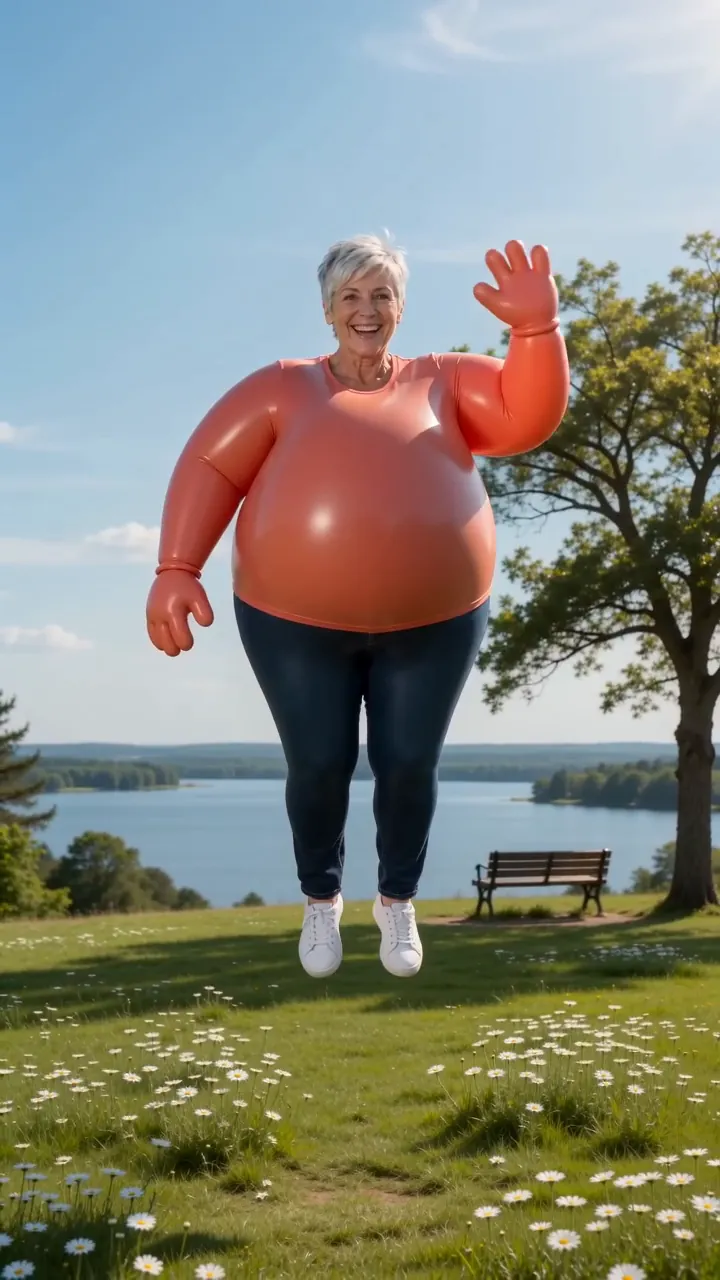
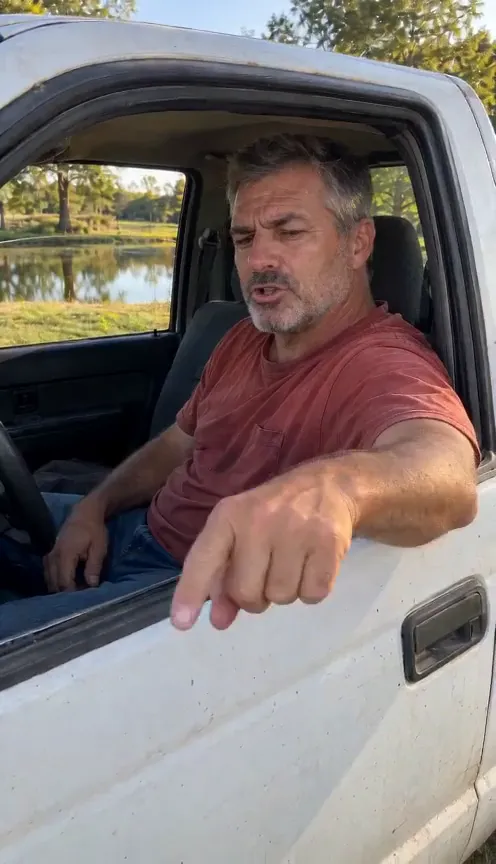
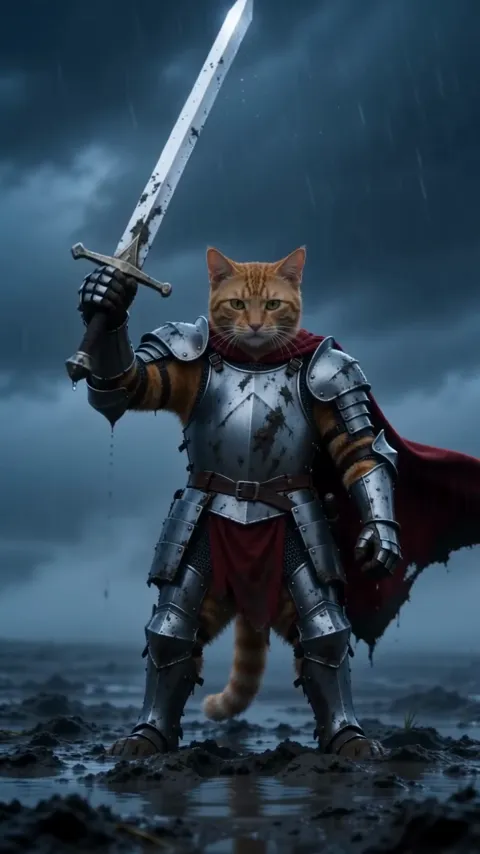
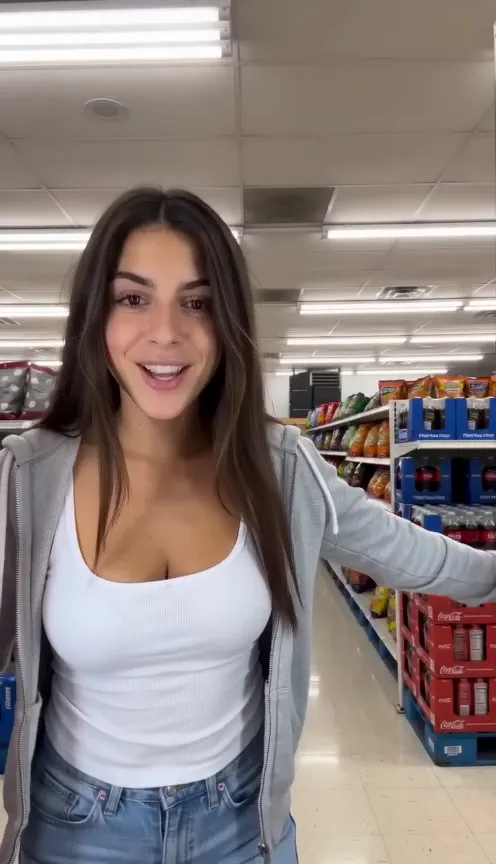
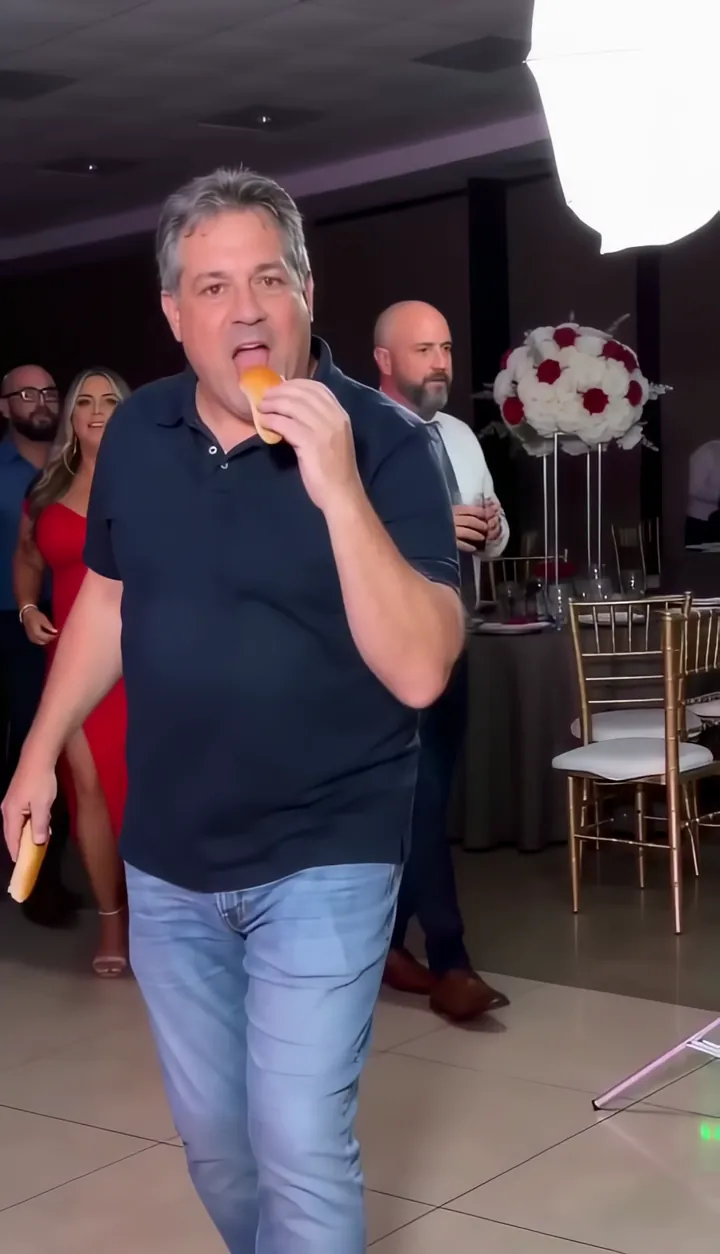
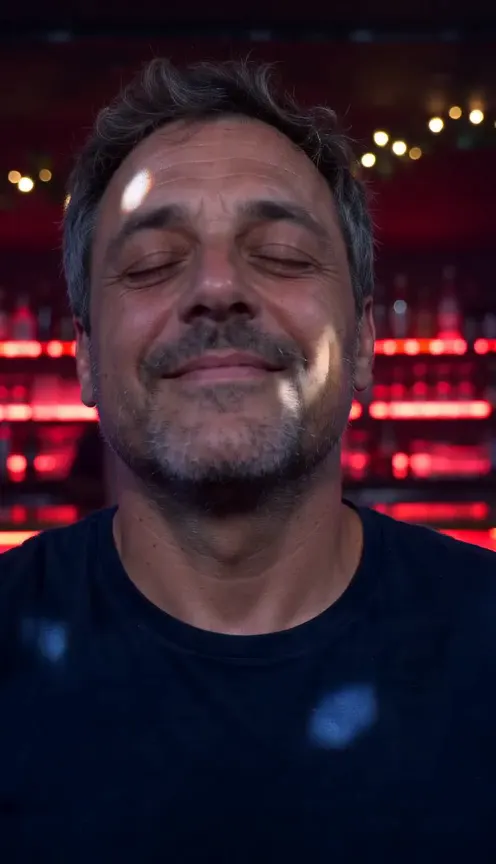
One selfie.
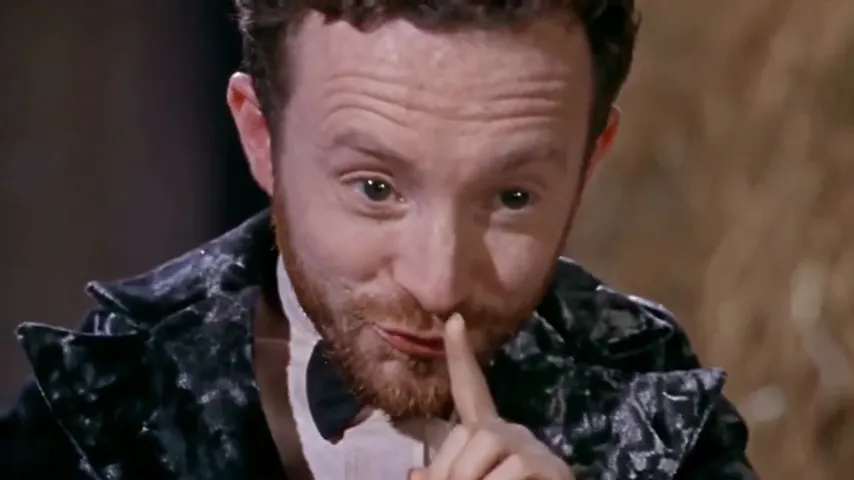
You in Anime Style.
Anime StyleNot charged if it fails