Neon Dance AI Generator
You and a friend dance the routine like a pop duo.
- 15-second video
- Widescreen
- With the trend sound
- Ready in 3 to 5 minutes
- Peek out from behind
- Finger guns
- In-sync high kick
Your photos
By adding a photo you confirm everyone in it is 18+ and agreed to have their face used for this. We use faces only to make what you ask for. How we handle faces
Video size
Quality
- Not charged if it fails
- Private till you share
- Photos gone in 7 days
What is the Neon Dance AI trend?
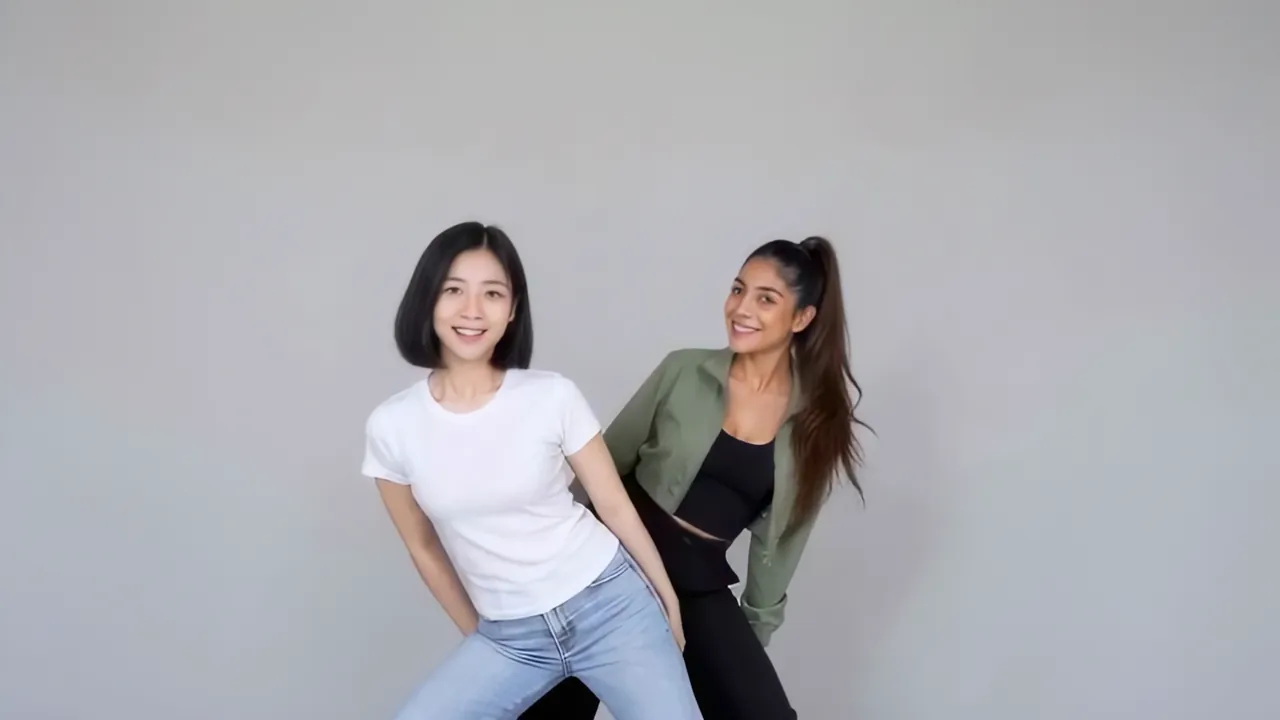
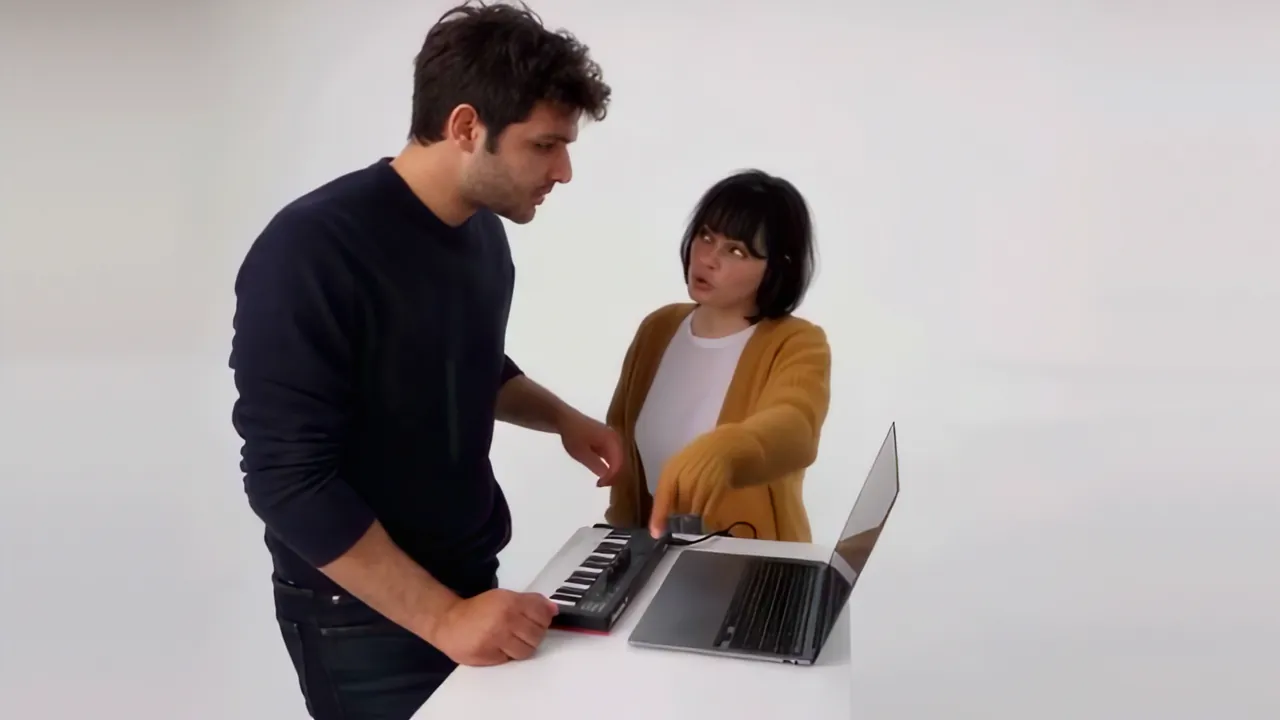
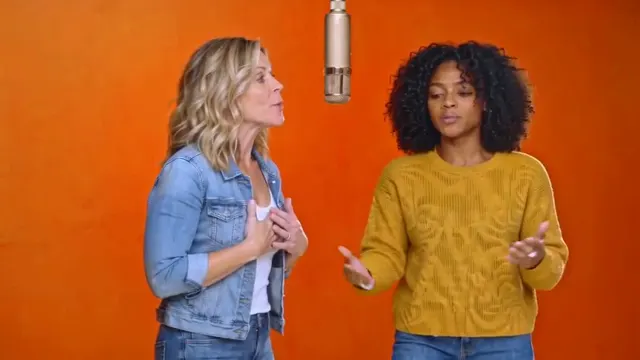
Neon Dance AI casts you and a friend as a pop duo doing the routine in a bright white studio. It’s cut like a music video: one of you stands front and center while the other hides right behind, then pops out grinning as you both sway on the beat. Quick shots follow, an arm reaching across the frame, a close-up of a wrist rolling, a whip pan, and then both of you pointing finger guns straight at the lens.
Then the camera goes wide and you dance the full routine in sync: bouncing steps, dropping low and springing back up, and a high side kick from one of you, before a close two-shot where you finish with both arms raised around your heads. Each of you keeps your own face, hair and the clothes from your photo, so you don’t need matching outfits. The plain white set keeps every eye on the two of you.
The video runs 15 seconds in widescreen, which keeps you both in the close-ups. There’s no music in it, so pick the trend sound in the TikTok or Reels editor. Make it with a best friend, a sibling or a partner, with their OK, and post it as your duo debut.
Updated
- TikTok, Reels
- #neondance
- For two people
In the 15 seconds
How to make the Neon Dance AI video
Three taps on your side. The rest happens on ours.
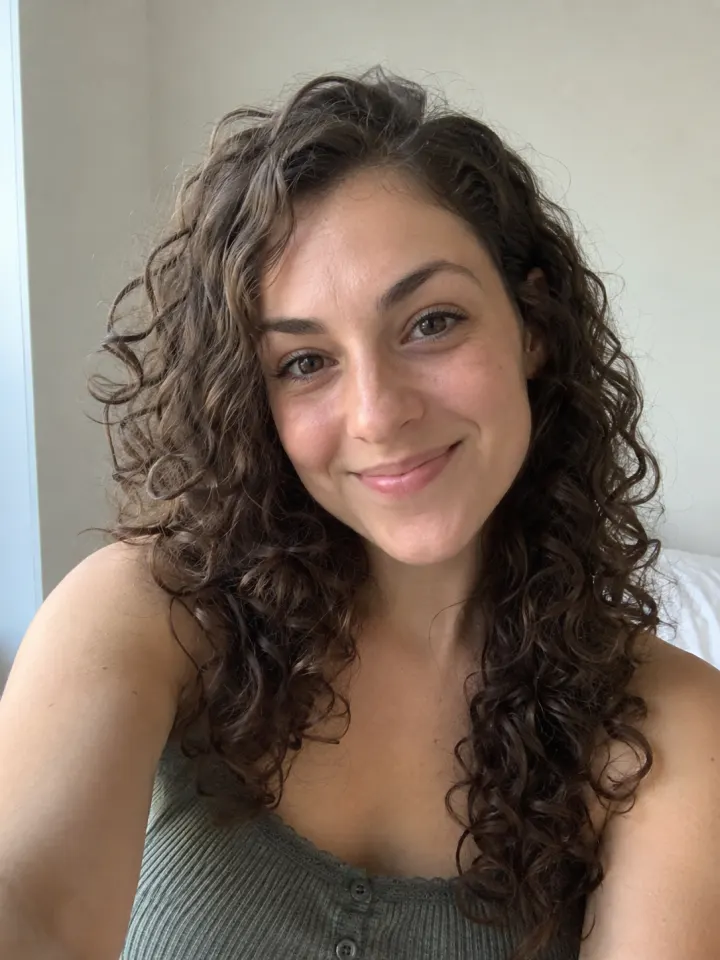
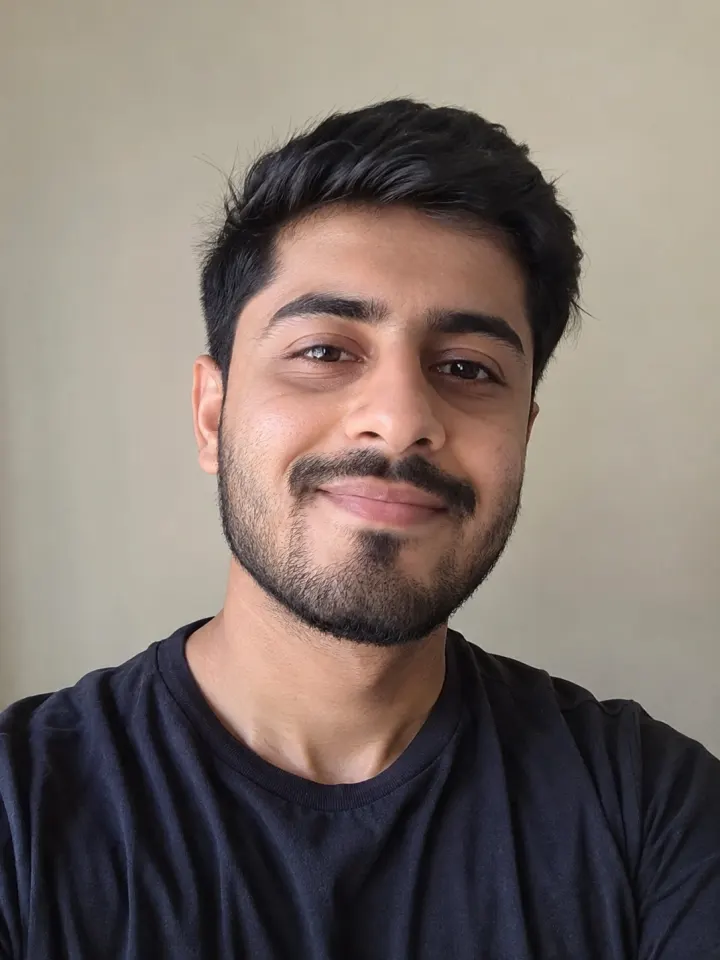 1
1Add two photos
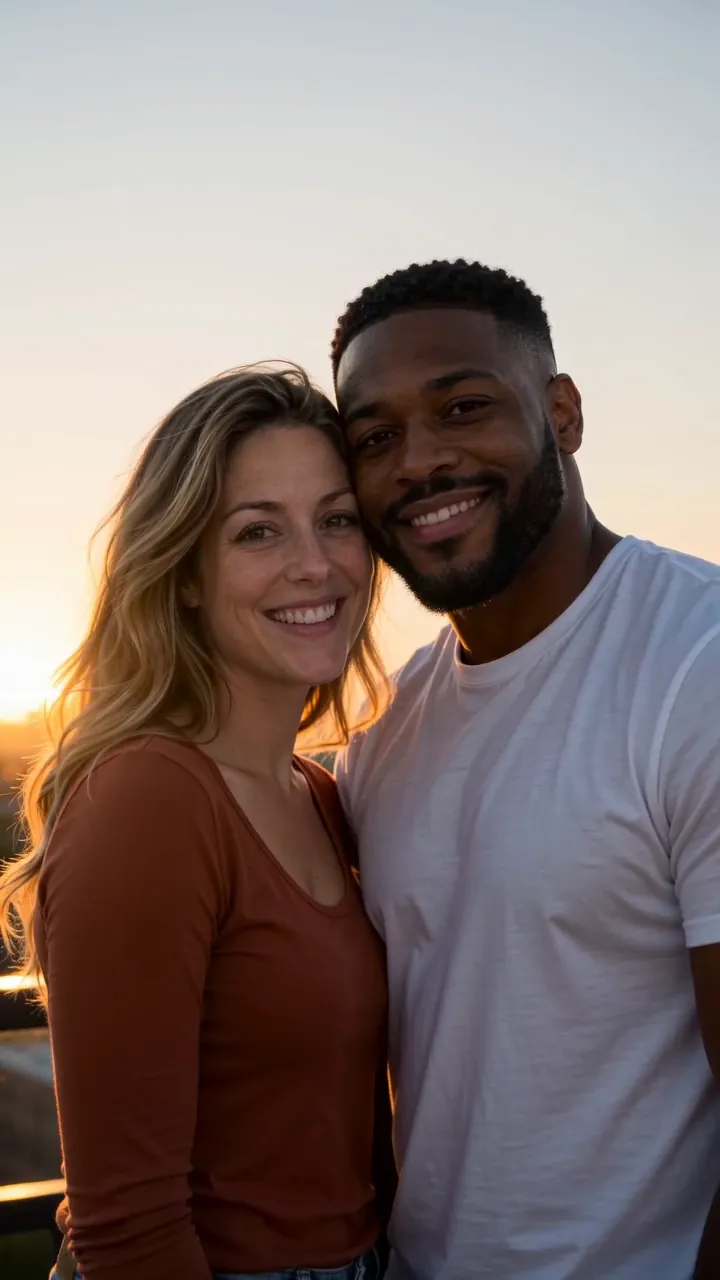
One clear, front-facing photo of each of you.
 Make our videoNeon Dance AI2
Tap Make our video
No prompt to write. The trend’s moves and music are built in.
- MP4 with soundShare link#neondance3
Post it
Download it with the trend sound and tag #neondance.
What you add, what you get
One Neon Dance AI run, from the photo in to the file out.
You add
- Two photos, one of each of you
- No prompt to write
- JPG, PNG or WebP, up to 10 MB
You get
- A 15-second Neon Dance AI video starring you two
- Widescreen, your pick
- HD 720p or standard 480p, with the trend sound
- Ready in 3 to 5 minutes, credits back if it fails
- Private until you share it; no watermark after your first purchase
Best photo for Neon Dance AI
Face the camera in good light. The clearer the face, the more it looks like you.
Works
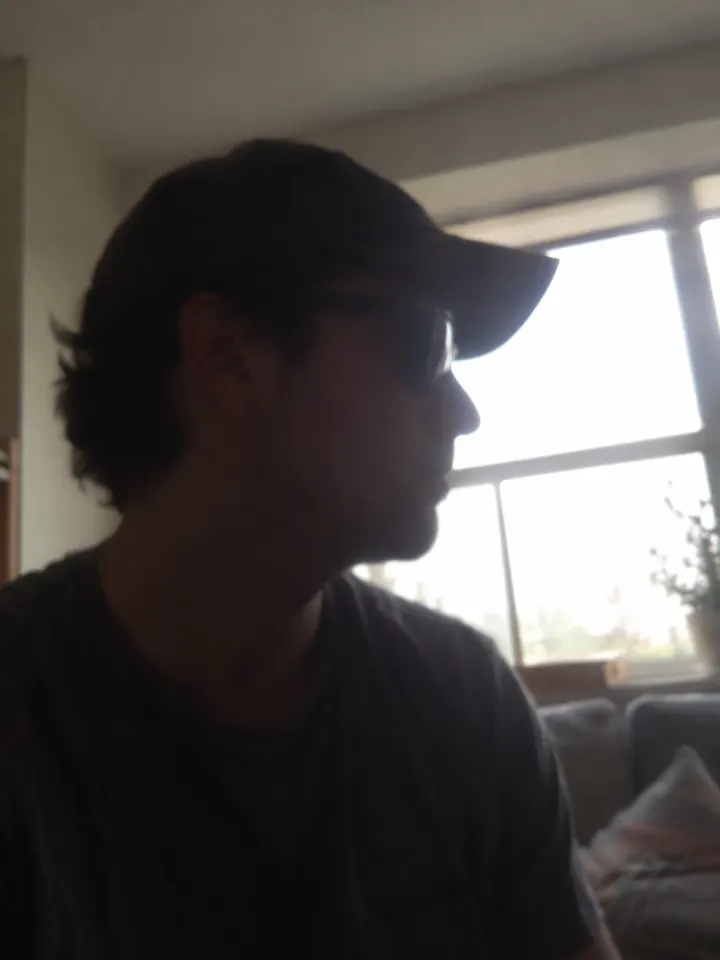
Turned away
Too dark
Blurry
Face too small
- One person per photo
- Head to toe if you can
- Faces clear and lit
- Two people in one photo
- Hats or caps
- Dark, blurry photos
Ideas to try with Neon Dance AI
Who to put in it, and what to say when you post it.
Debut era. #neondance
Trend soundWho to make it for
- Best friend debutPost it as your official duo announcement. Matching outfits not required.
- Long-distance friendsEach of you sends a photo, and you dance together without being in the same city.
- Sibling rivalryMake one with your sibling and let the comments decide who has the better kick.
- Birthday surpriseMake one with the birthday friend’s photo, with their OK, and post it on the day.
Caption ideas · tap to copy
Neon Dance AI questions
The short answers. Ask a person or visit the help center.
Do we need to be in the same photo?
No. Upload two photos, one of each of you. The person in the first photo stands in front at the start, with the second hidden behind.
Can I make it alone?
No. Neon Dance AI is a duo routine and needs two people, one photo each.
Why is it widescreen?
The routine is cut like a music video with close two-shots, and a wide frame keeps both of you in them. It still posts to TikTok and Reels, and it suits YouTube too.
Is Neon Dance AI free?
Not free, but you can try Reelfie first: every new account gets one photo trend free, no card needed. Neon Dance AI itself starts at $9.90 for a credit pack, with no watermark once you buy, and a run that fails costs nothing.
How much does Neon Dance AI cost?
150 credits in HD (720p), 75 in standard (480p). A pack from $9.90 makes 1 in HD or 2 in standard, and a plan from $16.58/mo, billed yearly, makes 3 in HD a month. The Make button shows the total before it runs, and a run that fails gives the credits back.
What app makes the Neon Dance AI video?
Reelfie (reelfie.app) makes it from a photo of each of you, with no prompt to write: the trend’s look is built in. It costs 150 credits, shown before it runs, and a run that fails costs nothing.
Is Reelfie the official Neon Dance AI app?
No. Neon Dance AI is a trend, and no app owns it. Reelfie (reelfie.app) is independent, not affiliated with TikTok, CapCut or the trend’s creators; it makes your own version from your photo.
Can I make Neon Dance AI with ChatGPT, Gemini or CapCut?
Partly. ChatGPT and Gemini can write a prompt, and AI video tools, CapCut’s included, can turn a photo into a clip from it, usually after a few tries and with a watermark on free tiers. They don’t know this trend’s scene or timing. Here both are built in, so one photo is all it takes.
How long does it take?
Most videos are ready in 3 to 5 minutes. You can close the page; the video keeps going and waits for you in Assets.
Can two people be in it?
Yes, it is made for two. Add one photo for each person.
Why does the face not look like me?
Usually the photo: side angle, low light or something covering the face. Try a clear front photo. If one doesn’t come out, you are not charged.
Can I post it on TikTok?
Yes. The video is vertical with the trend sound, and after your first purchase it has no watermark. Pick the trend’s sound when you post and your video also shows on that sound’s page.
Who can see my video?
Only you. It stays private in Assets until you create a share link.
What happens to my photos?
Your photos are deleted 7 days after upload and never used to train AI.
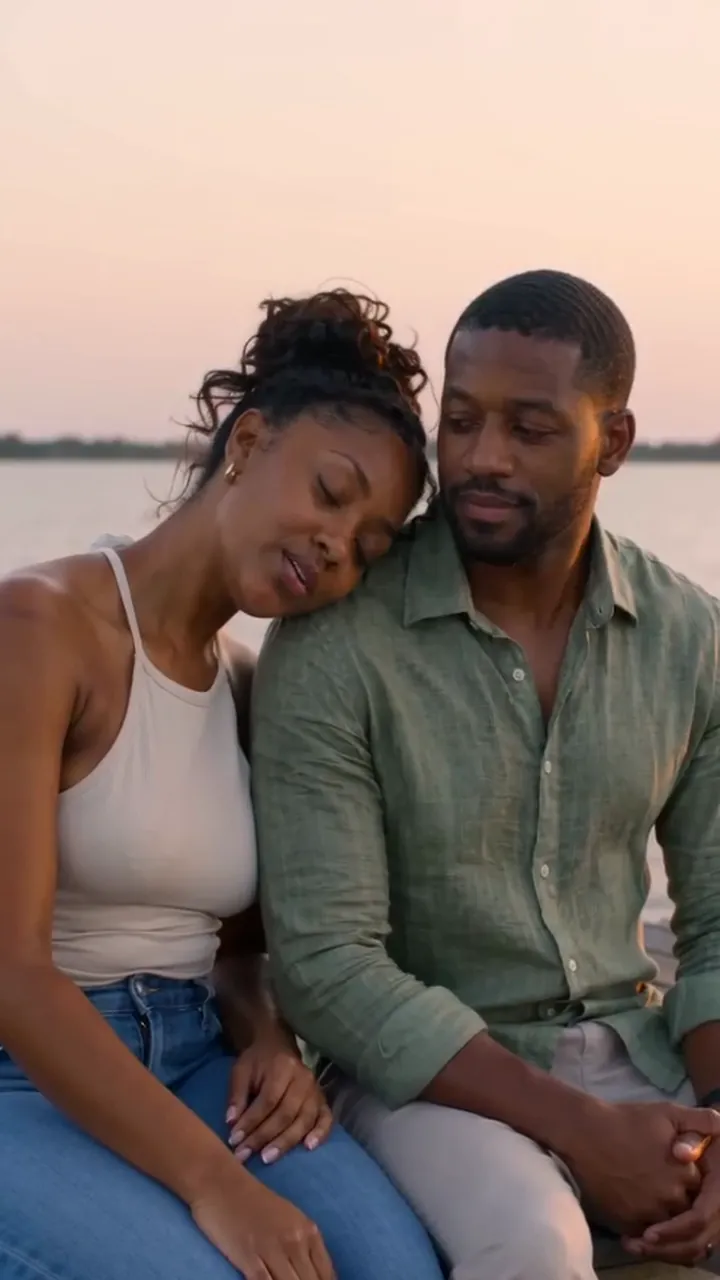
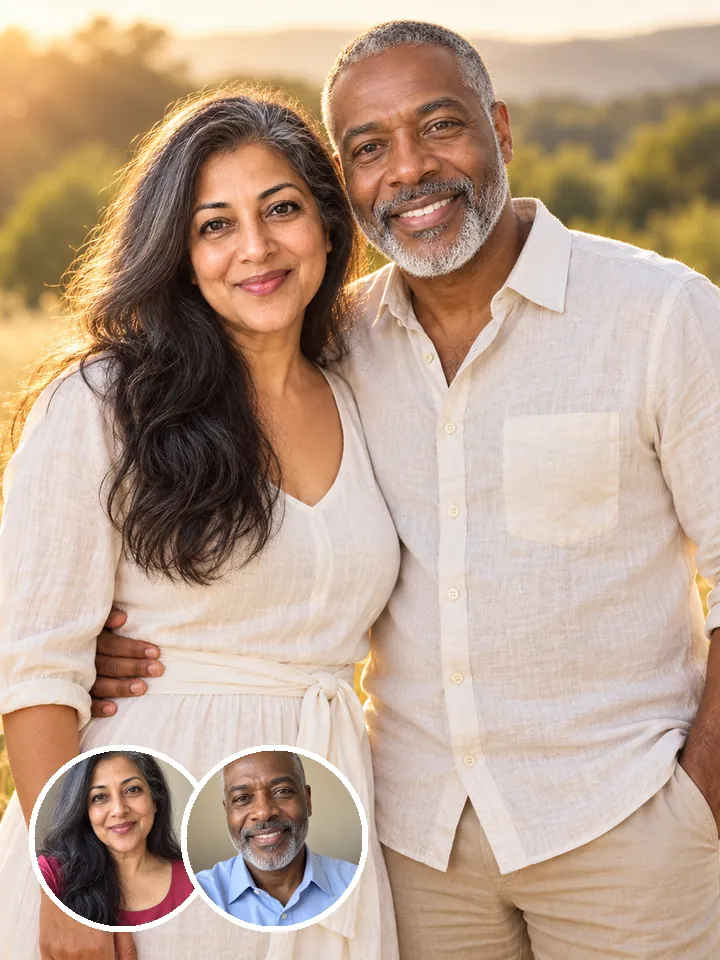
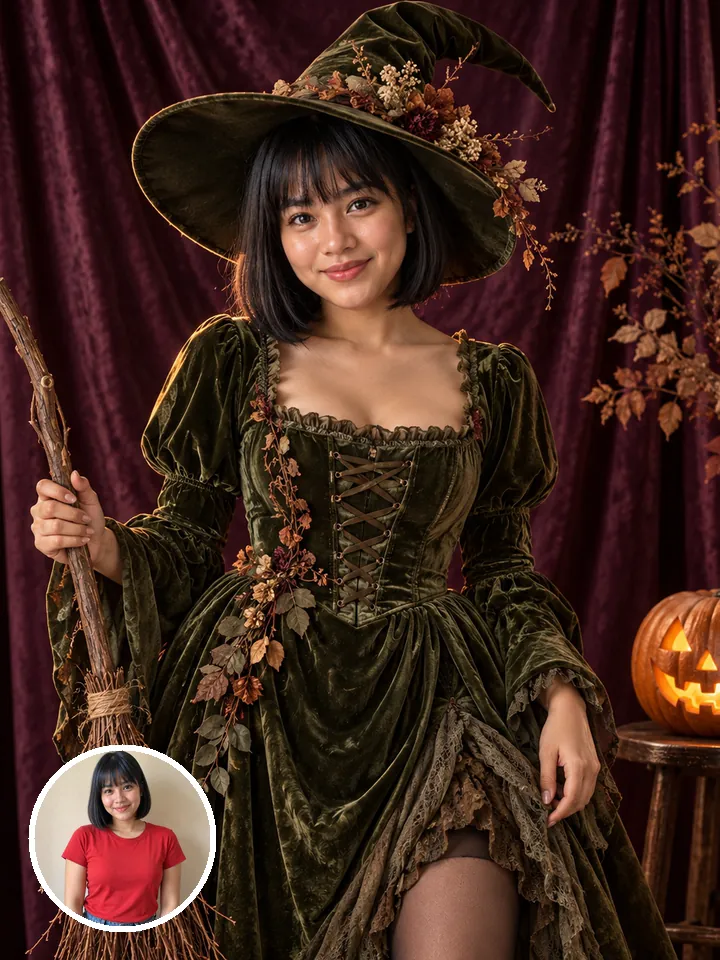
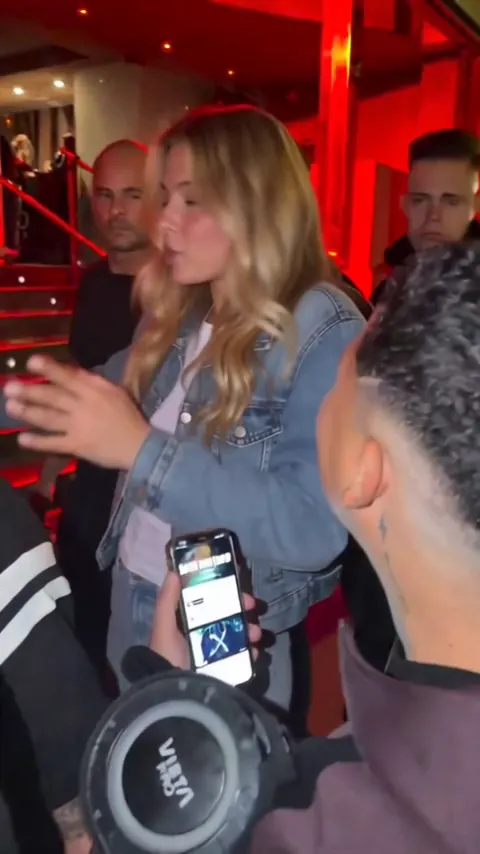
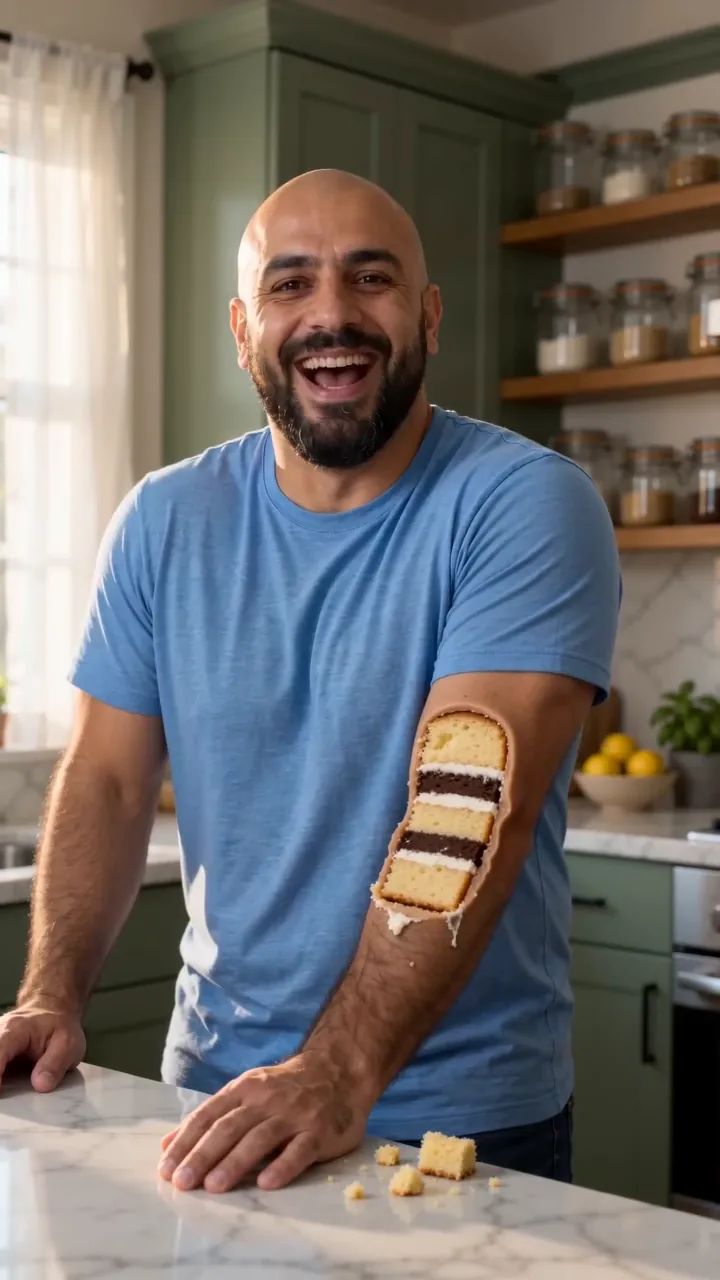
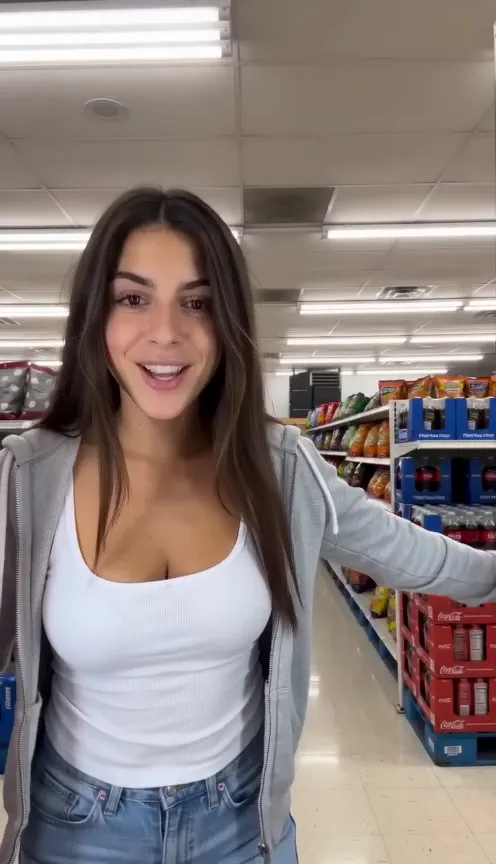
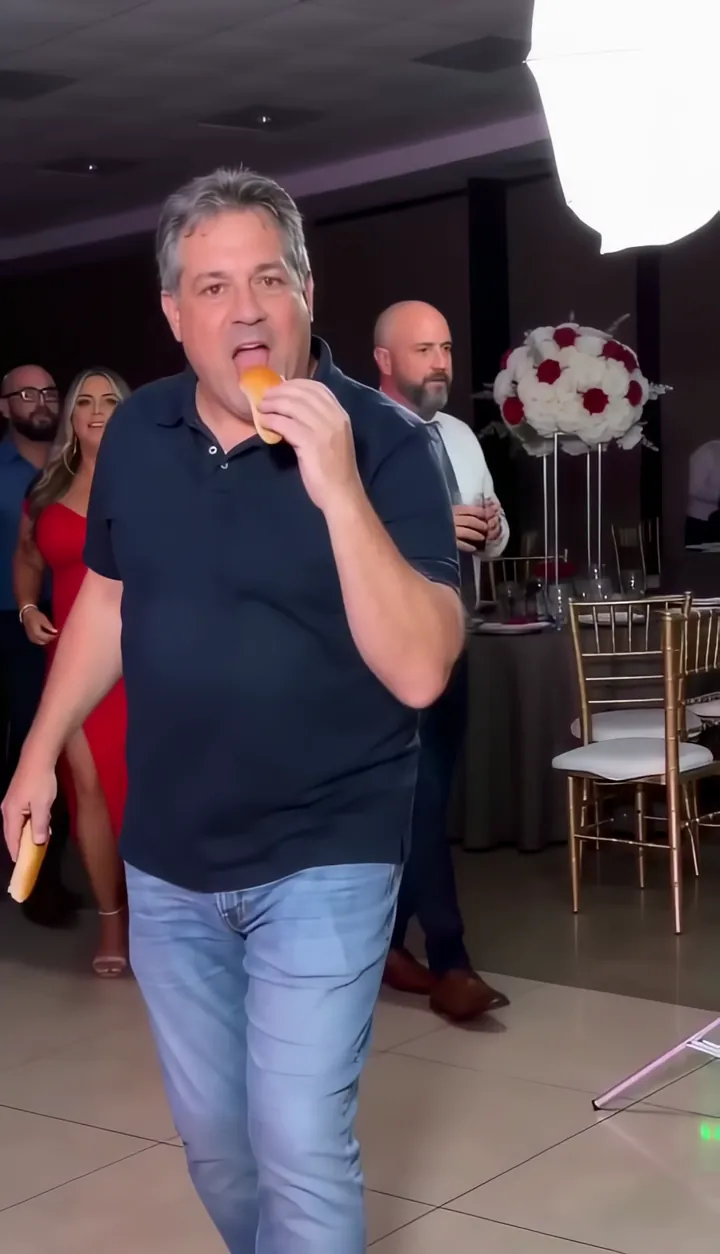
Two photos.
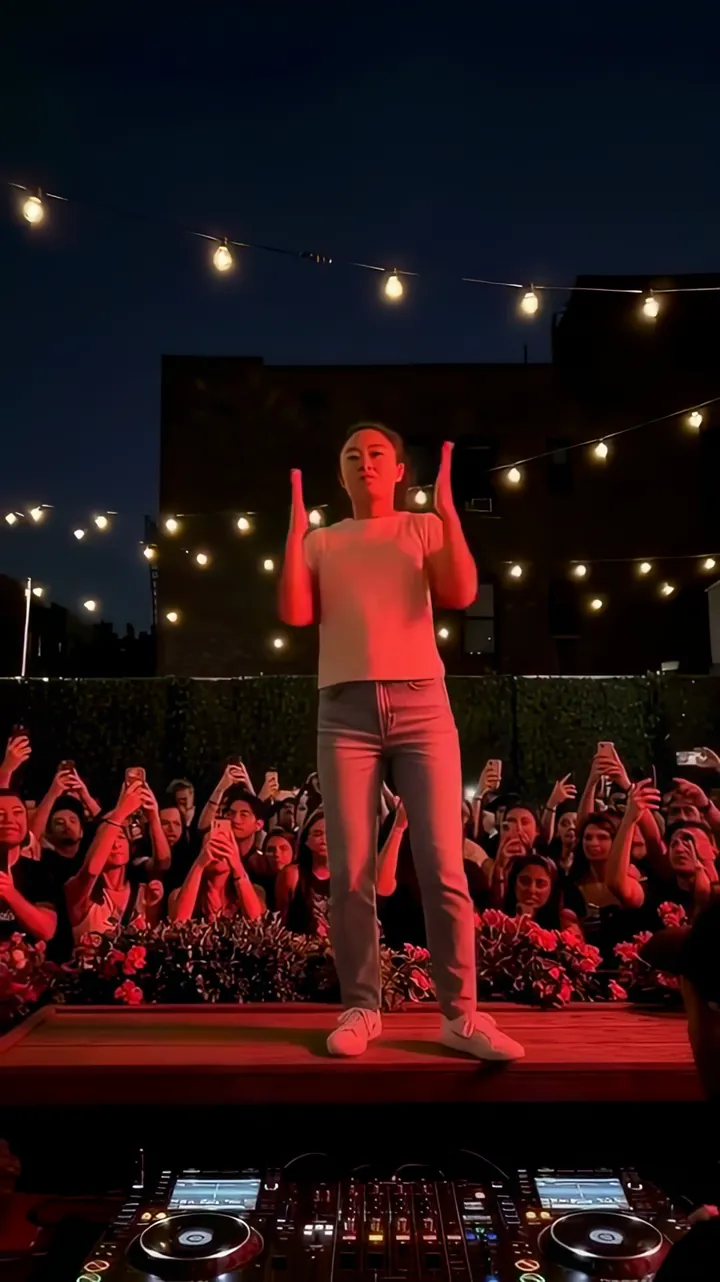
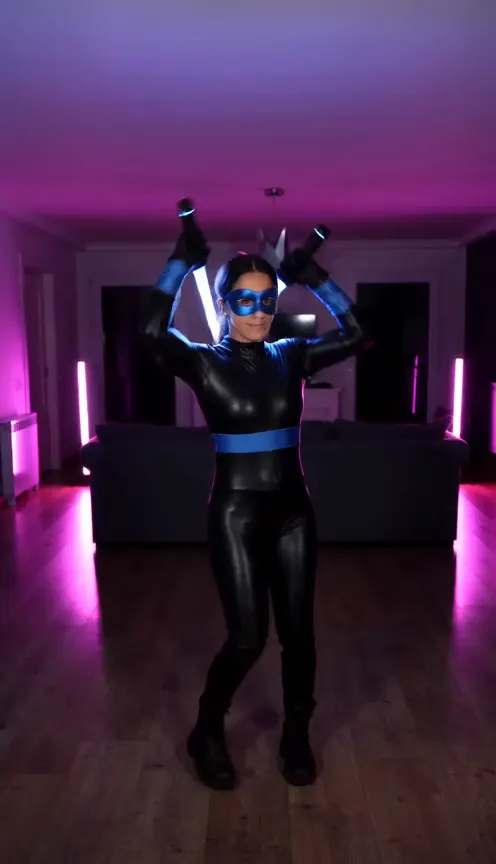
You two in Neon Dance AI.
Neon Dance AINot charged if it fails