Grok Imagine Image AI image generator
All results are AI-generated and labeled.
0 / 1500
Describe what to make.
By adding a photo you confirm everyone in it is 18+ and agreed to have their face used for this. We use faces only to make what you ask for. How we handle faces
Your images
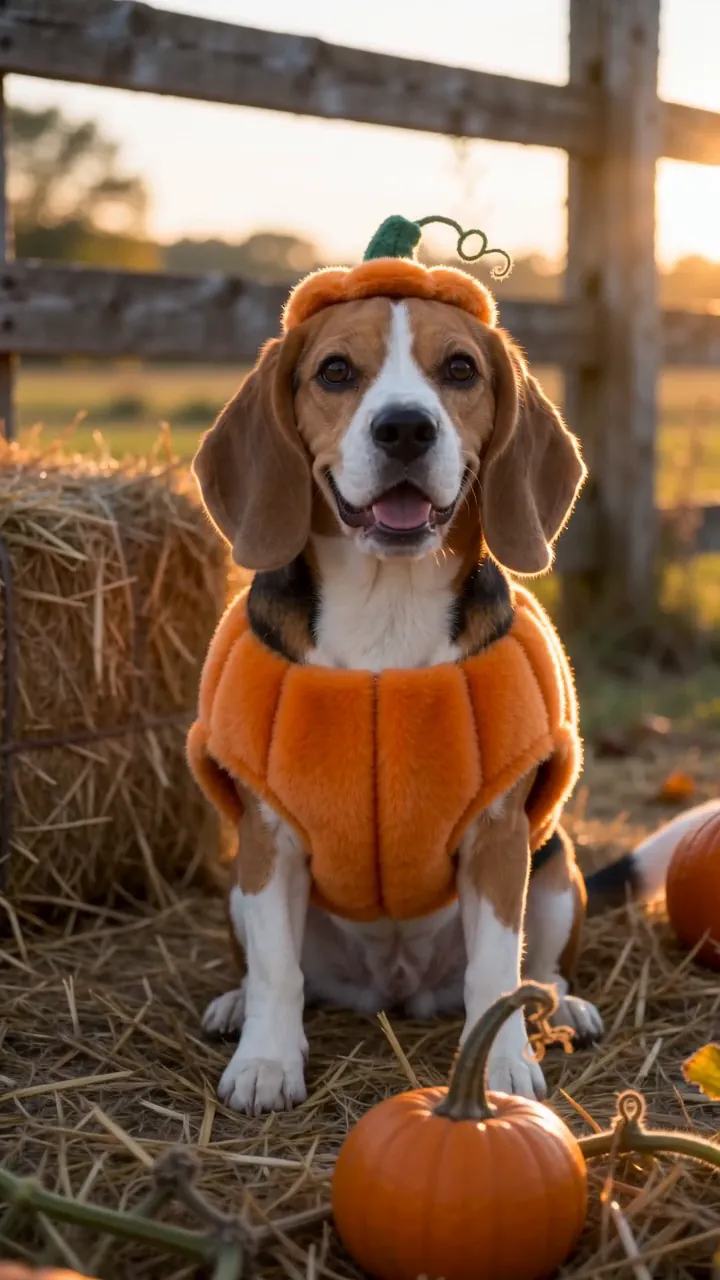 Example · Pumpkin pup
Examples show what each idea aims for. They are illustrations, not output from a particular model.
Bold, playful looks
Saturated color and big personality, made for memes and posts that stop the scroll. The look leans fun, not subtle, which suits stickers, reaction images and covers. Say the mood in a word or two, like “loud, retro, 80s mall”. Ready-made playful styles are in photo styles.
A golden retriever in a pumpkin costume sitting on autumn leaves by a porch full of jack-o’-lanterns, warm evening light
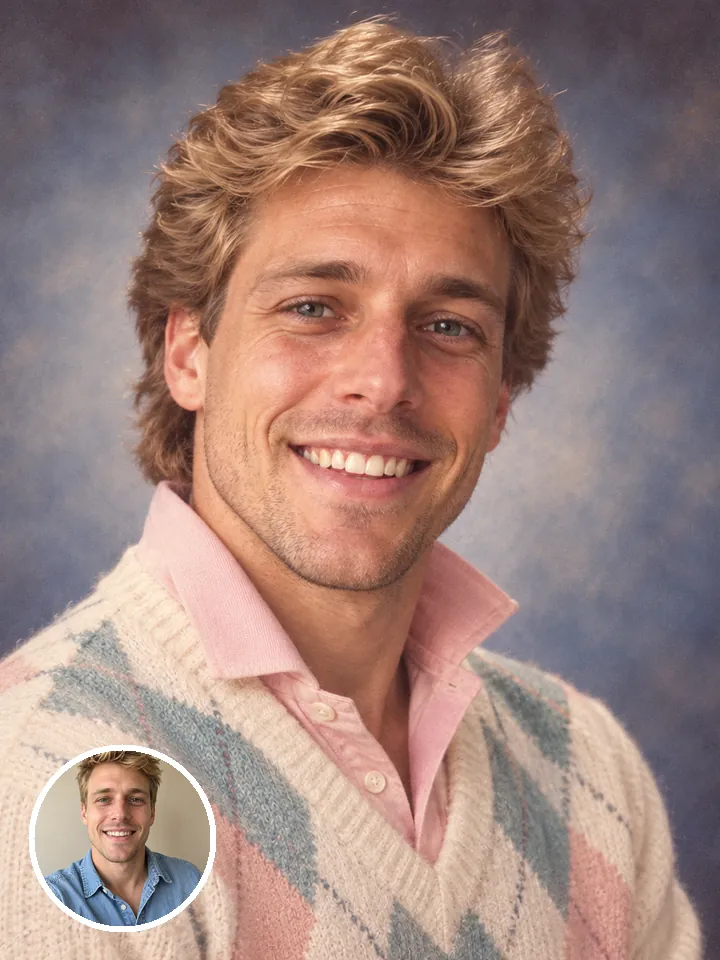
Fun ideas land
Pets in costumes, retro portraits and odd mash-ups come out the way they sound. Write the joke plainly, like “a corgi in a tiny astronaut suit”, and the picture plays it straight. Pet ideas with the prompt ready are in pet trends.
An 80s yearbook portrait of a smiling woman with big permed hair and a pastel sweater, laser backdrop, soft studio flash
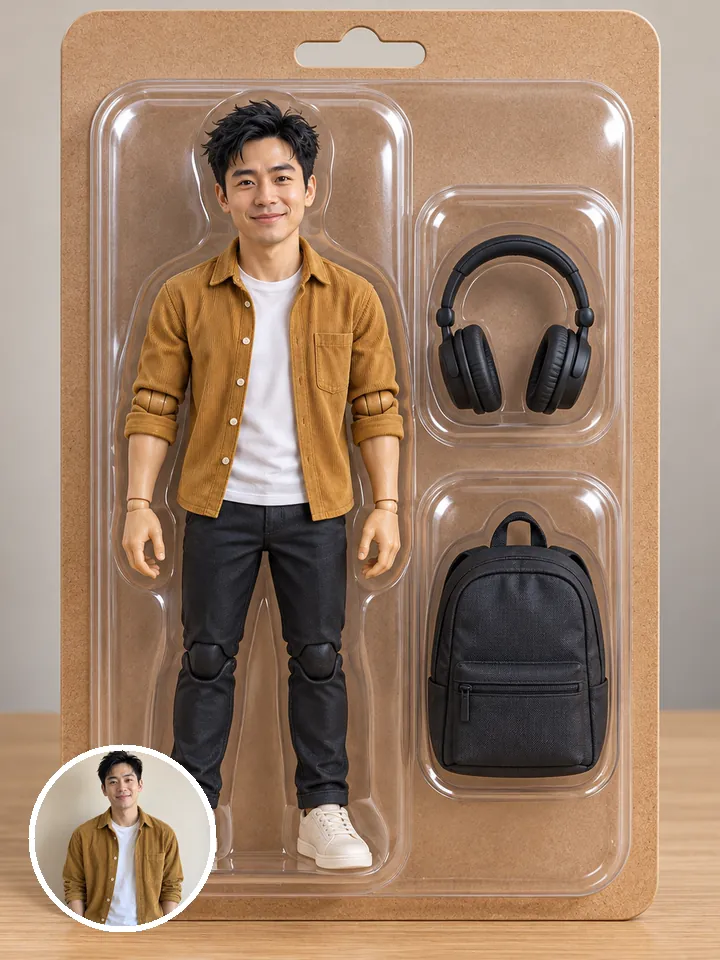
Photo or text
Start from a prompt alone, or add a photo to restyle it. With a photo, say what to keep, like “same face, same pose”, and what to change. Want the result moving? Take it to image to video.
A boxed action figure of a man in a grey hoodie and black joggers, with a coffee cup, a phone and sneakers as accessories, on a toy-shop shelf
What people make with Grok Imagine Image
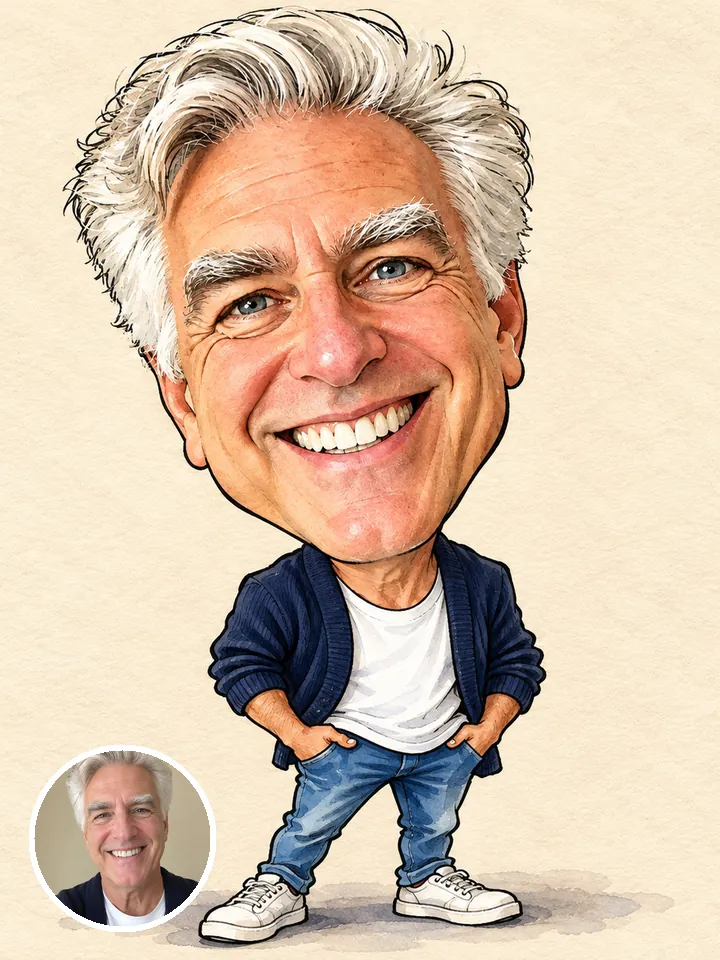 Memes and reactions
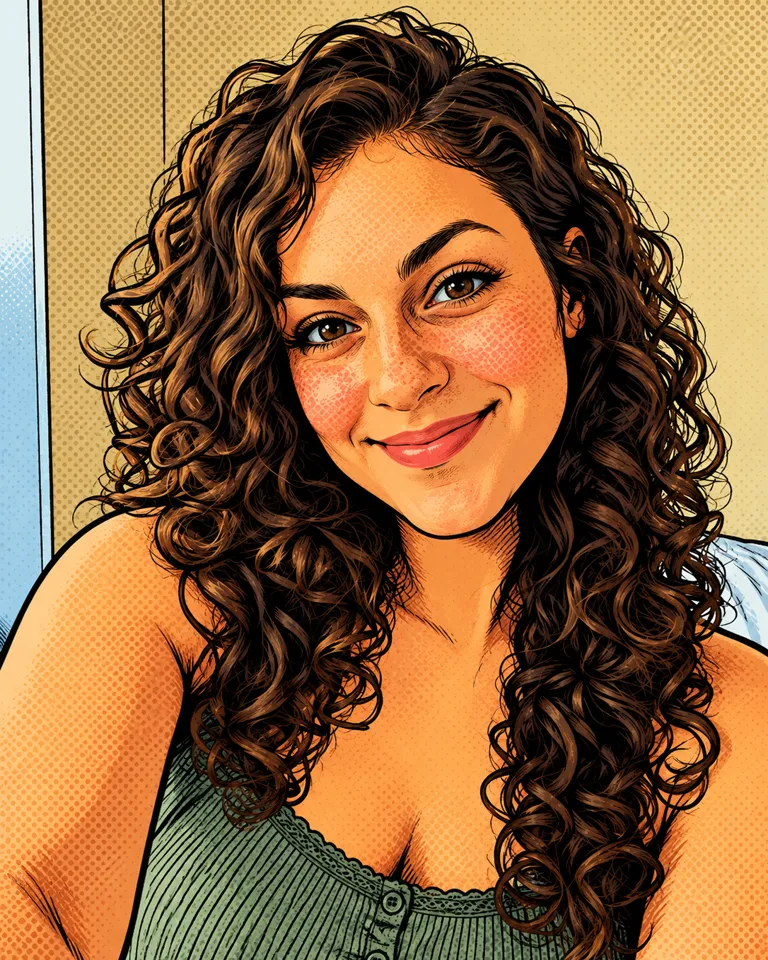 Pet costumes
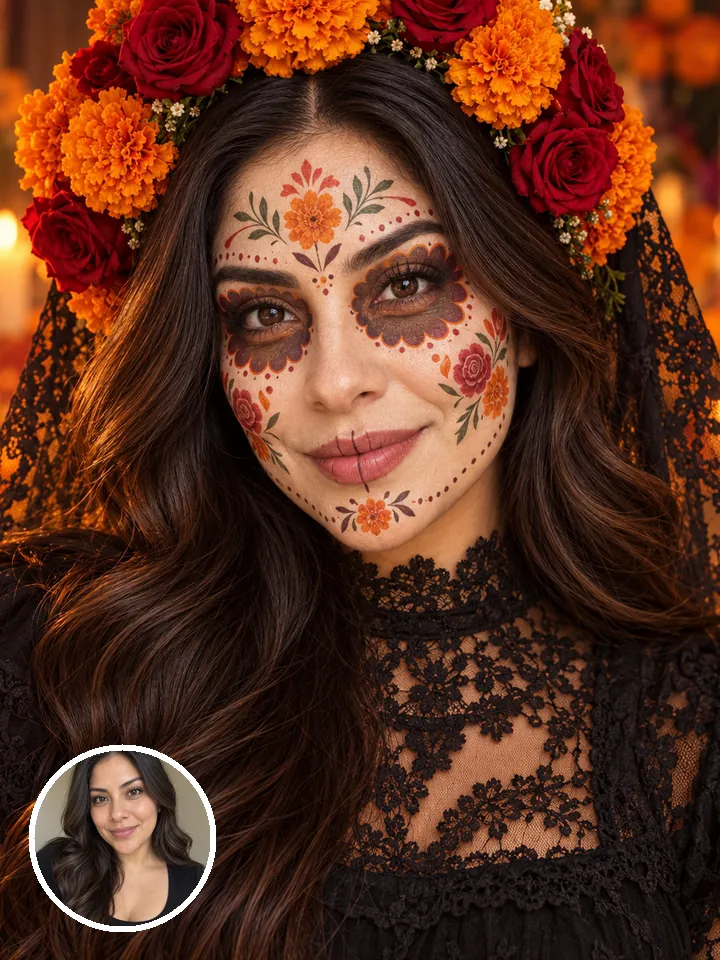 Retro portraits
- Party invites
- Profile pictures
Pictures are illustrations of the kind of result, not outputs of Grok Imagine Image.
How to use Grok Imagine Image in 3 steps
- Optional
A golden retriever in a pumpkin costume sitting on autumn leaves by a porch full of jack-o’-lanterns, warm evening light
1Write a prompt
Describe the image, or add a photo and say what to change.
- 1:13:44:3Grok Imagine Image 2.0Generate2
Pick the shape
Choose the aspect ratio, the resolution and how many images to make in one go.
- PNGShare link3
Generate and download
The button shows the cost first. Your images land in the feed, ready to download.
When to pick another model
Other models do other jobs. All of them run in the same composer.
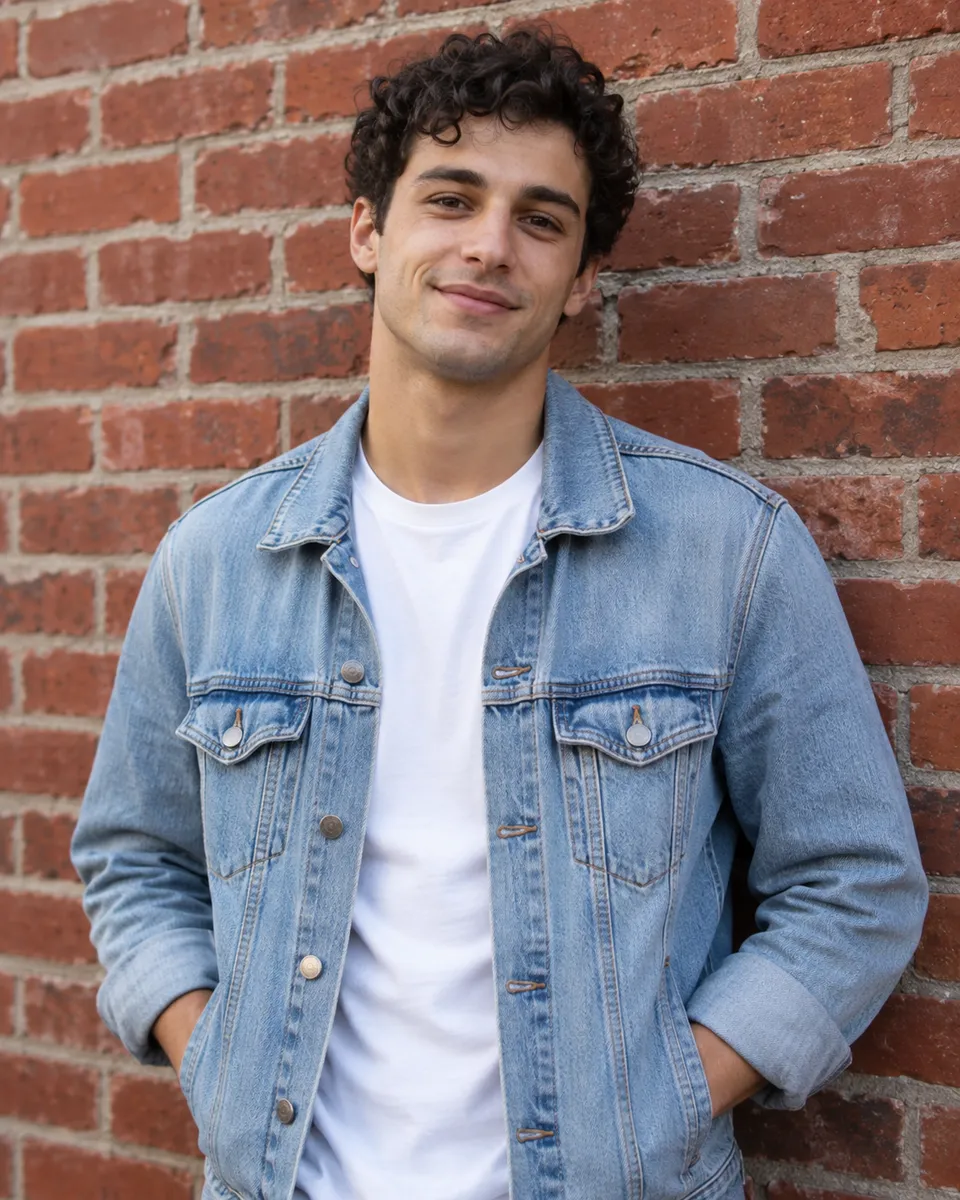
Grok Imagine Image FAQ
Compare all modelsIs Reelfie the official Grok Imagine Image site?
No. Grok Imagine Image is made by xAI. Reelfie is an independent studio that runs it for you next to other models, with one account and one set of credits. Reelfie isn’t affiliated with xAI.
How much does Grok Imagine Image cost on Reelfie?
From 2 credits a image, depending on the version and the resolution. The Generate button shows the exact cost before you start, and a run that fails costs nothing.
Can I use Grok Imagine Image with my own photo?
Yes. Add a photo of yourself, or of someone who agreed, and nobody under 18. Your photos are deleted 7 days after upload and never used to train AI.
Do I need a xAI account?
No. Your Reelfie account runs Grok Imagine Image and every other model here on the same credits. You don’t sign up with xAI or bring a key.
What if a render fails?
You get the credits back automatically, and the run shows Retry in your feed.
Model names belong to their makers. Reelfie isn’t affiliated with xAI.