Muse Image AI image generator
All results are AI-generated and labeled.
0 / 1500
Describe what to make.
By adding a photo you confirm everyone in it is 18+ and agreed to have their face used for this. We use faces only to make what you ask for. How we handle faces
Your images
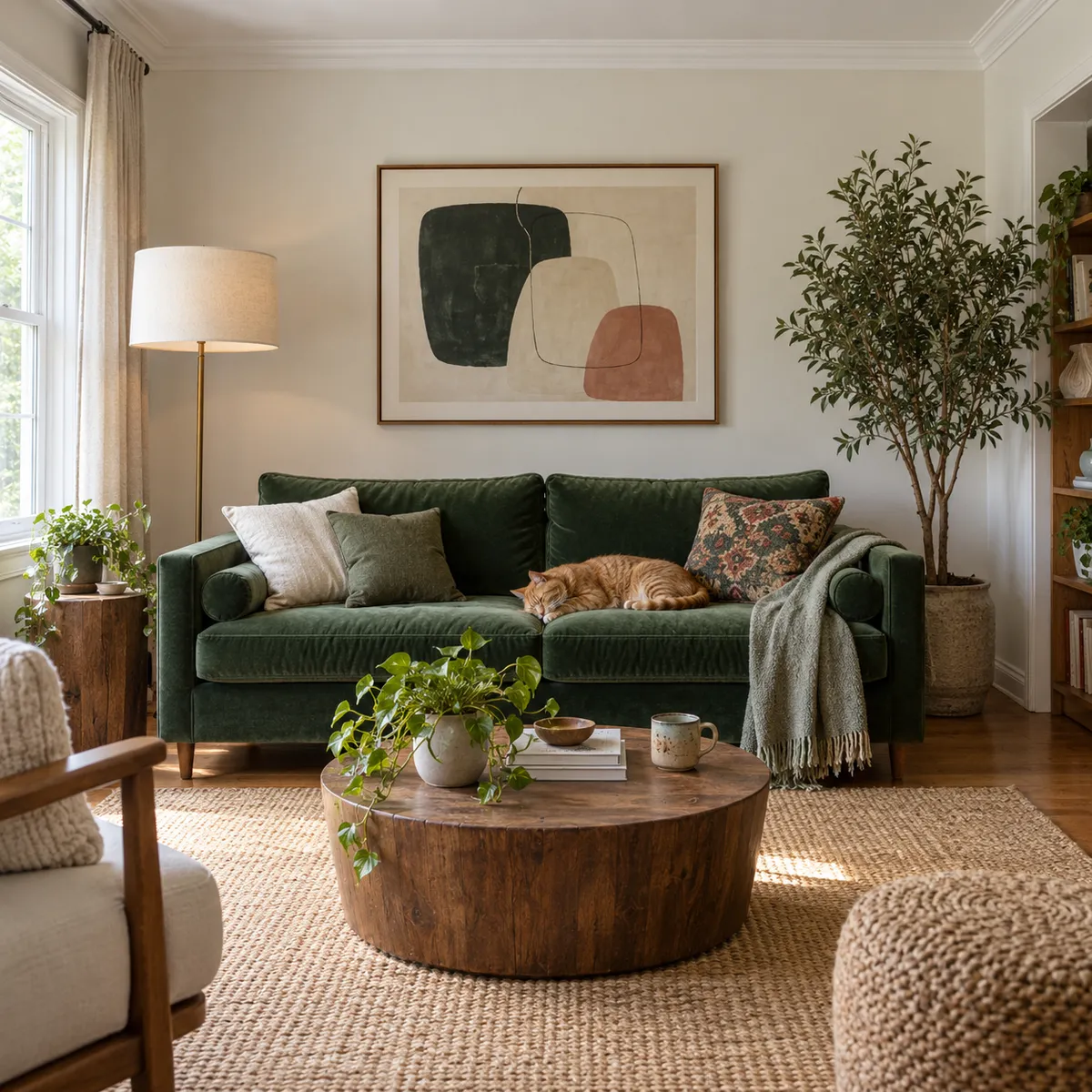 Example · Calm living room
Examples show what each idea aims for. They are illustrations, not output from a particular model.
2 credits an image
At 2 credits a run, try a dozen ideas before you spend more. It’s the place to find the idea: the angle, the setting, the joke. Once one works, run the same prompt on a model with more detail. Every family’s price is on the models page.
A calm living room with a green velvet sofa, a ginger cat asleep on a cushion, abstract art on the wall, a round wooden table with a plant
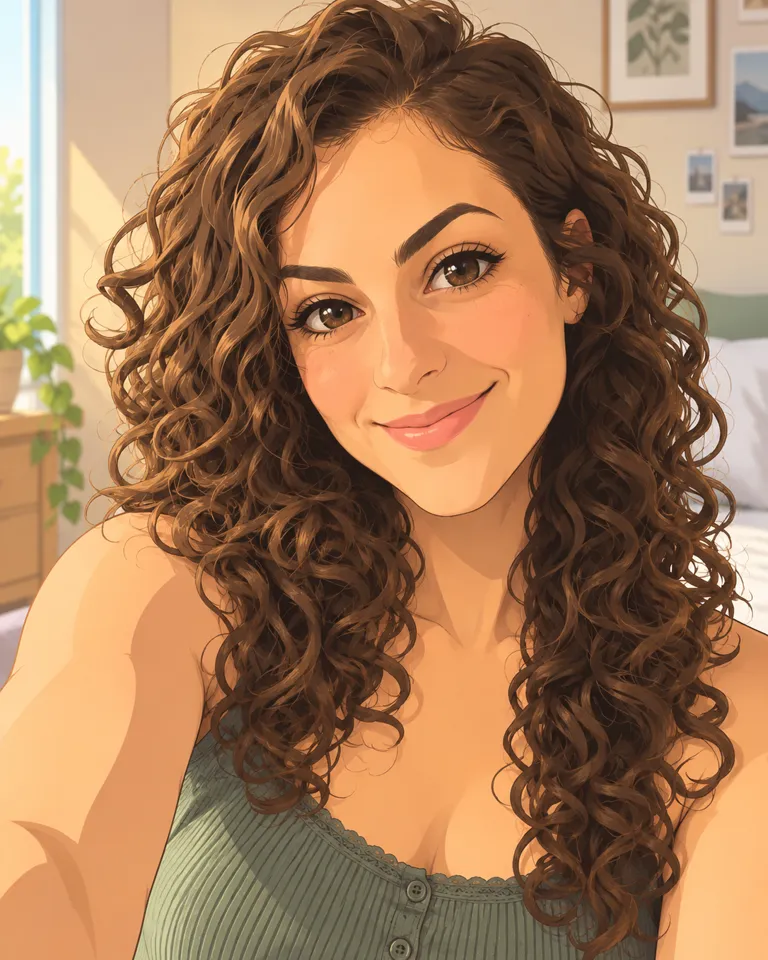
Made for squares
Every image is 1:1, ready for profile pictures, feed posts and thumbnails. There’s no shape to pick, so you go straight to the prompt. Need it wider later? The AI image extender adds room around the edges.
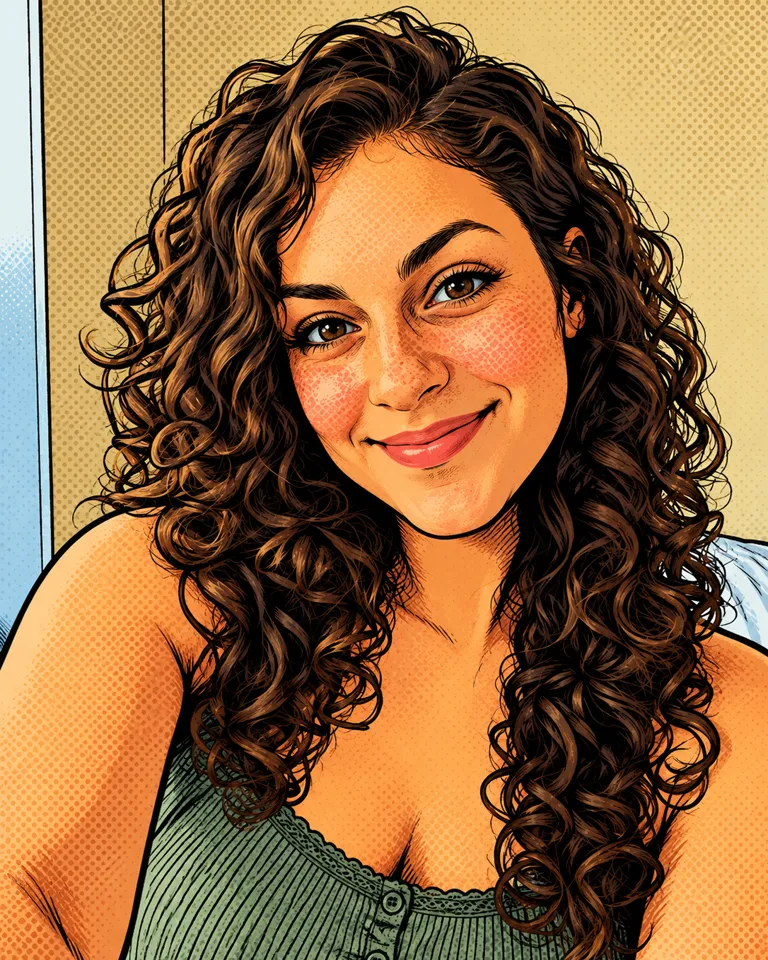
Flat illustrated avatar of a woman with long curly hair, clean lines, soft shading, beige background
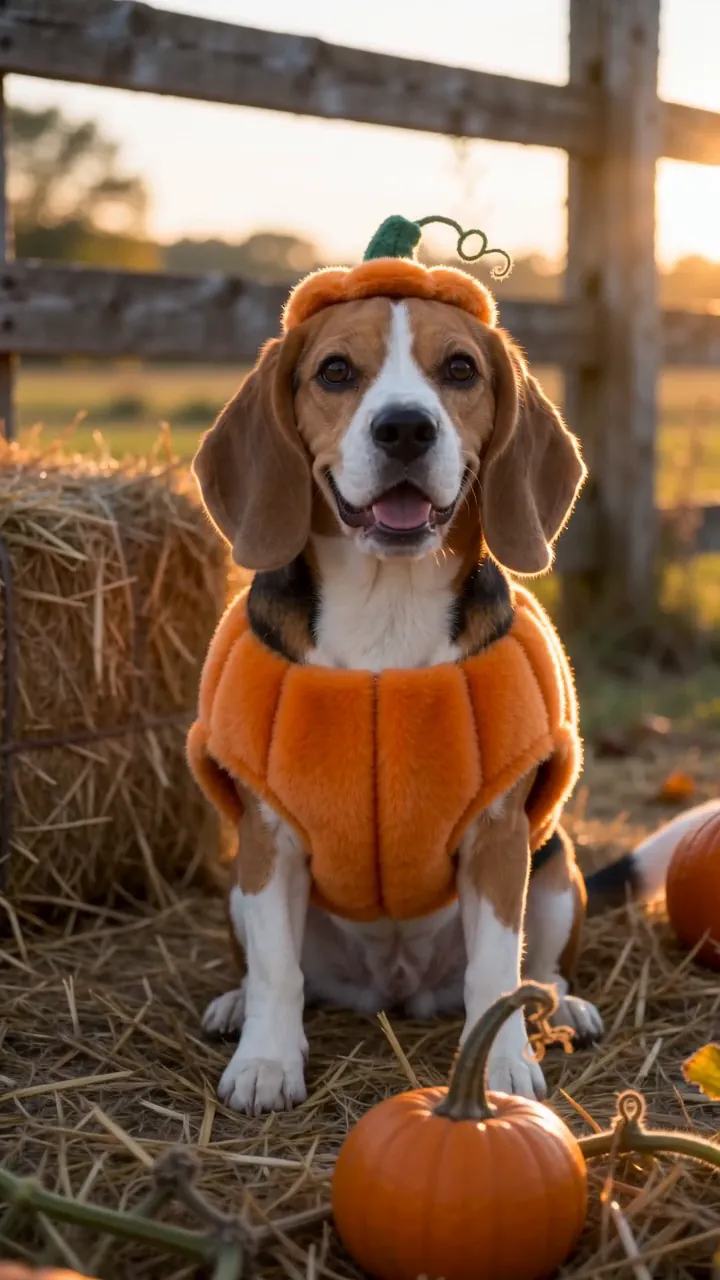
Quick drafts
Rough out a look here, then run the keeper on a model with more detail. Keep the prompt short on drafts and add detail only once the idea is right. To make a draft bigger instead of starting over, try the image upscaler.
A golden retriever in a pumpkin costume sitting on autumn leaves by a porch full of jack-o’-lanterns, warm evening light
What people make with Muse Image
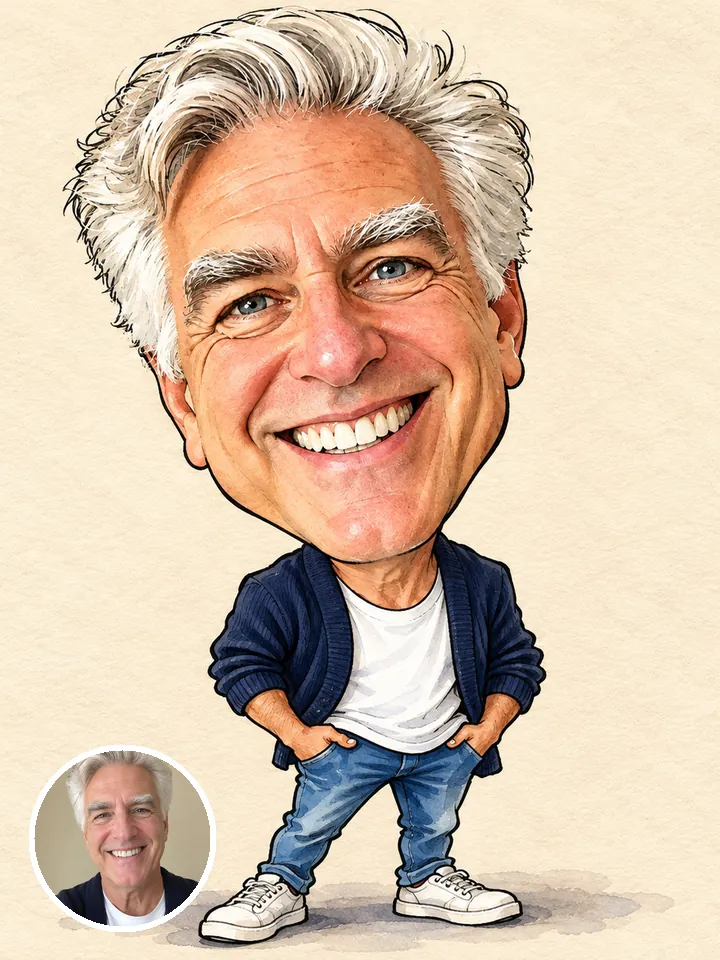 Profile pictures
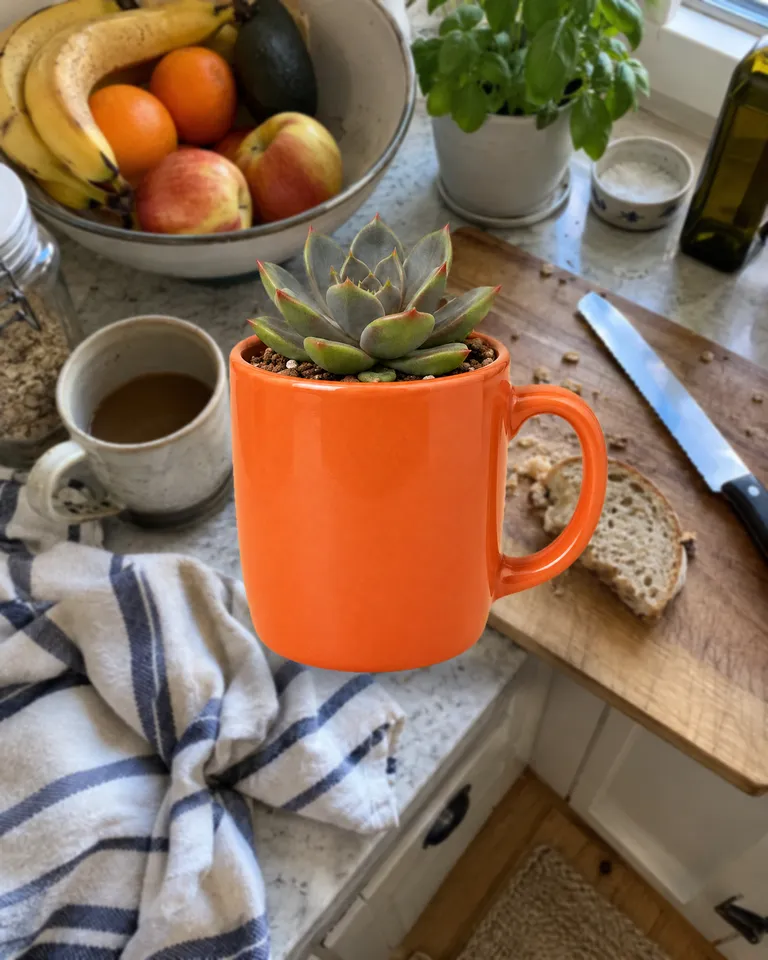 Feed posts
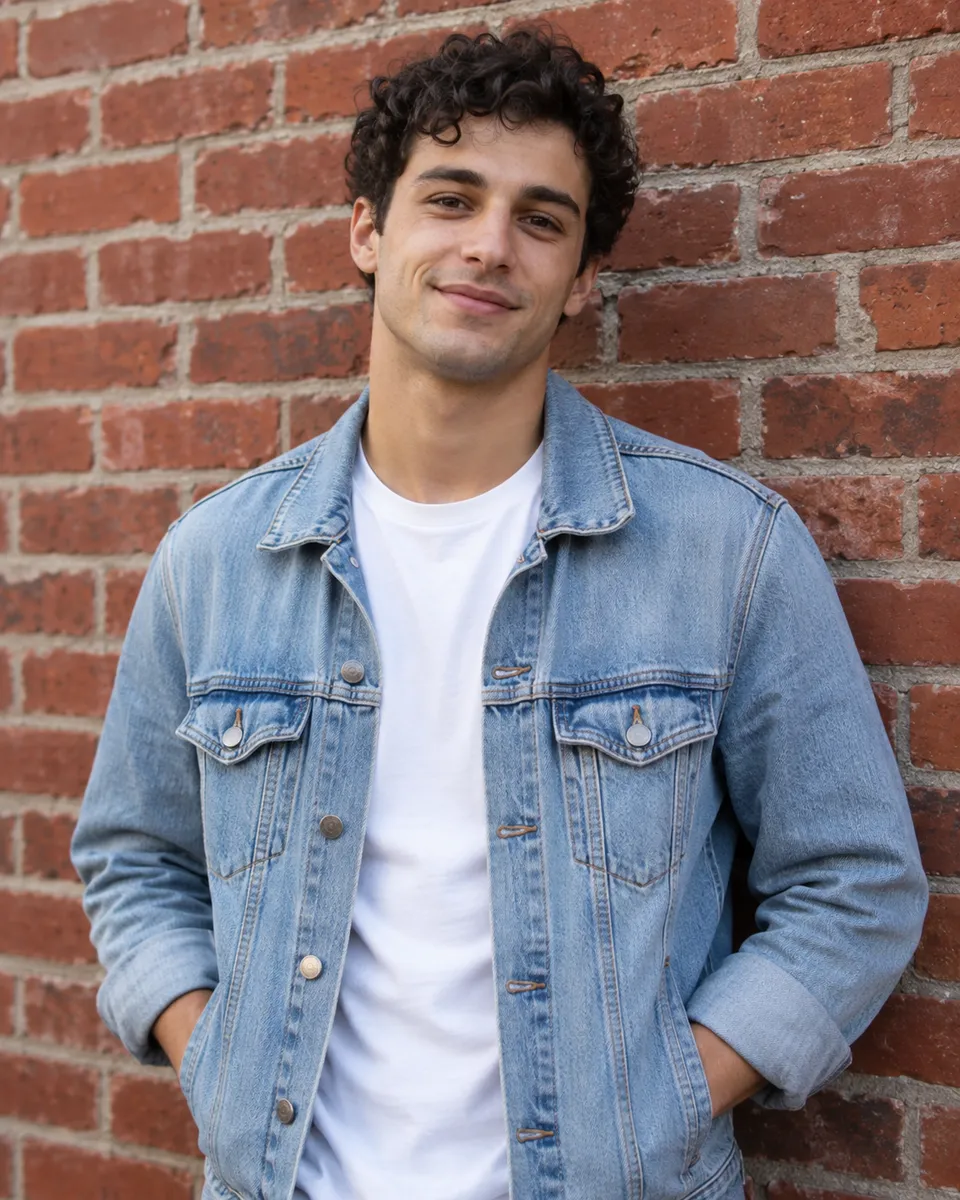
 Thumbnails
- Trying out ideas
Pictures are illustrations of the kind of result, not outputs of Muse Image.
How to use Muse Image in 3 steps
- Optional
A calm living room with a green velvet sofa, a ginger cat asleep on a cushion, abstract art on the wall, a round wooden table with a plant
1Write a prompt
Describe the image: the subject, the light and the style.
- 1:1Muse ImageGenerate2
Pick the shape
Choose the aspect ratio, the resolution and how many images to make in one go.
- PNGShare link3
Generate and download
The button shows the cost first. Your images land in the feed, ready to download.
When to pick another model
Other models do other jobs. All of them run in the same composer.
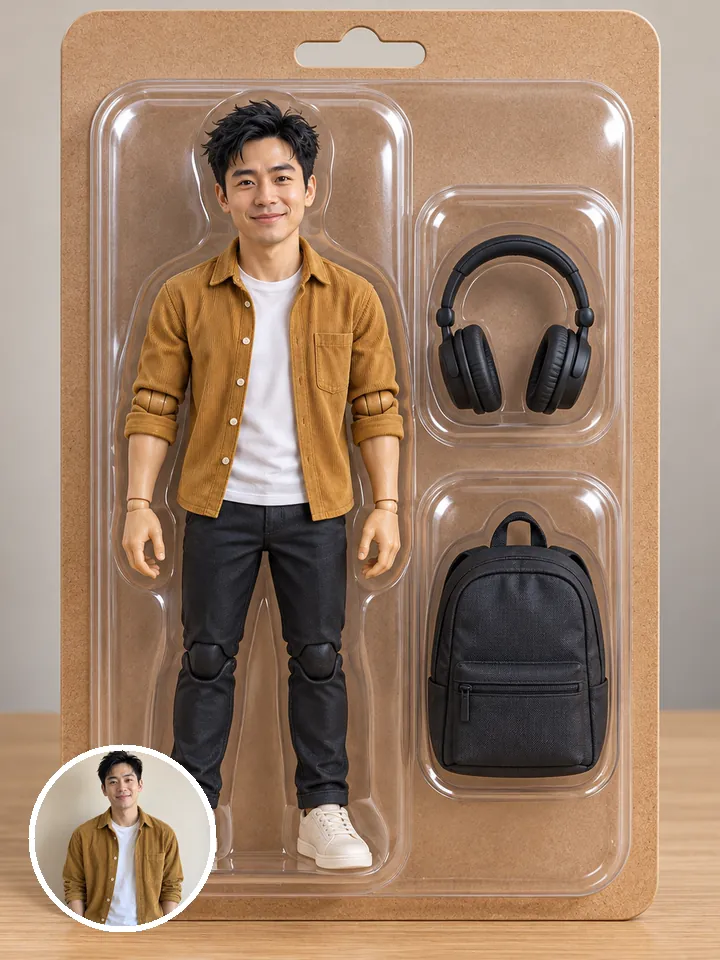

Muse Image FAQ
Compare all modelsIs Reelfie the official Muse Image site?
No. Muse Image is made by Meta. Reelfie is an independent studio that runs it for you next to other models, with one account and one set of credits. Reelfie isn’t affiliated with Meta.
How much does Muse Image cost on Reelfie?
From 2 credits a image, depending on the version and the resolution. The Generate button shows the exact cost before you start, and a run that fails costs nothing.
Does Muse Image take a photo?
No, Muse Image works from text only. To start from a photo, pick another model in the same composer, or leave it on Auto.
Do I need a Meta account?
No. Your Reelfie account runs Muse Image and every other model here on the same credits. You don’t sign up with Meta or bring a key.
What if a render fails?
You get the credits back automatically, and the run shows Retry in your feed.
Model names belong to their makers. Reelfie isn’t affiliated with Meta.