Nano Banana 2.1
NewEdit a photo by describing the change
- From a prompt, or edits your photo
- Vertical, wide, square and more
All results are AI-generated and labeled.
0 / 1500
Describe what to make.
By adding a photo you confirm everyone in it is 18+ and agreed to have their face used for this. We use faces only to make what you ask for. How we handle faces
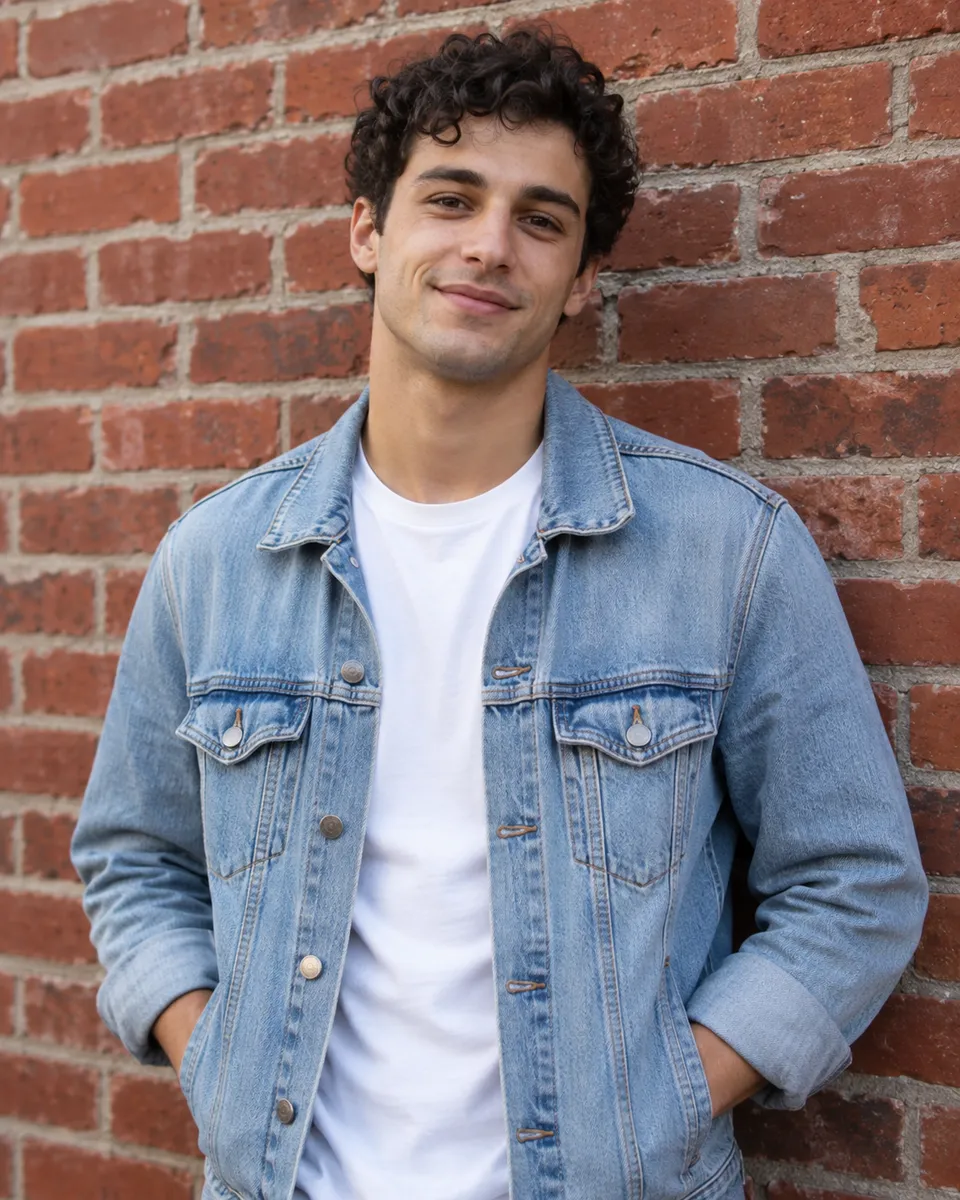 Example · Street portrait
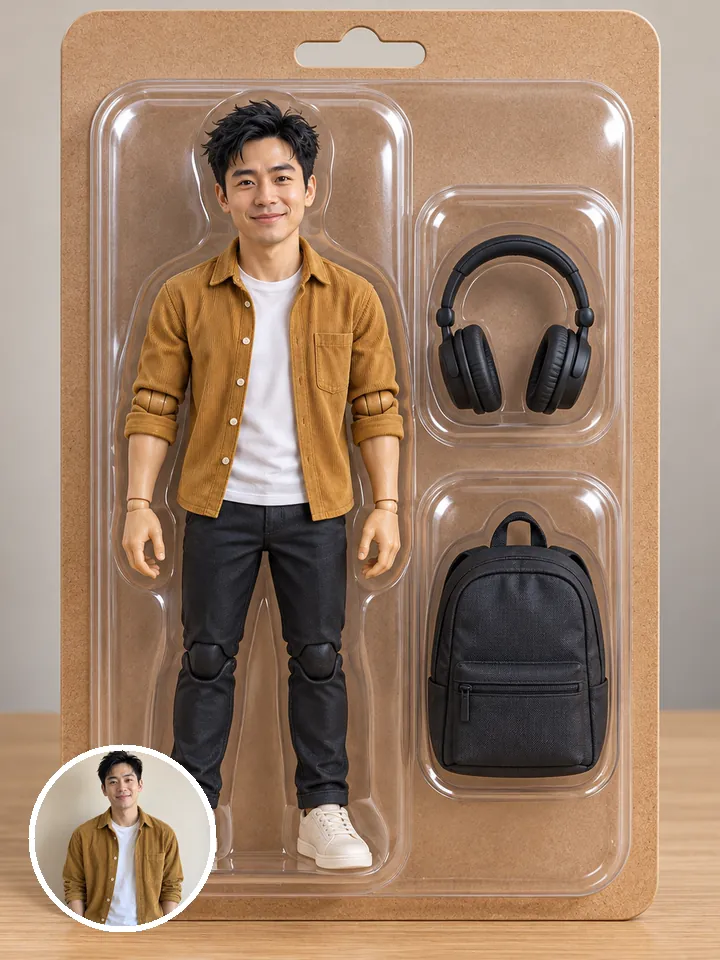
Examples show what each idea aims for. They are illustrations, not output from a particular model.
Add a photo and write the change, like “make the jacket red”. The rest of the picture stays as it was. One change at a time gives the cleanest result, so run a second edit for the next thing instead of listing five. It’s the model behind the AI photo editor, where the photo goes in first.
A young man with curly hair in a red leather jacket and white tee leans on a brick wall, smiling, soft daylight, 50 mm portrait
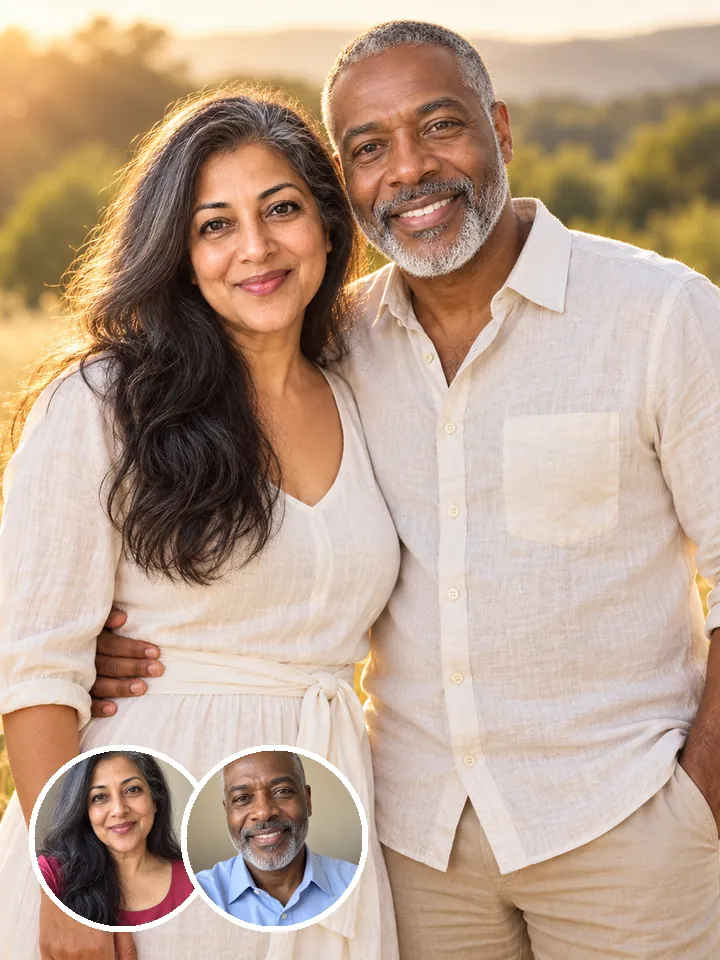
Faces and outfits stay consistent from one edit to the next, so a set looks like one shoot. Change the background, the season or the pose, and the person is still recognizably the same. That makes it easy to build a carousel or a profile set from one good photo. Ready-made looks are in photo styles.
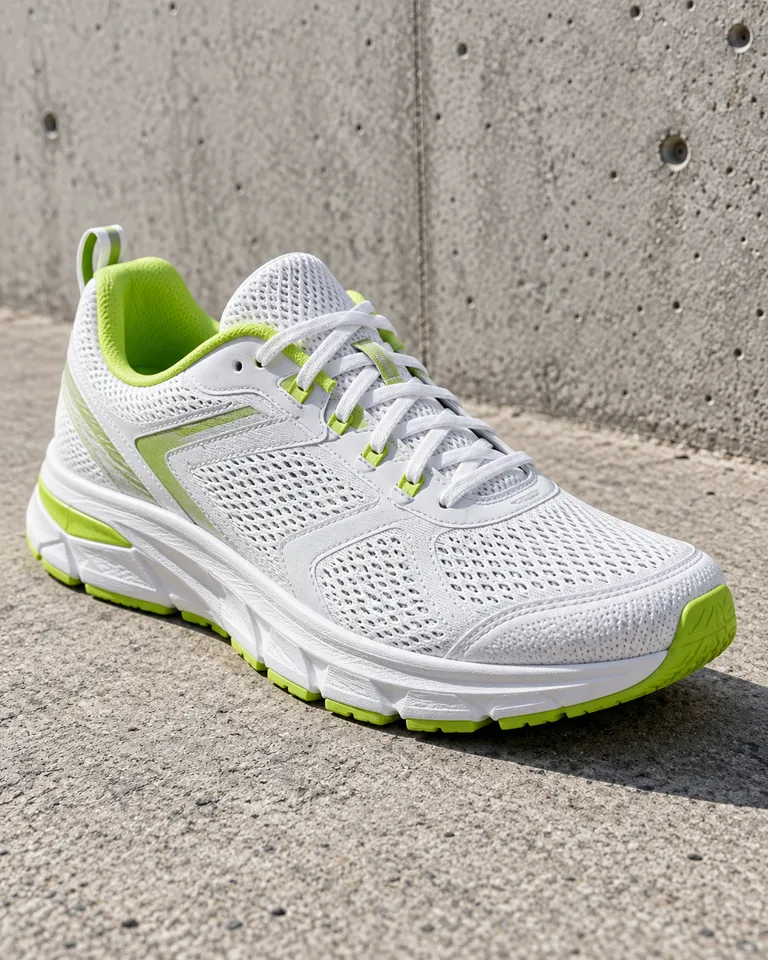
Product photo of a white running shoe with lime accents on raw concrete, soft daylight, low angle, crisp detail on the mesh
Nano Banana Pro renders at 4K with accurate text; Nano Banana 2 handles everyday edits for 2 credits. Use 2 while you try things, then run the keeper on Pro when it needs to print or carry lettering. Already have a picture you like at a smaller size? The image upscaler takes it up without a new run.
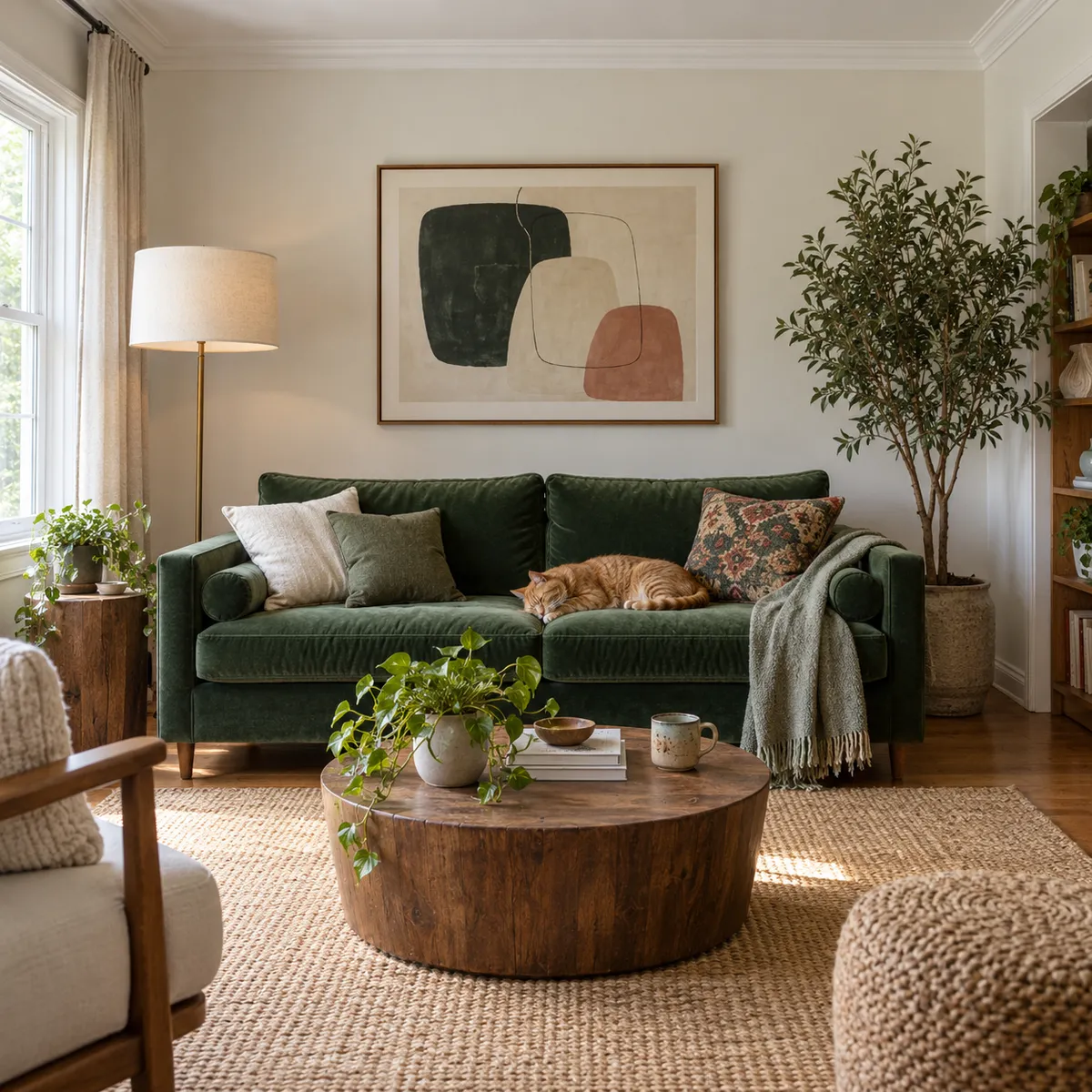
A calm living room with a green velvet sofa, a ginger cat asleep on a cushion, abstract art on the wall, a round wooden table with a plant
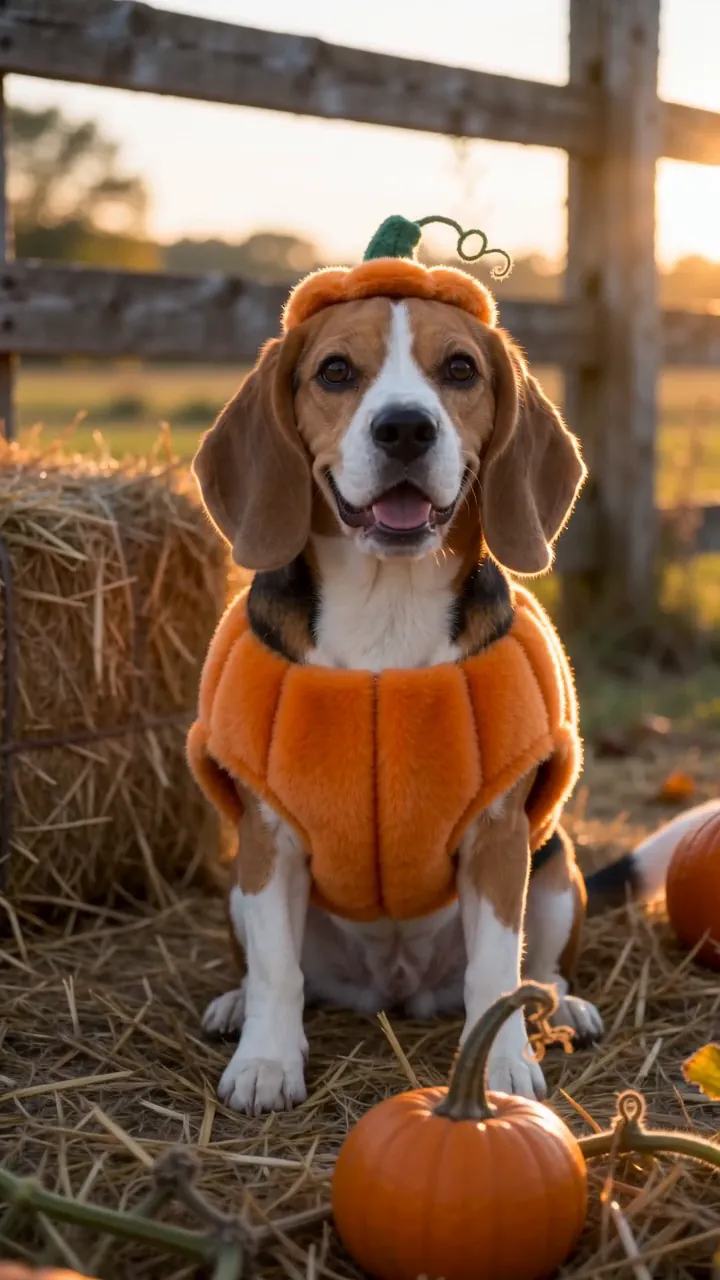 Change an outfit or a color
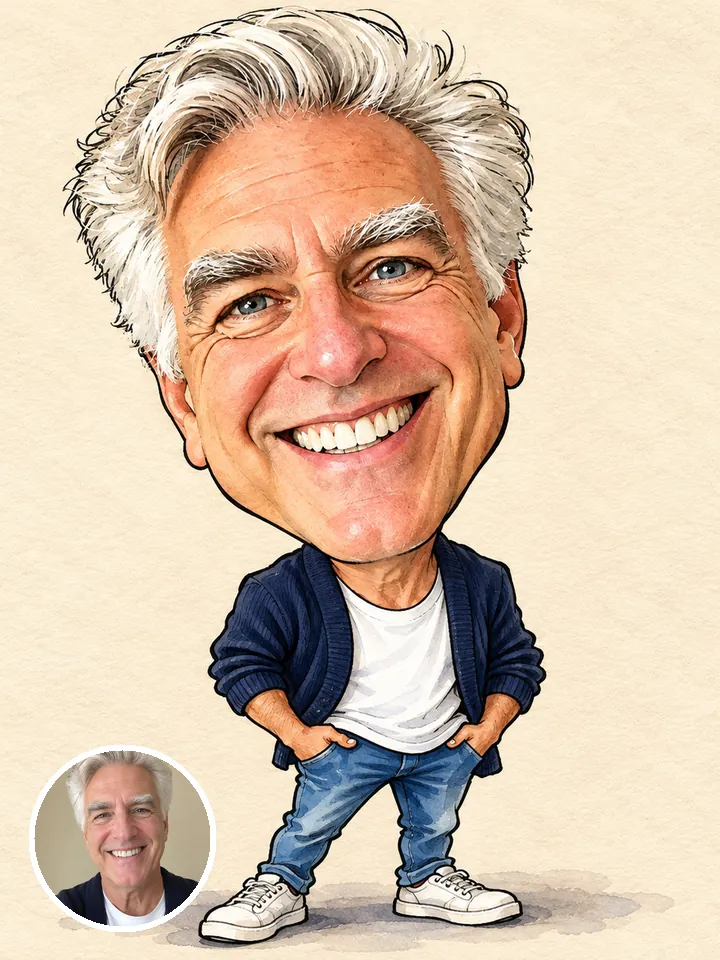 Swap the background
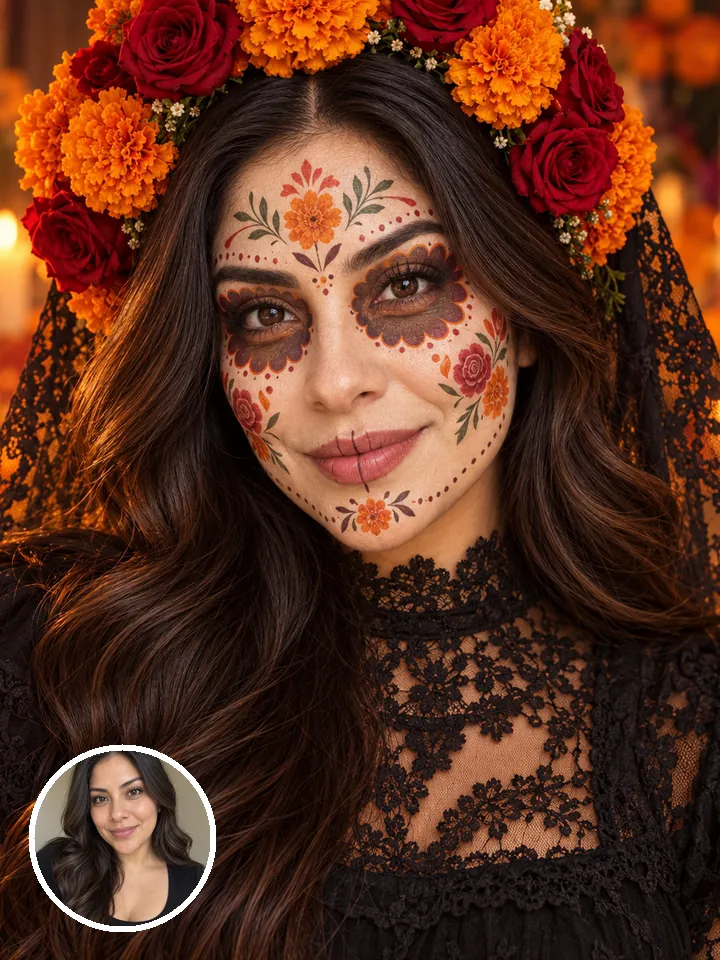 Restyle a portraitProduct shots from a phone photoSeasonal versions of one picture
Pictures are illustrations of the kind of result, not outputs of Nano Banana.
Every version runs in the composer above. Switch any time; your photo and prompt stay put.
Edit a photo by describing the change
Pro edits, 4K and accurate text
Everyday edits for 2 credits
A young man with curly hair in a red leather jacket and white tee leans on a brick wall, smiling, soft daylight, 50 mm portrait
Describe the image, or add a photo and say what to change.
Choose the aspect ratio, the resolution and how many images to make in one go.
The button shows the cost first. Your images land in the feed, ready to download.
Other models do other jobs. All of them run in the same composer.
No. Nano Banana is made by Google. Reelfie is an independent studio that runs it for you next to other models, with one account and one set of credits. Reelfie isn’t affiliated with Google.
From 2 credits a image, depending on the version and the resolution. The Generate button shows the exact cost before you start, and a run that fails costs nothing.
Yes. Add a photo of yourself, or of someone who agreed, and nobody under 18. Your photos are deleted 7 days after upload and never used to train AI.
Nano Banana 2.1: Edit a photo by describing the change. Nano Banana Pro: Pro edits, 4K and accurate text. Nano Banana 2: Everyday edits for 2 credits. Switch versions in the Model row; your photo and prompt stay put.
No. Your Reelfie account runs Nano Banana and every other model here on the same credits. You don’t sign up with Google or bring a key.
You get the credits back automatically, and the run shows Retry in your feed.
Model names belong to their makers. Reelfie isn’t affiliated with Google.