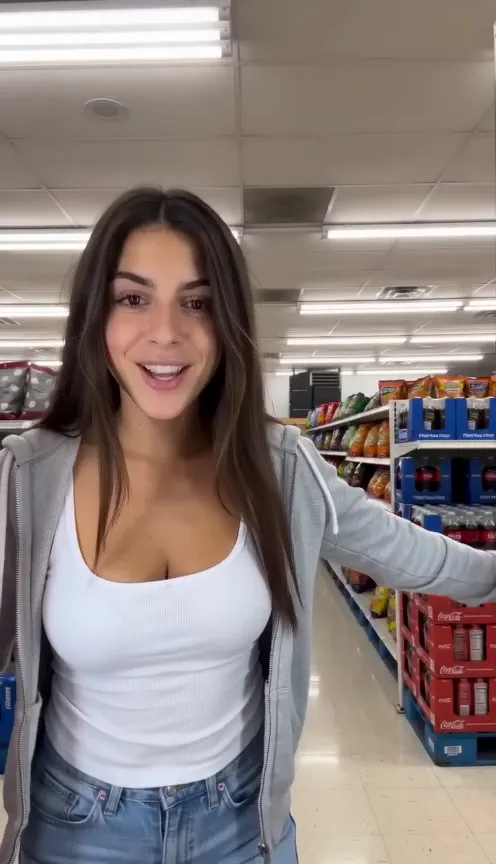
AI video effects
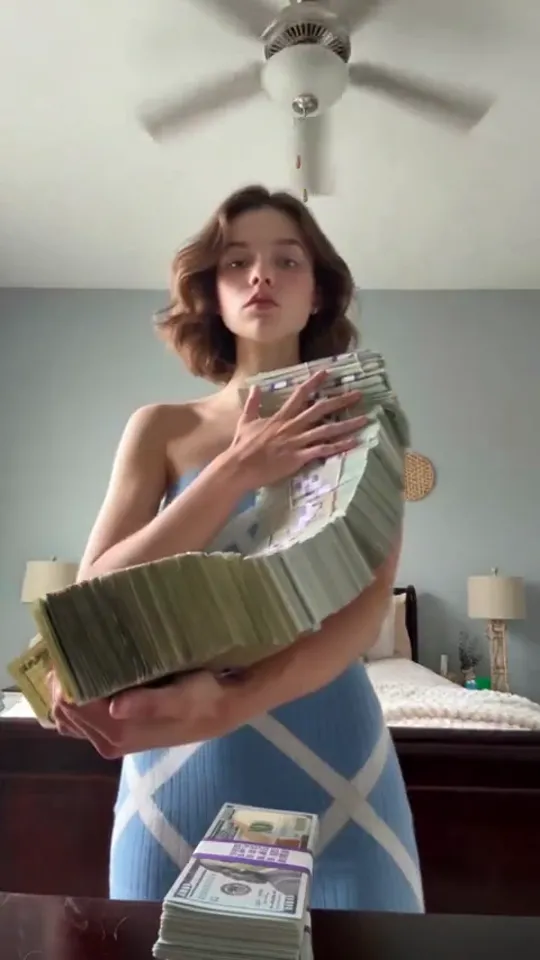
One-tap physics: squish it, inflate it, slice it open as cake. Most work on people and pets.
9 trends
9 effects trends
Effects trends
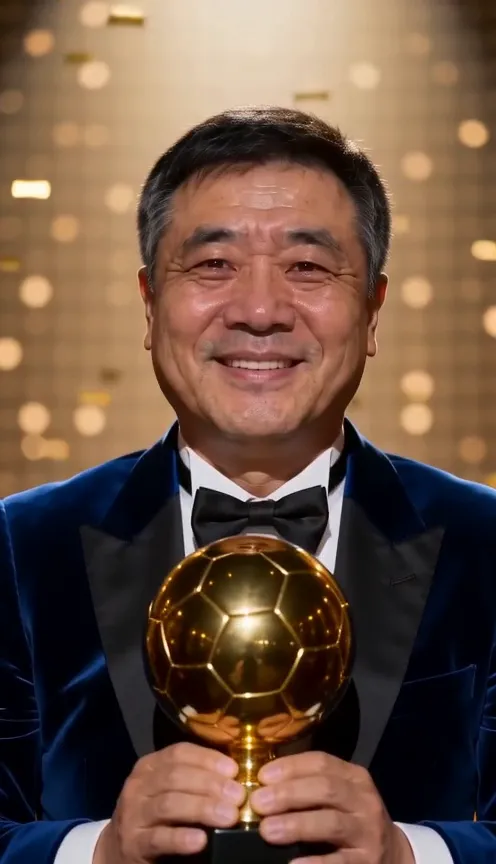
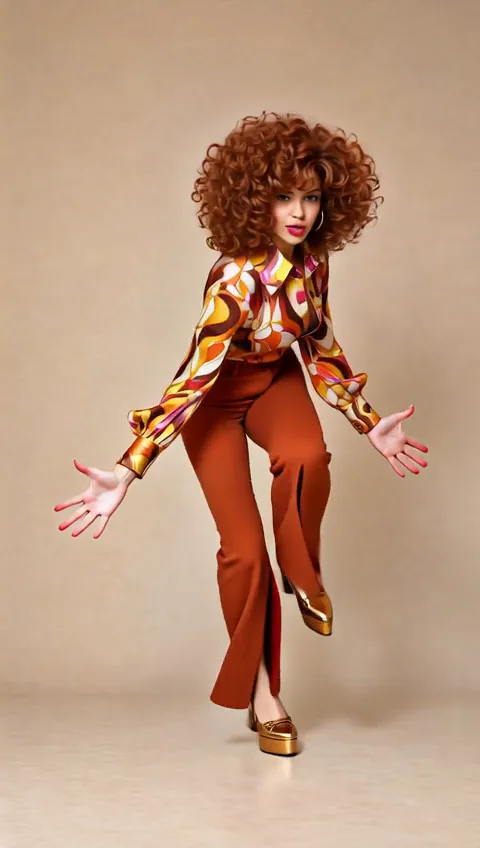
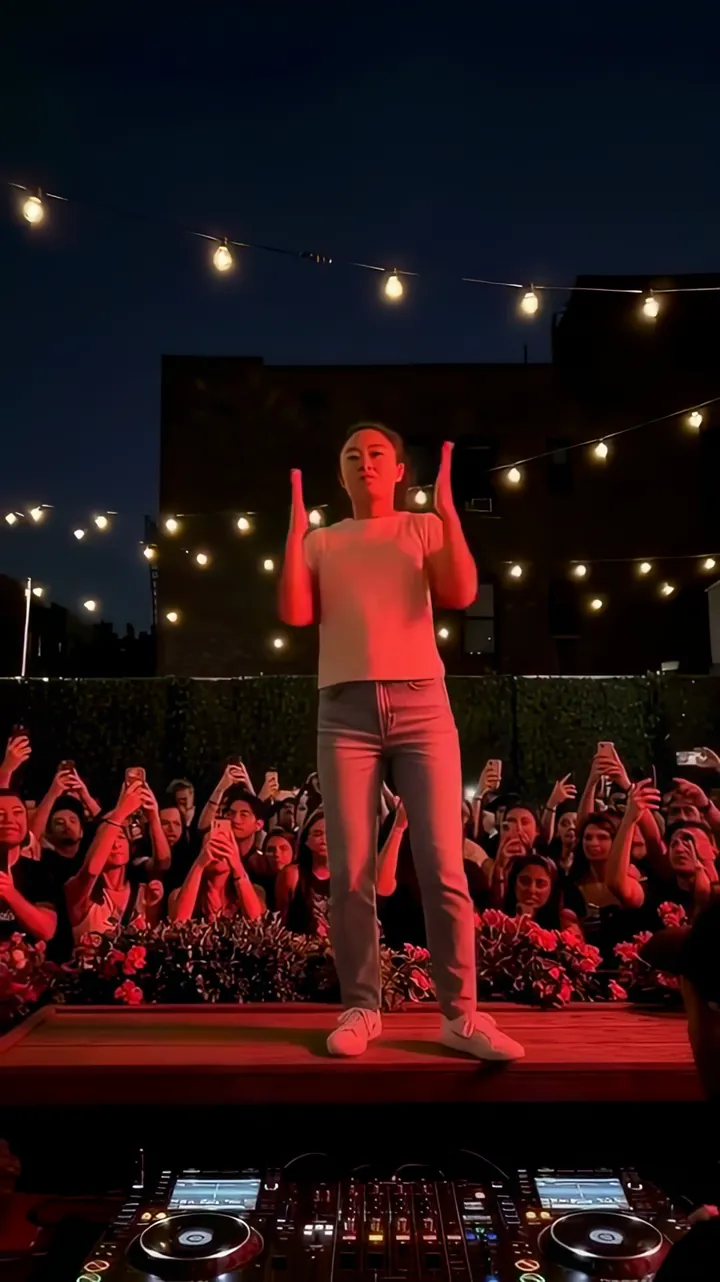
Ballon d'Or AI
And the award goes to you.Video · 10sFor you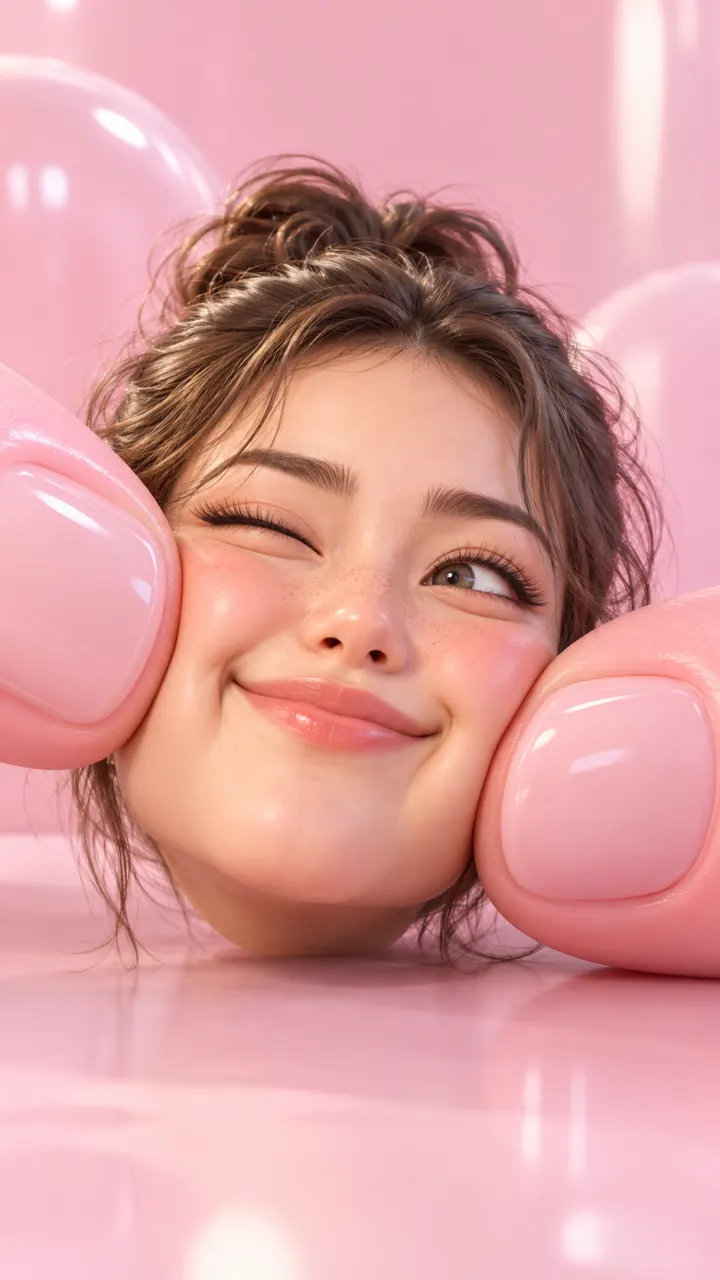 25% off this week
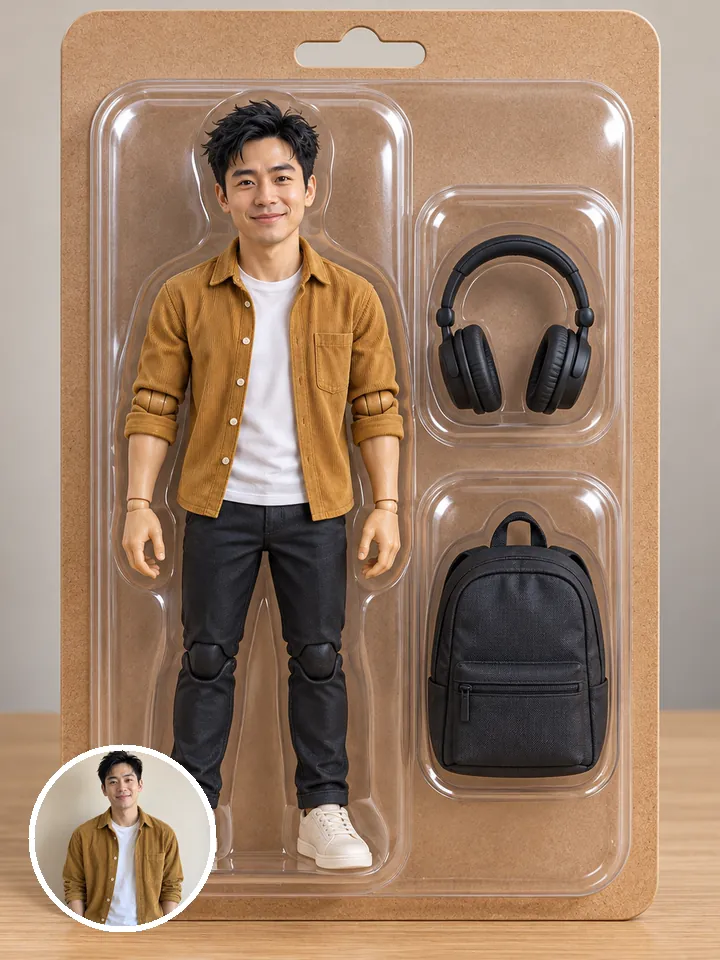
AI Squish
Squished like a stress toy.Video · 8sFor you or pets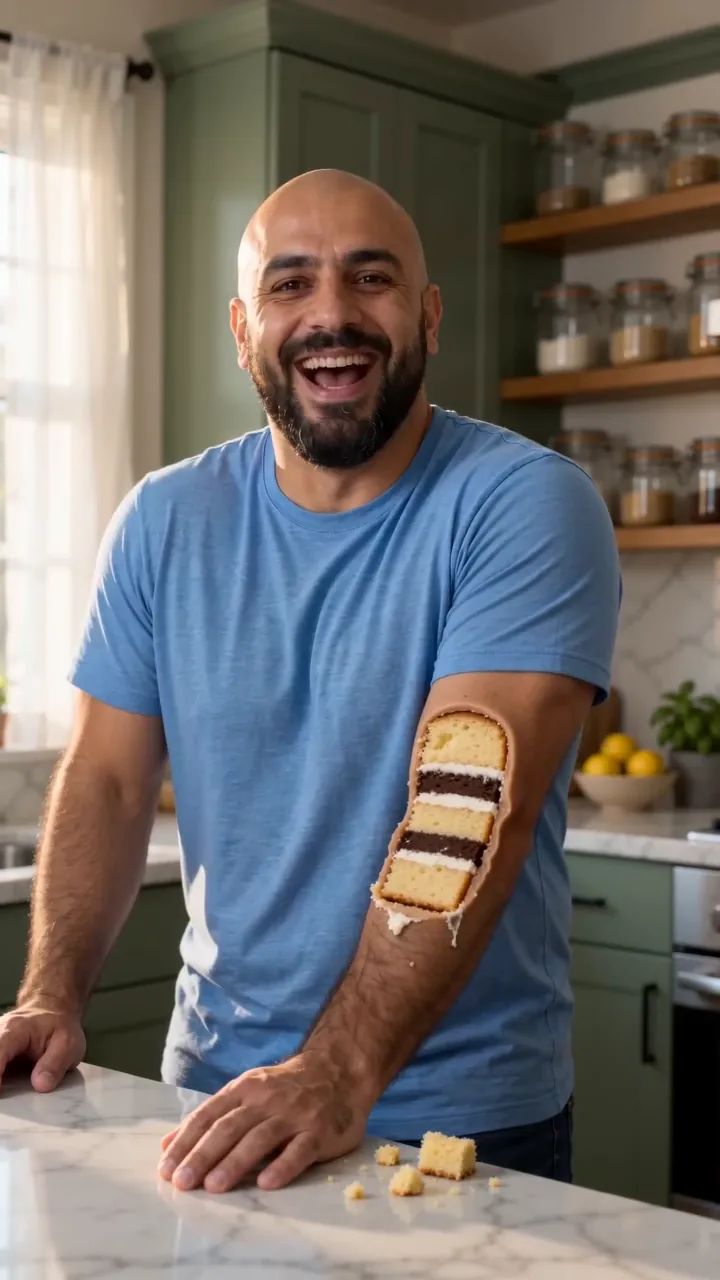
Everything Is Cake
One slice: you were cake all along.Video · 8sFor you or pets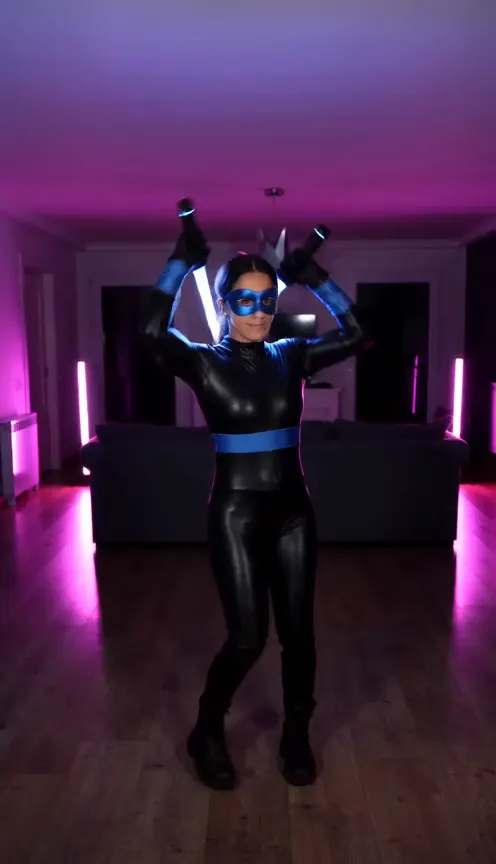
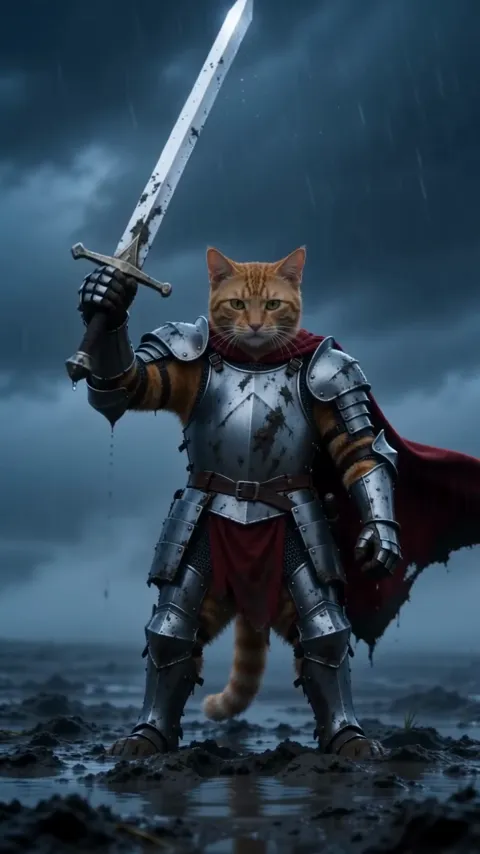
Nightwing AI
Mask up, suit up.Video · 10sFor you or pets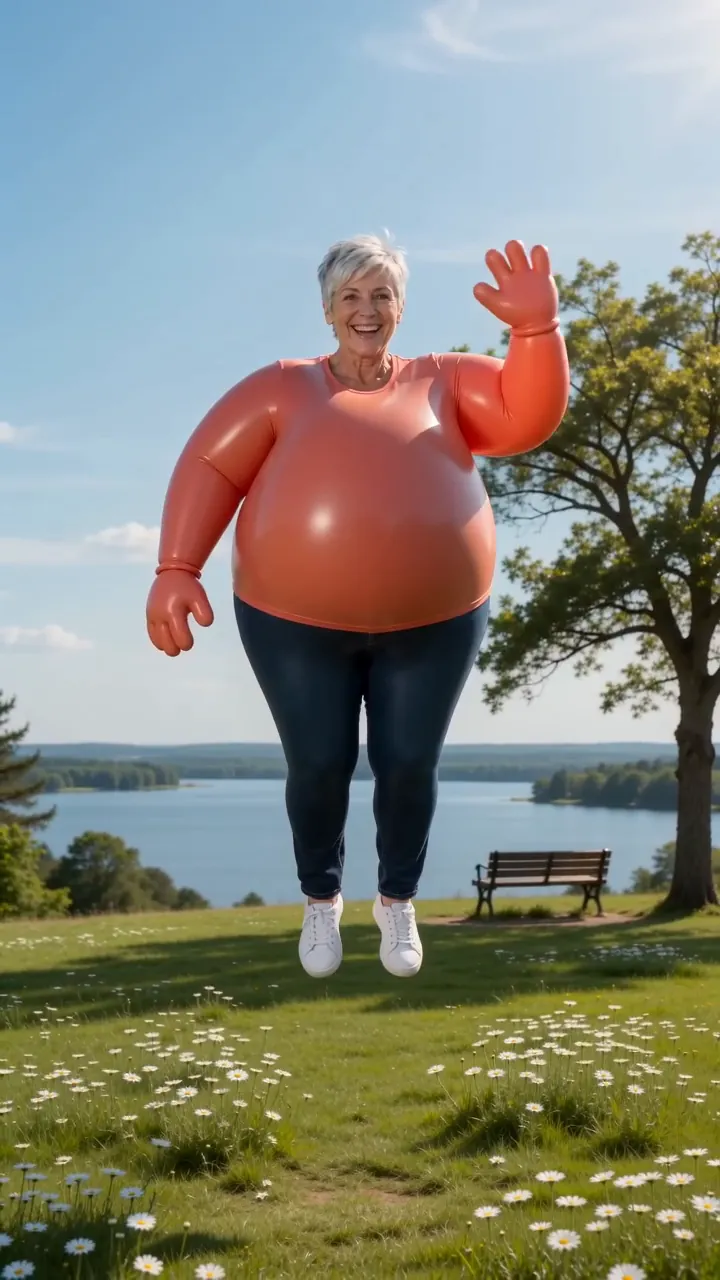
Inflate
Puff up like a balloon and float off.Video · 8sFor you or pets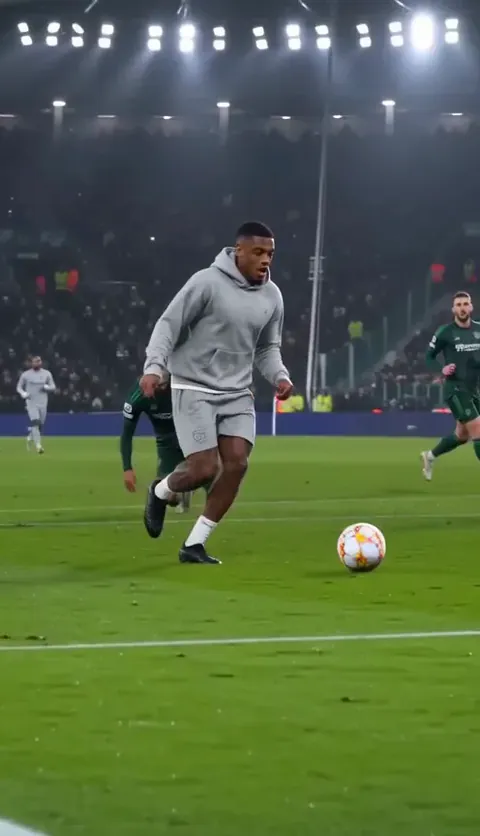
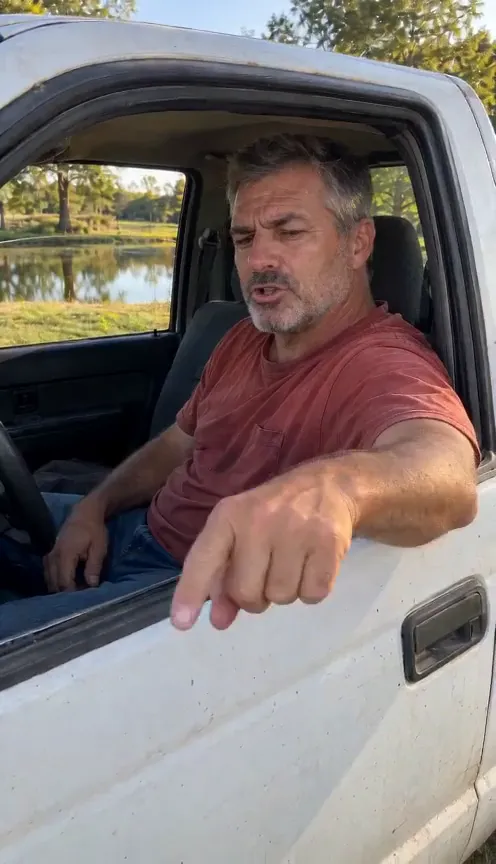
Ozil Goal AI
Your goal, your outfit.Video · 15sFor you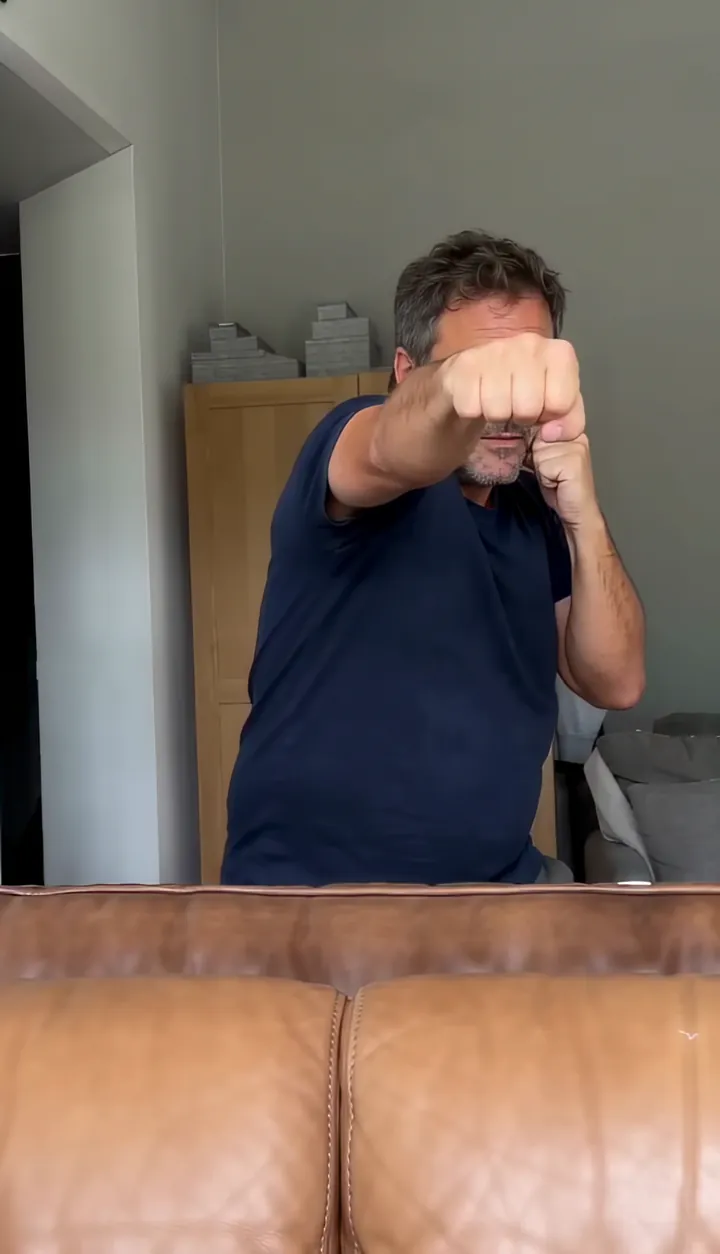
Boxing AI
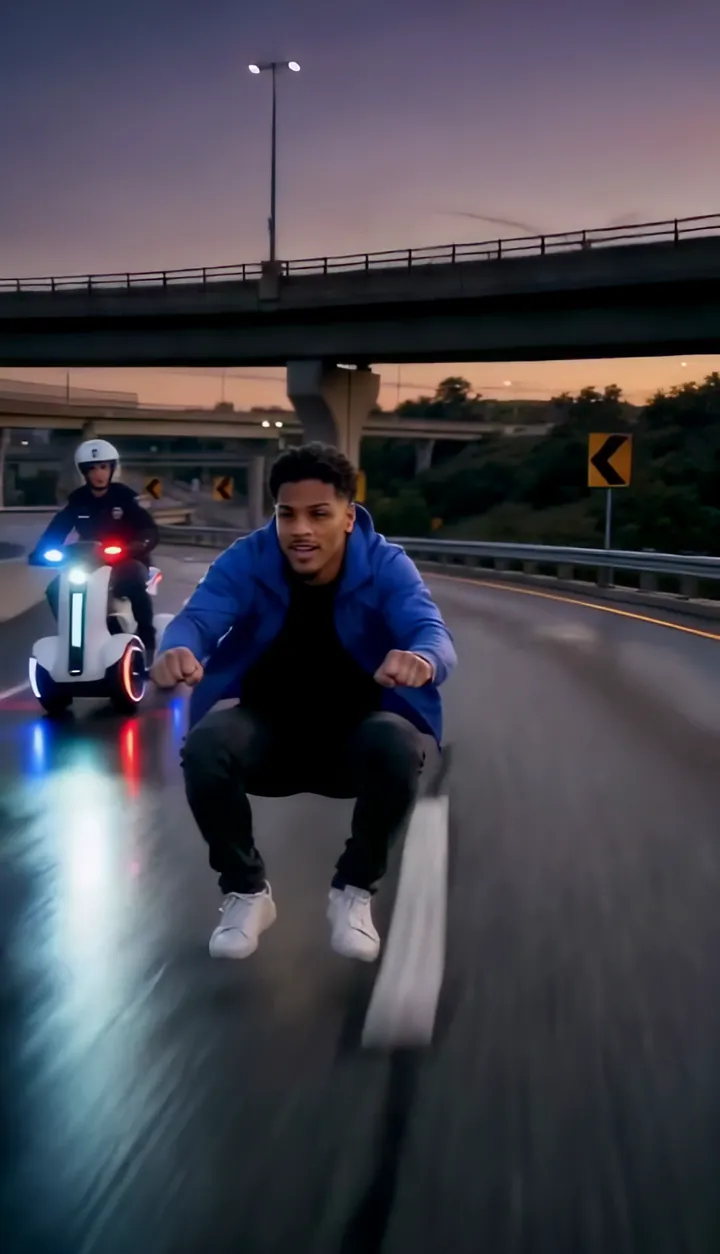
Shadow box the sofa cam.Video · 10sFor you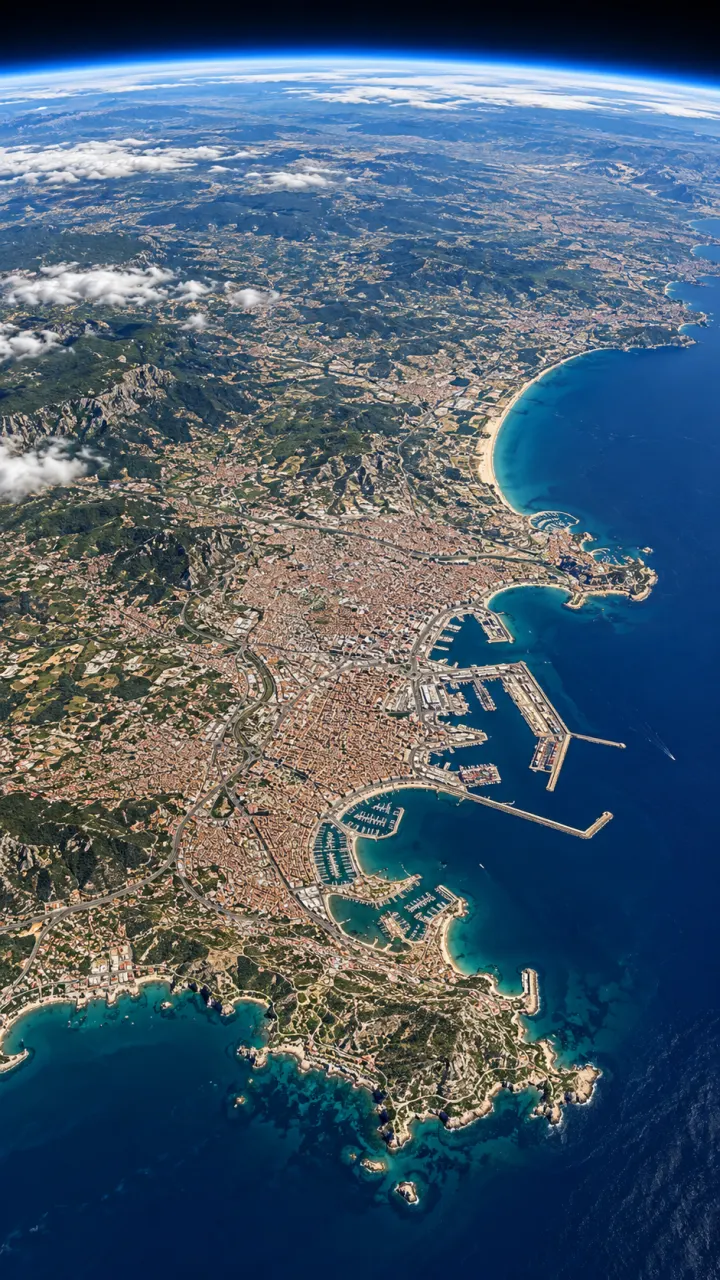
Earth Zoom Out
From your face to space.Video · 8sFor you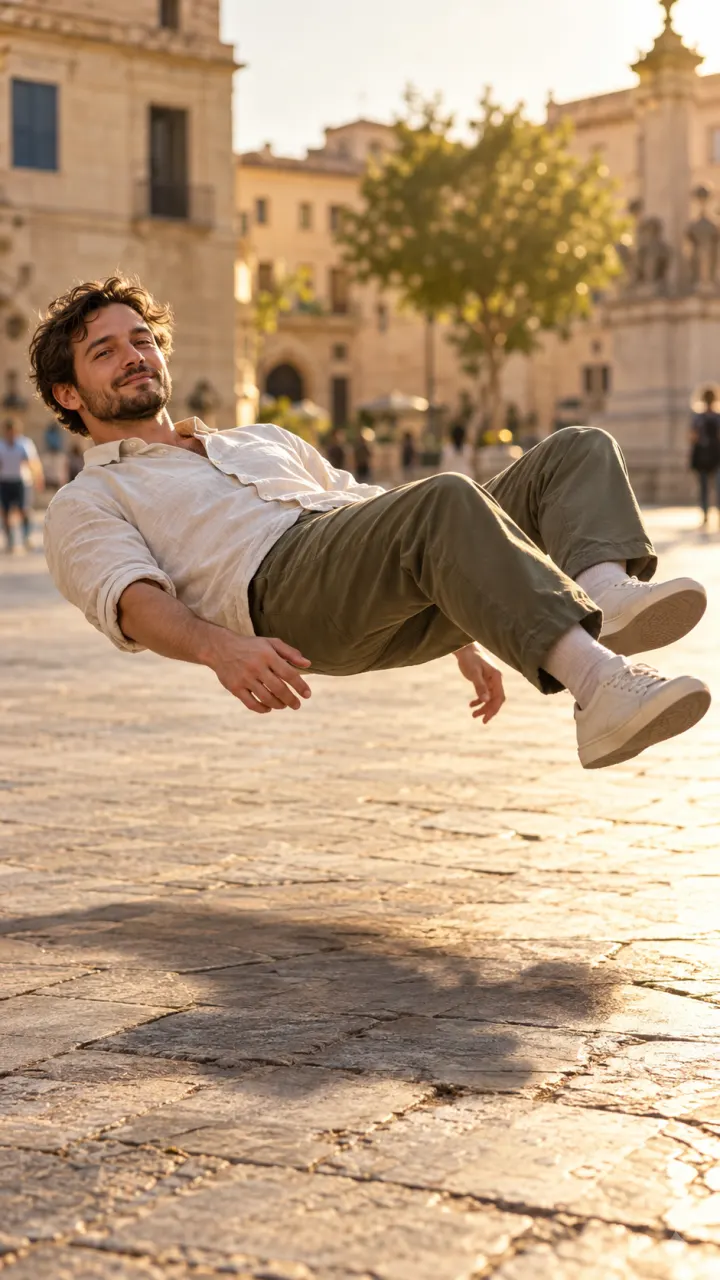
Levitate
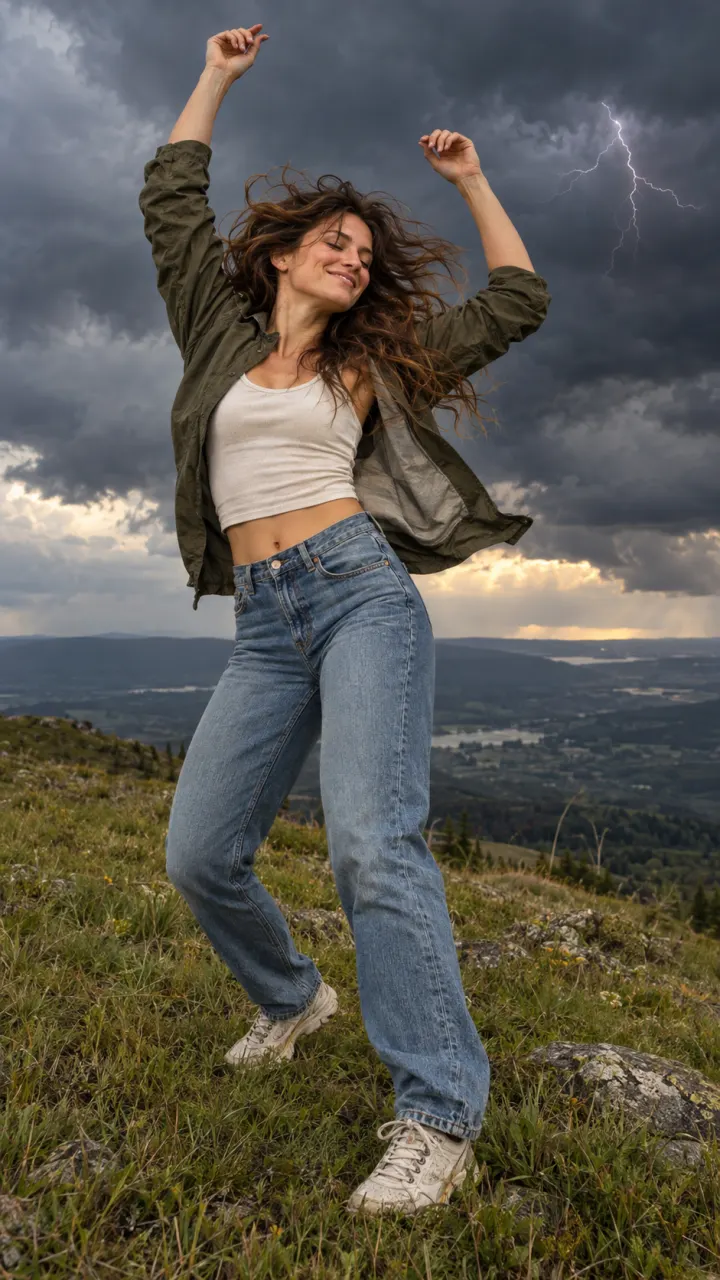
Float off the ground.Video · 8sFor you
How to pick an effect
Effects don’t follow a dance or a story. They do one surprising thing to whoever is in your photo, which makes them easy to loop and easy to react to. Keep the subject centered with some space around it, since the effect needs room.
Each effect is an 8-second vertical video with sound. The ones that take a pet read its shape from the photo, so one animal, clearly in view, works better than a group. For Earth Zoom Out and Levitate, a photo with some sky or open ground behind you gives the camera somewhere to go.
Effects guides
How each trend is made, what it costs, and prompts for other tools.
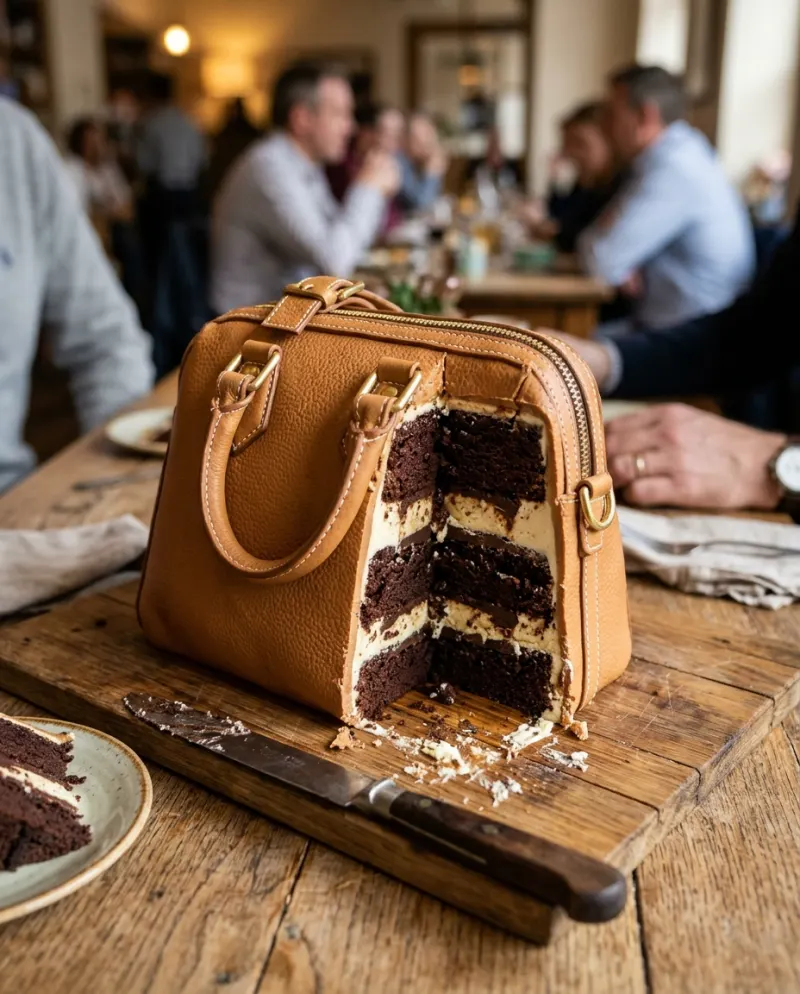 Trends explained · 4 min readHow to do the Everything Is Cake trend with your photo
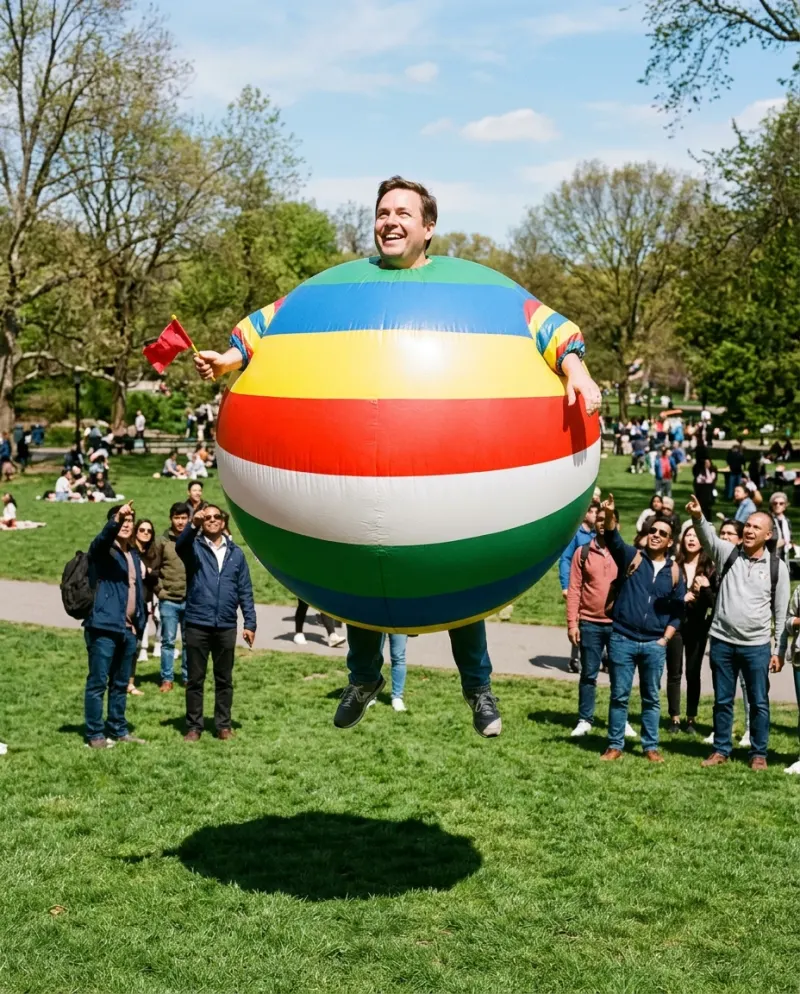 Trends explained · 3 min readHow to do the AI inflate effect on a photo
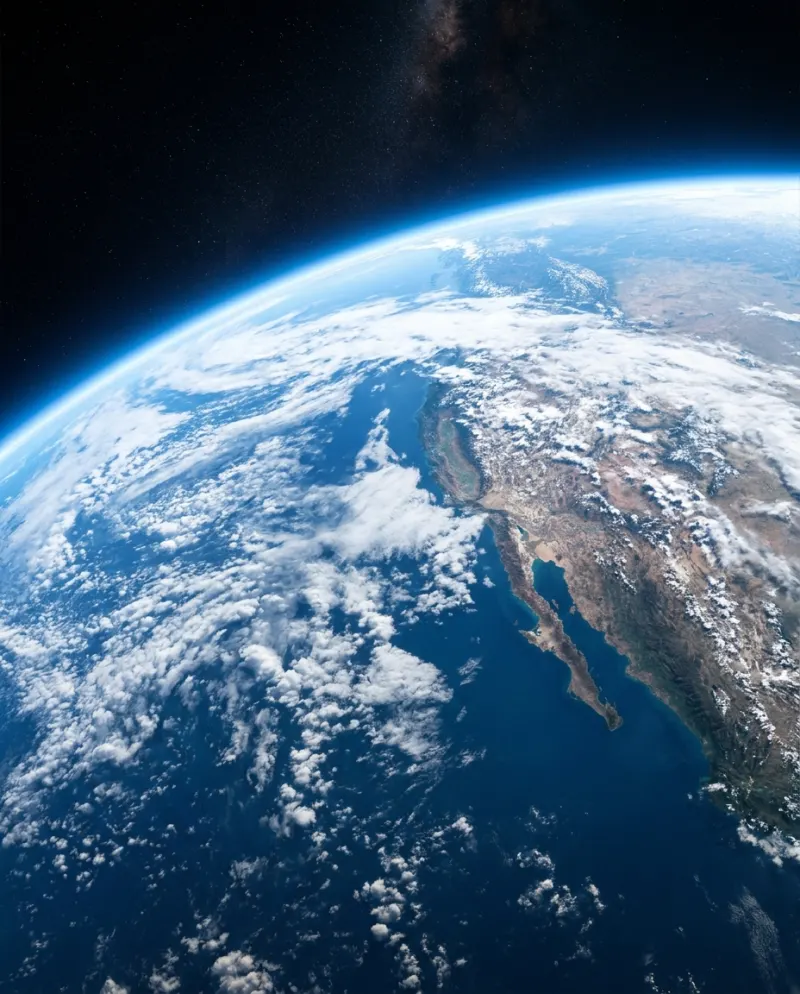 Trends explained · 4 min readEarth Zoom Out AI: from your face to space in one shot
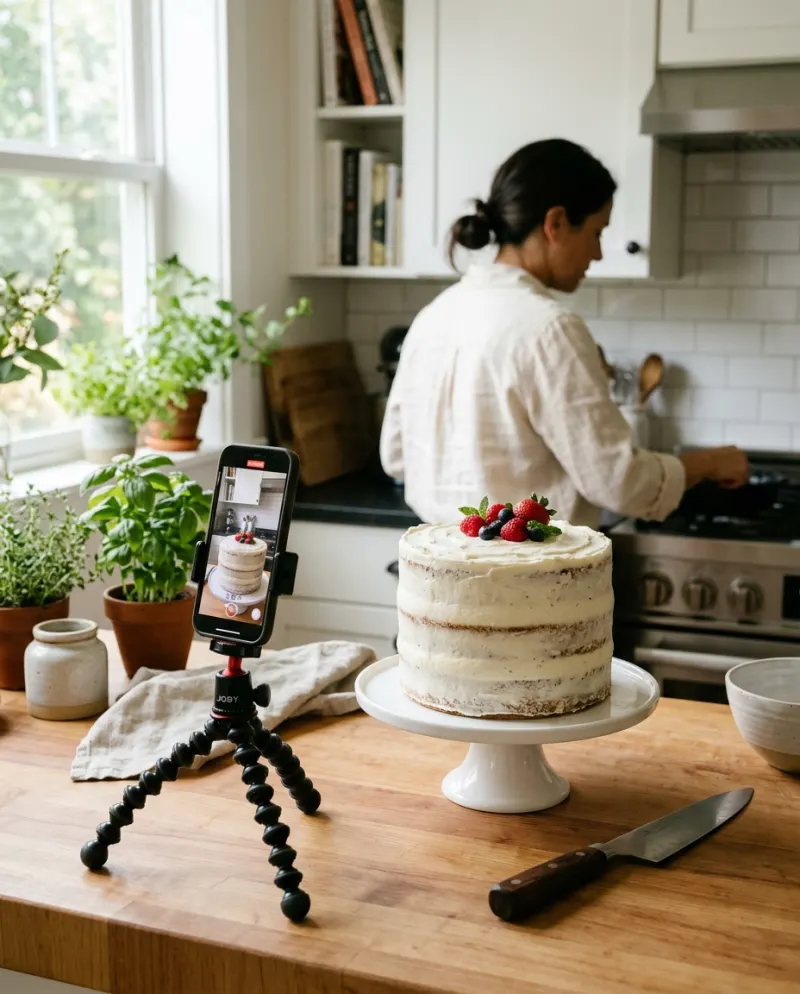 Trends explained · 4 min readIs it cake AI free? Every way to make the reveal
One photo. One tap. Your video.
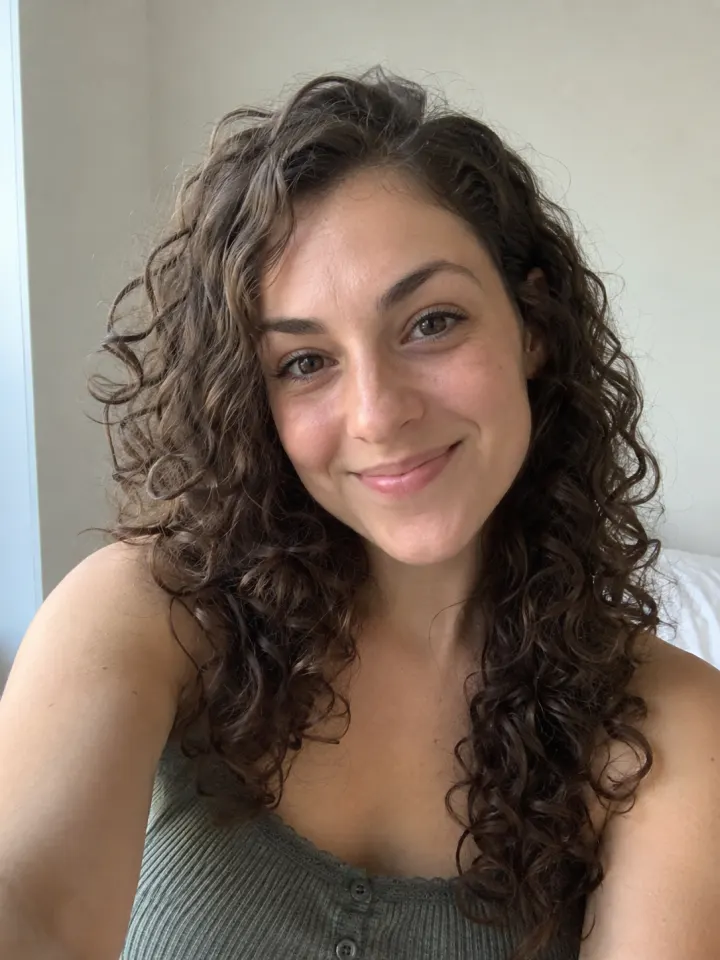
- Clear face, good light
 1
1Add one photo
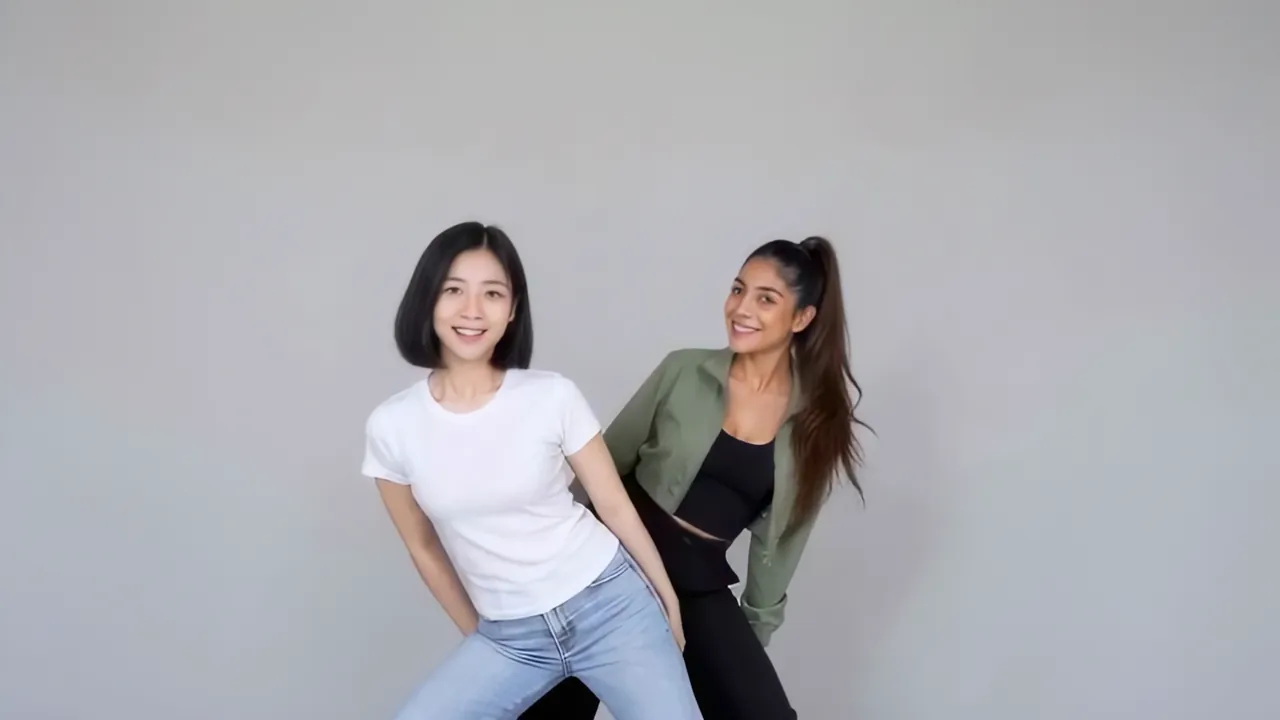
A clear selfie in good light works best. Couples add two photos, and pets work too.
- 2
Pick a trend
Dances, glow-ups, Halloween looks and more, with new ones as trends rise. Each shows its result before you choose.
- 3
Post your video
It comes back vertical with sound, ready for TikTok, Reels and Shorts. Download it or share a link.
More trend categories


Effects questions
Missing a trend? Ask for it.
Are effects trends free?
They run on credits: the smallest pack is up to 2 videos for $9.90, plans cost less per video, trends tagged 25% off this week cost 25% less, and a run that fails costs nothing.
Can I use a photo of my pet?
Yes. AI Squish, Everything Is Cake, Nightwing AI and Inflate work with a clear photo of a dog or cat facing the camera.
Can I request a trend?
Yes. Send us the trend from the contact page, ideally with a link to a post that shows it.