Quick answer
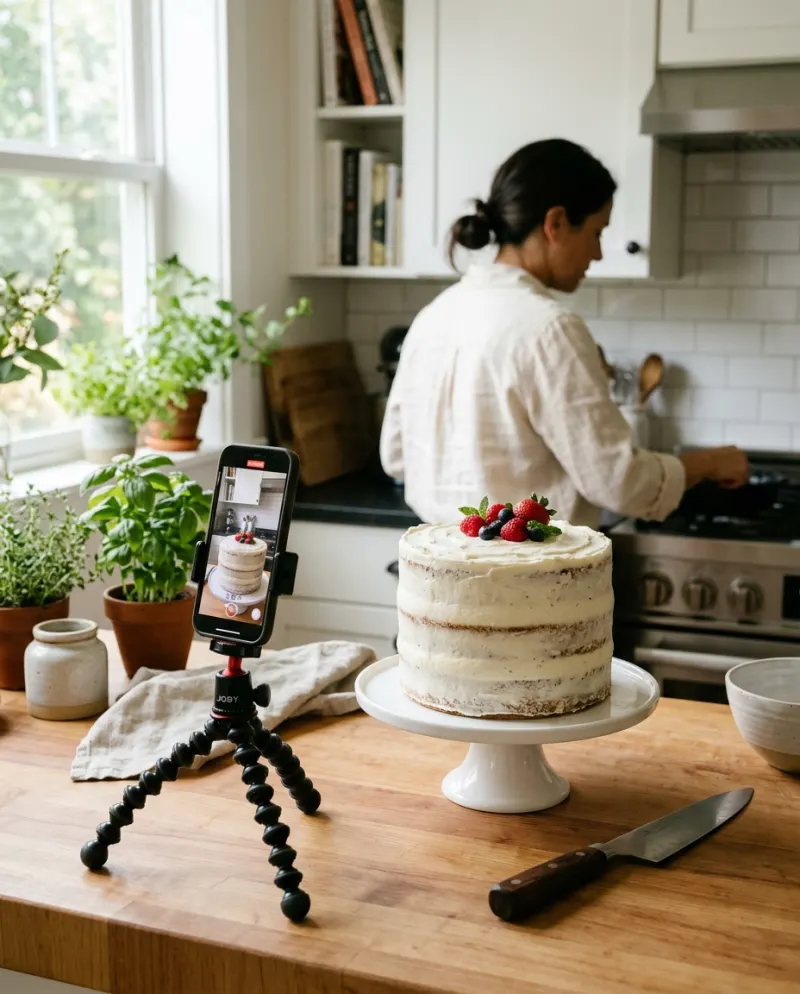
The original guessing game and a simple swap cut cost little or nothing: a phone, a knife and a cake. The AI version, where the knife goes into a lifelike cake of you or your pet, is usually paid: free tiers of effect apps add a watermark, and on Reelfie it’s 80 credits, about $4.95.
The trend is older than any AI effect. It started in July 2020 with Tasty’s “These are all cakes” video, where everyday objects were sliced open and turned out to be sponge. For months afterwards people asked “is it cake?” about everything in sight, and bakers posted their own reveals.
AI effects later moved the question onto people and pets: a photo becomes a cake, and a knife proves it. Everything Is Cake on Reelfie makes that version. Below is what it costs, next to the two routes that need no AI at all.
Three “is it cake” videos, three prices
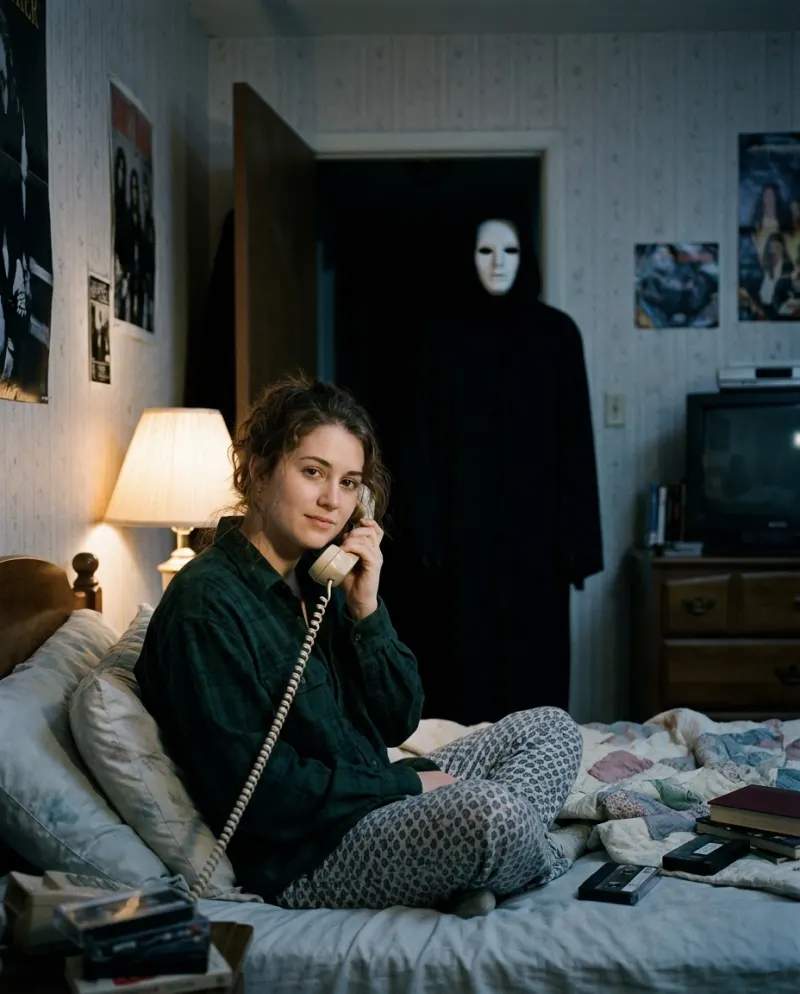
The guessing game
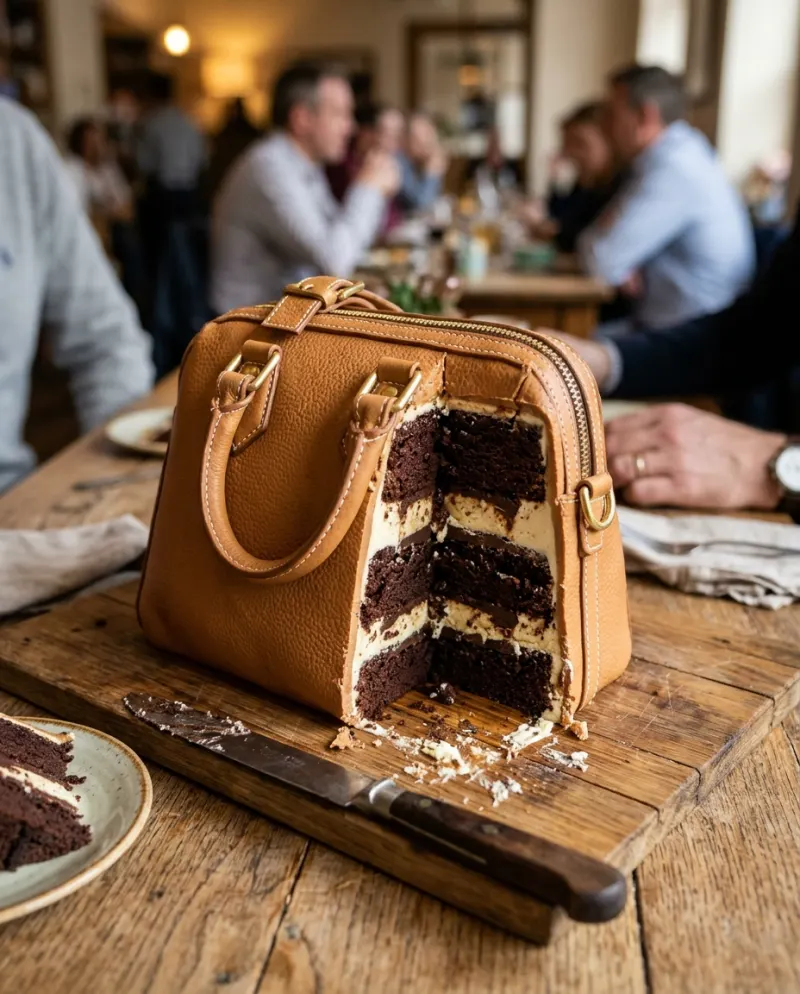
Real objects and one real cake that mimics them, filmed the same way. Viewers guess before the knife answers.
Cost: one cake
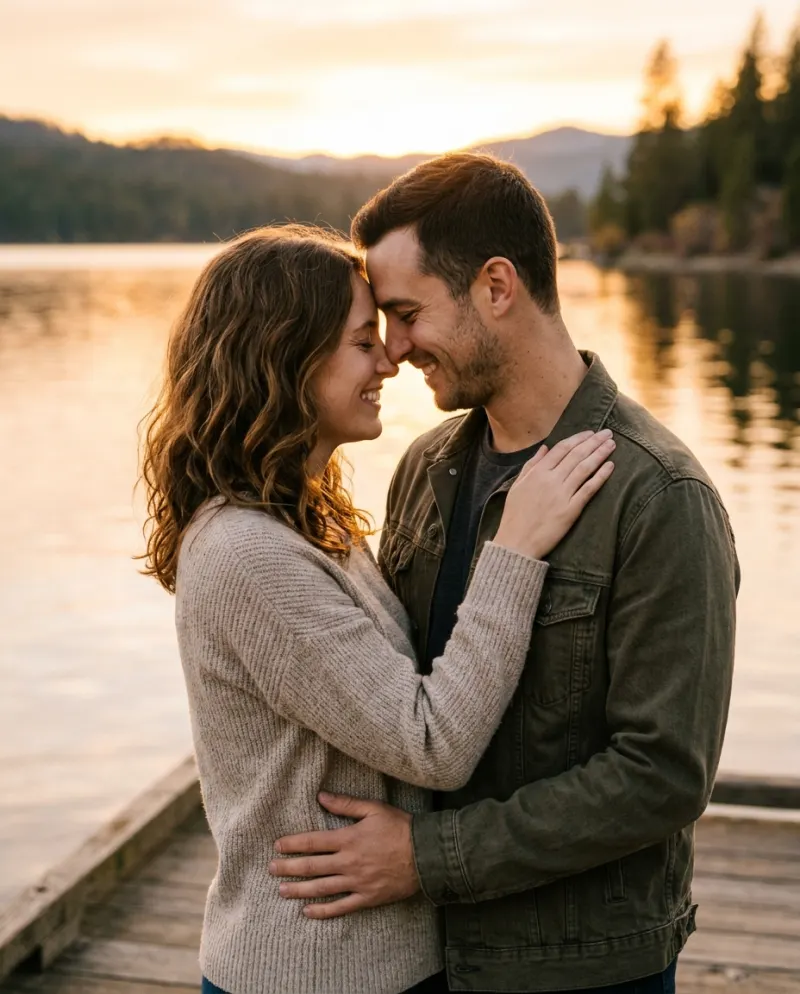
The swap cut
You on camera, then a cake in your place, joined on a beat. It plays as a gag rather than a reveal.
Cost: nothing
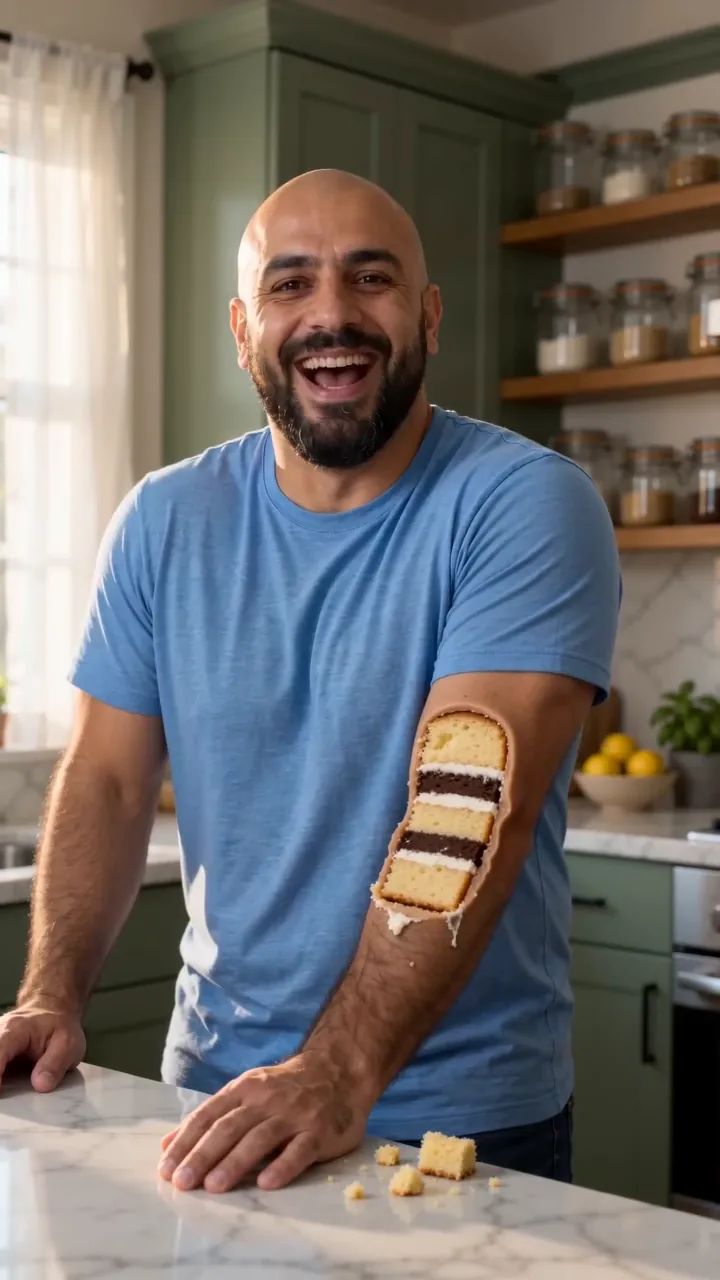
The AI slice
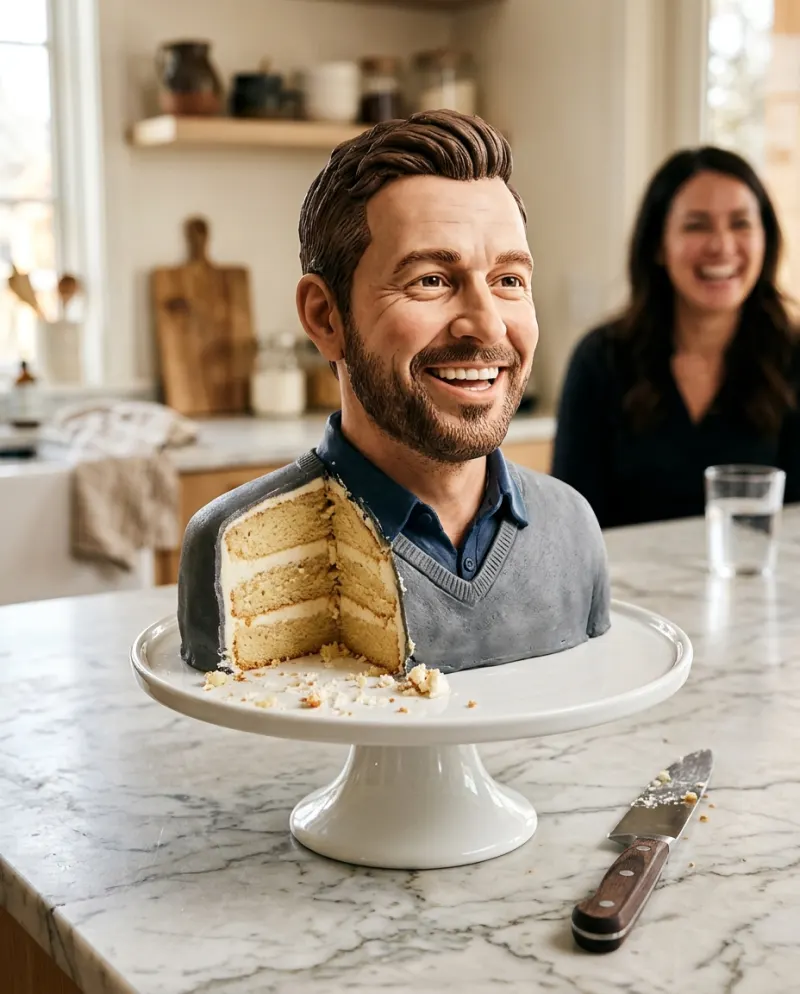
A cake shaped like you or your pet, cut open on a kitchen counter: an 8-second clip from one photo.
Cost: 80 credits
Route 1 · The original guessing game
This is the format the “is it cake reveals” searches are after, and it needs no app. The trick is that the cake is filmed exactly like the decoys, so nothing gives it away until the blade goes in.
- 1Choose things a bakery can fake convincingly: a sneaker, a bar of soap, a pineapple, a handbag. Buy or bake one cake shaped like one of them.
- 2Shoot every item on the same board, in the same light, from the same height, holding still for two seconds before each cut.
- 3Cut the real objects as well. A knife that stops dead on a shoe sells the next one.
- 4Leave the cake for last and turn the cut face toward the lens so the sponge is the final frame.
Route 2 · The swap cut, for free
Two shots from one phone position: you, then a layer cake where you were, then the knife. Whether it fools anyone comes down to matching the two shots.
- Wear a top close to the frosting color, so the jump from shirt to cake is smaller.
- Hold a finger on the screen to lock focus and exposure before the first shot, so the light doesn’t shift between them.
- Raise the cake to where your chest was. A cake sitting low in the frame looks like a different shot.
- Bring the knife in from the side you were facing, and cut on the hardest beat of the sound.
For the photo the AI version needs, see the Everything Is Cake guide.
Free AI cake effects: where the catch is
Several AI video apps have offered a one-tap cake effect, sometimes with a few free runs. Many were made with objects in mind, so a face can soften into frosting before the knife arrives. Free clips usually carry a watermark, and you don’t get to choose where the cut lands.
If a still picture is enough, Gemini or ChatGPT will draw you as a sliced cake bust within their daily image limits. Our is it cake prompts include one for that.
The paid route · A cake that looks like you
Reelfie builds the cake from your photo, puts it on a counter and brings the knife in, with sound. It takes one person or one pet. The smallest pack is up to 2 videos for $9.90.
- 1Open Everything Is Cake and pick Solo for yourself or Pet for a cat or dog.
- 2Add one front-on photo with the face easy to see and the shoulders in frame.
- 3Check the button (80 credits), press make, and collect the MP4 from Assets a few minutes later.
Every new account gets one photo trend free (2 images), no card asked. Action Figure AI is a good one to spend it on.
Common problems
In the swap cut the cake looks tiny next to me
Move the phone closer for the cake shot, or zoom in when editing, until the cake fills the frame the way your shoulders did.
A free AI effect melted my face
Effects tuned for objects handle faces poorly. Use a sharp front-on photo with your face large in frame, or a tool built for people.
Everyone guesses the cake straight away
The cake shot is probably shorter or brighter than the decoys. Give every item the same pause and the same light.
FAQ
When did the Everything Is Cake trend start?
In July 2020, with Tasty’s “These are all cakes” video of realistic cakes being sliced. The AI versions, where a person or pet is the cake, came much later.
Is the is it cake AI video free on Reelfie?
No. The video is 80 credits; the smallest pack is up to 2 videos for $9.90. What’s free is one photo trend for each new account (2 images), and a run that fails gives its credits back.
Can I turn my cat into cake?
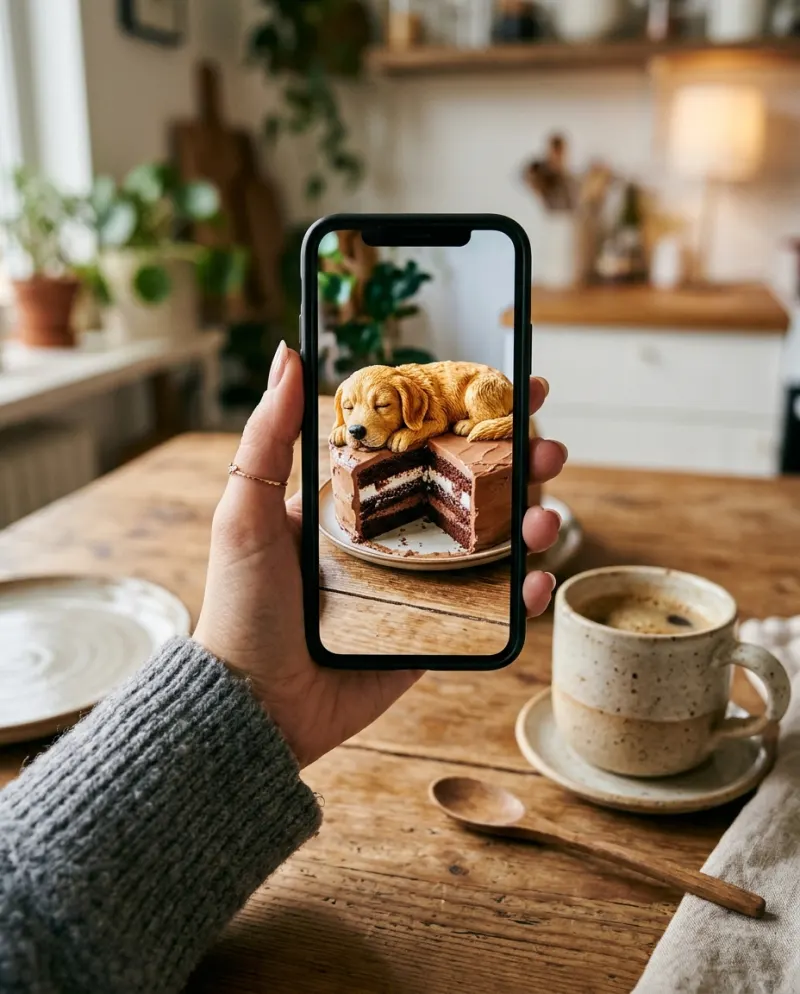
In the video, yes: choose Pet and use a photo with your cat’s face toward the camera. Don’t share real cake with them, though. Regular cake isn’t made for pets, and chocolate is toxic to cats and dogs; pet bakeries sell treats that are safe.
Is there a free is it cake AI with no watermark?
Not that we know of for a cake that looks like you. The guessing game and the swap cut are the routes that are both free and clean.
Make your first one
Everything Is Cake: One slice: you were cake all along.
Try Everything Is CakeYour photos are deleted 7 days after upload and never used to train AI.