Quick answer
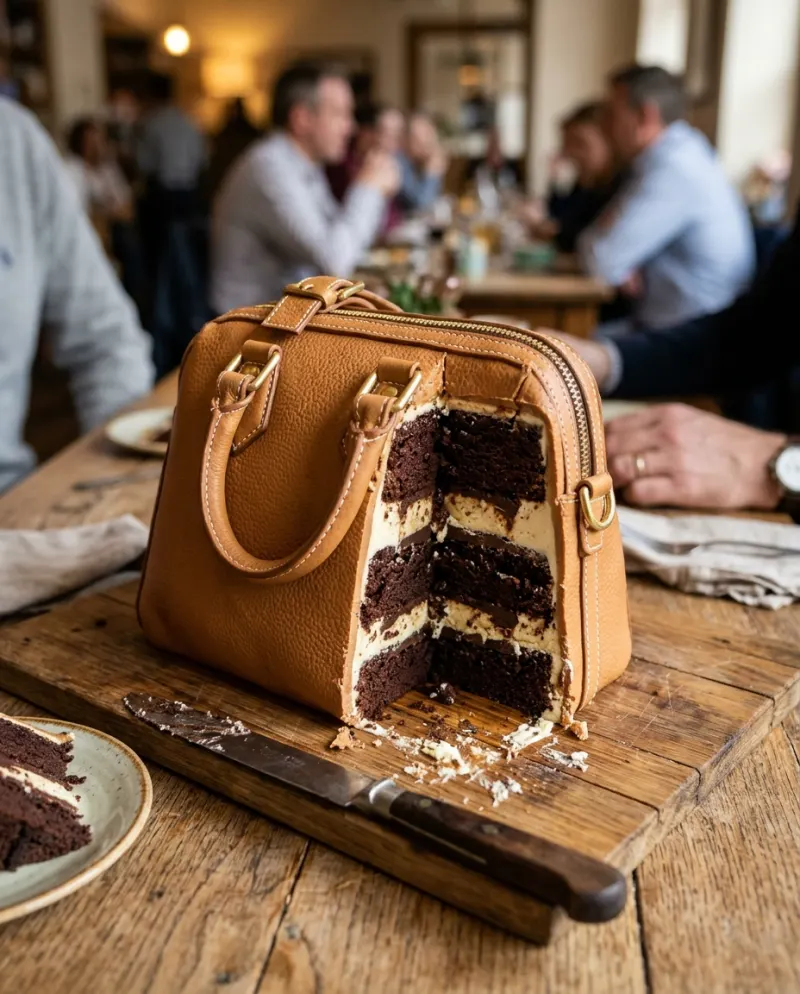
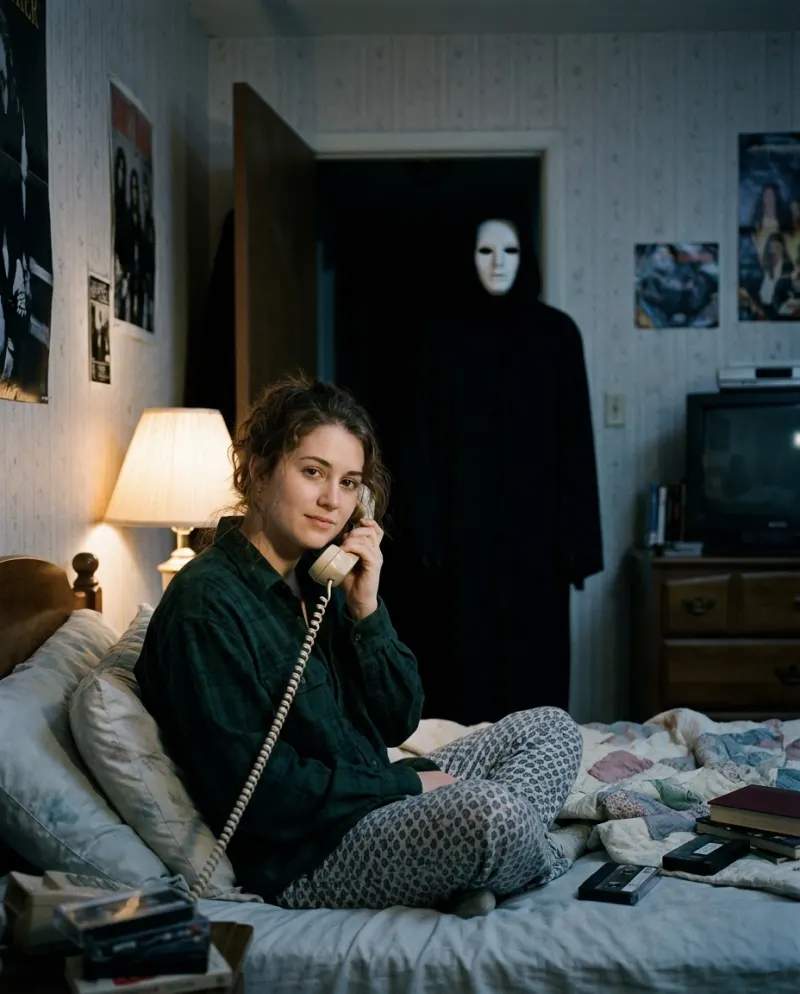
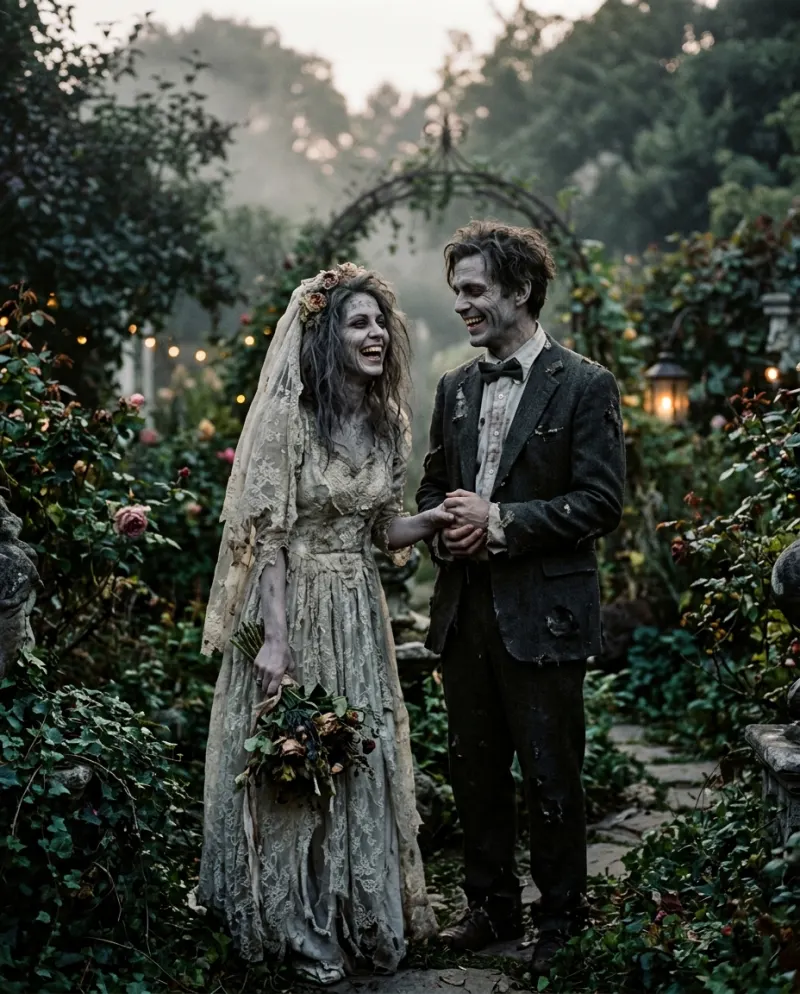
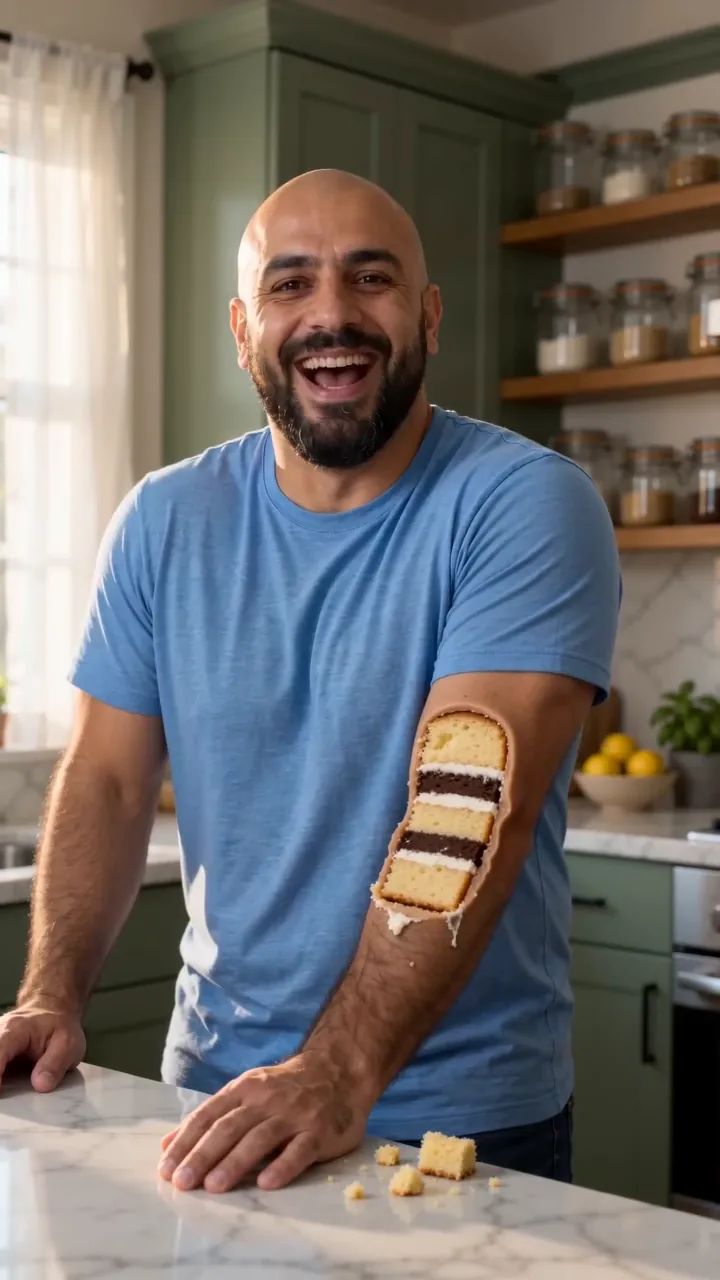
If you filmed real objects and a real cake, CapCut assembles the guessing game: the question on screen, a held frame, the cut on the beat. If the knife has to go into a cake that looks like you or your dog, no edit can fake that from a photo; Everything Is Cake makes it for 80 credits.
An is-it-cake video is a timing joke: a long, still look at something ordinary, then the knife. Editing apps are very good at timing. What they can’t do is make the cake. So the question is whether your cake exists yet.
Which half each one handles
CapCut
Timing, text and sound for footage you already shot: real objects, a real cake, a real knife.
Best for the guessing game
AI video
Makes the cake itself, shaped like the person or pet in your photo, and the slice through it, in an 8-second clip.
Best when you are the cake
Building the guessing game in CapCut
- 1Import the clips in order: decoys first, the real cake last.
- 2Put “Is it cake?” on screen over each item, in the top third, so it never covers the cut.
- 3Hold the frame just before the blade touches for about a second. Most editors, CapCut included, can freeze a frame.
- 4Add a soft crunch or a whoosh on each cut and keep the music under it.
- 5Export at the resolution you filmed in.
You may find templates called “is it cake” in CapCut; they come and go and vary by region. Nearly all of them re-time clips you supply, so the cake still has to be real.
Where AI does the part you can’t film
A sculpted cake of a person is weeks of practice for a professional baker. An AI video draws one from a photo. A general tool can do it with a cake reveal prompt and some patience; on Reelfie the kitchen and the knife are already in place:
- 1Open Everything Is Cake, choose Solo or Pet.
- 2Add one clear photo with the face toward the camera.
- 3Spend 80 credits and download the MP4 from Assets.
The AI slice inside a CapCut edit
The strongest edit uses both: two or three real objects cut open, each with the question on screen, and then the AI clip of you as the last “is it cake?”. The Reelfie video arrives with sound; mute it in CapCut if one track runs under the whole edit.
Film the real clips in a bright kitchen by daylight, the setting the AI clip uses, and the jump between them is far less obvious.
Common problems
The CapCut reveal gives itself away
The cake clip is probably framed or lit differently. Reshoot the decoys to match it, not the other way round.
The AI clip doesn’t match my real footage
Shoot in daylight on a light counter, and put one filter over every clip in the edit so the colors agree.
The text covers the slice
Move it to the top third; the knife works through the middle of the frame.
FAQ
Is there an is it cake CapCut template?
Creators publish them from time to time. Most re-cut clips you supply, so you still need a real cake on camera; they don’t turn a photo of you into one.
Can CapCut turn my photo into cake?
Not as an edit. Some editing apps add AI effects that change over time, so check what the current one asks for. Making a cake that looks like a specific person is a job for an AI video tool.
Does the Reelfie clip have sound?
Yes, it comes with sound and works as it is. You can also pick a trending sound when you post and turn the clip down.
What does the AI version cost?
80 credits on Reelfie, about $4.95 at the smallest pack’s rate (up to 2 videos for $9.90). Paid videos come without a watermark.
Make your first one
Everything Is Cake: One slice: you were cake all along.
Try Everything Is CakeYour photos are deleted 7 days after upload and never used to train AI.