Halloween Costume AI Generator
Try a costume on before you buy one. Two looks to compare.
- 2 photos
- Square, portrait or vertical
- Ready in about a minute
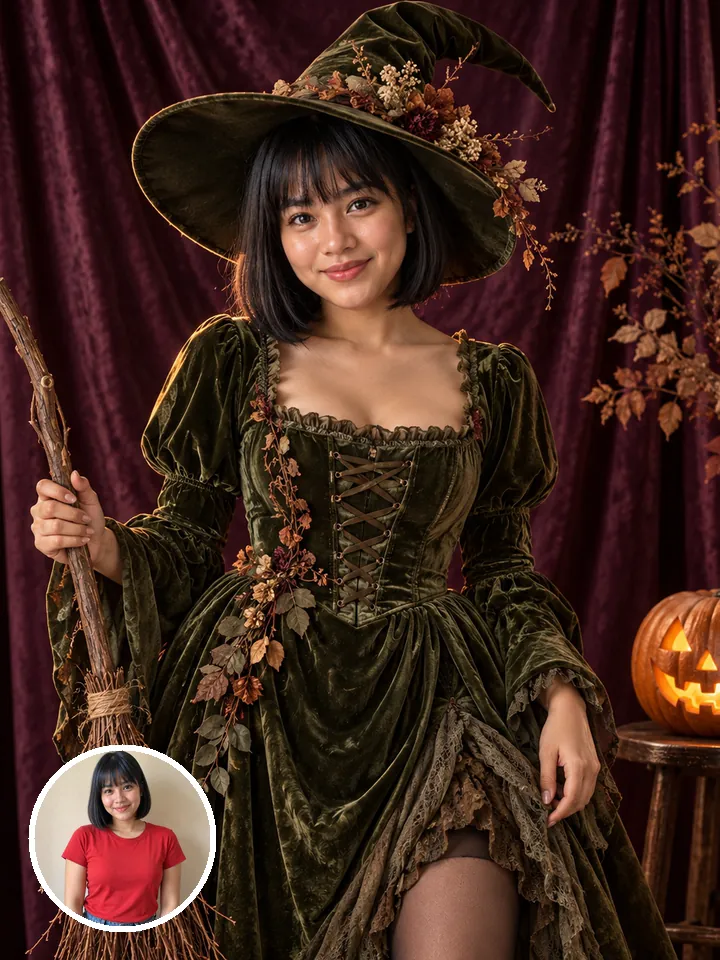
- Handmade-look costume
- Pumpkin porch at dusk
- Two takes
Who’s in it
Costume
Your photo
By adding a photo you confirm everyone in it is 18+ and agreed to have their face used for this. We use faces only to make what you ask for. How we handle faces
Photo size
- Free with a new account · no card
- Private till you share
- Photos gone in 7 days
What is the Halloween Costume AI trend?
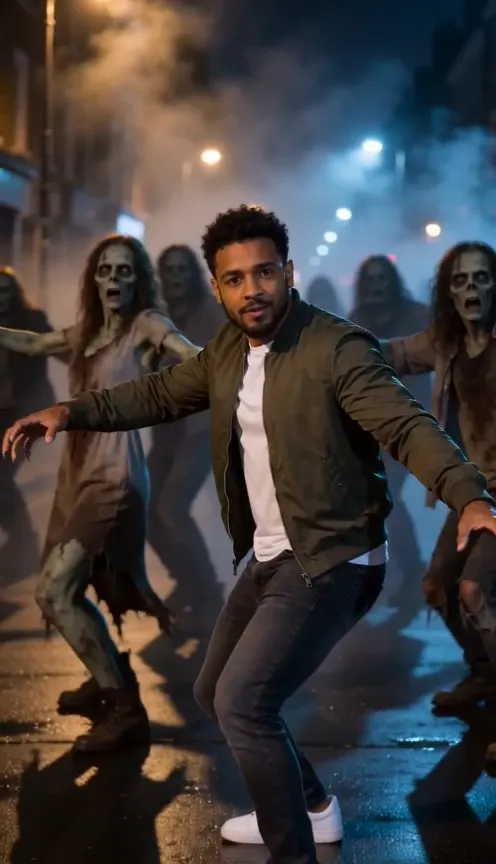
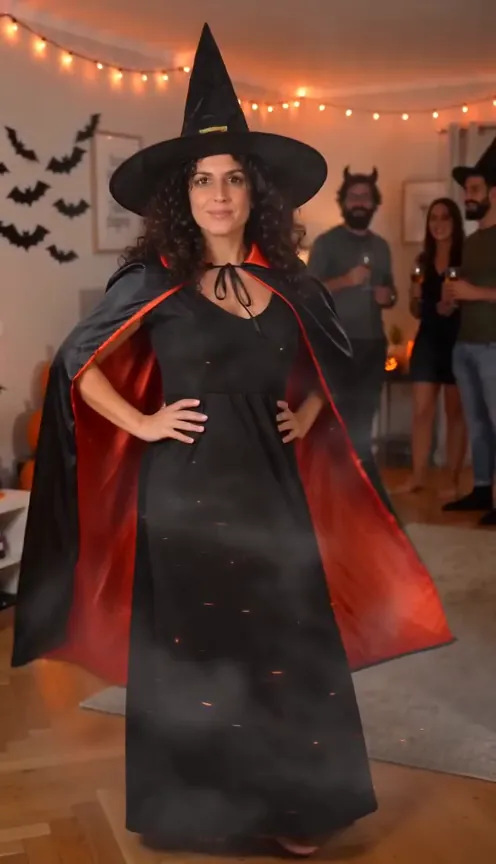
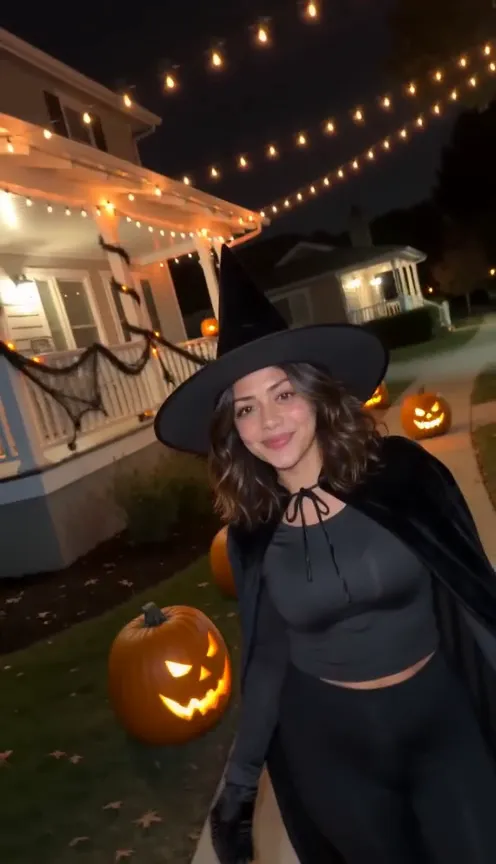
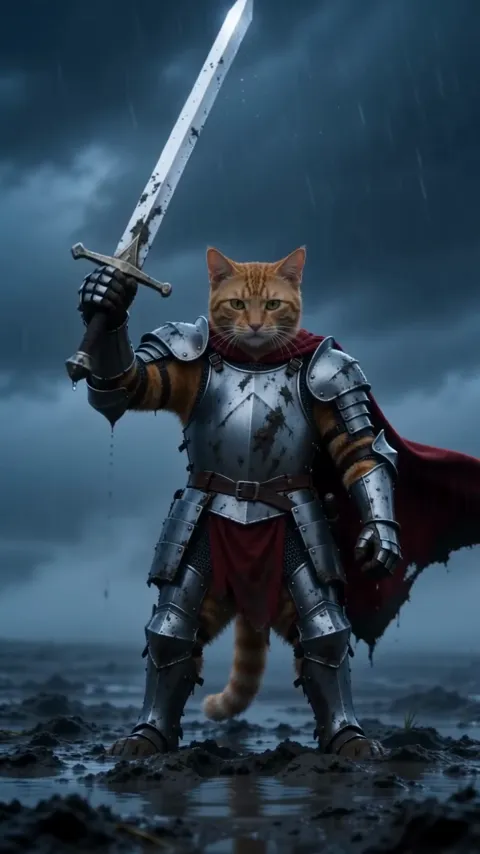
Halloween Costume AI lets you see yourself in a costume before you buy, borrow or sew one. Upload a photo and you get two square portraits of you in a detailed, handmade-looking costume: a scarecrow, a skeleton, a vampire or a witch, whichever suits you. Each one is set on a porch lined with carved pumpkins at dusk, sharp and photoreal, like a page from an autumn magazine.
People use it to settle the yearly “what should I go as” question, to plan couples costumes, and to post an October portrait without the shopping. Because the results are still photos, they’re easy to compare side by side, pin to a mood board or drop in a group chat for a vote.
The 1:1 photos suit Instagram and Pinterest, and they make a good seasonal profile picture. Not sold on the look you got? Run it again to see another costume on the same porch.
Updated
- Instagram, Pinterest
- #halloweencostume
- For you or two people
In the 2 photos
How to make Halloween Costume AI photos
Three taps on your side. The rest happens on ours.
 1
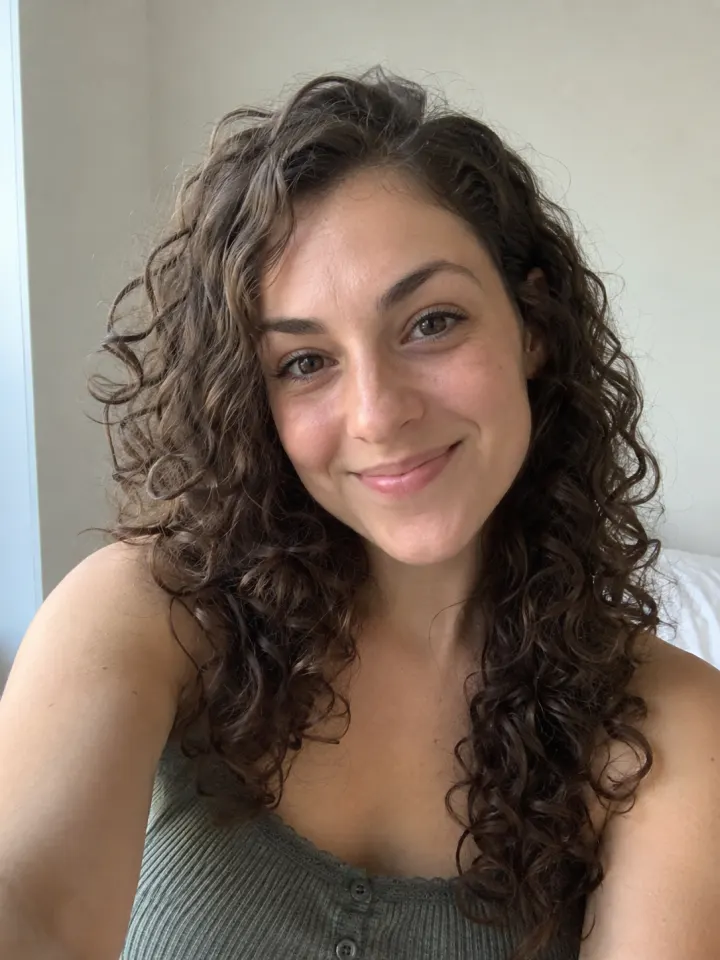
1Add a photo
One clear, front-facing photo of you.
- Make my photosHalloween Costume AI2
Tap Make my photos
No prompt to write. The trend’s look is built in.
- PhotosShare link#halloweencostume3
Post it
Download the photos and tag #halloweencostume.
What you add, what you get
One Halloween Costume AI run, from the photo in to the file out.
You add
- One clear photo of you
- Or two photos, one of each of you
- Costume: surprise me, witch, vampire, skeleton and 1 more
- No prompt to write
- JPG, PNG or WebP, up to 10 MB
You get
- 2 Halloween Costume AI photos of you
- Square, portrait or vertical, your pick
- Download each photo, ready to post
- Ready in about a minute, credits back if it fails
- Private until you share it; no watermark after your first purchase
Best photo for Halloween Costume AI
Face the camera in good light. The clearer the face, the more it looks like you.
Works
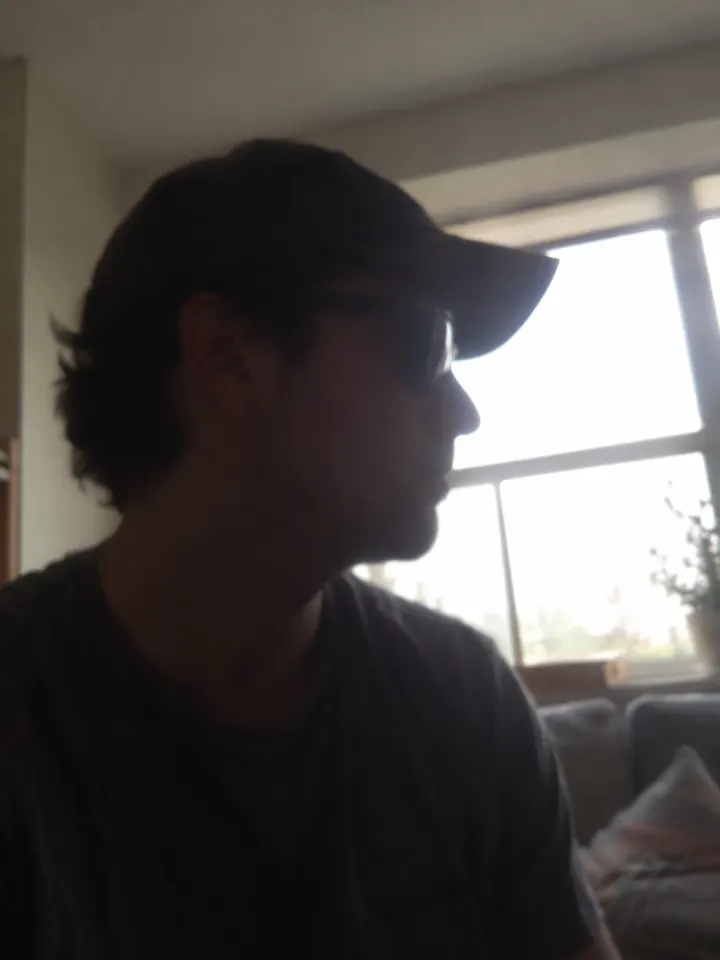
Turned away
Too dark
Blurry
Face too small
- Waist up in frame
- Face toward the camera
- Simple everyday clothes
- Bulky coats or hats
- Group photos
- Face partly covered
Ideas to try with Halloween Costume AI
Who to put in it, and what to say when you post it.
Tried it on before I bought it. #halloweencostume
Who to make it for
- Still deciding what to beTry a look on before you spend anything. If it’s not you, run it again.
- Couples costume planningChoose Couple and upload one picture per person to see costumes on both.
- Seasonal profile pictureSwap in a costume portrait for October. It’s ready-made for a square crop.
- Party hintPost your look the week before a party and let friends guess if it’s the real costume.
Caption ideas · tap to copy
Halloween Costume AI questions
The short answers. Ask a person or visit the help center.
Can I choose which costume I get?
Not directly. Each time, it picks a witch, vampire, skeleton or scarecrow look, whichever suits your photo. Run it again to see a different one.
Is it a video?
No. Halloween Costume AI gives you two still photos, square 1:1, ready for Instagram, Pinterest or a profile picture.
Do I need props or a costume in my photo?
No. Everyday clothes are fine. The costume, the porch and the pumpkins are all added.
Is Halloween Costume AI free?
Yes, to try: every new account gets one photo trend free, and Halloween Costume AI is one, no card needed. After that it costs 4 credits, and a run that fails costs nothing.
How much does Halloween Costume AI cost?
4 credits for 2 photos. Every new account makes its first set free. A pack from $9.90 makes 40 sets, and a plan from $16.58/mo, billed yearly, makes 120 sets a month. The Make button shows the total before it runs, and a run that fails gives the credits back.
What app makes the Halloween Costume AI photo?
Reelfie (reelfie.app) makes it from one photo, with no prompt to write: the trend’s look is built in. It costs 4 credits, shown before it runs, and a run that fails costs nothing.
Is Reelfie the official Halloween Costume AI app?
No. Halloween Costume AI is a trend, and no app owns it. Reelfie (reelfie.app) is independent, not affiliated with TikTok, CapCut or the trend’s creators; it makes your own version from your photo.
Can I make Halloween Costume AI with ChatGPT or Gemini?
Yes, if you write and tweak the prompt yourself: ChatGPT and Gemini both make images from a photo. Here the look is built in, and one photo gets you 2 images in the trend’s style.
How long does it take?
Most photos are ready in about a minute. You can close the page; the photo keeps going and waits for you in Assets.
Can two people be in it?
Yes. Choose Two of you and add one photo for each person.
Why does the face not look like me?
Usually the photo: side angle, low light or something covering the face. Try a clear front photo. If one doesn’t come out, you are not charged.
Can I post it on TikTok?
Yes. The photos are 1:1, and after your first purchase they have no watermark.
Who can see my photo?
Only you. It stays private in Assets until you create a share link.
What happens to my photos?
Your photos are deleted 7 days after upload and never used to train AI.
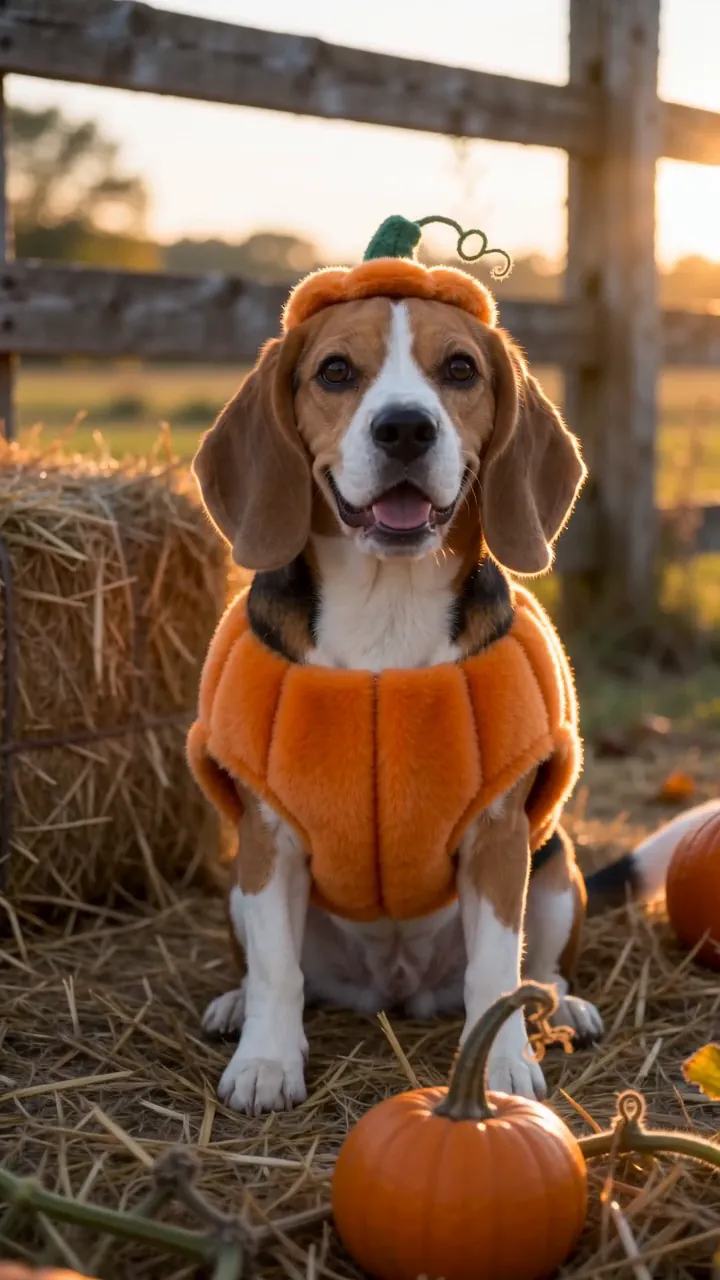
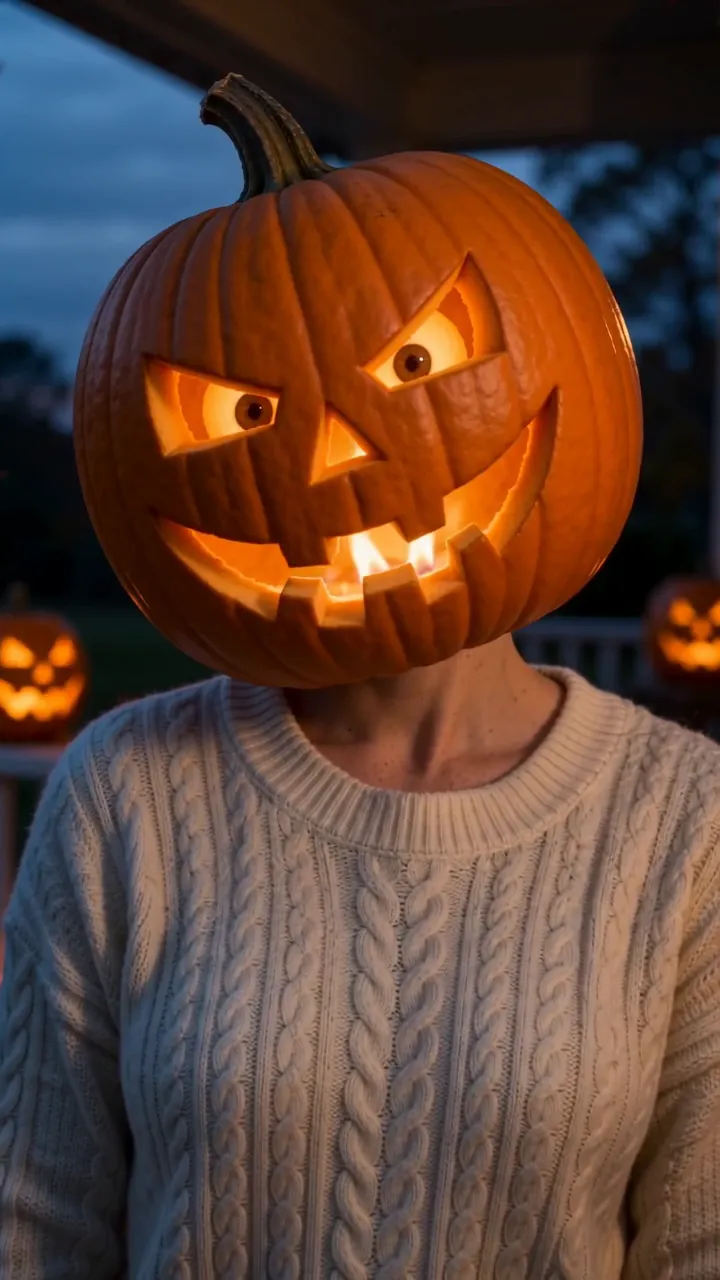
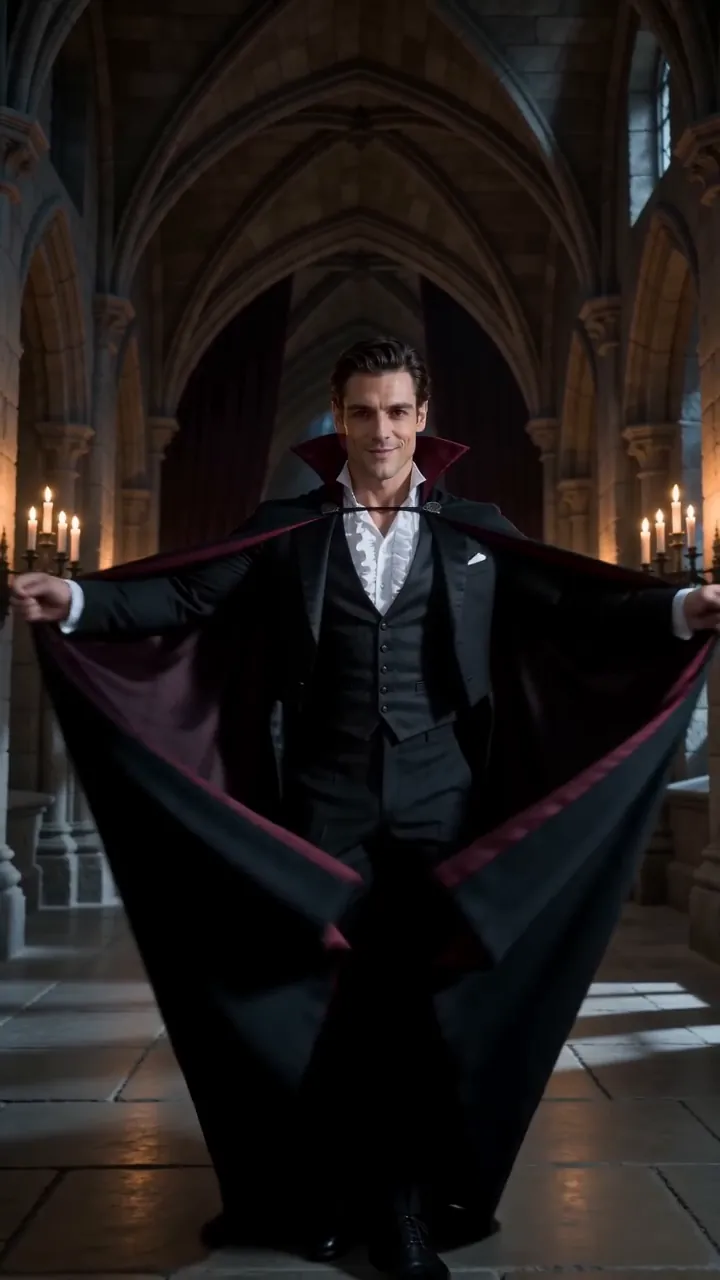
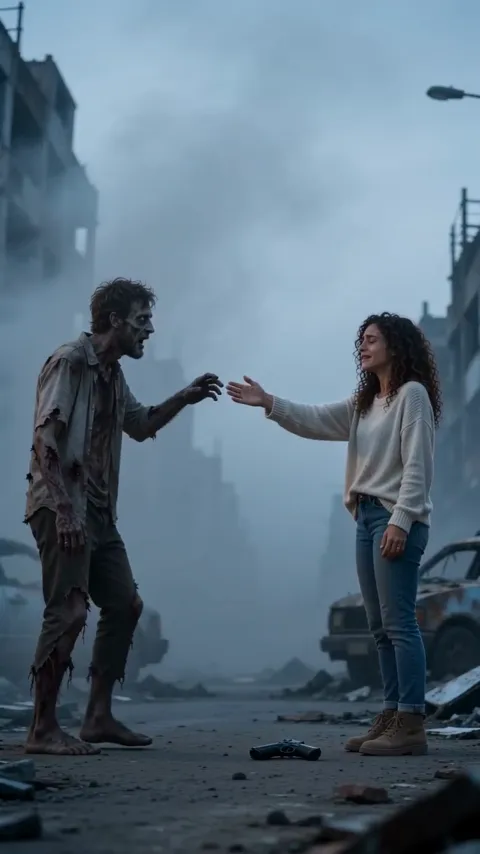
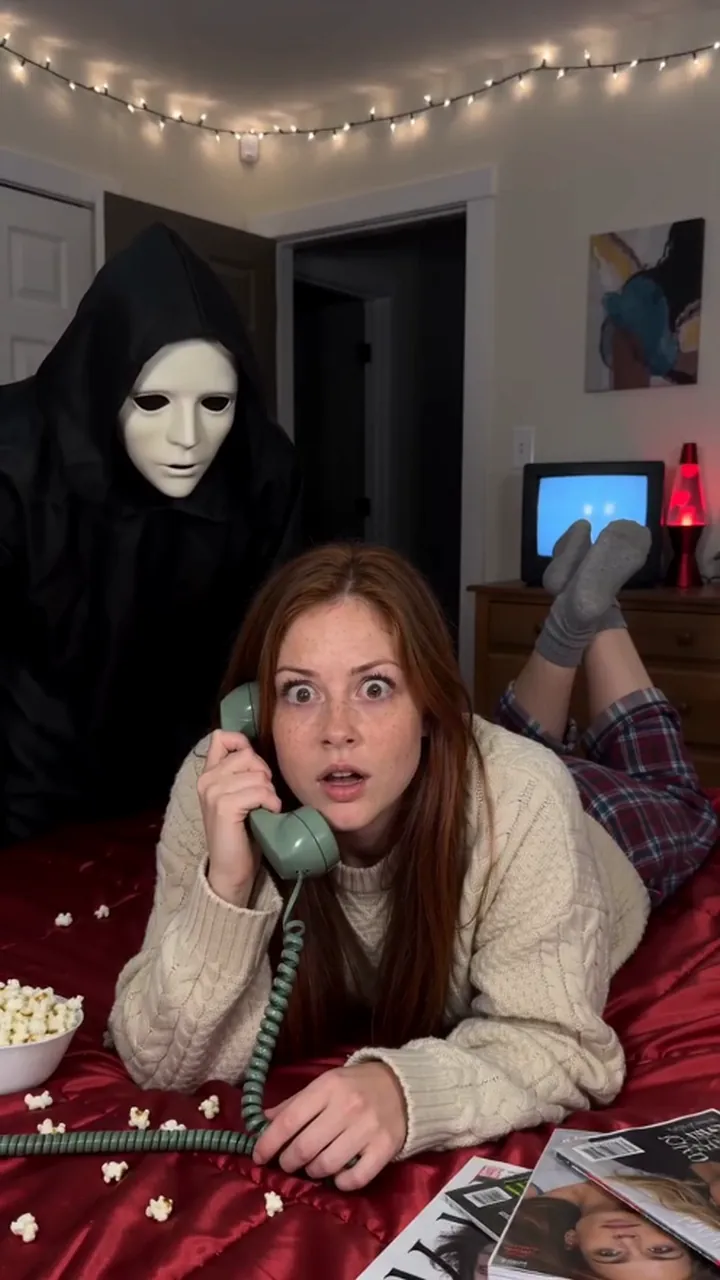
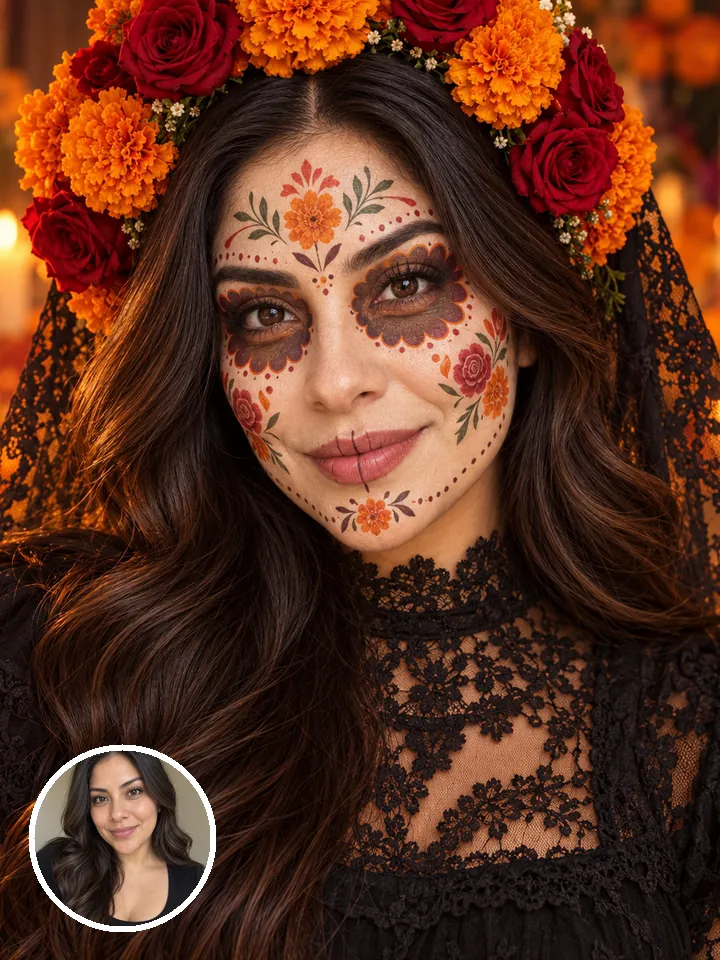
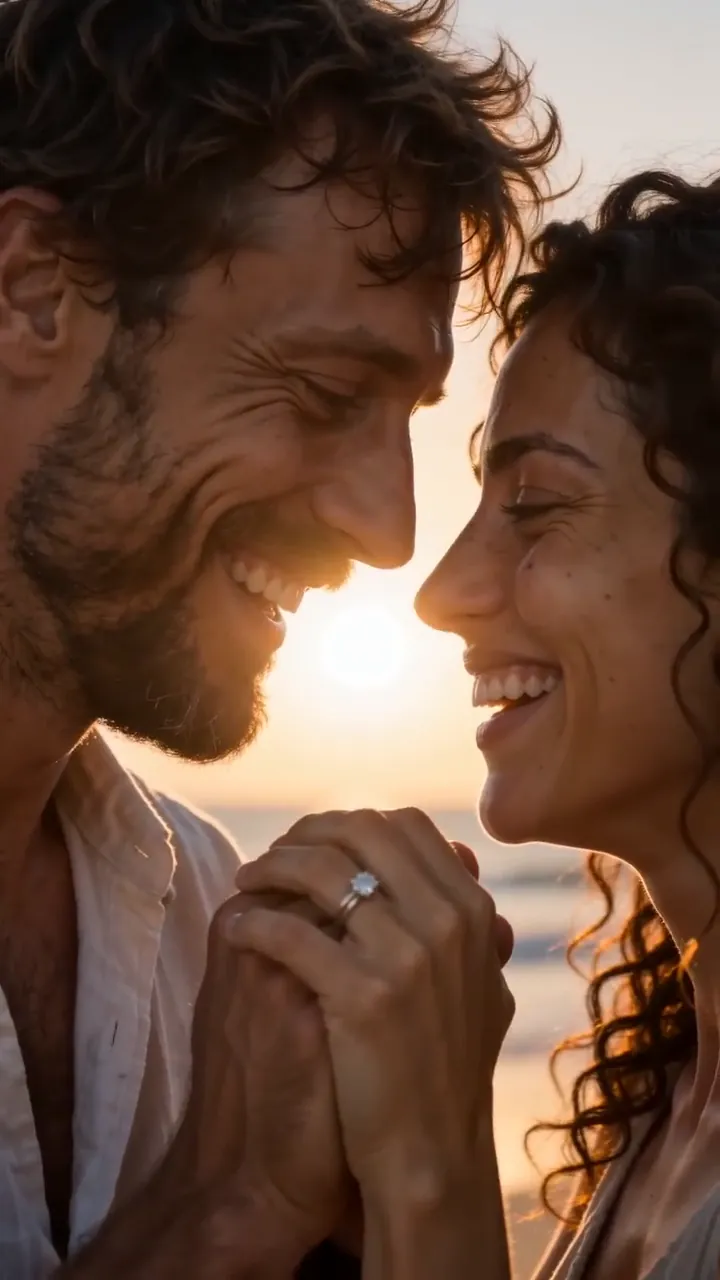
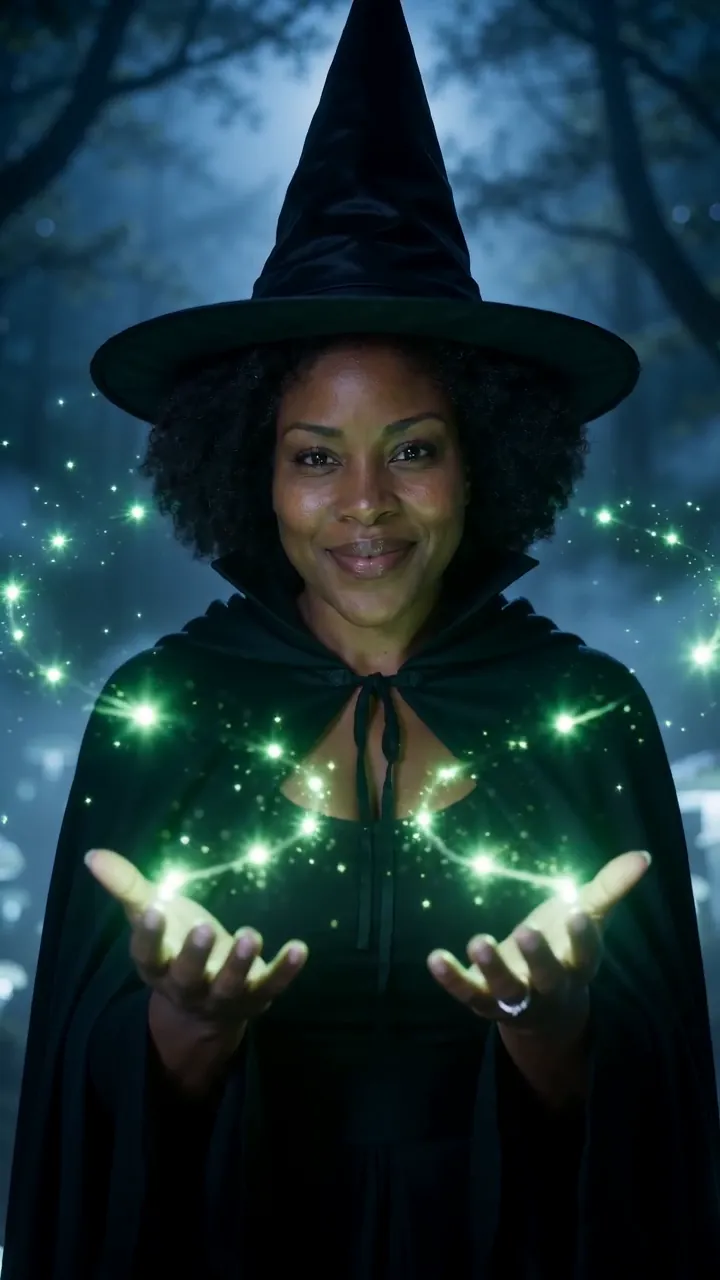
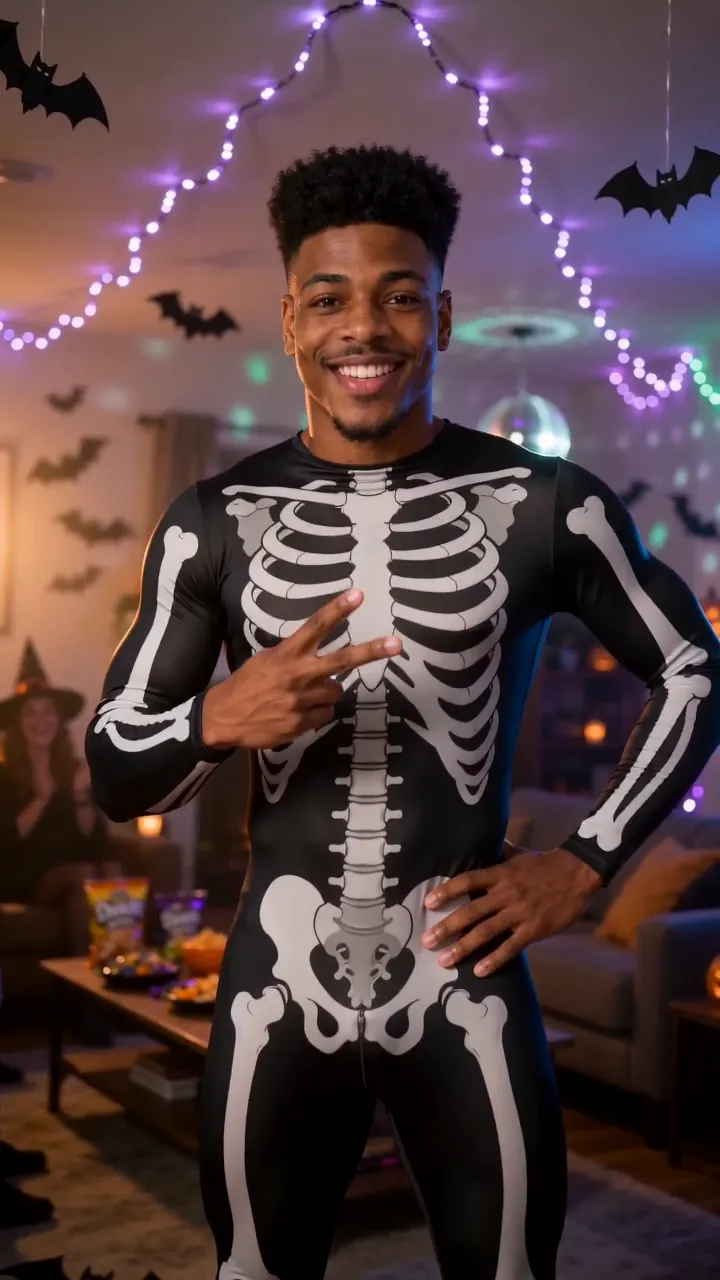
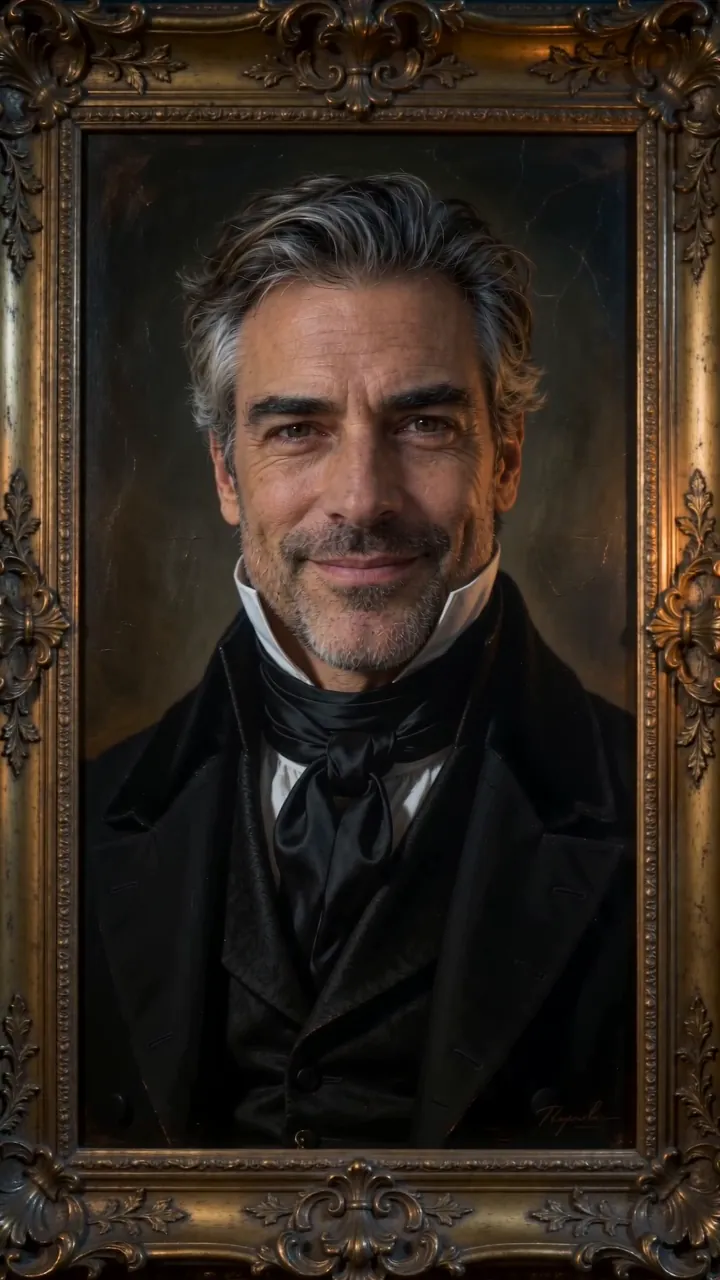

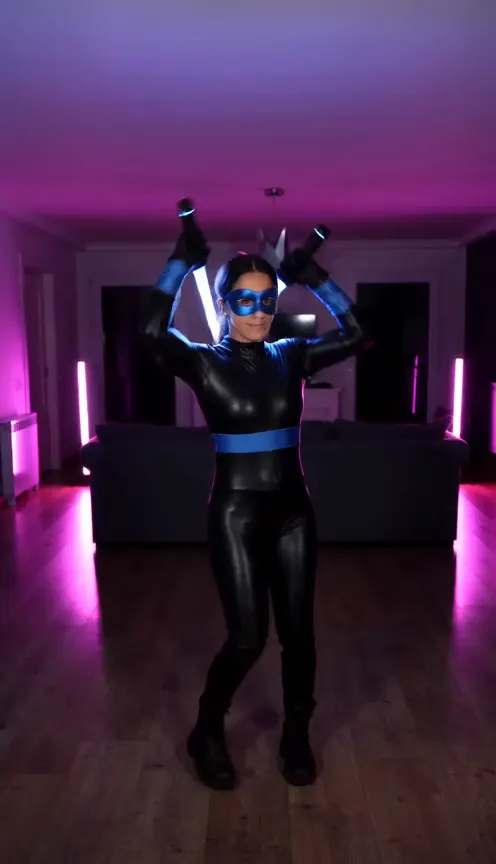
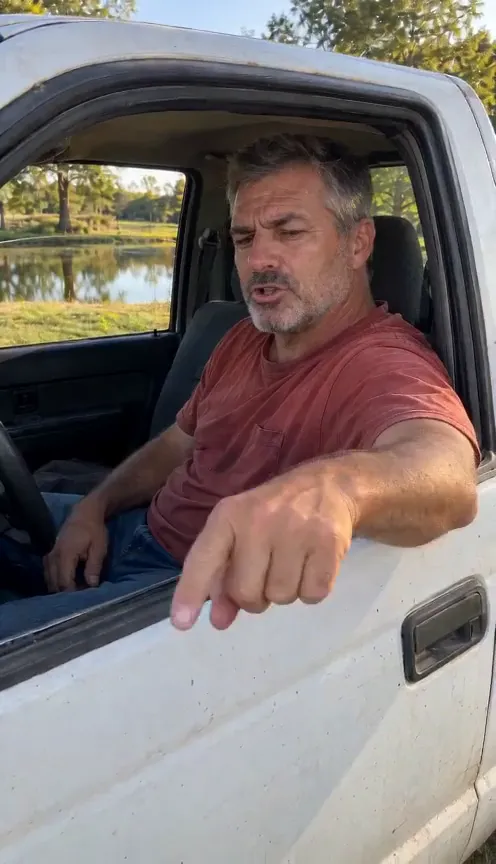
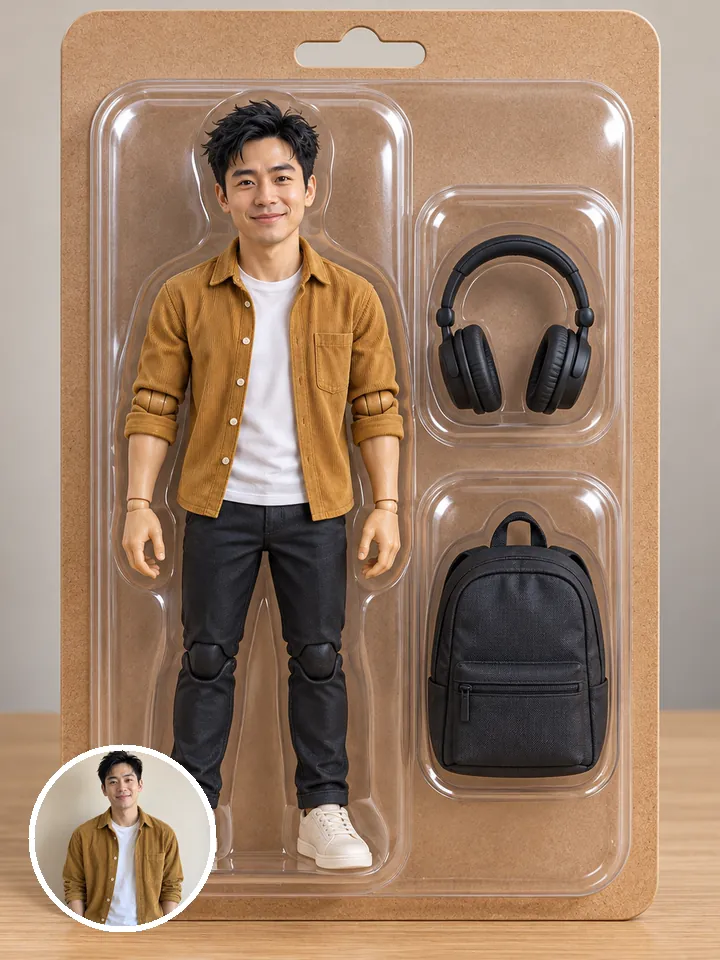
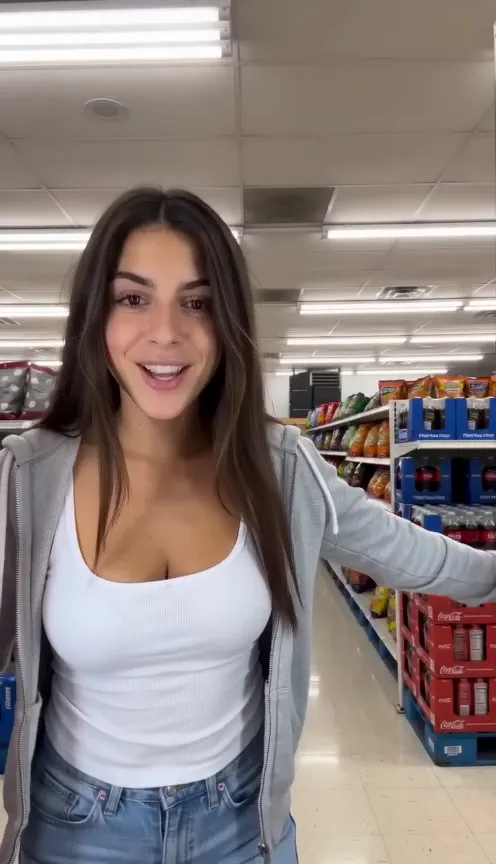
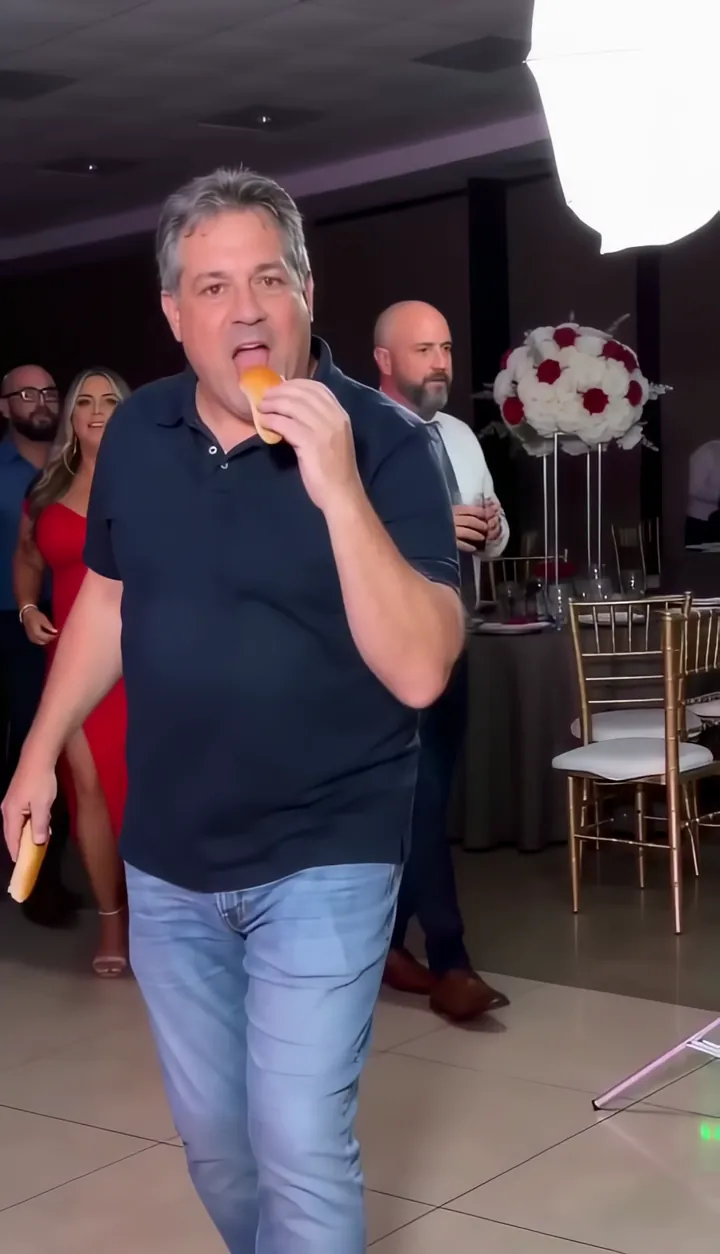
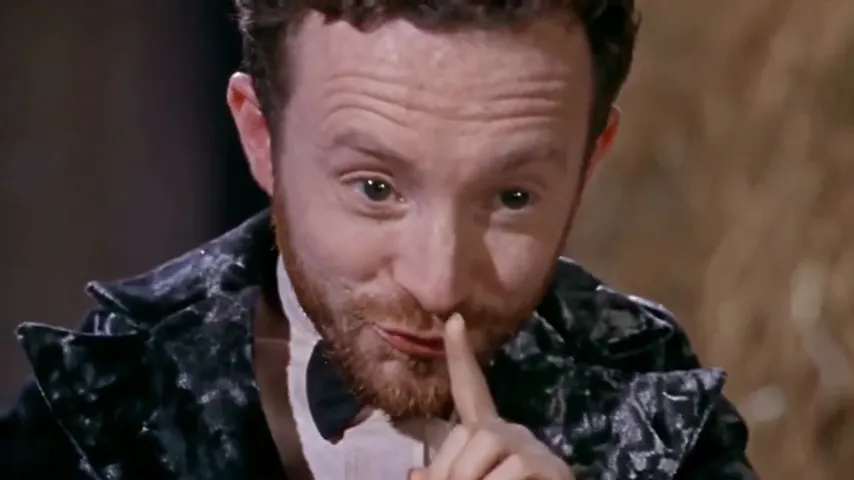
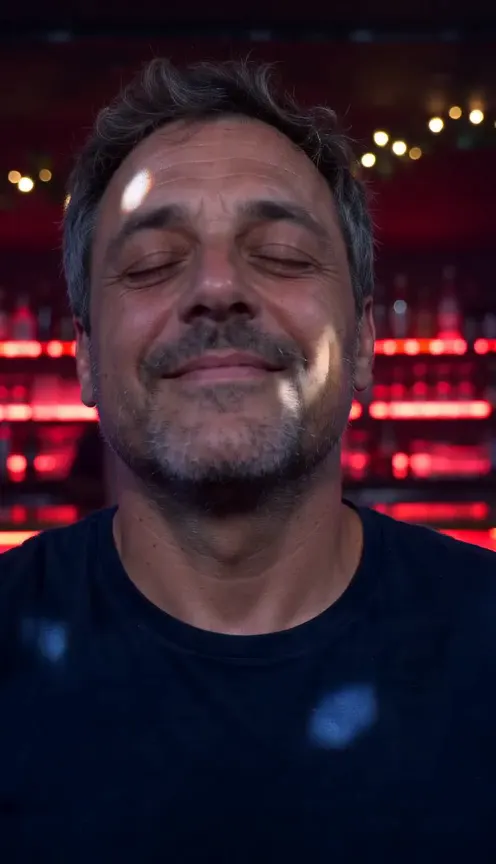
One selfie.
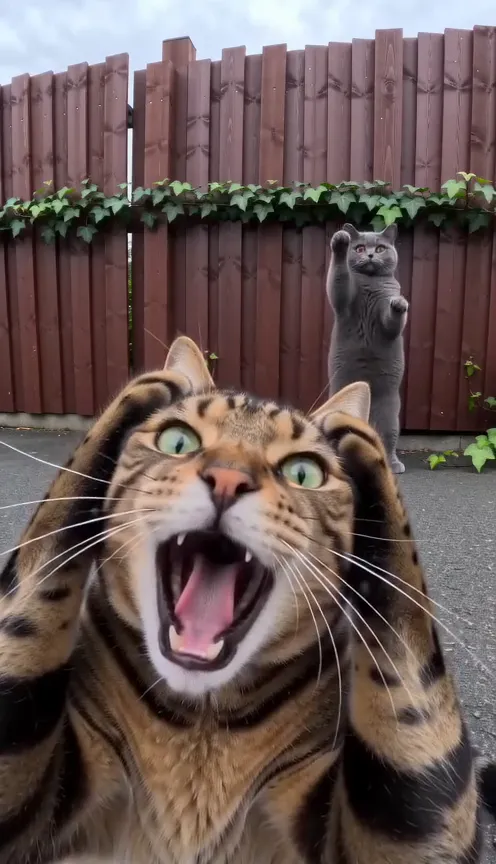
You in Halloween Costume AI.
Halloween Costume AINot charged if it fails