Hit the Road Dude AI Generator
Tell them off from the driver’s seat of your pickup.
- 15-second video
- Vertical
- With the trend sound
- Ready in 3 to 5 minutes
- Old pickup by a pond
- Point and stare
- Unimpressed hand flick
Who’s in it
Your photo
By adding a photo you confirm everyone in it is 18+ and agreed to have their face used for this. We use faces only to make what you ask for. How we handle faces
Video size
Quality
- Not charged if it fails
- Private till you share
- Photos gone in 7 days
What is the Hit the Road Dude AI trend?
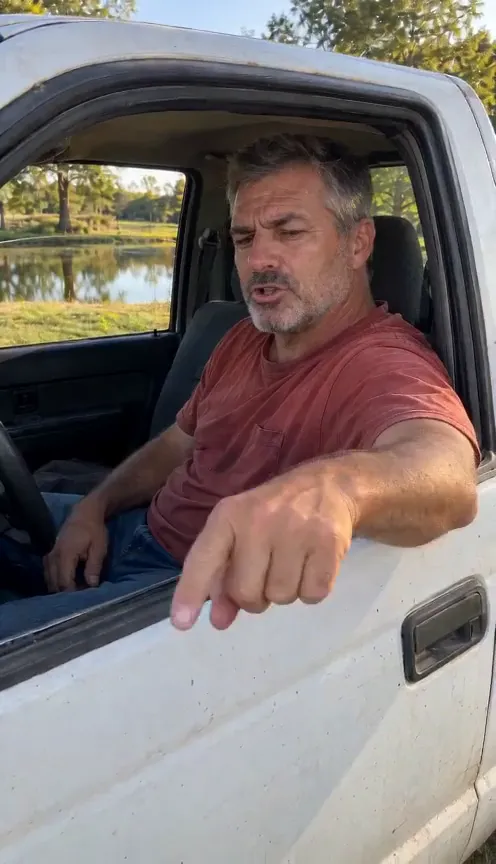
Hit the Road Dude AI puts you in the driver’s seat of an old white pickup, window rolled all the way down, parked on the grass by a fishing pond on a sunny afternoon. Someone is filming from just outside your door, and they are not supposed to be there. Grumpy and unimpressed, you rest an arm on the door, jab a finger at the ground and make your point.
The whole rant lives in your gestures. You stare down the lens while the stranger offers an excuse, come back in disbelief, flick a hand toward the road and point at the ground again, then settle back on the door with one last hard look. Your mouth moves on the driver’s lines and stays shut while the off-camera visitor talks, so it lines up with the trend audio. With a pet it’s even better: your cat or dog takes the wheel, sitting up tall, and does it all with a front paw.
The 15-second vertical clip is one handheld phone take, framed waist up with your face large and sharp. The original audio isn’t in the clip, so pick Hit the Road Dude as the sound in the TikTok or Reels editor. Save it for anyone who takes your parking spot, the last slice or your seat on the couch.
Updated
- TikTok, Reels
- #hittheroaddude
- For you or pets
In the 15 seconds
Where Hit the Road Dude AI started
On August 21, 2025, a TikToker posted a clip of an older man in a white pickup kicking him out of a fishing pond, telling him to “hit the road” after hearing that it was “state property”. Lip dubs and a green-screen template followed within days. The clip came back in October 2026 with AI character swaps and reenactments.
Since August 2025
How to make the Hit the Road Dude AI video
Three taps on your side. The rest happens on ours.
 1
1Add a photo
One clear, front-facing photo of you.
 Make my videoHit the Road Dude AI2
Tap Make my video
No prompt to write. The trend’s moves and music are built in.
- MP4 with soundShare link#hittheroaddude3
Post it
Download it with the trend sound and tag #hittheroaddude.
What you add, what you get
One Hit the Road Dude AI run, from the photo in to the file out.
You add
- One clear photo of you
- Or one photo of your cat or dog
- No prompt to write
- JPG, PNG or WebP, up to 10 MB
You get
- A 15-second Hit the Road Dude AI video starring you
- Vertical, your pick
- HD 720p or standard 480p, with the trend sound
- Ready in 3 to 5 minutes, credits back if it fails
- Private until you share it; no watermark after your first purchase
Best photo for Hit the Road Dude AI
Face the camera in good light. The clearer the face, the more it looks like you.
Works
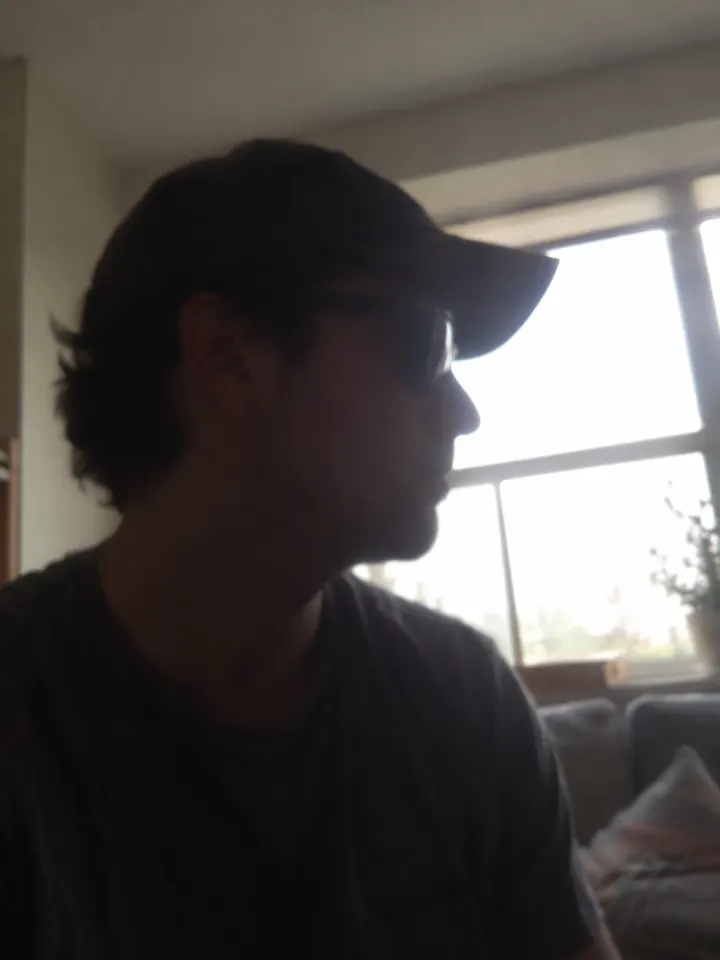
Turned away
Too dark
Blurry
Face too small
- Face large and clear
- Head and shoulders in view
- A grumpy face is welcome
- Sunglasses
- Other people in shot
- A tiny face far away
Ideas to try with Hit the Road Dude AI
Who to put in it, and what to say when you post it.
Who told you to sit here? #hittheroaddude
Trend soundWho to make it for
- The parking spotPost it when someone takes your space. No words needed.
- Your cat’s territoryUse a photo of your cat and caption it for whoever sat in its chair.
- Group chat boundariesSend it when friends make plans for your living room without asking.
- Fishing trip throwbackShare it with the friend who drags you to the lake every summer.
Caption ideas · tap to copy
Hit the Road Dude AI questions
The short answers. Ask a person or visit the help center.
Can my pet be the driver?
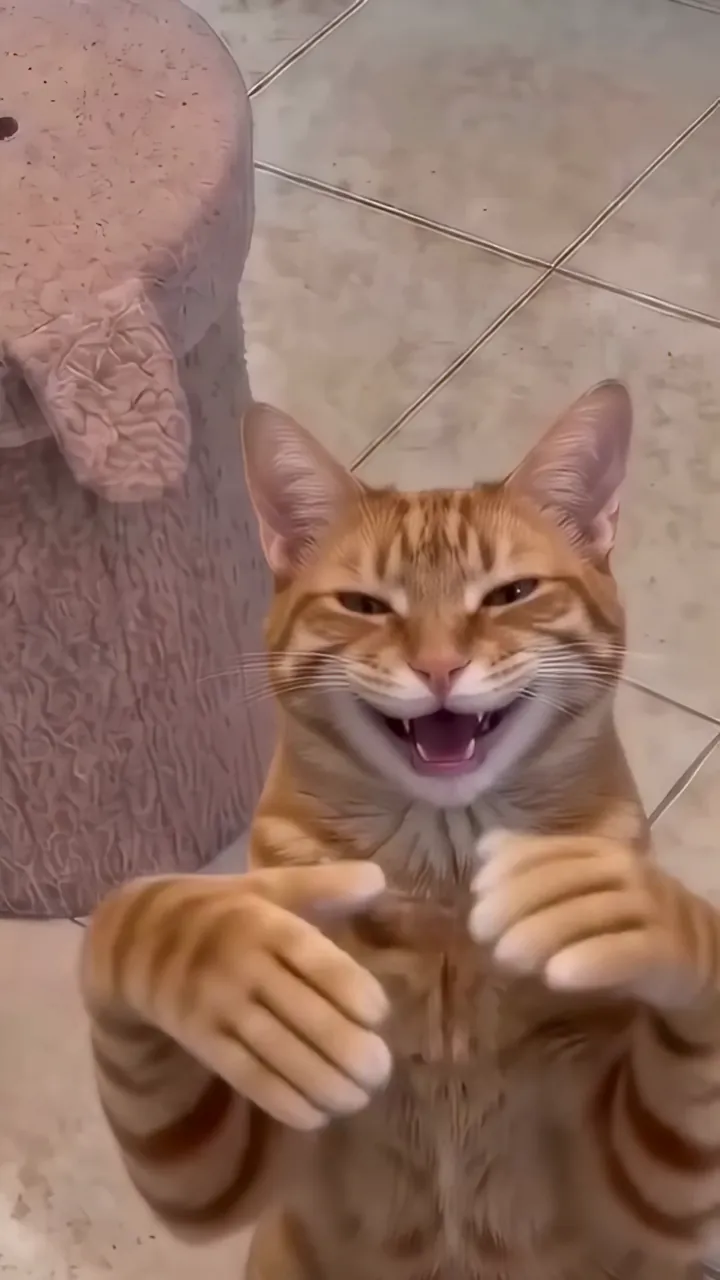
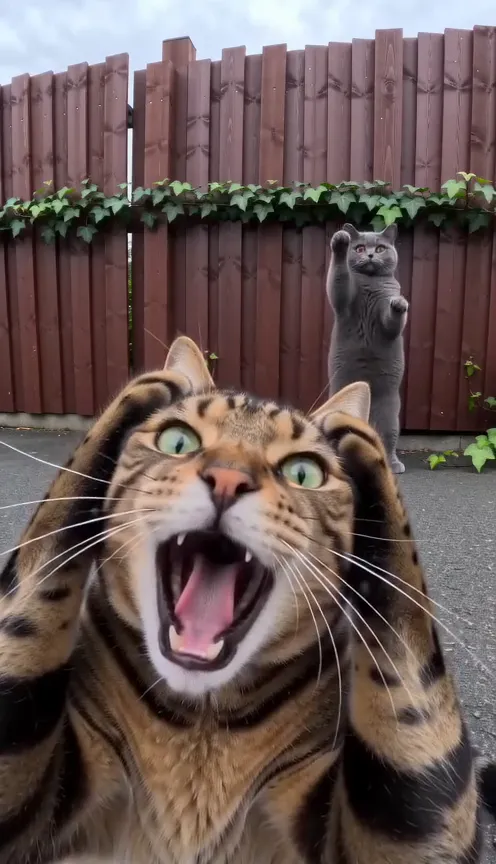
Yes. Upload your cat or dog. It sits up tall behind the wheel and does every gesture with its own front paw.
Does the video include the original rant audio?
No. Your mouth and gestures follow the timing of the original clip, so pick Hit the Road Dude as the sound in the TikTok or Reels editor and it lines up.
Will anyone else appear?
No. Only the driver is ever in view. The person filming stays off camera, just outside the door.
Is Hit the Road Dude AI free?
Not free, but you can try Reelfie first: every new account gets one photo trend free, no card needed. Hit the Road Dude AI itself starts at $9.90 for a credit pack, with no watermark once you buy, and a run that fails costs nothing.
How much does Hit the Road Dude AI cost?
150 credits in HD (720p), 75 in standard (480p). A pack from $9.90 makes 1 in HD or 2 in standard, and a plan from $16.58/mo, billed yearly, makes 3 in HD a month. The Make button shows the total before it runs, and a run that fails gives the credits back.
What app makes the Hit the Road Dude AI video?
Reelfie (reelfie.app) makes it from one photo, with no prompt to write: the trend’s look is built in. It costs 150 credits, shown before it runs, and a run that fails costs nothing.
Is Reelfie the official Hit the Road Dude AI app?
No. Hit the Road Dude AI is a trend, and no app owns it. Reelfie (reelfie.app) is independent, not affiliated with TikTok, CapCut or the trend’s creators; it makes your own version from your photo.
Can I make Hit the Road Dude AI with ChatGPT, Gemini or CapCut?
Partly. ChatGPT and Gemini can write a prompt, and AI video tools, CapCut’s included, can turn a photo into a clip from it, usually after a few tries and with a watermark on free tiers. They don’t know this trend’s scene or timing. Here both are built in, so one photo is all it takes.
How long does it take?
Most videos are ready in 3 to 5 minutes. You can close the page; the video keeps going and waits for you in Assets.
Can I make it with my cat or dog?
Yes. Choose Your pet and upload a photo where your pet’s face is clear and facing the camera.
Why does the face not look like me?
Usually the photo: side angle, low light or something covering the face. Try a clear front photo. If one doesn’t come out, you are not charged.
Can I post it on TikTok?
Yes. The video is vertical with the trend sound, and after your first purchase it has no watermark. Pick the trend’s sound when you post and your video also shows on that sound’s page.
Who can see my video?
Only you. It stays private in Assets until you create a share link.
What happens to my photos?
Your photos are deleted 7 days after upload and never used to train AI.
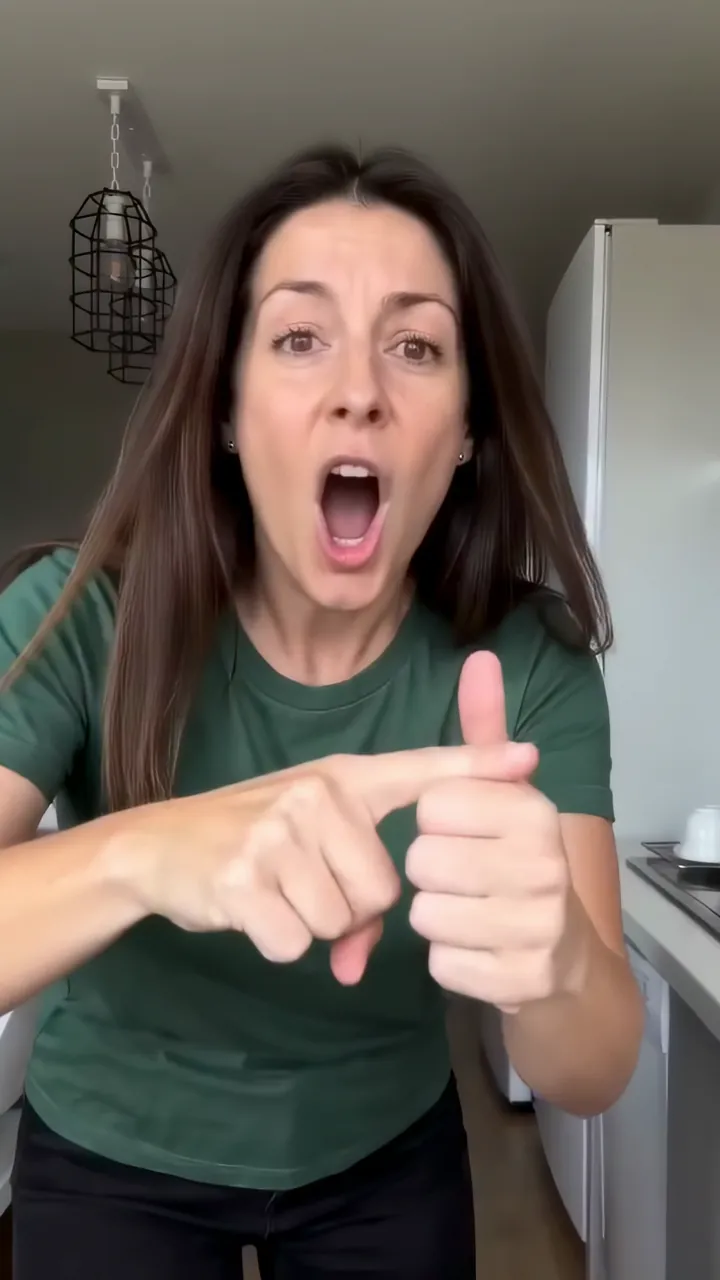

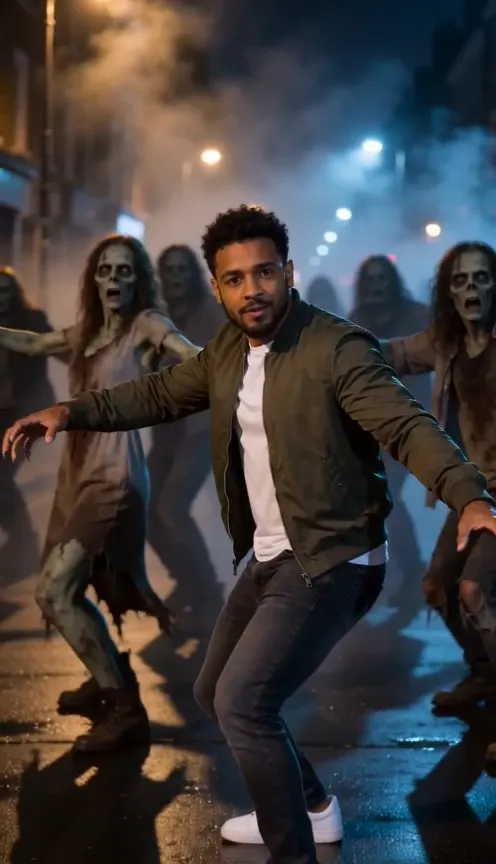


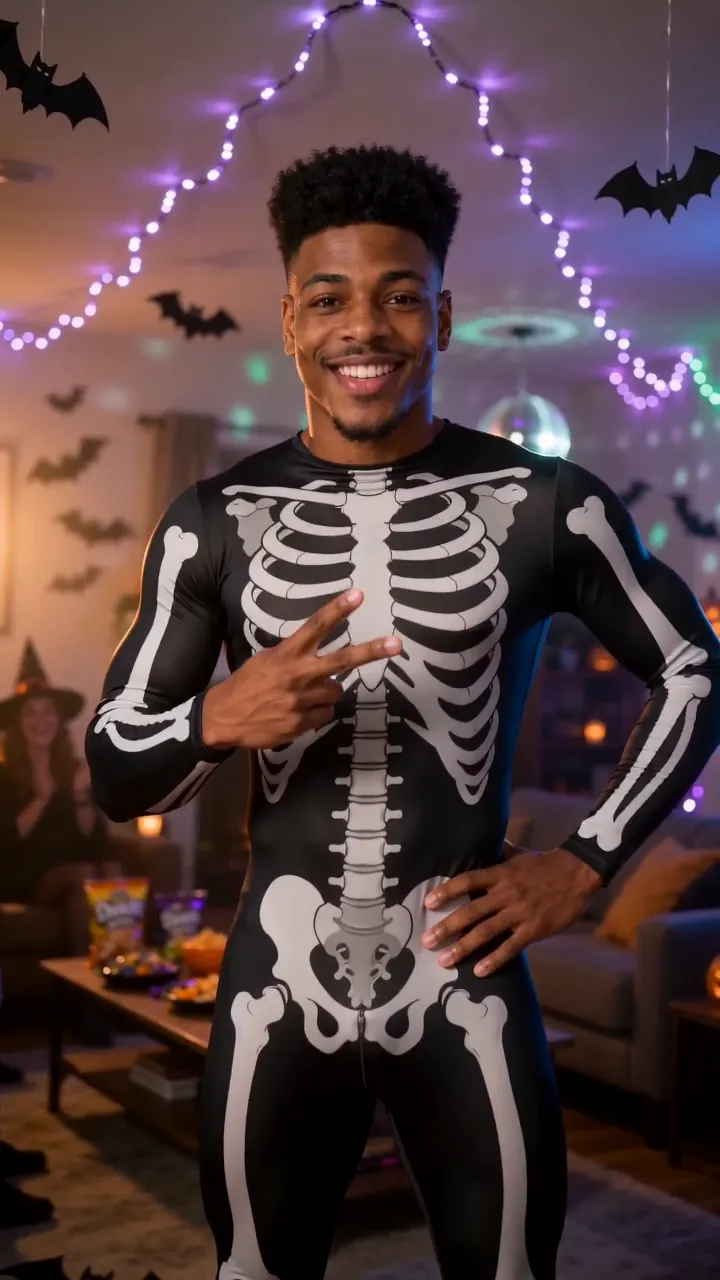




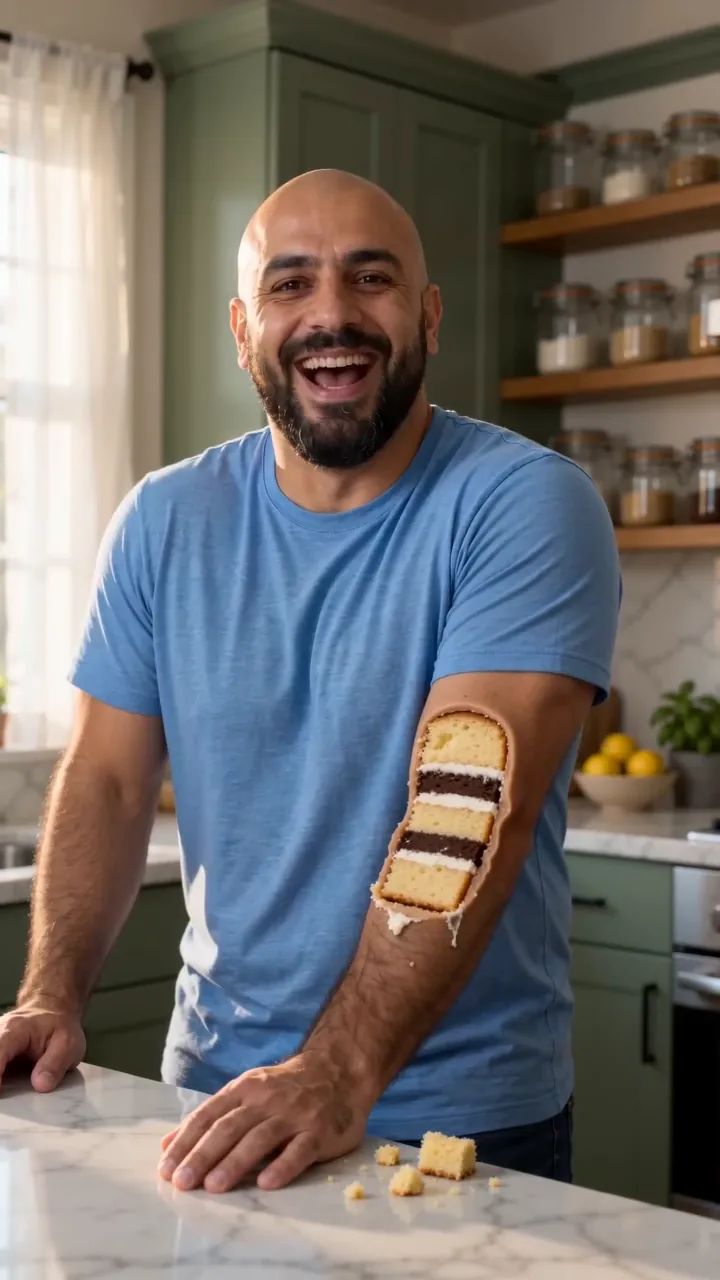
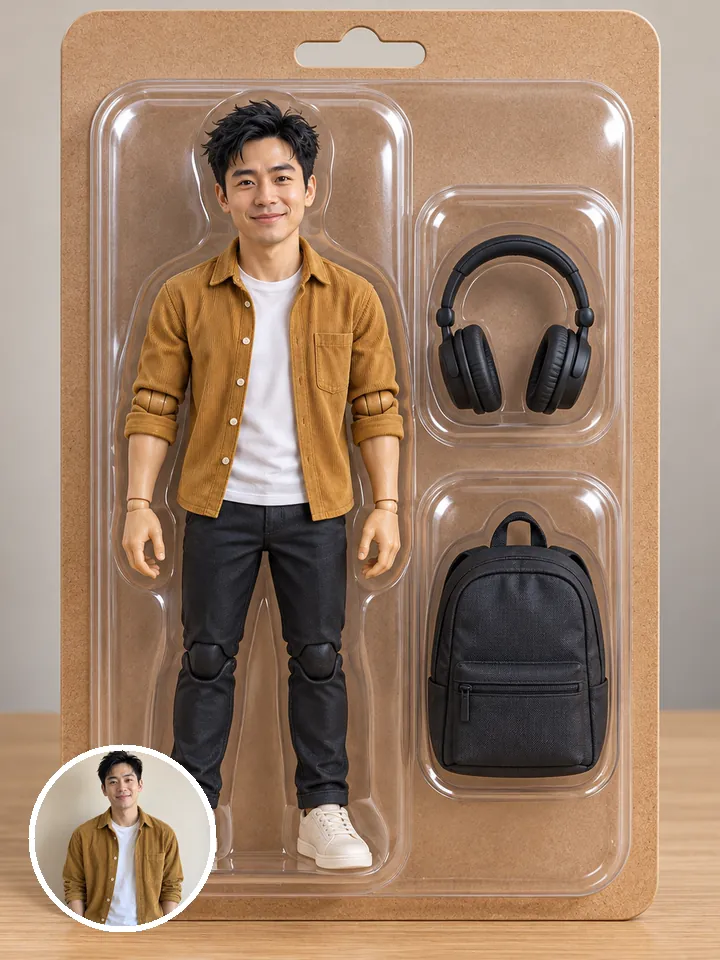
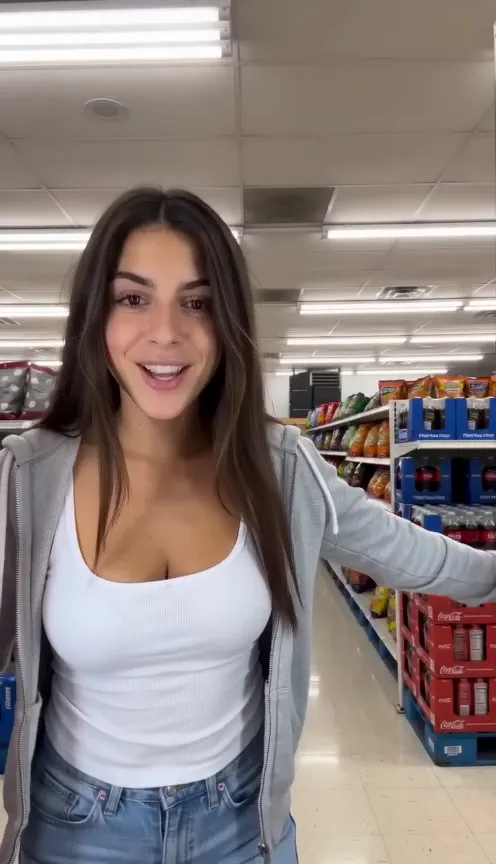


One selfie.
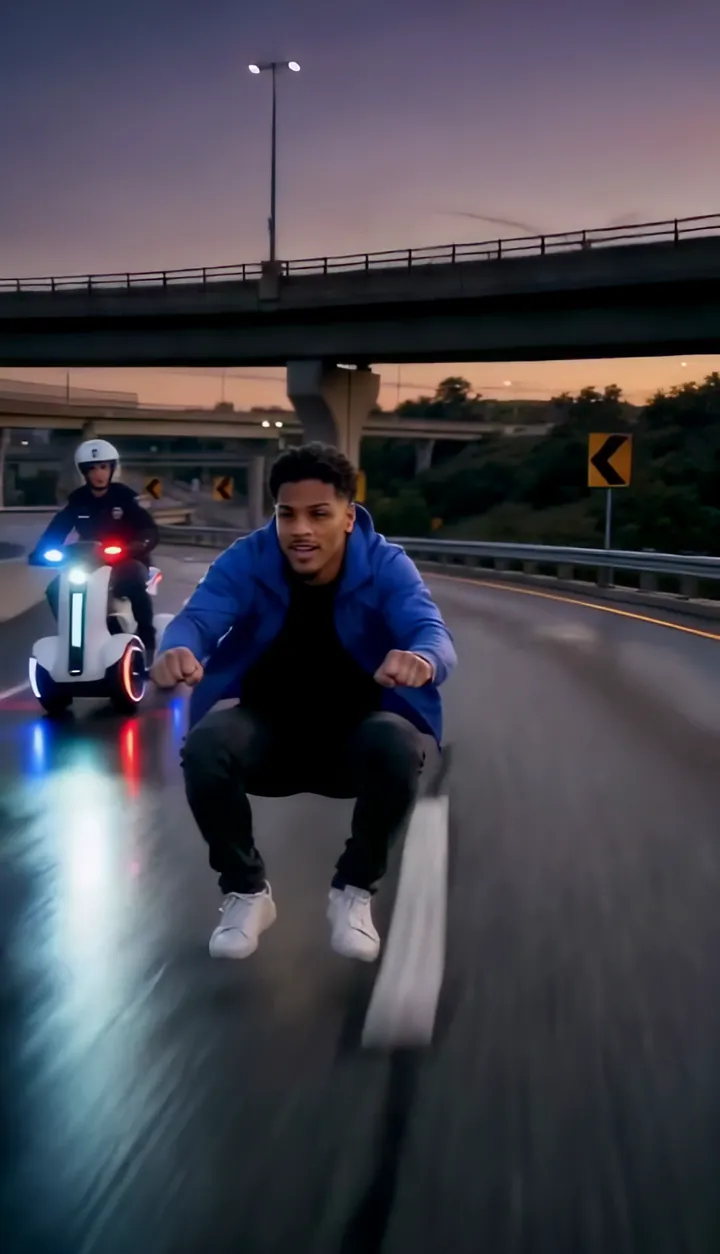
You in Hit the Road Dude AI.
Hit the Road Dude AINot charged if it fails