Quick answer
Upscaling makes a photo bigger. An AI upscaler also redraws the detail at the new size, so it comes out sharper instead of blurry. 2× doubles the width and height and is plenty for posts and profile pictures; 4× is for prints, wallpapers and cropping in close.
Every photo has a fixed number of pixels. Stretch it bigger and each pixel just gets wider, which is why a zoomed-in photo looks soft and blocky. An AI upscaler like the Image Upscaler does something different: it adds new pixels that weren’t there before.
Here is what that means, what it can and can’t fix, and how to choose between 2× and 4×.
Stretching vs upscaling
When an app or a browser makes a photo bigger, it fills the gaps between pixels by averaging the colors next to them. Nothing new is added, so edges go soft and fine detail turns to mush.
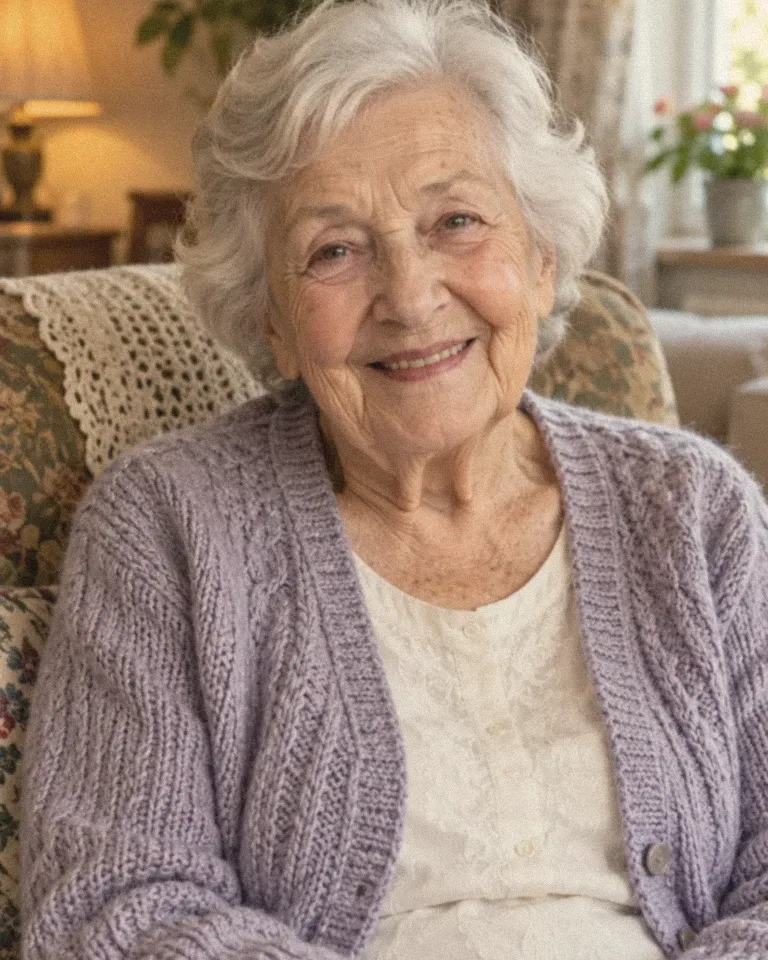
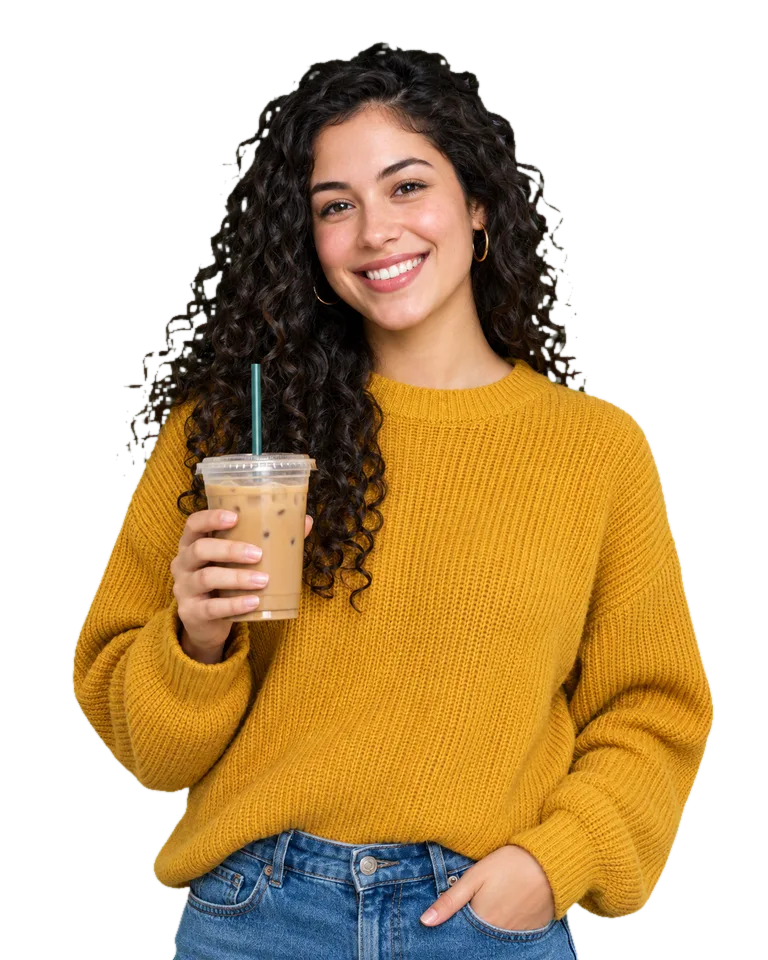
An AI upscaler looks at what is in the picture, a dog’s fur, a brick wall, the stitching on a shoe, and redraws that detail at two or four times the size. That is why a 4× result can look sharper than the original, not just bigger.
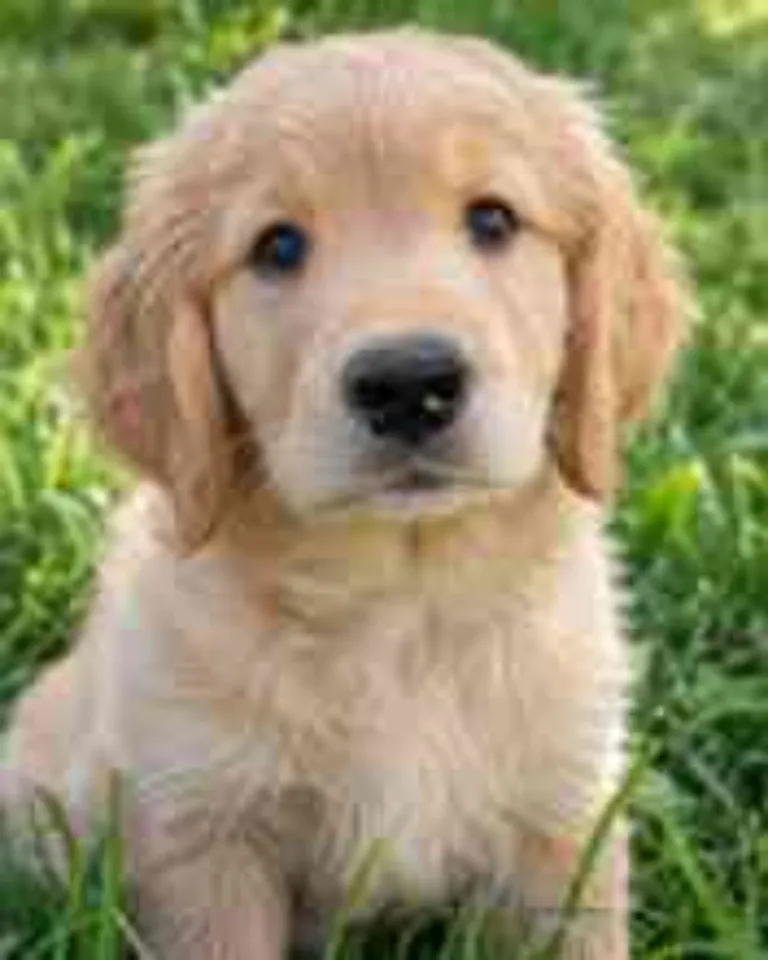 Original
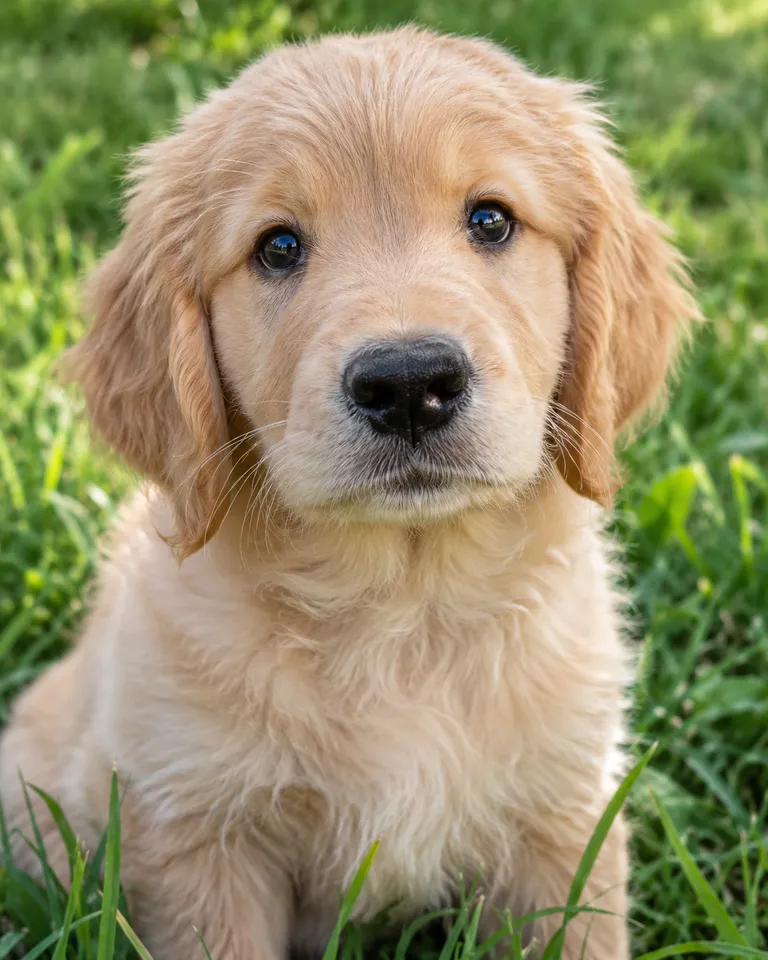 4×
4×2× or 4×?
The number is how many times wider and taller the photo gets. A photo 1000 pixels wide comes back 2000 pixels wide at 2×, or 4000 pixels wide at 4×.
2×
For posts, profile pictures, slides and anything seen on a screen. Most phone screens don’t show more detail than this.
1000 px → 2000 px
4×
For prints, wallpapers, and photos you plan to crop in close. More pixels give a print shop something to work with.
1000 px → 4000 px
Not sure? Look at where the photo is going. If it is a screen, pick 2×. If it is paper or a big crop, pick 4×.
How big can you print?
Print shops usually ask for about 300 pixels per inch for a sharp print you hold in your hand, and less for a poster seen from across a room. Divide the width in pixels by 300 to get the width in inches.
- A 1200 px wide photo prints about 4 inches wide at 300 ppi
- At 2× it is 2400 px, about 8 inches
- At 4× it is 4800 px, about 16 inches
What upscaling can’t fix
Upscaling adds detail to a photo that is small. It can’t recover a photo that is badly out of focus or shaken, because the shapes it would redraw aren’t there to begin with. The result of a very blurry shot is a bigger, cleaner blur.
- Scratches, creases and fading on an old print: use Old Photo Restore first, then upscale
- A cut-out you also need bigger: upscale first, then remove the background, so the edge is cut at full size
- A crop that is too tight: upscaling won’t add what’s outside the frame. The Image Expander does
Common problems
The result still looks soft
The original was probably out of focus. Start from the sharpest copy you have.
Faces look a little too smooth
Try 2× instead of 4×. A smaller jump keeps more of the original texture.
The file is very large
A 4× PNG has sixteen times the pixels. Pick 2× if it’s going on a screen.
FAQ
Does upscaling change the photo?
It keeps what is in the picture and adds detail at the new size. Faces stay the same person.
What file do I get?
A PNG at 2× or 4× the width and height of your photo. It’s in Assets too.
What happens to my photo?
Your photos are deleted 7 days after upload and never used to train AI.
Is it free?
Free to try: every new account gets one photo trend free, no card needed. After that, start a plan, which you can cancel any time, or buy a credit pack when you need one. Each run shows its cost before you start.
Make your first one
Image Upscaler: Sharpen and enlarge to 2× or 4×.
Open Image UpscalerYour photos are deleted 7 days after upload and never used to train AI.