Zombie AI Generator
They turned. You still know them.
- 15-second video
- Vertical or widescreen
- With the trend sound
- Ready in 3 to 5 minutes
- Tearful standoff
- Something gives it away
- Warm flashback
Who’s in it
Who turned
Where
Your photos
By adding a photo you confirm everyone in it is 18+ and agreed to have their face used for this. We use faces only to make what you ask for. How we handle faces
Video size
Quality
- Not charged if it fails
- Private till you share
- Photos gone in 7 days
What is the Zombie AI trend?
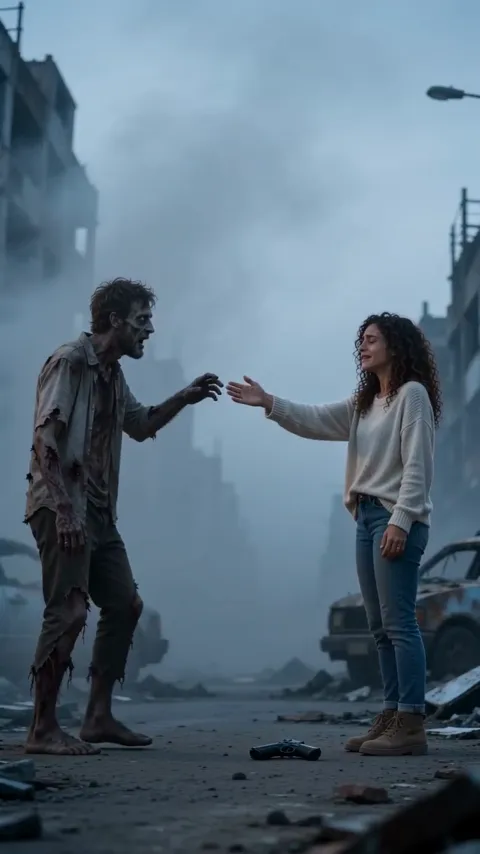
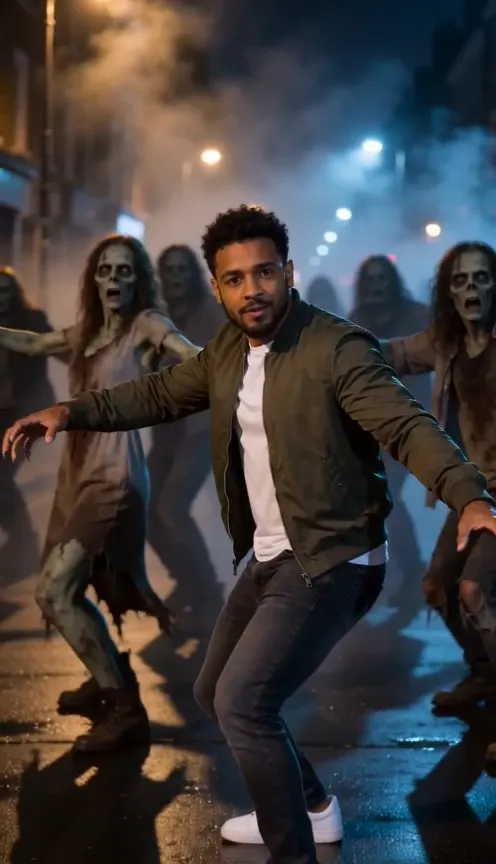
Zombie AI drops you into the outbreak as the one who made it. Tears running, hands shaking, you face a figure staggering toward you out of the haze, and it’s someone you know: your best friend, your sister, your dad, your partner, or your dog or cat, turned into a movie-style zombie with milky eyes. Then comes a flicker of recognition, and a small detail you’d know anywhere.
You pick who they are and where it happens: an ash-covered city street, a snowbound town, a dead mall under moonlight or an empty night metro platform. Each place hides its own giveaway, like a wristwatch, a red scarf, a woven friendship bracelet or a worn denim jacket, and for a pet a name tag, a bandana, a little bell or a leash. You let your guard fall, open your arms, they rush in, and the film hard-cuts mid-motion into a warm golden memory from when you were both alive.
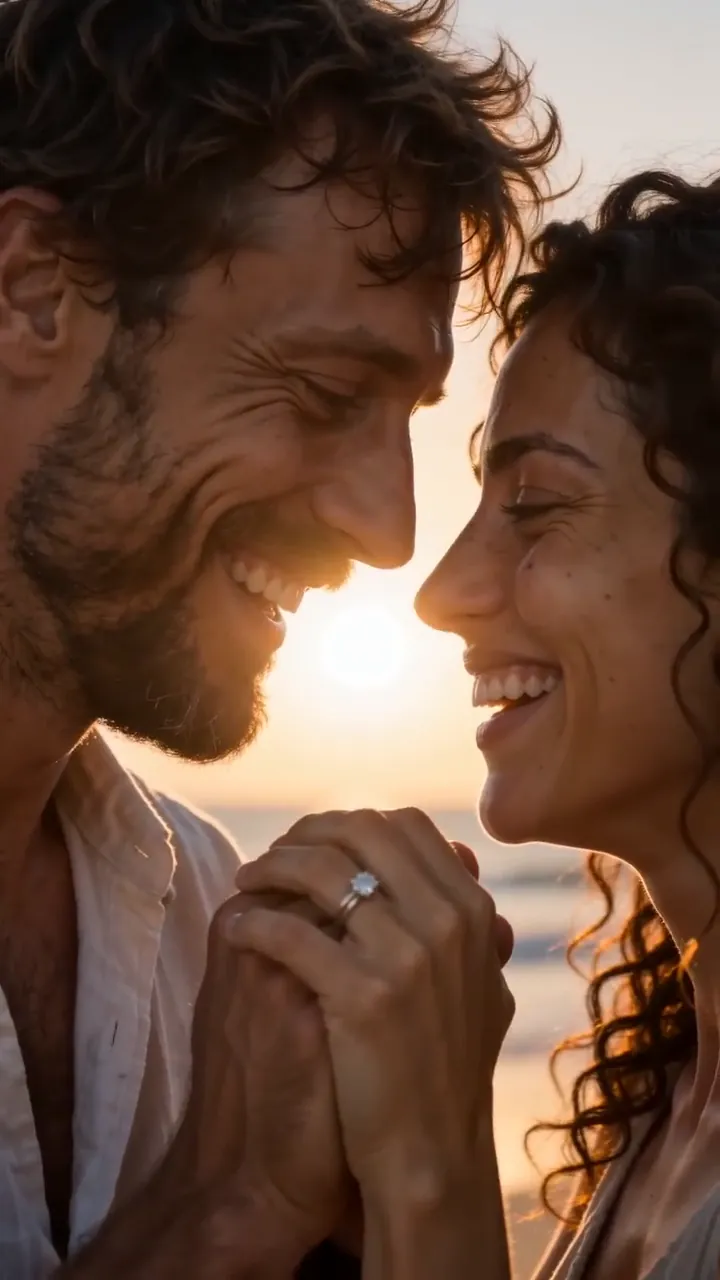
That memory follows your picks: a run hand in hand, a tumble into tall golden grass, a piggyback through a night fair, a goofy dance in your kitchen, or your pet leaping into your arms. It ends on both faces close to the camera before a fade to black. Only a couple keeps the romance; friends, family and siblings get the same story without it. There’s no blood, just movie makeup. The 15-second clip comes in either vertical 9:16 or 16:9 widescreen. Make it with someone who’s happy to be in it.
Updated
- TikTok, Reels
- #zombieai
- For two people or pets
In the 15 seconds
How to make the Zombie AI video
Three taps on your side. The rest happens on ours.
 1
1Add two photos
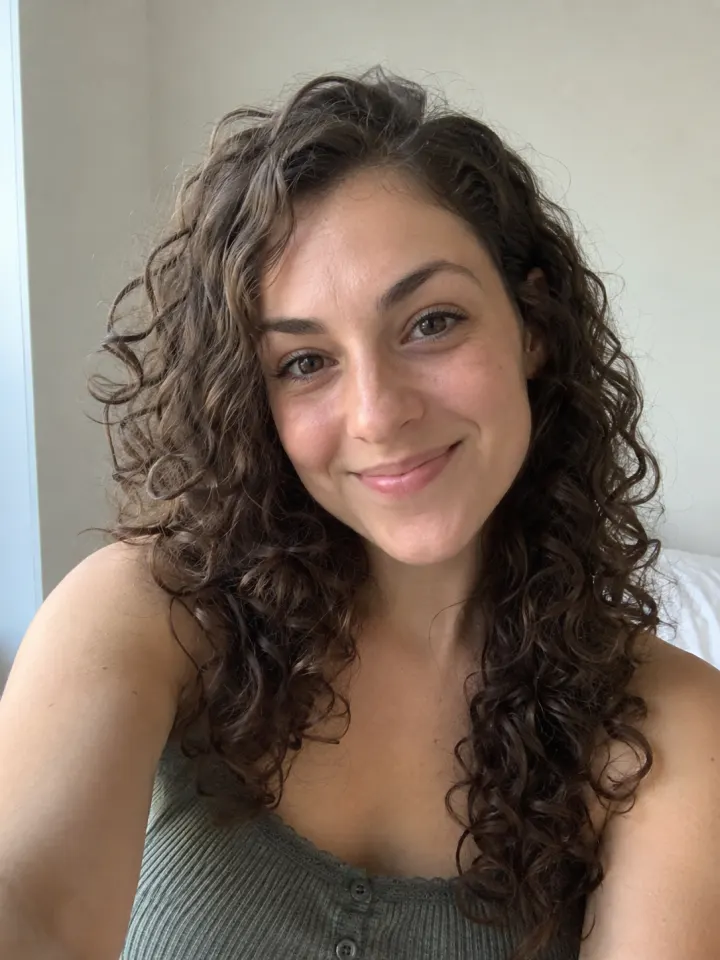
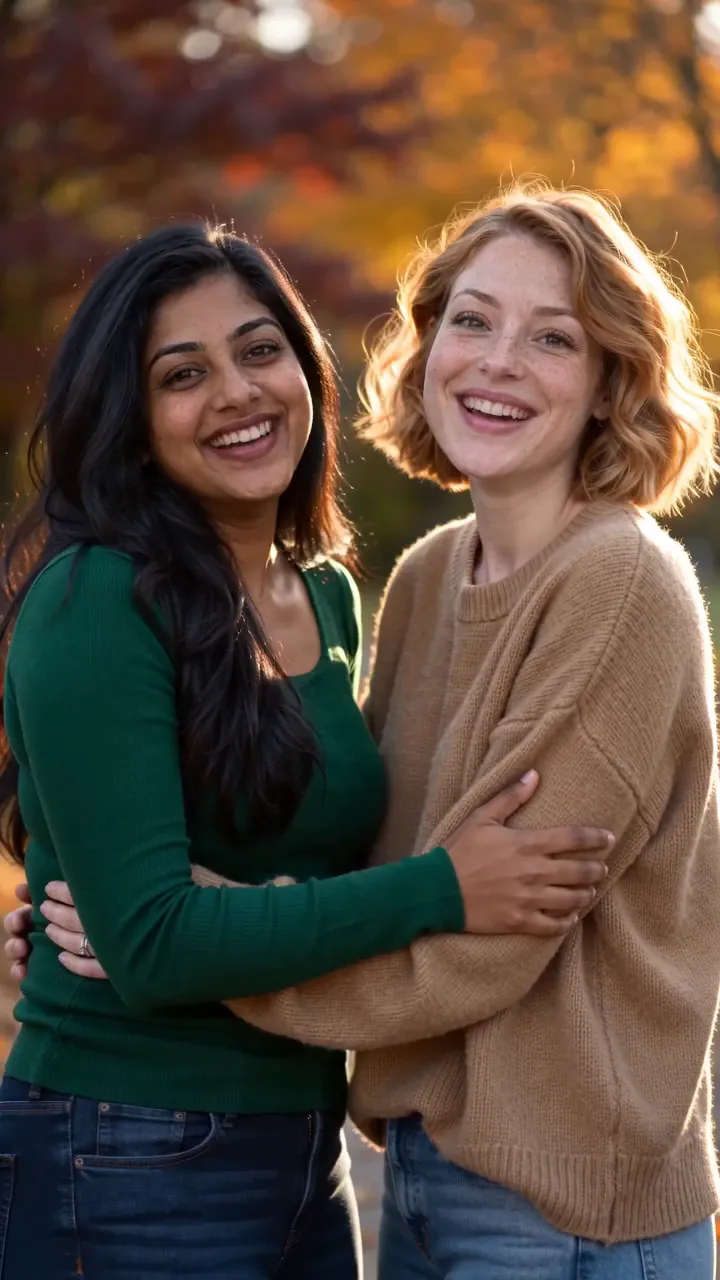
One clear, front-facing photo of each of you.
 Make our videoZombie AI2
Tap Make our video
No prompt to write. The trend’s moves and music are built in.
- MP4 with soundShare link#zombieai3
Post it
Download it with the trend sound and tag #zombieai.
What you add, what you get
One Zombie AI run, from the photo in to the file out.
You add
- Two photos, one of each of you
- Or one photo of your cat or dog
- Who turned: partner, friend, family, sibling and 2 more
- Where: ash street, snowbound, dead mall or last train
- No prompt to write
- JPG, PNG or WebP, up to 10 MB
You get
- A 15-second Zombie AI video starring you two
- Vertical or widescreen, your pick
- HD 720p or standard 480p, with the trend sound
- Ready in 3 to 5 minutes, credits back if it fails
- Private until you share it; no watermark after your first purchase
Best photo for Zombie AI
Face the camera in good light. The clearer the face, the more it looks like you.
Works
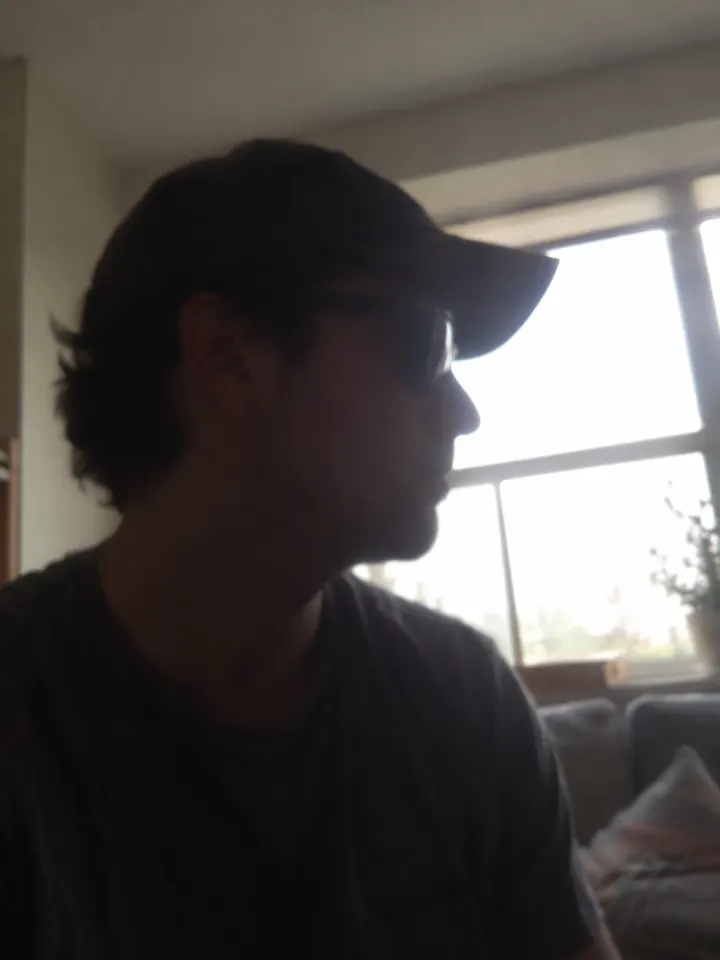
Turned away
Too dark
Blurry
Face too small
- One subject per photo
- Faces clear and forward
- Pet’s face and coat visible
- Group photos
- Sunglasses or masks
- Heavy filters
Ideas to try with Zombie AI
Who to put in it, and what to say when you post it.
If the world ends, I’m still coming for you. #zombieai
Trend soundWho to make it for
- The friend who’d survive with youPick friends and the dead mall. It ends with a piggyback through a night fair.
- Your dog, against all oddsPick dog and let the reunion end with a lick on the cheek in a sunny park.
- Siblings, finally getting alongPick siblings and post it to the family chat. Even the end of the world can’t split you up.
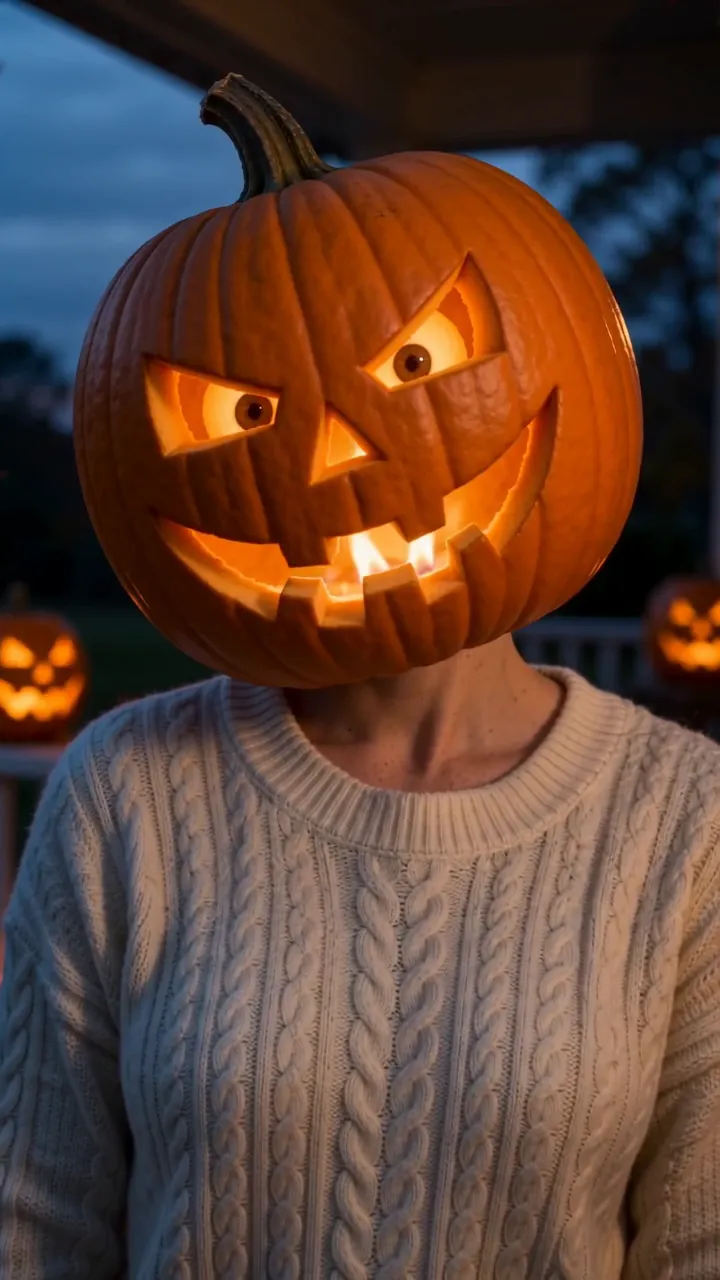
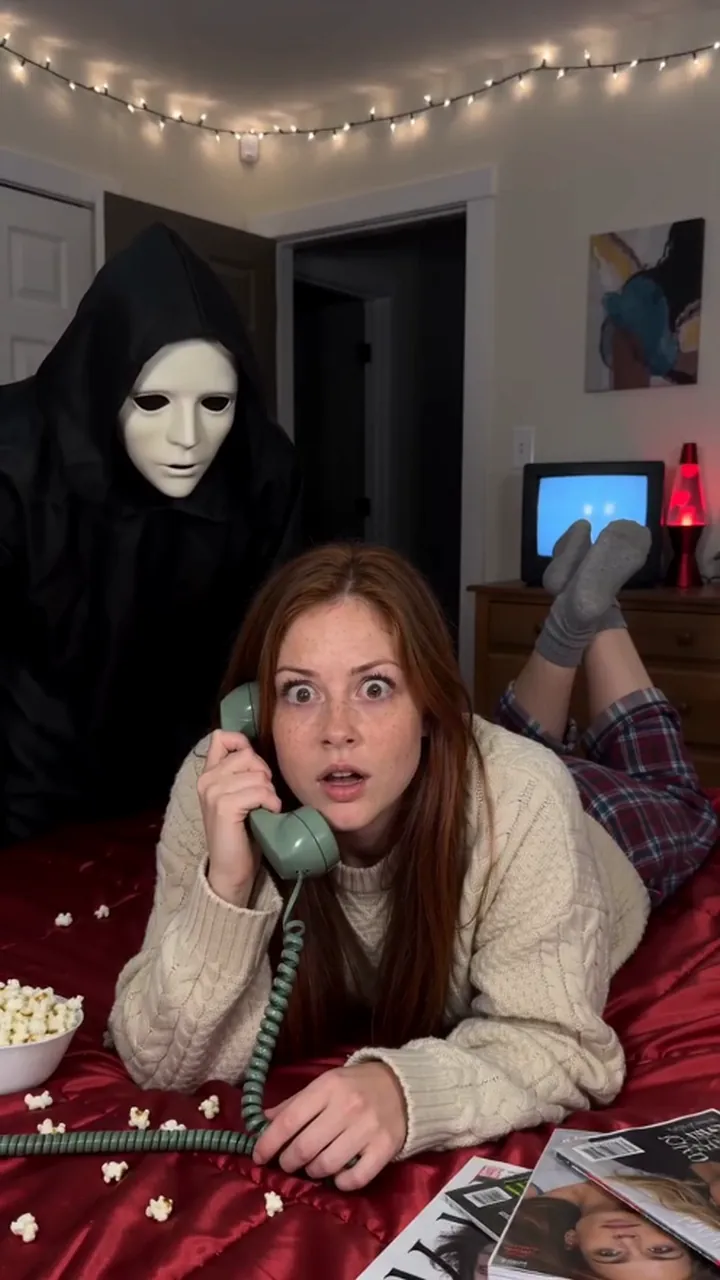
- October post with a twistIt opens like a horror short and ends warm, so it catches people scrolling past at Halloween.
Caption ideas · tap to copy
Zombie AI questions
The short answers. Ask a person or visit the help center.
What can I pick?
Who the one who turned is to you, a partner, friends, family, siblings, or your dog or cat, and which place it happens in: an ash street, a snowbound town, a dead mall or the last train. Your picks set the giveaway detail and the warm memory at the end.
Is it gory?
No. The zombie is movie makeup: pale grey skin, milky eyes and torn, dusty clothes, or dull matted fur for a pet. There’s no blood anywhere, and the film ends warm.
Who goes in which photo?
Photo one is the survivor, who stays human the whole way. Photo two is whoever turned, human or pet. Use one clear face per photo.
Is Zombie AI free?
Not free, but you can try Reelfie first: every new account gets one photo trend free, no card needed. Zombie AI itself starts at $9.90 for a credit pack, with no watermark once you buy, and a run that fails costs nothing.
How much does Zombie AI cost?
150 credits in HD (720p), 75 in standard (480p). A pack from $9.90 makes 1 in HD or 2 in standard, and a plan from $16.58/mo, billed yearly, makes 3 in HD a month. The Make button shows the total before it runs, and a run that fails gives the credits back.
What app makes the Zombie AI video?
Reelfie (reelfie.app) makes it from one photo, with no prompt to write: the trend’s look is built in. It costs 150 credits, shown before it runs, and a run that fails costs nothing.
Is Reelfie the official Zombie AI app?
No. Zombie AI is a trend, and no app owns it. Reelfie (reelfie.app) is independent, not affiliated with TikTok, CapCut or the trend’s creators; it makes your own version from your photo.
Can I make Zombie AI with ChatGPT, Gemini or CapCut?
Partly. ChatGPT and Gemini can write a prompt, and AI video tools, CapCut’s included, can turn a photo into a clip from it, usually after a few tries and with a watermark on free tiers. They don’t know this trend’s scene or timing. Here both are built in, so one photo is all it takes.
How long does it take?
Most videos are ready in 3 to 5 minutes. You can close the page; the video keeps going and waits for you in Assets.
Can I make it with my cat or dog?
Yes. Choose Your pet and upload a photo where your pet’s face is clear and facing the camera.
Can two people be in it?
Yes. Choose Two of you and add one photo for each person.
Why does the face not look like me?
Usually the photo: side angle, low light or something covering the face. Try a clear front photo. If one doesn’t come out, you are not charged.
Can I post it on TikTok?
Yes. The video is vertical with the trend sound, and after your first purchase it has no watermark. Pick the trend’s sound when you post and your video also shows on that sound’s page.
Who can see my video?
Only you. It stays private in Assets until you create a share link.
What happens to my photos?
Your photos are deleted 7 days after upload and never used to train AI.


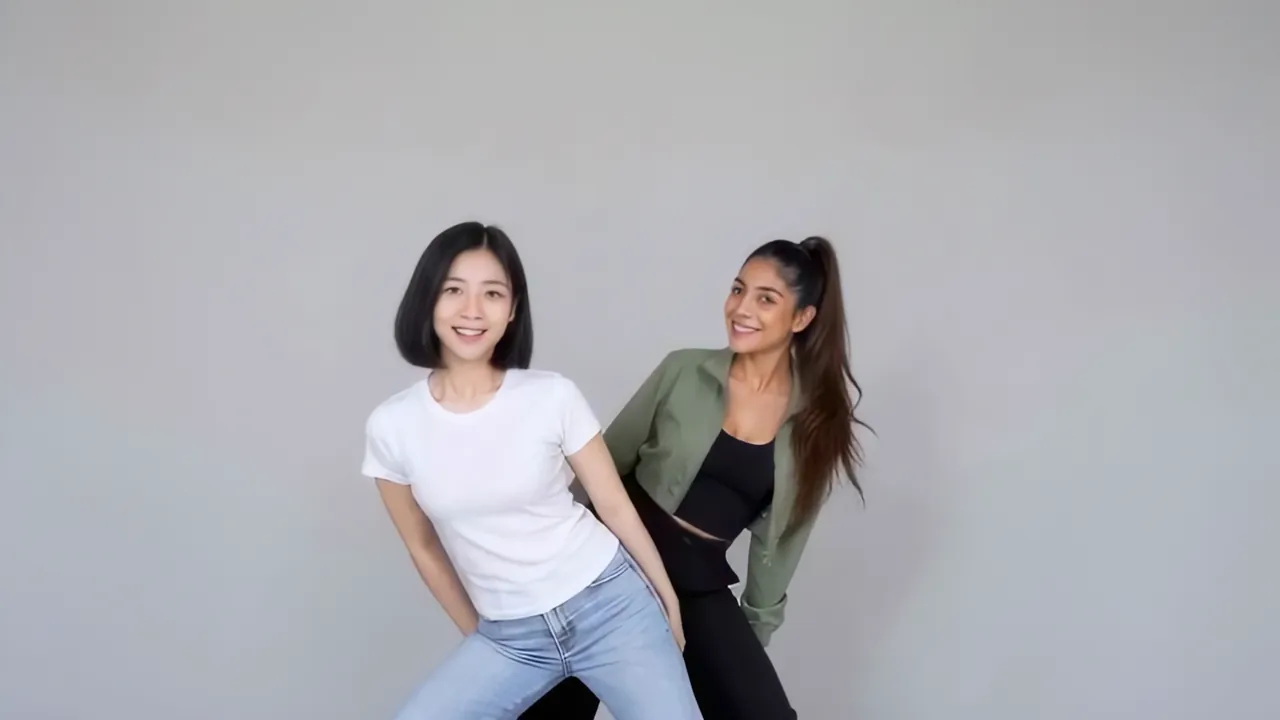
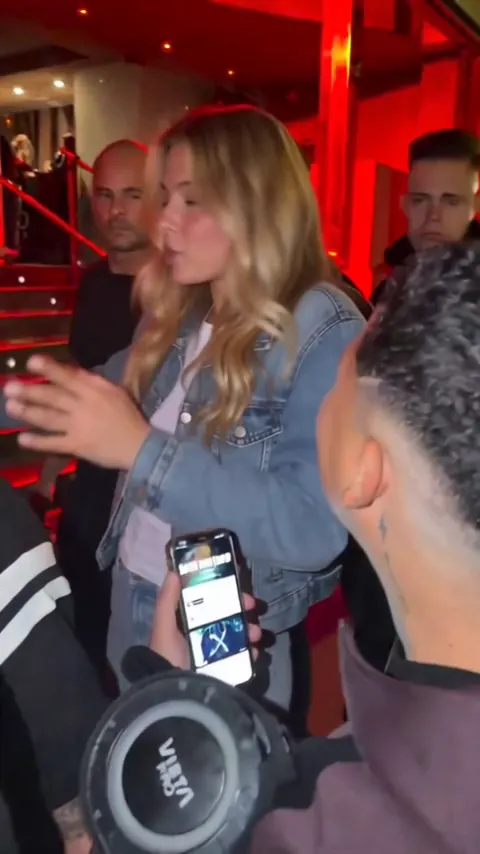
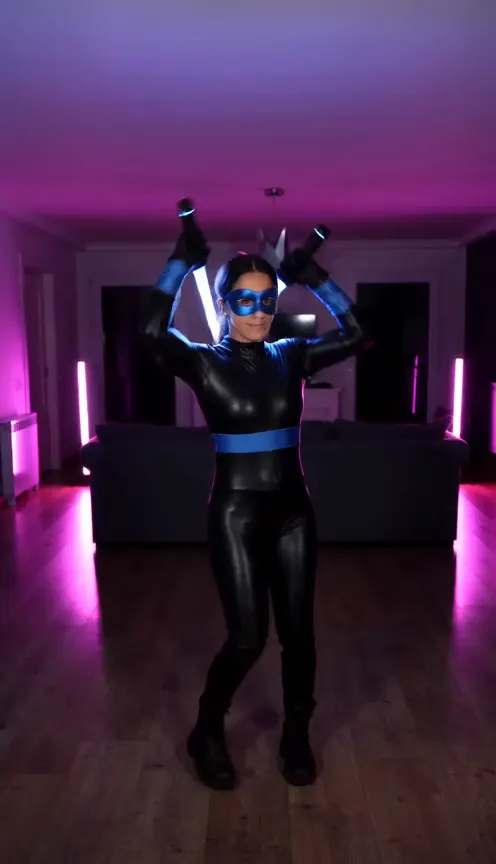
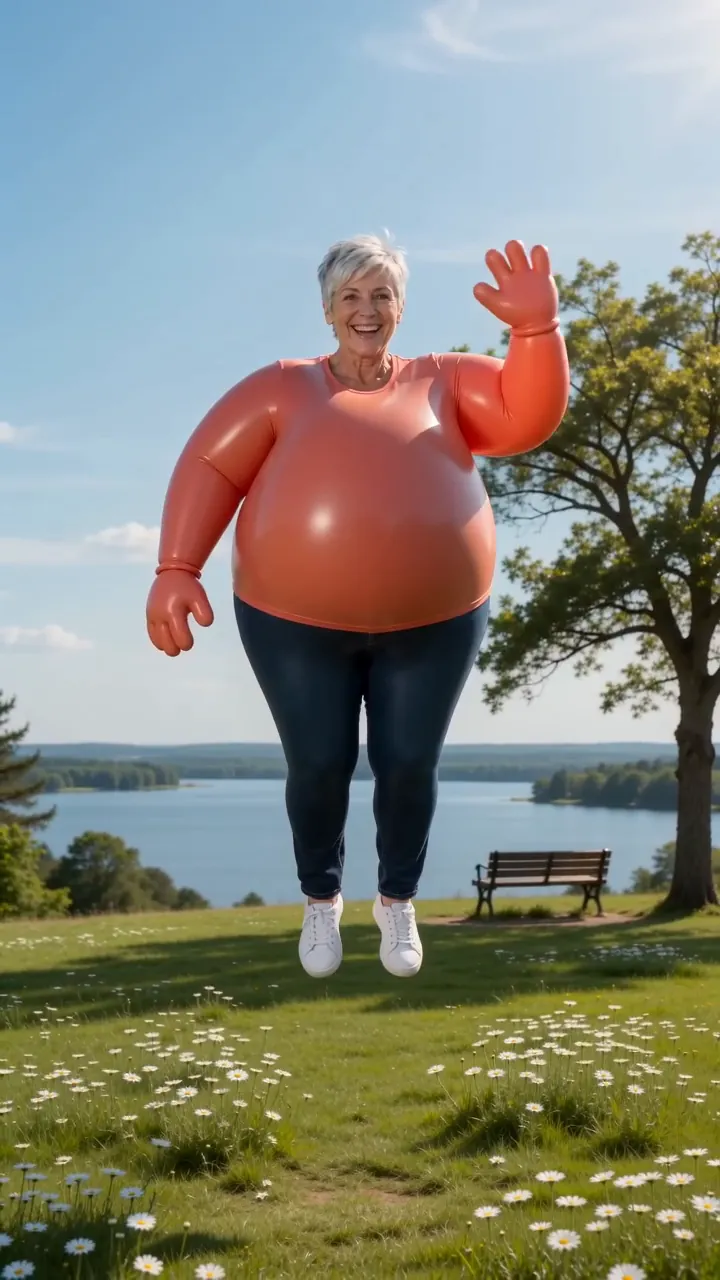
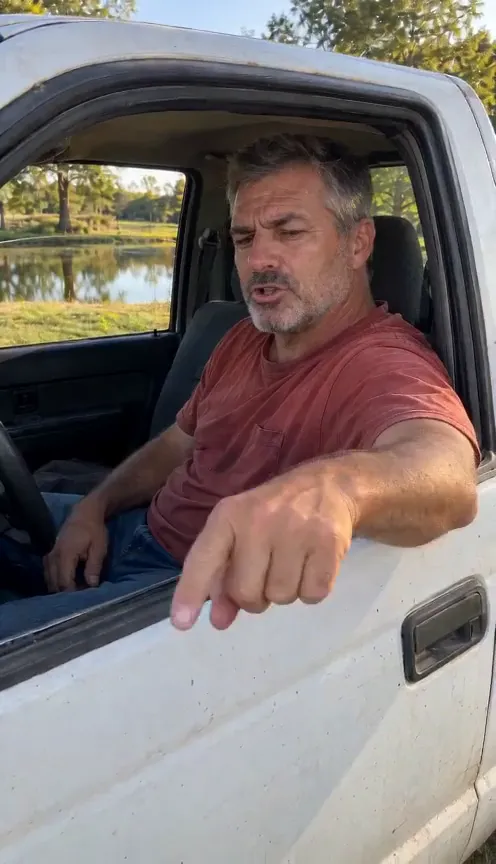
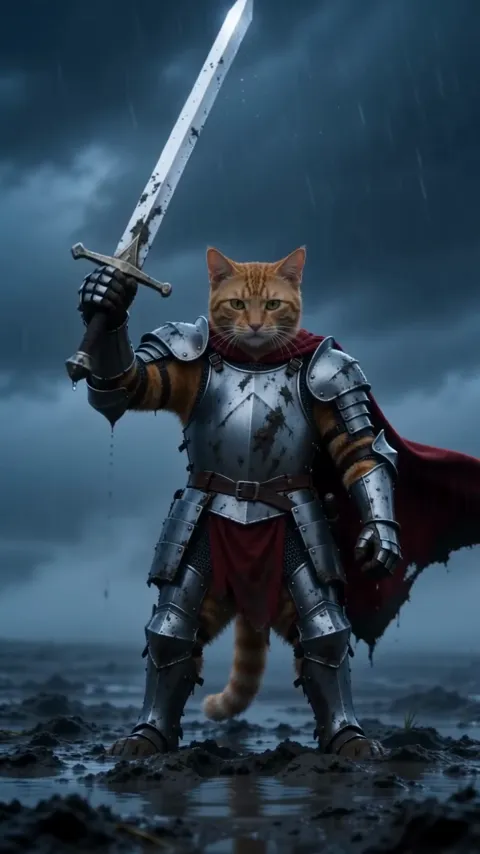
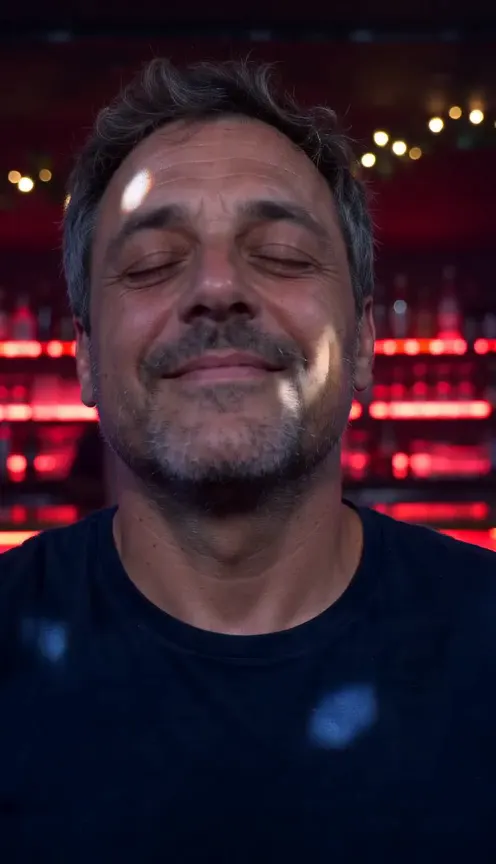
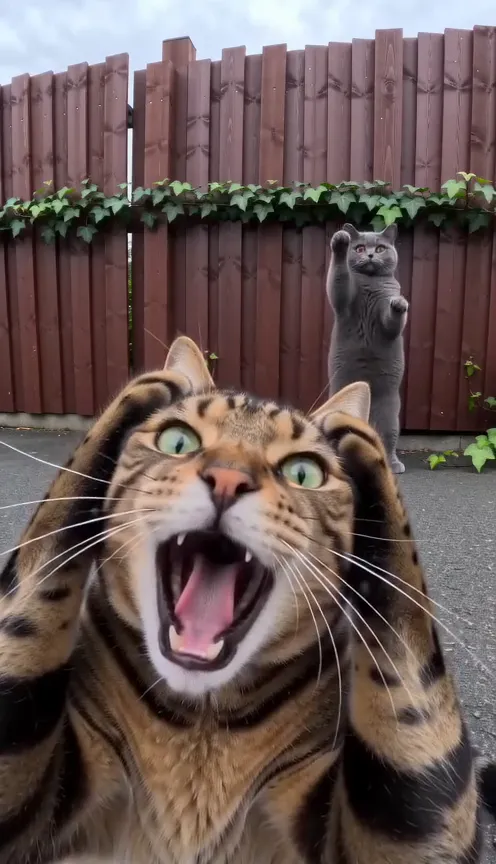
Two photos.
You two in Zombie AI.
Zombie AINot charged if it fails