Turn the Lights Off AI Generator
Eyes closed, arms up, lost in a packed club.
- 10-second video
- Vertical
- With the trend sound
- Ready in 3 to 5 minutes
- Eyes closed, lost in it
- Hands shoot up
- Disco-ball light
Who’s in it
Your photo
By adding a photo you confirm everyone in it is 18+ and agreed to have their face used for this. We use faces only to make what you ask for. How we handle faces
Video size
Quality
- Not charged if it fails
- Private till you share
- Photos gone in 7 days
What is the Turn the Lights Off AI trend?
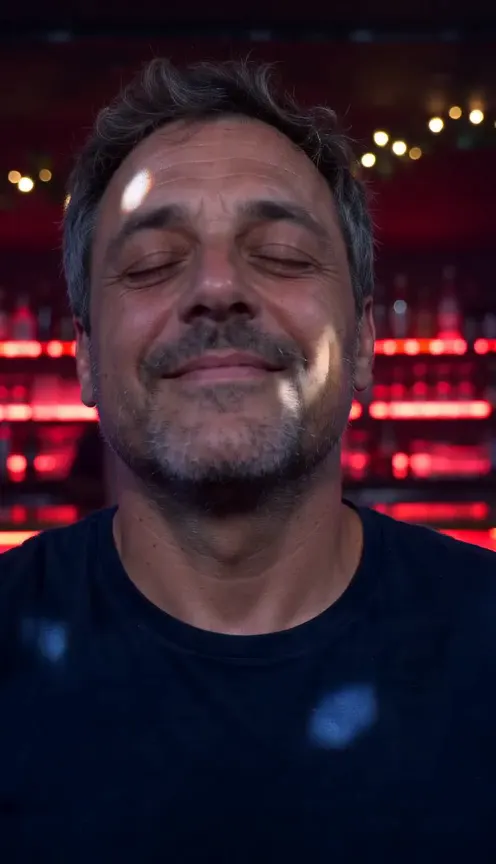
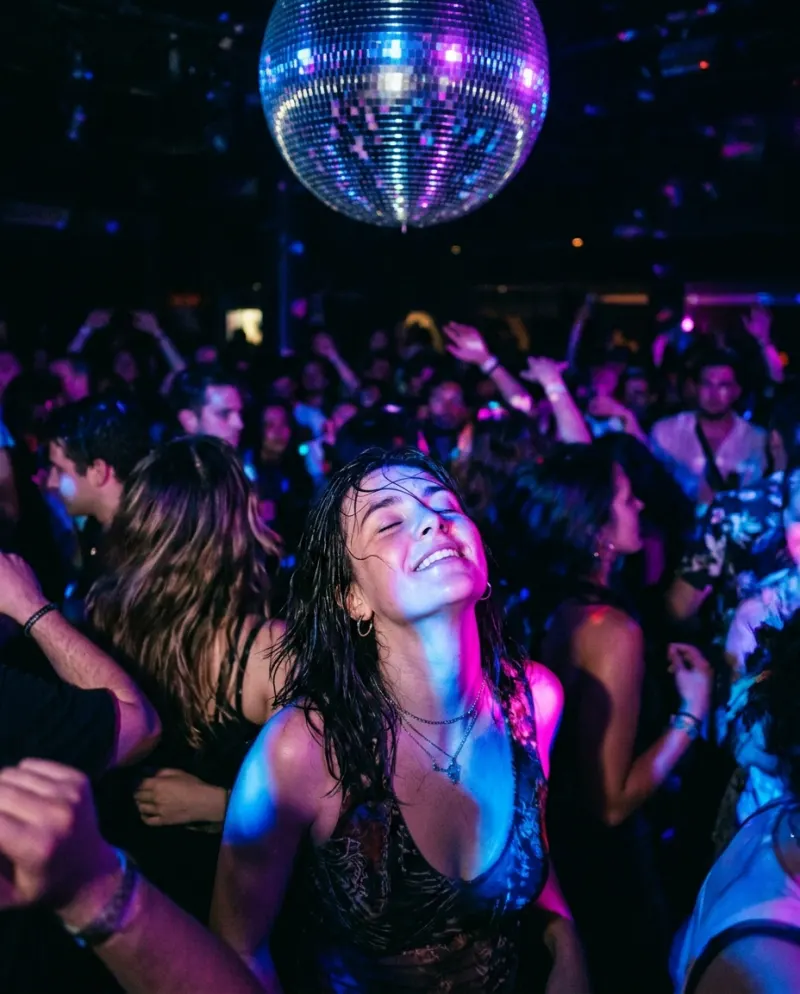
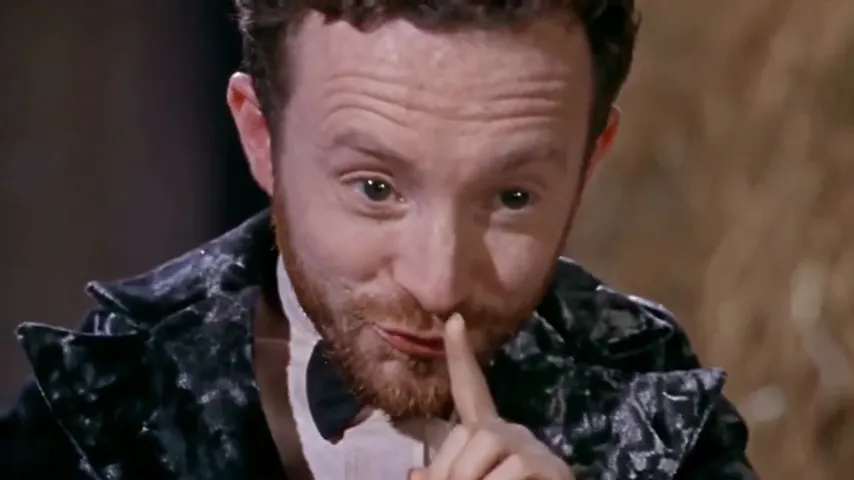
Turn the Lights Off AI drops you into the heart of a packed nightclub, lost in the music. It opens tight on your face: eyes closed, chin up, a small blissful smile, red and blue light sliding across you. Then your hands rise to your chest, both arms go straight up, and you sway with the whole room as the camera eases back into the crowd and disco-ball light rains down.
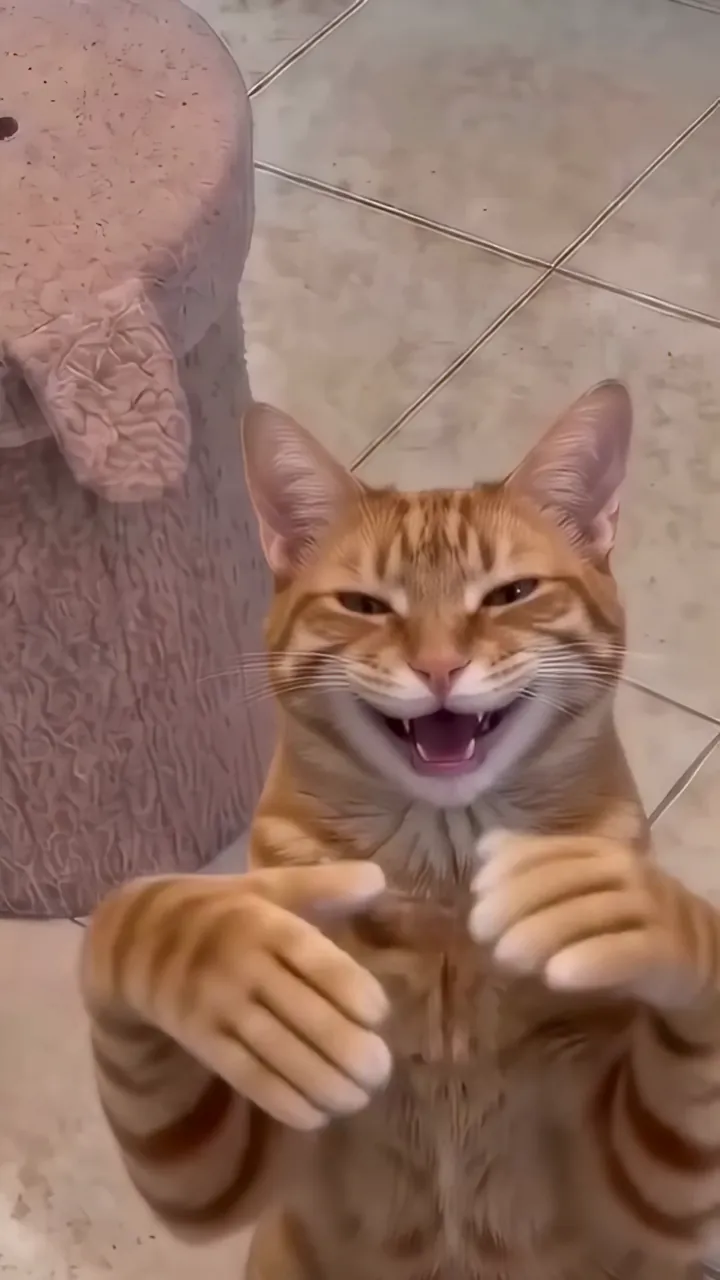
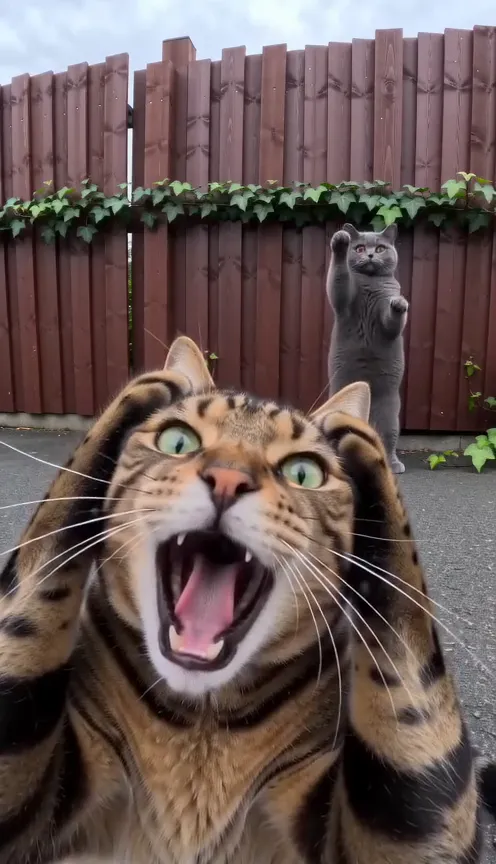
The club sets the mood: a long bar glowing red neon, vines and warm bulbs across the ceiling, two mirror balls and haze cut by blue and magenta beams. Your own face and the outfit in your photo stay, and yours is the only sharp face in the room. It works with your cat or dog too. Your pet stands up on its hind legs down on the dance floor, eyes shut, front paws raised high, with dancers’ arms all around it.
The clip runs 10 seconds in a vertical frame for TikTok and Reels. There’s no music in it, so pick the Turn the Lights Off trend sound as you post and set the drop to land as the arms go up. Post it on a Friday night, after a long week, or as the clip that says you’re finally on holiday.
Updated
- TikTok, Reels
- #turnthelightsoff
- For you or pets
In the 10 seconds
Where Turn the Lights Off AI started
The trend starts from a club scene in Apple TV’s Your Friends & Neighbors, where Jon Hamm dances to Kato and Jon Nørgaard’s “Turn the Lights Off”. A Russian TikToker made it a meme in October 2025, and it spread on English-language TikTok in November and December, sending the song to the top of Spotify’s Viral chart. AI versions swap other people and pets into Hamm’s place.
Since October 2025
How to make the Turn the Lights Off AI video
Three taps on your side. The rest happens on ours.
 1
1Add a photo
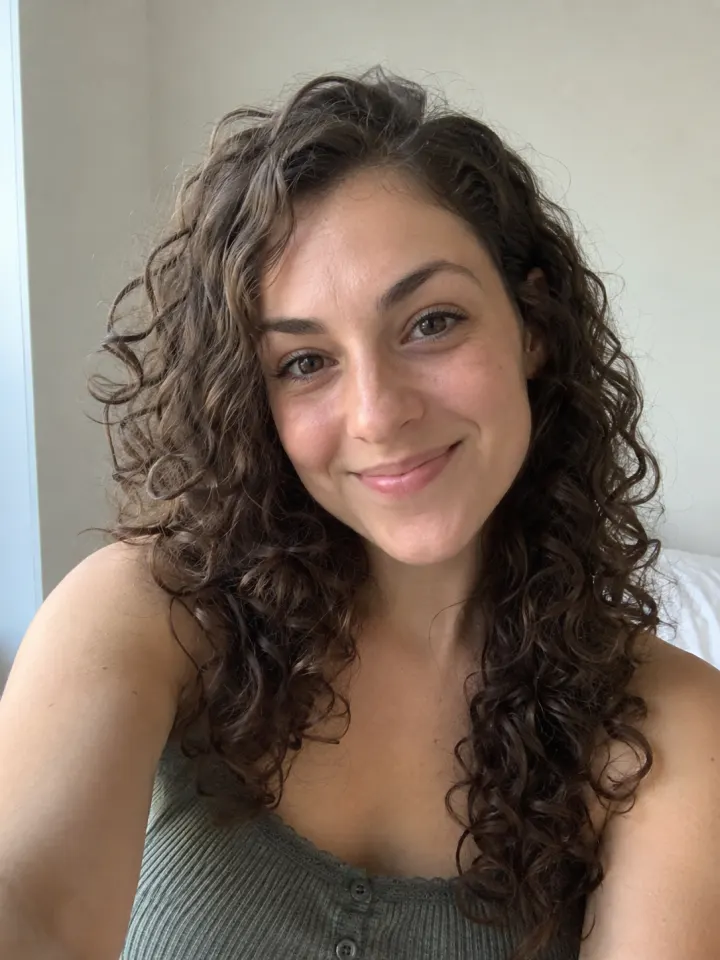
One clear, front-facing photo of you.
 Make my videoTurn the Lights Off AI2
Tap Make my video
No prompt to write. The trend’s moves and music are built in.
- MP4 with soundShare link#turnthelightsoff3
Post it
Download it with the trend sound and tag #turnthelightsoff.
What you add, what you get
One Turn the Lights Off AI run, from the photo in to the file out.
You add
- One clear photo of you
- Or one photo of your cat or dog
- No prompt to write
- JPG, PNG or WebP, up to 10 MB
You get
- A 10-second Turn the Lights Off AI video starring you
- Vertical, your pick
- HD 720p or standard 480p, with the trend sound
- Ready in 3 to 5 minutes, credits back if it fails
- Private until you share it; no watermark after your first purchase
Best photo for Turn the Lights Off AI
Face the camera in good light. The clearer the face, the more it looks like you.
Works
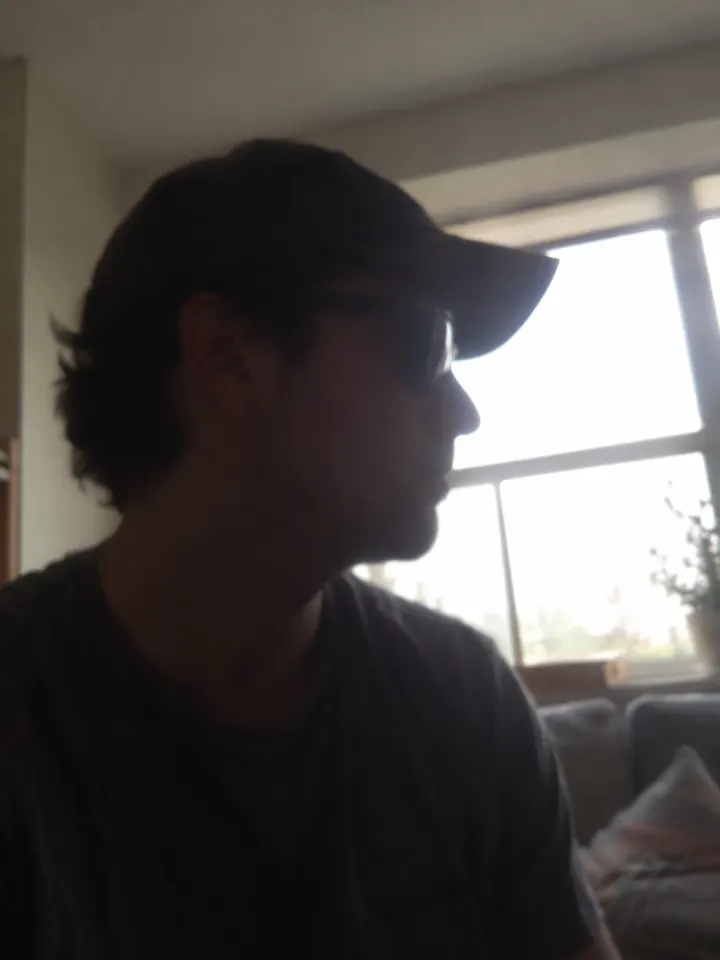
Turned away
Too dark
Blurry
Face too small
- Face sharp and well lit
- Just you, or just your pet
- An outfit you like
- Sunglasses
- Group shots
- Blurry or dark photos
Ideas to try with Turn the Lights Off AI
Who to put in it, and what to say when you post it.
Me when the song finally comes on. #turnthelightsoff
Trend soundWho to make it for
- Friday night energyPost it as the week ends. Everyone knows the feeling, eyes closed and arms up.
- Your pet’s night outUpload your cat or dog and show the party animal you always suspected they were.
- Holiday countdownShare it the night before a trip as the mood you’re packing.
- Birthday weekend openerUse it to kick off a birthday weekend, yours or a friend’s, with their OK.
Caption ideas · tap to copy
Turn the Lights Off AI guides
How it’s made, whether it’s free, and a prompt for other tools.
Turn the Lights Off AI questions
The short answers. Ask a person or visit the help center.
Does it work with my pet?
Yes. Use a sharp shot of your cat or dog. It stands up on its hind legs in the crowd, eyes closed and front paws raised, framed from the shoulders up.
Is the song in the video?
No. There’s no music in the clip. When you post, pick the Turn the Lights Off trend sound in the TikTok or Reels editor.
Will I end up in a suit or blazer?
No. Your photo’s outfit stays on from start to finish, so pick one where you like your outfit.
Is Turn the Lights Off AI free?
Not free, but you can try Reelfie first: every new account gets one photo trend free, no card needed. Turn the Lights Off AI itself starts at $9.90 for a credit pack, with no watermark once you buy, and a run that fails costs nothing.
How much does Turn the Lights Off AI cost?
100 credits in HD (720p), 50 in standard (480p). A pack from $9.90 makes 1 in HD or 3 in standard, and a plan from $16.58/mo, billed yearly, makes 4 in HD a month. The Make button shows the total before it runs, and a run that fails gives the credits back.
What app makes the Turn the Lights Off AI video?
Reelfie (reelfie.app) makes it from one photo, with no prompt to write: the trend’s look is built in. It costs 100 credits, shown before it runs, and a run that fails costs nothing.
Is Reelfie the official Turn the Lights Off AI app?
No. Turn the Lights Off AI is a trend, and no app owns it. Reelfie (reelfie.app) is independent, not affiliated with TikTok, CapCut or the trend’s creators; it makes your own version from your photo.
Can I make Turn the Lights Off AI with ChatGPT, Gemini or CapCut?
Partly. ChatGPT and Gemini can write a prompt, and AI video tools, CapCut’s included, can turn a photo into a clip from it, usually after a few tries and with a watermark on free tiers. They don’t know this trend’s scene or timing. Here both are built in, so one photo is all it takes.
How long does it take?
Most videos are ready in 3 to 5 minutes. You can close the page; the video keeps going and waits for you in Assets.
Can I make it with my cat or dog?
Yes. Choose Your pet and upload a photo where your pet’s face is clear and facing the camera.
Why does the face not look like me?
Usually the photo: side angle, low light or something covering the face. Try a clear front photo. If one doesn’t come out, you are not charged.
Can I post it on TikTok?
Yes. The video is vertical with the trend sound, and after your first purchase it has no watermark. Pick the trend’s sound when you post and your video also shows on that sound’s page.
Who can see my video?
Only you. It stays private in Assets until you create a share link.
What happens to my photos?
Your photos are deleted 7 days after upload and never used to train AI.
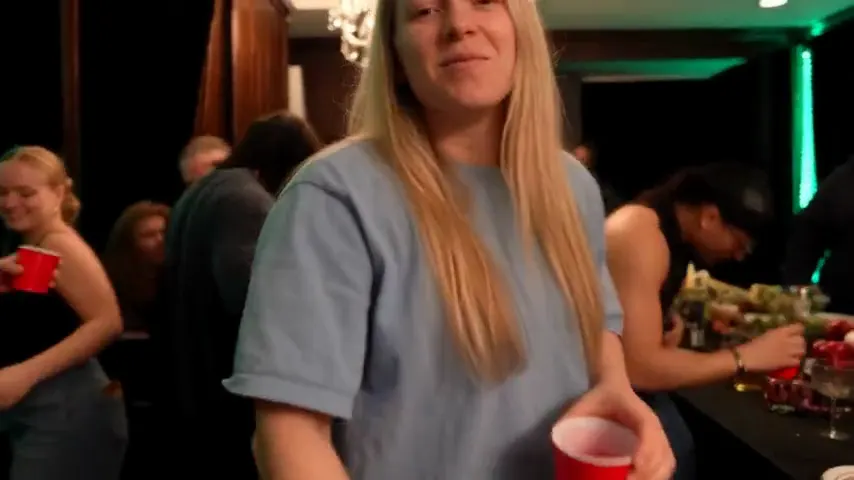
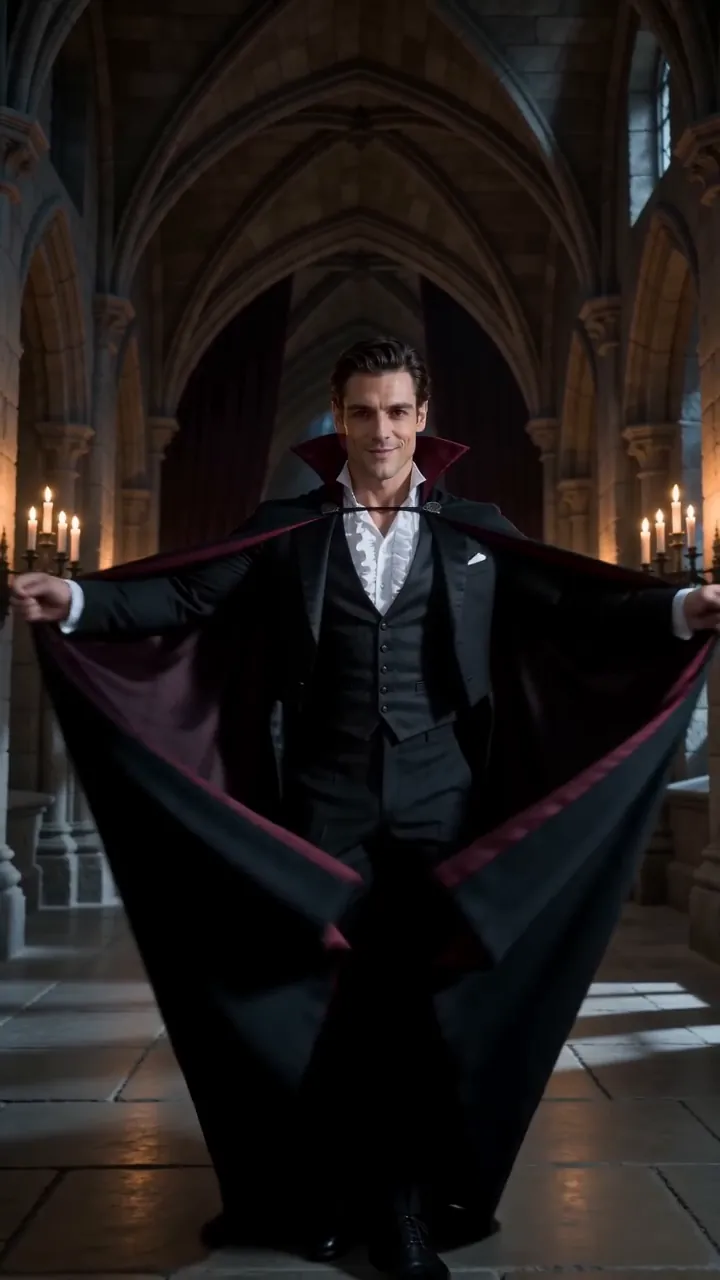
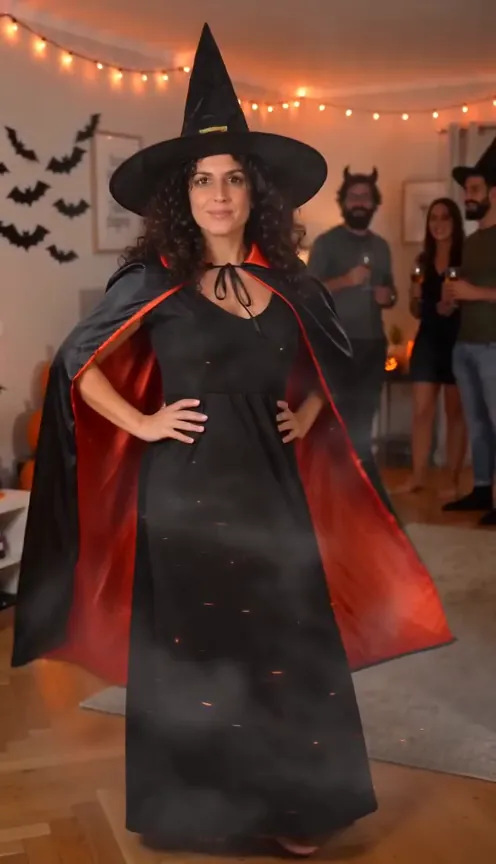
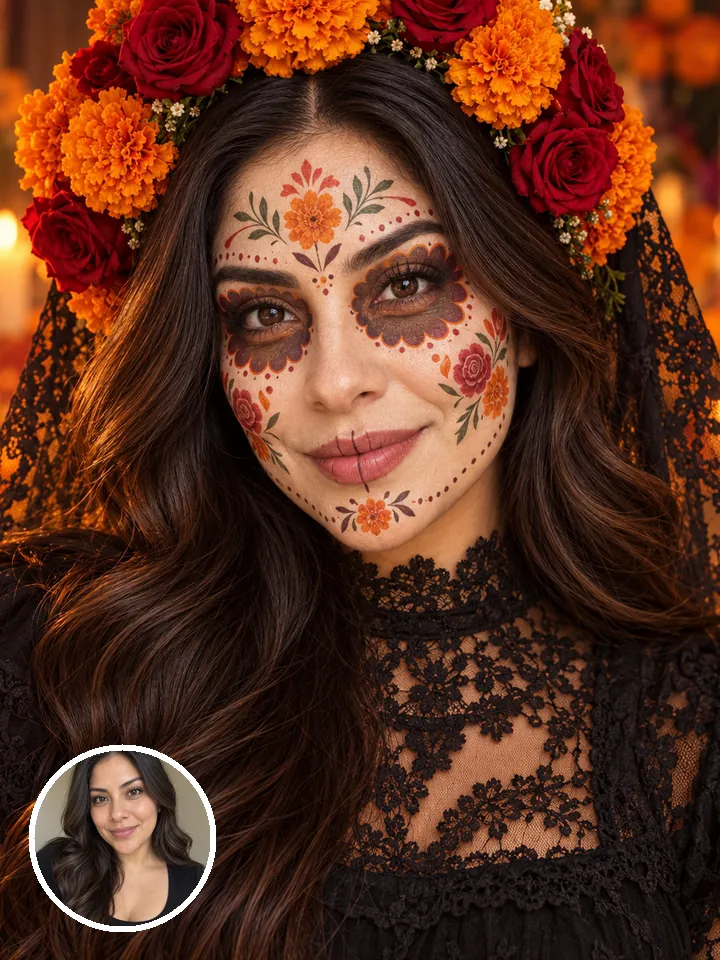
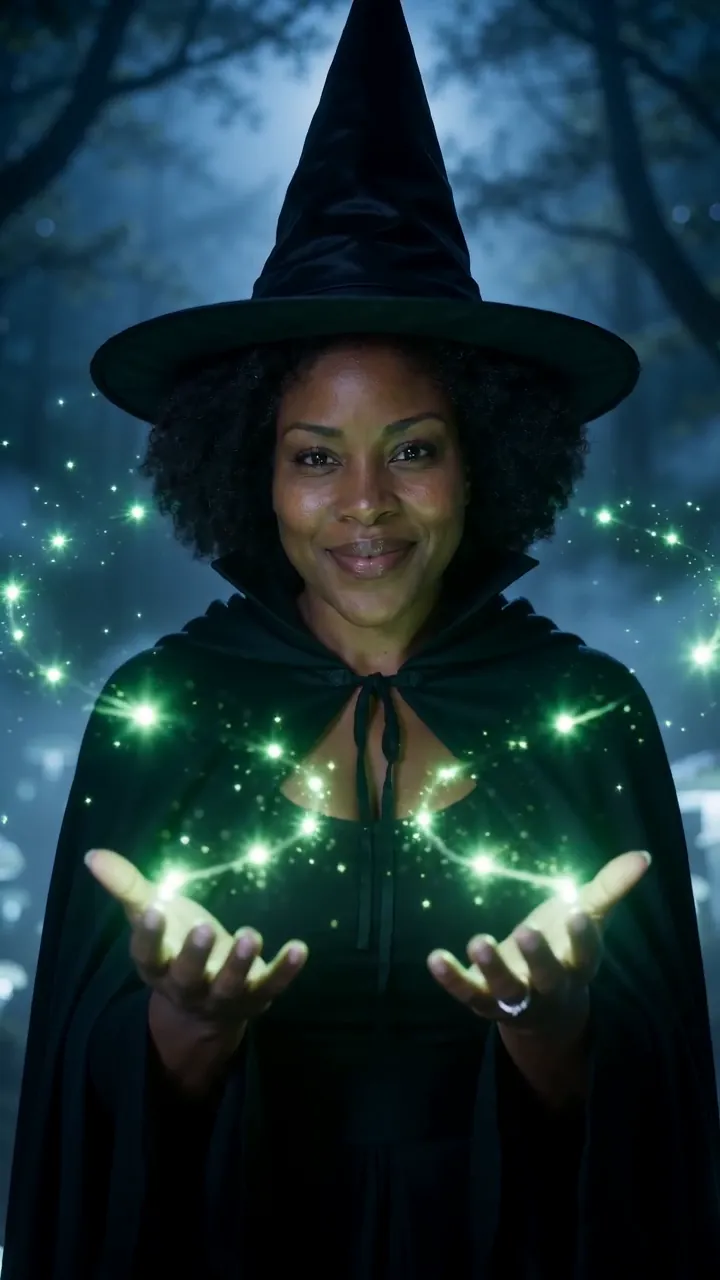

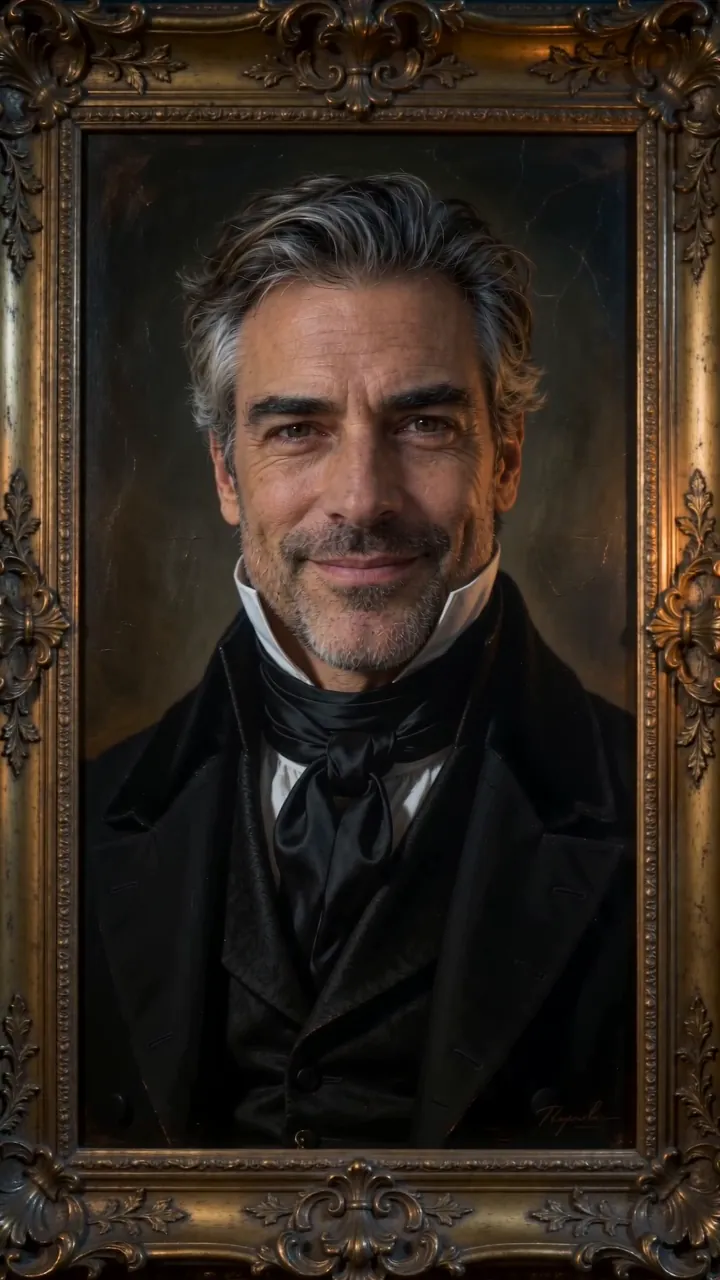
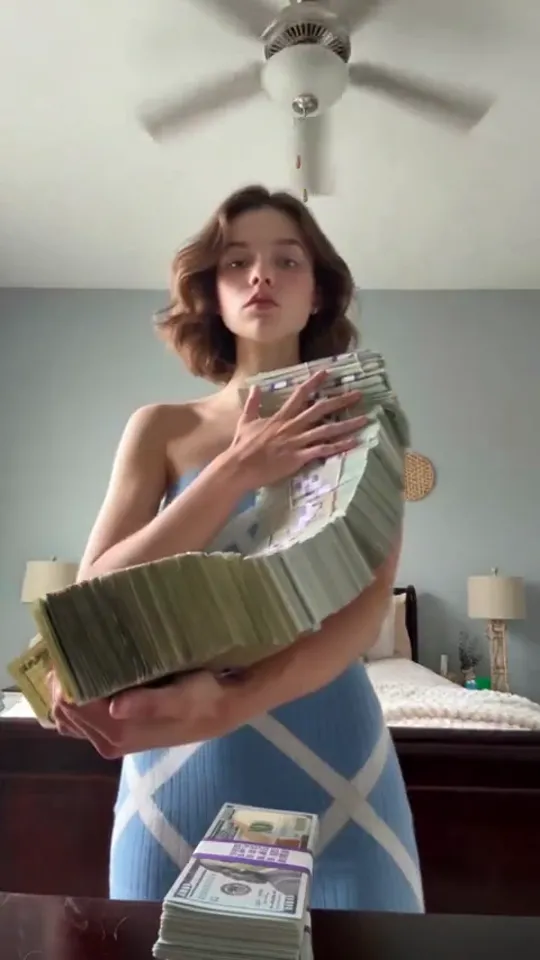
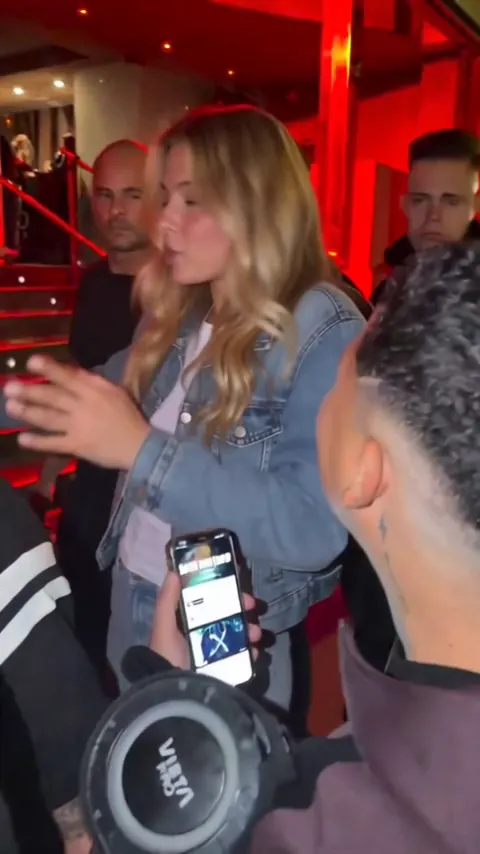
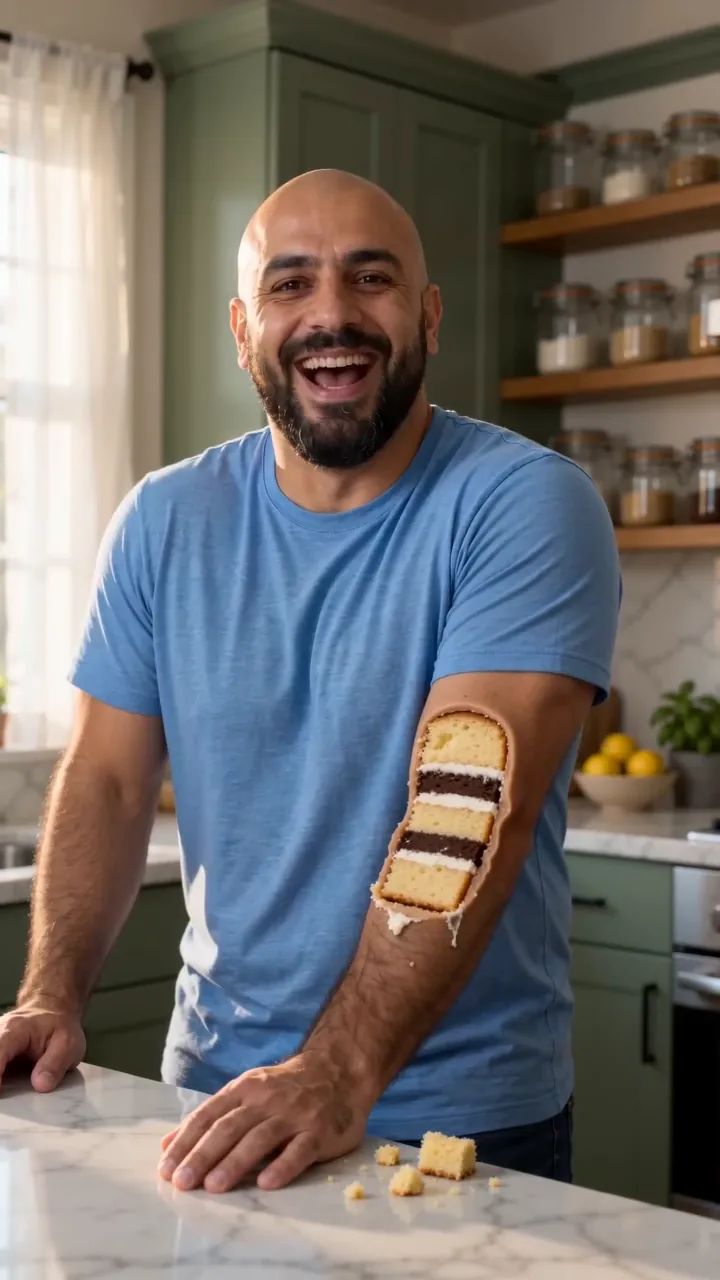
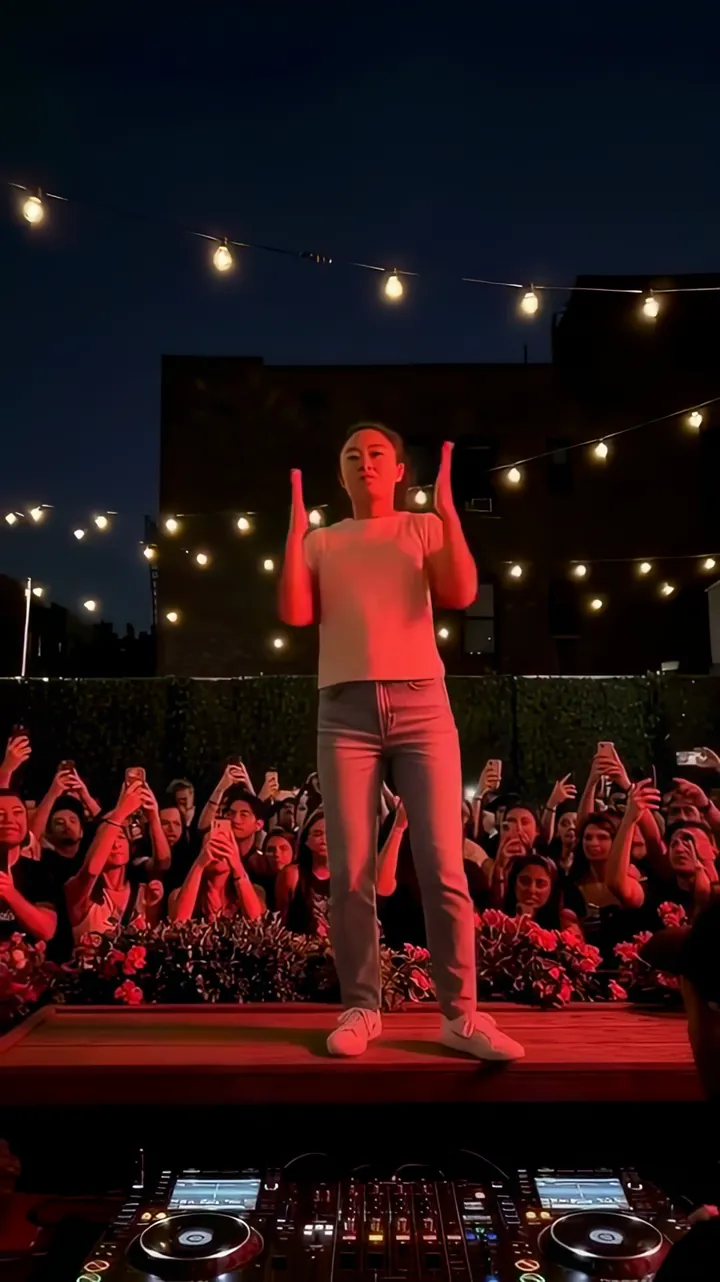
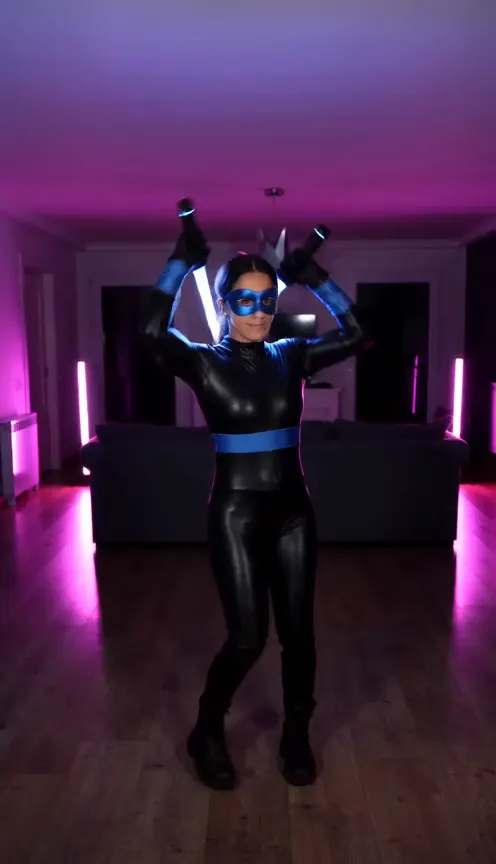
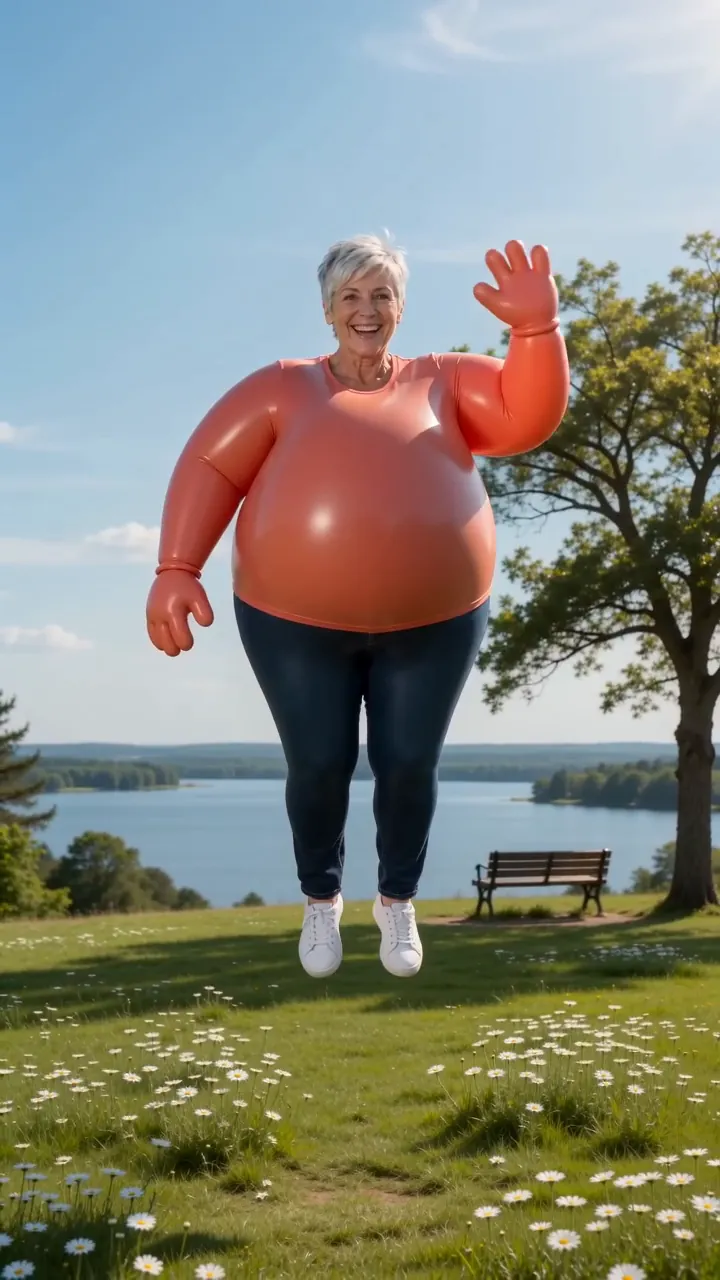
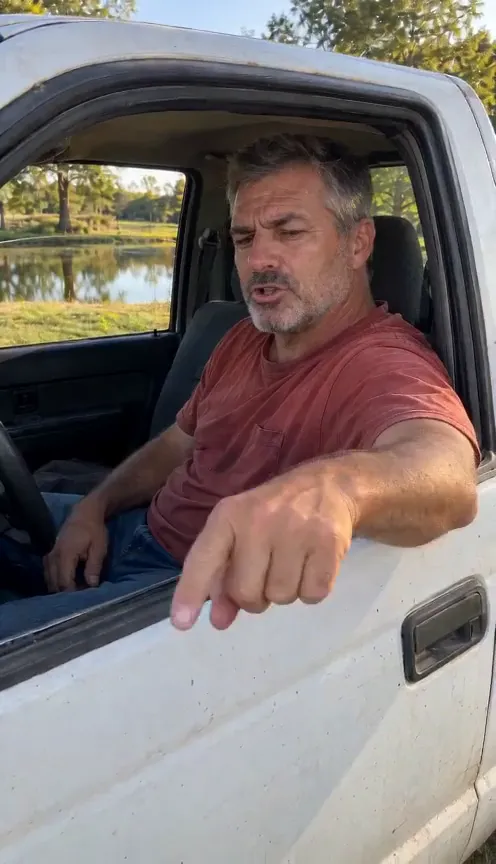
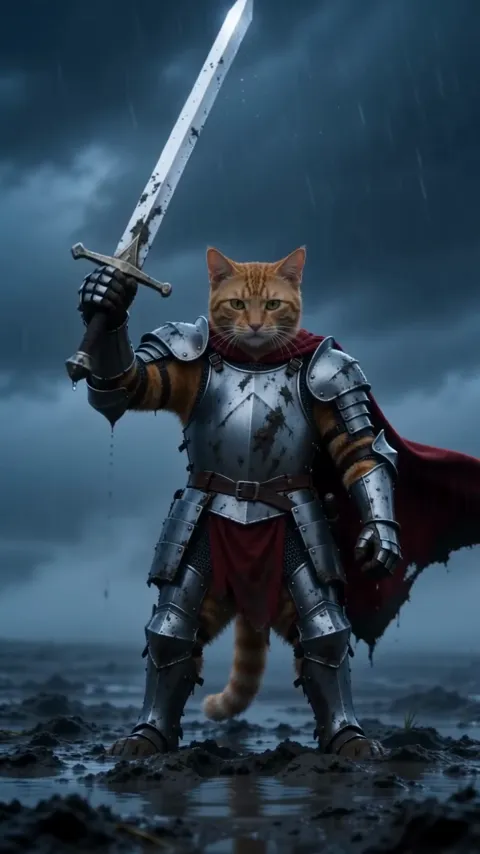
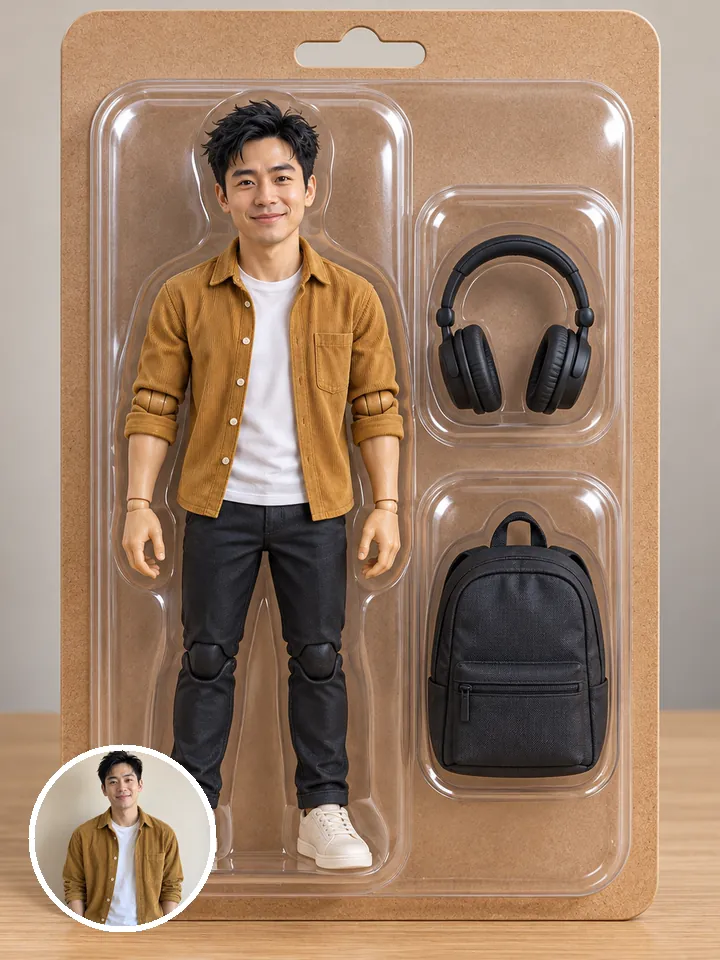
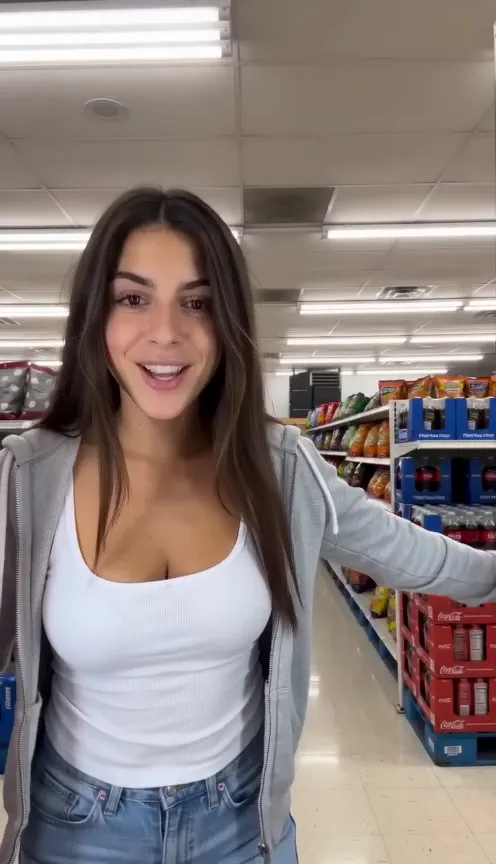

One selfie.
You in Turn the Lights Off AI.
Turn the Lights Off AINot charged if it fails