Quick answer
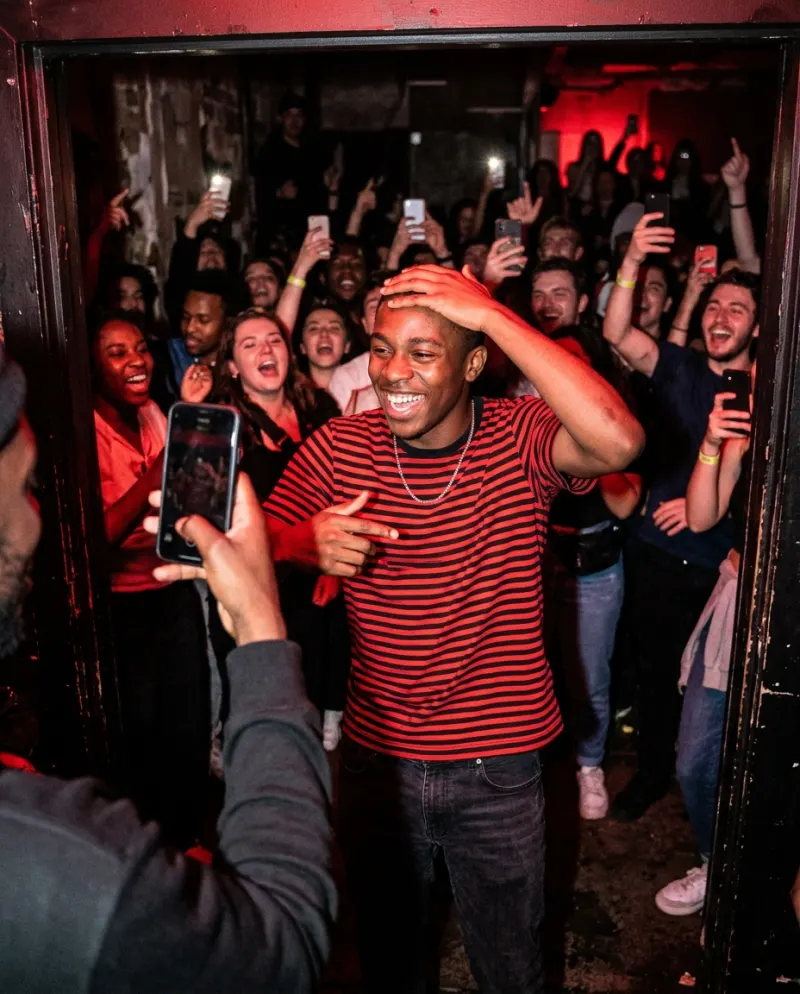
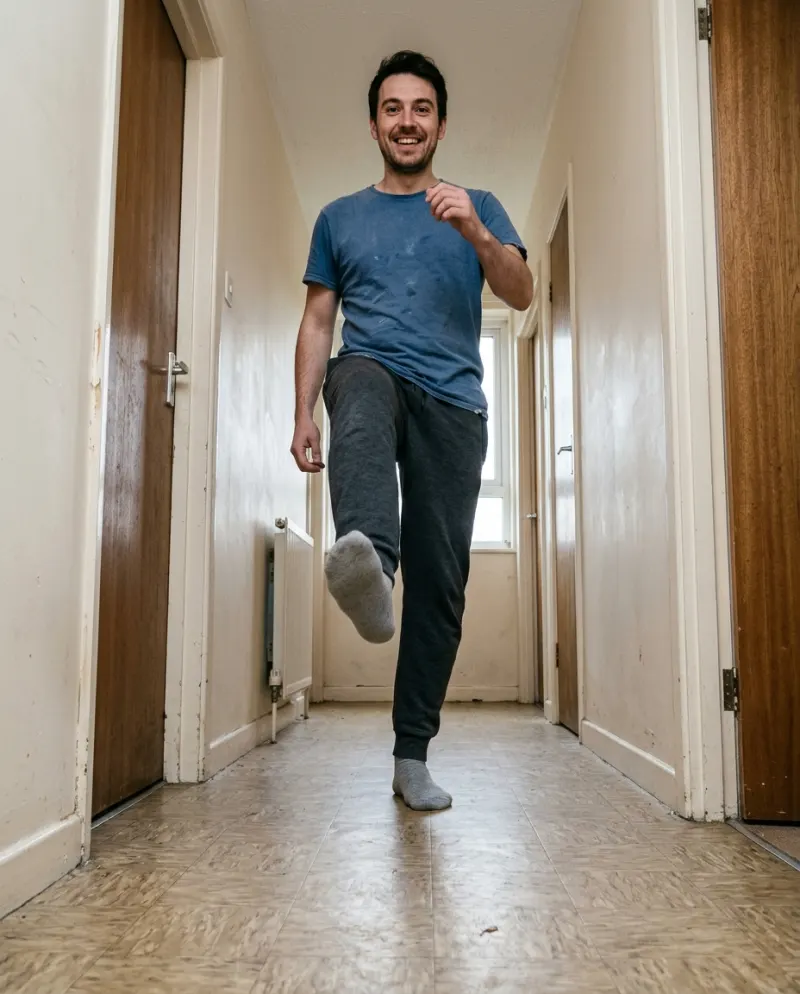
The format is a caption about a tiny victory, then a cut to someone dancing with their eyes shut as the Kato and Jon Nørgaard song kicks in. To put yourself in it, open Turn the Lights Off AI, add a single photo, yours or your pet’s, and press make. You get a 10-second vertical clip in a packed club: eyes closed, hands to the chest, arms up, the camera pulling back. It costs 100 credits, and you add the song as you post.
The dancing comes from TV. In an episode of the Apple TV+ series Your Friends & Neighbors, Jon Hamm’s character Coop dances alone in a club under blue light, eyes closed, completely in his own world. The internet paired it with “Turn the Lights Off”, a club track by the Danish producer Kato with Jon Nørgaard singing.
It started with a Russian TikToker in October 2025 and spread through November and December, taking the song to the top of Spotify’s Viral chart. Then the AI versions arrived, swapping people and pets into the dance.
How the meme works
- 1A setup: a clip or a caption about something tiny going right. The USB went in the first time. The dog let you pet it. The meeting was cancelled.
- 2The turn: you close your eyes and tip your head back, like the moment is too good.
- 3The payoff: a cut to the dance just as the song comes in, eyes still closed.
The smaller and more specific the win, the better it does. “Got a parking spot right outside” beats “Had a good day”, because everyone has had that exact feeling and nobody would dance about it out loud.
Doing it on TikTok
- 1Film or pick your setup clip, a few seconds of the small win, ending with your eyes closing.
- 2Tap Add sound and choose a Turn the Lights Off sound from a post you like, trimmed so it starts at the build-up.
- 3Put the dance clip after the setup, the original scene through a stitch or your own clip, so the cut lands where the beat drops.
- 4Write the win as on-screen text over the setup. Leave the caption for the joke or a hashtag.
Choose the sound inside TikTok rather than one saved in your camera roll. That’s what puts your video on the sound’s page alongside everyone else’s.
Doing it on Instagram
Instagram may save you the timing: look for a Reels template that uses the song. A template gives you the song with the cut points already timed, so you only drop your clips into the slots, setup first, dance second. Add your win as text on the first slot.
If no template comes up, build it by hand: add both clips, add the song and slide it so the drop sits on the cut.
Putting yourself, or your pet, in the dance
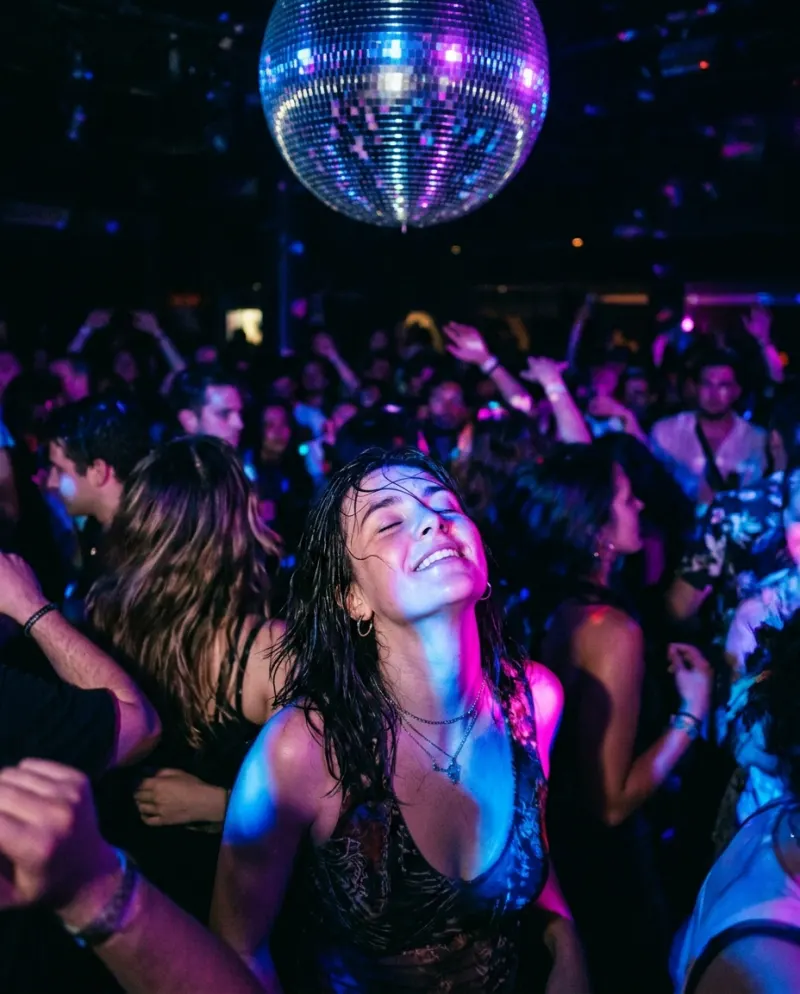
The AI version replaces the TV clip with you. Ours isn’t a copy of the show’s scene: it is a packed club with a red neon bar and mirror balls, and it moves through its own beats.
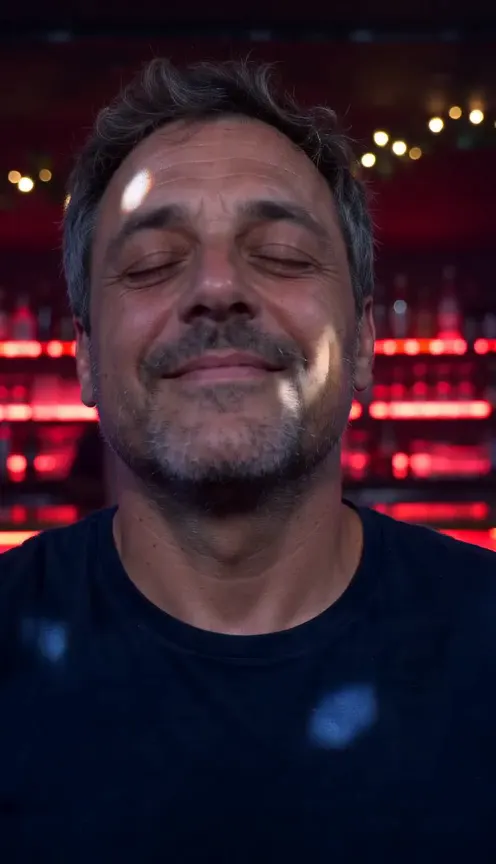
- It opens tight on your face: eyes closed, chin up, a small smile, coloured light sliding across you.
- Your hands rise to your chest, then both arms go straight up and you sway.
- The camera eases back into the crowd as the light rains down. You keep your own face and the clothes from your photo.
- A pet stands up on its hind legs in the crowd, eyes shut and front paws in the air, seen from the shoulders up.
- 1Open the Turn the Lights Off AI page and pick a person or a pet.
- 2Add one photo with the face toward the camera and the shoulders in view. For a cat or dog, a calm photo at eye level works better than one taken from above.
- 3The button shows the cost first: 100 credits for a 10-second vertical clip, about $6.19.
- 4Press make and give it a few minutes. If it fails, the credits come back.
- 5Download the MP4 from Assets. It has no music, so add the Turn the Lights Off sound when you post, with your setup line on screen before the dance.
Line the drop up with the moment both arms (or paws) go up, a few seconds in. Use the AI clip as the payoff after a real setup clip of yours; the mix of real and absurd is what gets the laugh.
Common problems
The song and the arms don’t line up
Slide the sound, not the clip, until the drop sits on the arms going up. On Instagram, a template does this for you.
My pet looks like a different animal
Use a sharper photo at your pet’s eye level, with its markings clearly visible, and try again.
The setup falls flat
Make the win smaller and more specific. Tiny, relatable victories get the most comments.
I can’t find the template on Instagram
Templates come and go. Build it by hand instead: add both clips, then the song, and slide it until the drop sits on the cut.
FAQ
What song is the Turn the Lights Off trend?
“Turn the Lights Off” by Kato featuring Jon Nørgaard, a Danish club track.
Who is the man dancing with his eyes closed?
Jon Hamm, as Coop in the Apple TV+ series Your Friends & Neighbors.
Does the AI clip include the song?
No. It comes without music, so you add the trend sound in TikTok or Reels, which also lists it on the sound’s page.
Can I make it with my dog or cat?
Yes. Pick the pet option and upload a clear photo of its face.
How long is the clip?
10 seconds, vertical, which covers the build-up and the drop.
Make your first one
Turn the Lights Off AI: Lost in the club.
Try Turn the Lights Off AIYour photos are deleted 7 days after upload and never used to train AI.