Grok Imagine AI video generator
All results are AI-generated and labeled.
0 / 1500
Add a start frame.
By adding a photo you confirm everyone in it is 18+ and agreed to have their face used for this. We use faces only to make what you ask for. How we handle faces
Your videos
 Example · Cat dance
Examples show what each idea aims for. They are illustrations, not output from a particular model.
Music and effects included
Every clip comes with a soundtrack and effects, so it’s ready to post as it is. You don’t pick a song or line up a sound afterwards; the run makes both. Say the mood in the prompt, like “upbeat, party music” or “spooky”, and the sound follows. For a clip built around one known sound, start from a trend instead.
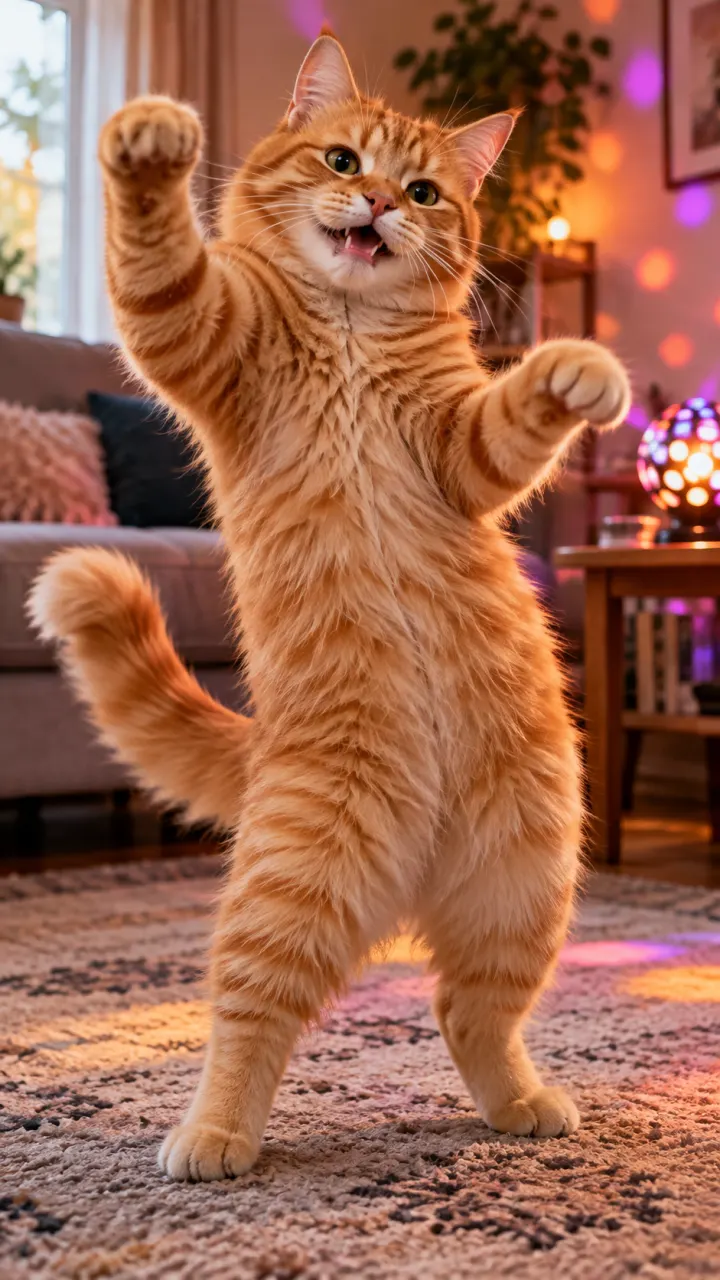
A fluffy ginger cat dances on its hind legs on a living-room rug, bouncing to the beat, warm lamps and candles

Few credits a clip
A low price per run makes it easy to try a fun idea a few ways. Swap the setting, the outfit or the ending and run it again, then keep the take that made you laugh. It’s a good place to test a joke before you make it on a model with more detail. Every family’s price is on the models page.
Friends clap and cheer as a woman blows out the candles on her birthday cake, warm string lights, handheld, then a quick cut to her laughing
Playful by default
Bright colors and bold motion suit memes, pets and party clips. The look leans fun rather than filmic, which is what a feed post or a group chat wants. Short prompts work: who, what they do, where. Need a still for the cover? Make one on the AI image generator.
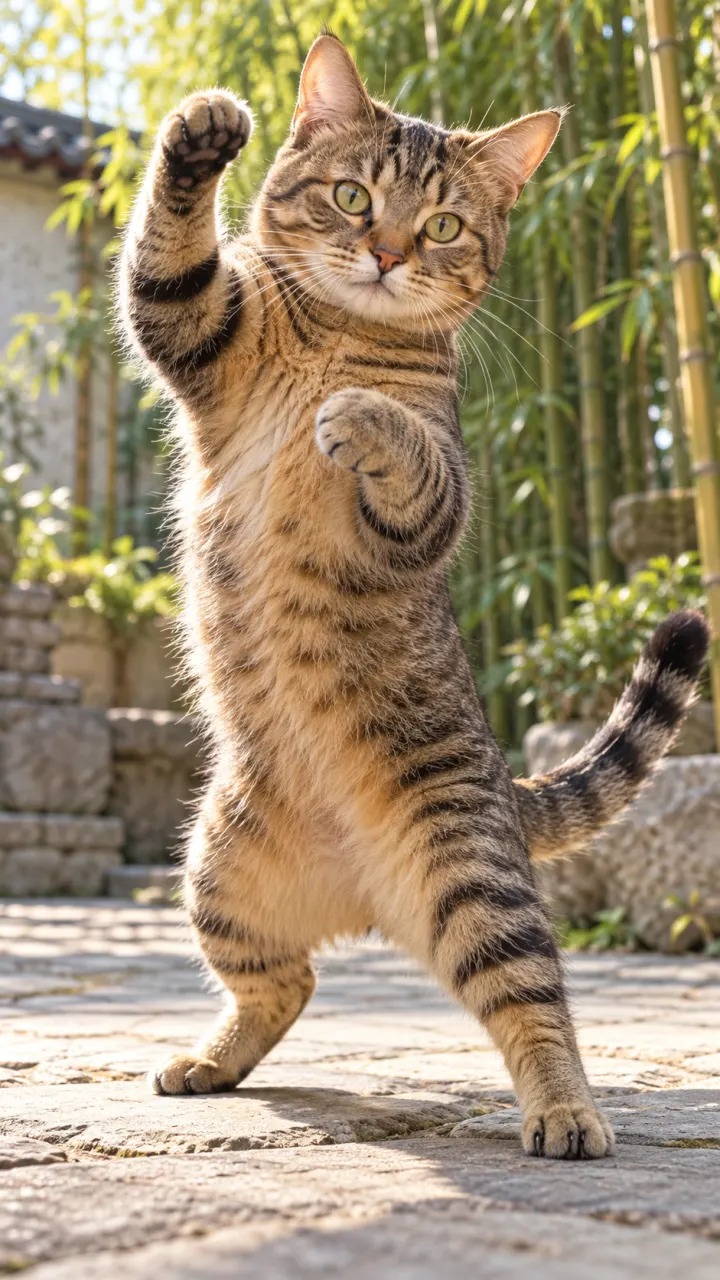
A tabby cat stands on its hind legs in a sunny courtyard and throws a quick kung fu combo, bamboo swaying behind, low angle
What people make with Grok Imagine
 Memes and quick jokes
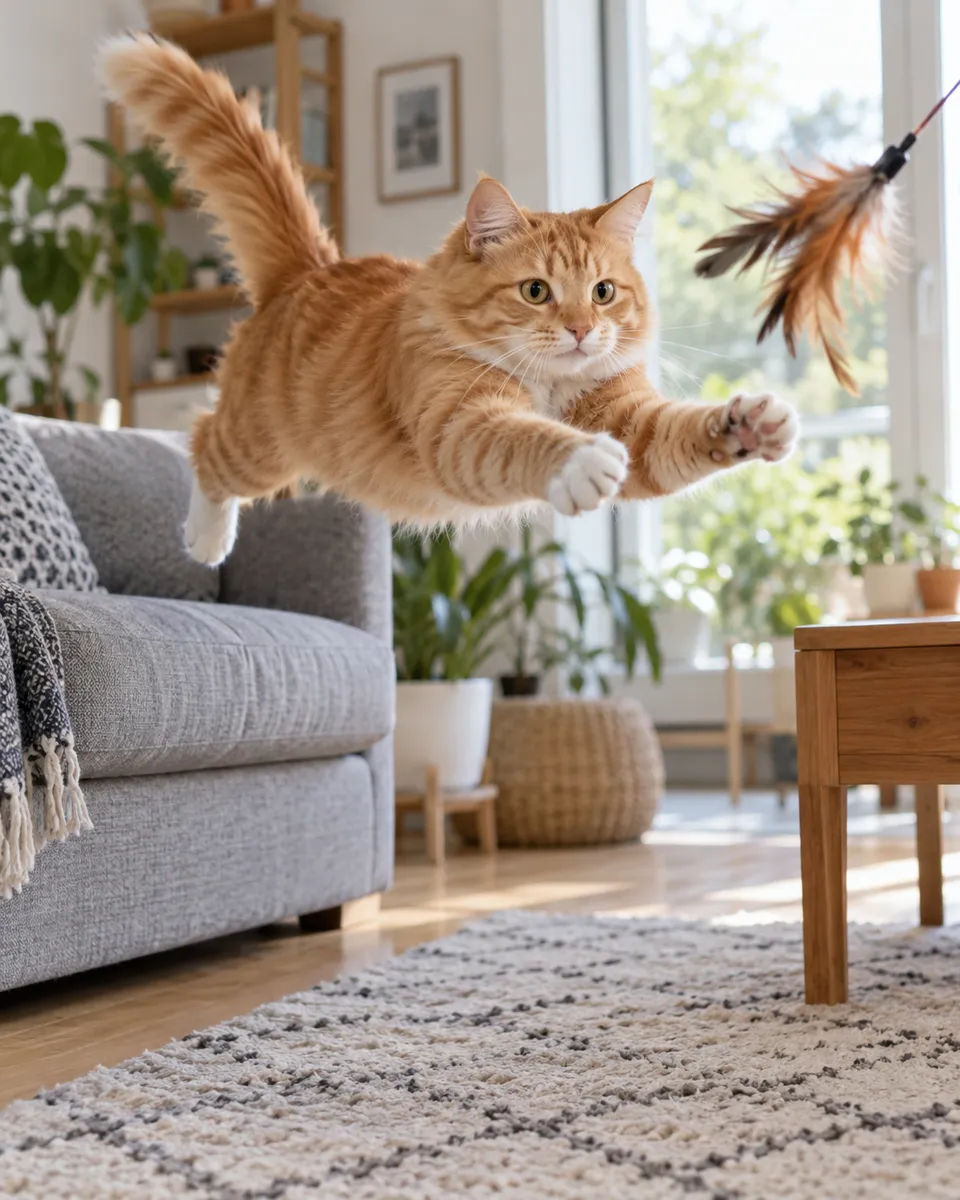
 Pet clips
 Birthday and party posts
- Story and Reel fillers
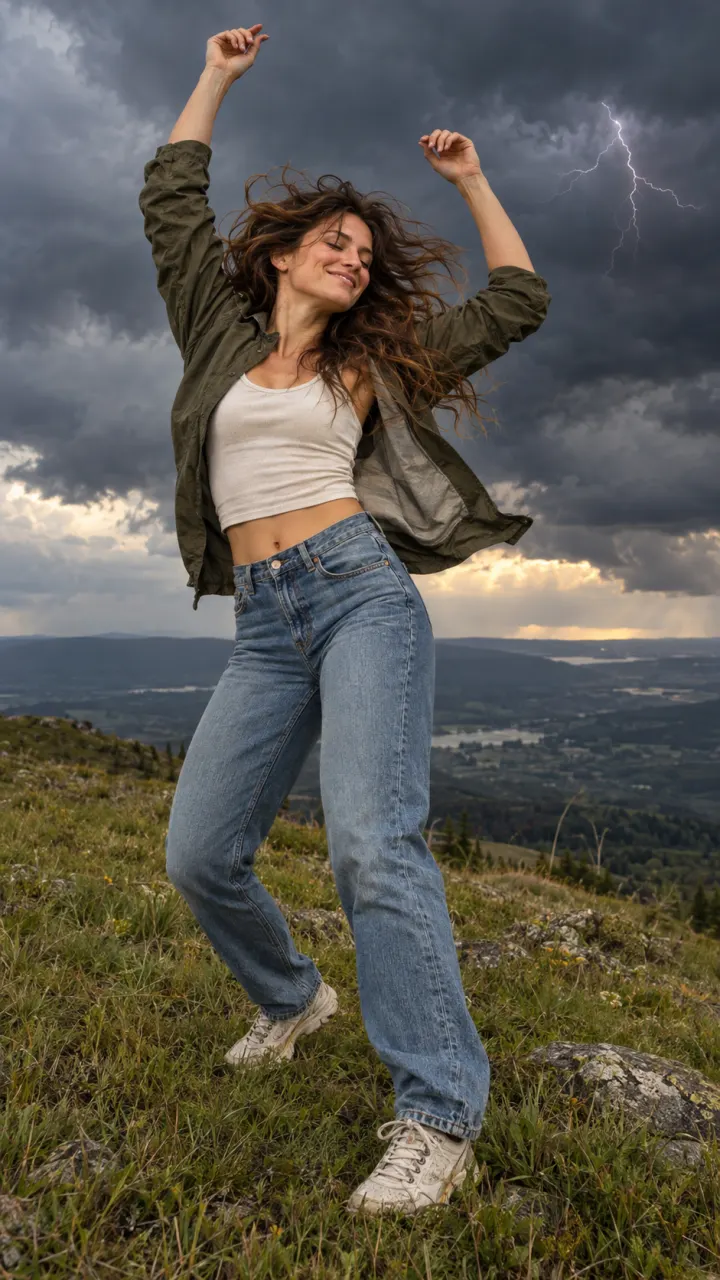
Pictures are illustrations of the kind of result, not outputs of Grok Imagine.
How to use Grok Imagine in 3 steps
A fluffy ginger cat dances on its hind legs on a living-room rug, bouncing to the beat, warm lamps and candles
1Upload a photo
One clear subject works best: a person, a pet, a product or a place. Or switch to Text to Video and skip it.
- 9:1616:91:1Grok Imagine VideoGenerate2
Describe the motion
One line about what moves and how the camera follows. Then set the shape, length and sound.
- MP4Share link3
Generate and download
The button shows the cost first. Your clip lands in the feed when it’s done, and you can leave the page.
When to pick another model
Other models do other jobs. All of them run in the same composer.


Grok Imagine FAQ
Compare all modelsIs Reelfie the official Grok Imagine site?
No. Grok Imagine is made by xAI. Reelfie is an independent studio that runs it for you next to other models, with one account and one set of credits. Reelfie isn’t affiliated with xAI.
How much does Grok Imagine cost on Reelfie?
From 8 credits a clip, depending on the version, the length, the resolution and sound. The Generate button shows the exact cost before you start, and a run that fails costs nothing.
Can I use Grok Imagine with my own photo?
Yes. Add a photo of yourself, or of someone who agreed, and nobody under 18. Your photos are deleted 7 days after upload and never used to train AI.
How long are Grok Imagine clips, and do they have sound?
Grok Imagine makes clips of 6, 10 and 15 seconds. Sound by version: Grok Imagine Video, always on. Pick the shape and resolution in the composer.
Do I need a xAI account?
No. Your Reelfie account runs Grok Imagine and every other model here on the same credits. You don’t sign up with xAI or bring a key.
What if a render fails?
You get the credits back automatically, and the run shows Retry in your feed.
Model names belong to their makers. Reelfie isn’t affiliated with xAI.