Quick answer
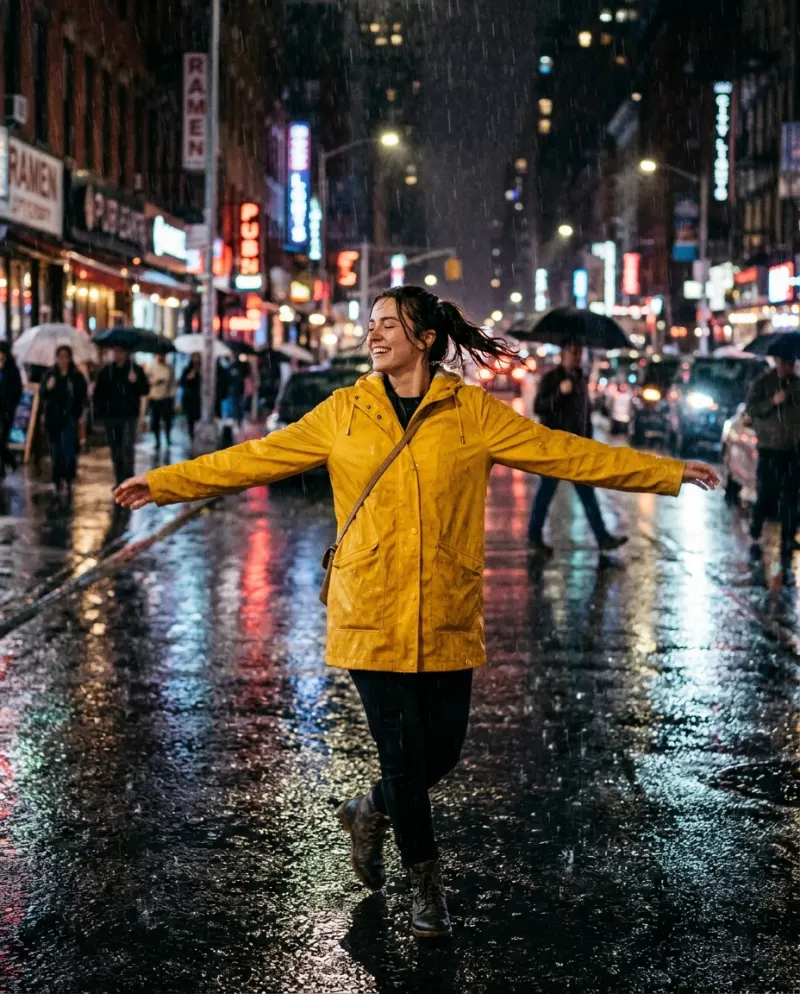
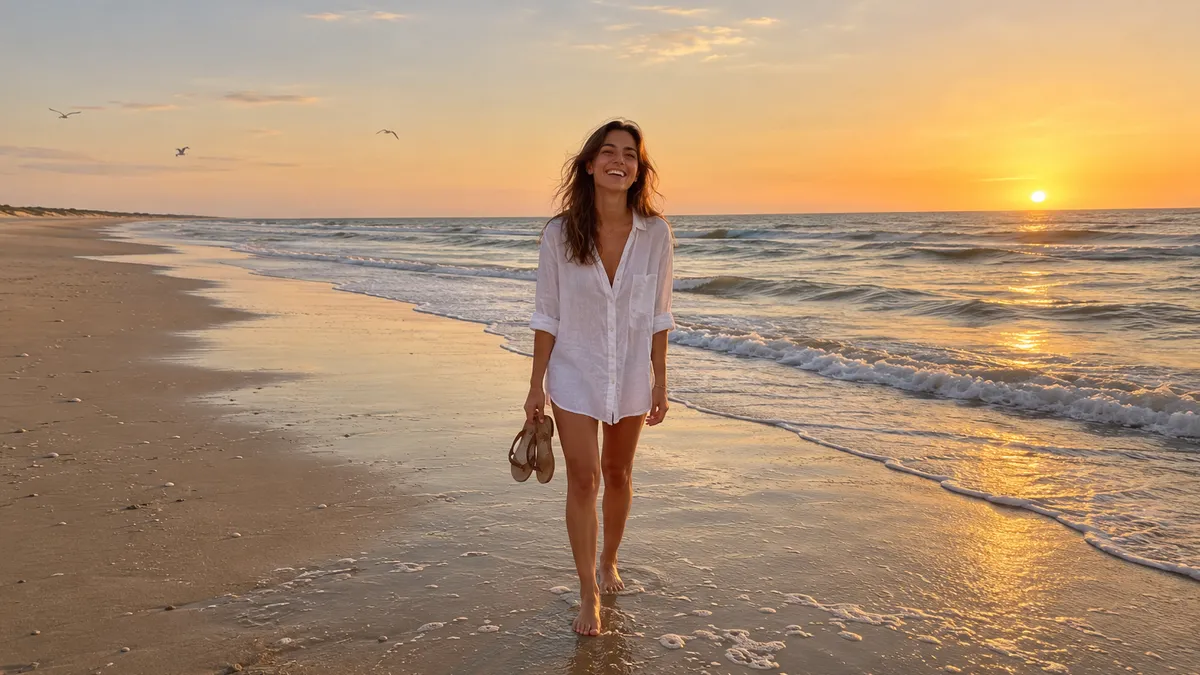
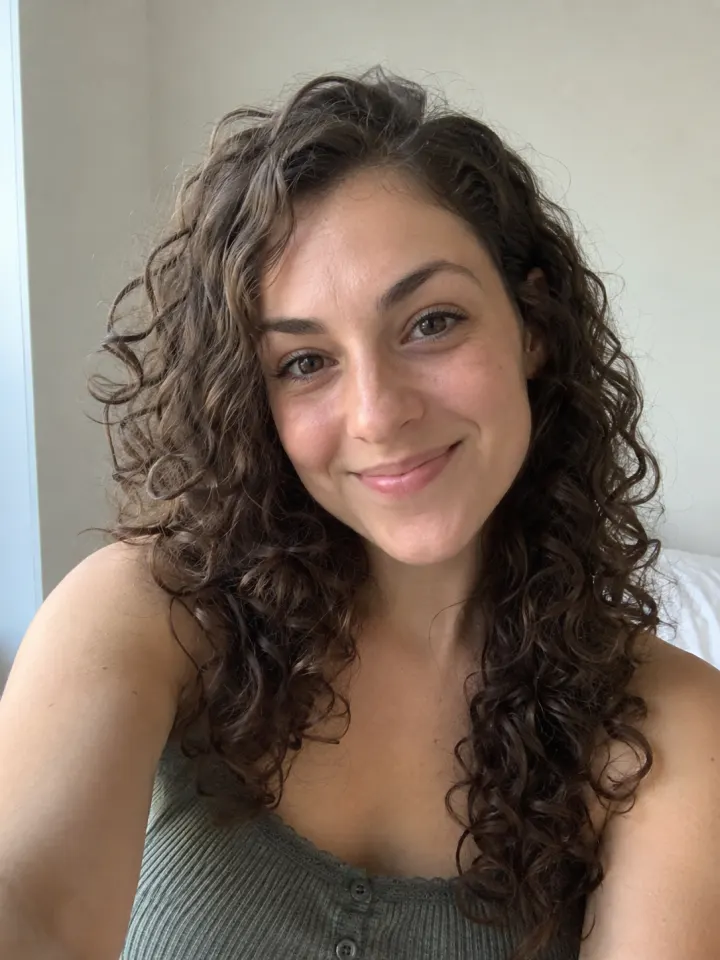
Use a recent, sharp photo of one face, looking roughly at the camera, in soft even light, with nothing covering the face and no heavy filter. Show the head and shoulders with a bit of space around them. That covers almost every bad result.
When an AI video goes wrong, the photo is nearly always the reason. The AI has to move a face it has only seen once, from one angle, and every bit it can’t see clearly it has to guess. A good photo leaves less to guess.
These seven rules apply to every trend template. None of them needs a camera or editing skills; a phone and a window are enough.
1 · One face, and make it the main thing
A solo template moves one person. In a group photo it has to pick one, and it may not pick the one you meant. Crop to the person you want, or take a new photo of just them. For two people, use a couples template, which takes one photo of each.
2 · Look at the camera
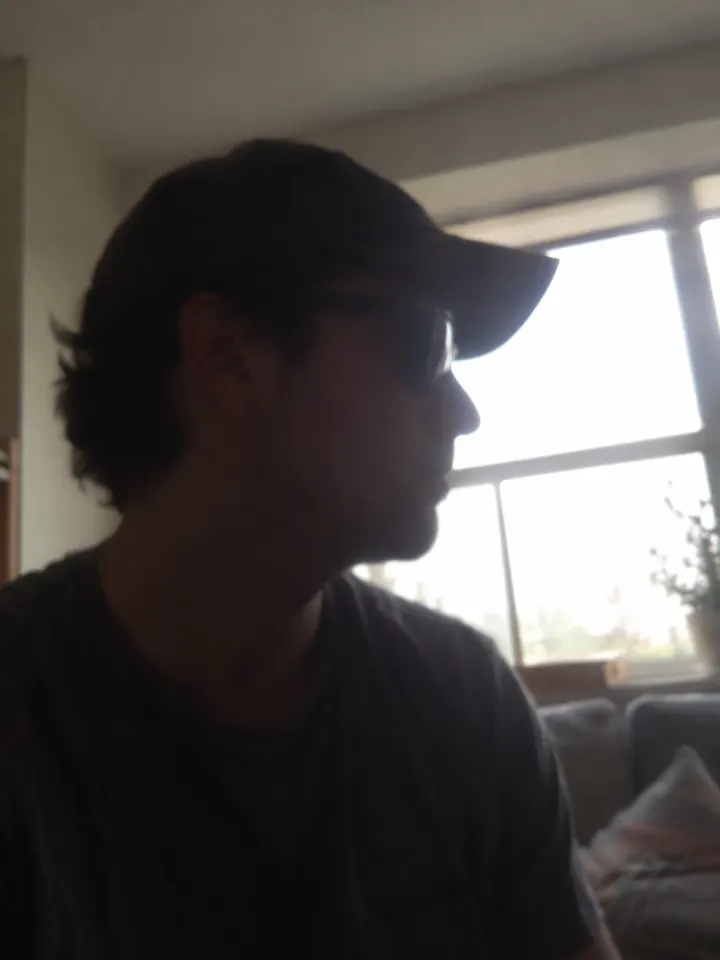
Front-on or a slight turn works best. In a side profile the AI only sees half the face, so when the video turns your head toward the camera, it has to invent the other half. That is where faces start to look like someone else.
3 · Soft, even light
Face a window in daylight, out of direct sun. Hard light leaves one side of the face dark, and a bright window behind you turns you into a silhouette. Both hide the details the AI needs.
Quick test: if you can see both of your eyes clearly on the screen, the light is fine.
4 · Nothing in the way
Take off sunglasses and pull a cap up off your eyes. Keep hands, phones, drinks and hair away from the face. Regular glasses are usually fine, as long as they don’t reflect the light.
5 · Sharp and recent
A blurry photo gives a blurry video. Tap your face on screen before you take the shot so the phone focuses there, and hold it still. A recent selfie usually beats an old favorite that has been saved and sent a dozen times.
Only have a small or soft photo? Run it through the Image Upscaler first. It won’t rescue a blurry shot, but it gives a small one more to work with.
6 · Head and shoulders, with room around them
Most templates expect a face that fills about a third of the frame, with the top of the head and the shoulders in view. Too close and the top of your head is cut off; too far and the face is a few pixels wide. If your photo is cropped tight, the Image Expander can add room around it.
 Selfie
 Also works
7 · No heavy filters
Beauty filters, face-changing effects and strong color looks change the face the AI is trying to keep. Use the plain photo from your camera roll, not the one you edited for Instagram. The template adds its own look.
Photos of pets
The same rules work for dogs and cats. Get down to their eye level, wait for them to look at you, and shoot in daylight. A treat held next to the phone helps. A sharp face matters more than a perfect pose.
Common problems
The face looks different by the end
Usually rule 2 or 4: a side angle or something covering the face. Try a front-on photo.
The wrong person moves
Crop to one person, or use a couples template for two.
The video looks blurry
Start from a sharper photo, and upscale a small one first.
The top of the head is cut off
Use a photo with more space above the head, or add room with the Image Expander.
FAQ
Can I use an old photo?
Yes, if the face is sharp and clear. For a faded or scratched print, run it through Old Photo Restore first.
Does it matter if I smile?
A relaxed, natural expression works best. The video keeps your expression as its starting point, so pick the face you want to see moving.
What happens to my photo?
Your photos are deleted 7 days after upload and never used to train AI.
Can I use a photo of someone else?
Only with their permission, and only if they are 18 or older.
Make your first one
Trend templates: One photo in, an 8-second video out.
Browse trend templatesYour photos are deleted 7 days after upload and never used to train AI.