Quick answer
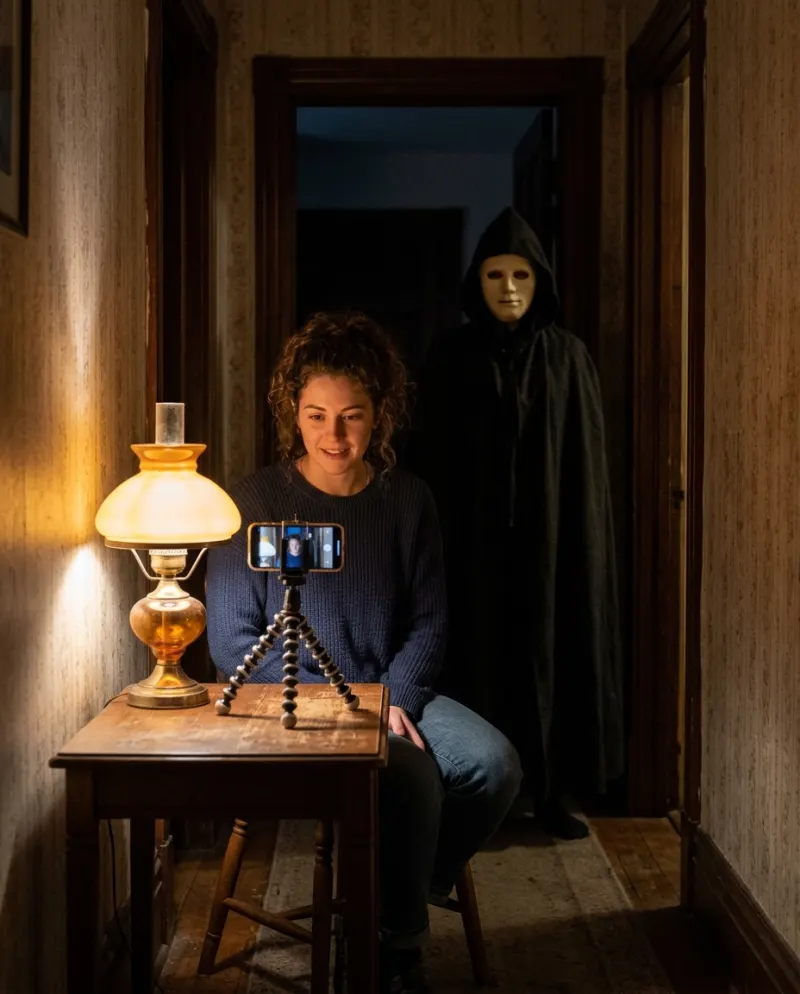
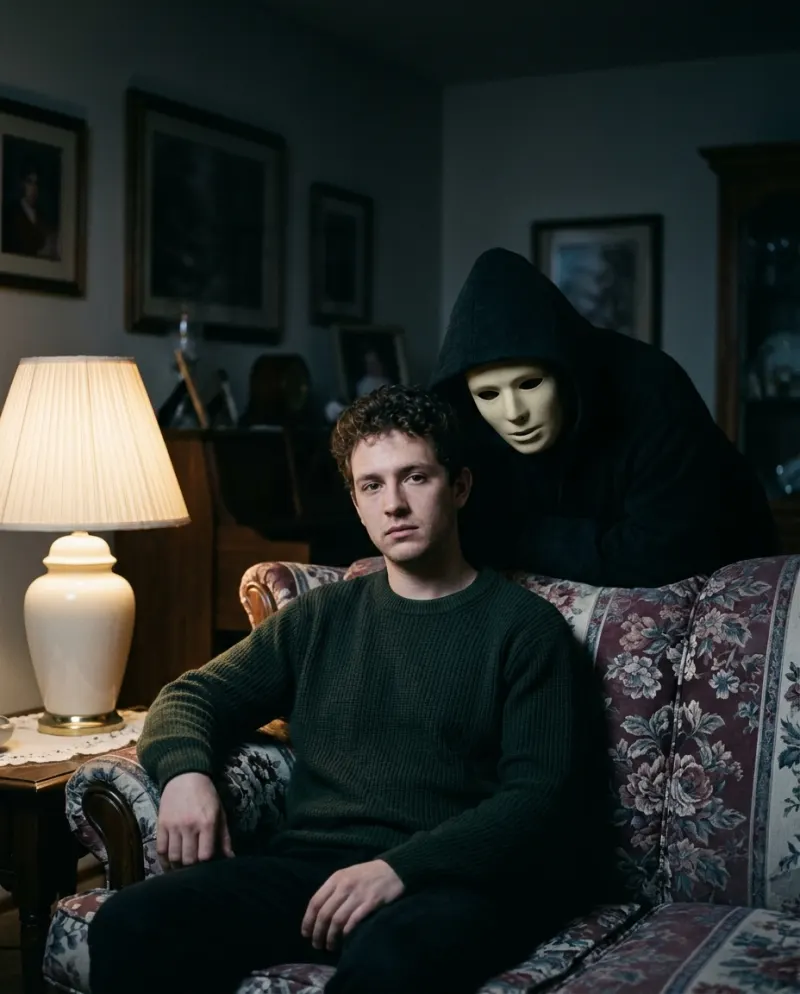
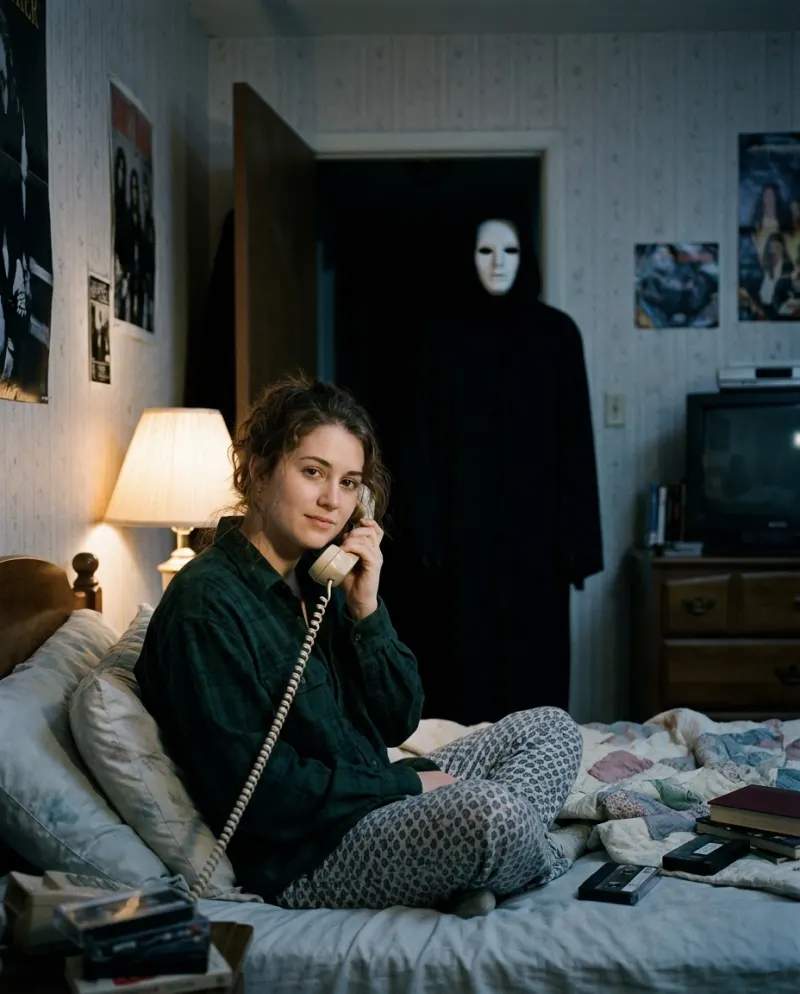
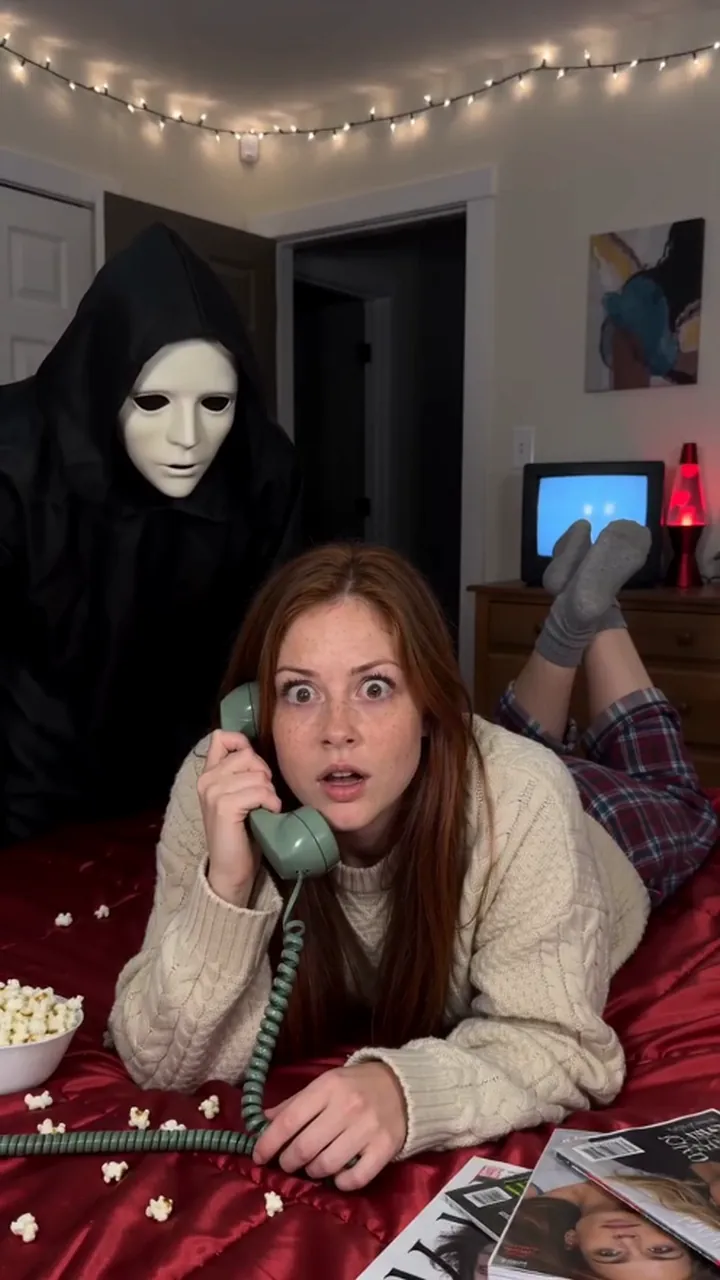
Open the Ghostface AI template, add one clear, front-facing photo of just you with a calm expression, and press Make my Ghostface. You get an 8-second vertical video with sound: you sit in a dim room lit by a single lamp, with film grain and cool tones, while a hooded figure in a black robe and a plain pale mask slowly appears behind you and leans over your shoulder.
The Ghostface trend is the moody 90s portrait: a grainy, lamp-lit shot that looks like an old print from a shoebox, until someone appears behind you. The Ghostface AI template makes it from one selfie. The dim room, the lamp, the grain and the visitor are all added.
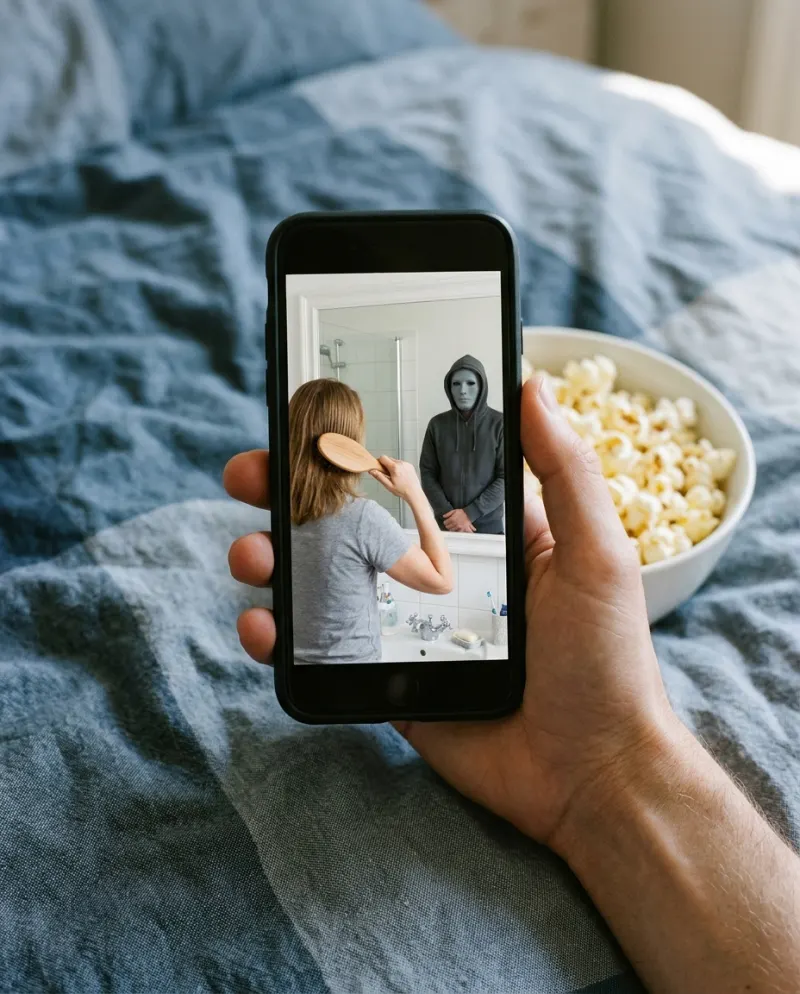
The appeal is the slow build. The first moments look like a nostalgic photo shoot, the figure creeps in while the sound does the work, and viewers spot it a beat before the scene lets on. It’s spooky without any gore, so people who never post horror still make one.
What you need
- One photo of just you, face toward the camera
- JPG, PNG or WEBP, up to 10 MB and at least 512 pixels on each side
- A Reelfie account and 80 credits; the smallest pack is up to 2 videos for $9.90
It’s a solo template: one person, one photo. The hooded figure is the only other presence in the scene. Use a photo of yourself, or of a friend who is 18 or older and said yes.
Step 1 · Pick a calm selfie
This is the one trend where a neutral face beats a big smile. The quieter you look, the more unsettling the visitor feels. A straight-on selfie with a relaxed mouth and eyes on the lens is ideal.
- Just you in frame. Crop anyone else out
- No sunglasses or hats: the face has to be clear
- Skip strong color filters. The template adds its own cool tones and grain
- Your background doesn’t matter. A bright kitchen works, because the dim room is added
Already have a moody, low-light selfie? Try a clearer one anyway. A face lit evenly gives the template more to hold on to, and the darkness gets added later.
Step 2 · Make it on Reelfie
- 1Open Ghostface AI and add your photo.
- 2An 8-second 720p video costs 80 credits; the price is on the button before it runs.
- 3Press Make my Ghostface. The price is on the button before you start.
You can close the page while it works. The video lands in Assets, and if it fails, the credits come back automatically. Videos made with free credits carry a small watermark.
Step 3 · Caption and posting ideas
The clip is 9:16 with sound, made for TikTok and also right for Reels, Shorts and Stories. Let the figure do the reveal: a short caption that doesn’t give it away lands harder.
Halloween profile video
Pin it for October. The stillness is what makes it creepy.
Didn’t hear anyone come in.
The found film roll
Post it like you just found an old print in a drawer.
90s portrait day, plus one.
Reply to a friend’s
Answer a friend’s post with yours so your feeds match.
Don’t look behind you. #ghostfacetrend
Before you upload, read How to post an AI video to TikTok without losing quality. Dark, grainy clips are the first to turn muddy after a resave.
Doing it without AI
You can stage it with a friend. You need a black hooded robe, a plain pale mask with no logos, one lamp and a dark room.
- 1Turn off every light but one lamp beside you. Sit facing the camera, phone on a stand at eye level.
- 2Your friend, in the robe and mask, starts out of frame behind you.
- 3Hit record, hold still and look at the lens. Your friend steps slowly into the dark behind you and leans over your shoulder.
- 4In your editor, add grain, cool the colors a little and lower the contrast for the 90s print look.
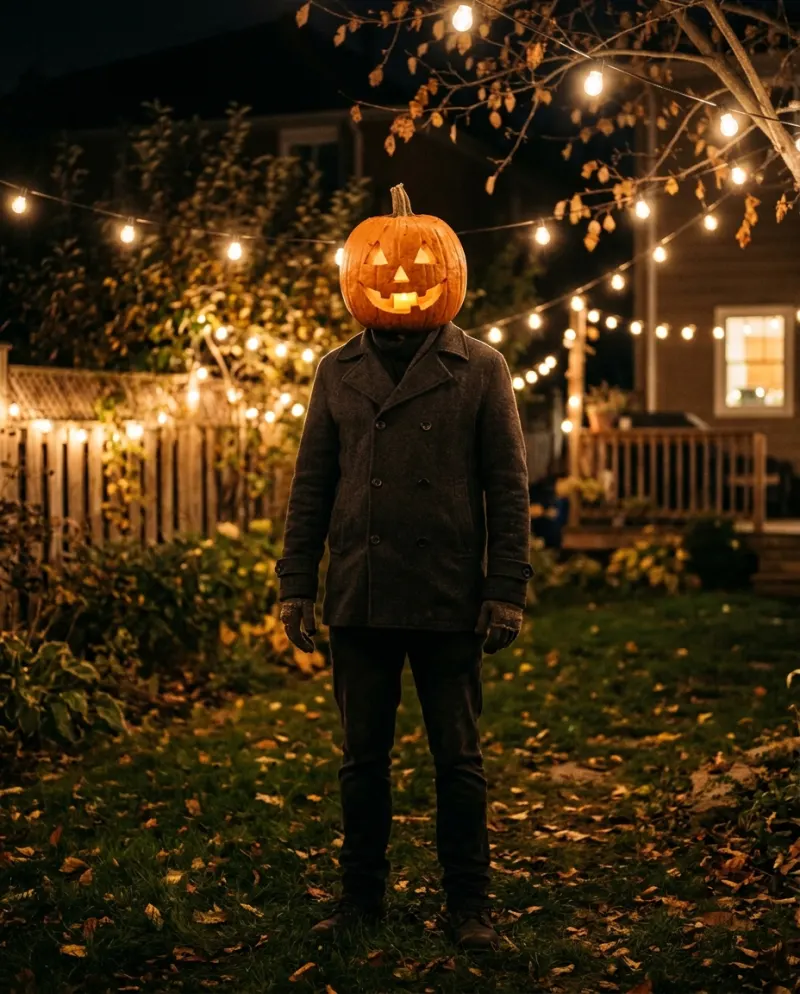
No friend, no robe, or no dark room? The template does the whole scene from one selfie. For another October look from one selfie, try Haunted Portrait AI or Pumpkin Head AI. Prefer props? The Pumpkin Head trend works without AI too.
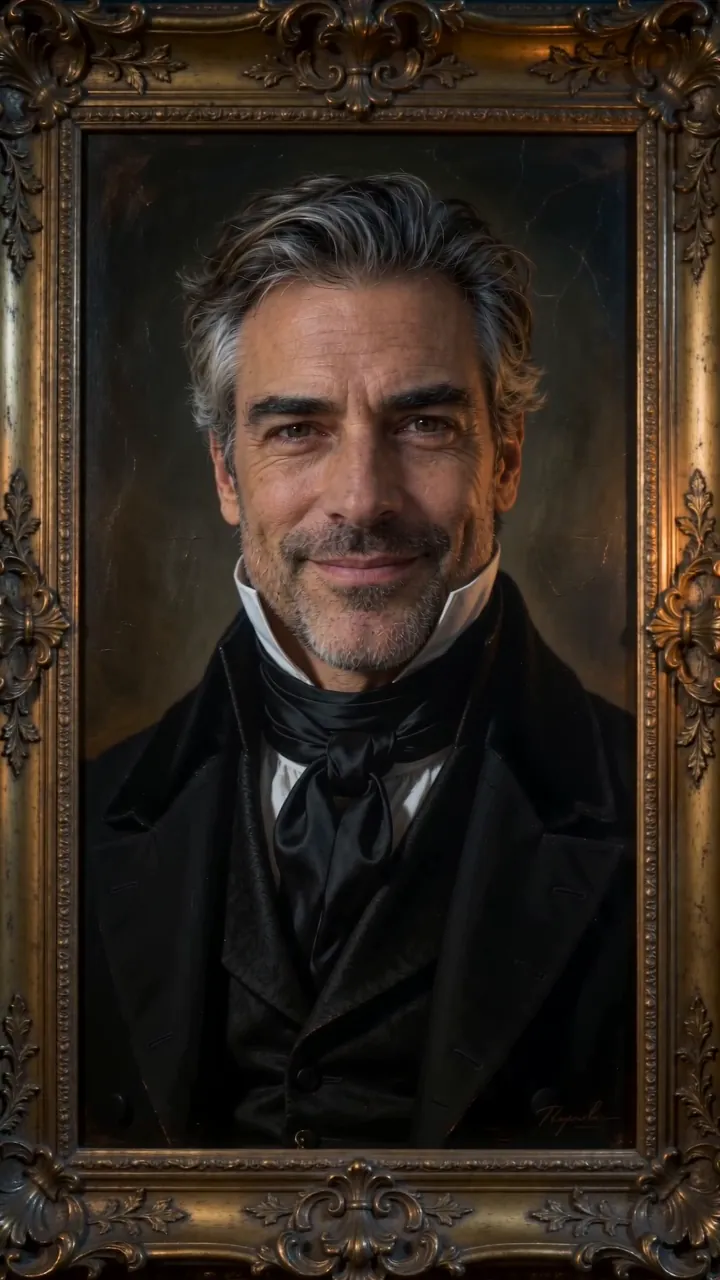 Haunted Portrait AI
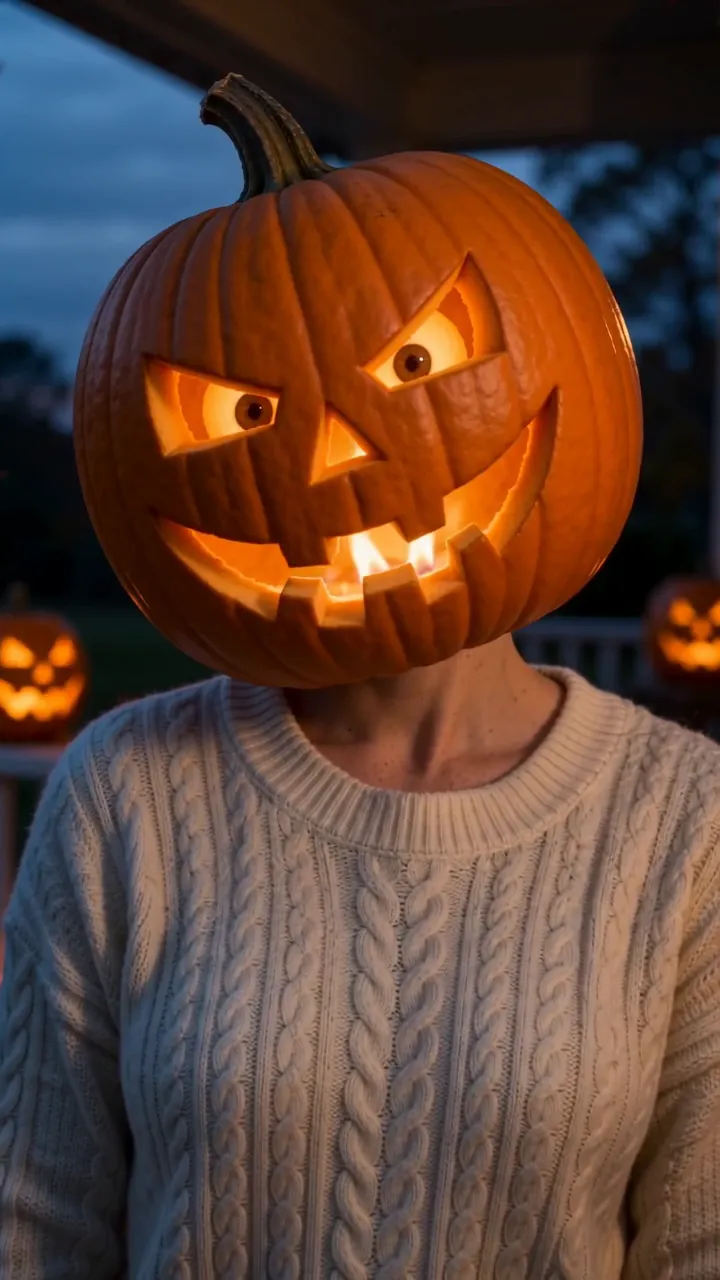 Pumpkin Head AI
Common problems
It doesn’t look like you
Use a sharper, front-on selfie in even light, cropped so your face fills more of the frame. Sunglasses and hats make the template guess.
There’s a second person in the photo
Ghostface AI uses one photo of just you. Crop the photo down to your face and shoulders.
It looks muddy once posted
Upload the downloaded MP4, not a screen recording. See how to download a video.
There’s a watermark
Videos made with free credits carry a small one. Videos made with credits from a pack don’t.
FAQ
Is it scary or gory?
It’s moody, not gory. A hooded figure in a pale mask appears behind you and leans over your shoulder. There’s no blood and no violence.
Can I add a friend or partner?
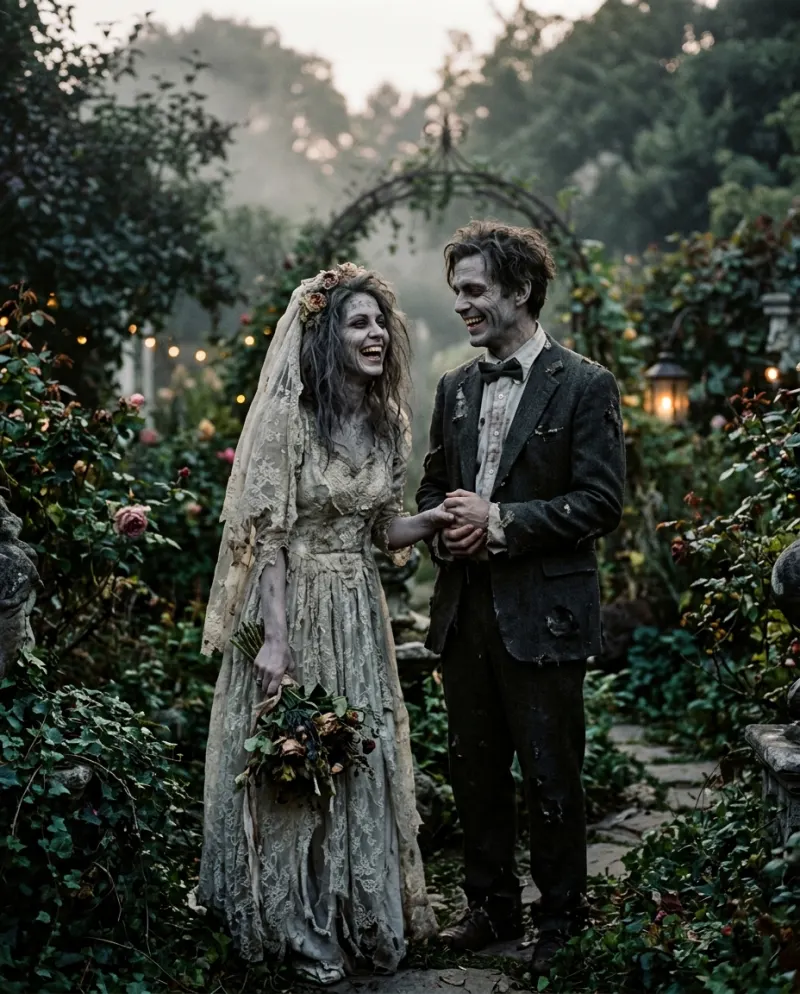
Not in this one. Ghostface AI uses one photo of just you. For two people, try the AI Zombie Love Story template.
Does my photo need a dark background?
No. Any clear, front-facing photo works. The dim room, the lamp, the film grain and the cool tones are all added.
How much does it cost?
An 8-second video is 80 credits. The smallest pack is up to 2 videos for $9.90. If a video fails, the credits come back automatically.
What happens to my photo?
Your photos are deleted 7 days after upload and never used to train AI.
Make your first one
Ghostface AI: A moody 90s portrait with an uninvited guest.
Try Ghostface AIYour photos are deleted 7 days after upload and never used to train AI.