Quick answer
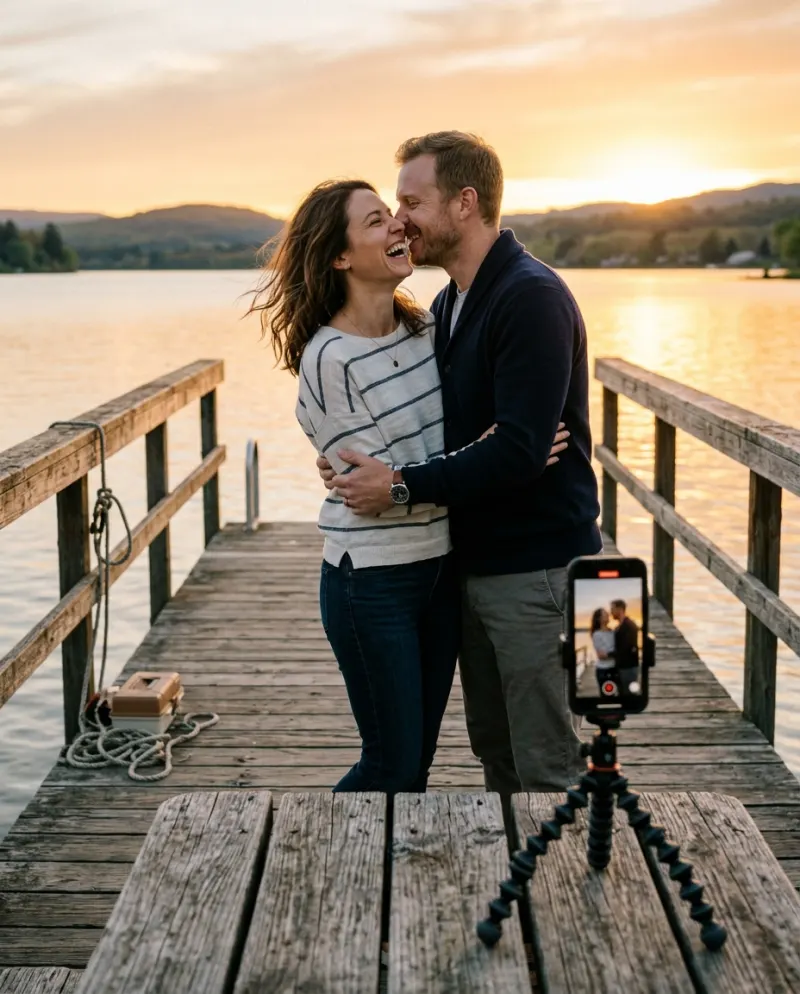
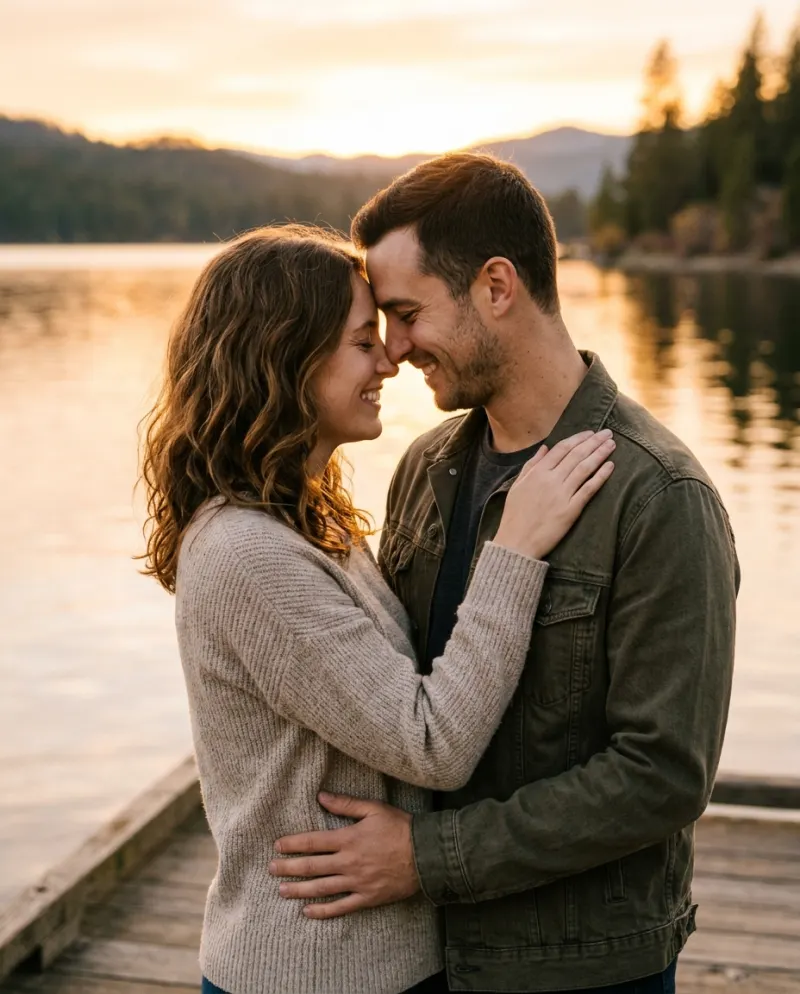
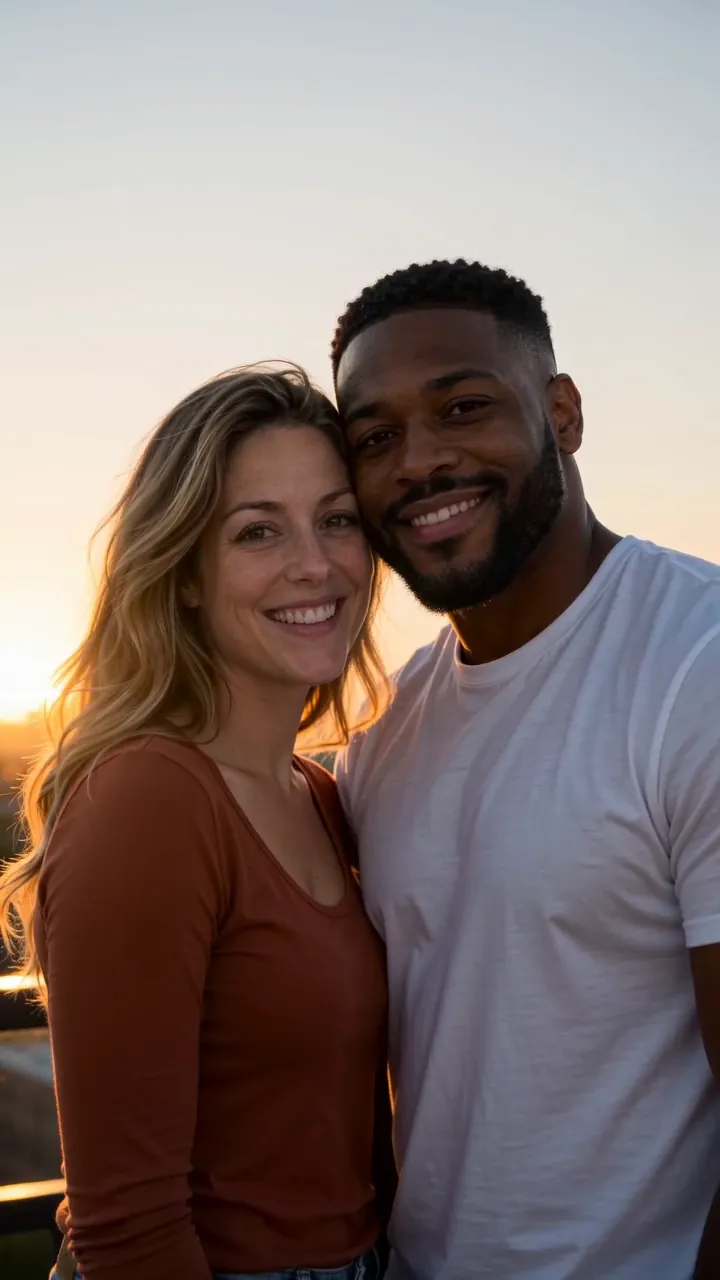
Open the AI Kiss template, add one clear, front-facing photo of each person, and press Make our AI Kiss. You get an 8-second vertical video with sound: you stand face to face in golden-hour light, lean in, share one gentle kiss and laugh. Both people have to be 18 or older and agree to be in it.
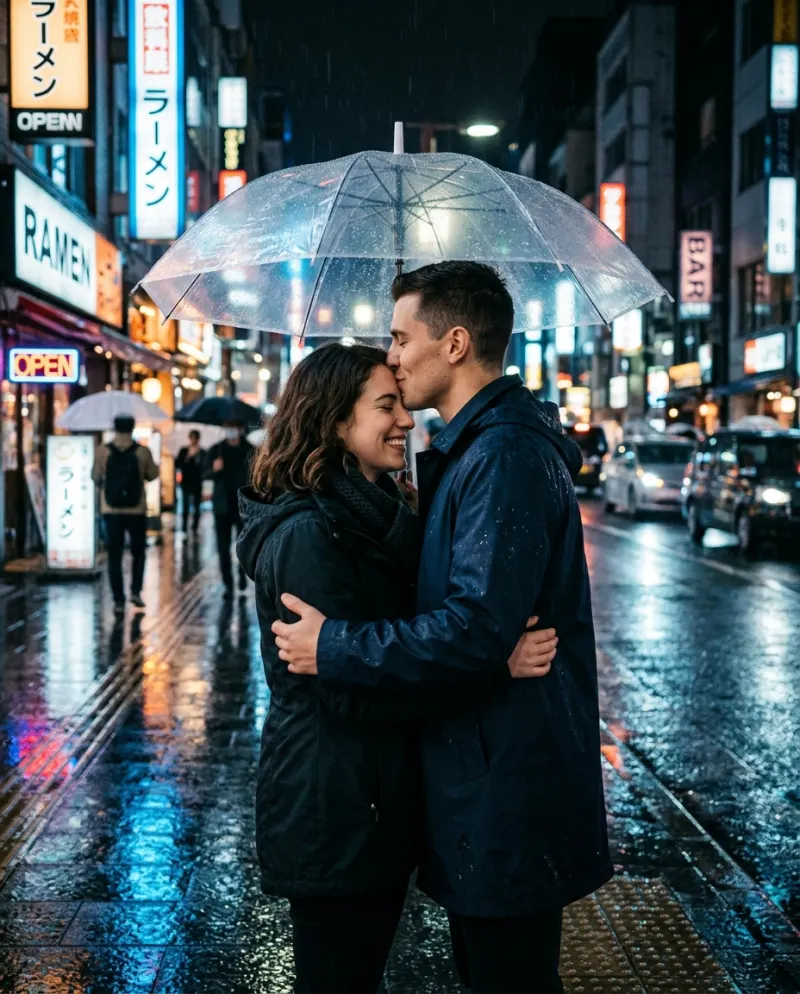
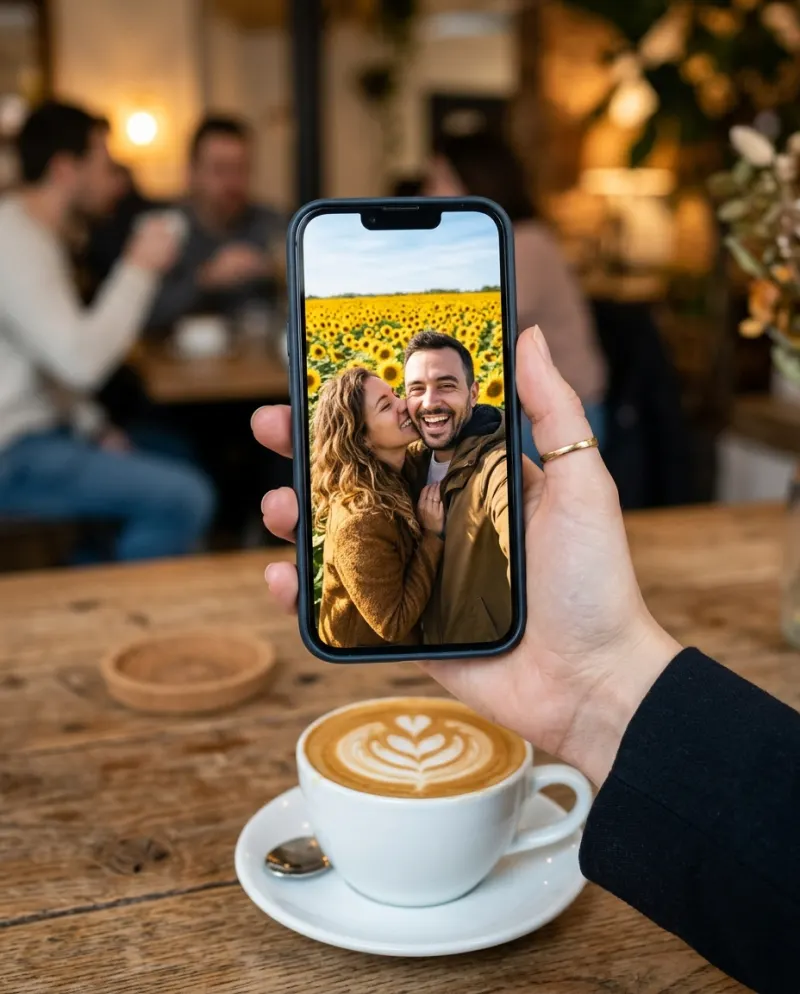
The AI Kiss template turns two separate photos into one short scene: the two of you face to face in warm golden-hour light, a smile, a lean-in, one gentle kiss, then a laugh. You don’t need a photo of you together, which is why couples use it for long-distance birthdays and soft launches.
This guide covers the two photos, the making, and what to post with it. It’s sweet rather than steamy: fully clothed, one kiss, and the laugh at the end keeps it light.
What you need
- One photo of you and one photo of your person, each with just one face in it
- JPG, PNG or WEBP, up to 10 MB and at least 512 pixels on each side
- A Reelfie account and 80 credits; the smallest pack is up to 2 videos for $9.90
- A clear yes from the other person
Both people must be 18 or older and both must agree to their photo being used. Only use a photo of someone who said yes, like your partner. Never use a photo of a child, an ex, a stranger or anyone famous.
Step 1 · Pick the two photos
Each photo is one face, looking roughly at the camera, in soft light. The template has to keep both of you recognisable while you move, so the clearer each face is, the less it has to guess. Separate selfies work well, even taken months apart.
- One person per photo. Crop a friend or a crowd out
- Similar light in both: two daylight selfies match better than one daylight and one flash
- Faces fully visible: no sunglasses, masks or hands across the face
- Skip heavy beauty filters. They make the faces drift
If the two photos look very different, try a closer crop of each so the faces are about the same size in the frame. More in seven rules for photos that animate well.
Step 2 · Make it on Reelfie
- 1Open AI Kiss. It has two photo slots: You and Your person.
- 2Add your photo to You and theirs to Your person.
- 3An 8-second 720p video costs 80 credits; the price is on the button before it runs.
- 4Press Make our AI Kiss. The price is on the button before you start.
You don’t have to keep the page open. The video lands in Assets when it’s ready. If it fails, the credits come back automatically. Videos made with free credits carry a small watermark.
Step 3 · Caption and posting ideas
Your video is private until you share it, so show it to your person first and decide together where it goes. It’s 9:16 with sound, the shape TikTok and Reels expect, and it sits nicely in a Story or a private message too.
Long-distance
Use a favorite solo photo of each of you. It’s the scene you haven’t been able to film yet.
Distance who?
Anniversary surprise
Make it the night before and send the link in the morning.
Happy anniversary to my favorite person. #aikiss
The soft launch
Post it to your close-friends Story when you’re both ready to make it official.
Soft launch, but make it golden hour.
Posting to TikTok? How to post an AI video to TikTok without losing quality covers the upload settings that keep it sharp.
Doing it without AI
If you’re in the same place, you can film the real thing. Go out an hour before sunset, stand the phone upright on something steady at chest height, and face each other side-on to the camera with the sun behind you. Smile, lean in, one kiss, then laugh. Keep the take short and trim it to the moment.
The template is for when you can’t: you’re apart, the light is gone, or you only have solo photos of each other.
Common problems
One face doesn’t look like them
Use a sharper, front-on photo of that person, cropped so the face fills more of the frame.
The two of you look lit differently
Pick two photos taken in similar light, both daylight or both indoors.
The photo was turned down
Check it’s a JPG, PNG or WEBP under 10 MB and at least 512 pixels on each side. A photo of anyone who looks under 18 is always refused. Here is why photos get blocked.
There’s a watermark
Videos made with free credits carry a small one. Videos made with credits from a pack don’t.
FAQ
Do we need a photo of us together?
No. Add one photo of each person. Separate selfies work, as long as each face is clear and facing the camera.
Is the kiss explicit?
No. It’s one short, gentle kiss between two fully clothed adults in golden-hour light, followed by a laugh.
Can I use someone’s photo without asking them?
No. Both people must be 18 or older and agree to be in it. If someone made a video of you without asking, see Someone made a video of me.
How much does it cost?
An 8-second video is 80 credits. The smallest pack is up to 2 videos for $9.90. If a video fails, the credits come back automatically.
What happens to our photos?
Your photos are deleted 7 days after upload and never used to train AI.
Make your first one
AI Kiss: Two photos become one sweet kiss.
Try AI KissYour photos are deleted 7 days after upload and never used to train AI.