Quick answer
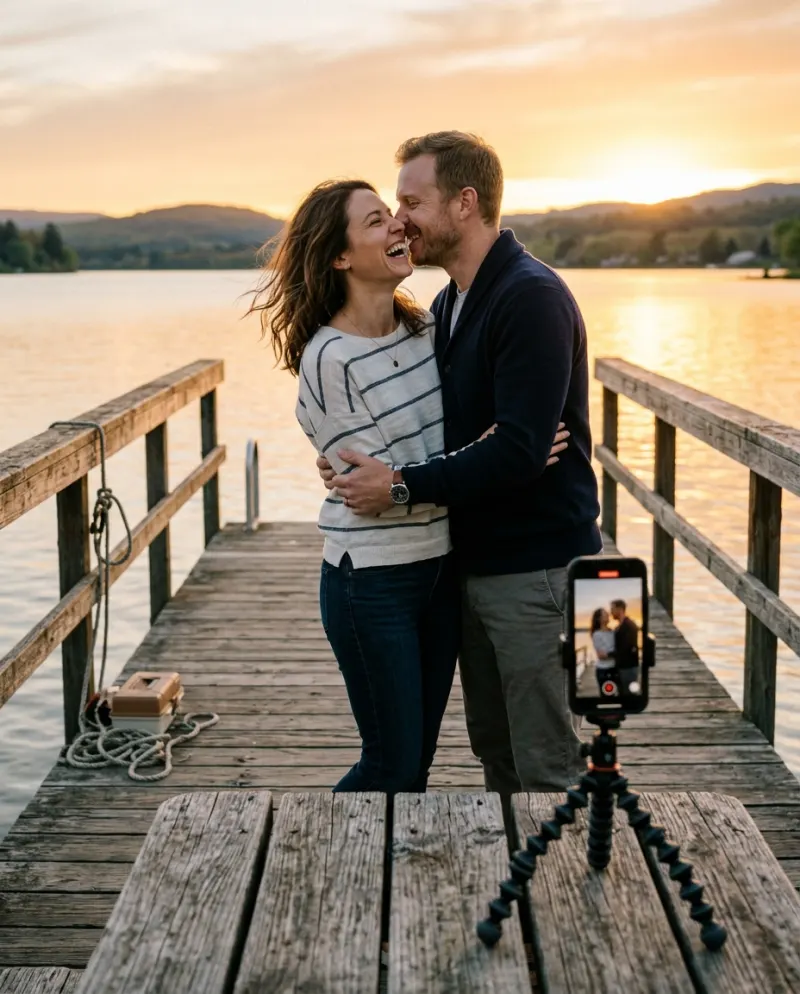
If you have photos or clips of you two kissing, a CapCut template arranges them to music. If you don’t, a template can’t create the kiss; an AI generator can. AI Kiss on Reelfie makes an 8-second clip from one photo of each of you, which you can then edit in CapCut.
People search “AI kiss CapCut template” and “AI kissing video editing app” expecting one tool that does it all. There are two jobs: making the kiss, and dressing it up. CapCut is very good at the second.
Template or generator?
CapCut template
Slots for your existing photos or clips, cut to a sound with transitions. It doesn’t make anyone kiss.
AI generator
Makes the moving kiss from still photos. The result is raw footage you can still edit.
Some templates are labeled “AI” because they add an effect or filter. Open the preview: if the kiss in it comes from photos of people who never kissed on camera, it calls a generator; otherwise it’s an edit.
Using a kissing template
- 1Search the template name in CapCut or tap the template link on a post you liked.
- 2Check how many slots it has and whether they want photos or video.
- 3Fill them with your own couple shots, then export and post.
Templates rotate quickly and vary by region, so the one from last week’s video may be gone. That’s normal.
Editing an AI kiss clip in CapCut
- Trim to the moment just before the kiss, so it lands in the first second or two.
- Add a sound and nudge the clip so the kiss falls on a beat.
- A soft warm filter suits a golden-hour clip; leave the faces alone.
- One short caption is enough. Turn on the platform’s AI-generated label.
Making the clip itself
- 1Open AI Kiss, add a photo of each of you.
- 2Check 80 credits on the button and press it.
- 3Download the MP4 from Assets and open it in CapCut.
The full walk-through, with photo advice, is in how to make an AI kiss video.
Common problems
The template only takes video clips
Make the kiss clip first, then drop it into the template’s slot.
The exported video looks soft
Export at the same resolution as the clip or higher, and don’t stack filters.
The template I saw is gone
Ask the creator in the comments, or rebuild it: a sound, the clip and one transition is most of it.
FAQ
Is there an AI kiss template on CapCut?
There are kissing edit templates. They arrange clips you already have rather than generating a kiss.
Can I make the AI kiss video longer?
The Reelfie clip is 8 seconds. To fill a longer post, loop it, slow the kiss down, or join it with other clips in CapCut.
Does the downloaded clip have a watermark?
Paid videos don’t, so CapCut gets a clean file.
Who can be in it?
Two adults who both agreed to be in the video.
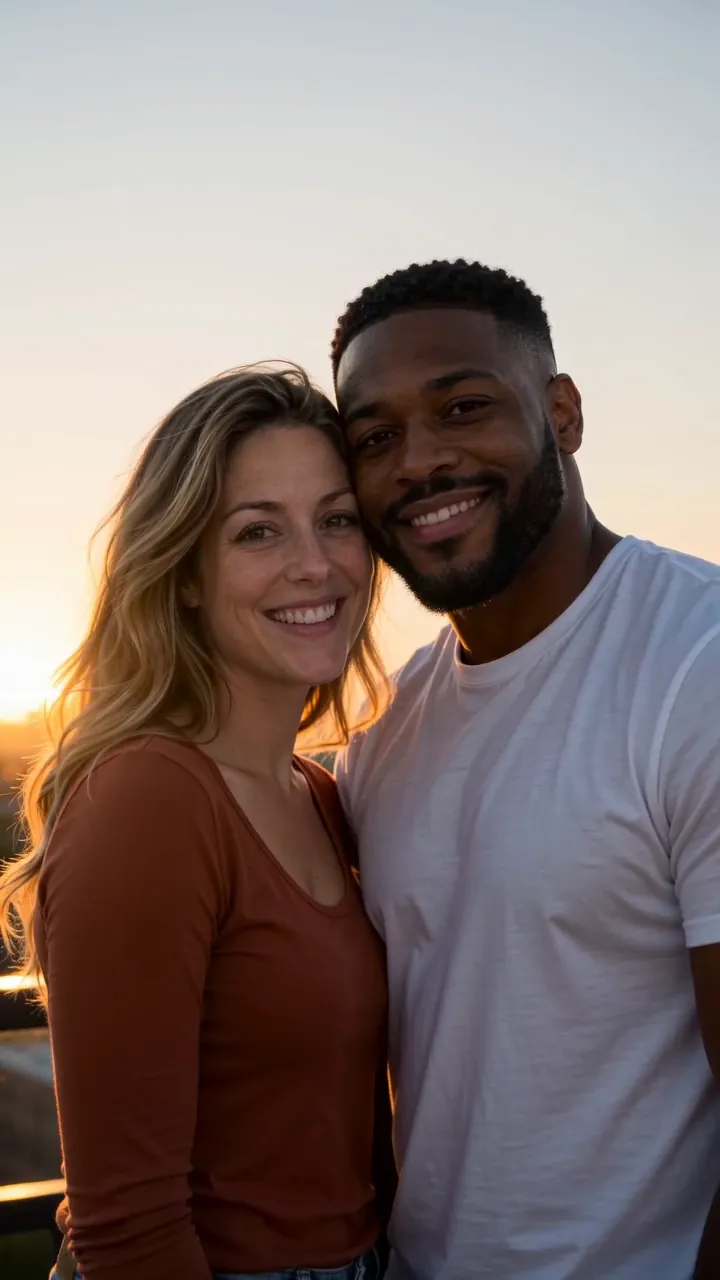
Make your first one
AI Kiss: Two photos become one sweet kiss.
Try AI KissYour photos are deleted 7 days after upload and never used to train AI.