AI Photo Editor
Type what you want changed and the AI edits just that. Swap an outfit, change the sky, clear people out of the background.
Not charged if it fails.
By adding a photo you confirm everyone in it is 18+ and agreed to have their face used for this. We use faces only to make what you ask for. How we handle faces
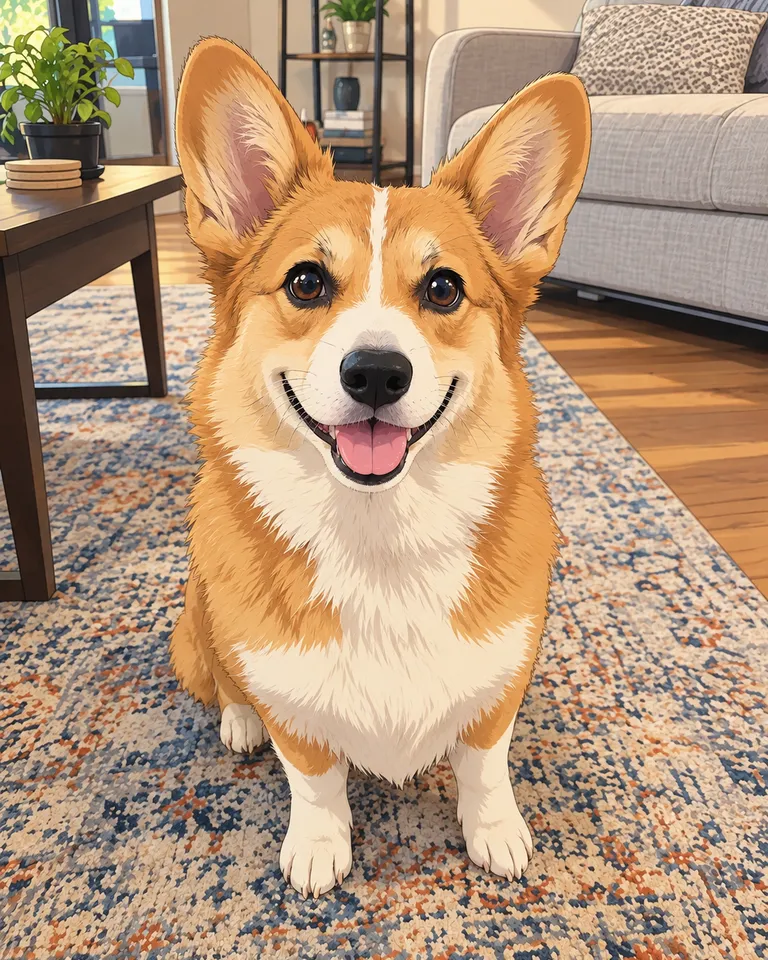
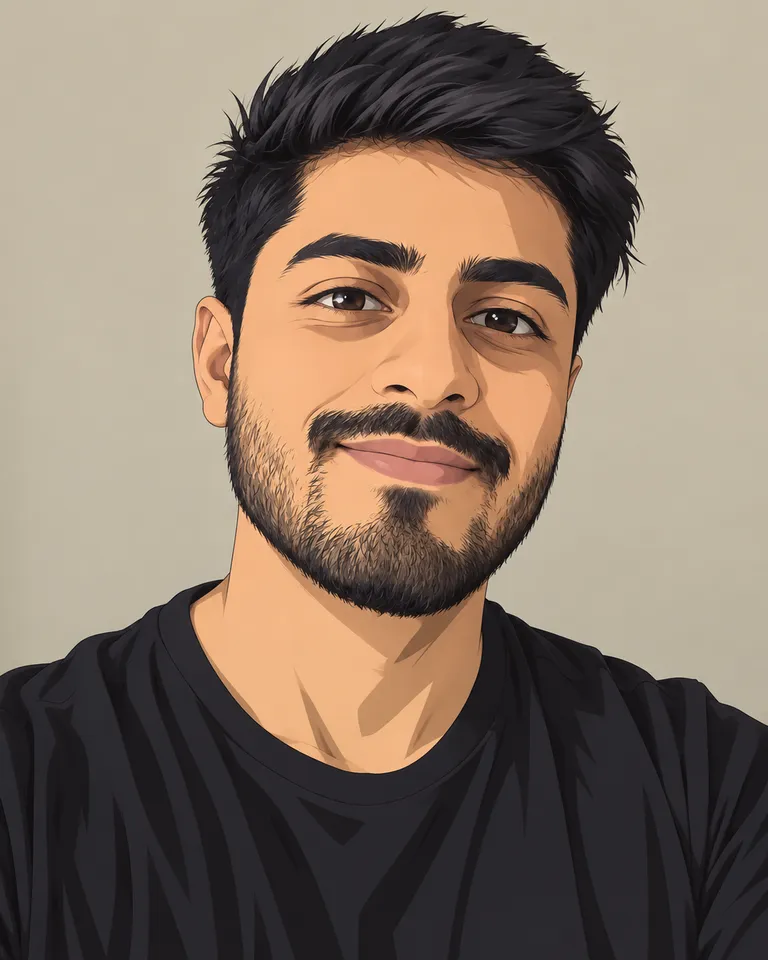
Samples are illustrations. Your result depends on your photo.
Change clothes in a photo with AI
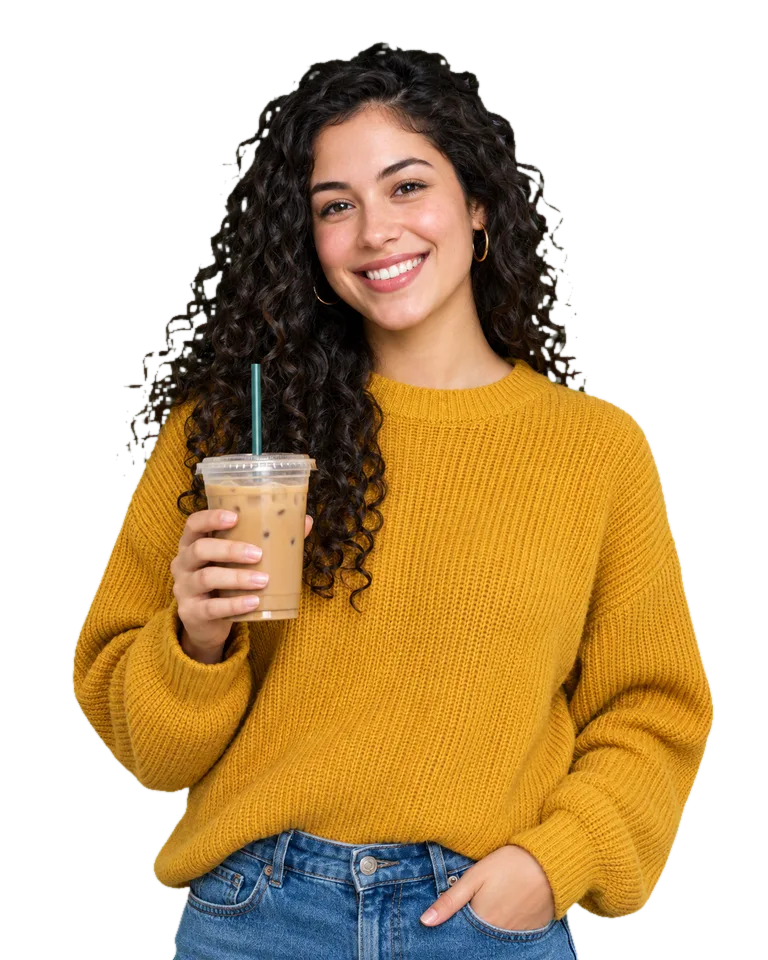
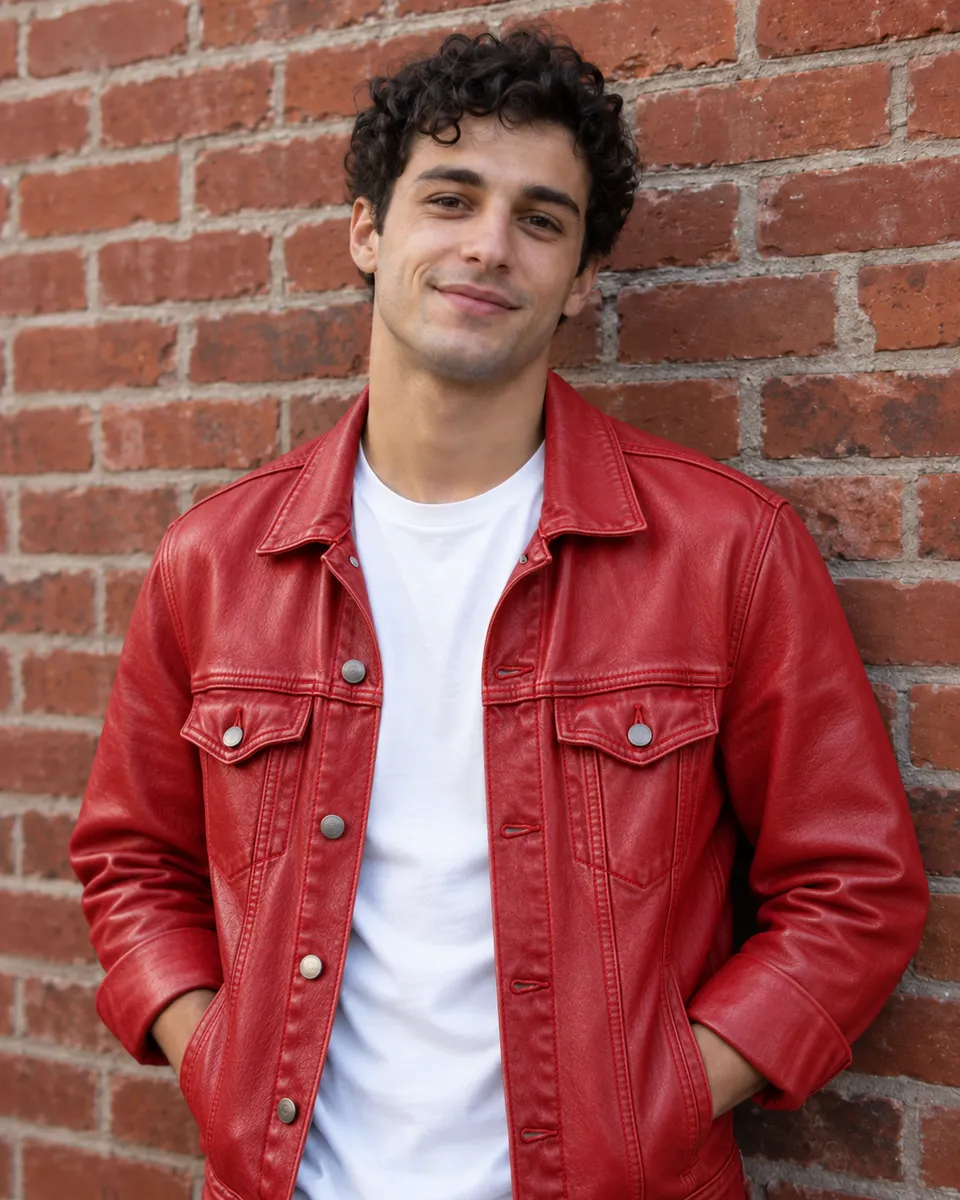
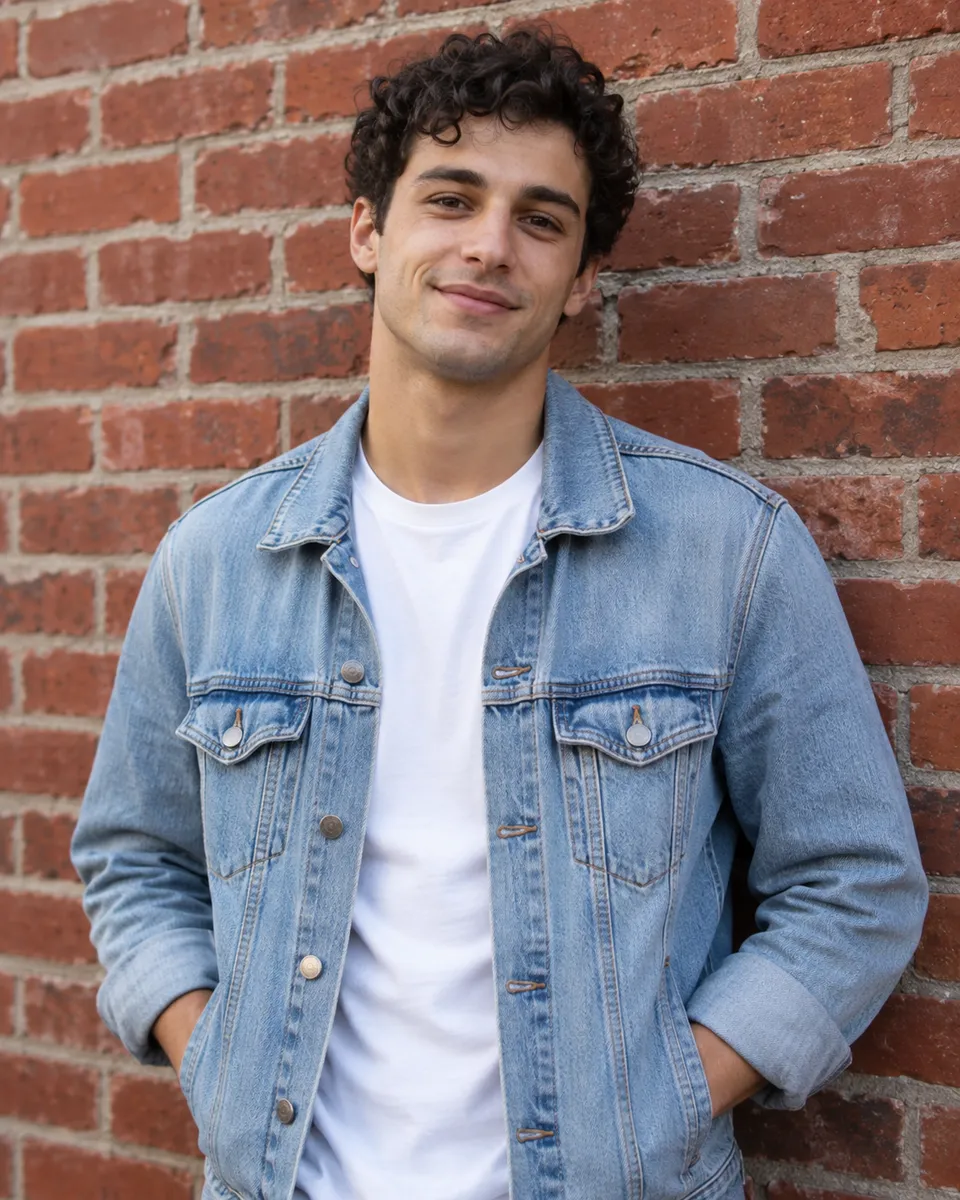
Want to see the jacket in red leather before you buy one? Type the change and the editor swaps just the clothing, keeping the face, pose and framing. Name the item and what it should become: ‘change the jacket to red leather’ works better than ‘make it cooler’. Clothing changes are among the more reliable edits, but patterns and small text on fabric may not carry over. Only edit photos of yourself or of people who agreed to it. Want a whole new look rather than one item? Try photo styles.
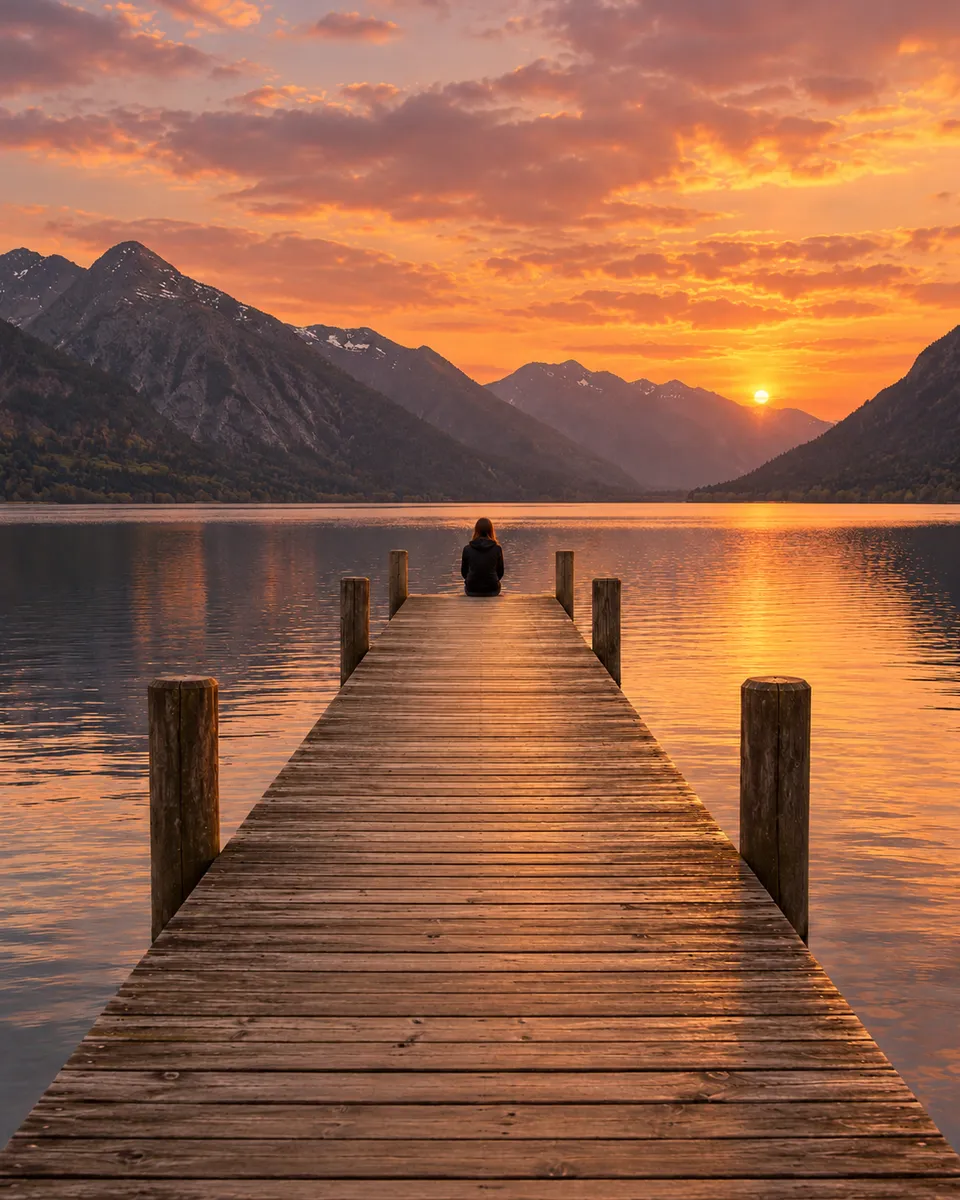
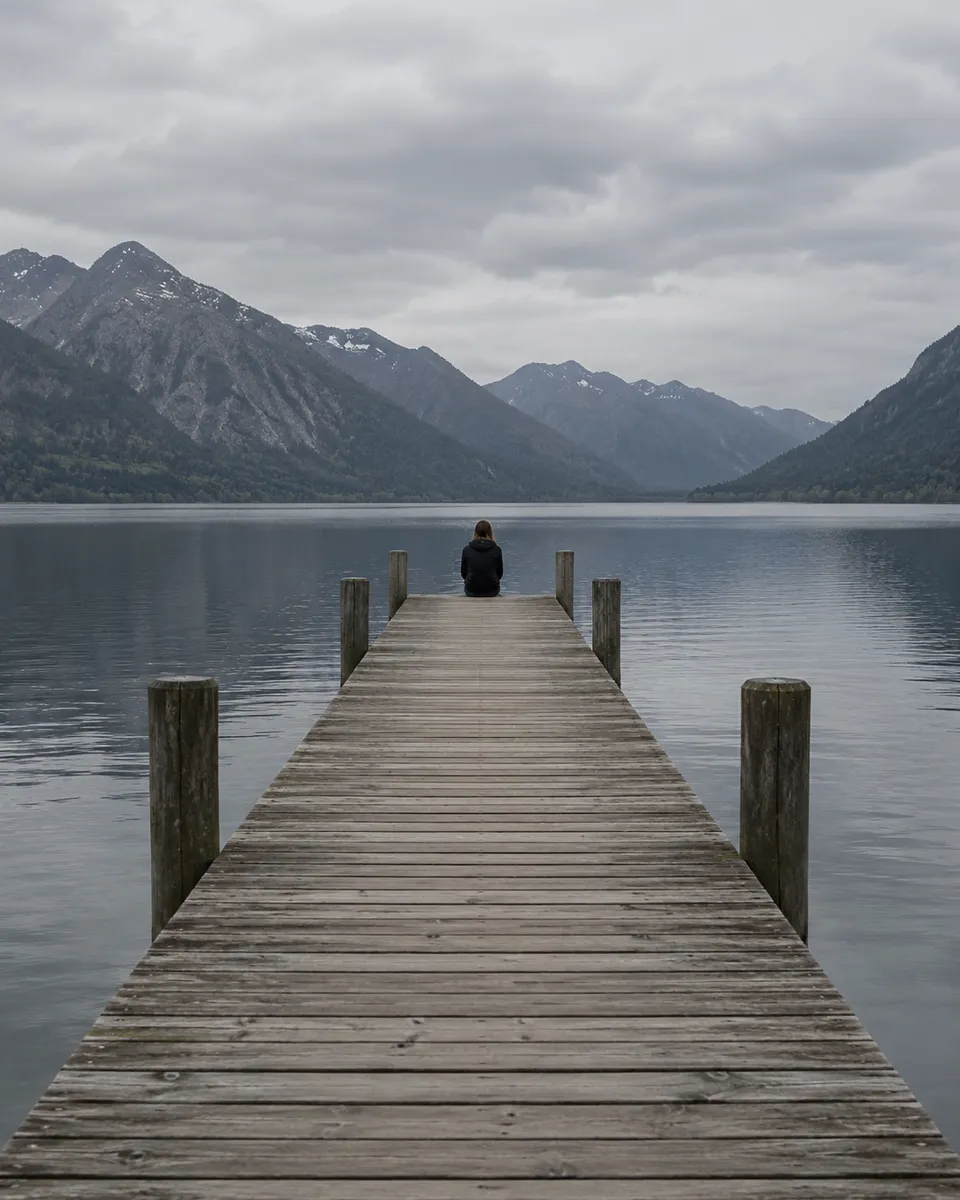
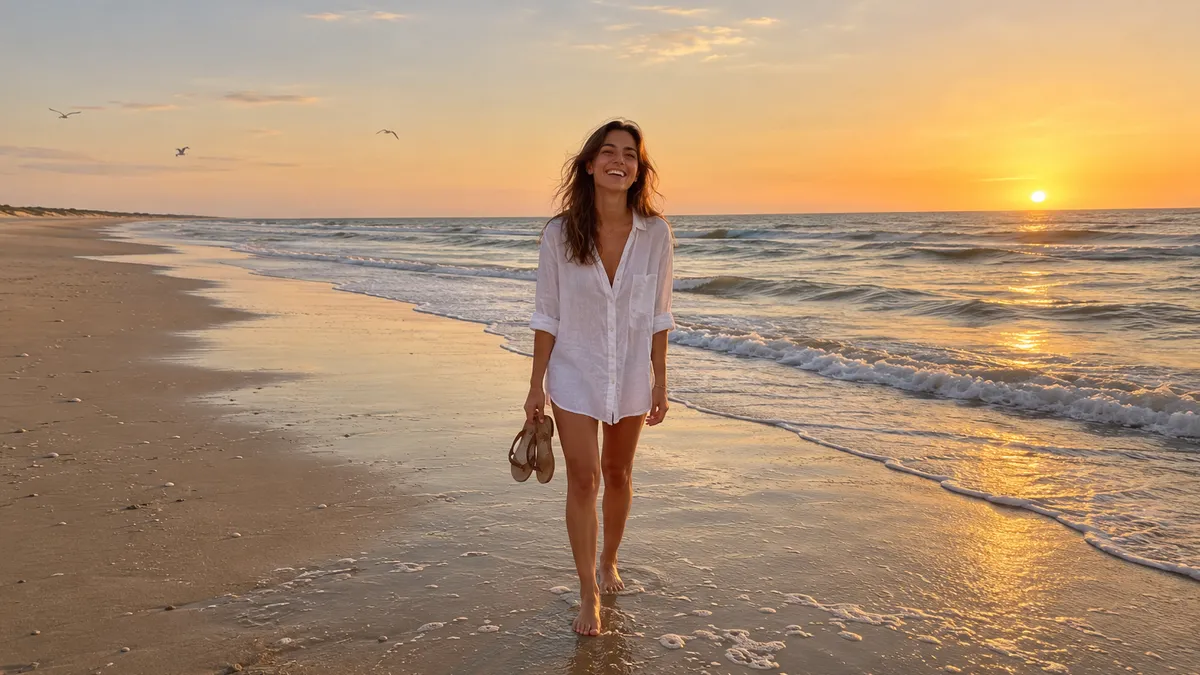
Change the sky to a sunset
A flat, gray afternoon can turn into a golden-hour evening with one sentence. Ask for ‘a golden-hour sunset’ and the editor changes the sky and the light on everything under it, so the pier and the water pick up the warm glow. Light edits look natural when the change is believable for the scene. Ask for one change at a time: the sky first, then anything else on the new result. If the light looks too strong, reword the prompt, for example ‘a soft sunset’. Need more scene around the pier? Extend the photo.
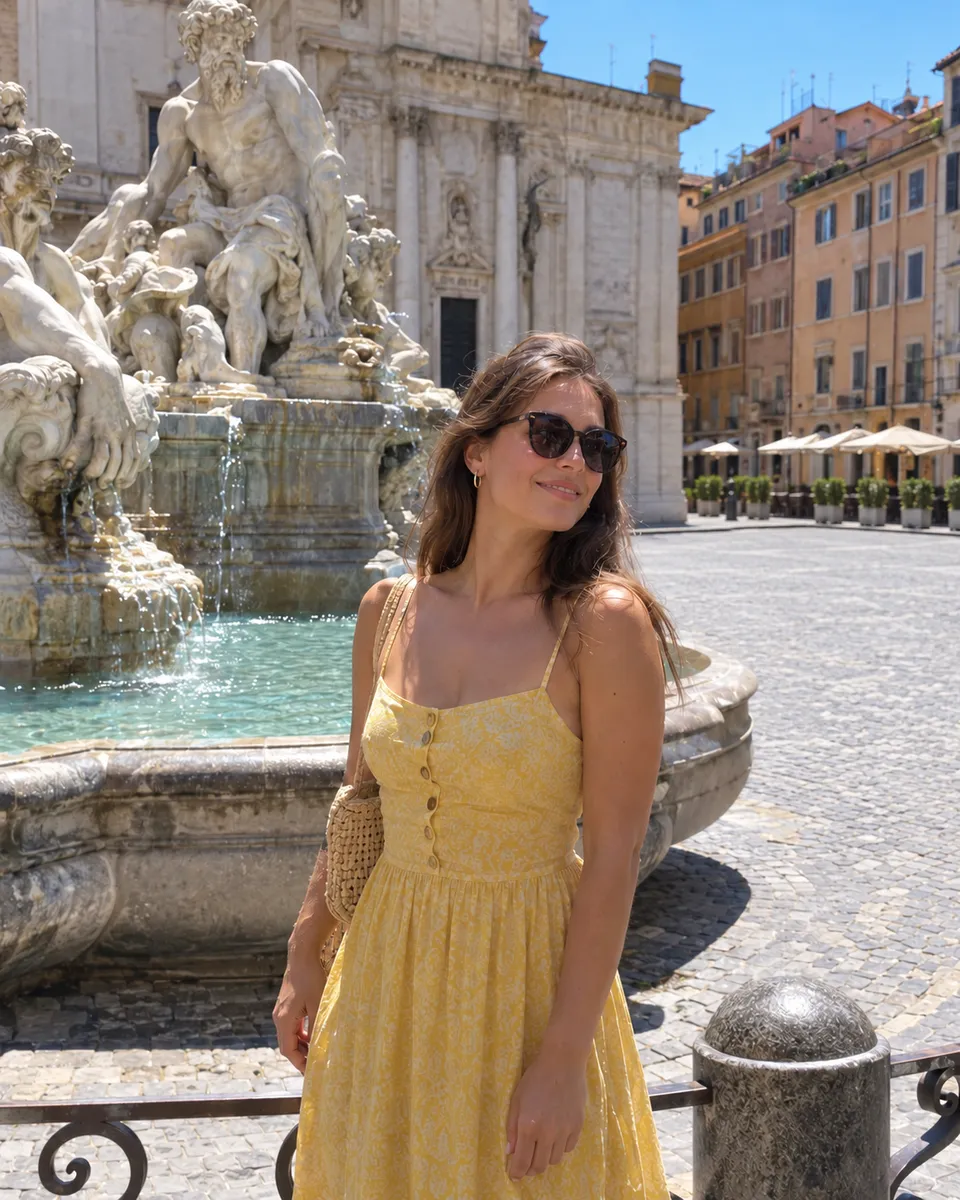
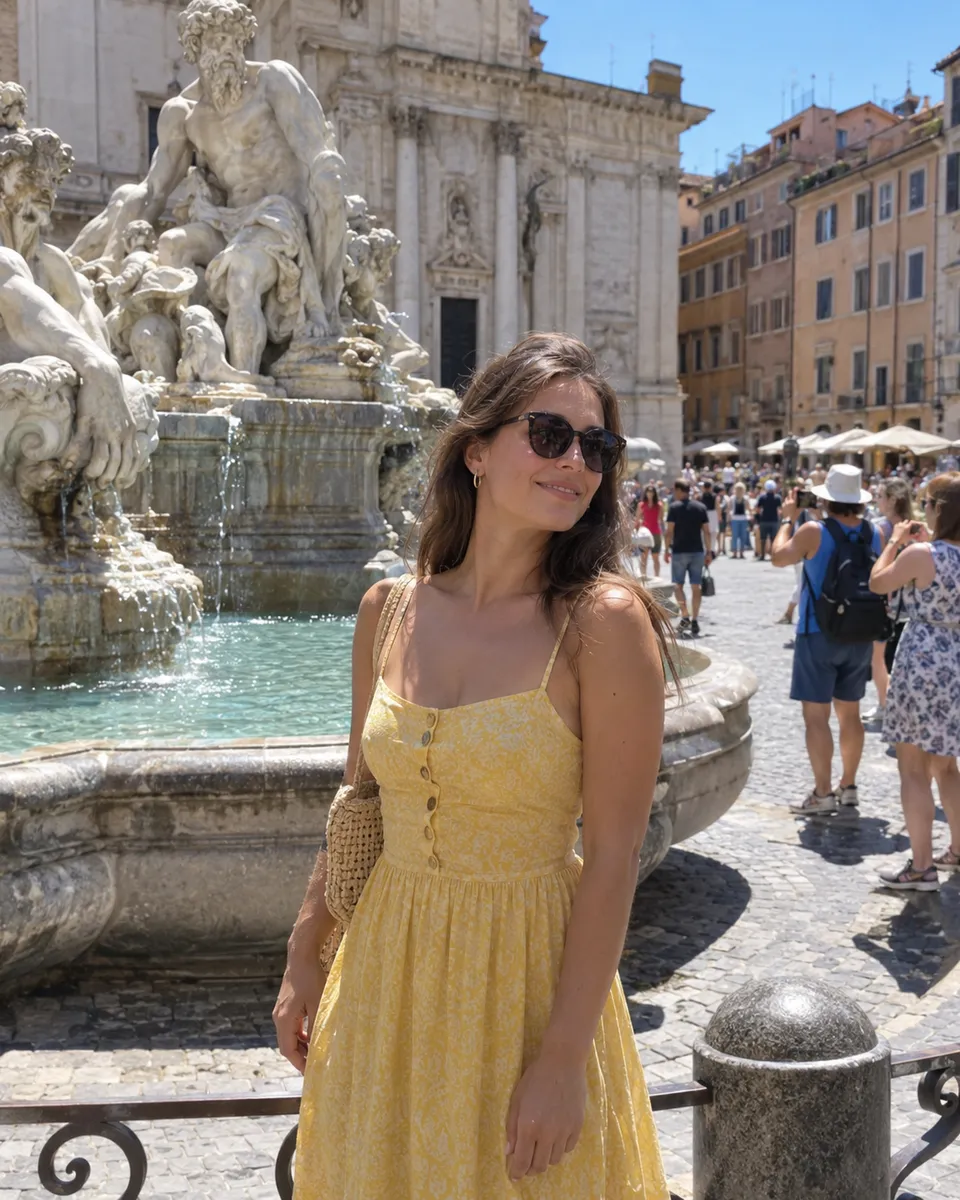
Remove people from the background
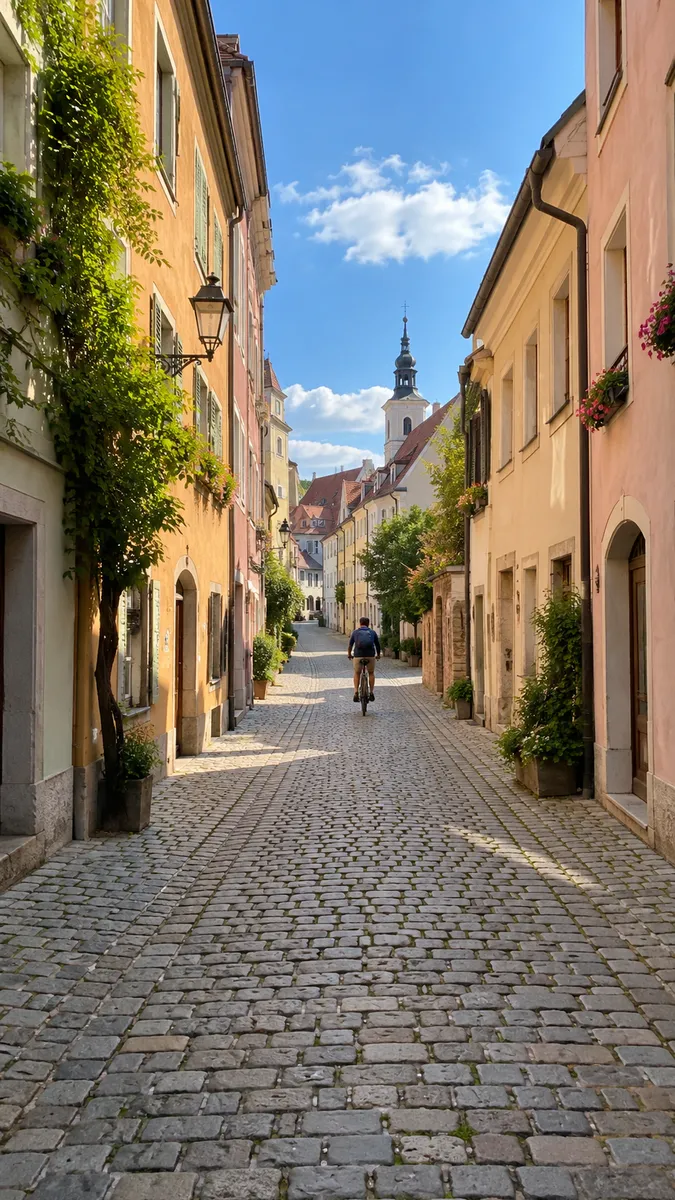
Travel photos rarely come with an empty landmark. Type ‘remove the people in the background’ and the editor takes out the crowd and fills in the space behind them, so the square belongs to the person in front. It keeps that person and the pose untouched. Clearing a few small figures from a plain area works well. Large crowds in front of detailed buildings are harder, since the AI has to rebuild what they were hiding. Check windows, steps and signs in the cleared area. To take out everything behind the person, use remove background.
Edit photos by describing the change
How to edit a photo with AI
- Choose photo1
Add a photo
Drop it in, paste it, or pick a sample. JPG, PNG, WEBP or HEIC, up to 20 MB.
Change the jacket to red leather
Edit photo2Describe the change
Say it like you would to a friend. One change at a time works best.
- Full sizeShare link3
Compare and keep going
Drag the slider to check it, then download or ask for another change.
What people edit photos with AI for
- 01Outfit ideasSee a jacket or dress in another color before you buy it.
- 02Travel photosClear the crowd out of the landmark shot.
- 03Listings and portfoliosFix the light or tidy a room without a reshoot.
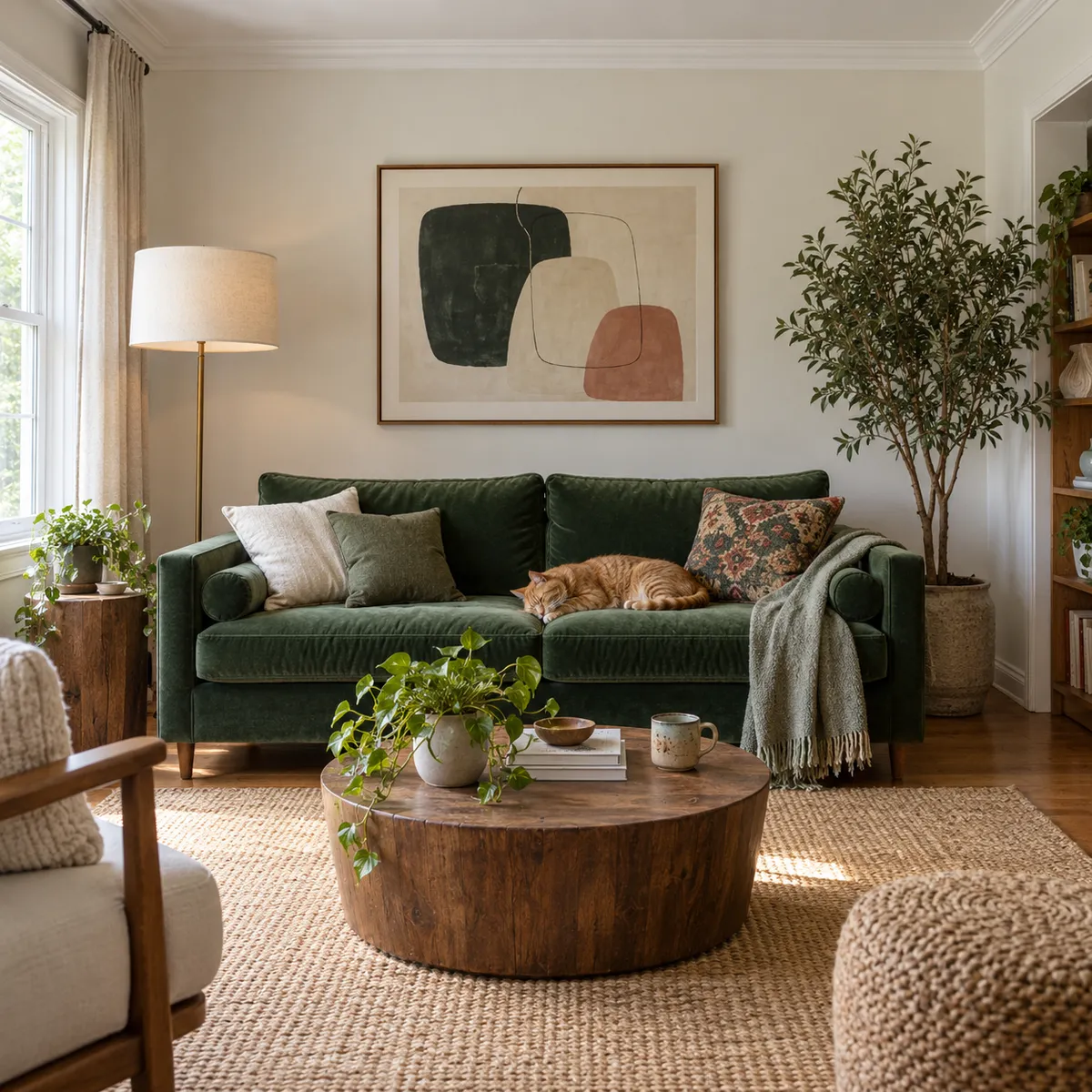
- 04Videos and jokesPut snow on a beach or a party hat on the cat.
How to write a good edit prompt
The AI photo editor reads your photo and your sentence together, then changes only what the sentence is about. Name the thing and the change: “change the jacket to red leather” works better than “make it cooler”.
Ask for one change at a time. If you want a new sky and a new outfit, do the sky first, then edit the result. Each step is easier to check, and if one isn’t right you only redo that one.
Edits to clothes, light and backgrounds are the most reliable. Changing a face itself, like a different expression, is harder to get right. Only edit photos of yourself or of people who agreed to it.
AI Photo Editor FAQ
Something else? Visit the help center.
Is the AI photo editor free?
Free to try: every new account gets one photo trend free. After that, each run shows its cost before you start. Pick a monthly or yearly plan, or top up with a credit pack. You can cancel a plan any time, and the price is on the button before you start.
What can I ask it to change?
Clothes, colors, the sky and light, the season, objects, and people or clutter in the background. Describe one change at a time.
Will it change my face?
It tries not to. Faces, pose and framing are kept unless your prompt is about them.
What if I don’t like the result?
Reword the prompt and run it again on the same photo. Saying what to change and what to keep helps most.
Is there anything I can’t edit?
No edits that undress, sexualize or humiliate a real person, and no fake IDs or documents. See the Content policy.
What files can I upload?
JPG, PNG, WEBP or HEIC, up to 20 MB. Only upload photos of yourself or people who agreed to it.
What happens to my photo?
Your photos are deleted 7 days after upload and never used to train AI. Edited versions stay in Assets until you delete them.
How do I remove a person from a photo?
Add the photo and type who to remove, like ‘remove the man on the left’ or ‘remove the people in the background’. The editor takes them out and fills in the space. Name the person by place or clothing so it knows who you mean. Each edit costs 6 credits.
Can I use edited photos commercially?
Yes, for photos you own the rights to. Listings, portfolios and ads are all fine. Don’t edit photos of other people without their permission, and don’t use an edit to mislead, like showing a product feature that isn’t real.
Why did it change something I didn’t ask for?
Usually because the prompt was vague or asked for several things at once. Name the item and the change, and say what to keep, for example ‘change the jacket to red, keep the face and background’. Make one edit at a time, and if a face shifts, reword the prompt and run it again.