Quick answer
If you already made Ghostface pictures in Gemini or ChatGPT, you need nothing else: post two to five of them as a TikTok photo carousel or a CapCut slideshow with the trend sound. If you want the figure to actually move toward you, a still can’t do that. It takes an AI video, such as Ghostface AI, from one selfie for 80 credits.
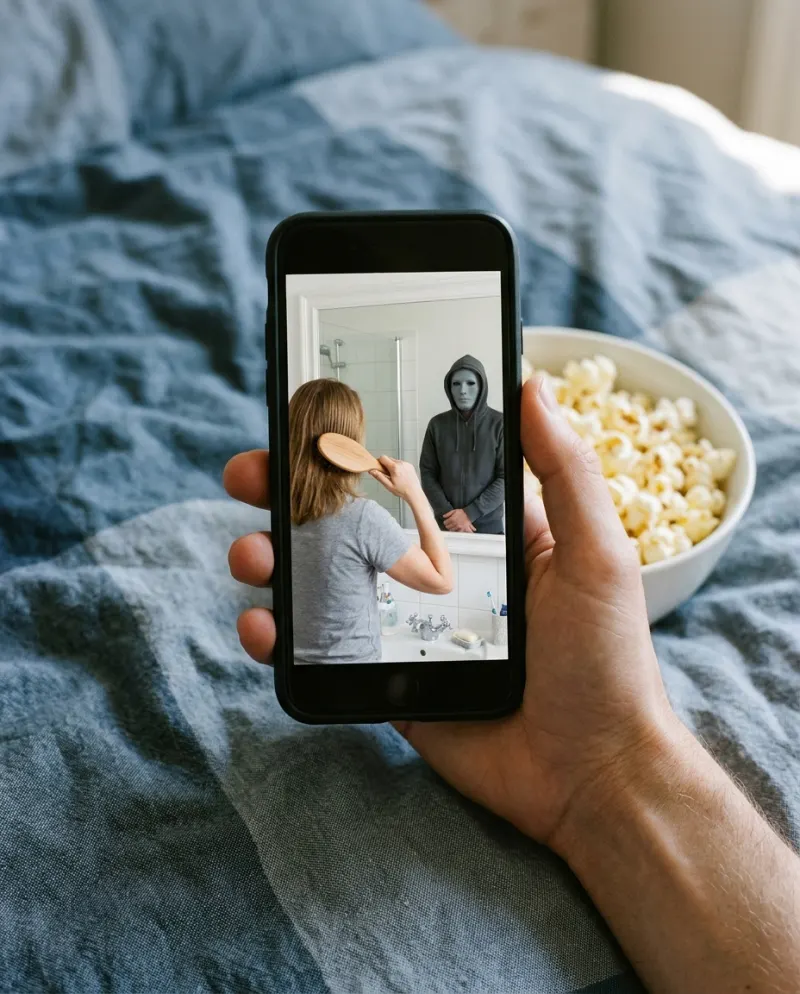
On TikTok the trend takes two shapes. The common one is a carousel: a few AI stills, the masked figure a little closer in each, swiped through to a sound. The rarer one is a single clip in which the visitor slowly creeps in. They need different tools.
Two formats
Carousel or CapCut slideshow
Your stills from a chat app, timed to the sound. Free, and quick once the pictures exist.
Good when you have the stills
AI video
One 8-second shot: lamp, grain, and the hooded figure leaning toward your shoulder while you stay put.
Good when you want motion
Posting the stills
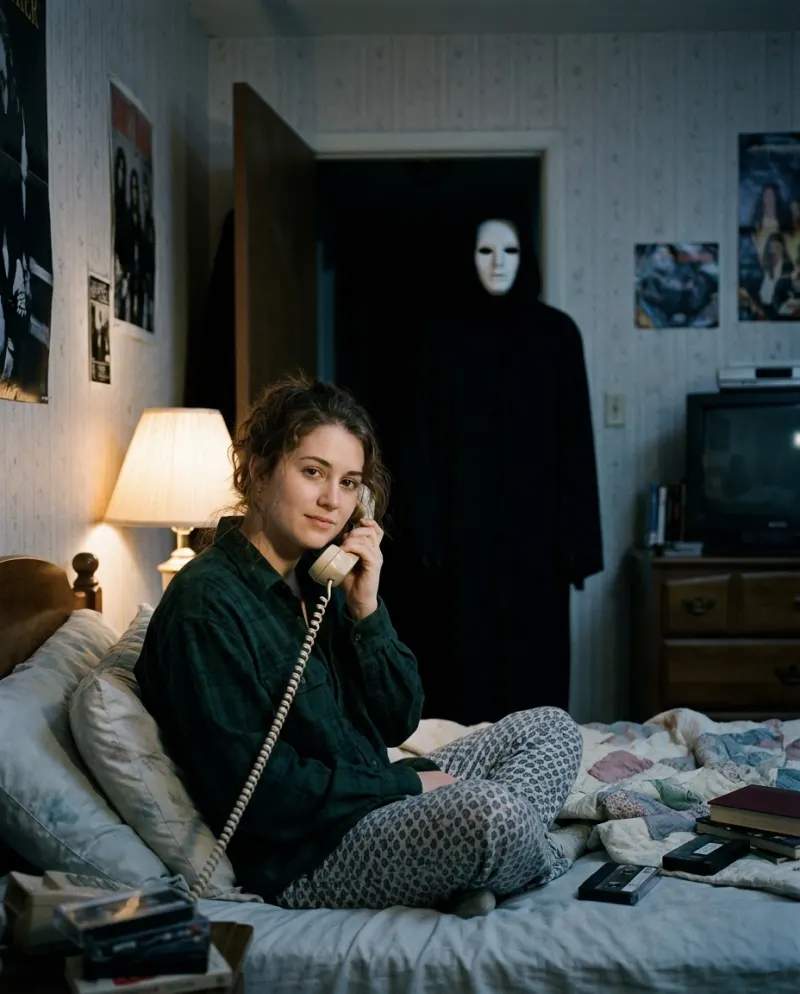
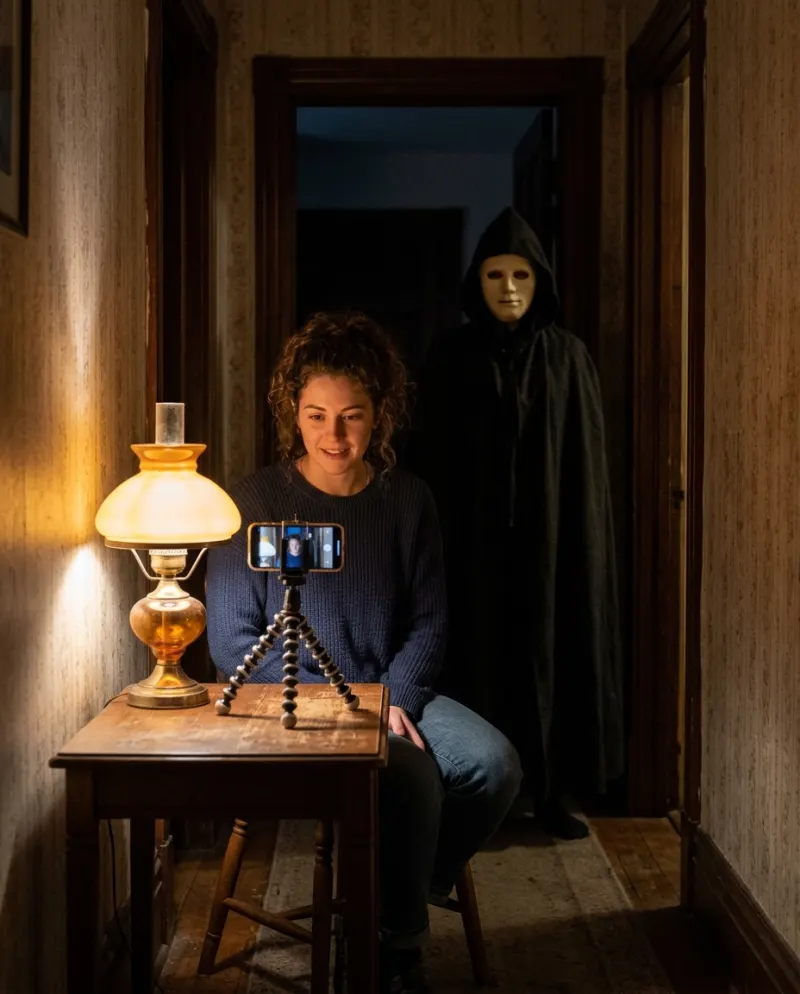
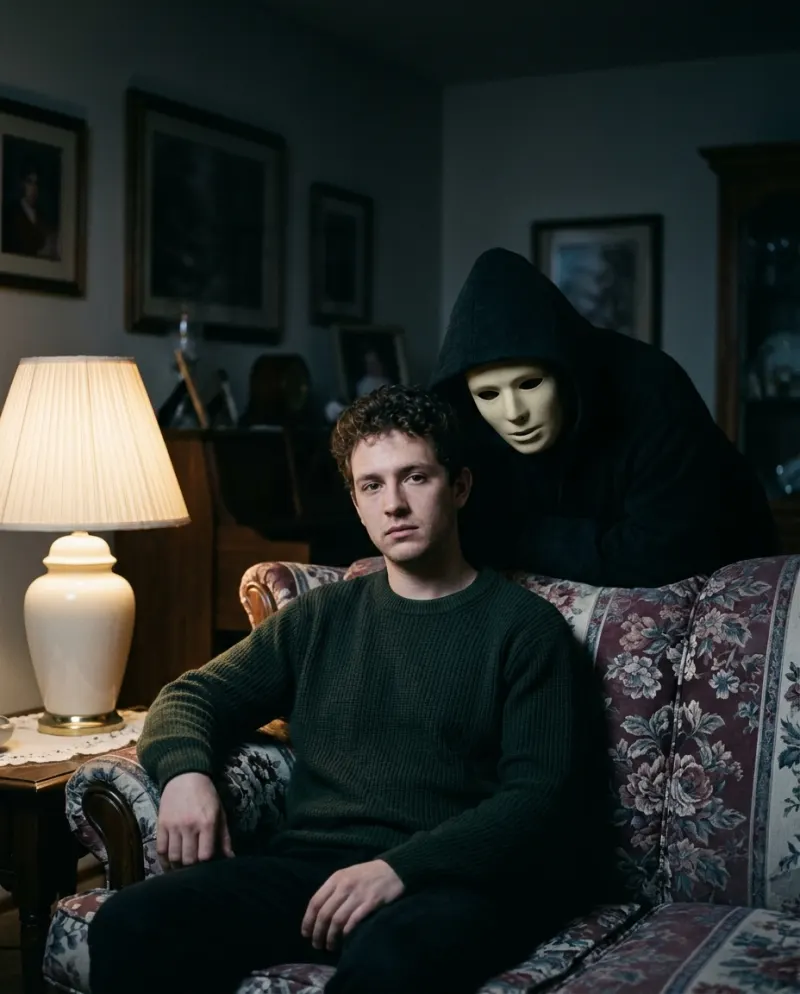
- 1Make three or four pictures from the same prompt, moving the figure closer each time: the doorway, the middle of the room, right behind you.
- 2Post them as a photo carousel in TikTok, in that order. For zooms and a flash between frames, build the slideshow in CapCut instead.
- 3Take the sound from a Ghostface post you liked, via its sound page, so yours sits with the others.
- 4Tag it #ghostfacetrend plus one broad tag like #halloween. A wall of tags adds little.
CapCut templates for this trend appear and disappear and depend on your region. Most animate stills with zooms and cuts, which gives the slideshow look rather than the creep-in.
Making the moving version
A general video tool can animate one of your stills with the Ghostface video prompt, though keeping the figure behind you takes retries. Ghostface AI starts from your real selfie instead, with the dark room and the visitor already set:
- 1Open Ghostface AI and add one photo of just you, looking calm.
- 2Check the credits shown on the button, then press make.
- 3Save the MP4 from Assets. Paid videos carry no watermark.
A post that uses both
Open with two or three stills and end on the clip where the figure moves, so people swiping get a payoff on the last frame. In CapCut, place the images first and the MP4 last, and nudge the cut so the clip starts on a beat. Turn the clip’s own audio down if the trend sound plays over it.
Common problems
TikTok crops my AI photos
Make the images vertical (ask for 9:16 or 4:5 in the prompt) so the carousel doesn’t cut off the doorway.
The slideshow feels flat
Order the stills so the figure gets closer every frame, and hold each one for a single beat.
My face warps when a tool animates the still
Animating a picture that is already AI compounds the drift. Start the video from your real selfie.
FAQ
How do you do the Ghostface AI trend on TikTok?
Make the pictures in Gemini or ChatGPT with a Ghostface prompt, post them as a photo carousel with the trend sound, and tag #ghostfacetrend.
Is there a CapCut template for the Ghostface AI trend?
Creators do publish them, and they come and go. They animate photos you already have; they don’t make a figure walk in behind you.
Can I put the Reelfie clip into a CapCut edit?
Yes. Download the MP4 and import it like any other video.
What does the moving version cost?
80 credits on Reelfie, roughly $4.95 on the smallest pack (up to 2 videos for $9.90).
Make your first one
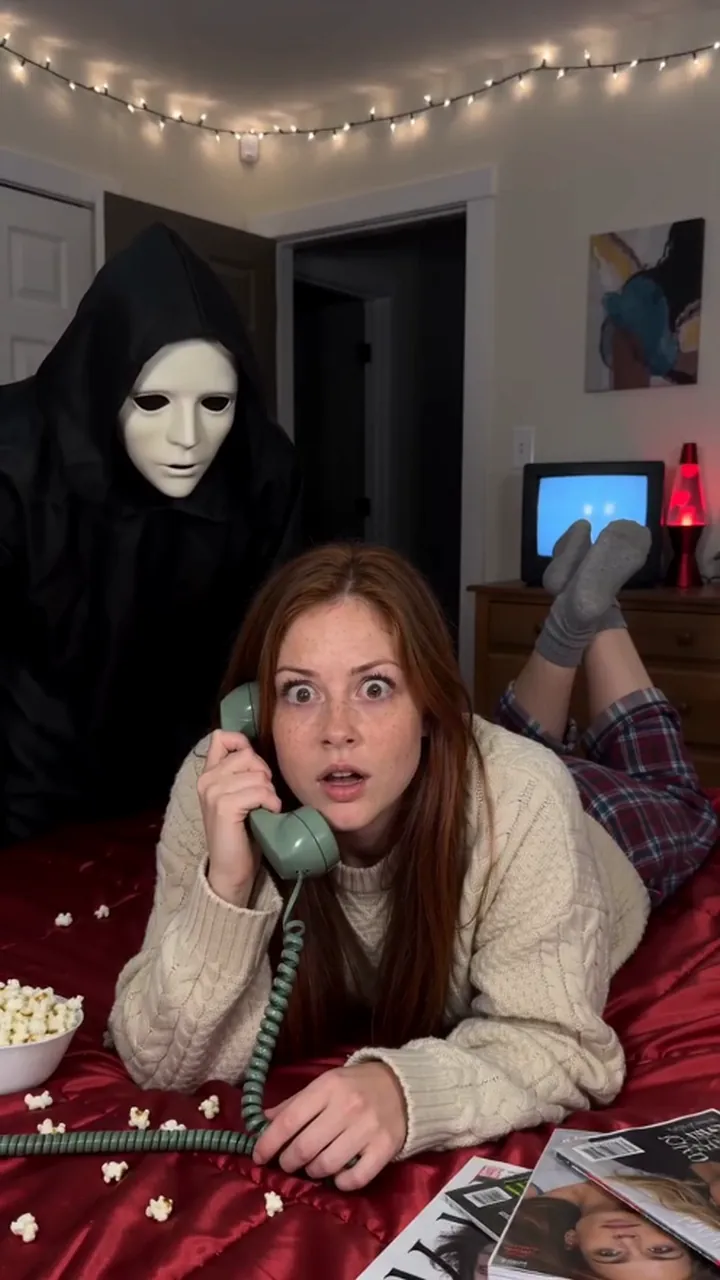
Ghostface AI: A moody 90s portrait with an uninvited guest.
Try Ghostface AIYour photos are deleted 7 days after upload and never used to train AI.