Quick answer
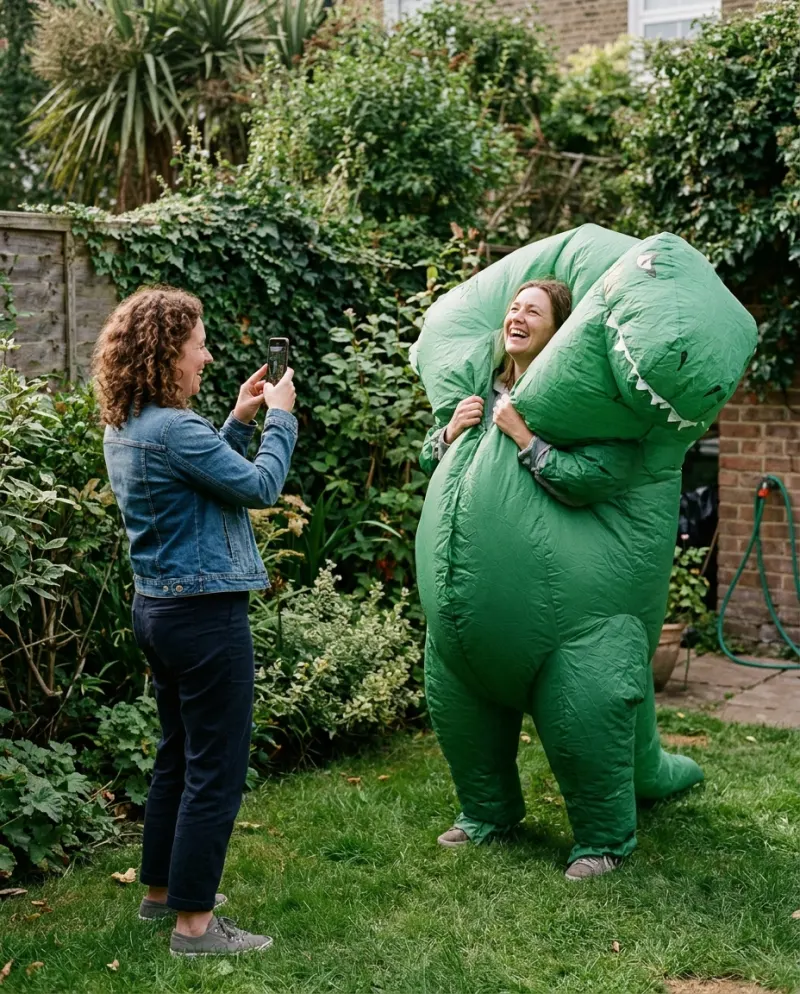
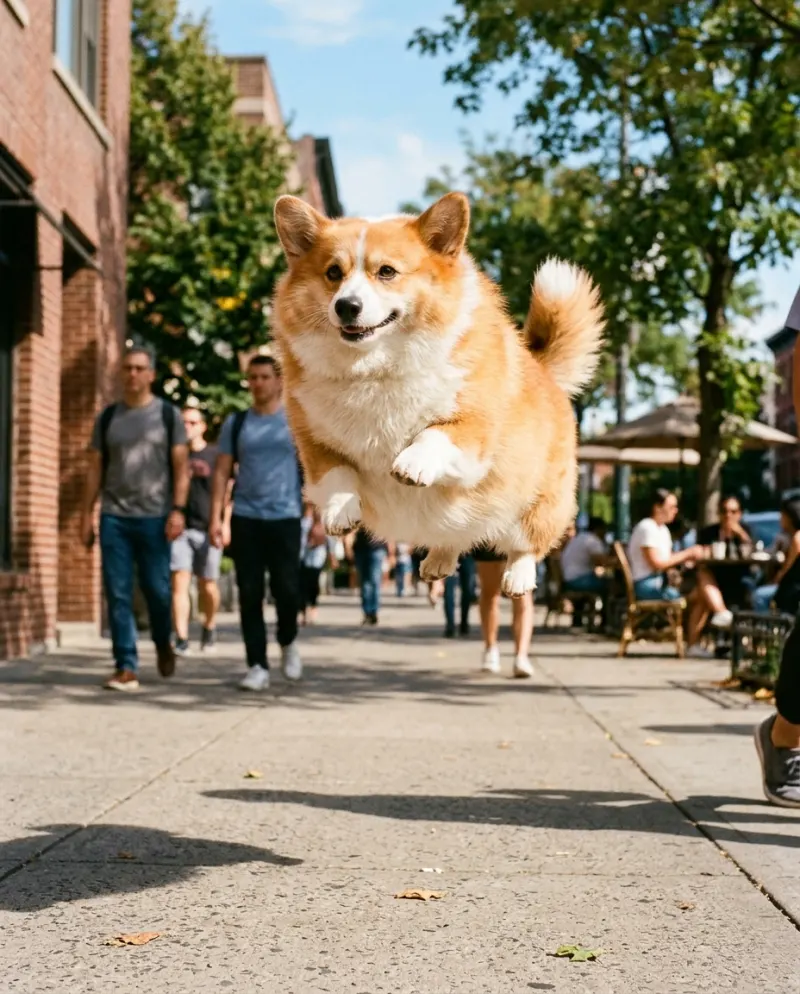
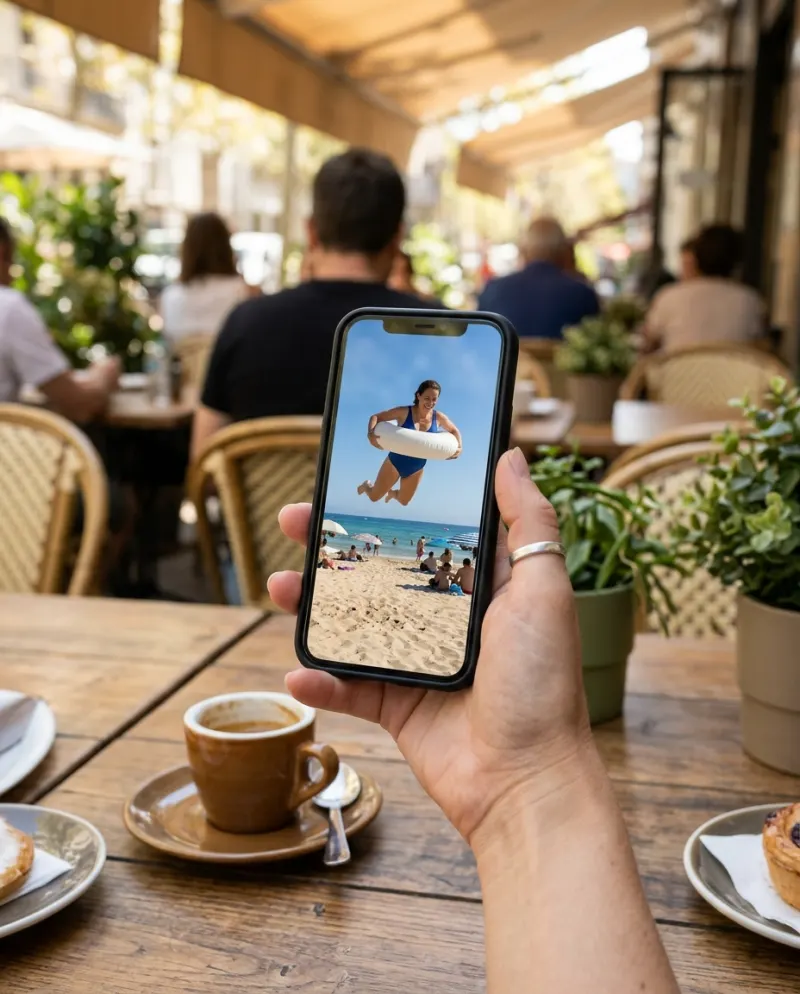
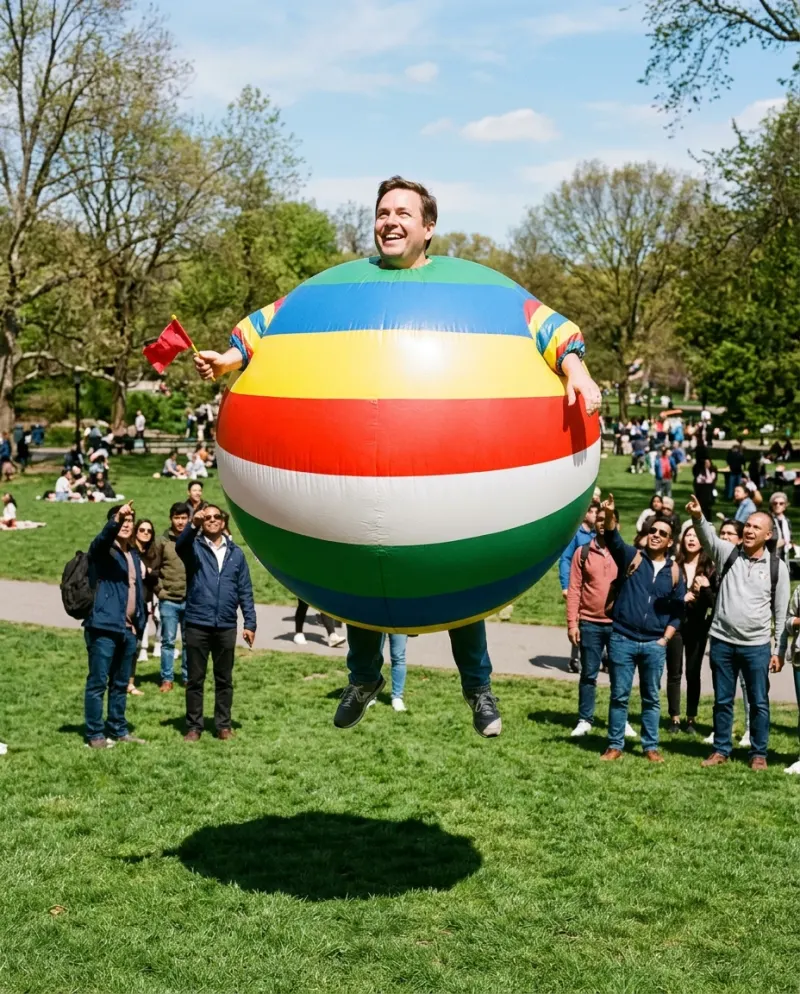
Open AI Inflate on Reelfie, choose yourself or your pet, add one photo with most of the body in frame, and press make. You get an 8-second vertical clip with sound: the subject rounds out like a balloon, lifts off the ground and bobs in the air. It costs 80 credits and takes a few minutes.
The inflate effect started as one of a wave of AI video effects, alongside squish, melt and cake, that turn a still photo into a short physical gag. This one is the gentlest: no crushing, no slicing, just a person or a pet puffing up and drifting a little way into the air.
Because it changes a body, the photo matters more than usual, and so does the framing of the joke. Both are below, with the steps.
What the effect does
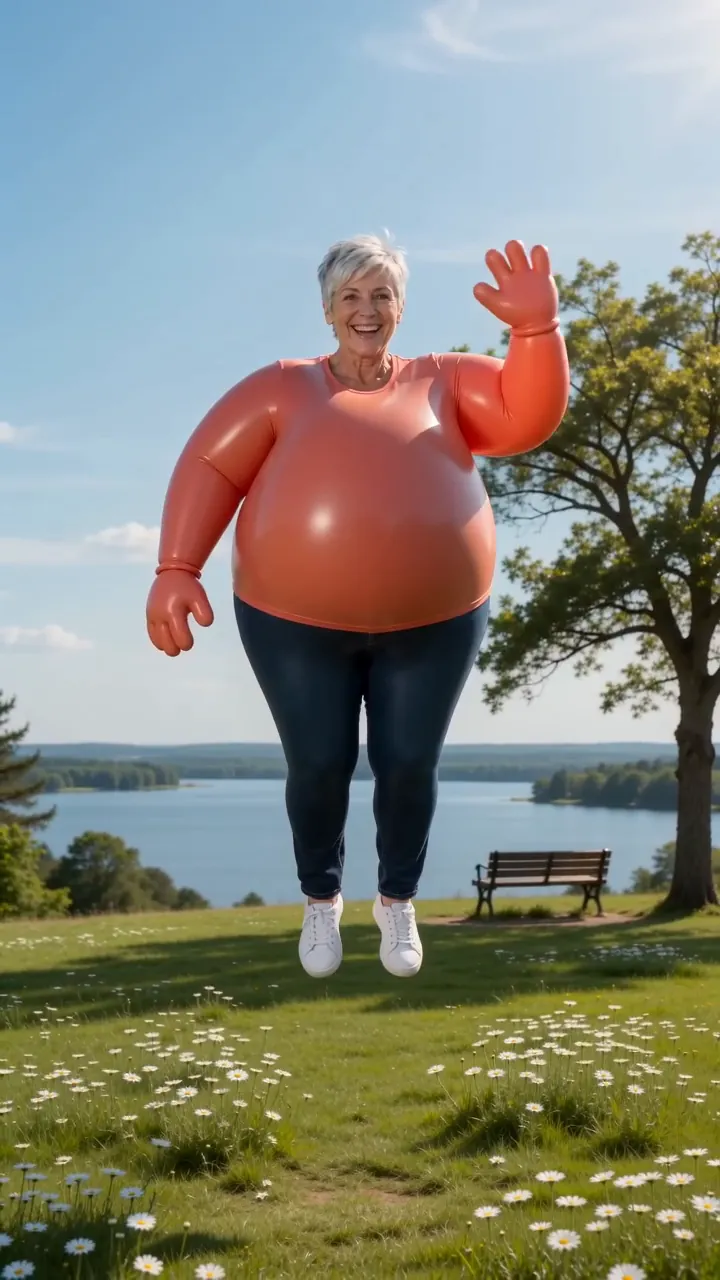
- 1An ordinary shot of you, or your pet, in bright daylight.
- 2The body rounds out like a balloon, smooth and bouncy, the face unchanged.
- 3The feet leave the ground.
- 4A gentle bob in the air, and the clip ends hovering.
It runs on cartoon physics, so it reads as soft and silly. The clip is 8 seconds and vertical (9:16), the shape that fills a phone screen on TikTok, Shorts and Reels.
A photo with room to grow
The effect needs a body to inflate. A tight face crop gives it nothing to work with, so the result tends to swell the head instead.
Works well
Standing, full body or at least down to the knees. Face toward the camera. Bright, even light. For a pet: the whole animal, head up.
Skip these
Head-and-shoulders selfies. Crowded streets behind you. Faces in shadow. Group photos, since it inflates one subject.
Ask someone to take the photo from about hip height and a few steps back. Which photos work best with AI has more examples.
Step by step
- 1Open AI Inflate on Reelfie and choose Solo for yourself or Pet for a cat or dog.
- 2Upload one photo with most of the body in frame and the face clear, turned toward the camera.
- 3The button shows 80 credits for an 8-second vertical clip with sound before anything runs.
- 4Press make. It takes a few minutes, and if the run fails the credits come back.
- 5Save the MP4 from Assets and post it to TikTok, Shorts or Reels.
Keep it a balloon joke
The effect is a balloon, not a comment on anyone’s weight, and the caption decides how it lands. Jokes about yourself after a holiday dinner, or a Monday you’d rather float away from, go down well. Inflating a friend is fine if they’re an adult who said yes first.
Pets are the safest bet of all: a cat hovering a few inches off the floor, looking puzzled about it, needs no caption.
Before you post
- Pick a cover frame mid-float, at the roundest moment.
- Choose a bouncy sound; the bob in the air reads as dancing when it sits on a beat.
- Tag #inflate, and switch on the AI-generated label the app offers.
- Export settings that keep it sharp: posting an AI video to TikTok.
Other routes: free AI inflate options, a prompt for other tools, or faking it in an editor.
Common problems
The head grew instead of the body
The photo was cropped too tight. Use one that shows most of the body.
My face looks stretched
Use a photo where the face is front-on and sharp, in even light. Side angles lose the likeness as the body rounds out.
My pet came out as a different animal
Choose Pet, not Solo, and use a photo with the head up and the coat pattern clear.
FAQ
What is the AI inflate trend?
An AI video effect that makes the subject of a photo puff up like a balloon and float. It arrived in the same wave as squish, melt and cake effects and spread on TikTok and Instagram.
Do I float away completely?
No. You lift a little off the ground and bob there; the clip ends with you hovering.
Can I inflate my dog or cat?
Yes. Choose Pet and use a photo of the whole animal facing the camera.
How much is the AI inflate video?
80 credits, about $4.95 at the smallest pack’s rate (up to 2 videos for $9.90). Bigger packs and plans cost less per clip.
Make your first one
Inflate: Puff up like a balloon and float off.
Try InflateYour photos are deleted 7 days after upload and never used to train AI.