Quick answer
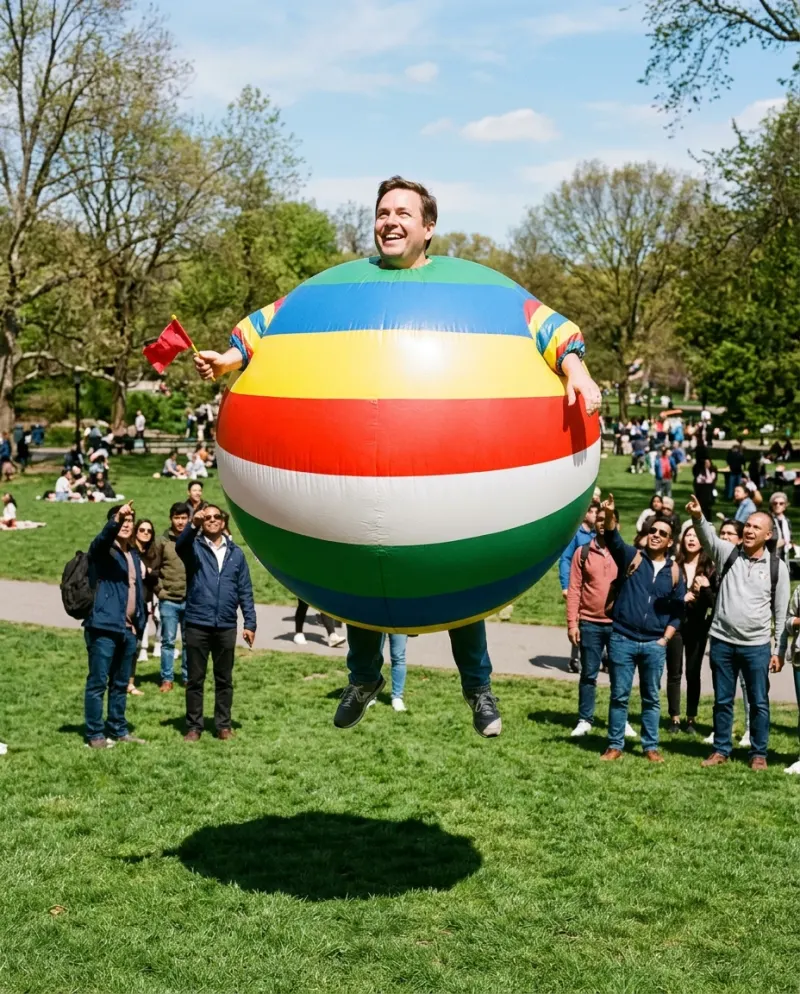
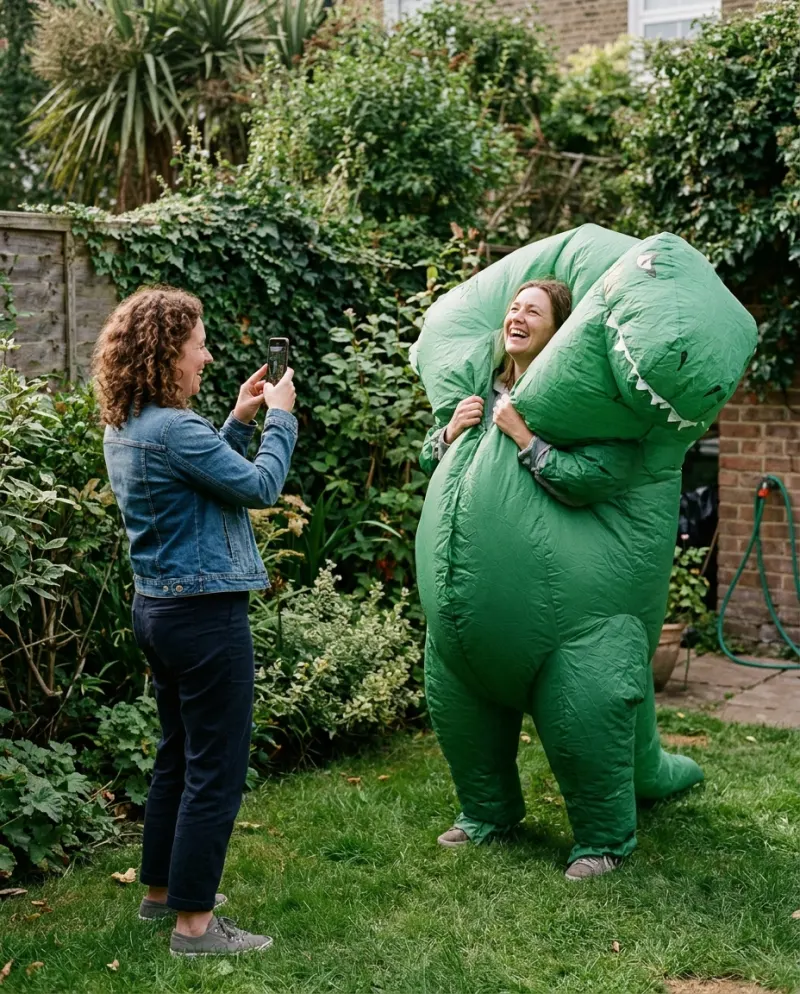
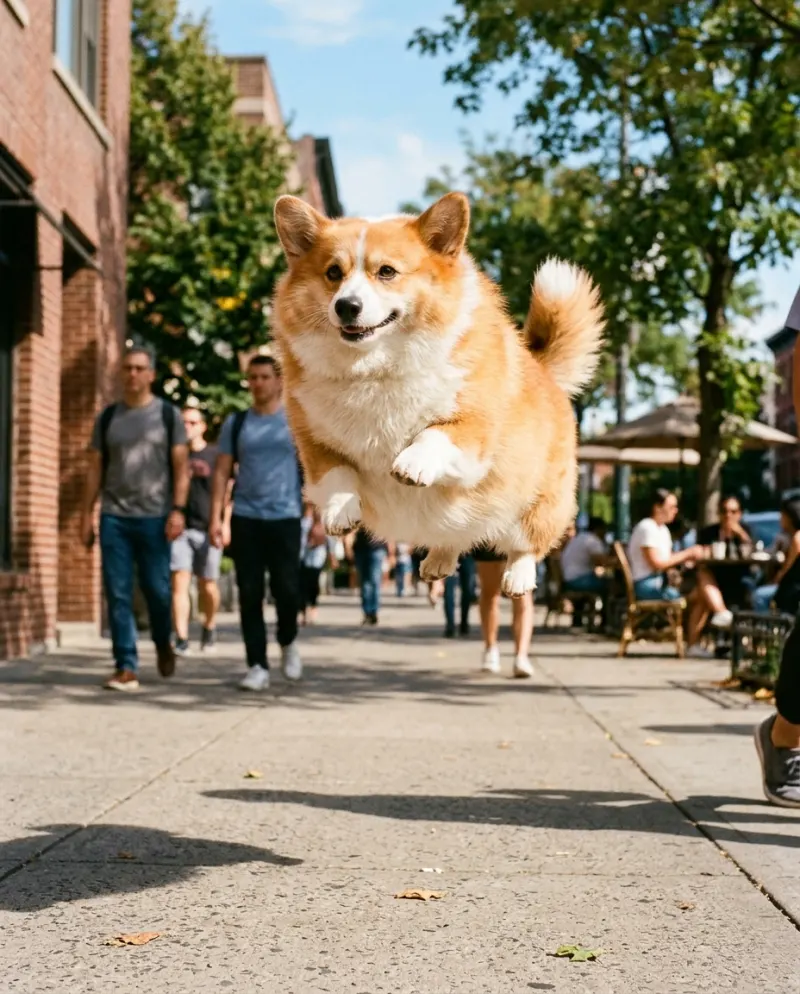
An editor like CapCut can fake parts of it: a lens bulge swells the middle of the frame, and a cut-out of you can be scaled up and slid upward to fake a float. What it can’t do is round your body out while your face stays put. That’s an AI effect: AI Inflate makes it from one photo for 80 credits.
People looking for “ai video effects” like inflate often try their editor first, since that’s where filters live. Editors move and distort pixels; the inflate effect redraws a body. The two can look similar in a thumbnail and very different in motion.
What each one actually does
Editor tricks
A bulge or fisheye effect warps the frame, background and all. A cut-out of you can grow and rise with keyframes.
Reads as a sticker growing
AI inflate
The body itself rounds out, the face stays yours, and the float follows: an 8-second clip from a single photo.
Reads as you, as a balloon
Faking it in an editor
- 1Film yourself standing still against a plain wall for five seconds, phone on a stand.
- 2Remove the background with the editor’s cut-out tool and put the clip over a sky or a park.
- 3Add keyframes: scale up slowly over three seconds, then move the clip upward.
- 4Add a small up-and-down keyframe loop at the top for the bob, and a stretchy rubber sound under it.
It comes out flat, like a cardboard cut-out drifting off, which can be funny in its own way. Templates labeled “inflate” turn up in CapCut from time to time and vary by region; check whether one runs an AI effect on a photo or only scales your clips.
The AI way
Any image-to-video tool can try it with an inflate prompt. On Reelfie the effect is ready:
- 1Open AI Inflate and choose yourself or your pet.
- 2Add a full-body photo, face toward the camera.
- 3Make it for 80 credits; download the MP4 from Assets.
Using both
Film a real moment first, say the last bite of a big dinner, then cut to the AI clip of you puffing up and floating off. In CapCut, put the cut on a beat and add one line of text. The Reelfie clip has its own sound; lower it if your edit runs one track throughout.
Common problems
The bulge effect warps the whole background
That’s how lens effects work. Cut yourself out first so only you distort, or use AI.
The cut-out has jagged edges
Film against a plain wall in even light; background removal struggles with busy rooms and loose hair.
The clip looks soft once posted
Edit from the downloaded MP4, not a screen recording, and export at 1080p.
FAQ
Does CapCut have an inflate effect?
Its effects and templates change often and differ by region. Lens and bulge effects are common in editors but distort the whole frame; an inflate that keeps your face is an AI effect.
Which looks more like the trend?
The AI version. The trend is the body rounding out on camera, which editing can’t draw.
Can I edit the Reelfie inflate clip in CapCut?
Yes. Download the MP4 and open it in CapCut. Paid clips have no watermark.
How much is the AI inflate clip?
80 credits on Reelfie, about $4.95 at the smallest pack’s rate, refunded if the run fails.
Make your first one
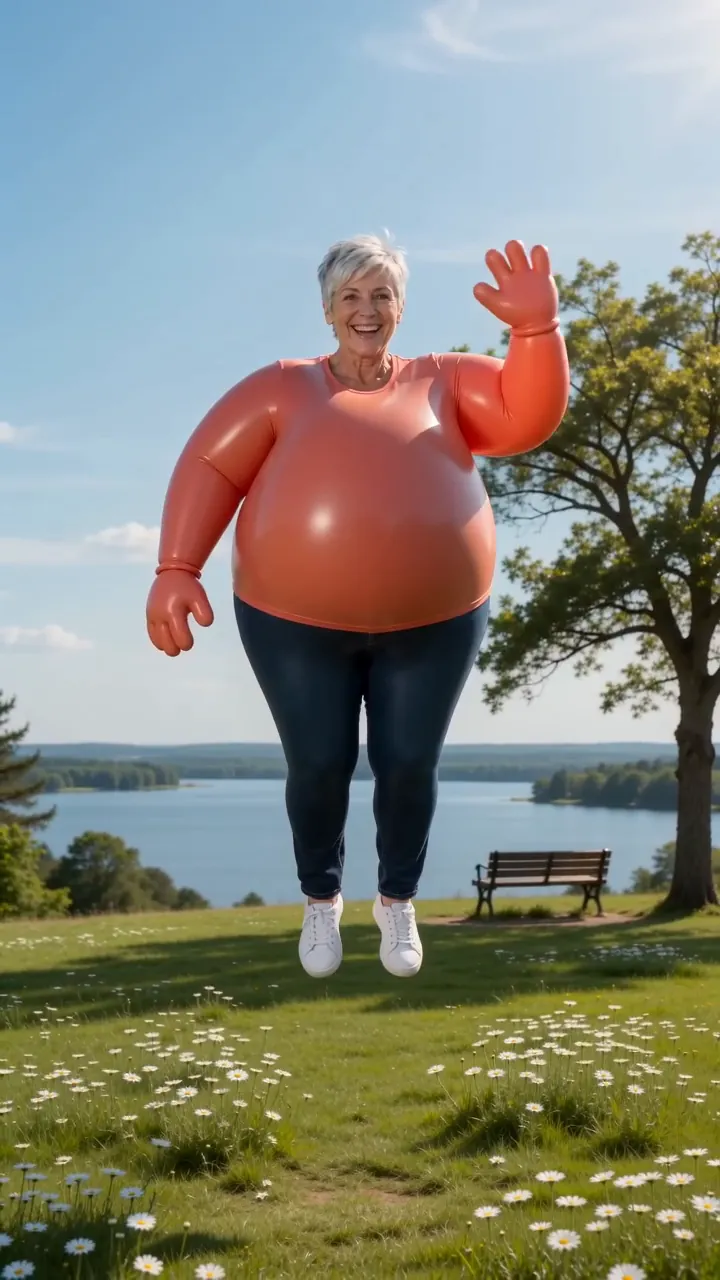
Inflate: Puff up like a balloon and float off.
Try InflateYour photos are deleted 7 days after upload and never used to train AI.