Quick answer
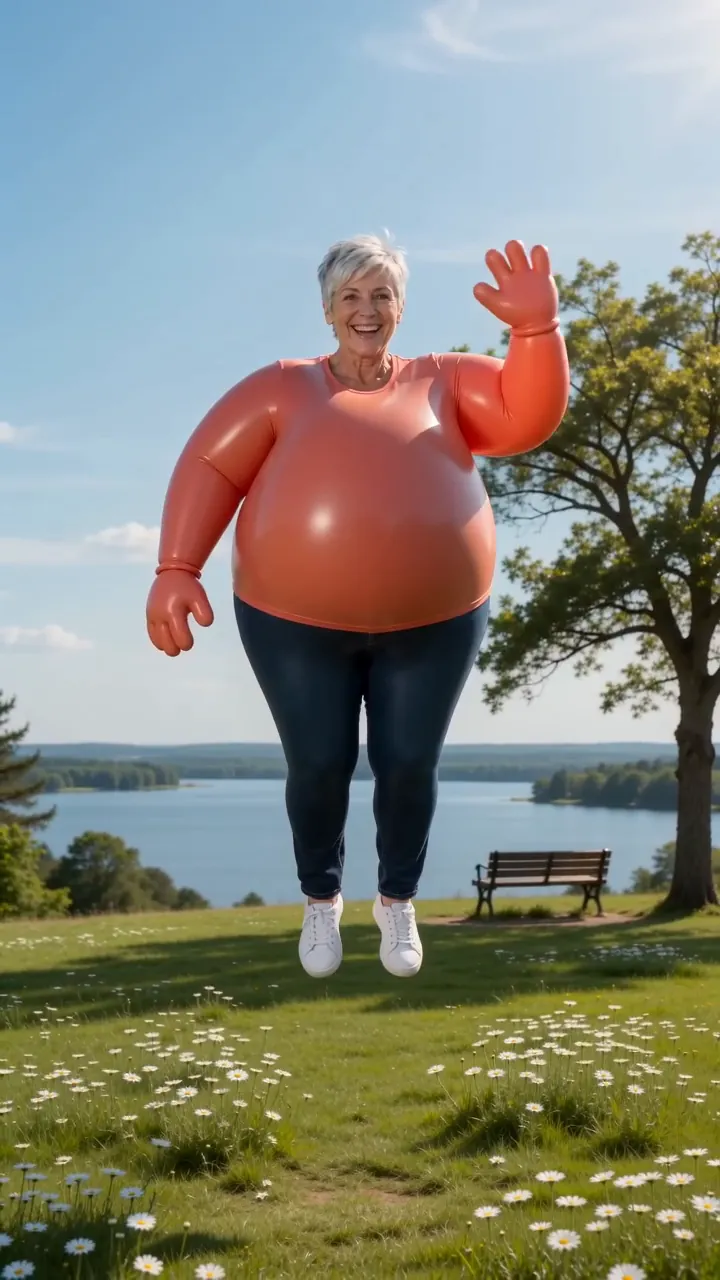
Some AI inflation video makers give a few free runs, but expect a watermark, a daily cap and a queue. A still picture of you as a balloon is free in a chat app. Doing it for real takes an inflatable costume. On Reelfie the inflate video is 80 credits, about $4.95, without a watermark.
Searches for an “AI inflation app” mostly come from people who saw the balloon effect and want to know whether it costs anything. Effect apps often do give a few runs away. What you give up is a clean download, and the effect doing what you wanted the first time.
AI Inflate on Reelfie is the paid option. Here is what each free one is like, so you can judge whether you need it.
Four routes at a glance
An effect app’s free runs
A few clips a day or a one-off trial. Usually watermarked.
Cost: nothing, with limits
A balloon picture
A still of you as a balloon from Gemini or ChatGPT. No movement, no float.
Cost: nothing
An inflatable costume
Film yourself puffing up for real. The float is the hard part.
Cost: the costume
Reelfie
an 8-second clip with sound, no watermark, refunded if it fails.
Cost: 80 credits
Free route 1 · An effect app’s free runs
Before you upload a photo to a free inflate effect, check:
- Where the watermark sits. A corner logo can be cropped; one across the middle can’t.
- How many runs you get. Effects sometimes need two or three tries, and the free allowance can run out mid-retry.
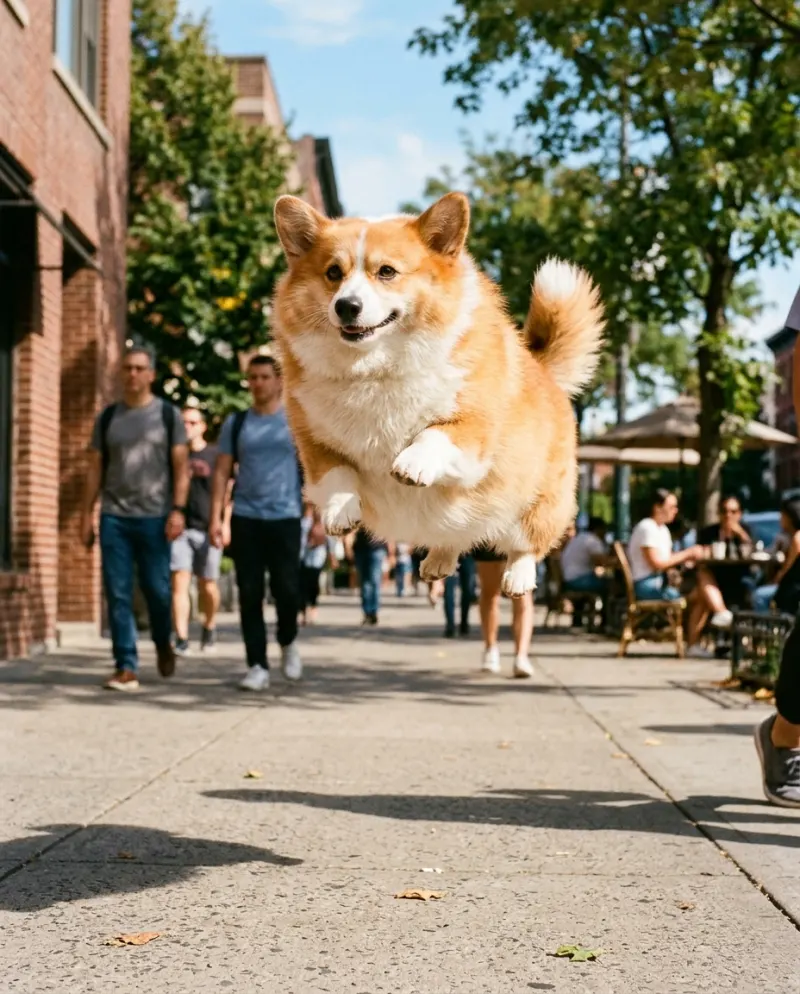
- Whether it takes pets, if that’s the version you want.
- What it does with your photo, and for how long it keeps it.
Free route 2 · A balloon picture in a chat app
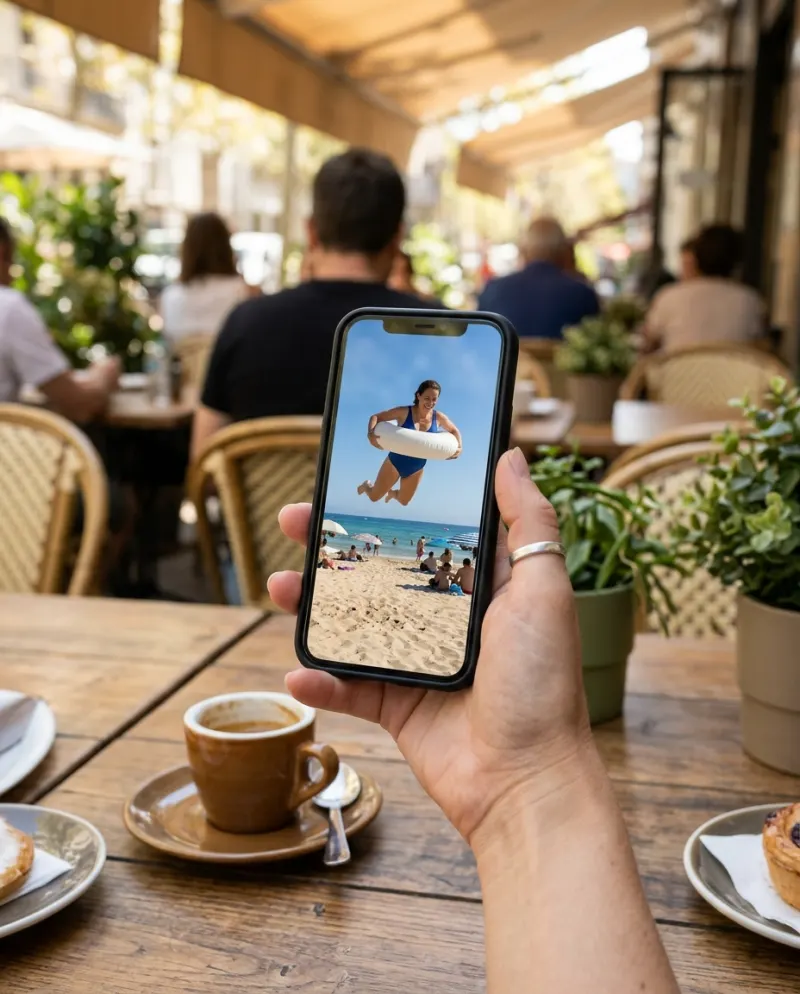
If a still is enough, upload a full-body photo to Gemini or ChatGPT and ask for a parade-balloon version of yourself. Our inflate prompts include one written for that, and the words that stop it looking creepy.
Route 3 · An inflatable costume
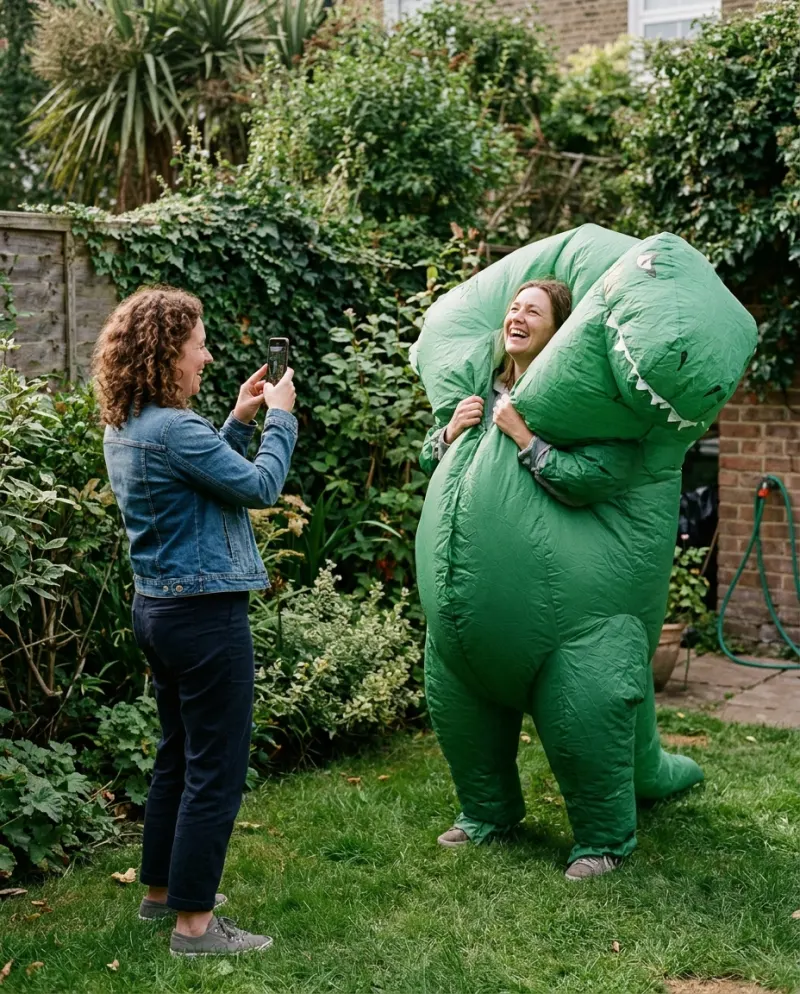
- 1Get an inflatable costume with a fan; party shops and online sellers stock them every autumn.
- 2Film yourself standing still while it fills, phone vertical and low, so you grow toward the camera.
- 3For the float, have a friend film from below while you jump, then slow the jump down in the editor.
- 4Put the two clips back to back and post with #inflate.
The float is hard to fake without effects, which is why most inflate videos you see are AI.
The paid route · Reelfie
No prompt and no retries to budget for: the daylight scene, the puff-up and the float are built in. The smallest pack is up to 2 videos for $9.90.
- 1Open AI Inflate and choose Solo or Pet.
- 2Add a photo with most of the body in frame.
- 3Press make for 80 credits and download the MP4 from Assets.
New accounts get one photo trend free (2 images), no card needed. It covers photo trends such as Anime Style, not this video.
Common problems
The free clip has a watermark across the middle
That’s the price of the free tier. Cropping it out crops you too.
The free runs ran out before one worked
Use a full-body photo in bright light from the start; most failed inflates come from tight crops.
The result looks creepy, not cute
Some effects push realism. Look for one with cartoon physics, or describe it as a balloon if the tool takes a prompt.
FAQ
Is there a free AI inflate effect?
Several AI video apps offer free runs of an inflate or balloon effect, usually with a watermark and a daily limit. Free offers change often.
Is AI Inflate free on Reelfie?
No. It’s 80 credits per video, and a run that fails costs nothing. The free part is one photo trend for each new account.
Does the paid video have a watermark?
No. Videos made with paid credits download clean, with sound, as an MP4.
Can I do the inflate effect on my phone?
Yes. Reelfie runs in a phone browser with no app to install, and the clip saves back to your camera roll.
Make your first one
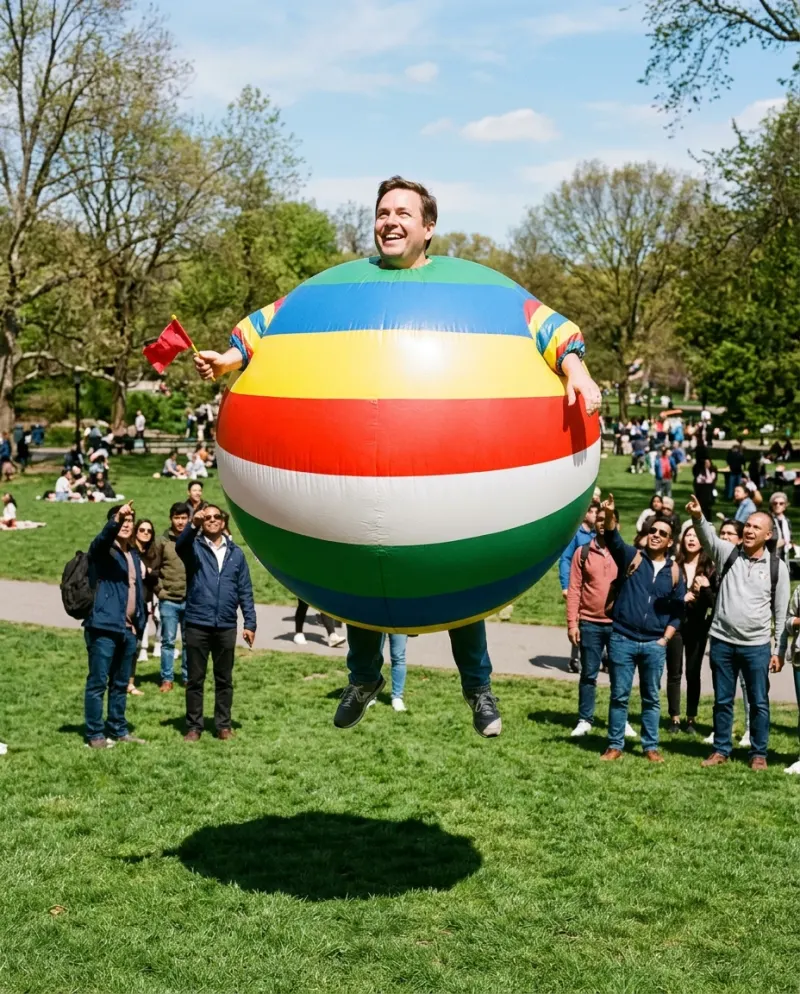
Inflate: Puff up like a balloon and float off.
Try InflateYour photos are deleted 7 days after upload and never used to train AI.