AI image generator
Describe a picture and get it, or add a photo and say what to change. Posters, portraits, products and edits.
All results are AI-generated and labeled.
0 / 1500
Describe what to make.
By adding a photo you confirm everyone in it is 18+ and agreed to have their face used for this. We use faces only to make what you ask for. How we handle faces
Your images
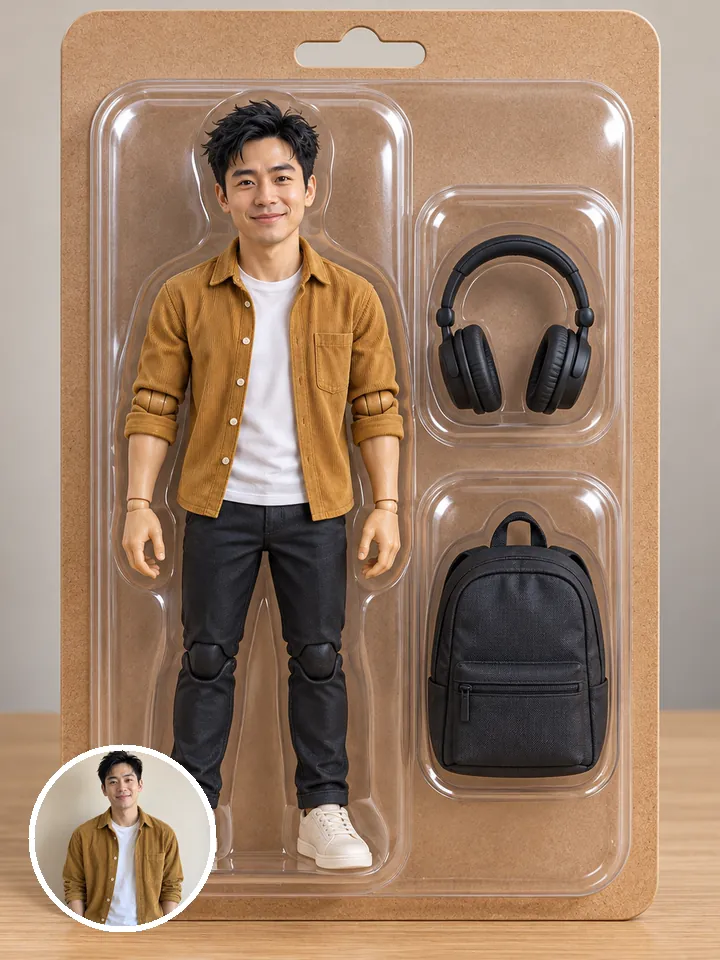 Example · Boxed action figure
Examples show what each idea aims for. They are illustrations, not output from a particular model.
Or start from a trend
Photo styles with the prompt already written. Add your photo and pick a look.
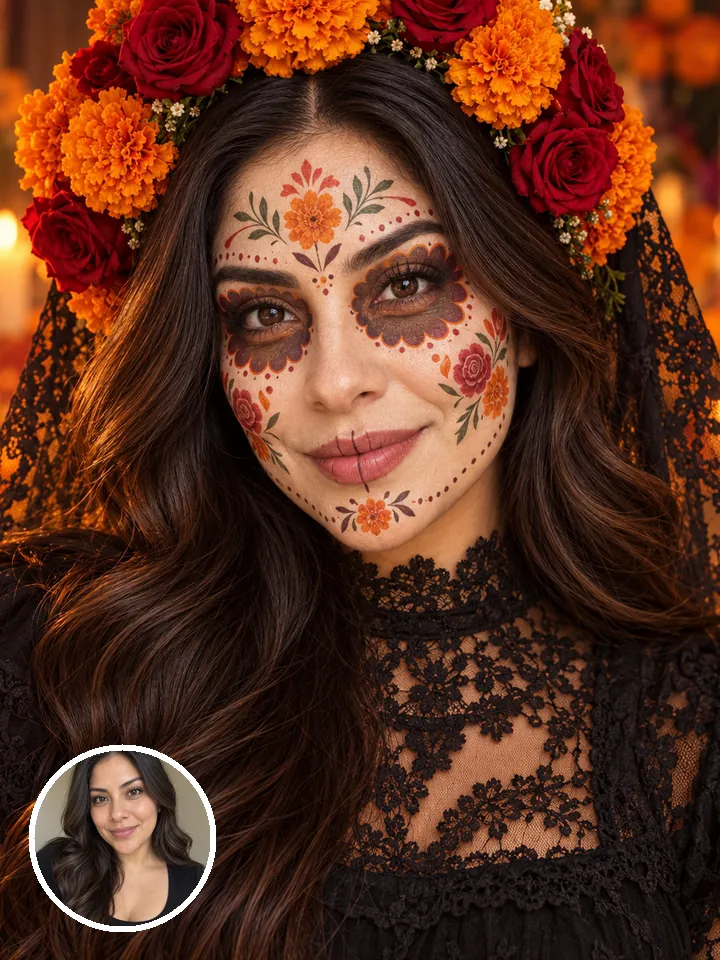
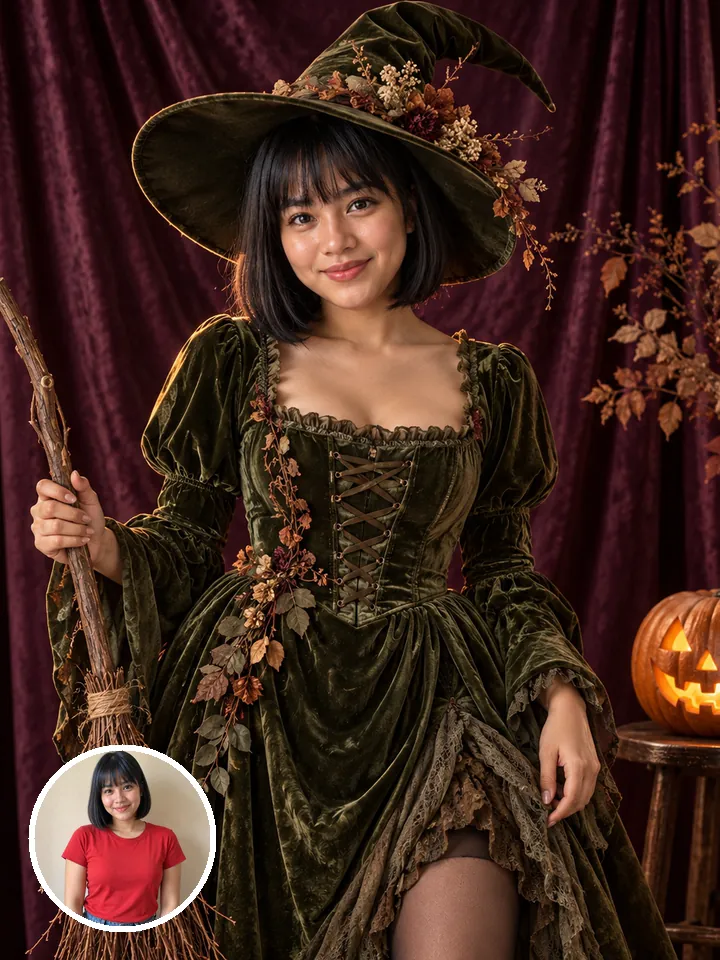
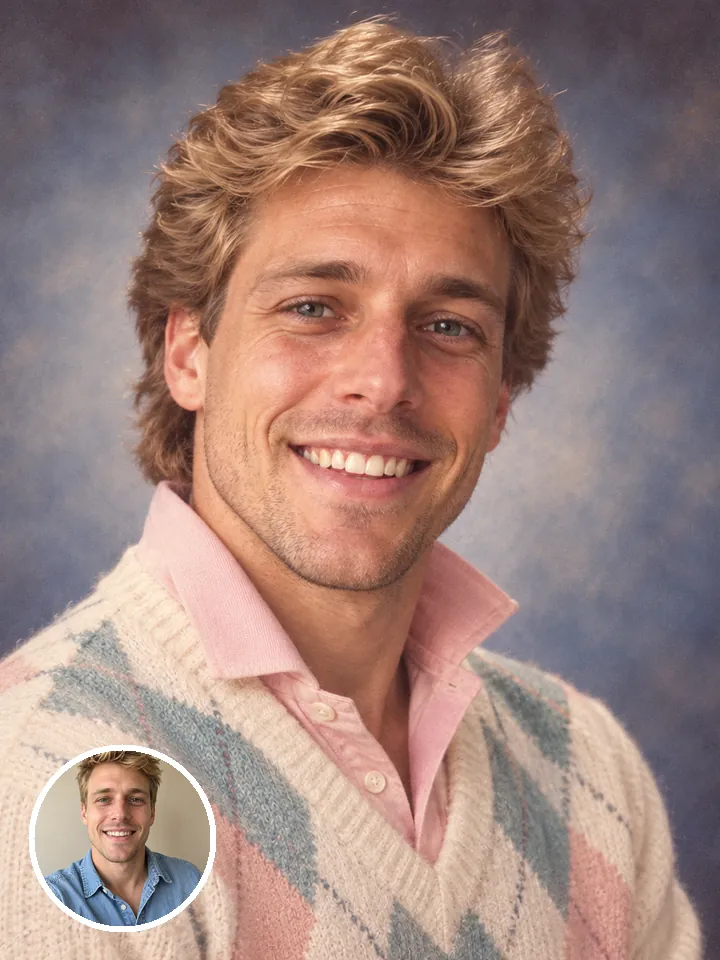
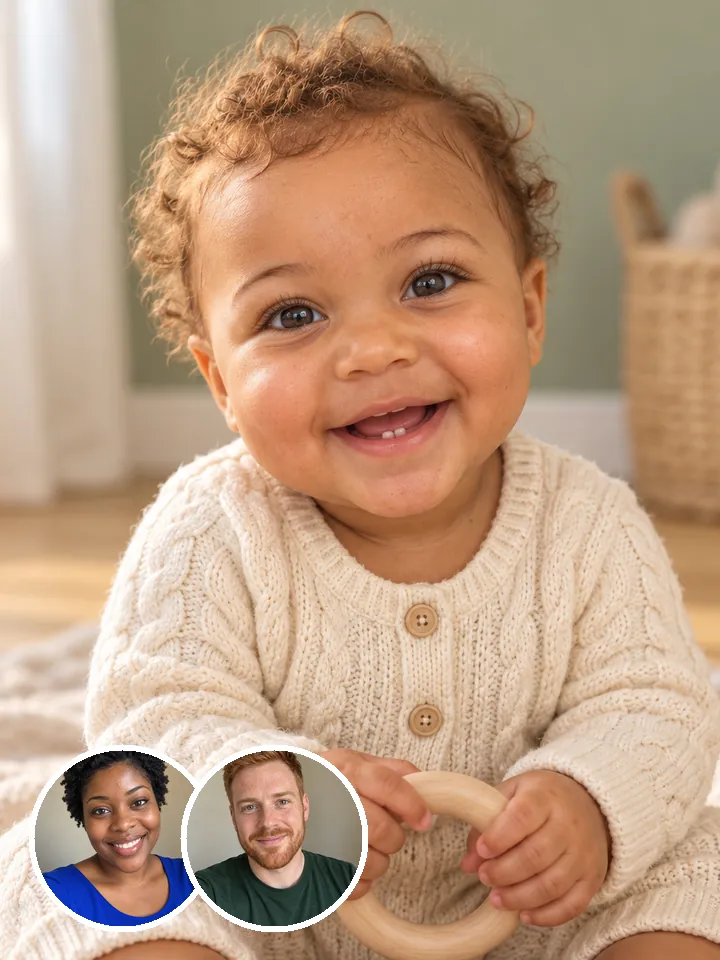
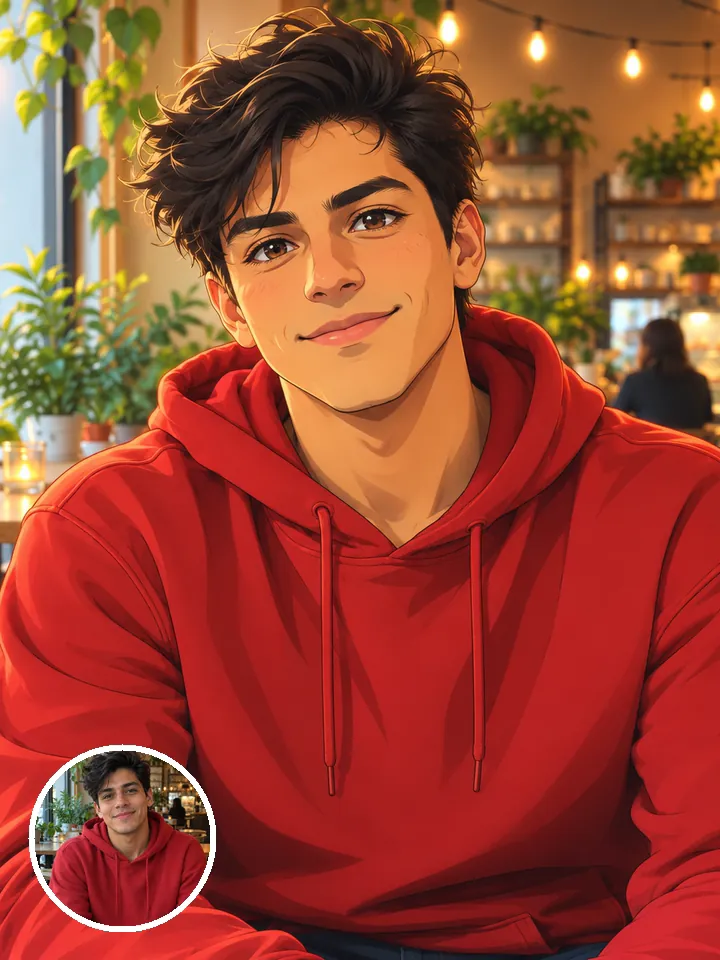
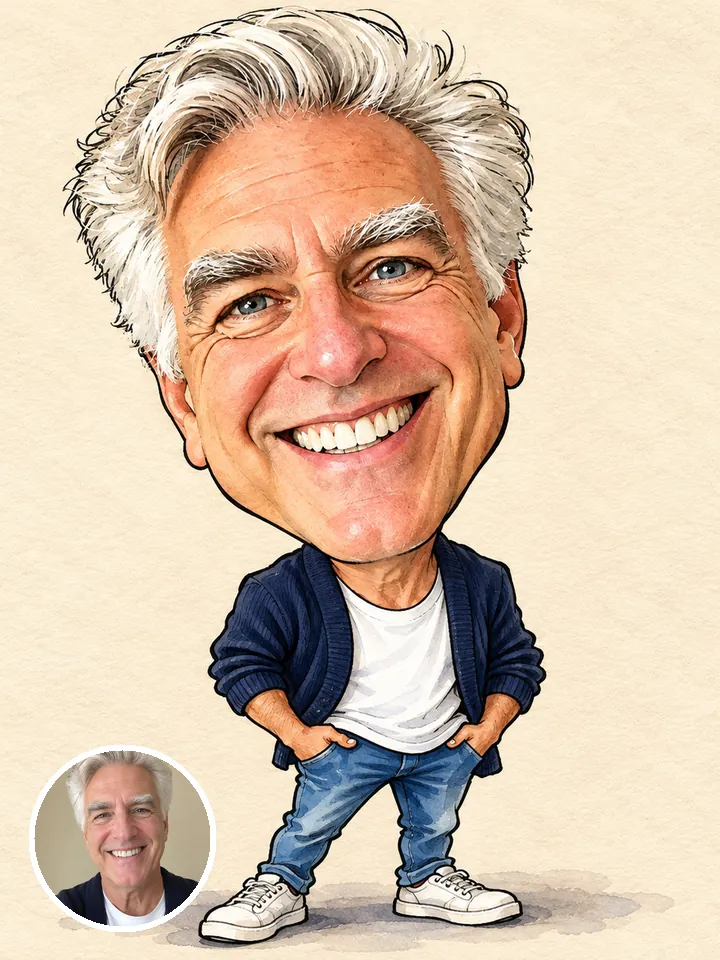
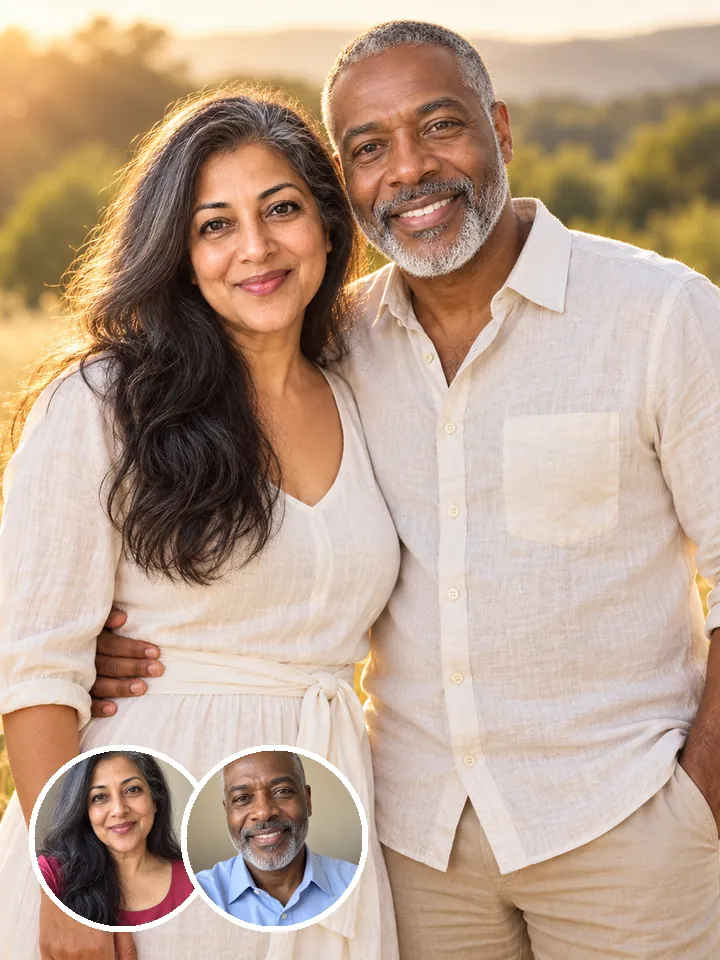
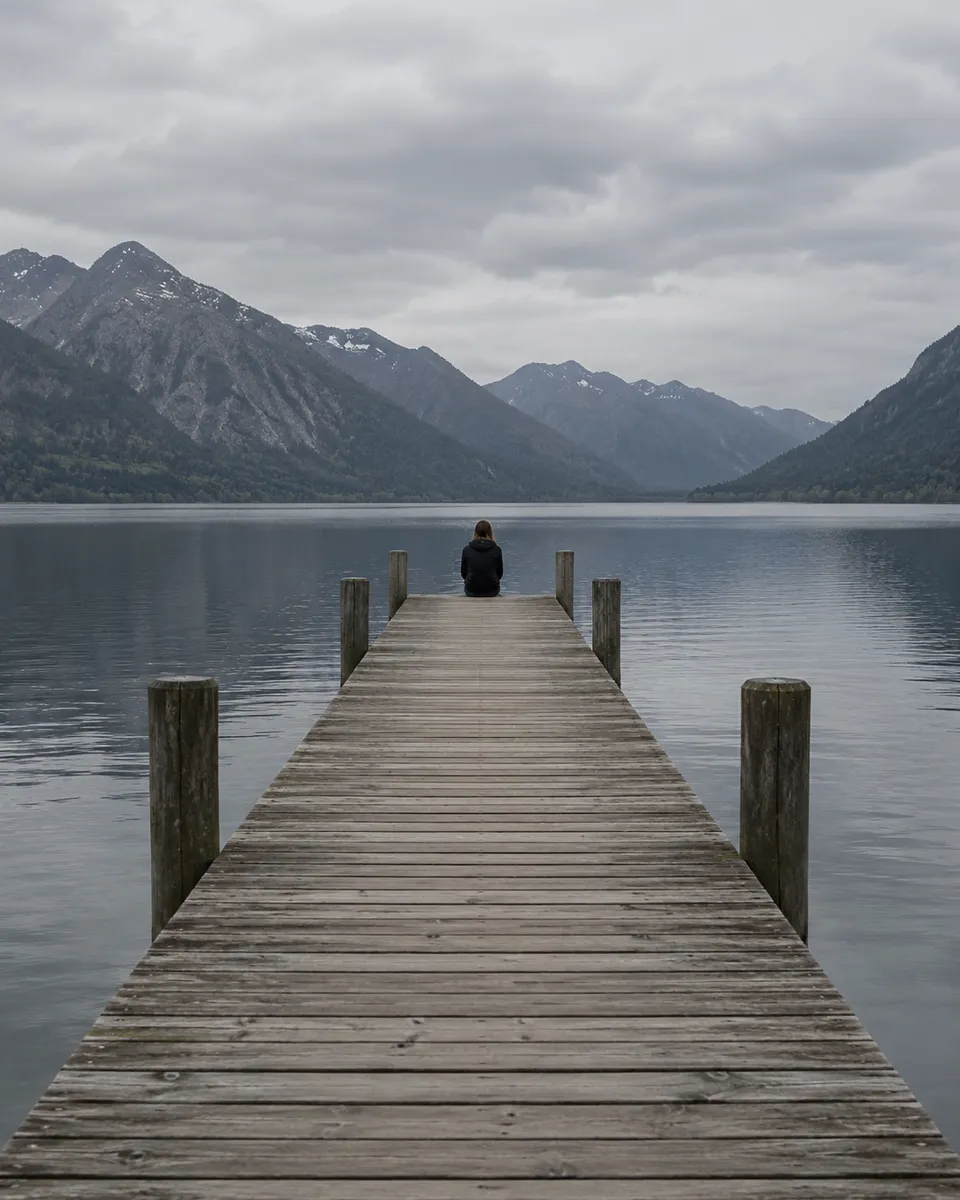
Describe it, get four to choose from
Write the subject, the setting, the light and the style, then ask for 1, 2 or 4 images in one run and keep the one you like. Pictures come out at up to 4K, sized 3:4, 1:1, 16:9 or 9:16, so they fit the post, the cover or the slide before you crop anything. When you want your own face in it, try a photo style trend instead.
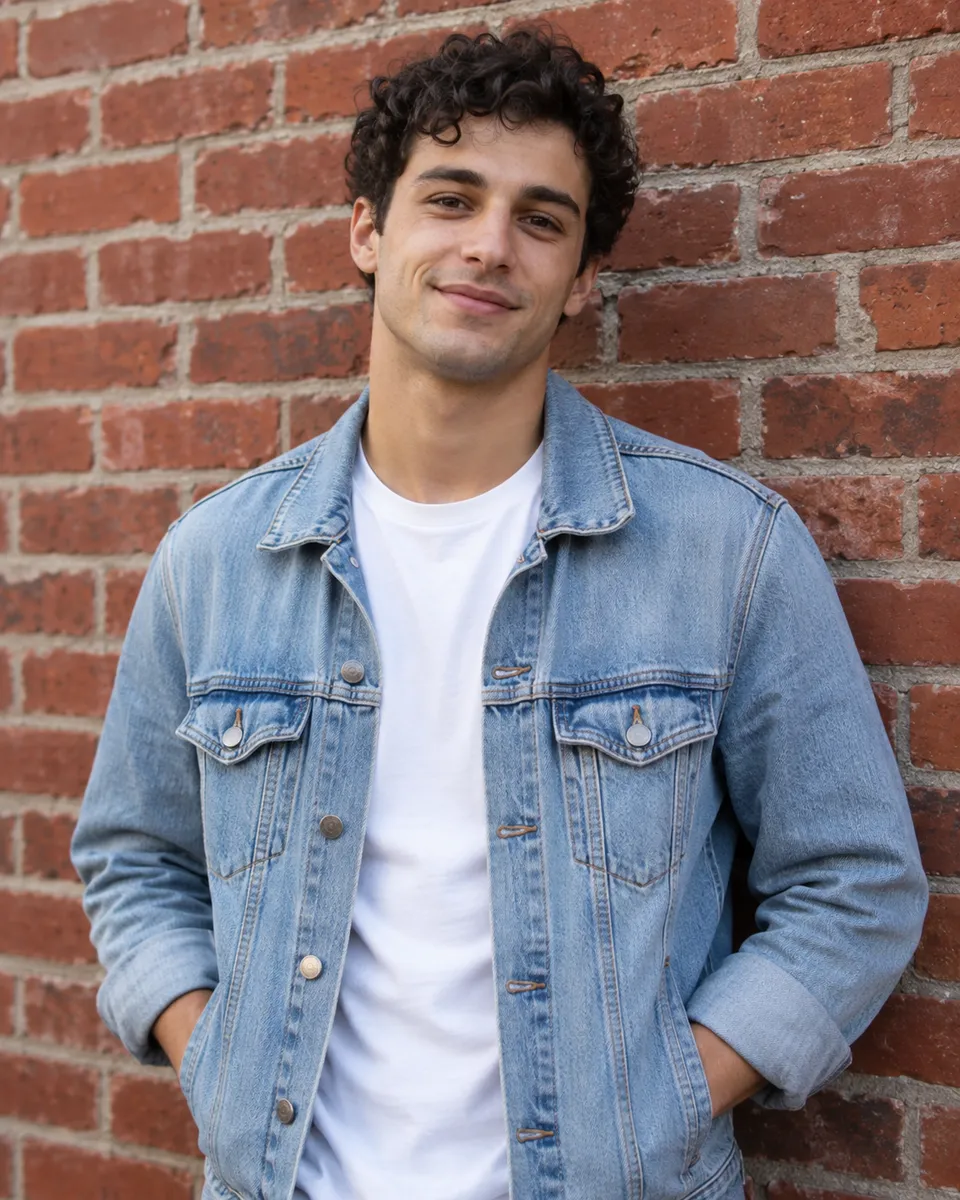
Edit a photo by saying what to change
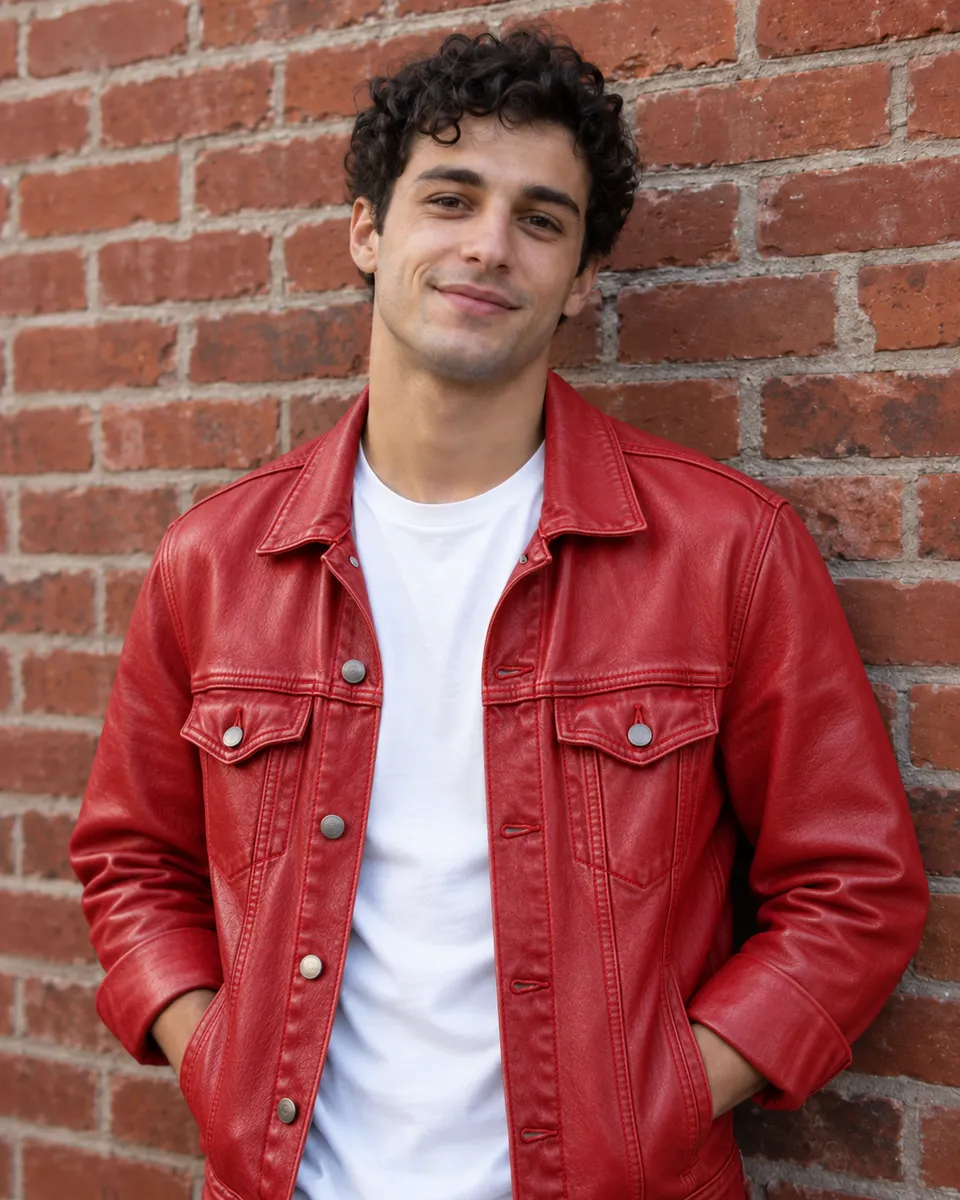
Add your photo and write the change: a red jacket, a clear sky, a tidier room, a painted look. Only what you name changes, so the face, the pose and the rest of the frame stay as they were. It is the same engine as the AI photo editor, here with the full composer around it.
Posters and packaging with real words
Put the words you want in quotes, like "SUMMER IN LISBON". When a prompt asks for lettering, Auto switches to a model that spells it, so posters, labels, menus and boxed figures come out readable. Short headlines work better than paragraphs. Want yourself in the box? The action figure trend does it from one selfie.
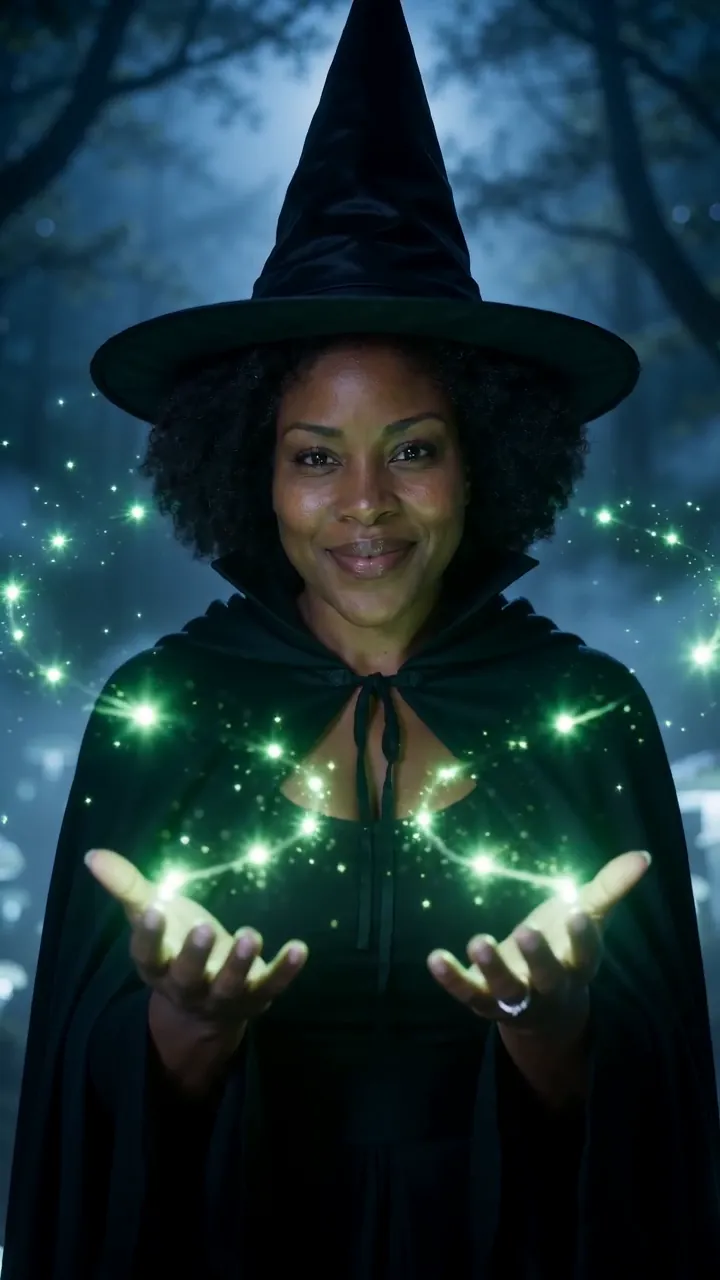
Then make it move
Any image you make can be the first frame of a video. Open it in the image to video composer with one tap and say how it should move. Or keep it still and finish it here: upscale it for print, or cut out the background for a sticker or a product page.
Sized for where it goes
Pick the shape first, so the picture fits the post, the cover or the slide.
3:4Instagram posts
1:1Feed posts
16:9YouTube and slides
- 1, 2 or 4 images a run
- Up to 4K
- Edit a photo with words
- Lettering for posters and labels
- Auto picks from 15 models
How to make an AI image
- Optional
A collectible action figure of a smiling man in a hoodie, sealed in a blister pack with a laptop, coffee cup and headphones as accessories, toy-store lighting
1Describe the picture
Subject, setting, light and style, plus any words in quotes. Or tap one of the ideas above to start from a tested prompt.
- 3:41:116:9AutoGenerate2
Add a photo, pick a shape
Add a photo to edit it instead. Pick 3:4, 1:1, 16:9 or 9:16, and how many images you want in the run.
- PNGShare link3
Generate and download
Images land in your feed and in Assets, ready to download or turn into a video.
AI image generator FAQ
Something else? Visit the help center.
What is the Reelfie AI image generator?
A browser tool that makes pictures from a written prompt, or edits your photo from one. You describe it, Studio renders it, and you download the result. Every result is labeled as AI-generated.
Is the AI image generator free?
Free to try: every new account gets one photo trend free. After that, a run starts at 2 credits and shows its cost before you start; the smallest pack is $9.90. A run that fails costs nothing.
How many credits does an image cost?
From 2 credits an image, depending on the model and the size; 4K costs more. A run of 2 or 4 images costs that many times one. The price shows before you run.
Can I edit my own photo?
Yes. Add it and say what to change; Auto picks a model that edits photos. JPG, PNG or HEIC up to 20 MB, and everyone in it must be 18 or older and agree.
Which AI model does it use?
Auto picks a image model that fits what you set up (a photo to edit, words to letter) and tells you why. In Studio you can pick one yourself; the models page lists them all with their prices.
Can it write text in the image?
Yes. Put the words in quotes, like "SUMMER SALE". Auto sends prompts with lettering to a model that spells well. Short phrases come out cleaner than long sentences.
What sizes can I make?
Square, portrait, landscape and phone shapes, at up to 4K depending on the model. You can ask for 1, 2, 4 images in a run.
Can I use the results commercially?
Results made with paid credits can be used commercially, including in ads, as long as everyone in them agreed. Results made with free credits are for personal posts.
What happens to the photo I upload?
Your photos are deleted 7 days after upload and never used to train AI. You can delete a photo sooner from your account.
Do I need a plan?
No. A plan adds credits every month for less per credit, and you can cancel any time. Credit packs are one-time top-ups from $9.90, and pack credits last 12 months. A failed or blocked run refunds its credits automatically.