Quick answer
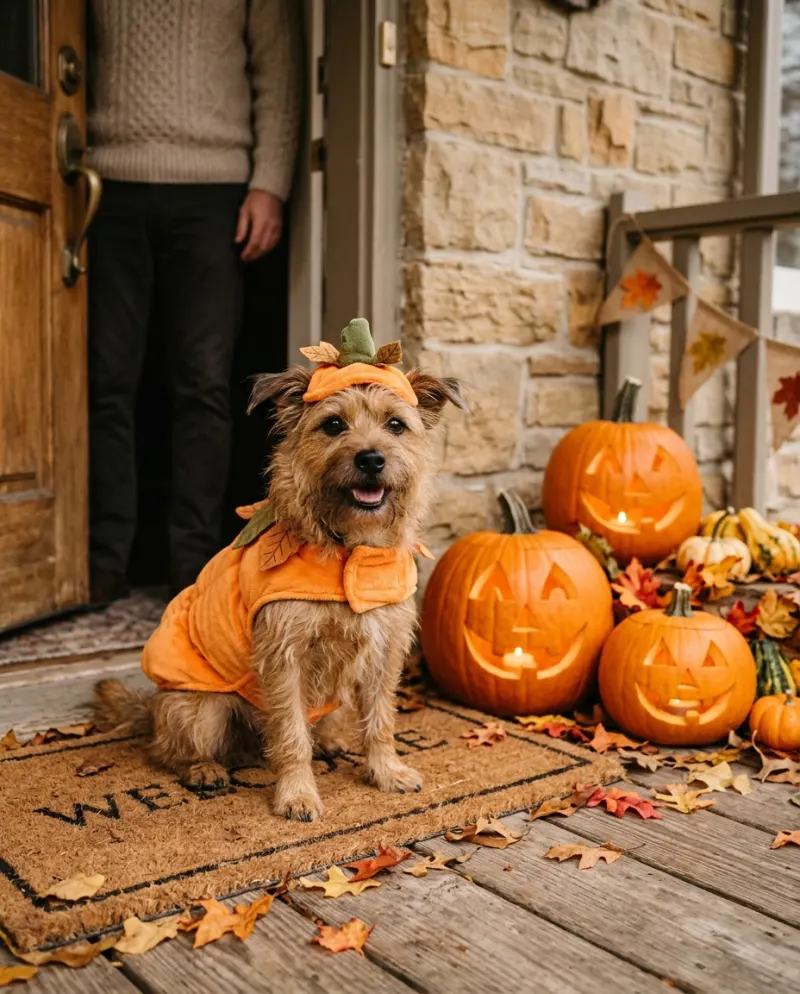
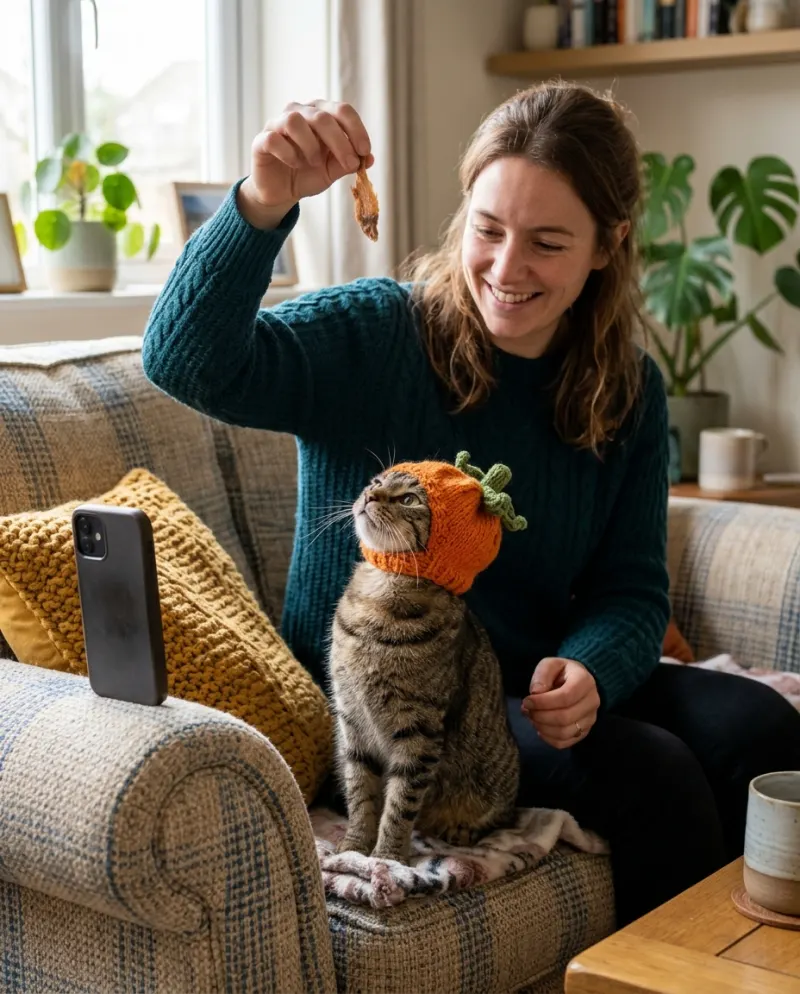
If you managed to get photos or clips of your pet in a real costume, CapCut is all you need: a template or a quick edit sets them to a Halloween sound. If your pet won’t wear one, or you want them moving in costume from a single photo, that’s AI: Pet Costume AI makes it for 80 credits.
The question here isn’t really CapCut against AI. It’s whether your pet cooperated. An editor can only arrange what you captured; it can’t put a pumpkin suit on a cat that wasn’t wearing one.
What you start with decides it
You have costume photos
CapCut. Five or six stills or a few short clips become a reel with a beat, zooms and text.
Cost: usually free
You have a normal photo
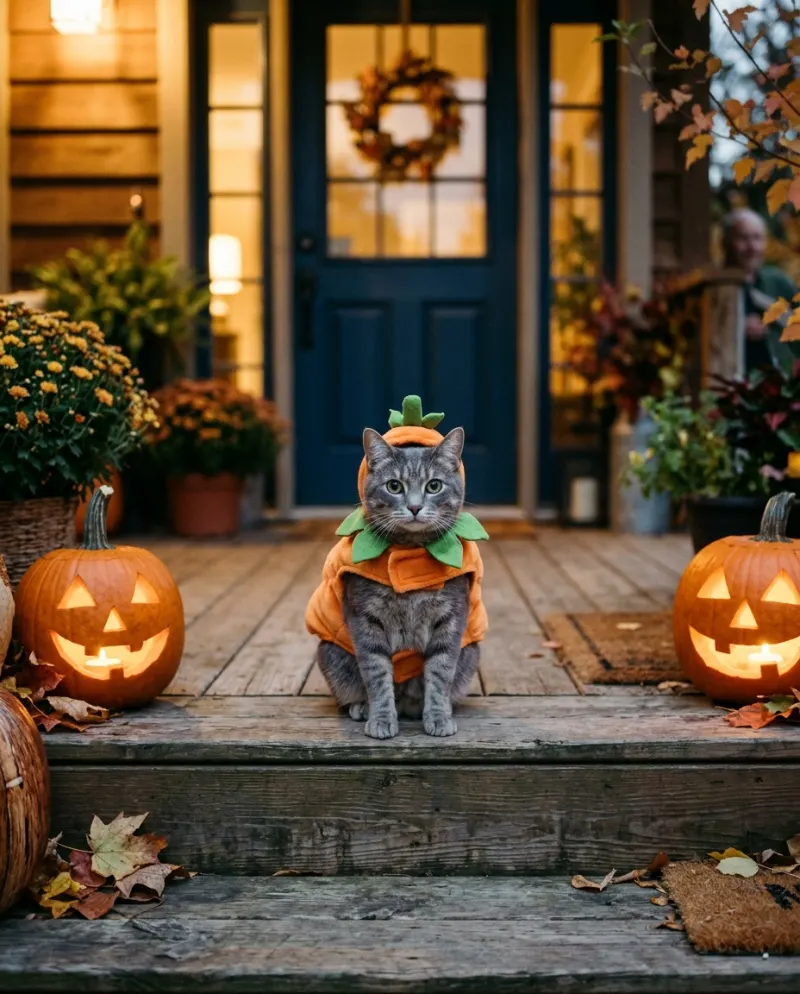
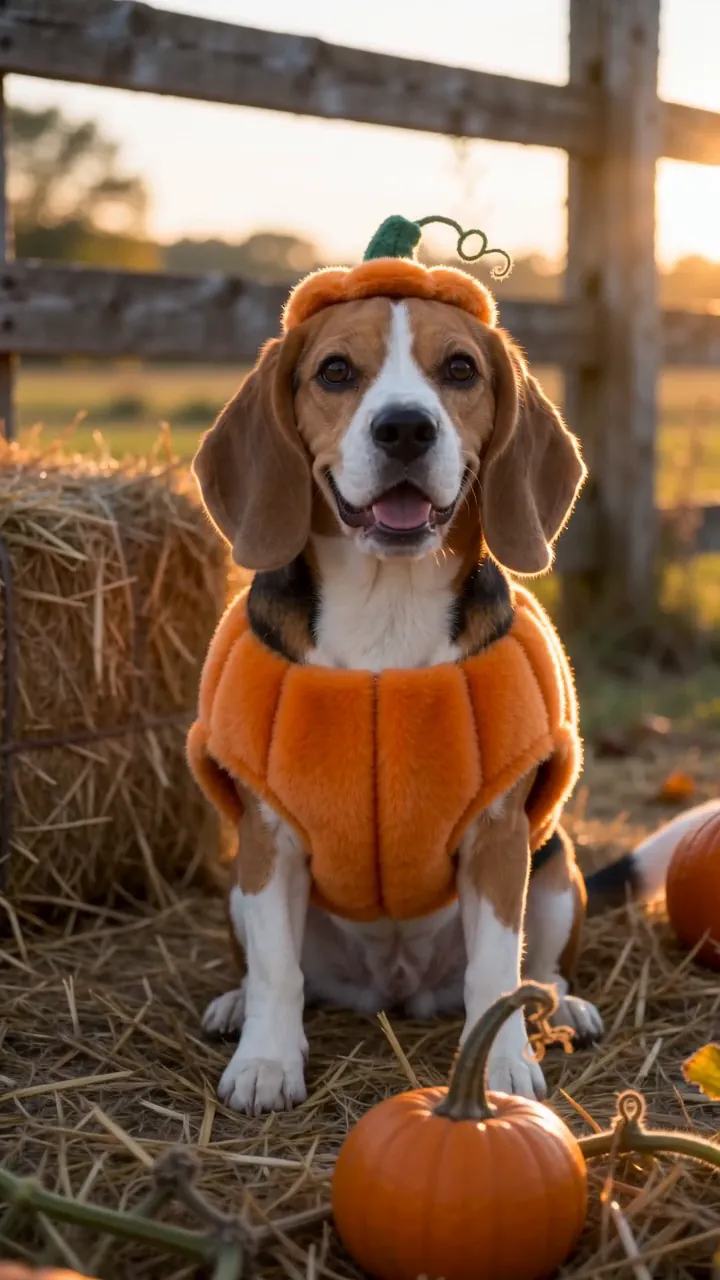
AI. Your pet appears in a pumpkin suit, bat wings, a ghost cape or a witch hat, tilting their head at a Halloween door, in an 8-second clip.
Cost: 80 credits
Editing real costume photos in CapCut
- 1Pick the frames: one wide shot of the whole costume, one close-up of the face, one blooper.
- 2Search Templates for a pet or Halloween slideshow whose photo count matches yours, or start a blank project.
- 3In a blank project, give each photo about a beat, add a slow zoom on the close-up, and end on the blooper.
- 4Export and post with a seasonal sound.
Templates change through the season and differ by region. Some add a costume sticker or a filter over a photo; that is a flat overlay, not your pet wearing anything.
Making it with AI
A general video tool can do it with a pet costume prompt and a few tries. On Reelfie the costumes and the front door are built in:
- 1Open Pet Costume AI and pick the costume.
- 2Add a daylight photo of your pet facing the camera.
- 3Make it for 80 credits and download the MP4 from Assets.
The edit that uses both
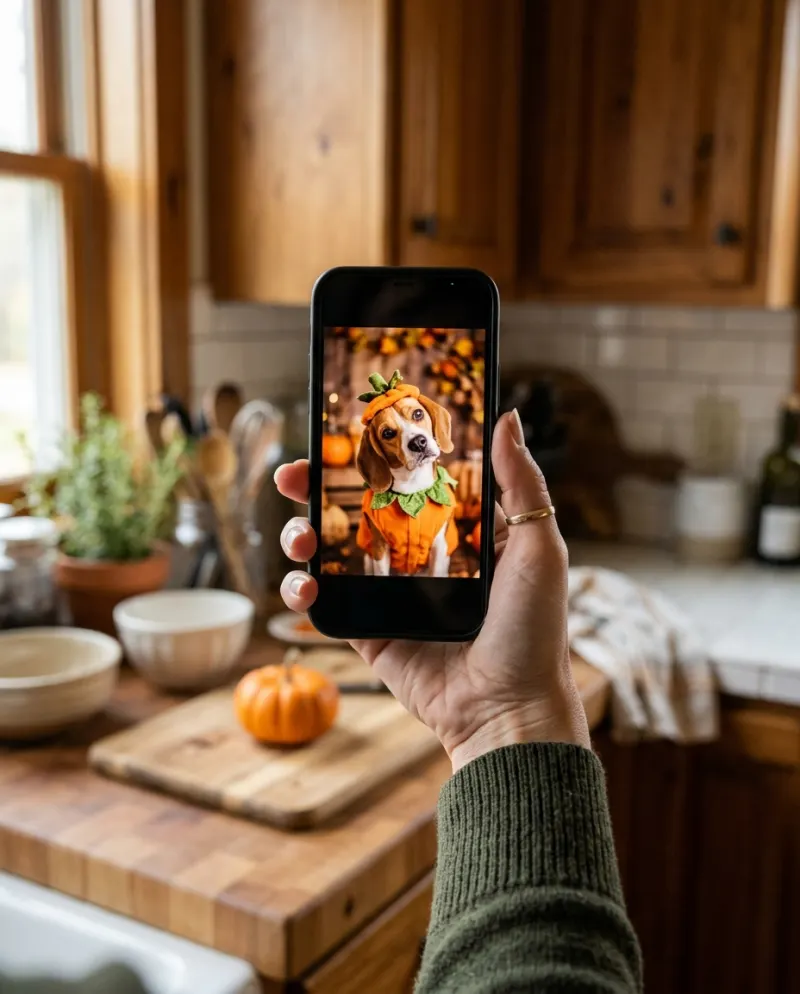
Expectation and reality: open on the real attempt, your pet glaring with a hat half off, then cut to the AI clip of them sitting politely in costume. In CapCut, put the cut on a beat and caption the first half “what I tried” and the second “what he agreed to”.
The Reelfie clip comes with its own sound. Mute it in CapCut if one track runs under both halves.
Common problems
The CapCut template just puts a hat sticker on my pet
That’s an overlay. For a costume that moves with them, use real photos in costume or an AI video.
My costume photos are all slightly blurry
Use the sharpest one as the close-up and keep the blurry ones short, under half a second each.
The AI clip and my real photos look different
Put one warm filter across the whole edit so the colors match.
FAQ
Is there a CapCut template for pet Halloween costumes?
Creators publish slideshow templates every October. They expect photos you already took; they don’t dress your pet.
Can I edit the Reelfie clip in CapCut?
Yes. Download the MP4 and open it in CapCut. Paid videos have no watermark.
Which costumes does the AI version have?
Pumpkin suit with stem hat, bat wings, sheet ghost, and witch hat with cape.
What does it cost?
80 credits per clip, about $4.95 at the smallest pack’s rate. If a run fails, nothing is charged.
Make your first one
Pet Costume AI: Your pet in a Halloween costume.
Try Pet Costume AIYour photos are deleted 7 days after upload and never used to train AI.