
Kling 4.0
NewSharp 1080p motion with built-in sound and end frames
- Photo or text
- Up to 15 s
- Sound built in
- End frame
- 4 shapes
All results are AI-generated and labeled.
0 / 1500
Add a start frame.
By adding a photo you confirm everyone in it is 18+ and agreed to have their face used for this. We use faces only to make what you ask for. How we handle faces
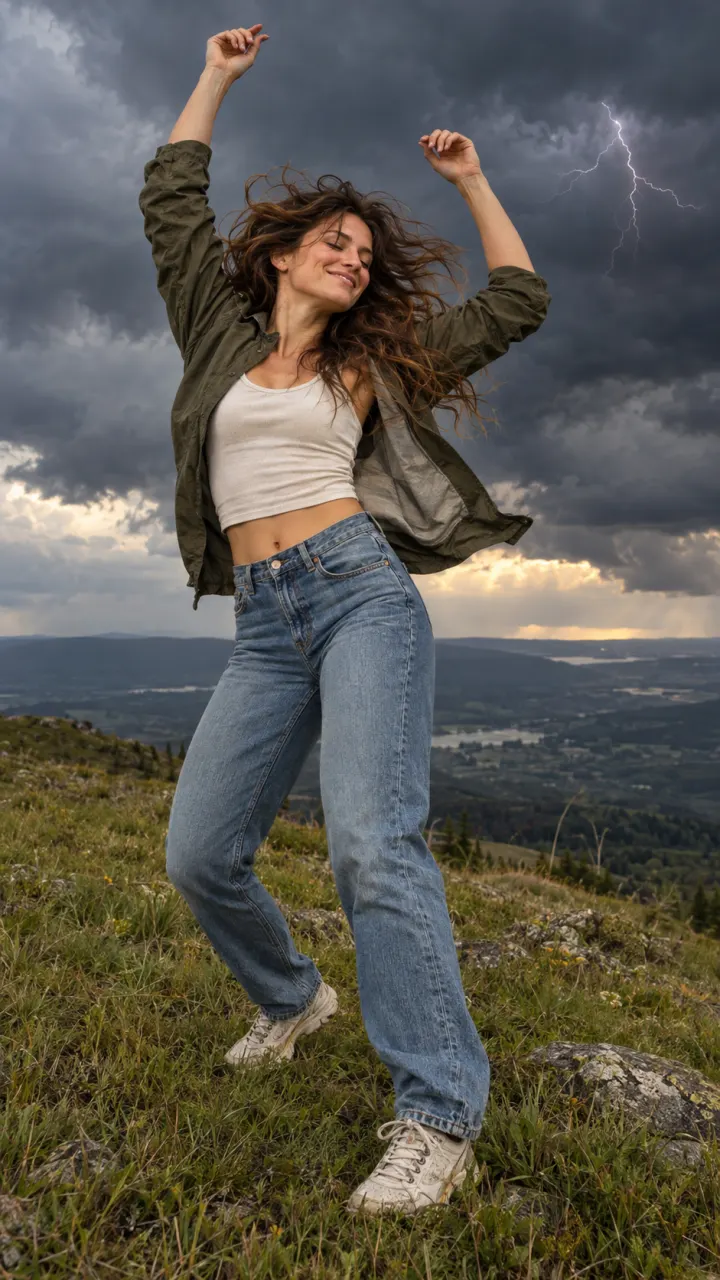 Example · Storm dance
Examples show what each idea aims for. They are illustrations, not output from a particular model.
Dance, gestures and walking stay smooth, with hands and faces that hold their shape through the motion. That matters most in full-body clips, where a bent wrist or a blurred face gives a video away. Describe the move in plain words, like “spins once and points at the camera”, and keep it to one or two actions. Dance clips with the routine already set live in the dance trends.
A woman dances on a grassy hilltop as a storm rolls in, lightning on the horizon, wind whipping her hair, wide handheld shot
Kling 4.0, 3.0 Omni and 3.0 take a last frame too, so you choose where the clip lands, not only where it starts. Add two photos, like you before and after a haircut, and the clip moves from one to the other. It’s also how you make a loop: use the same picture at both ends. Need the clip to keep going after it ends? Extend it from its last frame with the tools in Studio.
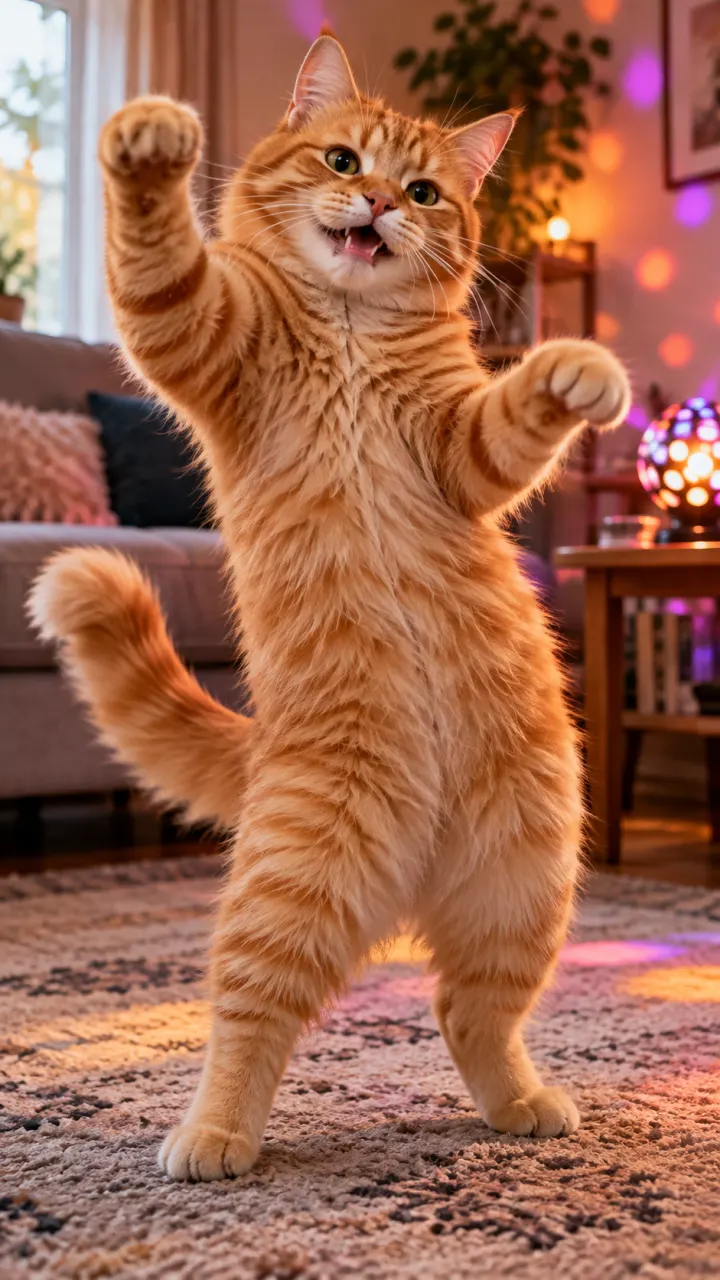
A fluffy ginger cat dances on its hind legs on a living-room rug, bouncing to the beat, warm lamps and candles
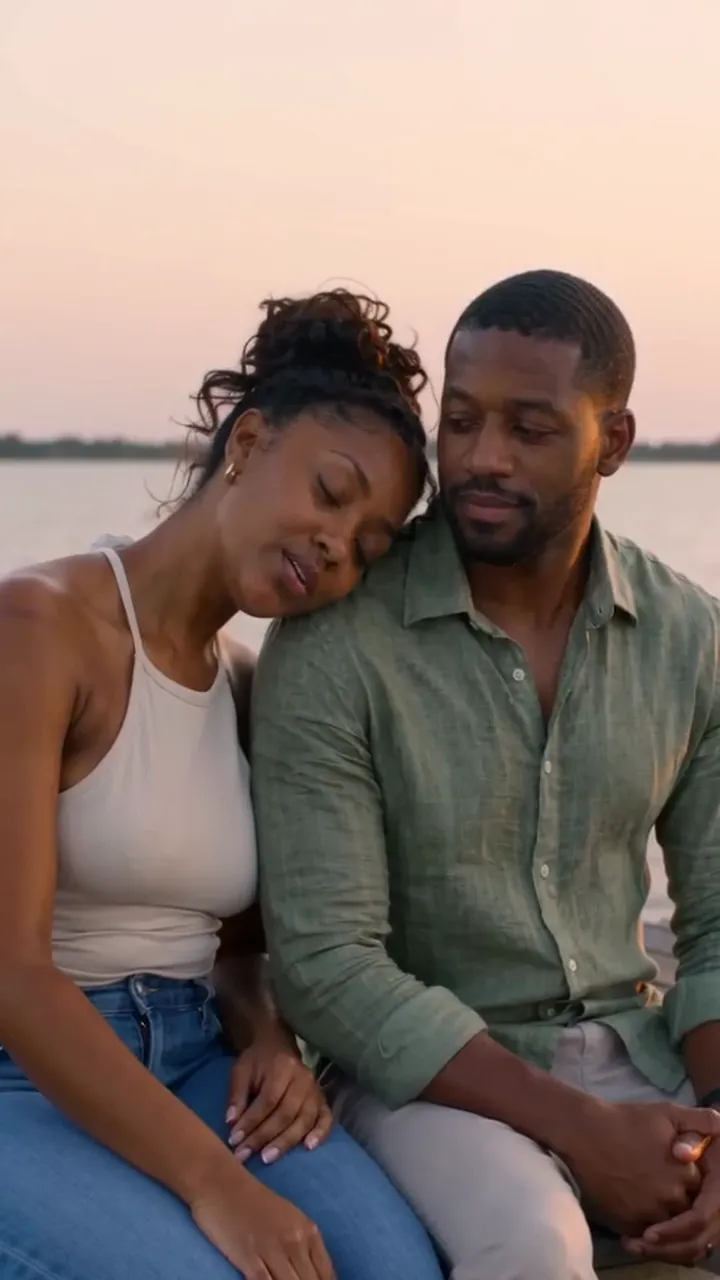
Start from a clear face photo and the person still looks like themselves at the end of the clip. Pick a photo taken in good light, facing the camera, with nothing over the face. Group photos work, but every extra face is something the model has to keep steady, so one or two people give the cleanest result. The image to video page walks through picking the photo.
A man in a dark jacket dances down a rain-soaked street at night, arms wide, splashing through puddles, neon signs reflected on the wet road, slow tracking shot
 IllustrationDance trends from a selfie
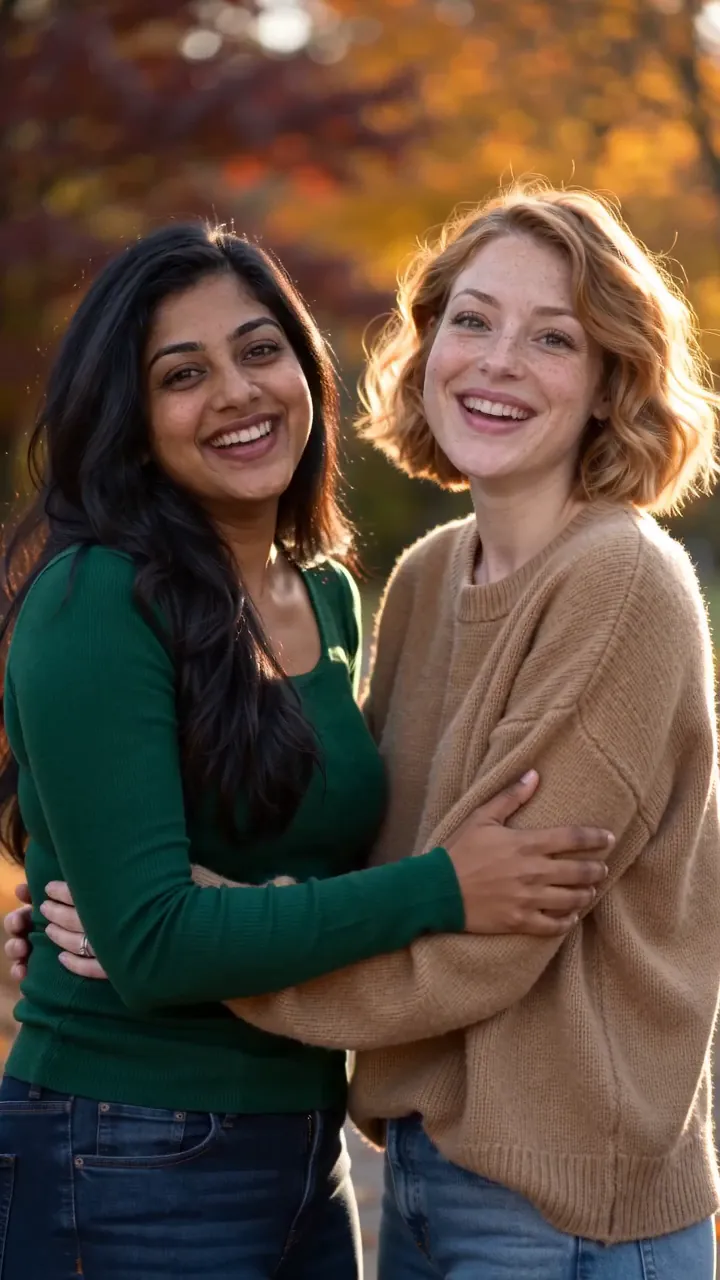
 IllustrationBefore and after transitions
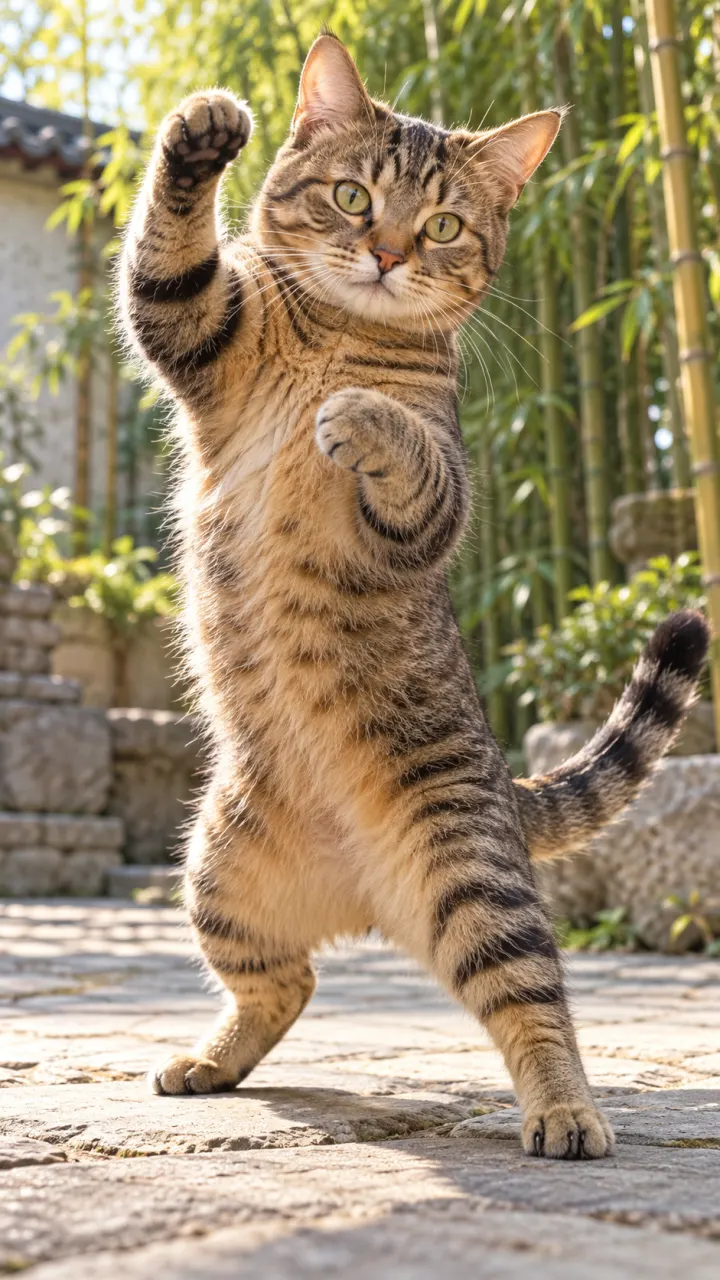
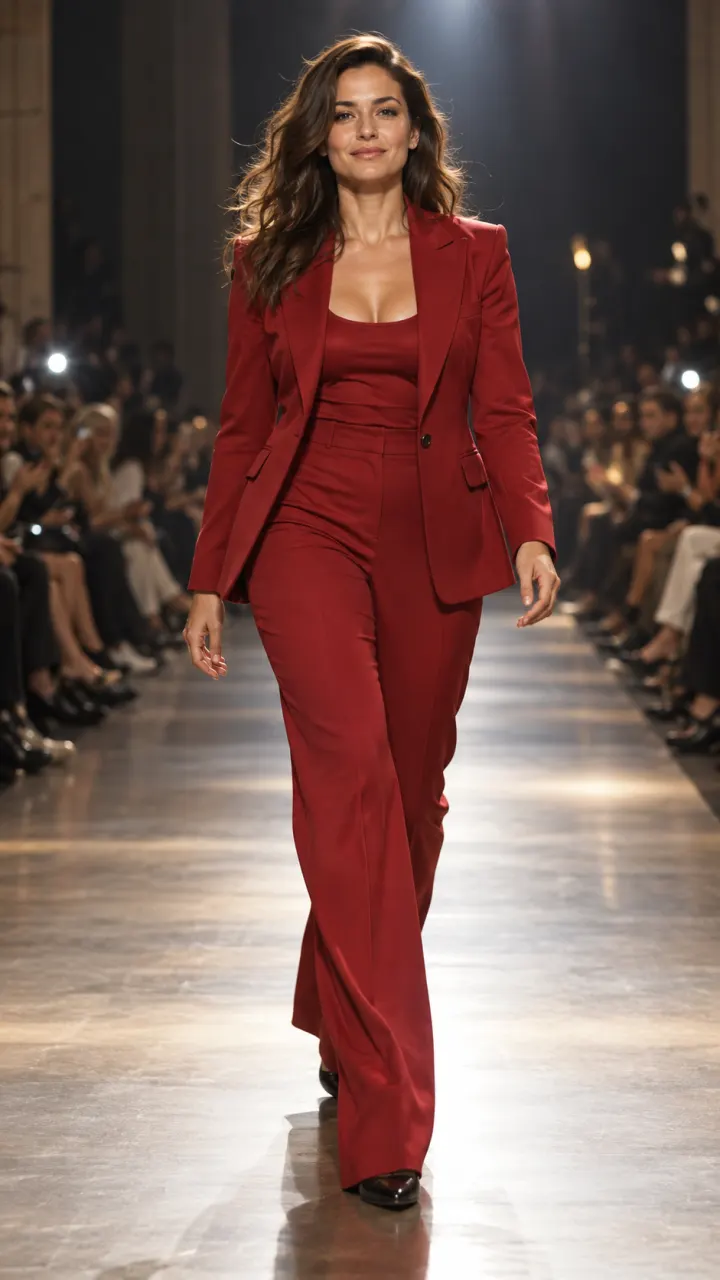
 IllustrationPortraits that come aliveIllustrationPets doing people thingsIllustrationFashion and outfit reveals
Sharp 1080p motion with built-in sound and end frames
Kling 4.0 motion and native sound for fewer credits
Steady character consistency from start to end frame
Natural motion from a face photo, start and end frames
Kling motion for fewer credits
A woman dances on a grassy hilltop as a storm rolls in, lightning on the horizon, wind whipping her hair, wide handheld shot
Kling reads posture. A shot from head to feet, arms visible, lets it move shoulders, hips and hands without inventing limbs.
Say the dance, the spin or the embrace first, then how the camera follows. Add an end frame on Kling 4.0, 3.0 Omni or 3.0 if the pose has to land somewhere exact.
Kling 4.0 and 4.0 Flash build audio into every take. On 3.0 Omni, 3.0 and 2.6 sound is optional, so a dance for your own song can run silent for fewer credits.
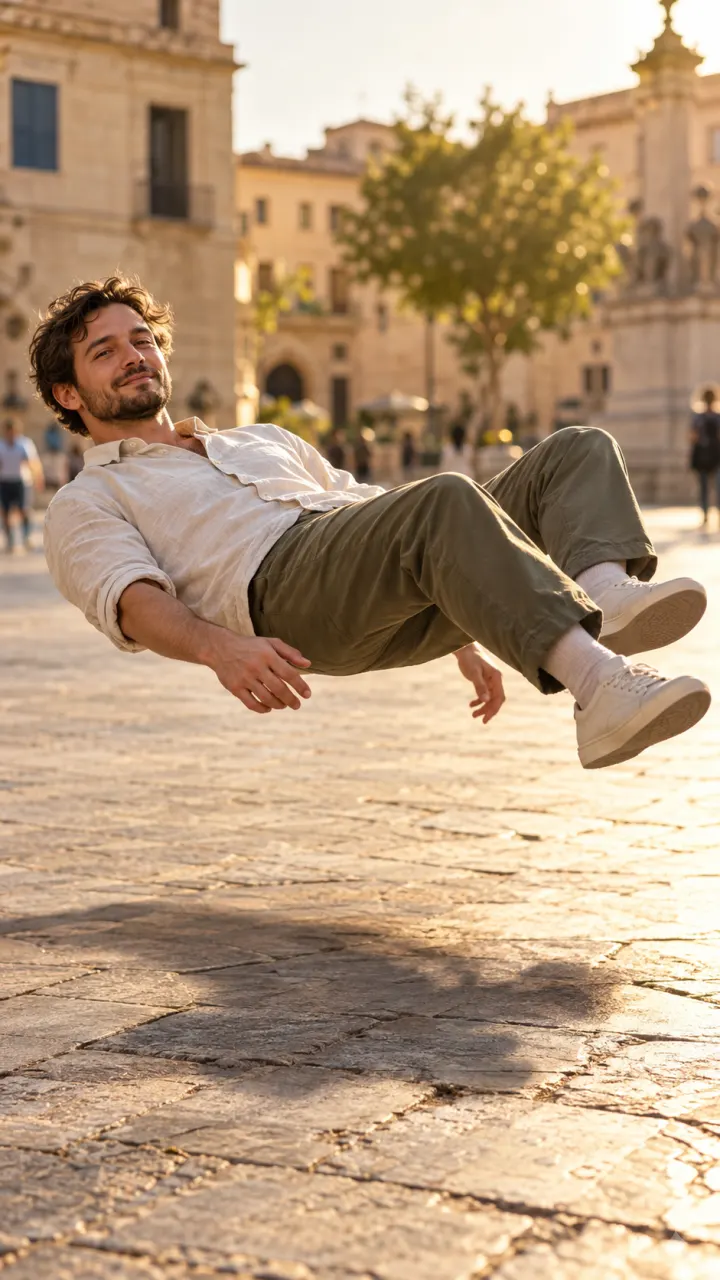 MiniMaxMiniMaxStunts, falls and fights, where weight and impact beat graceful motion.
 HappyHorseAlibabaA pulled face and a punchline rather than choreography.SeedanceByteDanceSeveral camera angles cut together in one clip.Grok ImaginexAIA cheap first try of a move before paying for Kling.
Kling is tuned on human motion: weight shifts, hand gestures, hair and clothes that follow the body. It keeps a face recognisable through spins that make other models blur it.
Kling 4.0 is the flagship: 720p or 1080p up to 21:9, built-in sound and an end frame. 4.0 Flash gives 4.0 motion and sound at 720p for fewer credits. 3.0 Omni and 3.0 let you toggle sound off and take an end frame up to 1080p; 2.6 is the lowest-cost silent dancer.
You add a second picture and Kling 4.0, 3.0 Omni or 3.0 moves from your opening photo to it. Use it for a pose to finish on, a costume change or a before-and-after.
Vertical 9:16, wide 16:9 and square across the lineup, plus cinema 21:9 on Kling 4.0 and 4.0 Flash. Clips run 5, 10 or 15 seconds on every version except 2.6, which runs 5 or 10.
No. Kuaishou makes Kling; Reelfie is independent and runs it on credits next to other models. Exact Kling rates are on pricing.


