Veo 3.1 Fast
The Veo look and sound for fewer credits
- Photo or text
- Up to 8 s
- Sound optional
- End frame
- Vertical or wide
All results are AI-generated and labeled.
0 / 1500
Add a start frame.
By adding a photo you confirm everyone in it is 18+ and agreed to have their face used for this. We use faces only to make what you ask for. How we handle faces
 Example · Zoom out to space
Examples show what each idea aims for. They are illustrations, not output from a particular model.
Put a character’s line inside quotation marks, note their tone of voice and room acoustics, and Veo 3.1 renders voice, mouth shapes and background foley together in one pass—ideal for short skits, presenters and talking mascots.
Start on a sunny coastline, then the camera rises straight up through the clouds until the whole coast fits the frame, satellite view

Crane lifts, dolly push-ins, rack-focus reveals and tracking shots hold perspective without background swim at 720p and 1080p in 9:16 or 16:9. Need four extra seconds after an 8-second take? Chain it into extend video.
A golden retriever in a high-rise office shakes hands with a man in a suit across the desk, city skyline behind, deadpan office comedy

Audio on Veo 3.1 doubles the per-second credit rate, so experienced makers lock composition and start-to-end frame timing with sound off—or on Veo 3.1 Fast—before switching audio on for the final dialogue take.
A hand throws a paper plane off a sunny balcony and it glides over the rooftops of an old city, the camera follows it
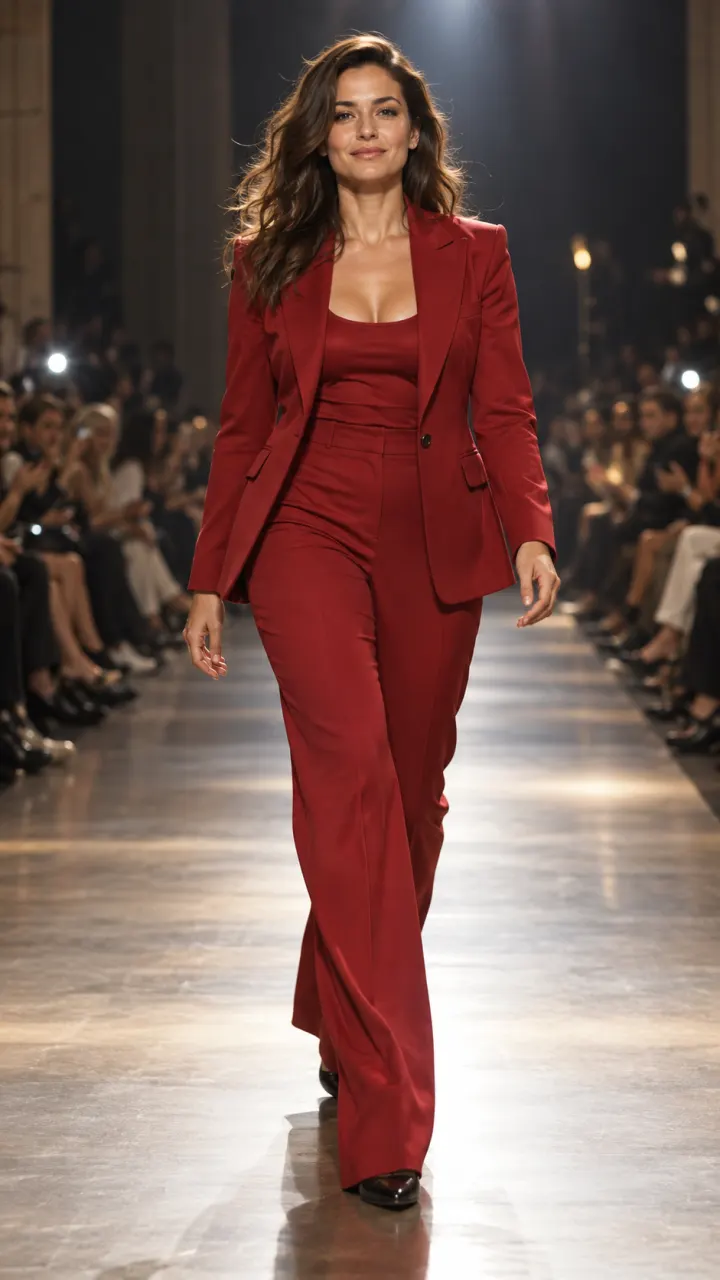
 IllustrationCharacters delivering a spoken punchline
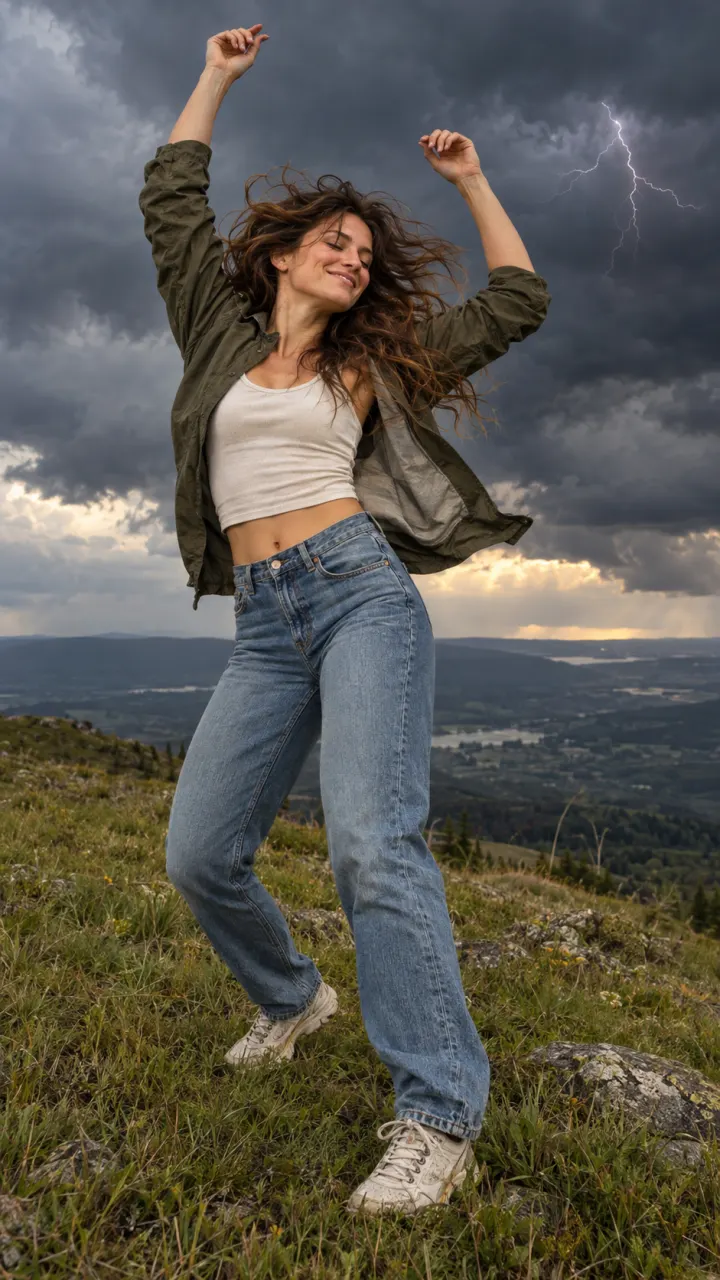
 IllustrationCinematic 1080p product openers
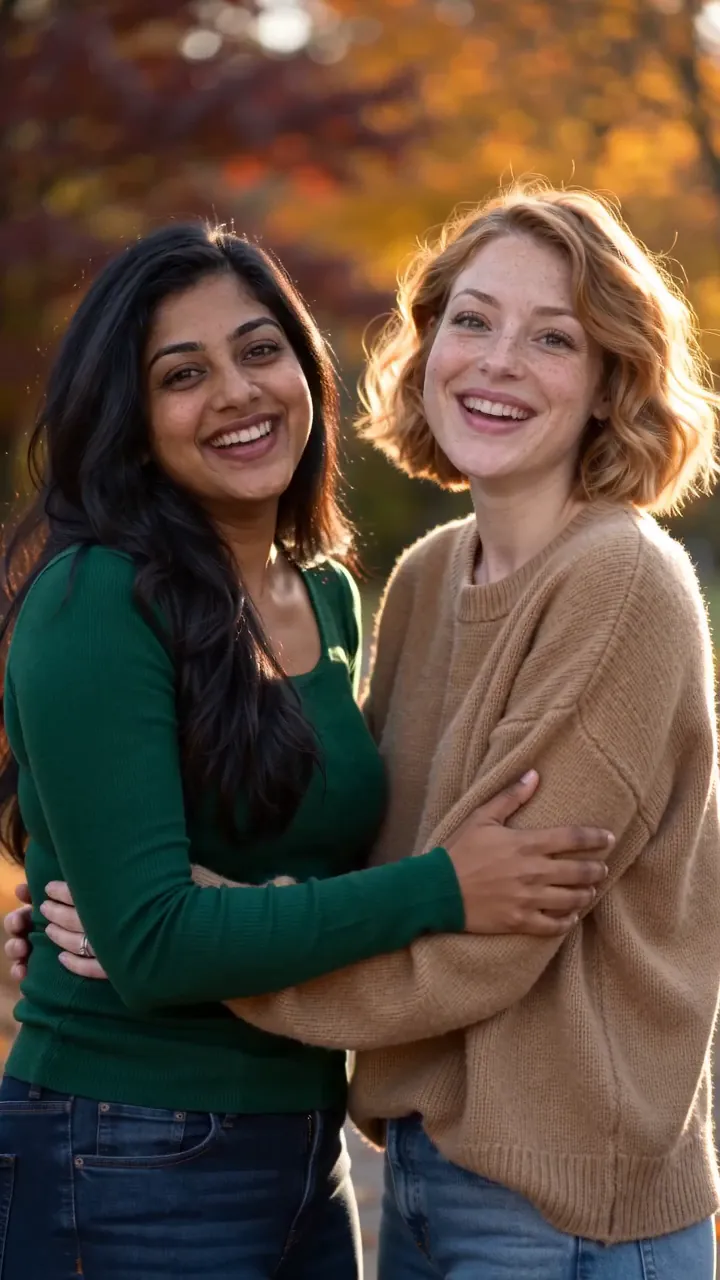
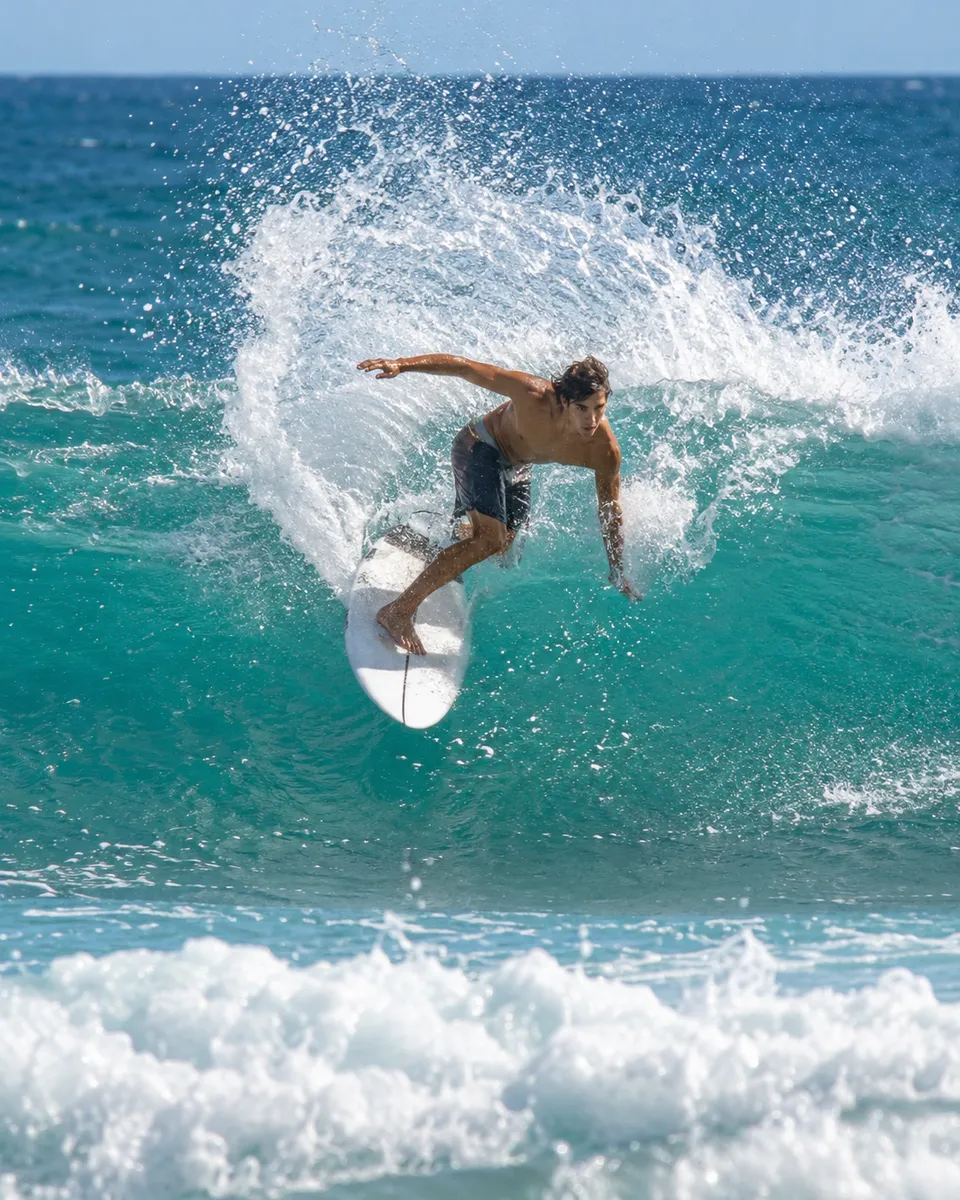
 IllustrationVertical 9:16 presenter hooksIllustrationDrone and crane establishing shotsIllustrationGuided start-to-end camera reveals
The Veo look and sound for fewer credits
Clips from a prompt or a photo, up to 10 s
Start on a sunny coastline, then the camera rises straight up through the clouds until the whole coast fits the frame, satellite view
Veo 3.1 renders phone-tall 9:16 and cinema-wide 16:9 at both 720p and 1080p for the same credit rate, so always select 1080p.
Keep dialogue to ten or fifteen words for an 8-second clip so the speaker finishes naturally with a beat of room tone at the end.
Verify camera travel and end-frame landing before paying the voiced Veo 3.1 audio rate on your keeper run.
Place the exact line in quotes, identify who speaks and how they sound—for example, a barista smiling and saying “Your oat latte is ready” in a warm quiet café—and switch Sound on in the composer.
Google bills Veo 3.1 per second by audio mode rather than splitting 720p and 1080p, so Reelfie passes the identical rate through—making 1080p the obvious pick whenever quality matters.
Veo 3.1 Fast supports the same 4, 6 and 8 second lengths, 1080p output and end frames at roughly a quarter of the voiced credit cost, making it ideal for prompt iteration before rendering complex crowd or dialogue finals on Veo 3.1.
Single runs generate 4, 6 or 8 seconds. For a 10-second Google clip use Gemini Omni Flash 1.1, or lengthen any Veo clip with Studio’s video extender.
No. Reelfie (reelfie.app) is independent of Google and runs Veo 3.1 directly from your credit balance with automatic refunds on failed jobs. Check pricing for plans and packs.