Extend Video with AI
Make a clip longer. The AI picks up from your last frame and keeps the scene, the motion and the camera going.
Not charged if it fails.
By adding a photo you confirm everyone in it is 18+ and agreed to have their face used for this. We use faces only to make what you ask for. How we handle faces


Samples are illustrations. Your result depends on your clip.
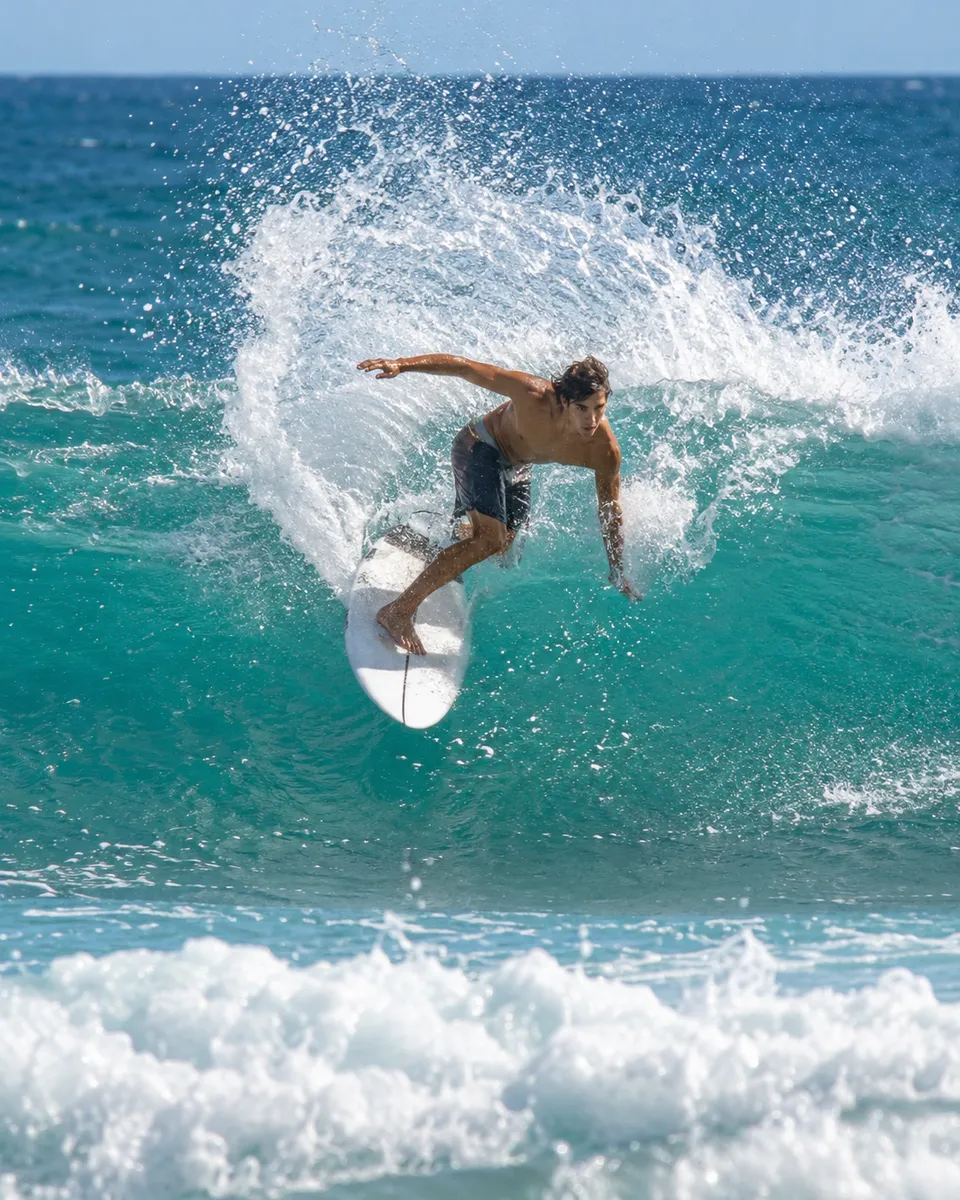
Last frame+5 sLet the action finish
Clips often stop a second too early: the dog is still running when the video ends. The extender starts at your last frame and adds 5 or 10 seconds that carry on the motion, so the dog makes it all the way to the camera. Steady clips with one clear subject extend most smoothly. If the camera was shaking or the clip ends on a cut, the new part has less to follow. Want the result sharper for a big screen? Run it through the video upscaler.
 Last frame
 +5 s
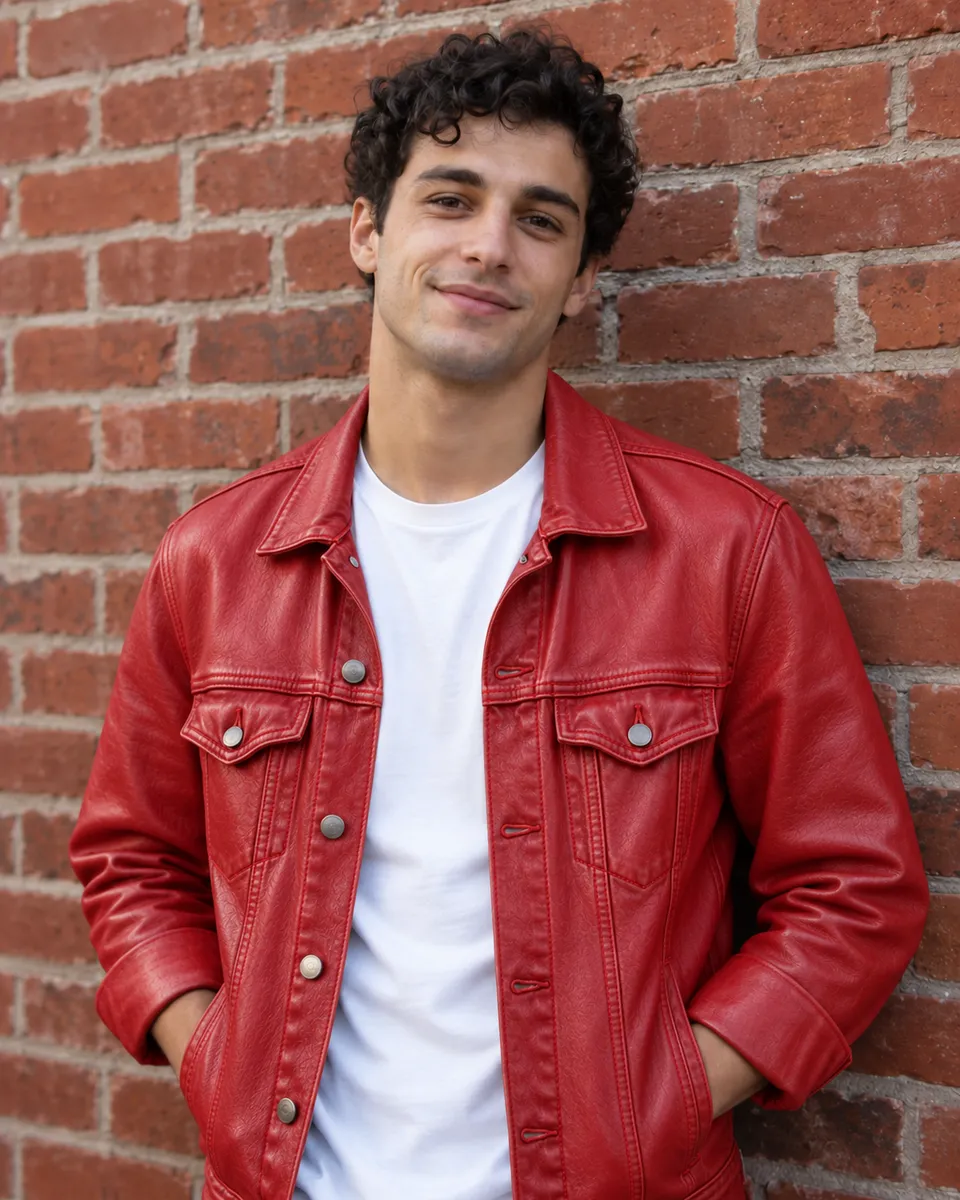
Turn a throw into a scene
A four-second clip of a paper plane leaving a hand is a moment, not a story. Extend it and the throw turns into a glide over the street, with the camera following the way it was already moving. Add a line about what happens next if you have a plan, like ‘the plane lands on a café table’; leave it blank and the clip carries on by itself. Short clips made on the AI video generator are a good place to start.
 Last frame
 +5 s
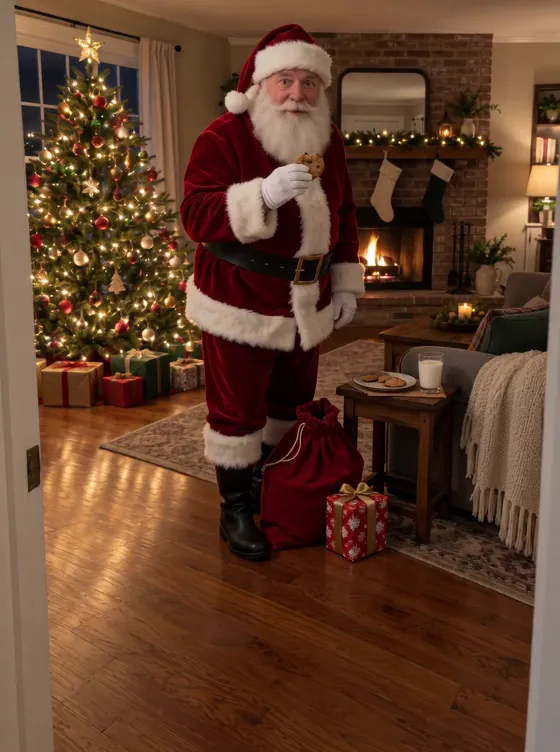
Finish the pour
Latte art, a cake being cut, a gift being opened: the payoff often lands after the camera stops. Add 5 seconds and the pour finishes as a rosetta, with the cup, the light and the angle unchanged. Short, close clips like this extend well because there’s little in the frame to keep track of. Choose +10 s when the payoff takes longer to arrive. Starting from a still instead of a clip? Try image to video.
Make a clip longer without a jump
How to extend a video
- Choose video1
Add a clip
Drop it in or pick a sample. MP4 or MOV, up to 30 s.
- Add+5 s+10 sExtend video2
Pick +5 s or +10 s
Add a line about what happens next, or let it carry on.
- MP4Share link3
Scrub and download
Drag along the timeline to check the join, then save the MP4.
What people extend videos for
- 01Endings that landGive a clip that stops too soon a proper finish.
- 02Fit the beatStretch a clip to reach the drop in the sound you’re using.
- 03Short AI clipsTurn a 5 s generated video into 10 or 15.
- 04B-rollGet a little more of an establishing shot for your edit.
Tips for a smooth extension
A video extender looks at the last moments of your clip, what’s moving, which way the camera is going, how the light falls, and makes new frames that carry on from there. The new part is joined to your clip so it plays as one video.
Clips that end mid-motion extend best: someone walking, a camera pan, waves rolling in. If your clip ends on a hard cut, a fade to black or a title card, trim that off first so the AI has a real scene to continue.
+10 s goes further from what was in your clip, so things can drift more than with +5 s. For a long extension, add 5 seconds, check it, then extend the result again.
Video Extender FAQ
Something else? Visit the help center.
Is the video extender free?
Free to try: every new account gets one photo trend free. After that, each run shows its cost before you start. Pick a monthly or yearly plan, or top up with a credit pack. You can cancel a plan any time, and the price is on the button before you start.
How much can I add?
5 or 10 seconds per run. You can extend the result again for more.
Will you see where it joins?
The new part starts from your last frame and keeps the motion going. Trim cuts or fades off the end of your clip first for the smoothest join.
How long can my clip be?
Up to 30 seconds to start with.
What files can I upload?
MP4 or MOV, up to 30 s. One clip at a time.
What happens to my video?
Your videos are deleted 7 days after upload and never used to train AI. The longer clip stays in Assets until you delete it.
What if it fails?
You get the credits back automatically. You don’t need to ask.
How many credits does extending a video cost?
Adding 5 seconds costs 20 credits and adding 10 seconds costs 40 credits, regardless of how long your starting clip is up to 30 seconds. The total shows on the button before you run.
Can I guide what happens in the new seconds?
The extender reads the motion, lighting and camera direction at the end of your clip and carries them forward naturally from the final frame. Trim any cut to black or end title card off your clip first.
Can I use extended clips in commercial projects?
Yes, when you own the rights to the source clip and pay with pack or plan credits. Product demos, B-roll and social campaigns are all fine.