AI Video Upscaler
Make old, small or blurry clips sharp. Pick 1080p or 4K and get real detail back in every frame.
Not charged if it fails.
By adding a photo you confirm everyone in it is 18+ and agreed to have their face used for this. We use faces only to make what you ask for. How we handle faces

Samples are illustrations. Your result depends on your clip.
Sharpen a zoomed-in phone clip
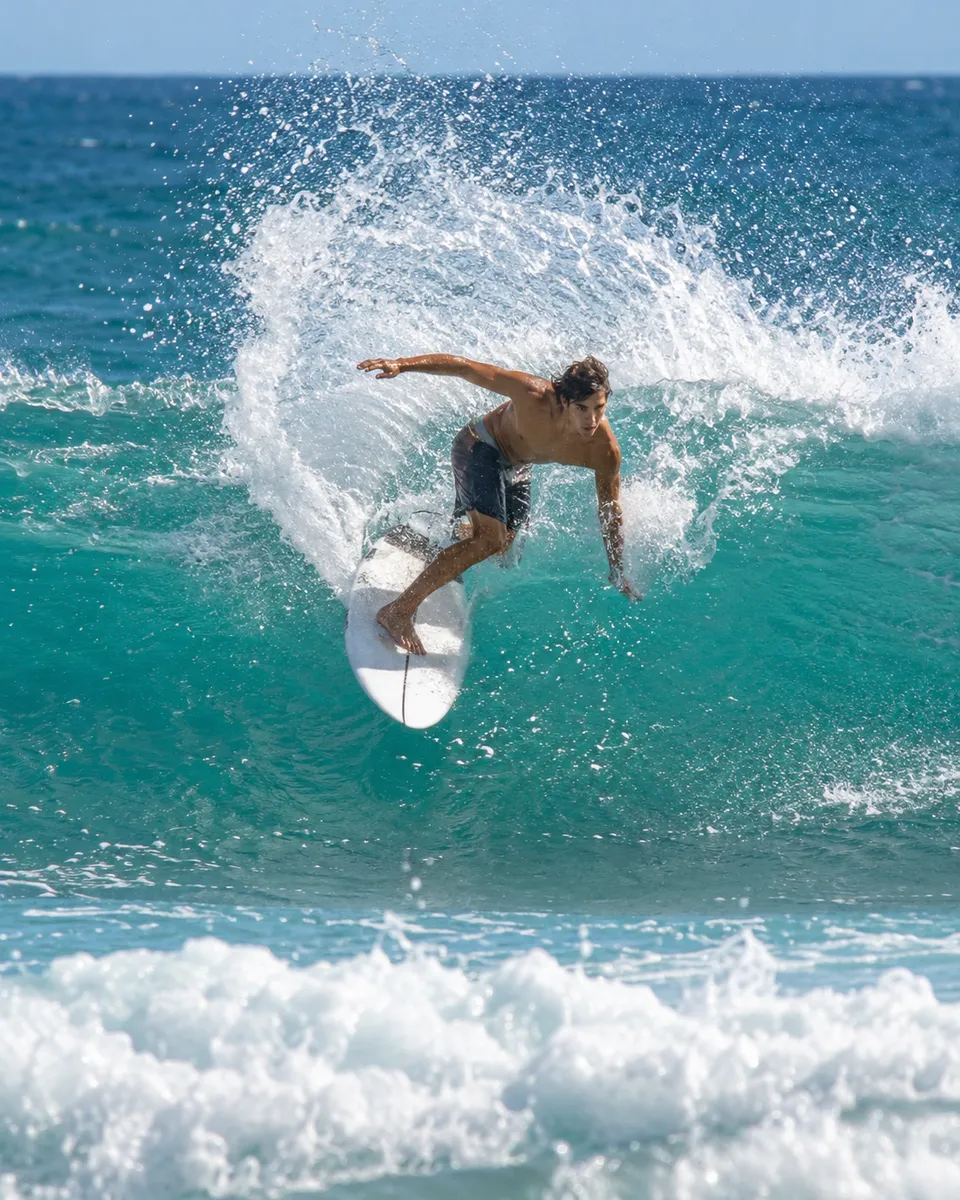
Zoom in on a phone and the video pays for it: spray turns to smudge and the edges of a surfboard go soft. The upscaler rebuilds the clip at 1080p or 4K, so fine detail like water spray and board edges reads again. It gives the cleanest result when the clip was steady and in focus; heavy motion blur comes back cleaner but still soft. Start from the original file rather than a copy saved from a chat app. Want the clip longer too? Extend it first, then upscale the whole thing.


Clean up a dim indoor pet clip
Indoor light is dim, so phones turn up the gain and the clip fills with grainy noise. The upscaler lowers the noise and brings back fur, whiskers and the shine in the eyes, without making the cat look painted. Quick moves, like a pounce, have less detail to recover than a cat sitting still. Upscale before you add text or stickers, so those stay sharp on top. More pet ideas, with the prompt already written, are in pet trends.


Make party videos clearer
Birthday videos are shot in the dark by candlelight, which is the hardest light there is. A 4K upscale clears up faces and candle flames and keeps the warm glow instead of flattening it. Faces far from the camera have little to work with and stay softer. Choose 1080p for a group chat and 4K for a TV or an edit, and only upscale clips of people who are fine with it. Want a still for the card? Upscale a photo from the same party.
Upscale video without the smear
How to upscale a video
- Choose video1
Add a clip
Drop it in or pick a sample. MP4 or MOV, up to 30 s.
- Output1080p4KUpscale video2
Pick 1080p or 4K
1080p for phones and feeds, 4K for big screens and editing.
- MP4Share link3
Compare and download
Drag the slider on a frame, play it, then save the MP4. It’s in Assets too.
What people upscale videos for
- 01Old phone videosClips from older phones look tiny on today’s screens.
- 02Clips from chat appsWin back some of the detail lost when a video was compressed to send.
- 03Edits and ReelsBring a low-res clip up to match the rest of your footage.
- 04Family eventsBirthdays and weddings filmed in dim rooms.
Tips for a sharper video
An AI video upscaler works through the clip frame by frame, redrawing edges, faces and textures at the new resolution while keeping each frame in line with the next. That is what makes it look sharper rather than just bigger.
Start from the original file, not a copy that went through a chat app or was screen-recorded. Every round of compression throws detail away. Shaky or motion-blurred footage gets cleaner, but the AI can’t recover detail the camera never caught.
Clips can be up to 30 seconds, so trim a longer video to the part you need. Want it longer as well? Extend the clip first, then upscale the result.
Video Upscaler FAQ
Something else? Visit the help center.
Is the video upscaler free?
Free to try: every new account gets one photo trend free. After that, each run shows its cost before you start. Pick a monthly or yearly plan, or top up with a credit pack. You can cancel a plan any time, and the price is on the button before you start.
What resolution do I get?
1080p or 4K, you pick before you start. The shape and length of your clip stay the same.
How long can my clip be?
Up to 30 seconds. For a longer video, trim the part you need first.
Will it change faces?
No. It sharpens what’s there. People still look like themselves.
What files can I upload?
MP4 or MOV, up to 30 s. One clip at a time.
What happens to my video?
Your videos are deleted 7 days after upload and never used to train AI. The upscaled clip stays in Assets until you delete it.
What if it fails?
You get the credits back automatically. You don’t need to ask.
How much does it cost to upscale a video?
1080p costs 3 credits per second of video and 4K costs 10 credits per second. An 8-second phone clip is 24 credits at 1080p or 80 credits at 4K, and the button shows the exact figure once you drop your clip in.
Can I use upscaled videos commercially?
Yes, for footage you filmed yourself or hold the rights to, including product reels, client edits and social ads. Do not upload other people’s private clips without their permission.
Does upscaling keep the original sound?
Check your downloaded MP4 before posting: if you plan to pair the clip with music or voiceover in an editor, upscale the picture first and lay your final audio mix over the sharpened file.