Santa in My House AI Generator
Santa sneaks into your room, leaves a gift and shushes you.
- 10-second video
- The shape of your photo
- With the trend sound
- Ready in 3 to 5 minutes
- Your own room
- Comes with sound
- Keeps your photo’s shape
Your photo
The video keeps the shape of your photo.
Quality
- Not charged if it fails
- Private till you share
- Photos gone in 7 days
What is the Santa in My House AI trend?
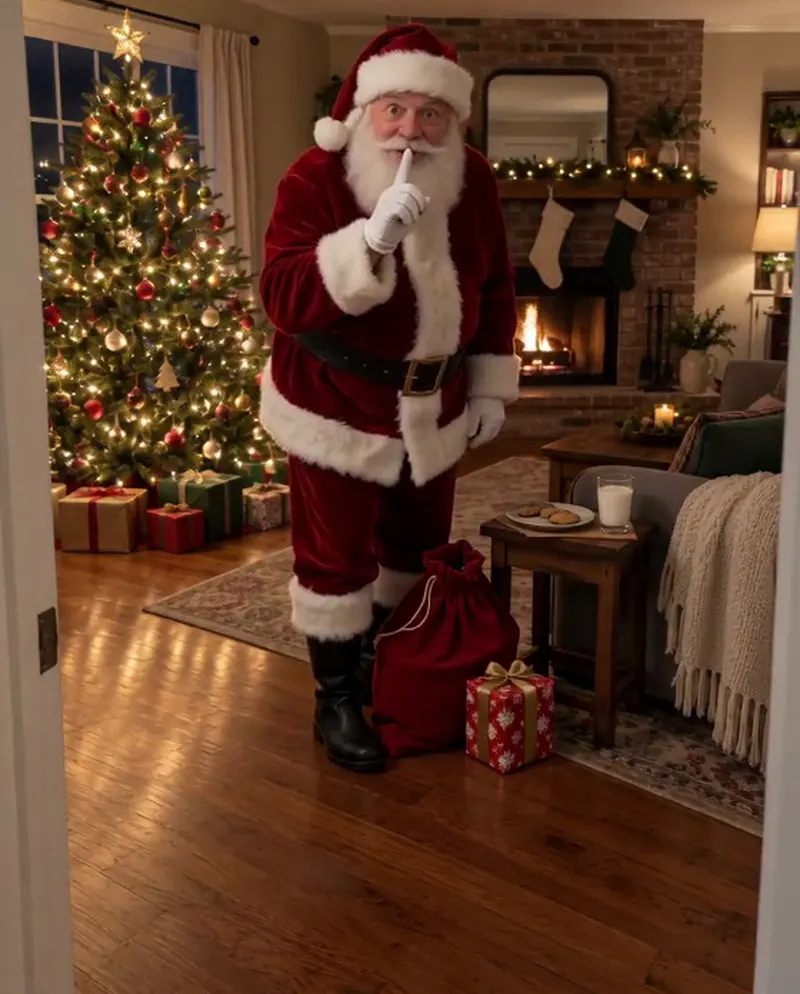
Santa in My House AI turns one photo of your own room into proof that he came. The video opens on your photo exactly as you took it, the tree, the sofa, the presents, and holds still like a little home camera on a shelf. Then Santa tiptoes in from the right, close to the lens, a red sack over his shoulder.
He sets a wrapped present with a red ribbon on the floor, takes a cookie, from the plate if you left one out, and has a happy bite. Then he notices the camera, turns to it with a surprised smile and lifts a finger to his lips: shh. He is the only one in the clip, a warm Santa with a real white beard, never a costume-shop one.
The clip is 10 seconds with its own sound: soft footsteps, a jingle of bells, the rustle of the sack and the crunch of the cookie. It keeps the shape of your photo, tall or wide, so it looks like it really came off a camera in your room. Parents show it to the kids on Christmas morning, before or after the presents are opened.
Updated
- Who it’s for
- Your room
- Best on
- TikTok, Reels
- Hashtag
- #santacaughtoncamera
- Took off
- December 2025
In the 10 seconds
Where Santa in My House AI started
Santa caught on camera clips spread every December as parents share home-camera footage of Santa in their own living room. With image-to-video models, a single photo of the room became enough, and the format took off on TikTok again as soon as Halloween ended in 2026.
Since December 2025
How to make the Santa in My House AI video
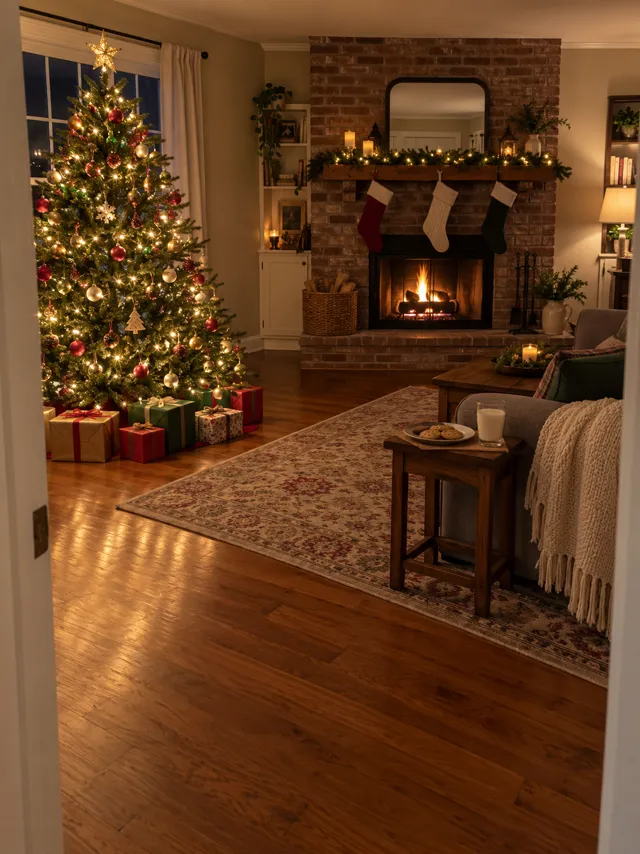 1
Add a photo
Your room, empty, lights on, shot from where a camera would sit.
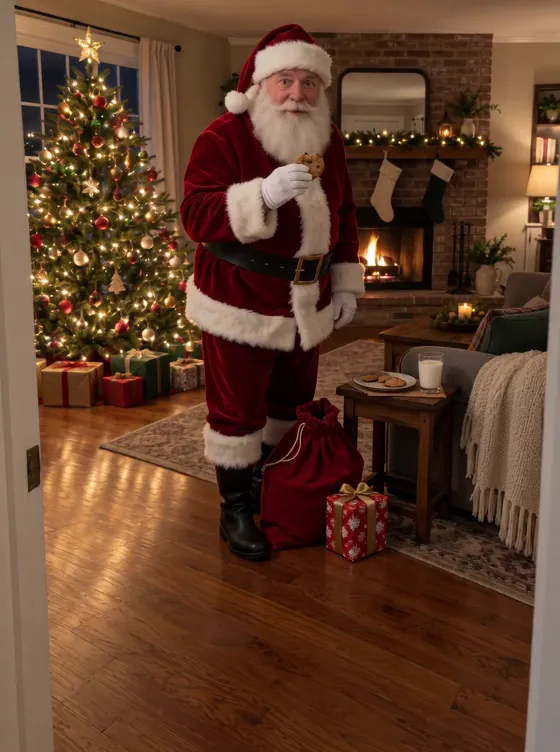 Make my videoSanta in My House AI2
Tap Make my video
No prompt to write. Your own room, comes with sound, keeps your photo’s shape: all built in, ready in 3 to 5 minutes.
- MP4 with soundShare link#santacaughtoncamera3
Post it
Best on TikTok, Reels. Try “Checked the camera this morning. He came.” as the caption.
Best photo for Santa in My House AI
An empty room with the lights on, shot from where a camera would sit. The video opens on your photo, so what is in it is what you get.
Works
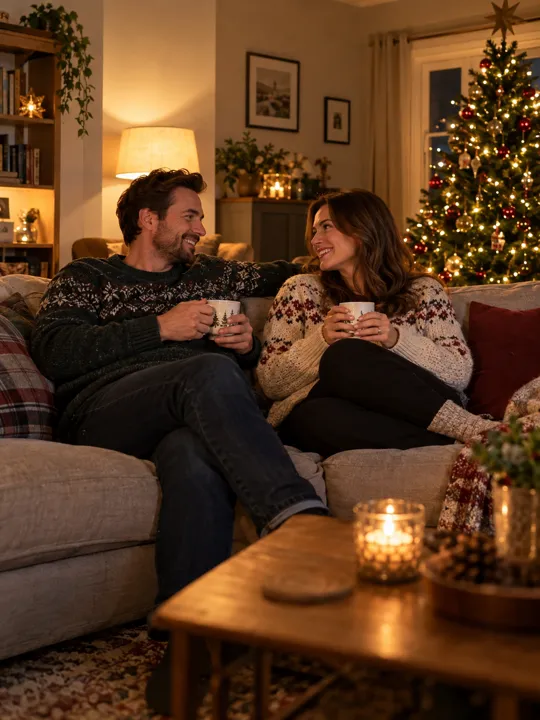
People in it
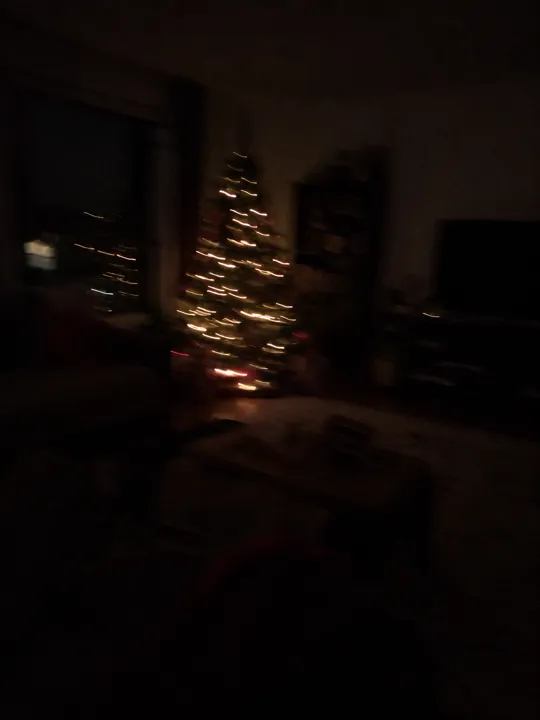
Too dark
Blurry
Too close
- Empty room, lights on
- Taken from shelf height
- Tree or fireplace in view
- People or pets in the room
- A dark or blurry photo
- Too close to one wall
Ideas to try with Santa in My House AI
Checked the camera this morning. He came. #santacaughtoncamera
Trend soundWho to make it for
- Christmas morning proofMake it on Christmas Eve and play it for the kids when they ask whether he really came.
- The cookie plateLeave a plate of cookies in the shot before you take the photo. Santa takes one from it.
- Grandparents’ houseTake a photo of the living room where the family meets and send the clip to the group chat.
- Classroom surpriseA teacher can photograph the classroom on the last day before the break and show the clip after.
Caption ideas · tap to copy
Santa in My House AI guide
How it’s made.
Santa in My House AI questions
The short answers. Ask a person or visit the help center.
What photo should I use?
One photo of your room with nobody in it and the lights on, taken from where a camera would sit: a shelf, a corner or the top of a cupboard. The video opens on that photo, so what is in it is what you get.
Does it come with sound?
Yes. Footsteps, sleigh bells, the sack and the cookie, all from the room. There is no music and no speech, so you can add your own in your editor.
What size is the video?
It keeps the shape of your photo: a tall phone photo makes a tall video, a wide one a wide video, a square one a square video. There is no size to pick.
How much does Santa in My House AI cost?
100 credits in HD (720p), 50 in standard (480p). A pack from $9.90 makes 1 in HD or 3 in standard, and a plan from $16.58/mo, billed yearly, makes 4 in HD a month. The Make button shows the total before it runs, and a run that fails gives the credits back.



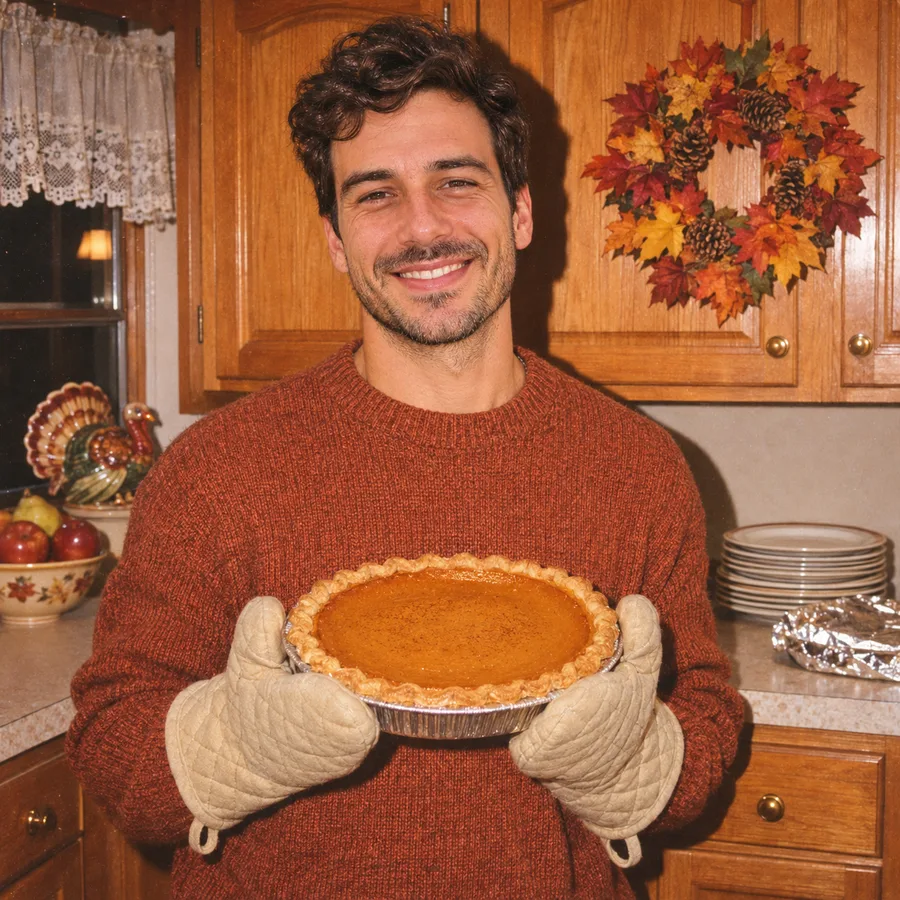



One photo.
Your room in Santa in My House AI.
Santa in My House AINot charged if it fails