PixVerse AI video generator
All results are AI-generated and labeled.
0 / 1500
Add a start frame.
By adding a photo you confirm everyone in it is 18+ and agreed to have their face used for this. We use faces only to make what you ask for. How we handle faces
Your videos
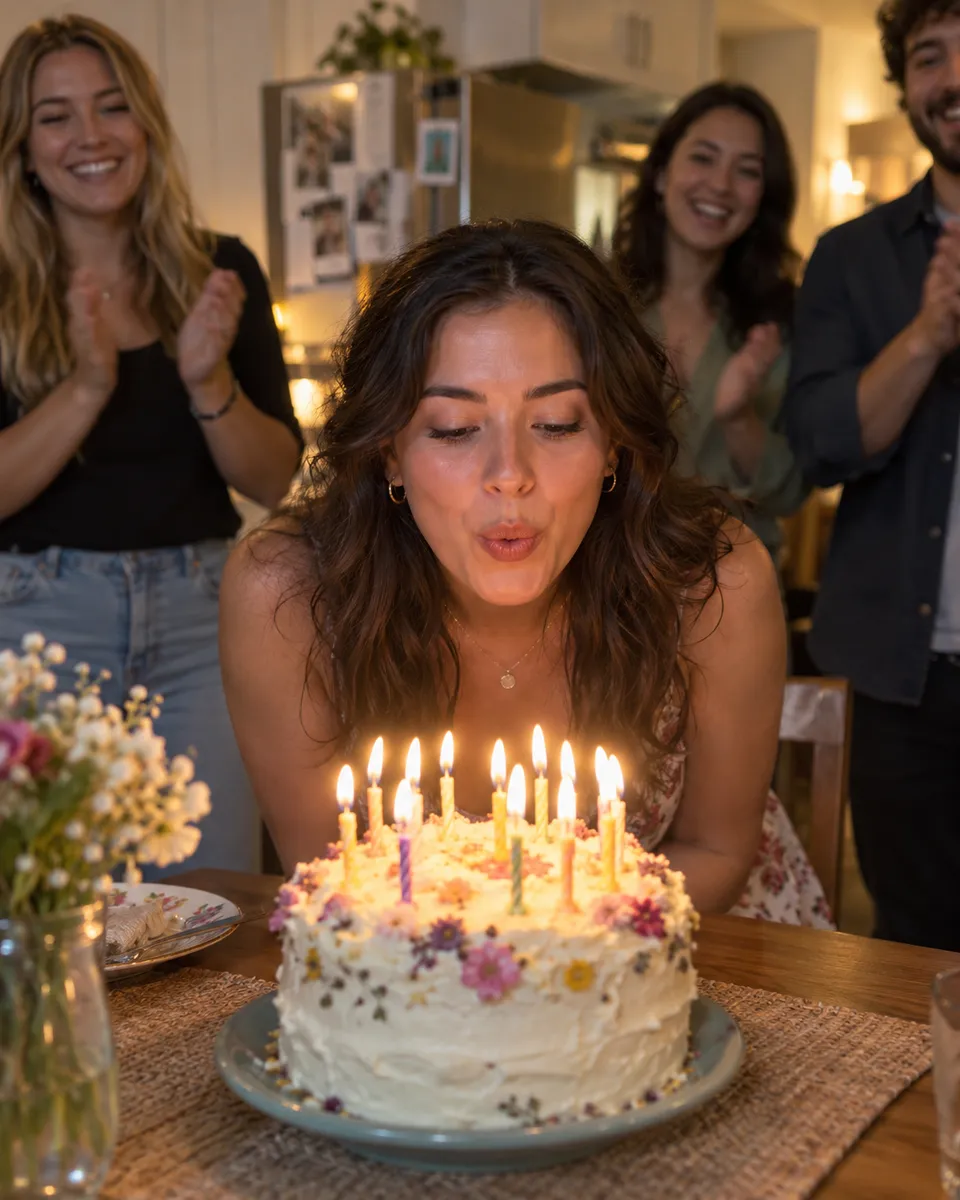 Example · Birthday candles
Examples show what each idea aims for. They are illustrations, not output from a particular model.
Built around your photo
PixVerse V6 starts from an image every time: drop in one photo to set it moving, or add a second photo as the last frame to bridge two poses or outfits. Because it always anchors on a real picture, framing and proportions stay locked to what you uploaded. For ready-made templates that skip prompting altogether, browse trends.
Friends clap and cheer as a woman blows out the candles on her birthday cake, warm string lights, handheld, then a quick cut to her laughing
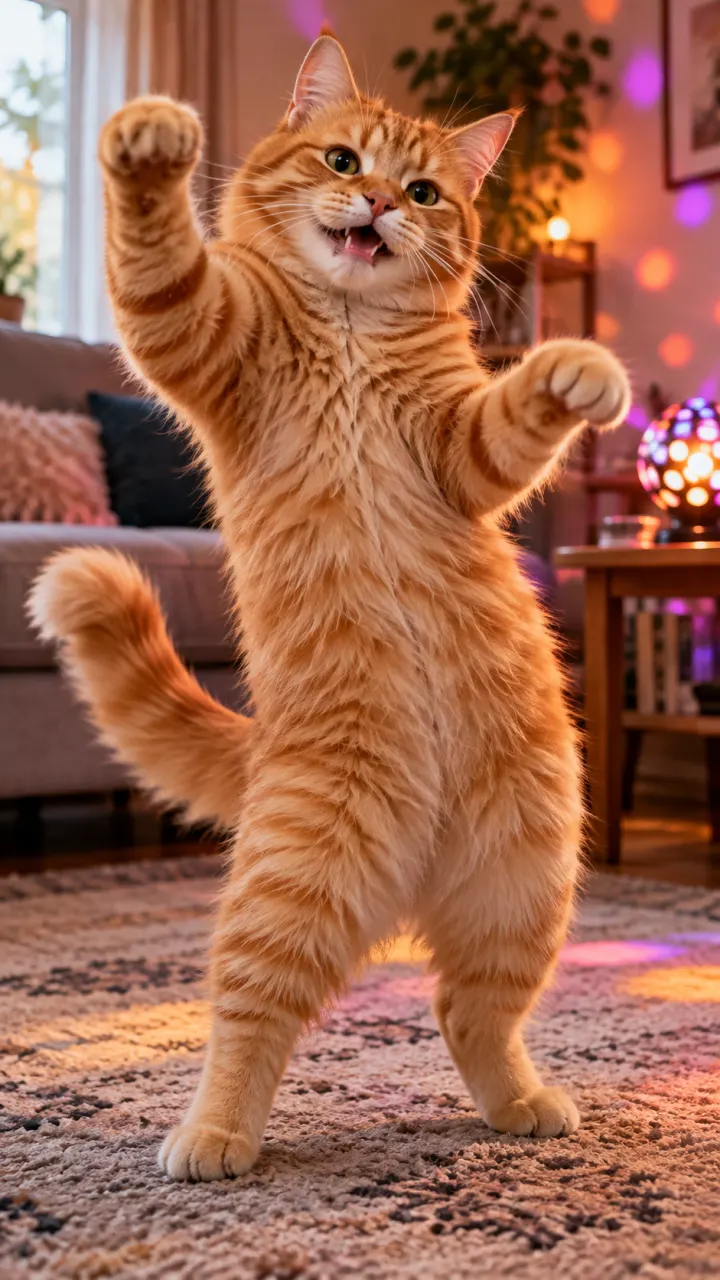
Punchy 5 s and 8 s beats
Five and eight seconds match the exact length of a Reel hook or a TikTok transition beat. Write the single move between start and finish, like “turns toward the lens and winks” or “steps out onto a neon balcony”, and leave sound off when you plan to cut to a trending track. Need a longer scene? Add four seconds with extend video.
A fluffy ginger cat dances on its hind legs on a living-room rug, bouncing to the beat, warm lamps and candles
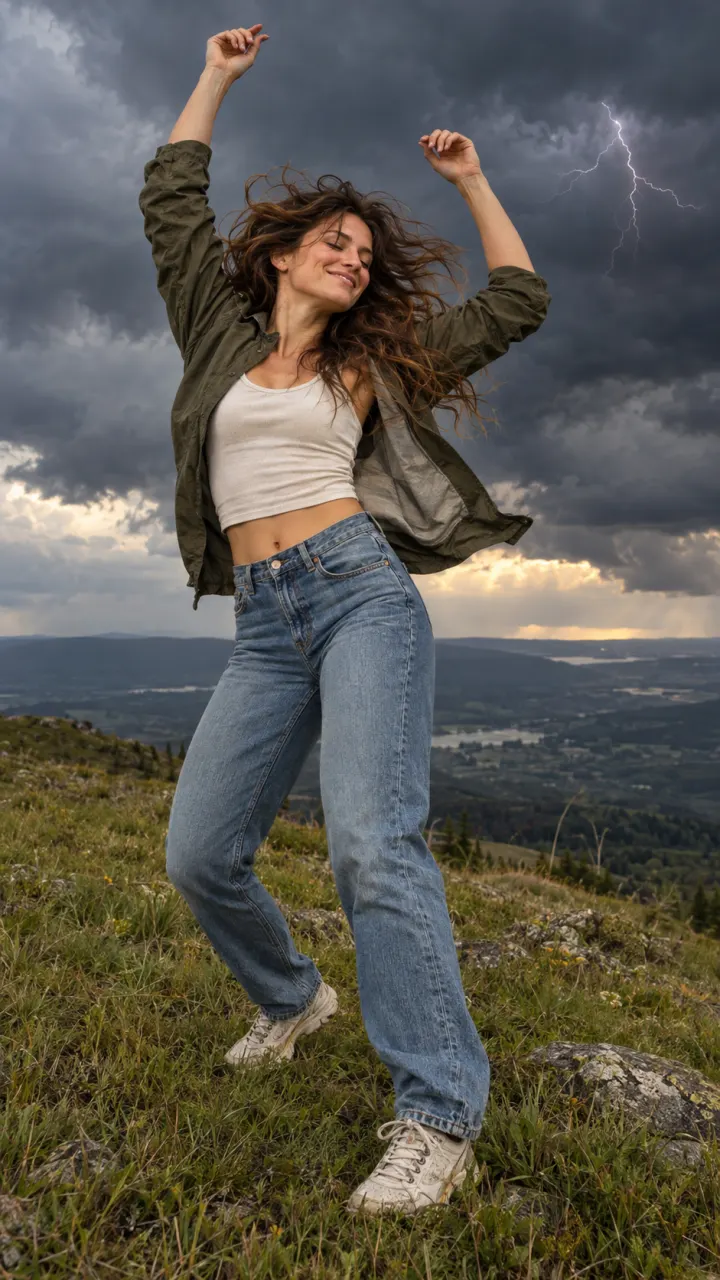
Light on credits
Low 720p rates make PixVerse V6 an easy way to test three different end frames or prompt angles before committing to a pricier 1080p model. Sound is optional, so silent transition drafts stay even thriftier. Check the full credit table on the models page.
A woman dances on a grassy hilltop as a storm rolls in, lightning on the horizon, wind whipping her hair, wide handheld shot
Made with PixVerse
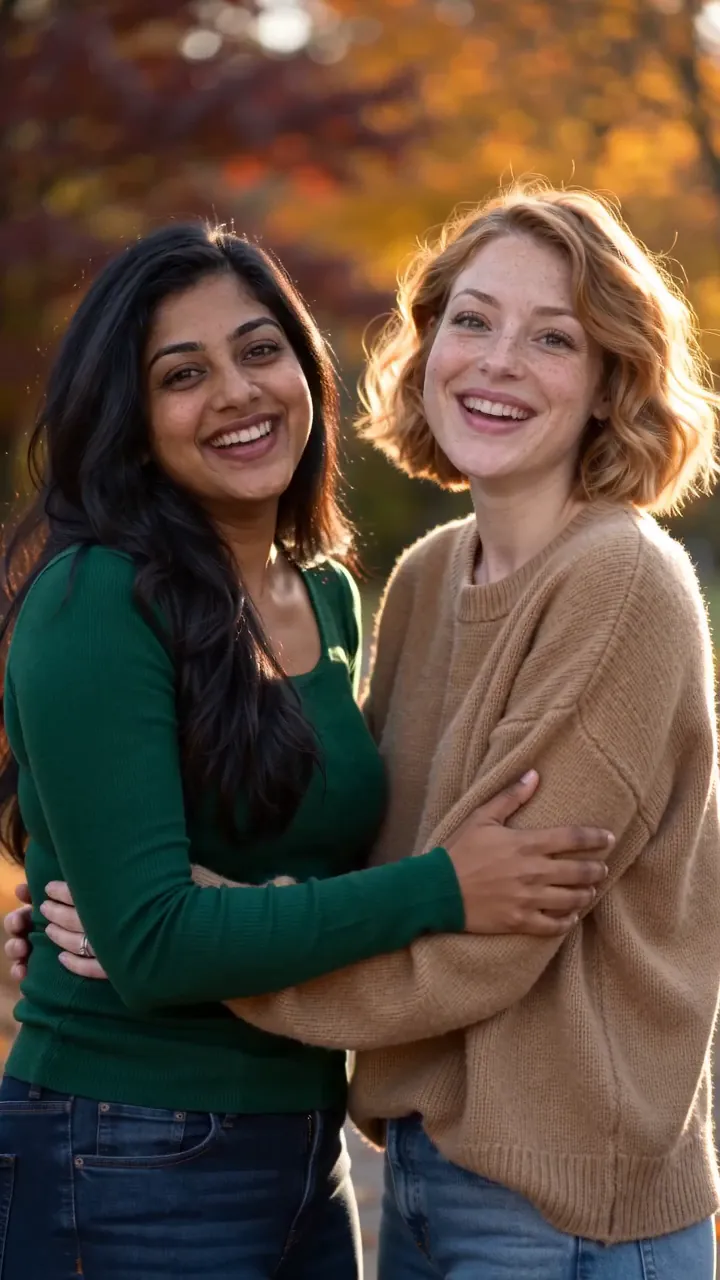 IllustrationTwo-photo outfit transitions
 IllustrationBefore-and-after reveals
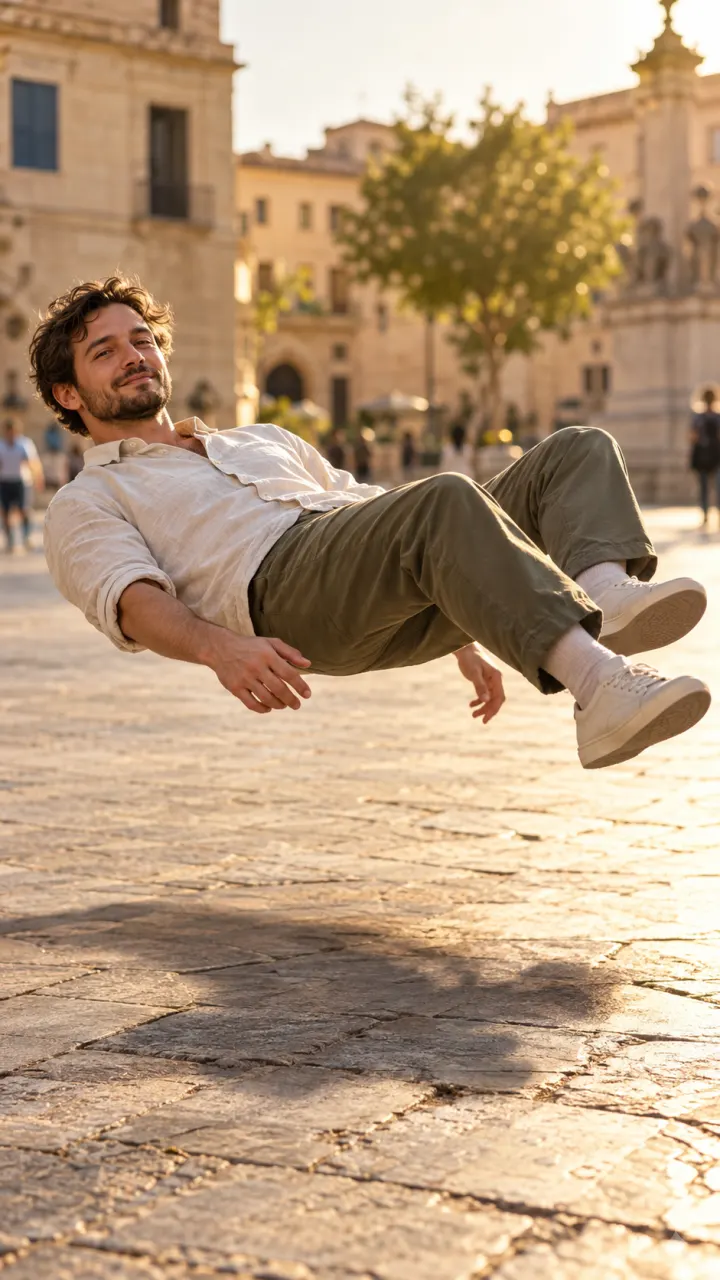 IllustrationSelfies animated for Reels
- IllustrationPet reaction clips
- IllustrationQuick 8 s story hooks
PixVerse in 3 steps
Friends clap and cheer as a woman blows out the candles on her birthday cake, warm string lights, handheld, then a quick cut to her laughing
1Upload one photo, or a pair
PixVerse V6 requires an opening image. Drop a single portrait to animate it, or add a closing image so the clip bridges both poses.
- 9:1616:91:1PixVerse V6Generate2
Keep the action to one beat
Five or eight seconds fit one clean transition: a jacket reveal, a turn toward neon rain, or a pet tilting its head.
- MP4Share link3
Decide whether it needs foley
Silent runs cost fewer credits when you plan to add a TikTok track later; turn audio on when you want built-in effects.
Instead of PixVerse



PixVerse FAQ
Compare all modelsCan PixVerse V6 generate video from text alone?
No, PixVerse V6 in Studio always starts from a photo, with an optional last frame. For text-only video without uploading a picture, switch to Wan, Seedance or Kling.
What clip lengths and resolutions does PixVerse V6 support?
PixVerse V6 renders 5 second and 8 second clips at 720p, automatically matching the aspect ratio of your uploaded start photo.
Why use PixVerse V6 for two-photo transitions?
Its start-to-end interpolation is thrifty enough to test several photo pairs before settling on a winner, keeping faces and outfits recognizable across the morph.
Does PixVerse operate Reelfie?
No. PixVerse builds the V6 model; Reelfie (reelfie.app) is an independent studio running it on shared credits. Check pricing for exact credit packs and plans.