MAGI-2 AI video generator
All results are AI-generated and labeled.
0 / 1500
Add a start frame.
By adding a photo you confirm everyone in it is 18+ and agreed to have their face used for this. We use faces only to make what you ask for. How we handle faces
Your videos
 Example · Paper plane
Examples show what each idea aims for. They are illustrations, not output from a particular model.


A line said to camera, in sync
Sound is made with the picture: put a line in quotes and the person says it, mouth moving to match, with street noise or room tone underneath. In our test runs the words came out exactly as written. A clip runs 5 seconds here, so give it one short line and one gesture. Early reviewers found some voices sound synthetic, so play it back before you post. Switching sound off costs nothing, which suits a clip you plan to score yourself in Studio.
Handheld selfie on a sunny city sidewalk, one continuous take. She starts talking right away, smiling into the camera: "Honestly, this is my favorite street in the city." Then she laughs softly and glances down the street. Sound: her voice, birds, a light breeze, distant traffic. Natural daylight, real skin texture.

The face from your photo, held
Start from a clear photo and MAGI-2 keeps the person: in our test runs the face shape, freckles and curls held from the first frame to the last. When the shape you pick is taller than the photo, it paints in the missing edges, like the window it added beside a 4:5 selfie. For short clips with the moves already worked out, start from trends.
Friends clap and cheer as a woman blows out the candles on her birthday cake, warm string lights, handheld, then a quick cut to her laughing
First and last frame at 1080p
Every MAGI-2 clip renders at 1080p, in six shapes from 9:16 up to 21:9 cinema width. Give it your photo as the opening frame and, if you like, a second photo as the closing one, and it works out the motion between them. There’s no cheaper draft resolution on this model; to sketch an idea for fewer credits first, pick a lighter model from the models page.
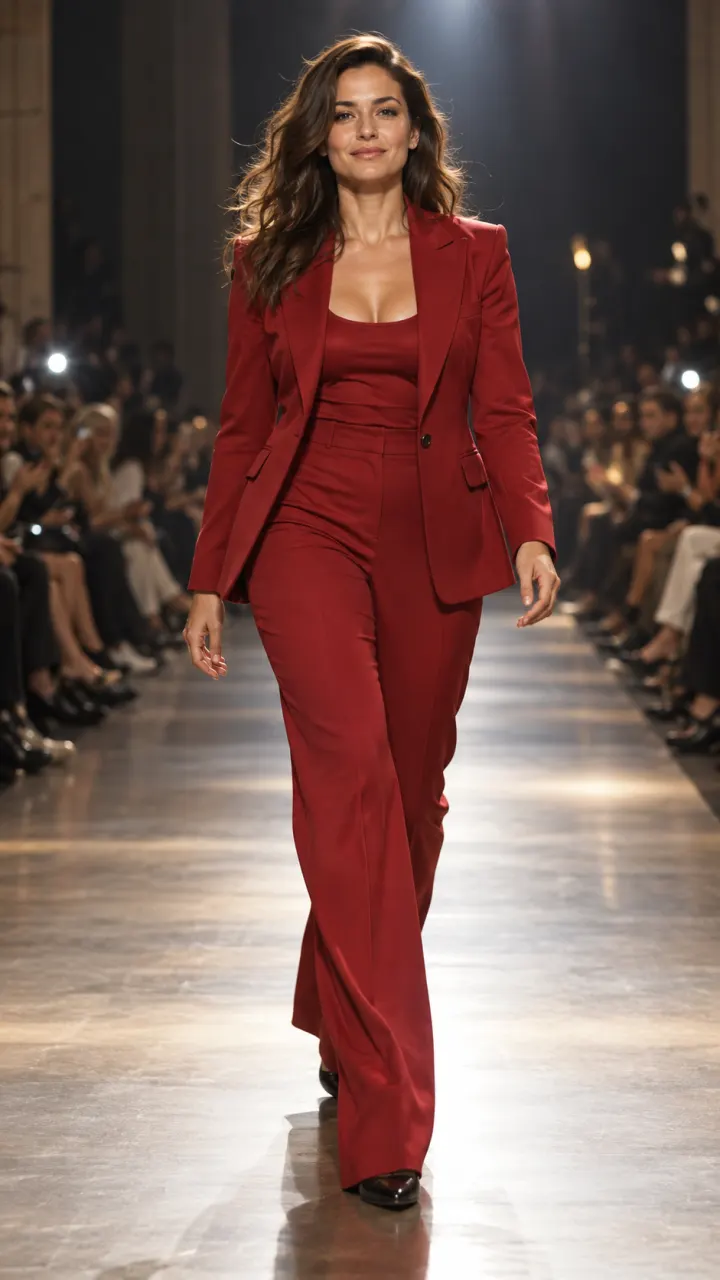
A woman in a tailored red suit walks a fashion runway straight toward the camera, the crowd turns to watch, camera flashes, steady dolly back
Made with MAGI-2
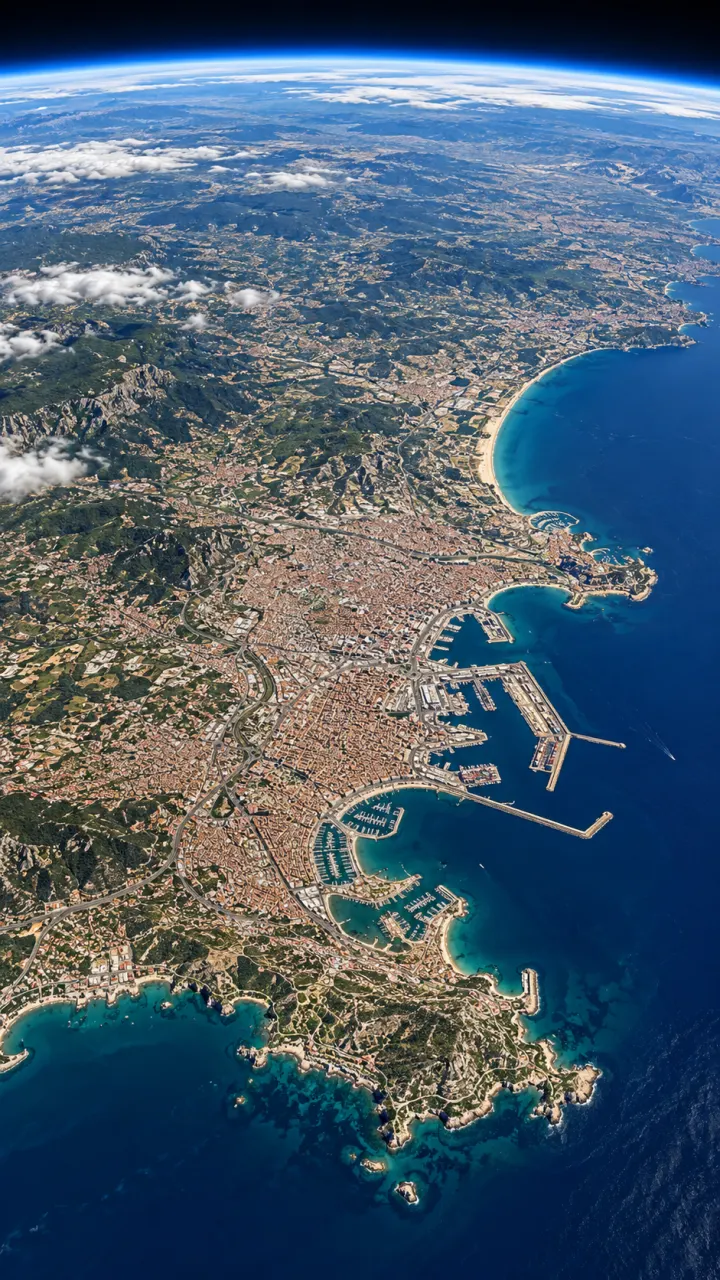 IllustrationTalking-to-camera clips
 IllustrationToasts and spoken messages
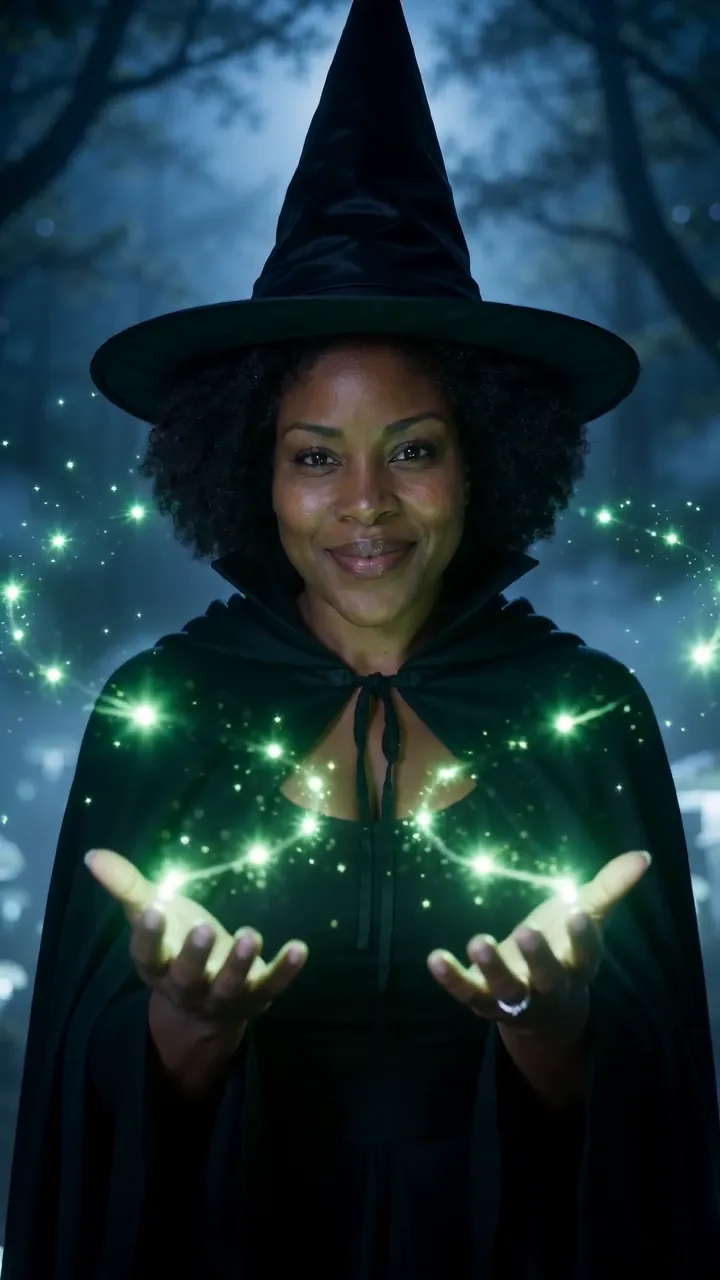 IllustrationGreetings and reactions
- IllustrationShort scenes with dialogue
- IllustrationPhoto-to-photo transitions
MAGI-2 in 3 steps
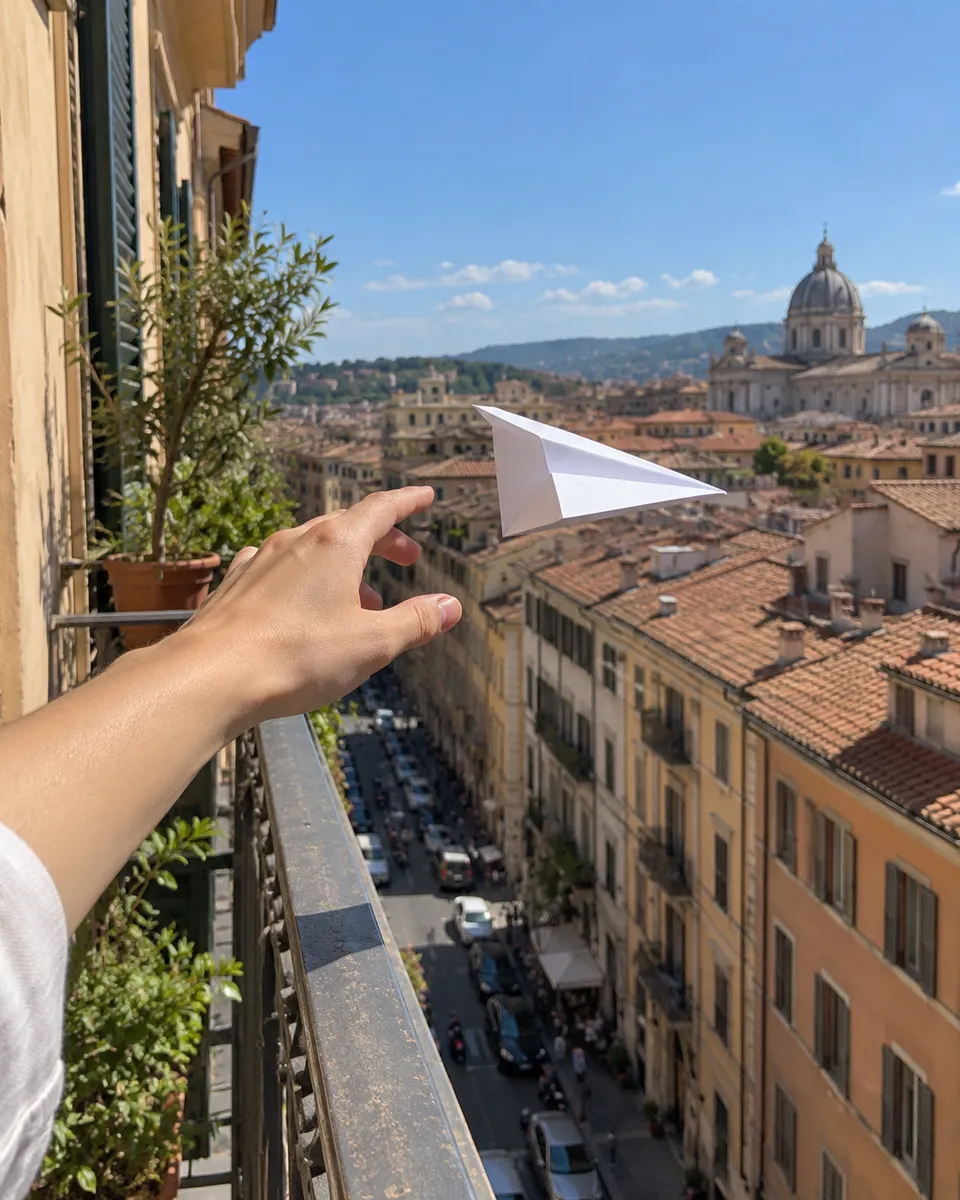
A hand throws a paper plane off a sunny balcony and it glides over the rooftops of an old city, the camera follows it
1Start from words or a photo
MAGI-2 runs from a sentence alone, or from your photo as the opening frame. Add a second photo as the closing frame when the take should end on a set pose.
- 9:1616:91:1MAGI-2Generate2
One line, one move
Five seconds holds one short spoken line and one gesture, like a smile, a glance or a wave. Put the words in quotes, and keep quick action small: Sand AI names fast motion as the model’s weak spot.
- MP4Share link3
Start it and come back
A MAGI-2 clip takes 10 to 25 minutes right now, much longer than most models here. You can leave the page; the finished clip waits in your Studio assets.
Instead of MAGI-2
- SeedanceByteDanceSeveral camera cuts in one clip, with 480p drafts before a final run.
 KlingKuaishouDance and hand motion held tight over a 15 second take.
 Grok ImaginexAIShort clips with music for far fewer credits per run.
- WanAlibabaAnime and painted looks, which MAGI-2 can smooth over in wide shots.


MAGI-2 FAQ
Compare all modelsHow long can a MAGI-2 video be?
5 seconds at 1080p in Studio for now. The model itself makes takes up to 30 seconds in one pass, but our 15-second test ran for an hour and timed out, so Studio will add longer clips once they finish reliably.
How long does a MAGI-2 clip take to make?
Between 10 and 25 minutes for a 5-second clip right now. The credits are held while it runs and come back if it fails, and the finished clip waits in your assets.
Does MAGI-2 make speech and sound?
Yes. Dialogue with lip-sync, effects, ambience and music are generated along with the picture. Put spoken lines in quotes; turn sound off when you want a silent clip.
Is MAGI-2 open source?
Not yet. Sand AI published MAGI-1 and the smaller MAGI-2 Preview under Apache 2.0 and says the full MAGI-2 weights will follow. Here you run it in the browser with nothing to install.
Can MAGI-2 take reference images, video or audio?
The model itself accepts references to hold a character, a setting or a voice. Studio runs it from text or from a first and last frame for now.
Does Sand AI run Reelfie?
No. Sand AI builds MAGI-2; Reelfie (reelfie.app) is an independent studio that runs it on shared credits. Packs and plans are on pricing.