
Kling 4.0 Flash
PopularKling 4.0 motion and native sound for fewer credits
- Photo or text
- Up to 15 s
- Sound built in
- 4 shapes
All results are AI-generated and labeled.
0 / 1500
Add a start frame.
By adding a photo you confirm everyone in it is 18+ and agreed to have their face used for this. We use faces only to make what you ask for. How we handle faces
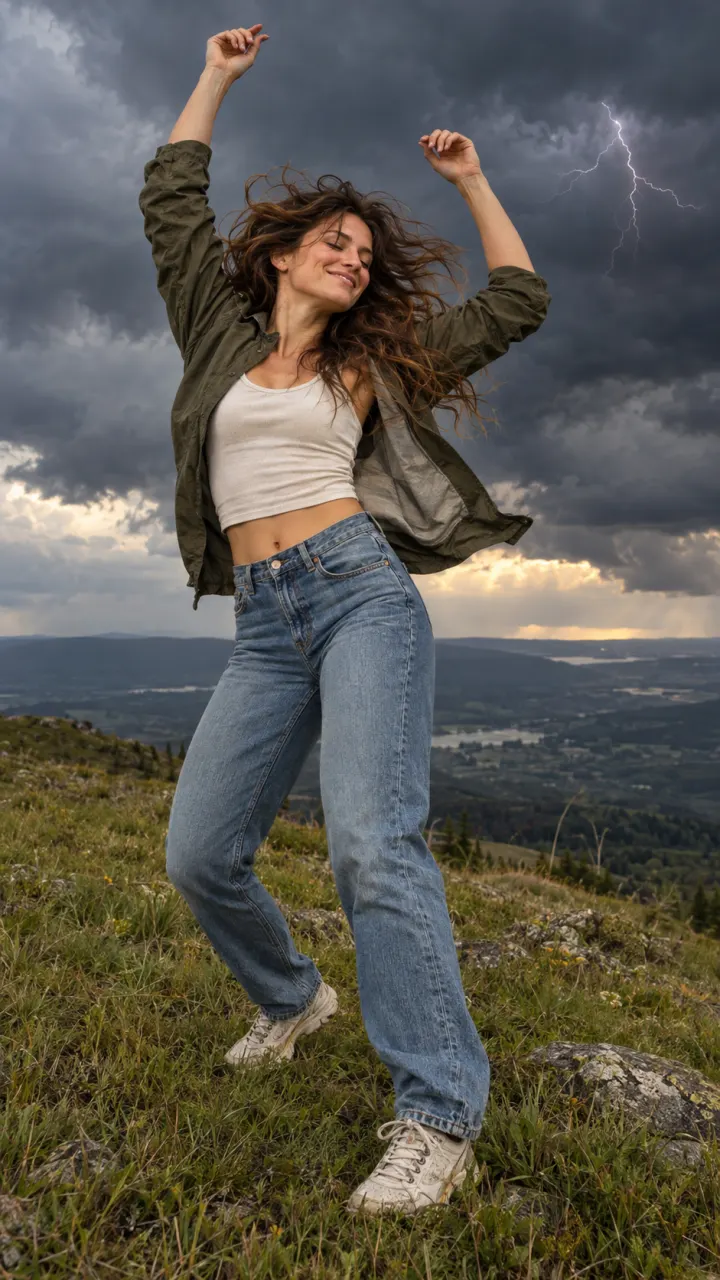 Example · Storm dance
Examples show what each idea aims for. They are illustrations, not output from a particular model.
Kling 4.0 tracks shoulder rotation, wrist turns and garment swing through full-body turns without melting fingers into the background. Feed it one clear head-to-toe portrait and write a concrete physical verb such as “steps forward, pivots 180 degrees and adjusts sunglasses”. When you want pre-built choreography instead of writing prompts, open the dance trends.
A woman dances on a grassy hilltop as a storm rolls in, lightning on the horizon, wind whipping her hair, wide handheld shot
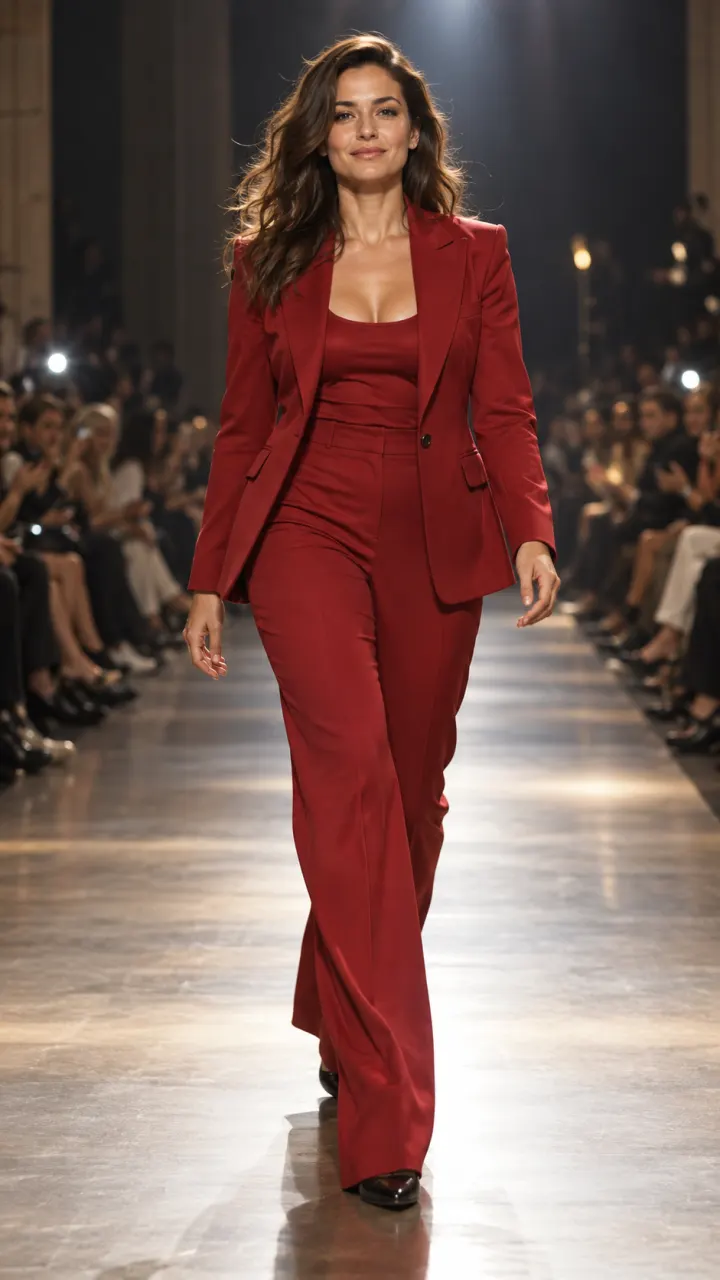
Unlike Kling 3.0 and 2.6 where sound bills extra, Kling 4.0 generates synchronized footsteps, cloth rustle, weather and room ambience automatically on every 5, 10 or 15 second render. Mention acoustic cues in your prompt—wet asphalt splashes, stadium crowd murmur, crisp gravel—so the audio track locks to the visible action.
A woman in a tailored red suit walks a fashion runway straight toward the camera, the crowd turns to watch, camera flashes, steady dolly back
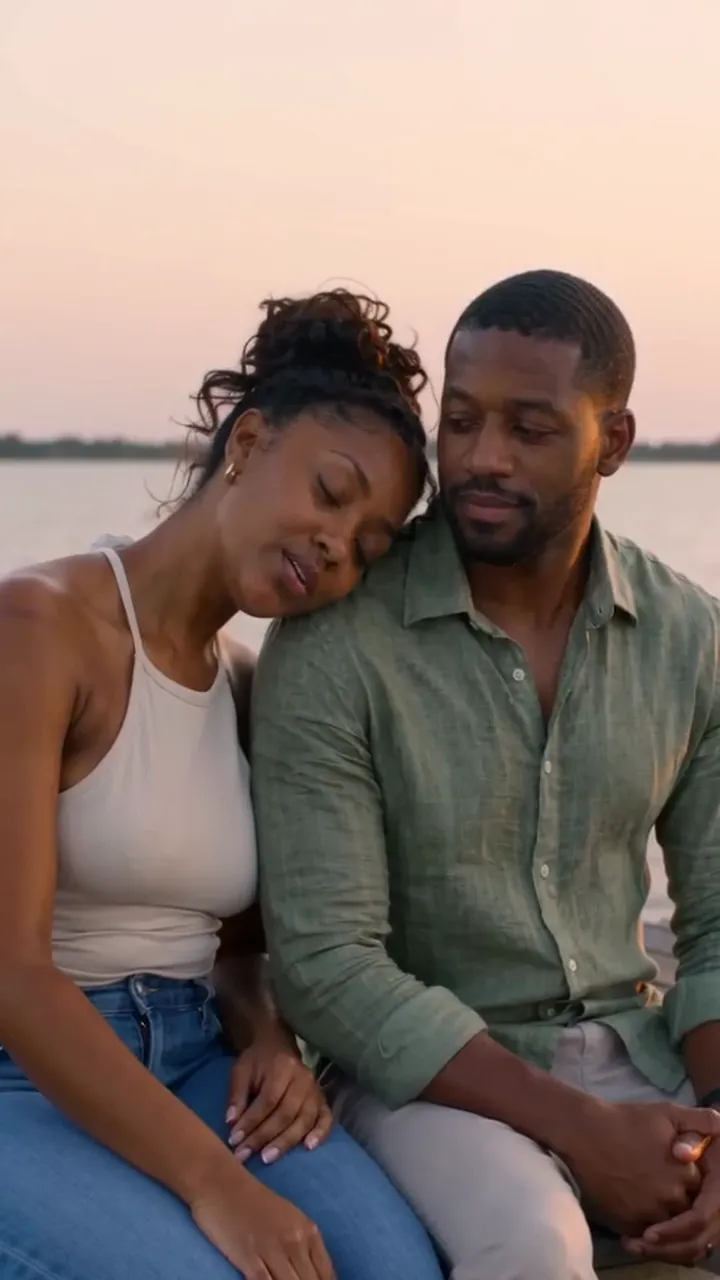
Upload both an opening frame and a closing frame to steer an exact costume swap, pose landing or seamless loop at 720p or 1080p. Starting from text alone unlocks four aspect ratios including ultrawide 21:9; starting from a photo automatically preserves your picture’s own framing. For shorter 720p drafts on the same architecture, switch to Kling 4.0 Flash inside the picker.
A man in a dark jacket dances down a rain-soaked street at night, arms wide, splashing through puddles, neon signs reflected on the wet road, slow tracking shot
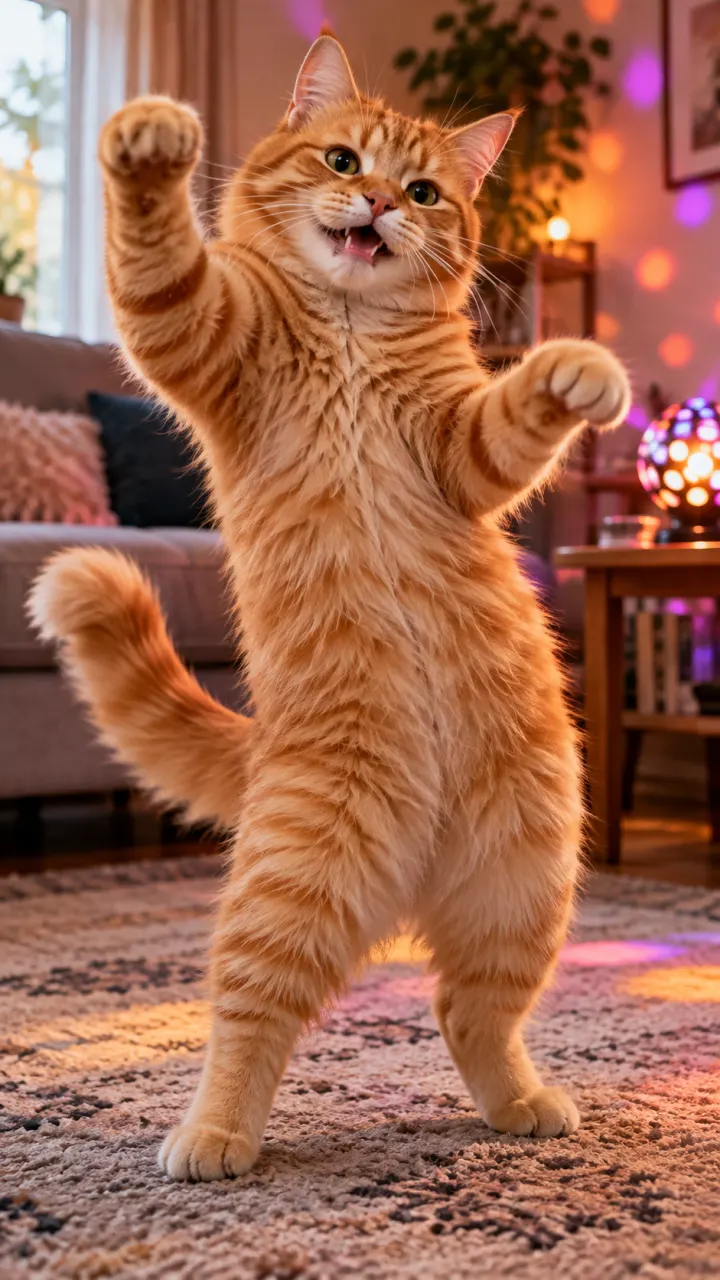 IllustrationFull-body dance and fashion reels
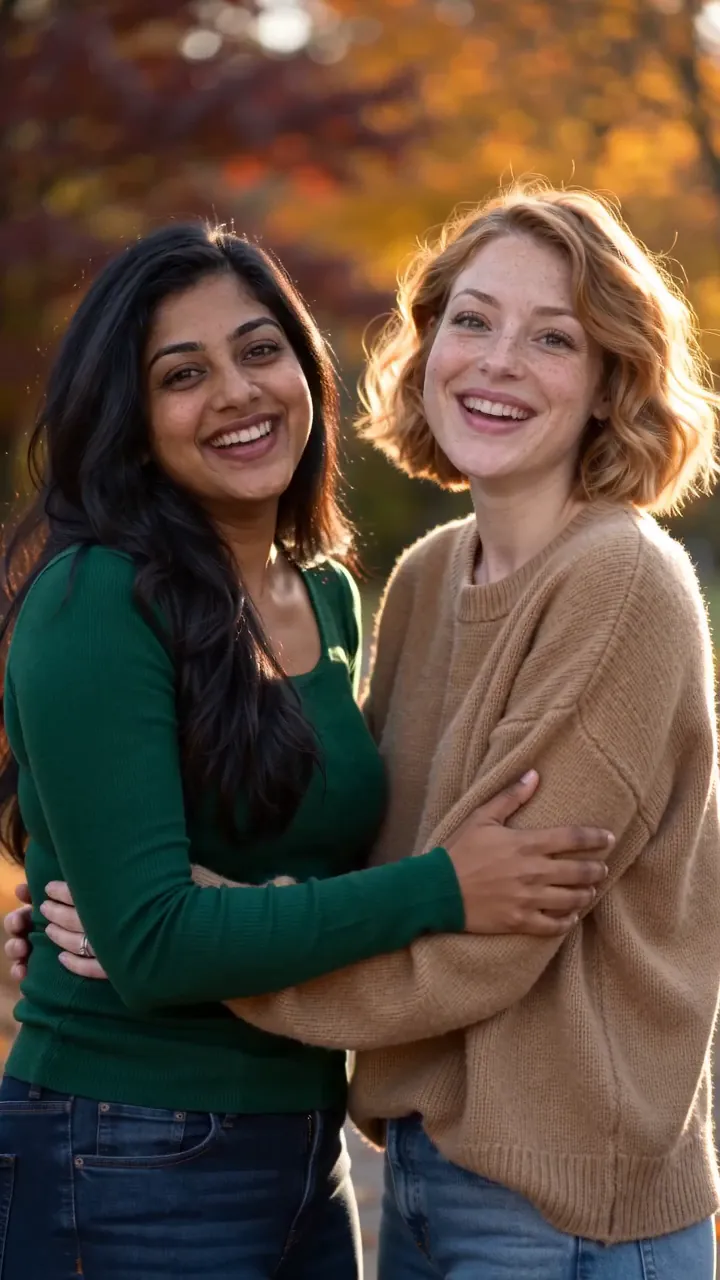 Illustration1080p start-to-end outfit reveals
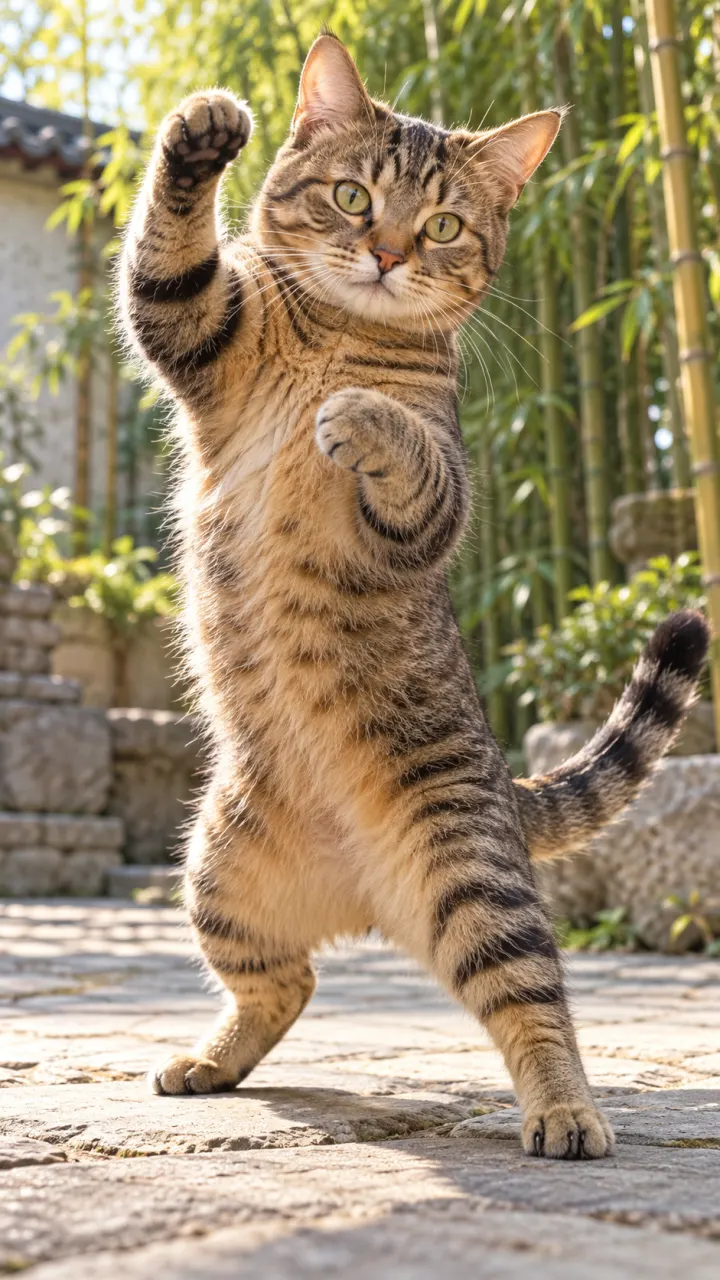 IllustrationUltrawide 21:9 establishing shotsIllustrationPet choreography with room soundIllustration15-second continuous action takes
Kling 4.0 motion and native sound for fewer credits
Steady character consistency from start to end frame
Natural motion from a face photo, start and end frames
Kling motion for fewer credits
A woman dances on a grassy hilltop as a storm rolls in, lightning on the horizon, wind whipping her hair, wide handheld shot
Upload an unobstructed portrait so Kling 4.0 locks your likeness and aspect ratio, or leave the photo slot empty to pick 9:16, 16:9, 1:1 or 21:9.
Supply a second photo if the movement must finish on a specific pose, then name both the physical motion and the room sounds in one focused sentence.
Draft timing at 5 seconds in 720p first; once posture and pacing click, rerun the exact prompt at 1080p for crisp edges.
Seedance 2.5ByteDanceMulti-angle shot cuts inside one 15 second story beat. Veo 3.1GoogleCharacters speaking quoted lines with lip-synced voices.
 FLUX.3 VideoBlack Forest LabsPhotographic skin grain and lens depth on subtle movement.
 MiniMax H3MiniMaxCasual phone-camera realism at a fraction of the credit rate.
Kling 4.0 adds always-on native audio, ultrawide 21:9 framing on text-to-video runs, automatic photo-aspect matching on image-to-video runs, and steadier limb anatomy during fast turns up to 15 seconds.
Choose Kling 4.0 when you need 1080p sharpness or a closing end frame to guide where the motion lands. Choose Kling 4.0 Flash to draft single-photo or text ideas at 720p for roughly forty percent fewer credits.
Kling 4.0 always renders synchronized audio as part of the clip at one flat per-second rate. If you want a silent render at a lower credit rate to score under your own track, pick Kling 3.0 Omni or Kling 3.0 in the model menu.
No. When you attach a start frame, Kling 4.0 automatically follows your uploaded photo’s proportions instead of forcing a fixed crop.
Reelfie (reelfie.app) runs Kling 4.0 per second at 720p or 1080p with no separate Kuaishou subscription, and refunds failed runs automatically. See the live credit calculator and pack rates on pricing.


