Kling 3.0
Natural motion from a face photo, start and end frames
- From your photo or a line of text
- Clips up to 15 seconds
- Sound when you want it
- Can end on a frame you pick
- Vertical, wide or square
All results are AI-generated and labeled.
0 / 1500
Add a start frame.
By adding a photo you confirm everyone in it is 18+ and agreed to have their face used for this. We use faces only to make what you ask for. How we handle faces
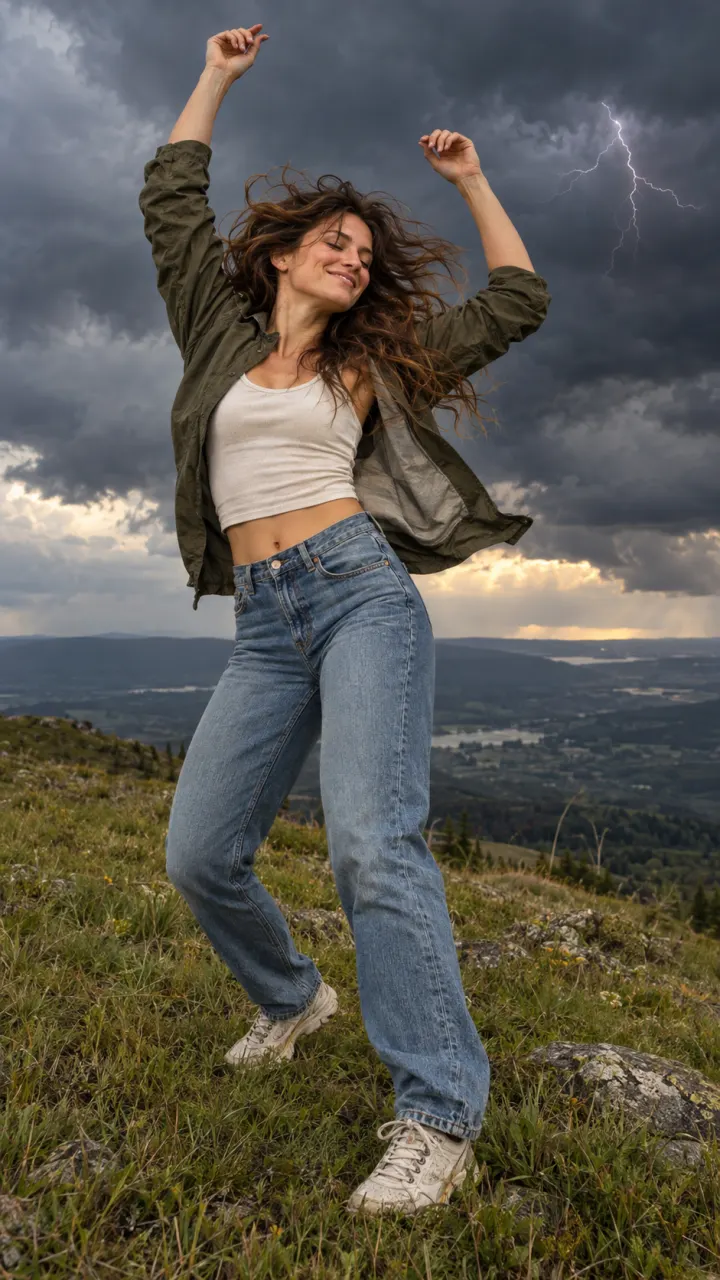 Example · Storm dance
Examples show what each idea aims for. They are illustrations, not output from a particular model.
Dance, gestures and walking stay smooth, with hands and faces that hold their shape through the motion. That matters most in full-body clips, where a bent wrist or a blurred face gives a video away. Describe the move in plain words, like “spins once and points at the camera”, and keep it to one or two actions. Dance clips with the routine already set live in the dance trends.
A woman dances on a grassy hilltop as a storm rolls in, lightning on the horizon, wind whipping her hair, wide handheld shot
Kling 3.0 takes a last frame too, so you choose where the clip lands, not only where it starts. Add two photos, like you before and after a haircut, and the clip moves from one to the other. It’s also how you make a loop: use the same picture at both ends. Need the clip to keep going after it ends? Extend it from its last frame with the tools in Studio.
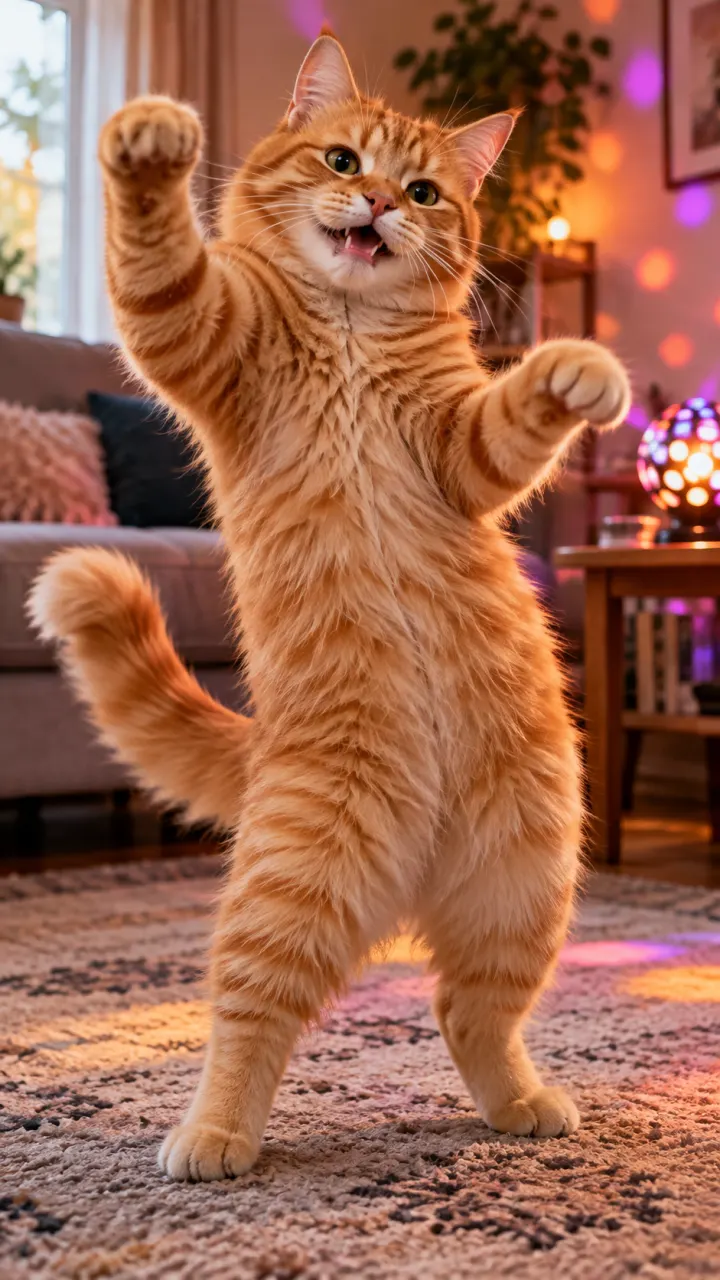
A fluffy ginger cat dances on its hind legs on a living-room rug, bouncing to the beat, warm lamps and candles
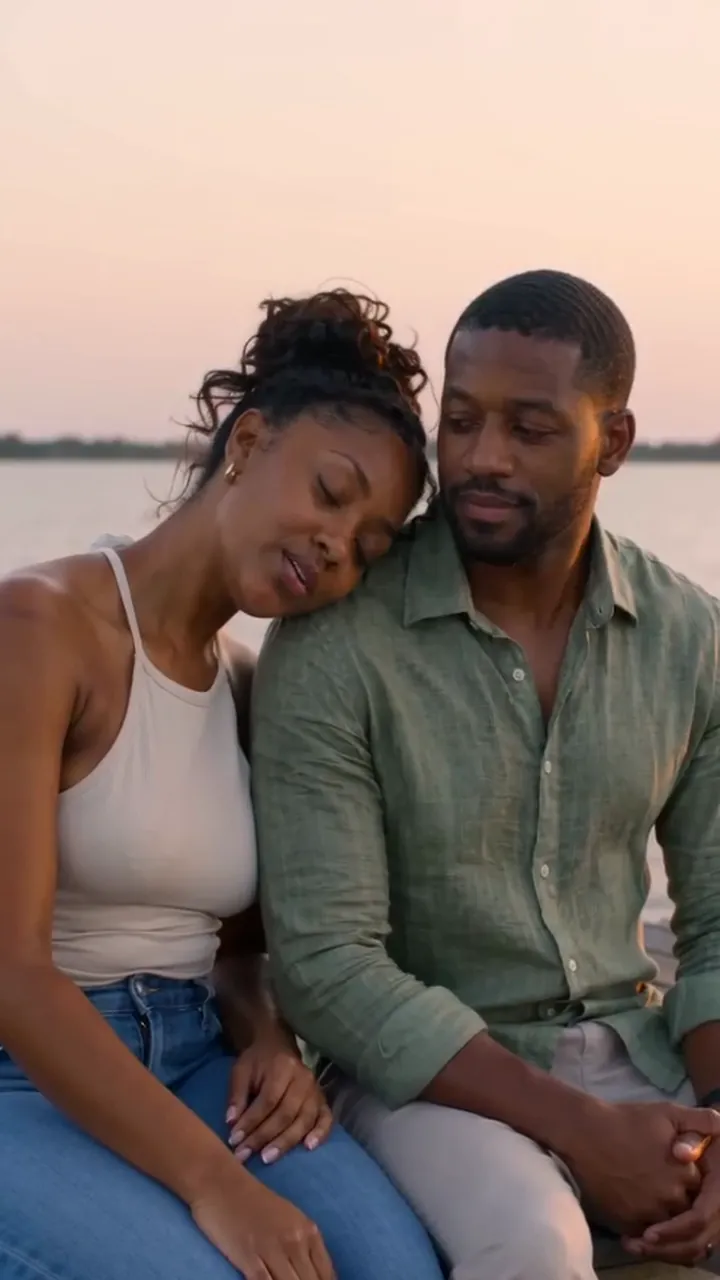
Start from a clear face photo and the person still looks like themselves at the end of the clip. Pick a photo taken in good light, facing the camera, with nothing over the face. Group photos work, but every extra face is something the model has to keep steady, so one or two people give the cleanest result. The image to video page walks through picking the photo.
A man in a dark jacket dances down a rain-soaked street at night, arms wide, splashing through puddles, neon signs reflected on the wet road, slow tracking shot
 Dance trends from a selfie
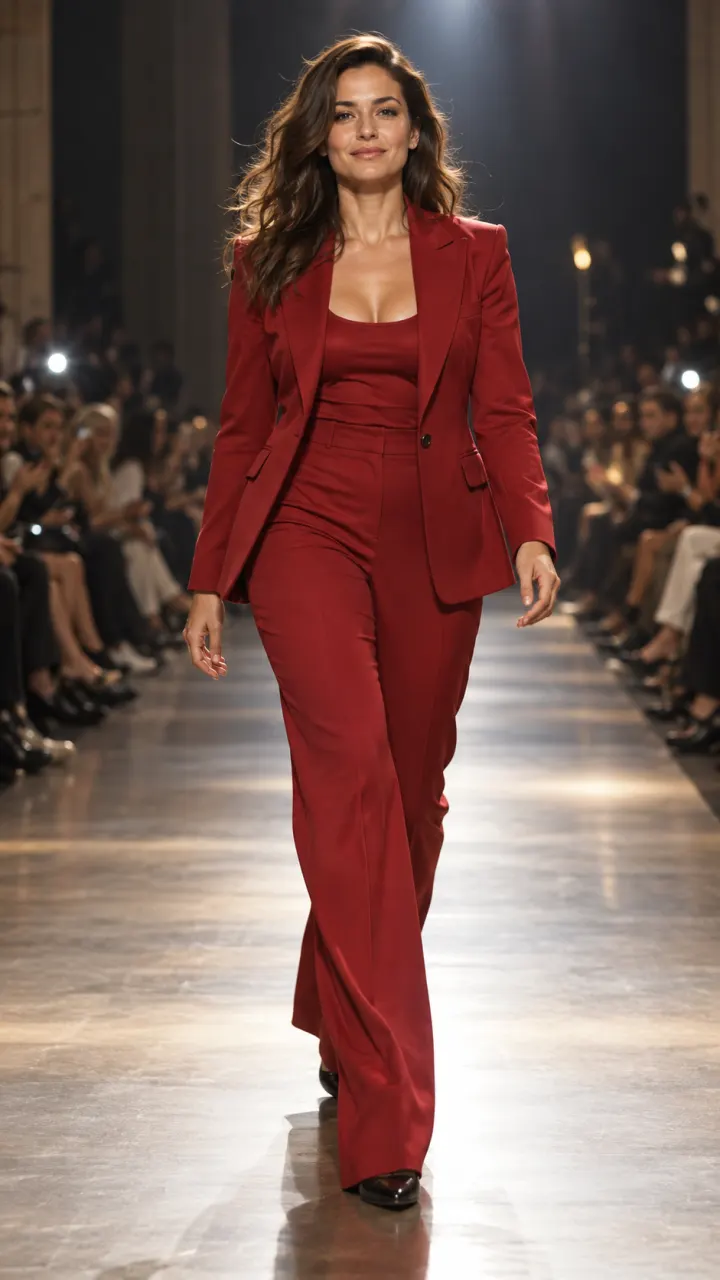 Before and after transitions
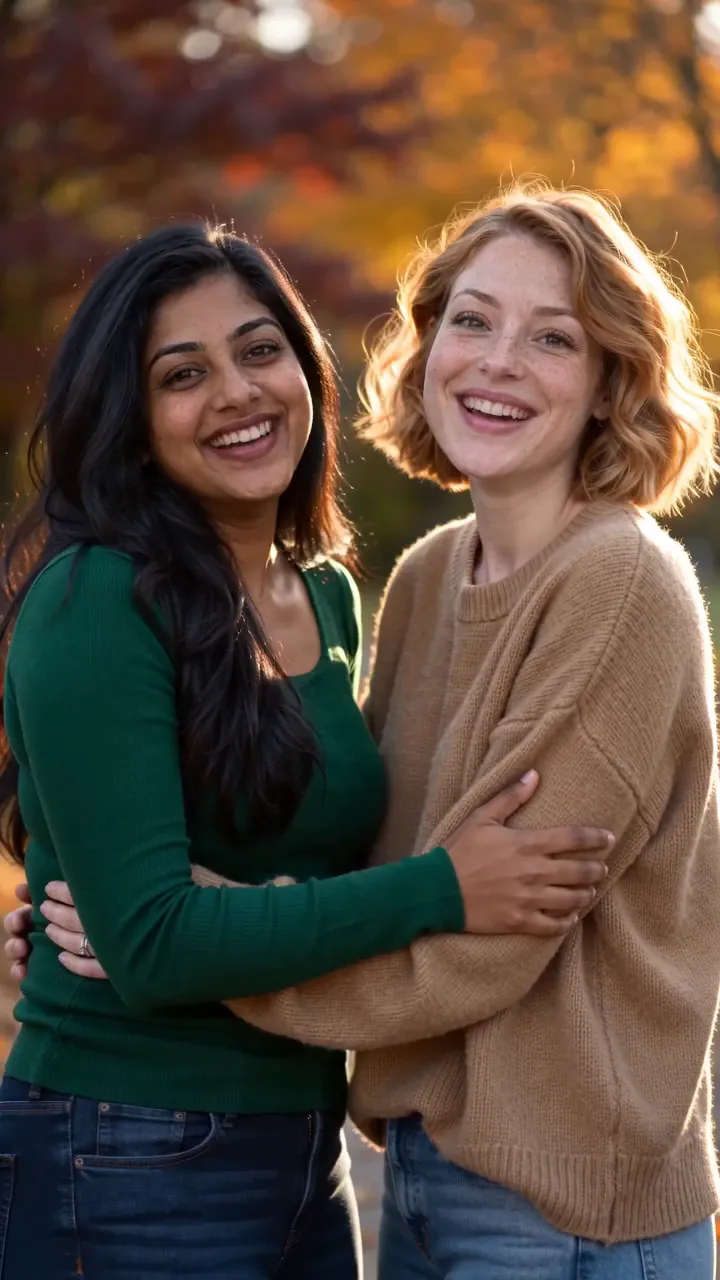 Portraits that come alivePets doing people thingsFashion and outfit reveals
Pictures are illustrations of the kind of result, not outputs of Kling.
Every version runs in the composer above. Switch any time; your photo and prompt stay put.
Natural motion from a face photo, start and end frames
Kling motion for fewer credits
A woman dances on a grassy hilltop as a storm rolls in, lightning on the horizon, wind whipping her hair, wide handheld shot
One clear subject works best: a person, a pet, a product or a place. Or switch to Text to Video and skip it.
One line about what moves and how the camera follows. Then set the shape, length and sound.
The button shows the cost first. Your clip lands in the feed when it’s done, and you can leave the page.
Other models do other jobs. All of them run in the same composer.
SeedanceByteDanceMulti-shot scenes with native sound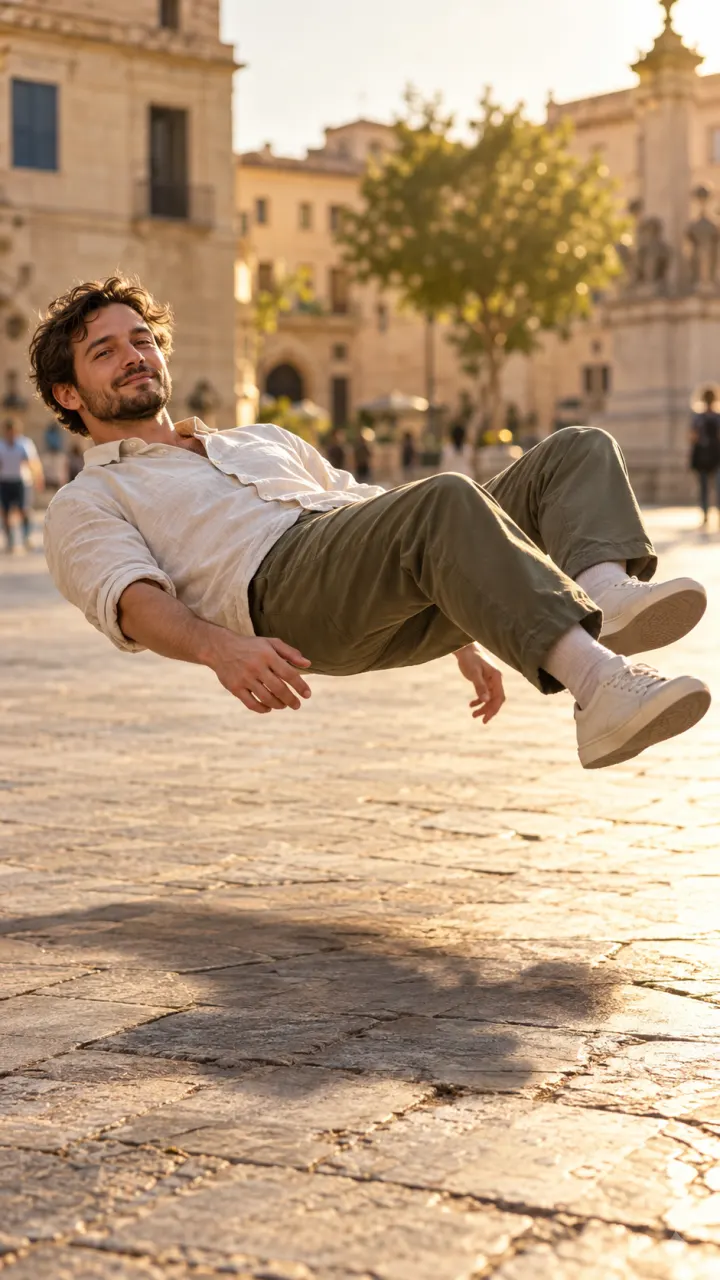 MiniMaxMiniMaxSelfies that move like real footage
 Veo & Gemini OmniGoogleCinematic shots with dialogue and sound
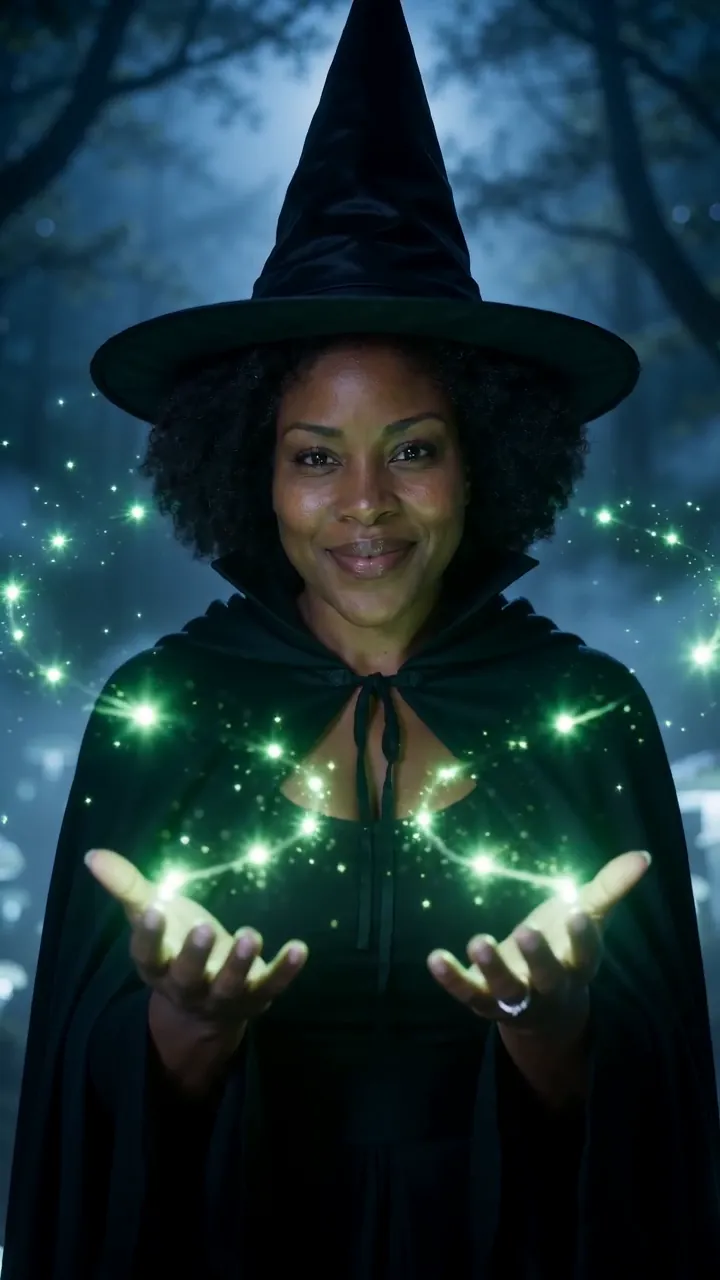 WanAlibabaStylized looks, anime and long takes
No. Kling is made by Kuaishou. Reelfie is an independent studio that runs it for you next to other models, with one account and one set of credits. Reelfie isn’t affiliated with Kuaishou.
From 22 credits a clip, depending on the version, the length, the resolution and sound. The Generate button shows the exact cost before you start, and a run that fails costs nothing.
Yes. Add a photo of yourself, or of someone who agreed, and nobody under 18. Your photos are deleted 7 days after upload and never used to train AI.
Kling 3.0: Natural motion from a face photo, start and end frames. Kling 2.6: Kling motion for fewer credits. Switch versions in the Model row; your photo and prompt stay put.
Kling makes clips of 5, 10 and 15 seconds. Sound by version: Kling 3.0, on or off (1.5× credits); Kling 2.6, on or off (2× credits). Pick the shape and resolution in the composer.
No. Your Reelfie account runs Kling and every other model here on the same credits. You don’t sign up with Kuaishou or bring a key.
You get the credits back automatically, and the run shows Retry in your feed.
Model names belong to their makers. Reelfie isn’t affiliated with Kuaishou.