GTA 6 Loading Screen AI Generator
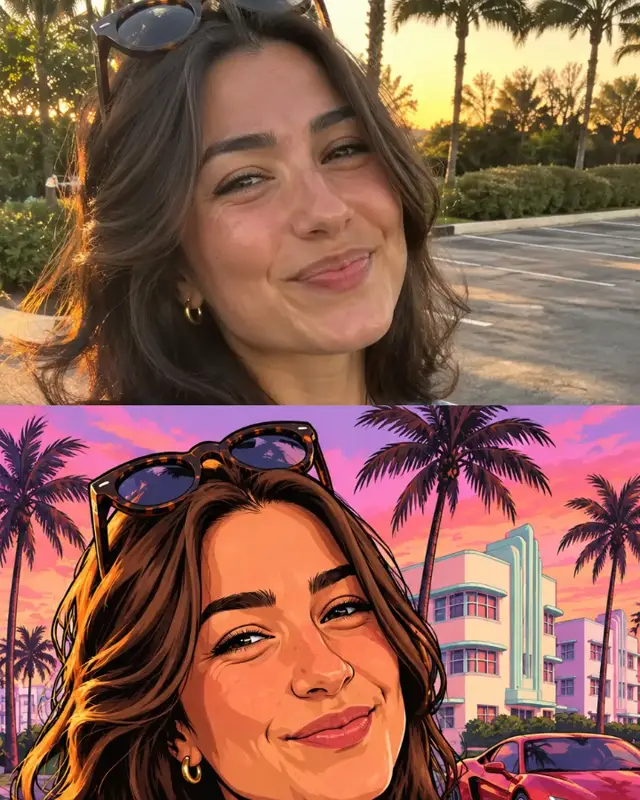
Your photo, then a painted loading-screen poster of you wipes up over it.
- 8-second video
- Vertical
- Silent, add your sound
- Ready in about a minute
- Painted poster wipe
- Same pose, same outfit
- Vice-style sunset
Your photo
By adding a photo you confirm everyone in it is 18+ and agreed to have their face used for this. We use faces only to make what you ask for. How we handle faces
Video size
Quality
- Not charged if it fails
- Private till you share
- Photos gone in 7 days
What is the GTA 6 Loading Screen AI trend?
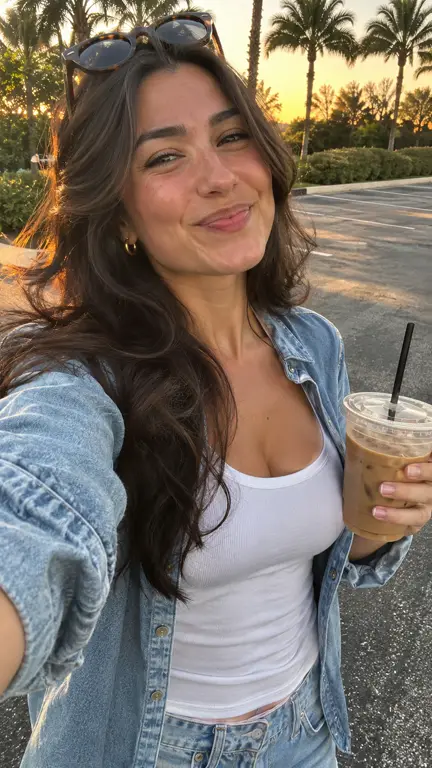
GTA 6 Loading Screen AI turns one photo of you into the loading-screen clip that filled TikTok in the run-up to the game’s November 19, 2026 release. It opens on your real photo for a beat. Then a painted poster of you rises from the bottom edge with a hard straight line, slowly covering the photo, until the painting fills the frame and holds there.
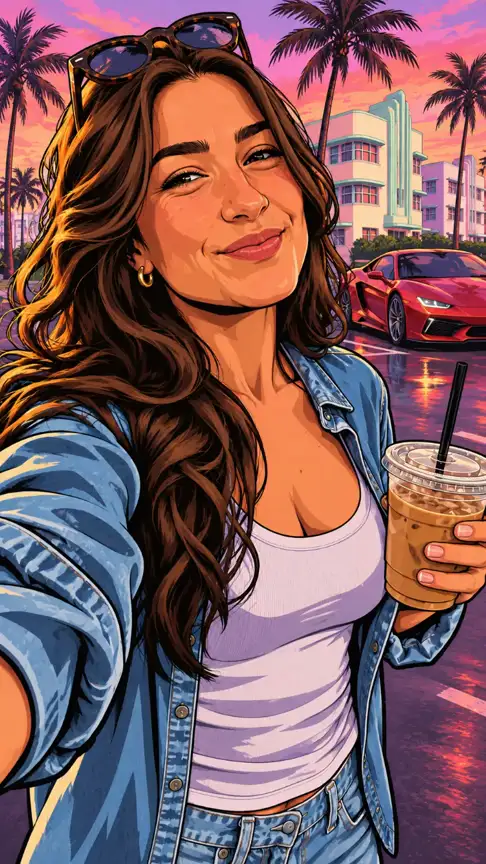
The painting is the joke. It is the same you, in the same outfit, holding the same coffee, phone or drink, in the same pose and the same spot in the frame, redrawn with bold black outlines, flat comic-book shading and a pink-and-purple sunset behind you: pastel Art Deco hotels, tall palm trees and a glossy red sports car. Halfway through the wipe your real face and your painted face sit one above the other, and that is the moment people replay.
The clip runs 8 seconds, vertical 9:16, in HD. It comes back silent, so you pick the sound in TikTok when you post. The painting carries no text and no logos, so add your own caption on top. It is a fan-made style from your photo, not art from the game.
Updated
- Who it’s for
- You
- Best on
- TikTok, Reels
- Hashtag
- #gta6loadingscreen
- Took off
- November 2026
In the 8 seconds
Where GTA 6 Loading Screen AI started
Painting yourself as a loading screen from the open-world crime games is an old image meme. As a video it started with a mobile editor template called Your GTA 6 loading screen: the earliest post we found is from September 28, 2026, captioned Life as a GTA character. It took off in November as the game’s release drew close, and posts from November 8 and 10 each passed a hundred thousand views.
Since November 2026
How to make the GTA 6 Loading Screen AI video
 1
Add a photo
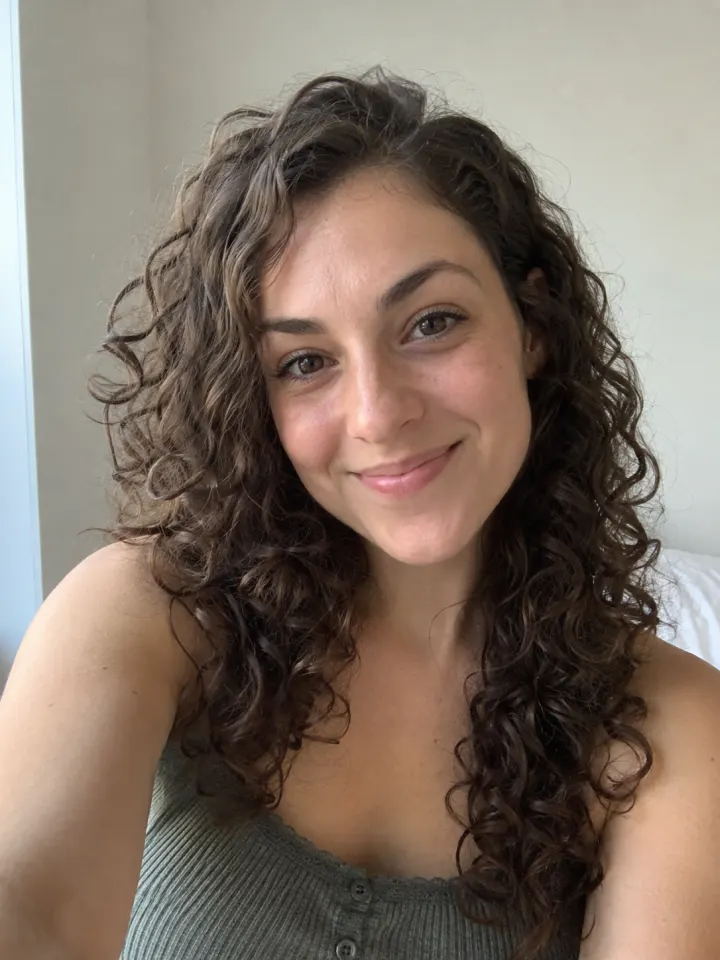
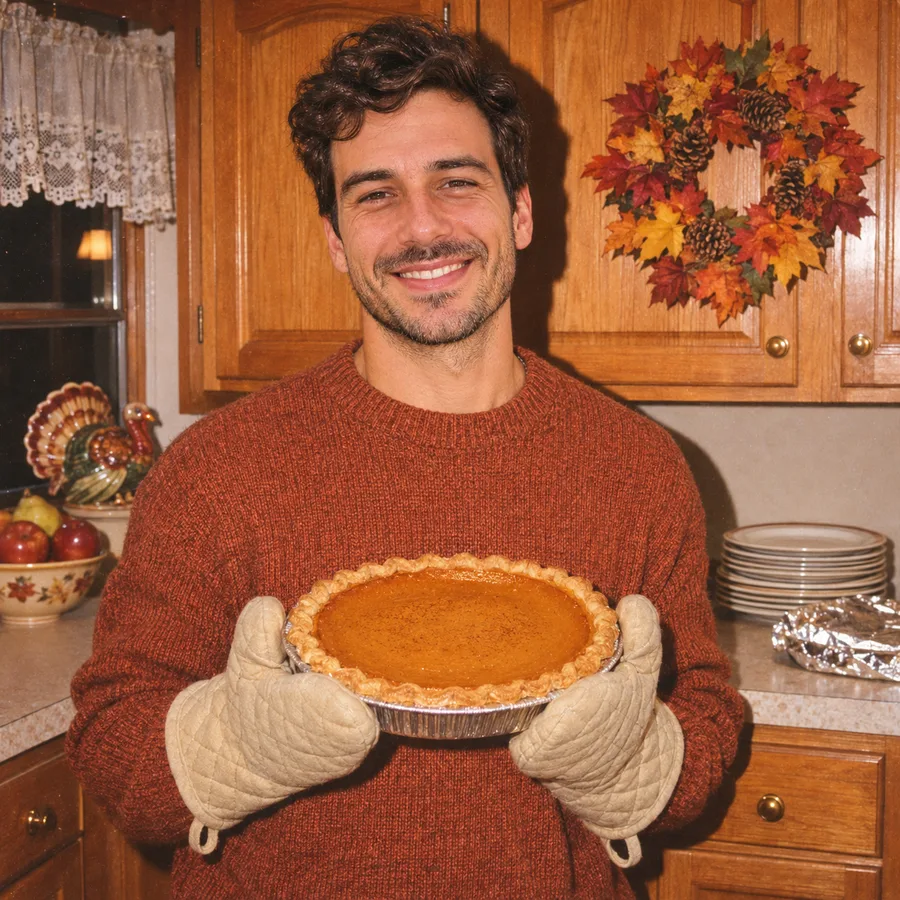
One clear photo of you, waist up or head to toe, face in view.
 Make my videoGTA 6 Loading Screen AI2
Tap Make my video
No prompt to write. Painted poster wipe, same pose, same outfit, vice-style sunset: all built in, ready in about a minute.
- MP4Share link#gta6loadingscreen3
Post it
Best on TikTok, Reels. Try “Your GTA 6 loading screen. #gta6loadingscreen” as the caption.
Best photo for GTA 6 Loading Screen AI
Works
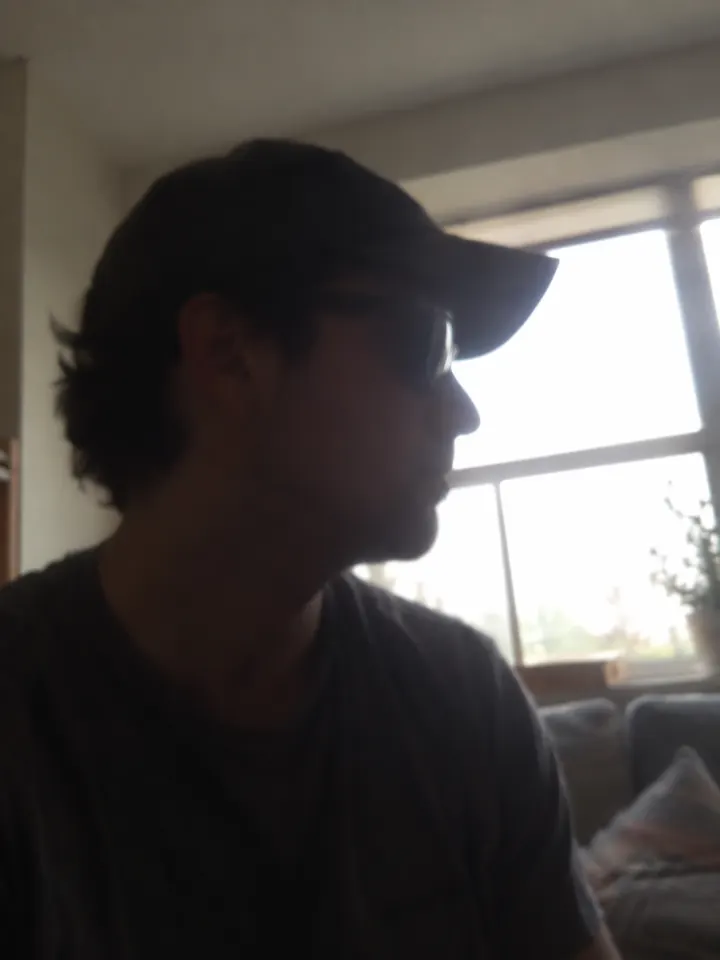
Turned away
Too dark
Blurry
Face too small
- Waist up or head to toe
- Face clear and in light
- One person only
- A tight close-up of the face
- Group photos
- Text or logos on clothes
Ideas to try with GTA 6 Loading Screen AI
Your GTA 6 loading screen. #gta6loadingscreen
Who to make it for
- Release day postPost yours the week the game comes out, while everyone’s feed is full of it.
- Your everyday as the coverUse a photo from a normal day, coffee run or gym mirror, and let the painting make it look like a main character moment.
- Your crew, one by oneMake one for each friend from the same night out and post them as a set.
- Caption the loading screenAdd a line on top in TikTok, such as your name and a mission, so it reads like the game is loading you.
Caption ideas · tap to copy
GTA 6 Loading Screen AI guide
How it’s made.
GTA 6 Loading Screen AI questions
The short answers. Ask a person or visit the help center.
Is this the real GTA 6 art?
No. Reelfie paints a fan-made loading-screen style from your own photo. It is not art from the game and has no game logos or text, and Reelfie (reelfie.app) is not affiliated with Rockstar Games or Take-Two.
Does it keep my outfit and pose?
Yes. The painting keeps your face, hair, clothes, what you hold and your pose, and it sits in the same spot in the frame, so it lines up with your photo as it wipes up over it.
Does it come with sound?
No. The trend’s clips use a sound nobody has been able to name, so the video comes back silent and you pick a sound in TikTok when you post.
Can I add the Your GTA 6 loading screen text?
Yes, add it in TikTok or your editor. The painting itself has no words on it, so your caption sits on a clean picture.
Can I get just the painted poster?
Yes. The last seconds of the video hold on the painting, so pause there and take a screenshot, or grab a frame in your editor.
How long does it take?
Most videos are ready in about a minute. Keep a Reelfie page open until then: the last step, laying the painting over your photo, runs in your browser. If you close it, the video finishes the next time you open Reelfie, and if you don’t come back within 7 days, the credits go back.
How much does GTA 6 Loading Screen AI cost?
80 credits in HD (720p), the only quality it comes in. A pack from $9.90 makes 2, and a plan from $16.58/mo, billed yearly, makes 6 in HD a month. The Make button shows the total before it runs, and a run that fails gives the credits back.

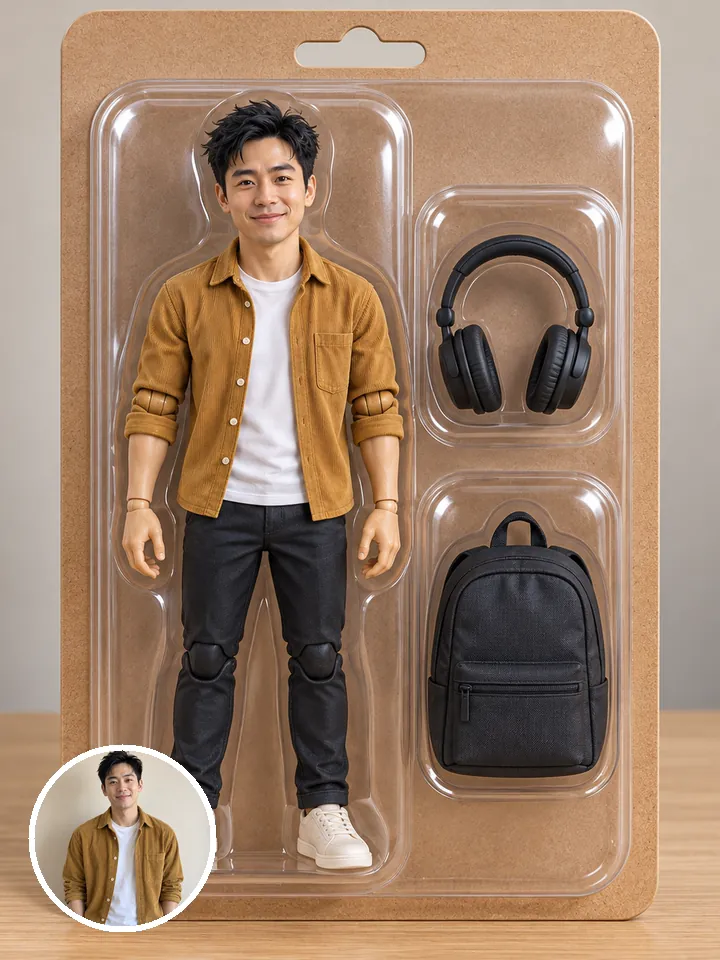

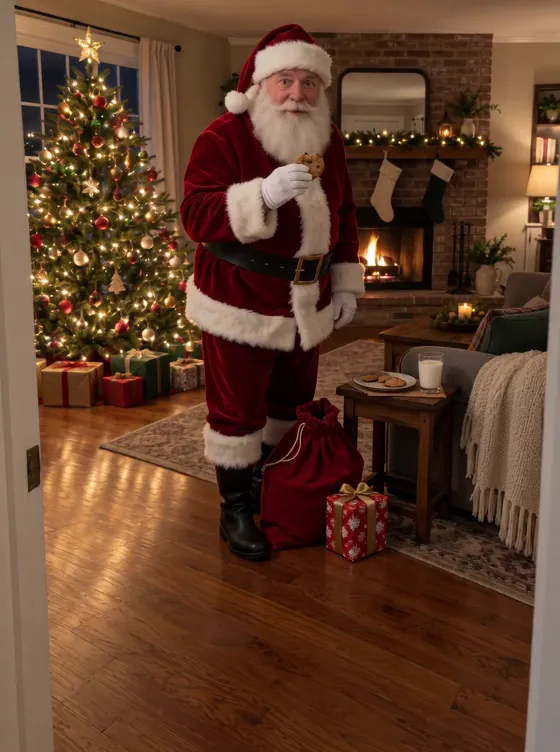
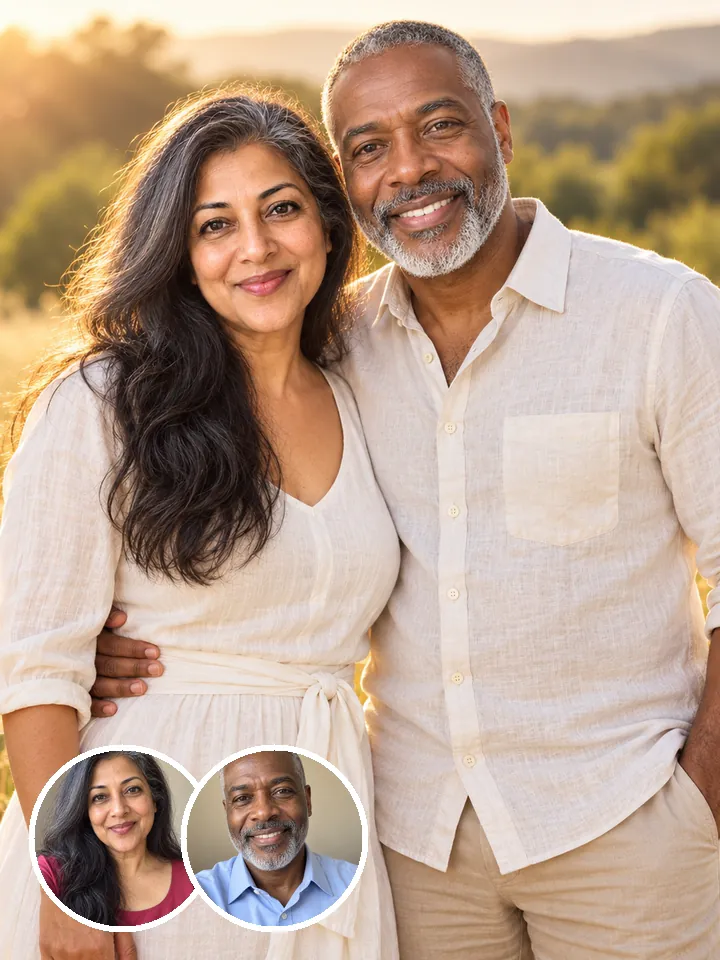
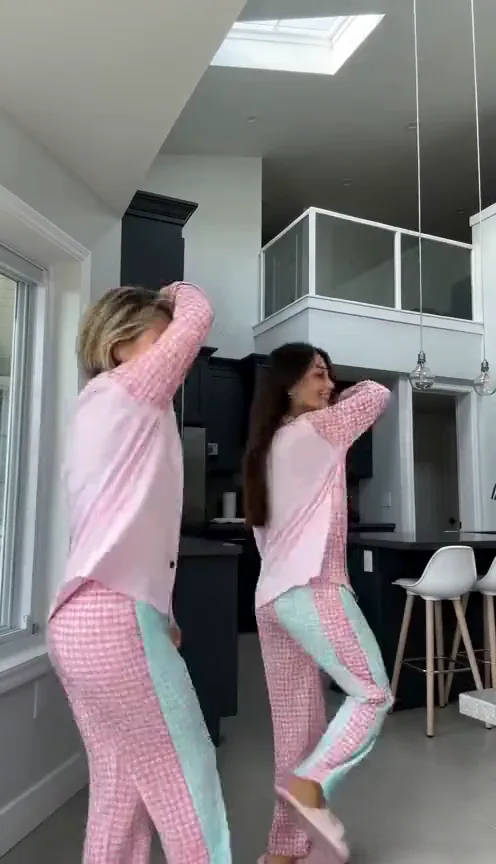
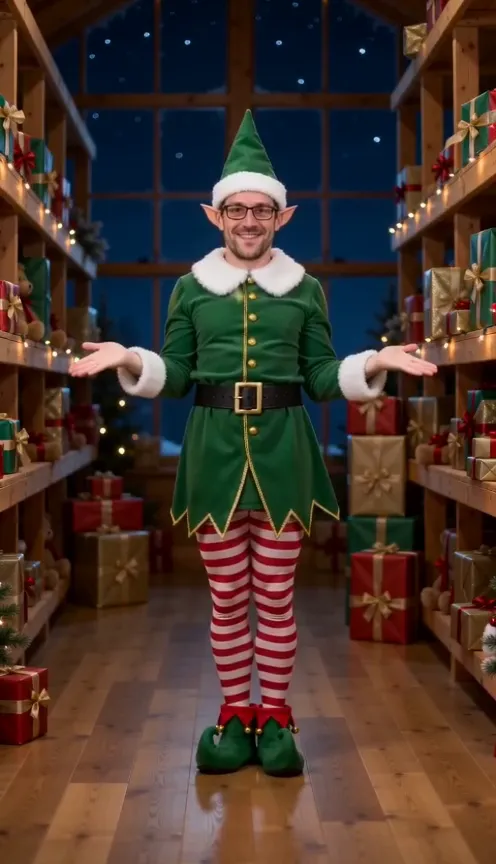
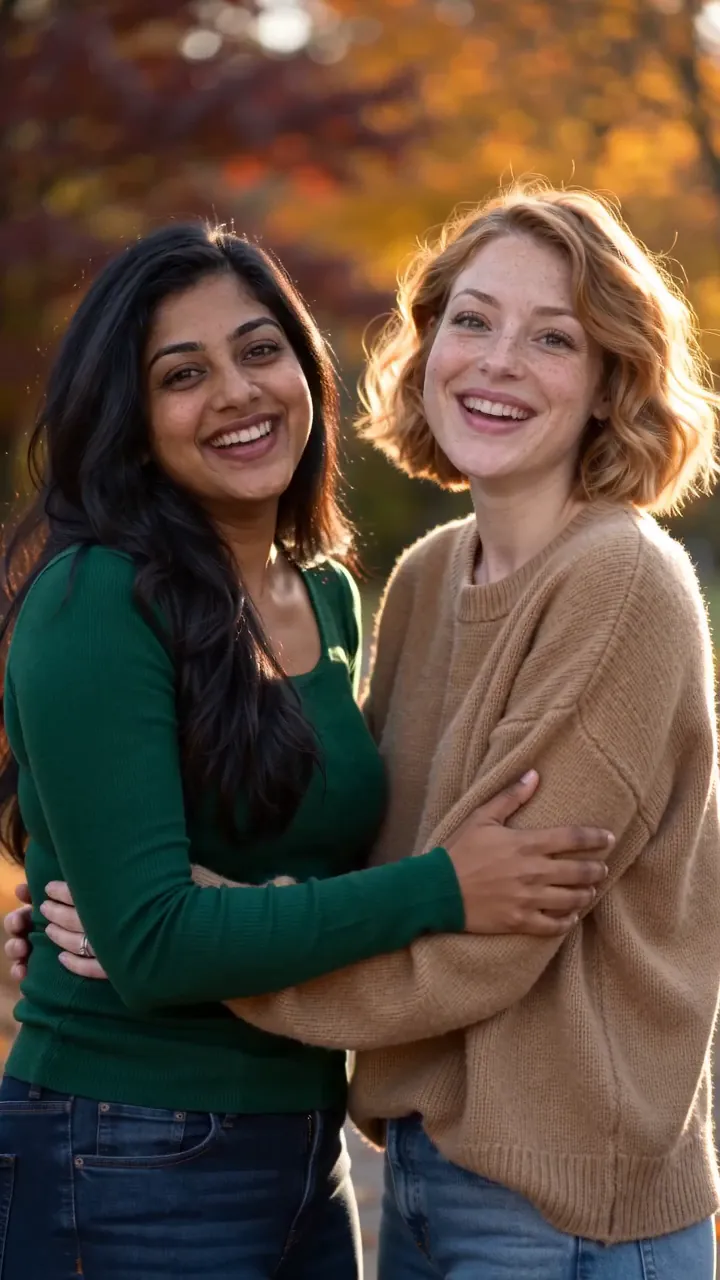
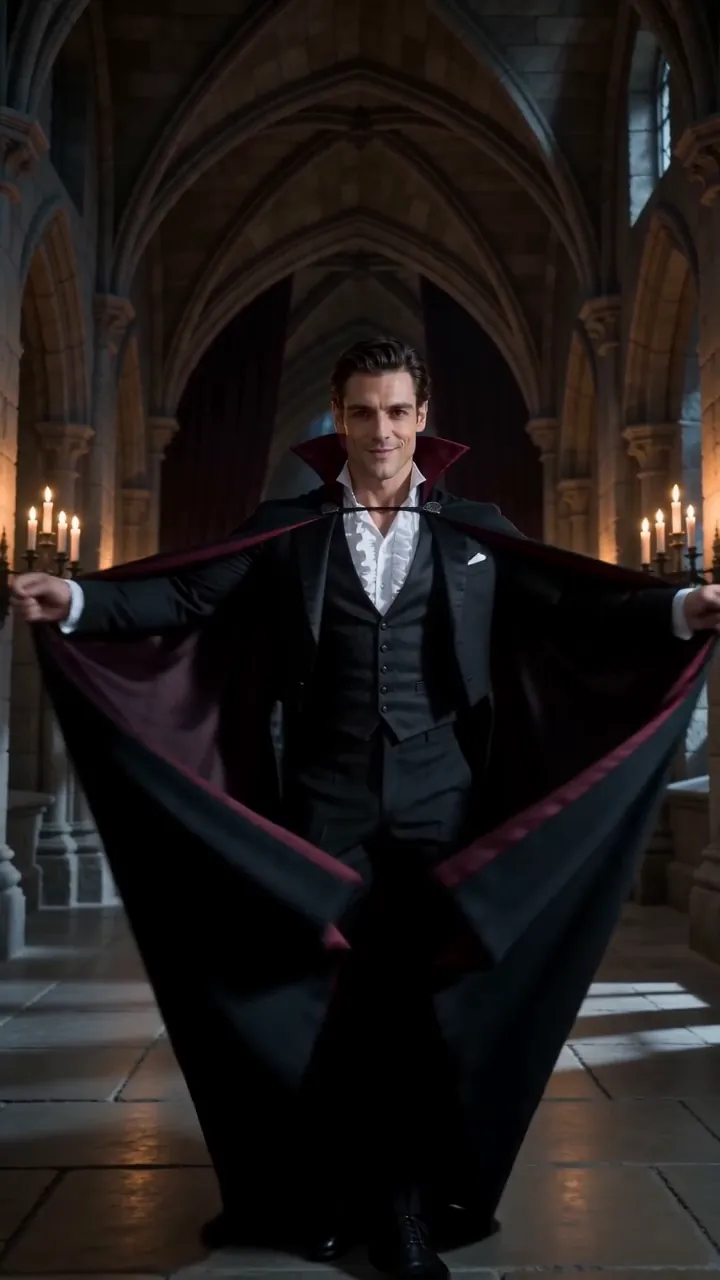
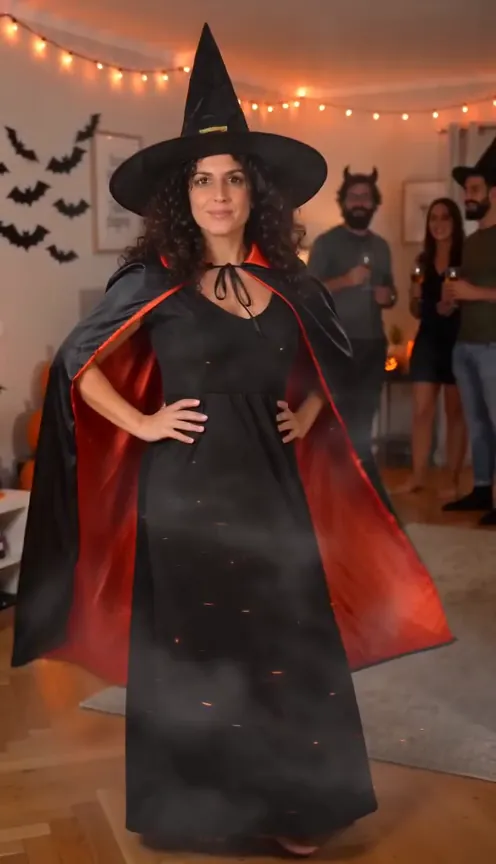
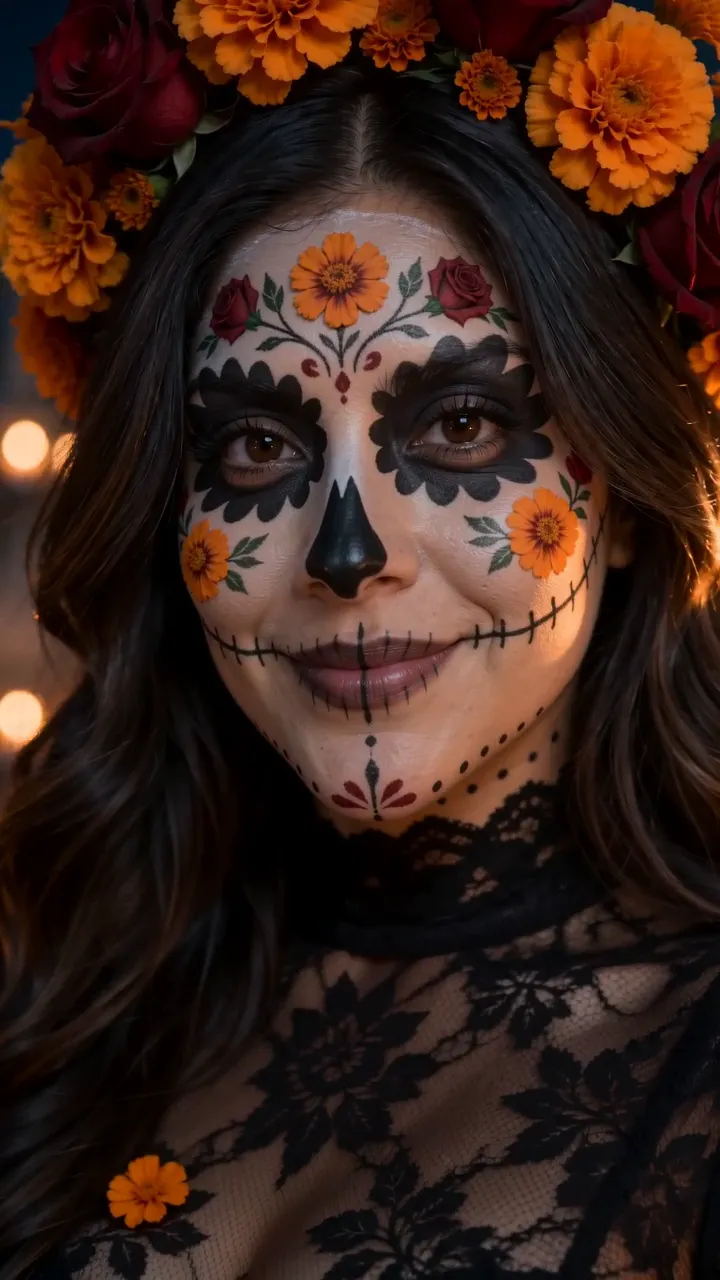
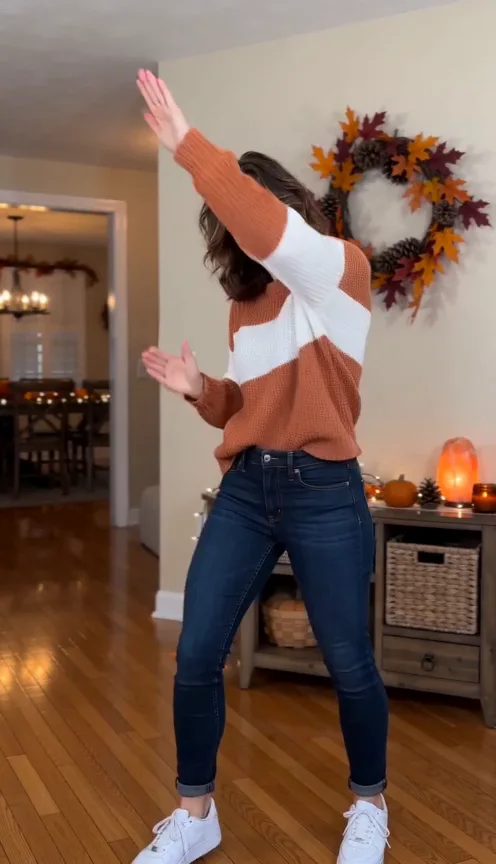
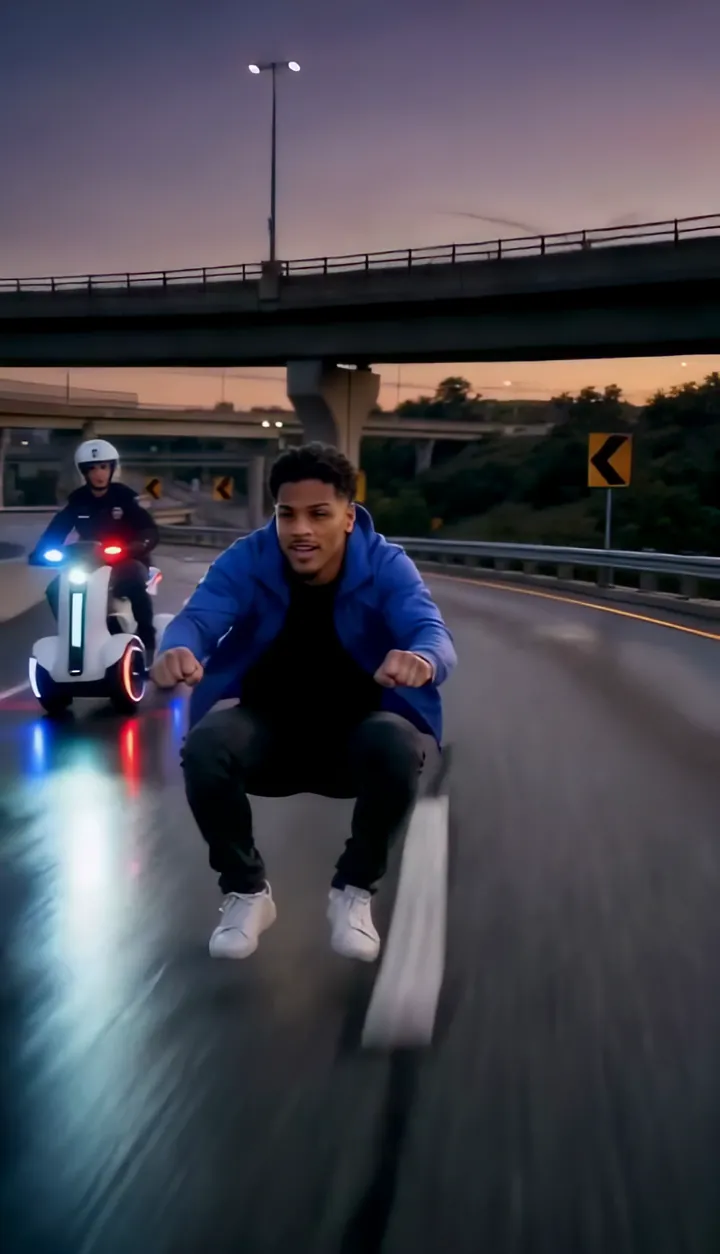

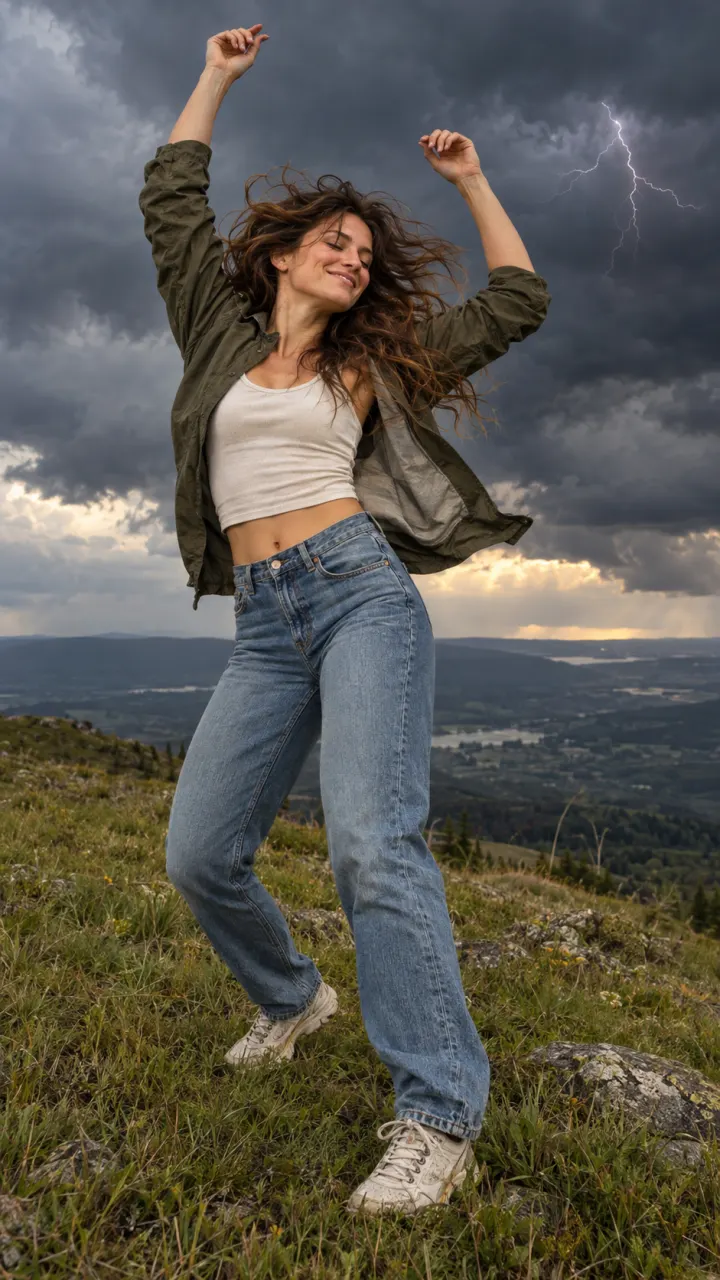
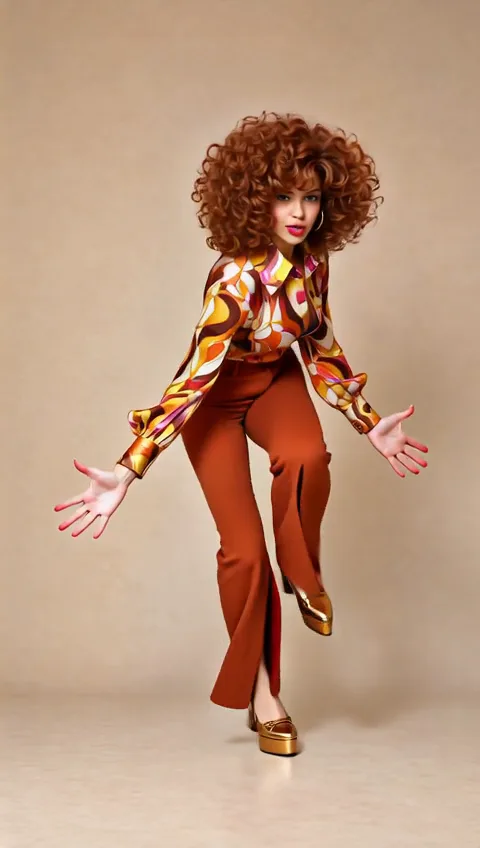
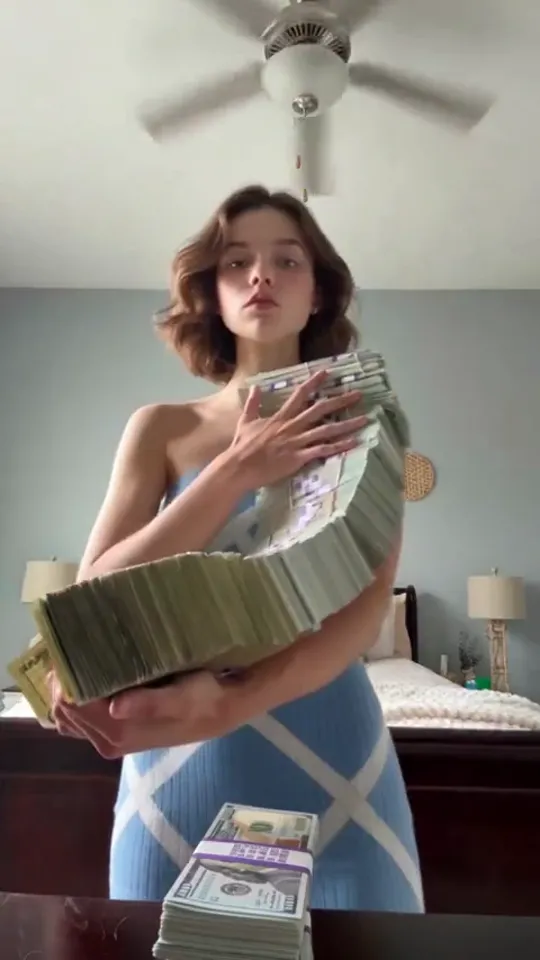
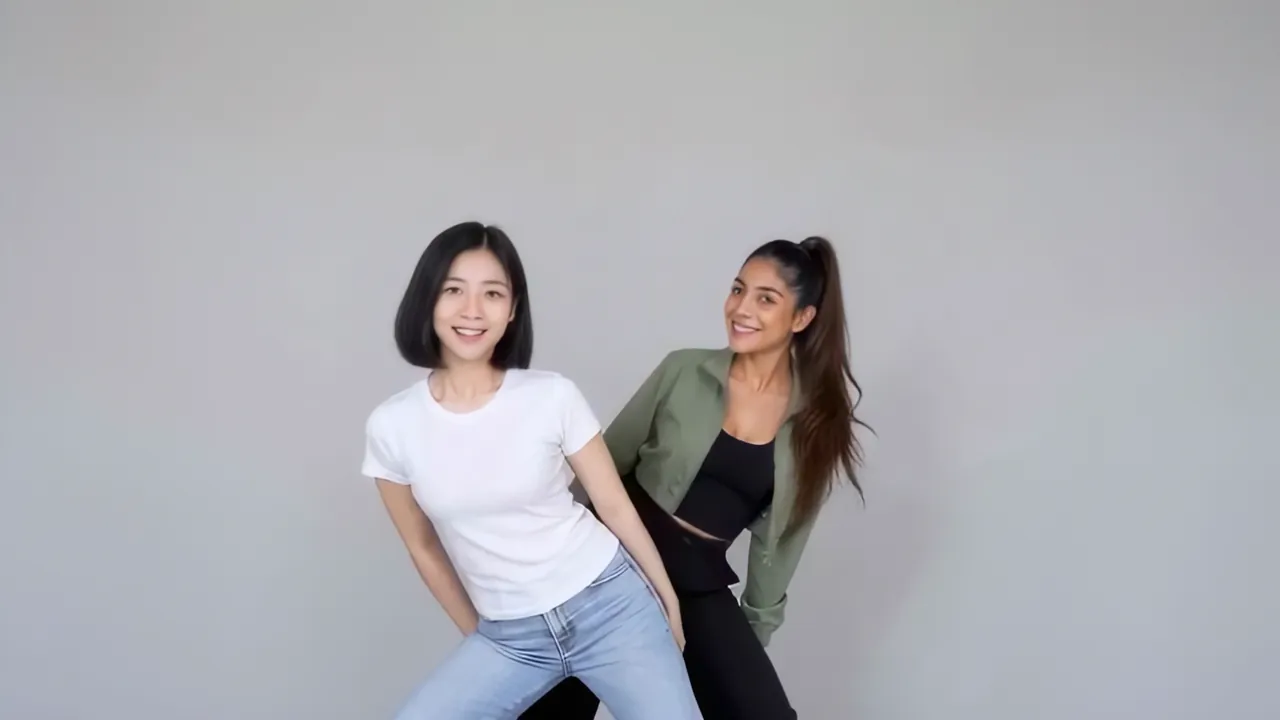
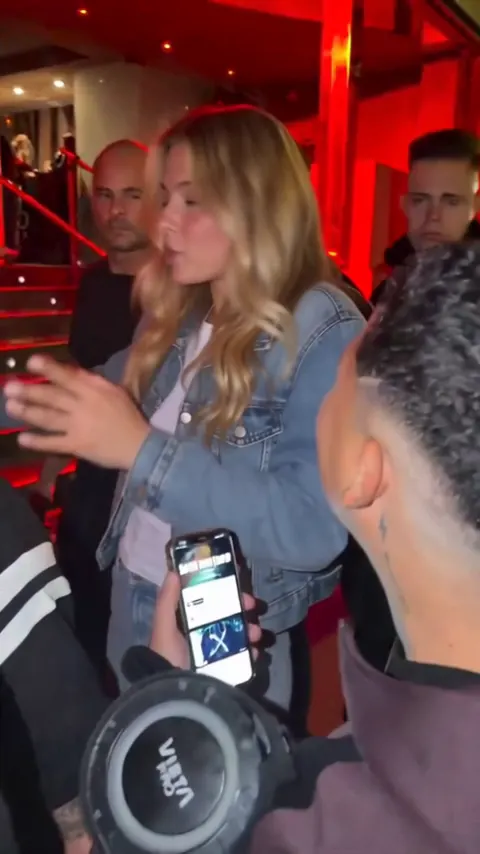
One selfie.
You in GTA 6 Loading Screen AI.
GTA 6 Loading Screen AINot charged if it fails