25% off this week
80s Yearbook AI Generator
Big hair, laser backdrop. Your 1980s yearbook photo.
- 2 photos
- Square, portrait or vertical
- Ready in about a minute
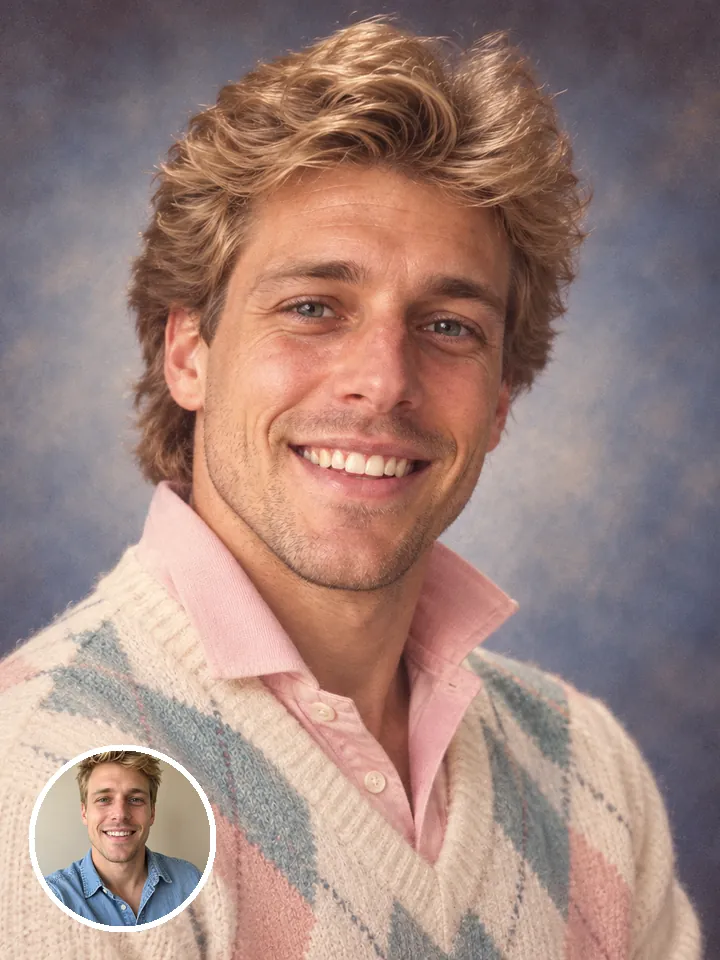
- Feathered hair
- Laser backdrop
- Flash and film grain
Who’s in it
Your photo
By adding a photo you confirm everyone in it is 18+ and agreed to have their face used for this. We use faces only to make what you ask for. How we handle faces
Photo size
- Free with a new account · no card
- Private till you share
- Photos gone in 7 days
What is the 80s Yearbook AI trend?
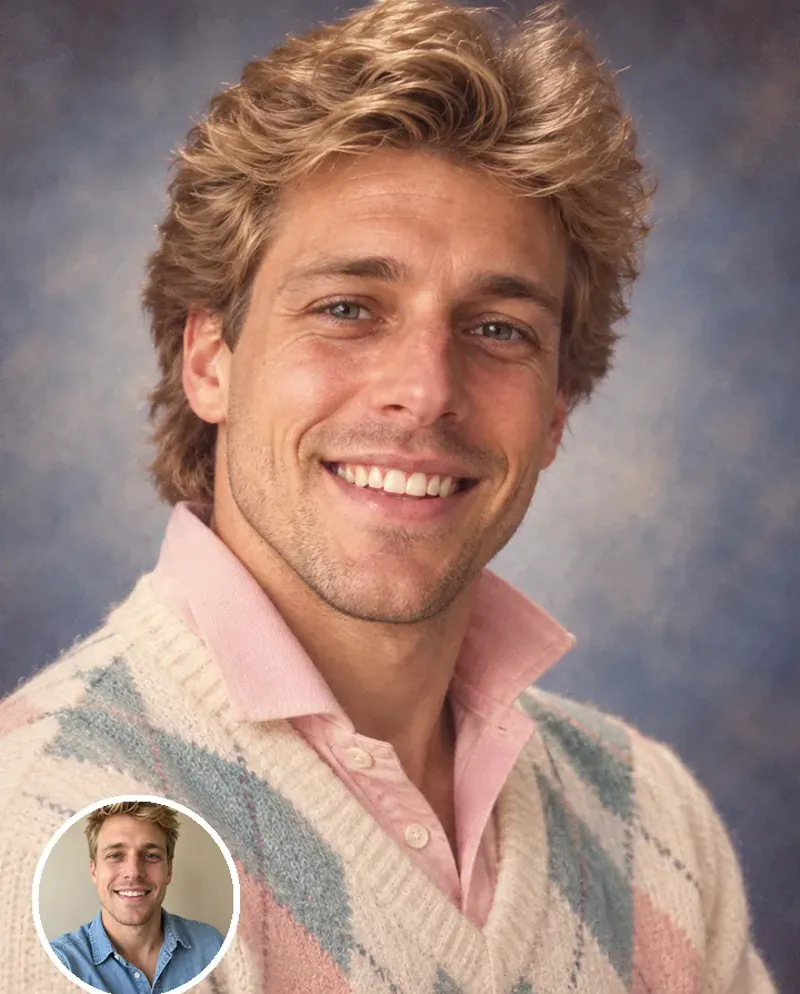
The 80s Yearbook AI trend turns an everyday selfie into a school portrait that looks pulled from a dusty 1980s yearbook. You get big, feathered hair, period clothes and that laser or mottled blue studio backdrop every class seemed to share. Soft film grain and a straight-on flash finish the look, so the photo feels printed, not filtered.
People post it for the laugh of seeing themselves in a decade they may never have lived through, and for the side-by-side with a real selfie. It works well as a carousel: the first slide is you today, the next is the yearbook version. One upload gives you two portraits, so you can pick a favorite or post both and let friends vote.
It fits Instagram posts and TikTok photo carousels, and it makes a fun profile picture for a week. Choose Couple and add a photo of each person to give a partner or best friend the same picture-day treatment.
Updated
- Who it’s for
- You or two people
- Best on
- TikTok, Instagram
- Hashtag
- #yearbookchallenge
- Took off
- October 2023
In the 2 photos
Where 80s Yearbook AI started
The AI yearbook trend began in late September 2023 with a South Korean photo app that turned selfies into retro high school yearbook portraits in looks like popular, sporty, smart and grunge. K-pop fans and idols popularized it first, it reached TikTok on September 30, 2023 and exploded in early October. The original wave was styled after the ’90s, and later versions have reached back to other decades.
Since October 2023
How to make 80s Yearbook AI photos
 1
Add a photo
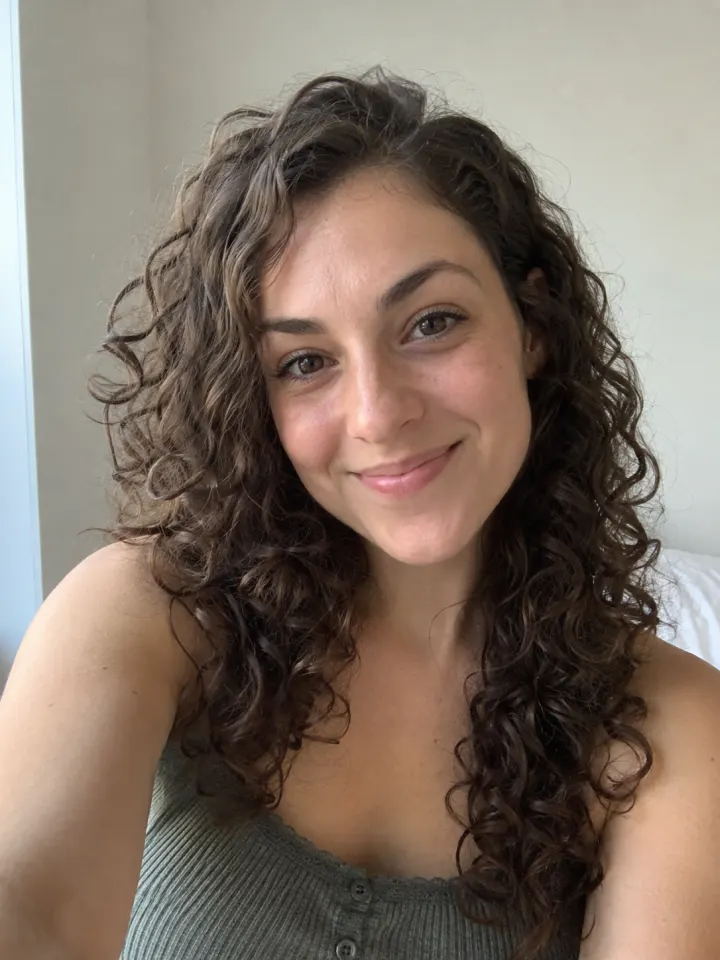
A clear, front-facing selfie, shoulders up, like you’re sitting for picture day.
- Make my photos80s Yearbook AI2
Tap Make my photos
No prompt to write. Feathered hair, laser backdrop, flash and film grain: all built in, ready in about a minute.
- PhotosShare link#yearbookchallenge3
Post it
Best on TikTok, Instagram. Try “Picture day, 1980s edition.” as the caption.
Best photo for 80s Yearbook AI
Works
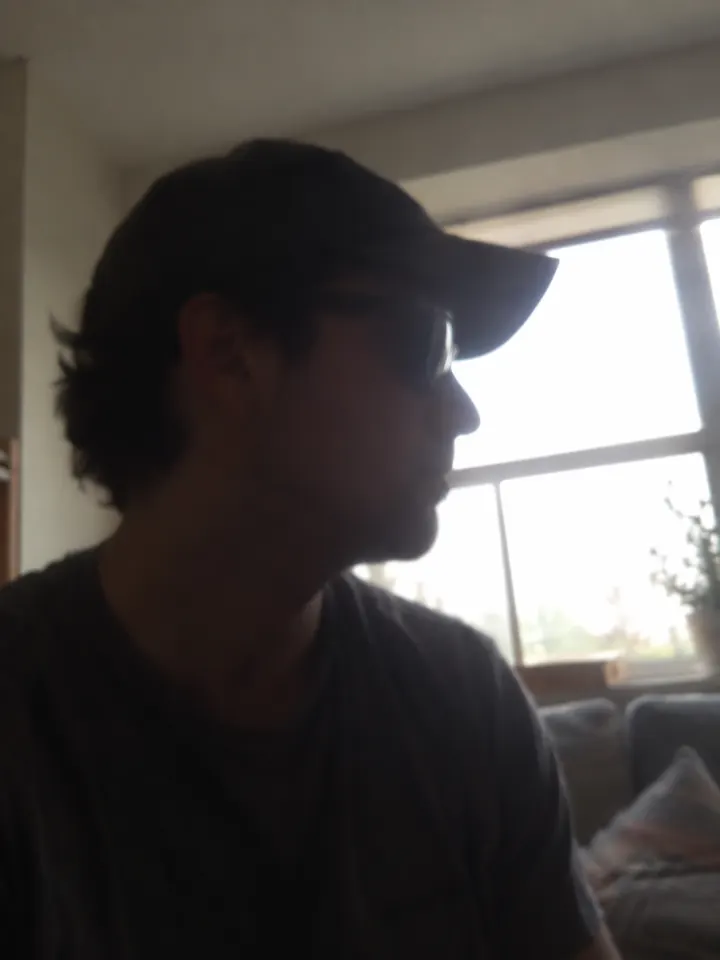
Turned away
Too dark
Blurry
Face too small
- Face the camera straight
- Head and shoulders visible
- Soft, even light
- Hats or hoods
- Sunglasses
- Side-angle selfies
Ideas to try with 80s Yearbook AI
Picture day, 1980s edition. #yearbookchallenge
Who to make it for
- Old friends group chatMake yours and drop it in the group chat with your old classmates. Ask everyone to post theirs next to it.
- Picture day for twoChoose Couple and upload one picture per person. Then argue about who suits the hair better.
- Throwback profile pictureSwap your avatar for a week. The loud backdrop still reads at small sizes.
- Then and now carouselPost your current selfie first, then the yearbook portrait. The contrast does the joke for you.
Caption ideas · tap to copy
80s Yearbook AI guide
How it’s made.
80s Yearbook AI questions
The short answers. Ask a person or visit the help center.
Do I need an old photo of myself?
No. Use a clear selfie from today. The hair, clothes, backdrop and film look are added, and your face is kept from your photo.
Will there be a name or class year on the photo?
No. The portraits come back with no text, so you can add your own caption or yearbook quote when you post.
What do I get from one upload?
Two square 1:1 portraits, so you can keep the one you like or post both as a carousel.
How much does 80s Yearbook AI cost?
25% off this week, so 3 credits instead of 4 for 2 photos. Every new account makes its first set free. A pack from $9.90 makes 53 sets, and a plan from $16.58/mo, billed yearly, makes 160 sets a month. The Make button shows the total before it runs, and a run that fails gives the credits back.
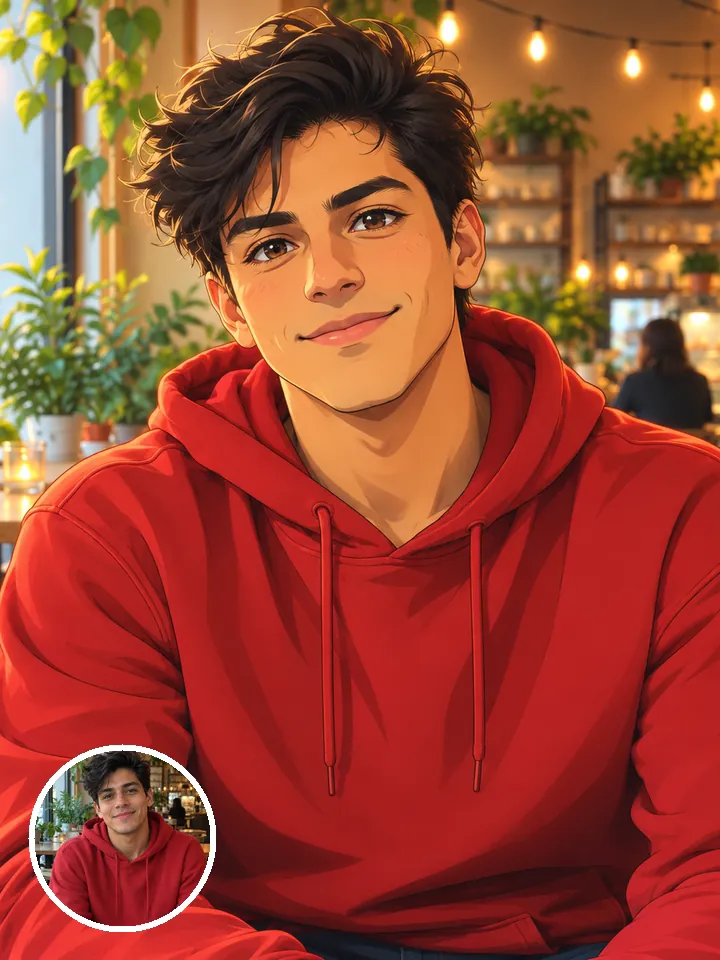
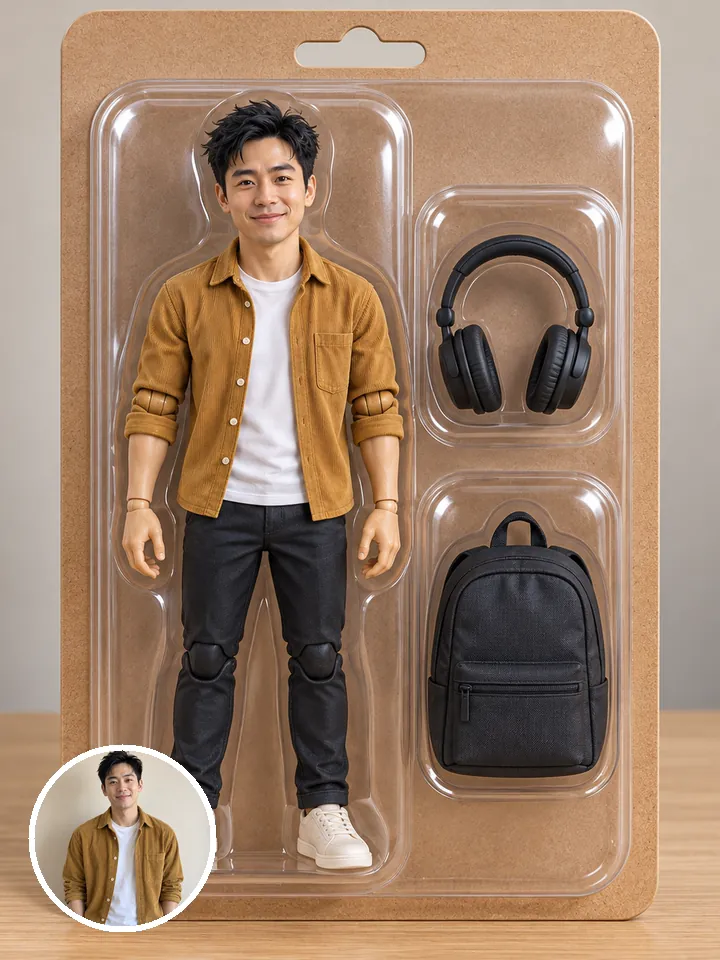
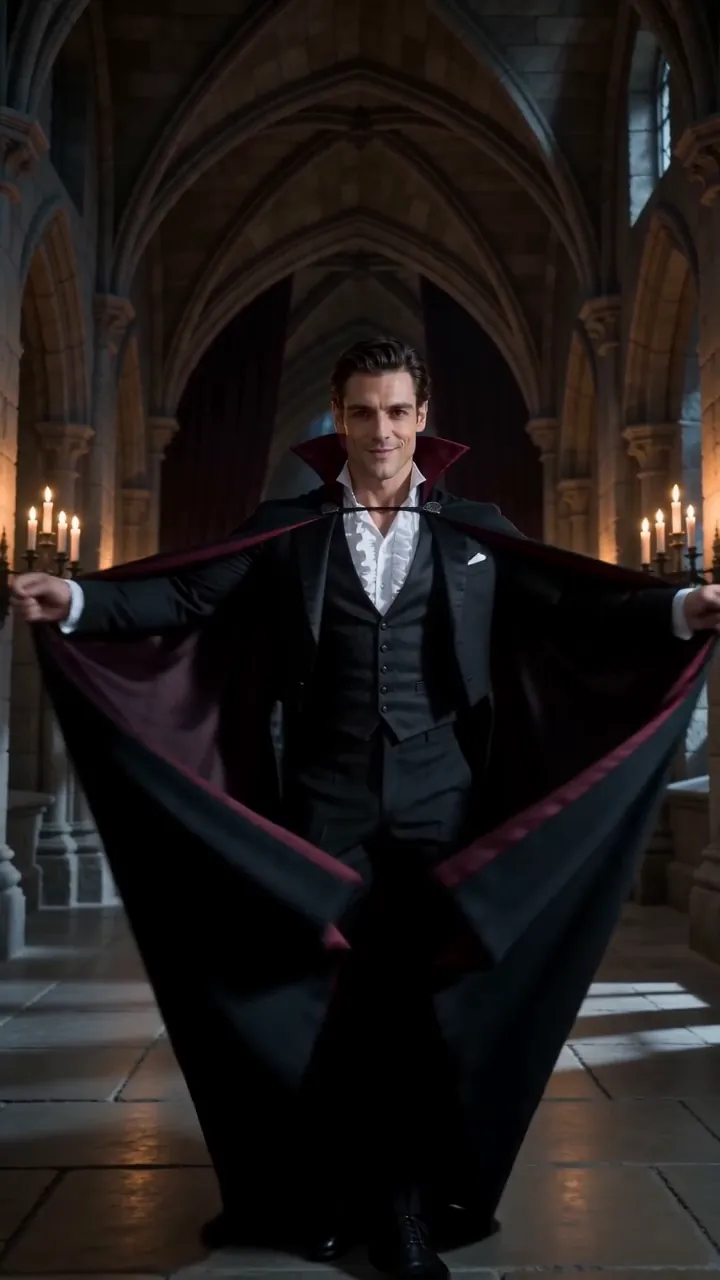

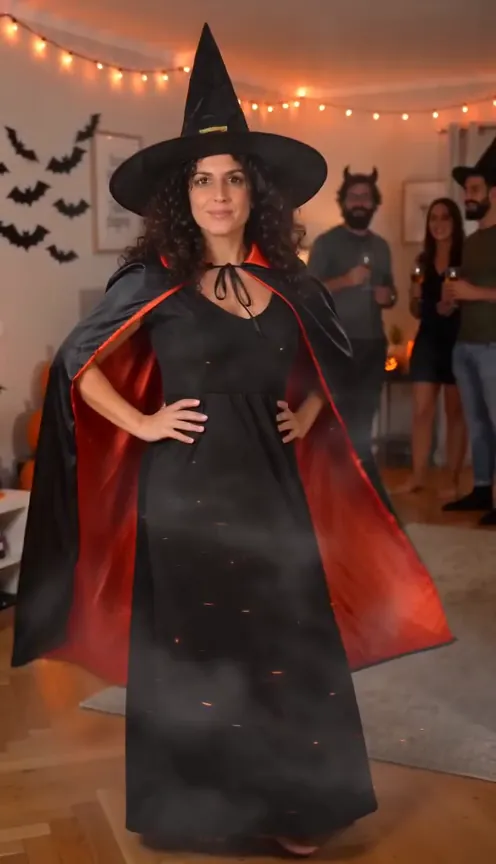
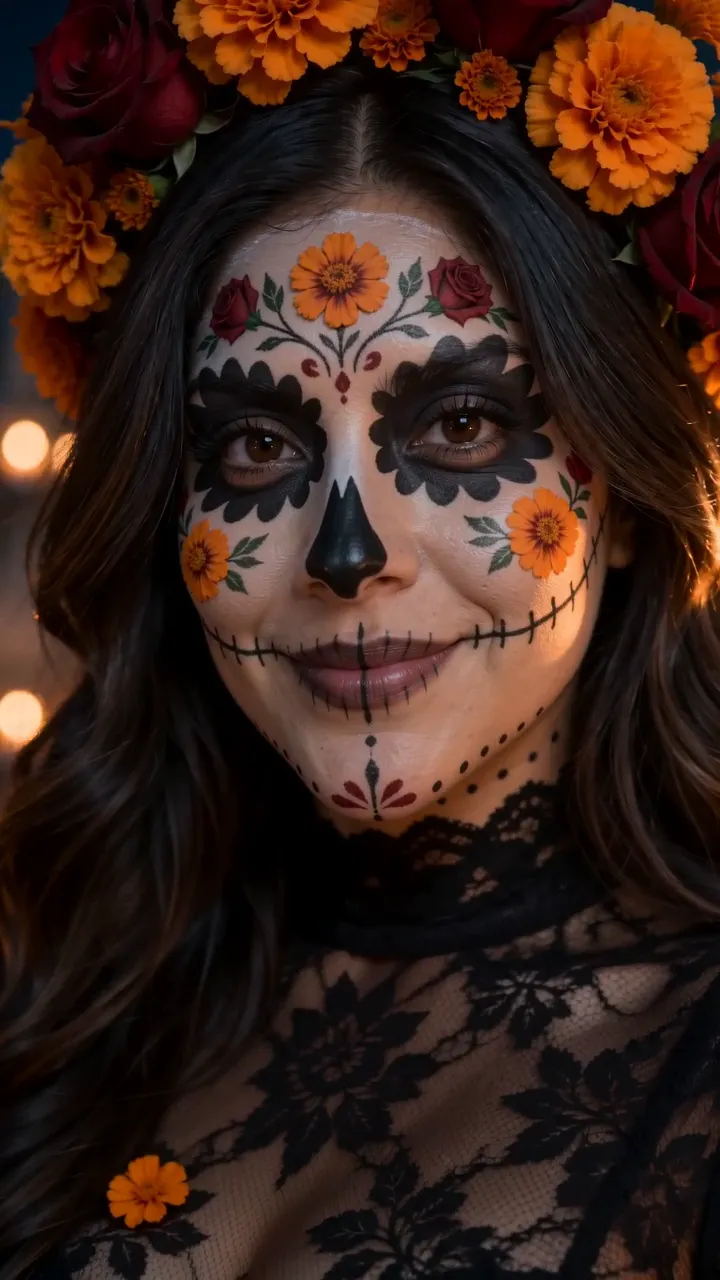
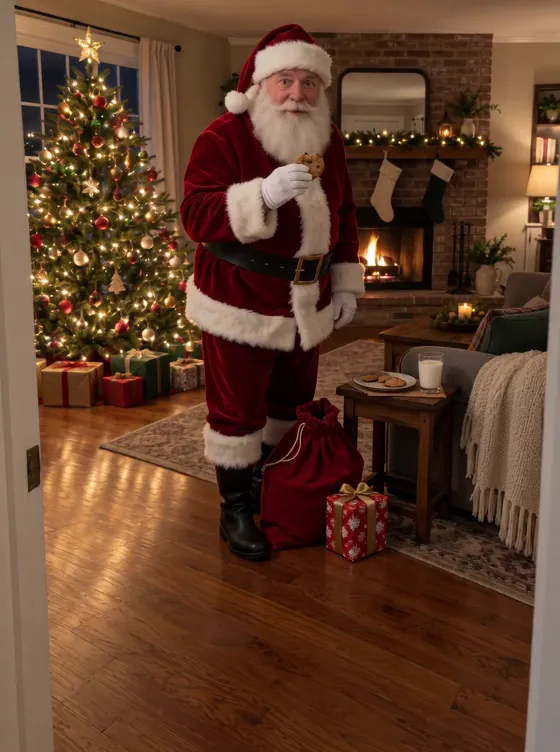
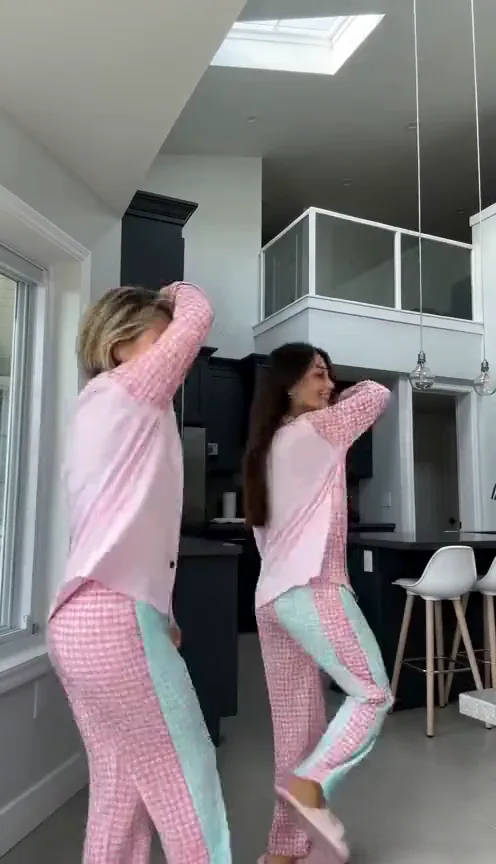
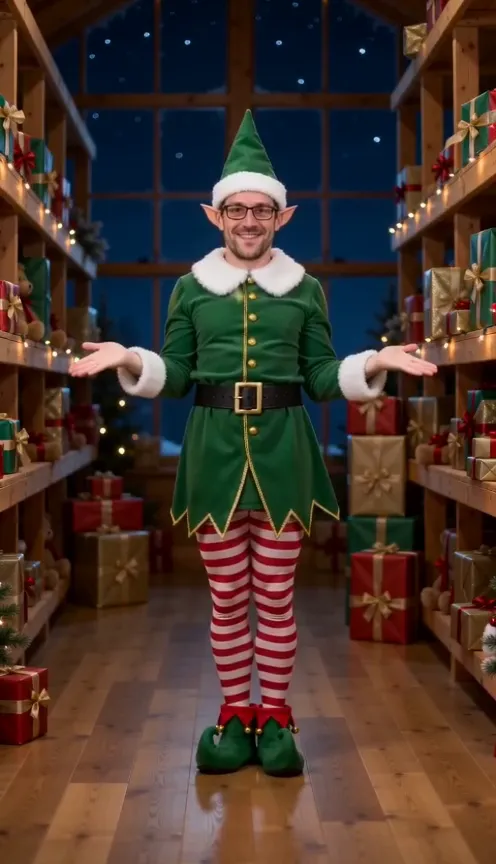
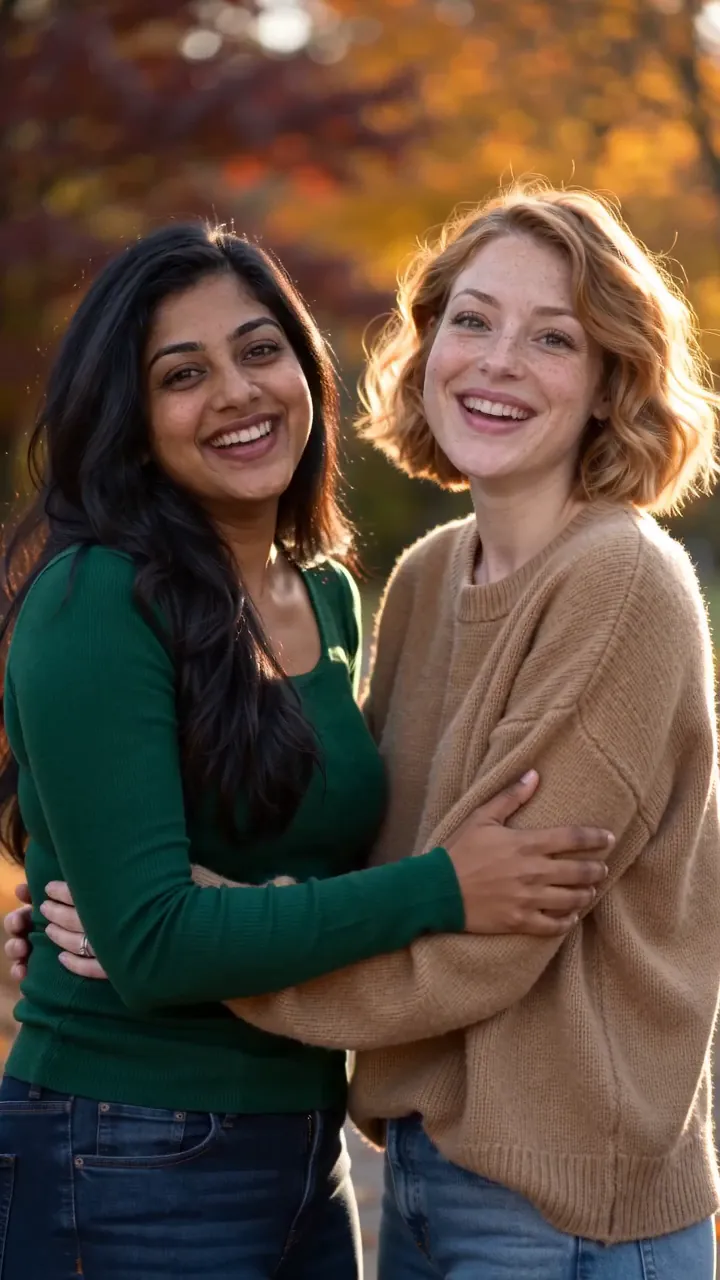
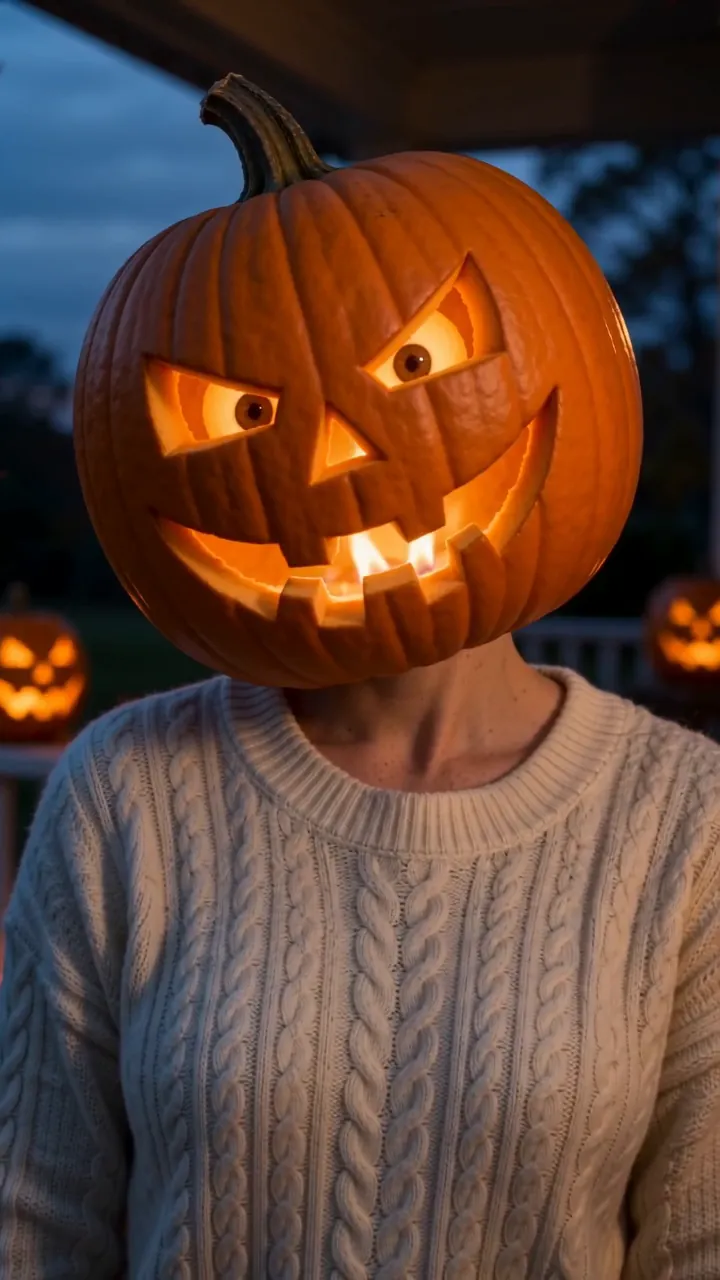
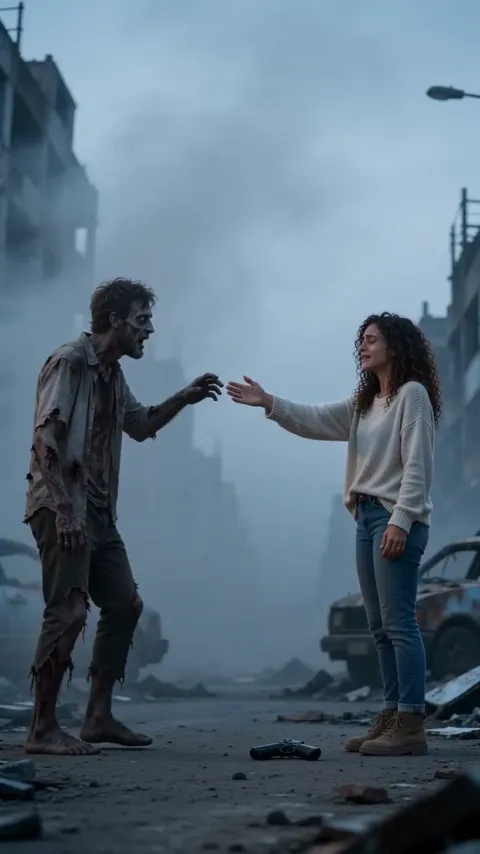
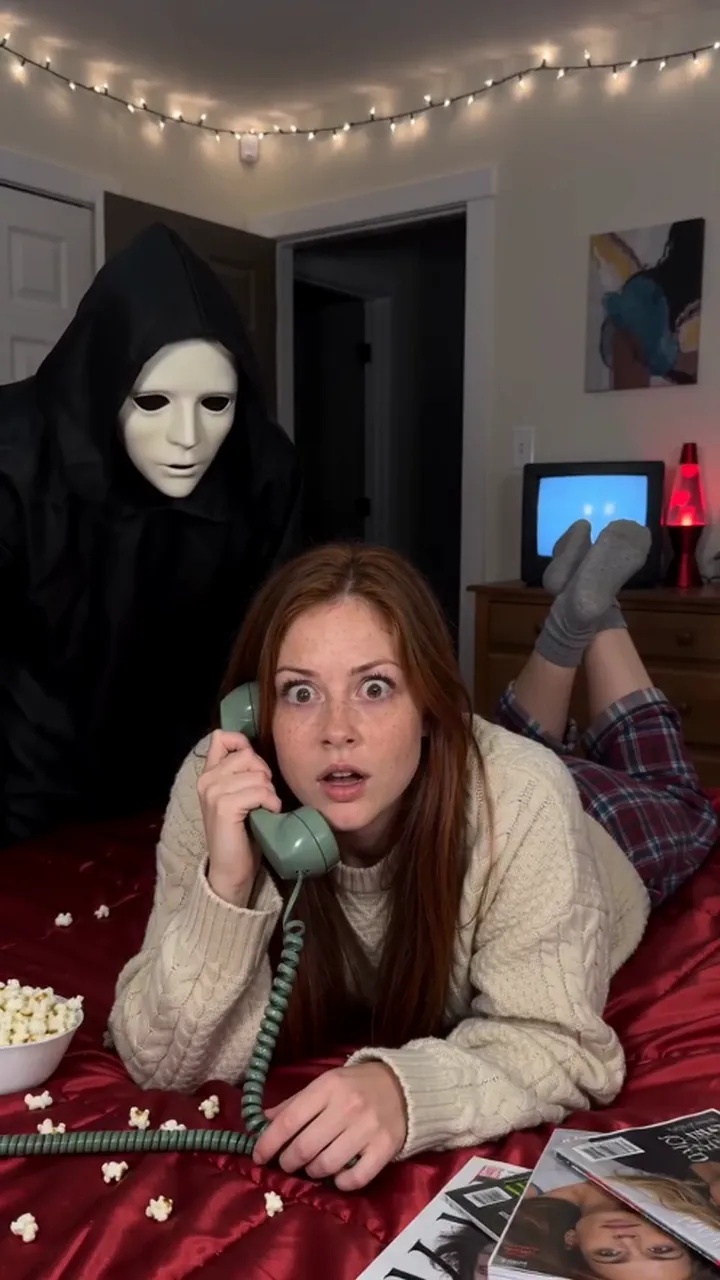

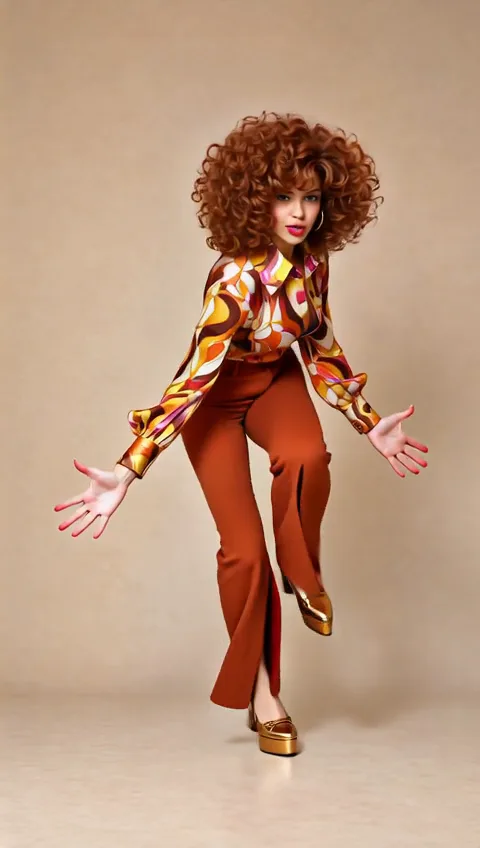
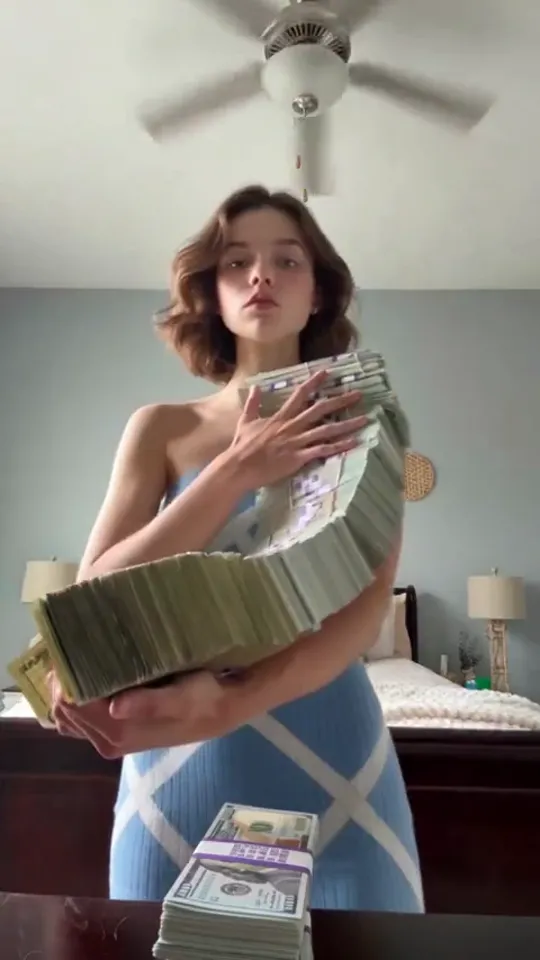
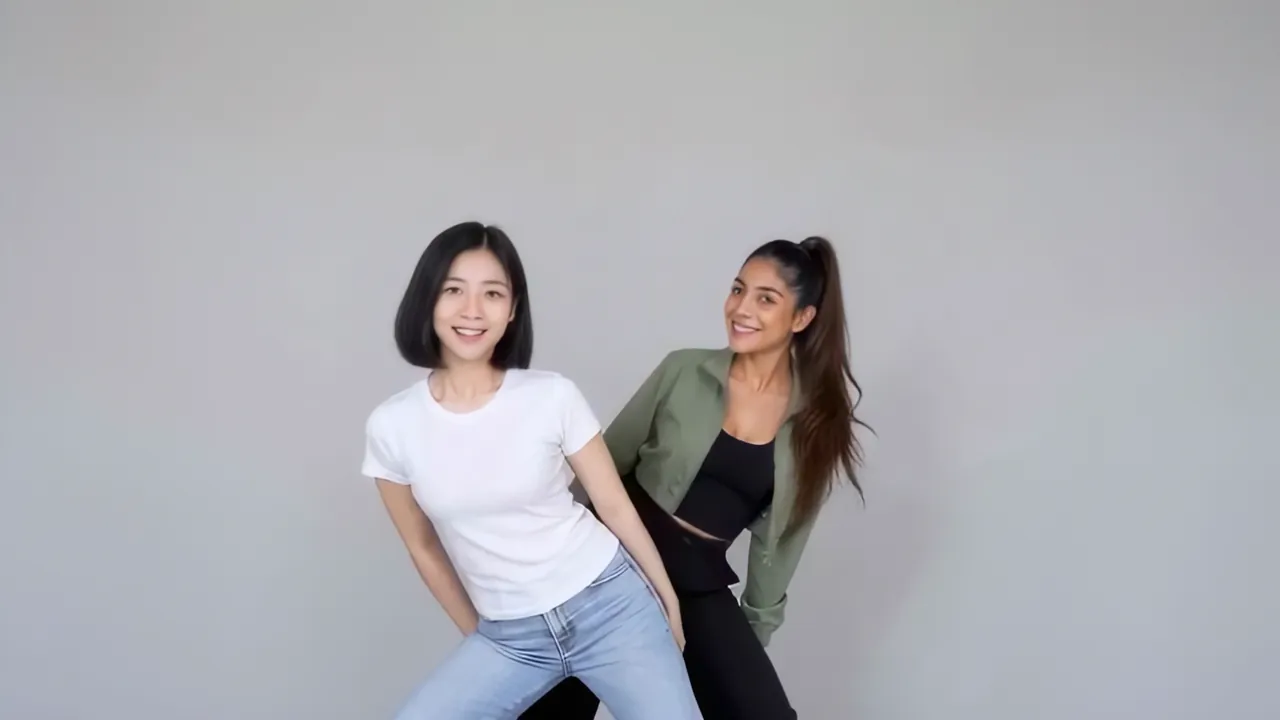
One selfie.
You in 80s Yearbook AI.
- No prompt to write
- 2 photos
- Ready in about a minute
80s Yearbook AI25% off this week · not charged if it fails