
MiniMax H3 Max
NewFlips, falls and fights with real weight
- Photo or text
- Up to 15 s
- Sound built in
- End frame
- 6 shapes
All results are AI-generated and labeled.
0 / 1500
Add a start frame.
By adding a photo you confirm everyone in it is 18+ and agreed to have their face used for this. We use faces only to make what you ask for. How we handle faces
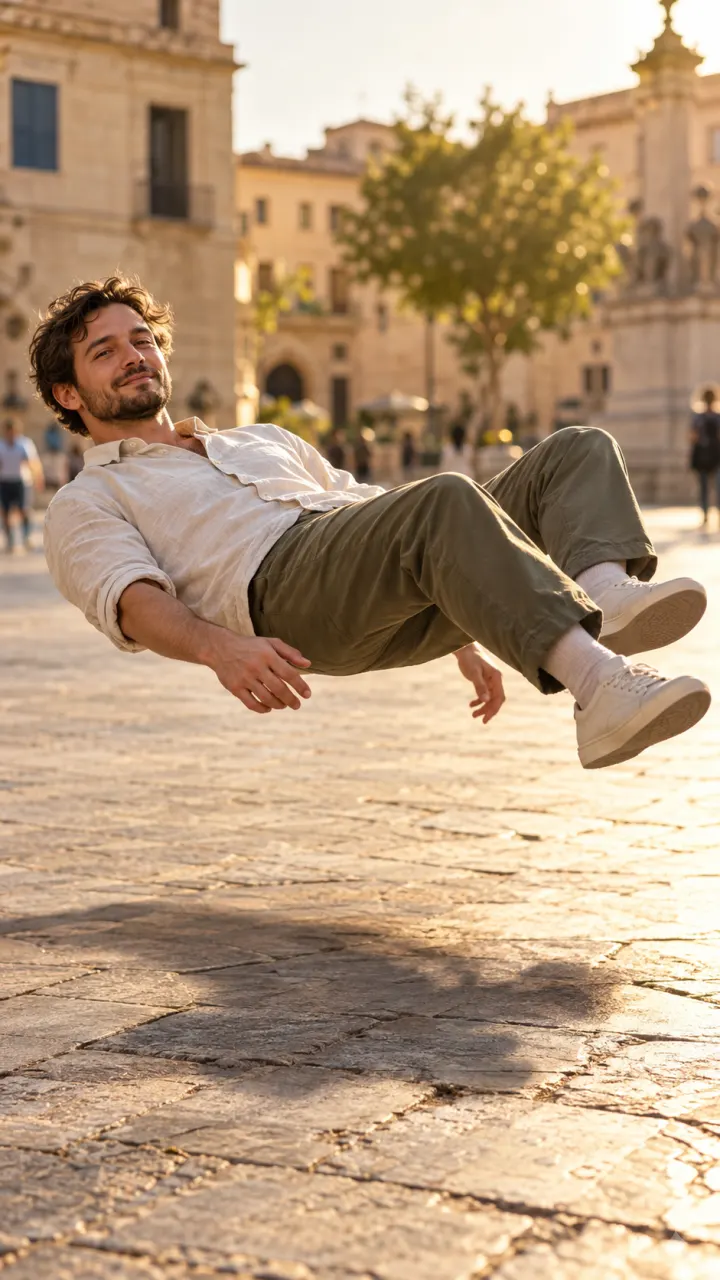 Example · Levitate
Examples show what each idea aims for. They are illustrations, not output from a particular model.
MiniMax H3 skips glossy cinema polish in favor of authentic handheld cadence, natural indoor lighting shifts and believable micro-expressions—which is why Studio’s Auto mode picks it first whenever you drop a single photo onto image to video.
A man in a white shirt slowly floats up off the stones of a sunny old-town square, body relaxed, his shadow stays on the ground

At roughly ten credits for a 5-second 768p clip with built-in audio, H3 lets you test five different reaction prompts or end frames for the cost of one flagship render, and stretches all the way to 15 seconds without breaking the bank.
A golden retriever in a high-rise office shakes hands with a man in a suit across the desk, city skyline behind, deadpan office comedy
Upload a start photo and H3 adapts to its native shape automatically; attach an optional end frame to steer a reveal, or start from text alone in 9:16, 16:9, 1:1, 3:4, 4:3 or 21:9. For heavy stunts and acrobatics, step up to H3 Max in the same family.
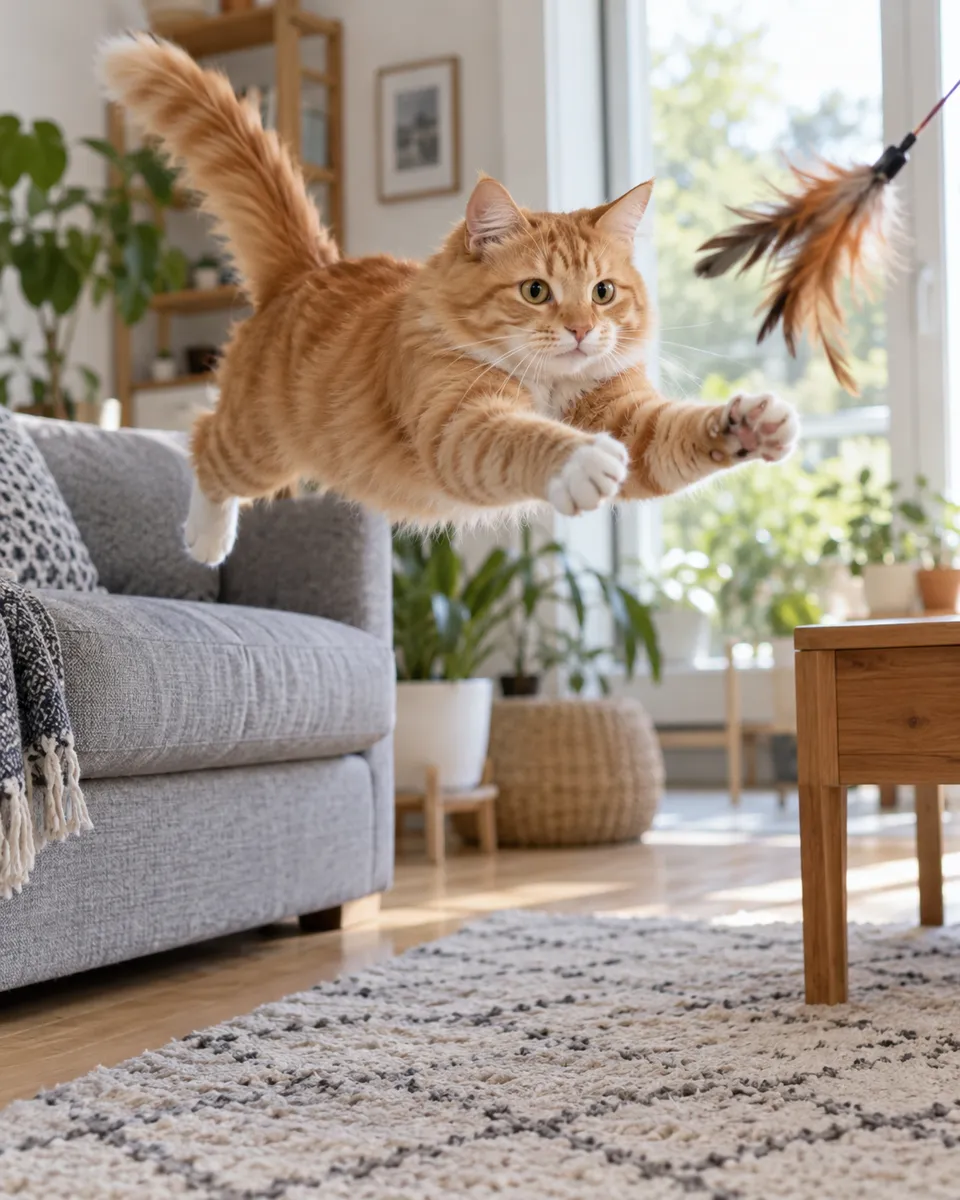
A ginger cat leaps across a sunlit living room after a feather toy, slow motion, low angle
 IllustrationCandid selfie-to-video reactions
 IllustrationThrifty 15 s meme and skit drafts
 IllustrationPet antics that look caught on phoneIllustrationTwo-photo casual transitionsIllustrationEveryday lifestyle clips with ambient sound
Flips, falls and fights with real weight
Wide 16:9 clips from text or a photo
A photo to a wide clip for the fewest credits
A man in a white shirt slowly floats up off the stones of a sunny old-town square, body relaxed, his shadow stays on the ground
Casual daylight or room lighting gives MiniMax H3 natural shadows to work with; heavy beauty filters make motion look stiffer.
Write what a friend holding a phone would catch—“laughs, sets down the coffee cup and waves”—and let built-in audio fill the room tone.
Every H3 run renders at 768p; pass keeper clips through the [AI video upscaler](/video-upscaler) when you want sharper delivery.
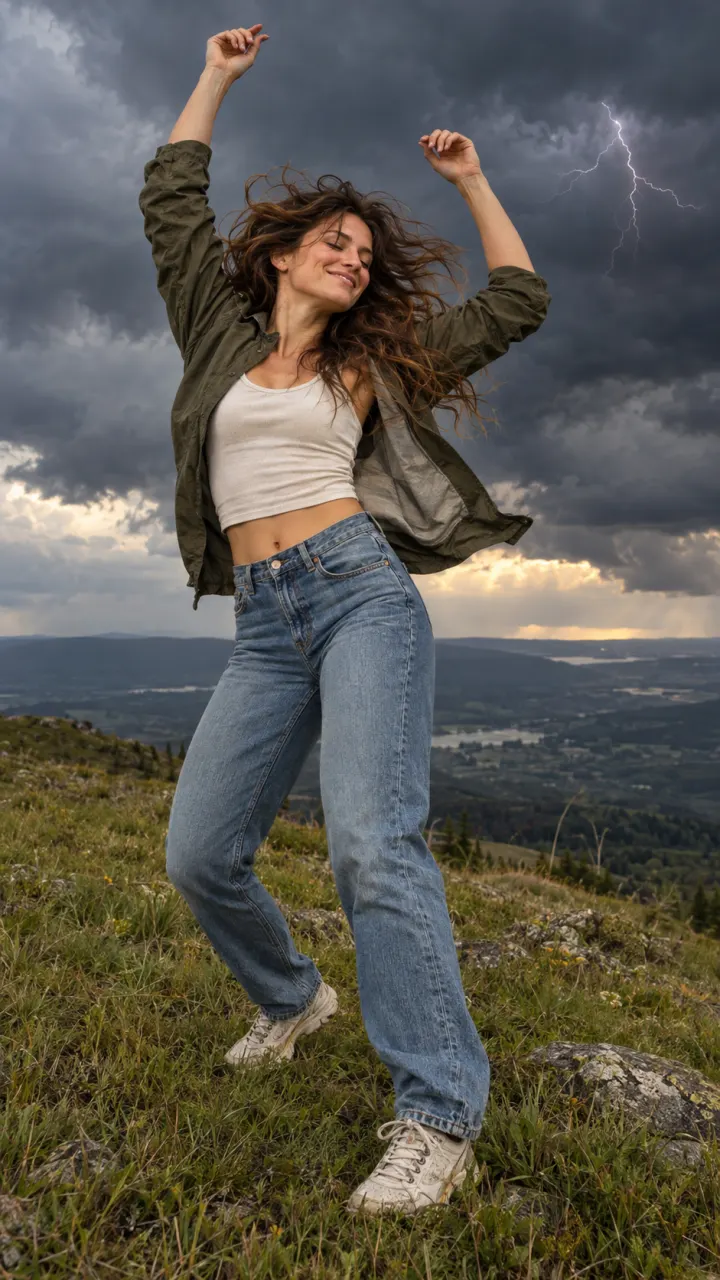 Kling 4.0KuaishouCrisp 1080p resolution and complex dance choreography.
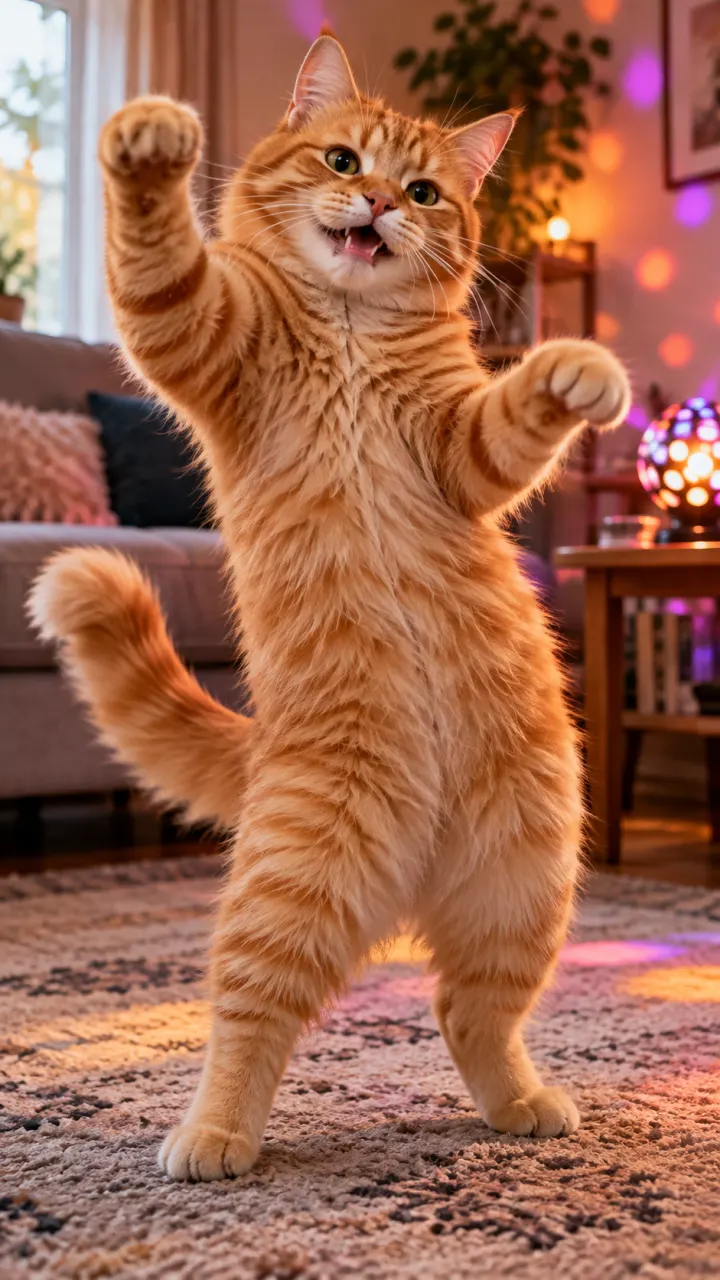 Grok ImaginexAI480p to 1080p meme clips scored with upbeat music.
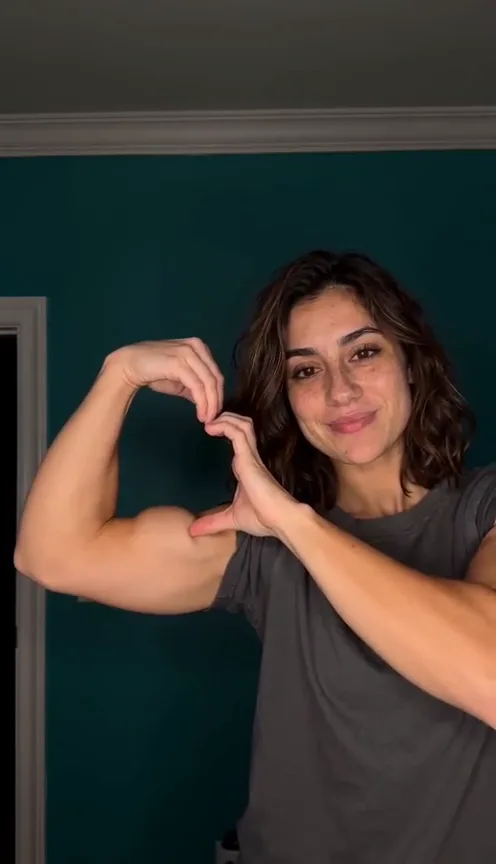 PixVersePixVerseSnappy 5 s and 8 s two-photo morphs with optional silent mode.
 FLUX.3 VideoBlack Forest LabsDeeper photographic lens bokeh and fabric texture.
It combines natural handheld movement, built-in sound, start-and-end frame support and lengths up to 15 seconds at one of the lowest credit rates in Studio, so ordinary selfies look filmed rather than over-rendered.
Both output 768p up to 15 seconds with built-in audio and end frames, while H3 Max spends roughly three times the compute per second to hold body physics together during flips, falls, sports and fast impacts.
768p is Hailuo/MiniMax’s native training resolution—slightly sharper than 720p while keeping render cost low.
MiniMax H3 always generates ambient audio and effects alongside the video; if you want a silent widescreen clip from MiniMax, switch to Hailuo 2.3 in the picker.
Reelfie (reelfie.app) runs MiniMax H3 independently with upfront per-clip credit display and automatic refunds if a render fails. Compare pack and plan options on pricing.


