MiniMax H3 Max
NewFlips, falls and fights with real weight
- From your photo or a line of text
- Clips up to 15 seconds
- Sound built in
- Can end on a frame you pick
- Vertical, wide, square and more
All results are AI-generated and labeled.
0 / 1500
Add a start frame.
By adding a photo you confirm everyone in it is 18+ and agreed to have their face used for this. We use faces only to make what you ask for. How we handle faces
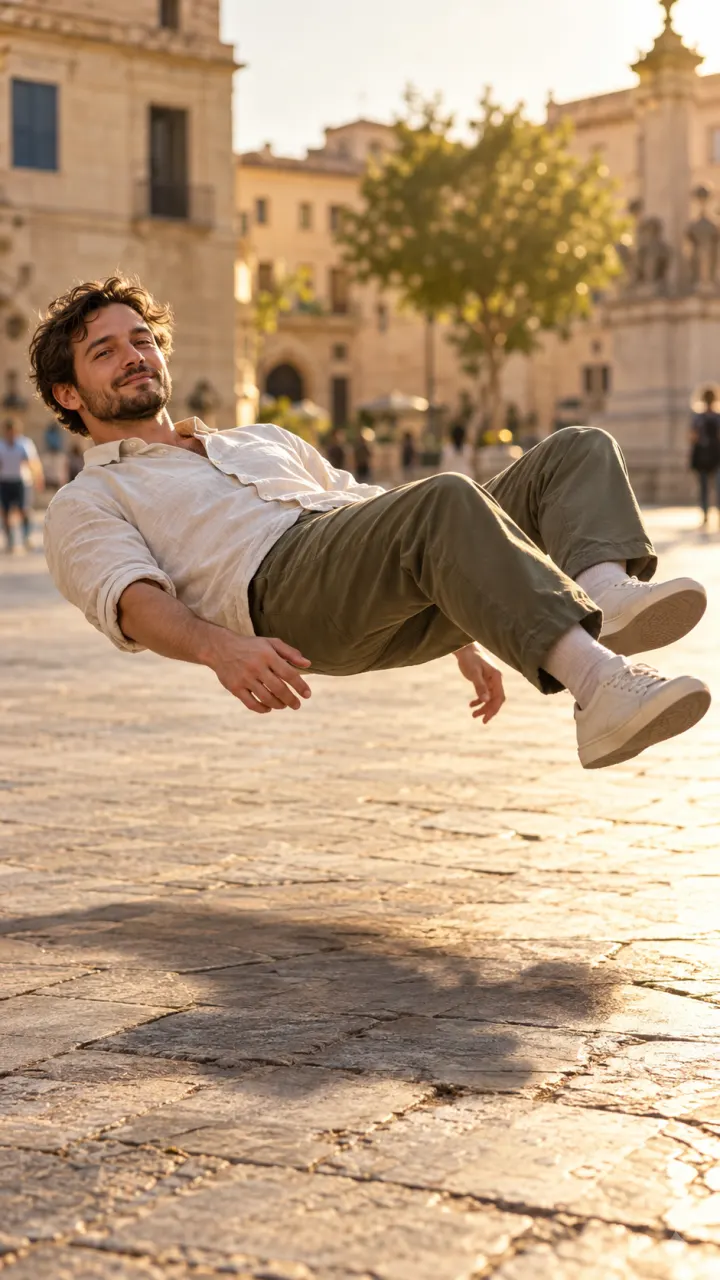 Example · Levitate
Examples show what each idea aims for. They are illustrations, not output from a particular model.
Light, skin and fabric read like a phone video, which suits selfies and everyday scenes. Clips look shot rather than rendered, so they sit naturally next to the rest of a feed. Prompts work best when they describe a real place and a real moment, like “walking out of a café into the sun”. To start from your own photo, try image to video.
A man in a white shirt slowly floats up off the stones of a sunny old-town square, body relaxed, his shadow stays on the ground
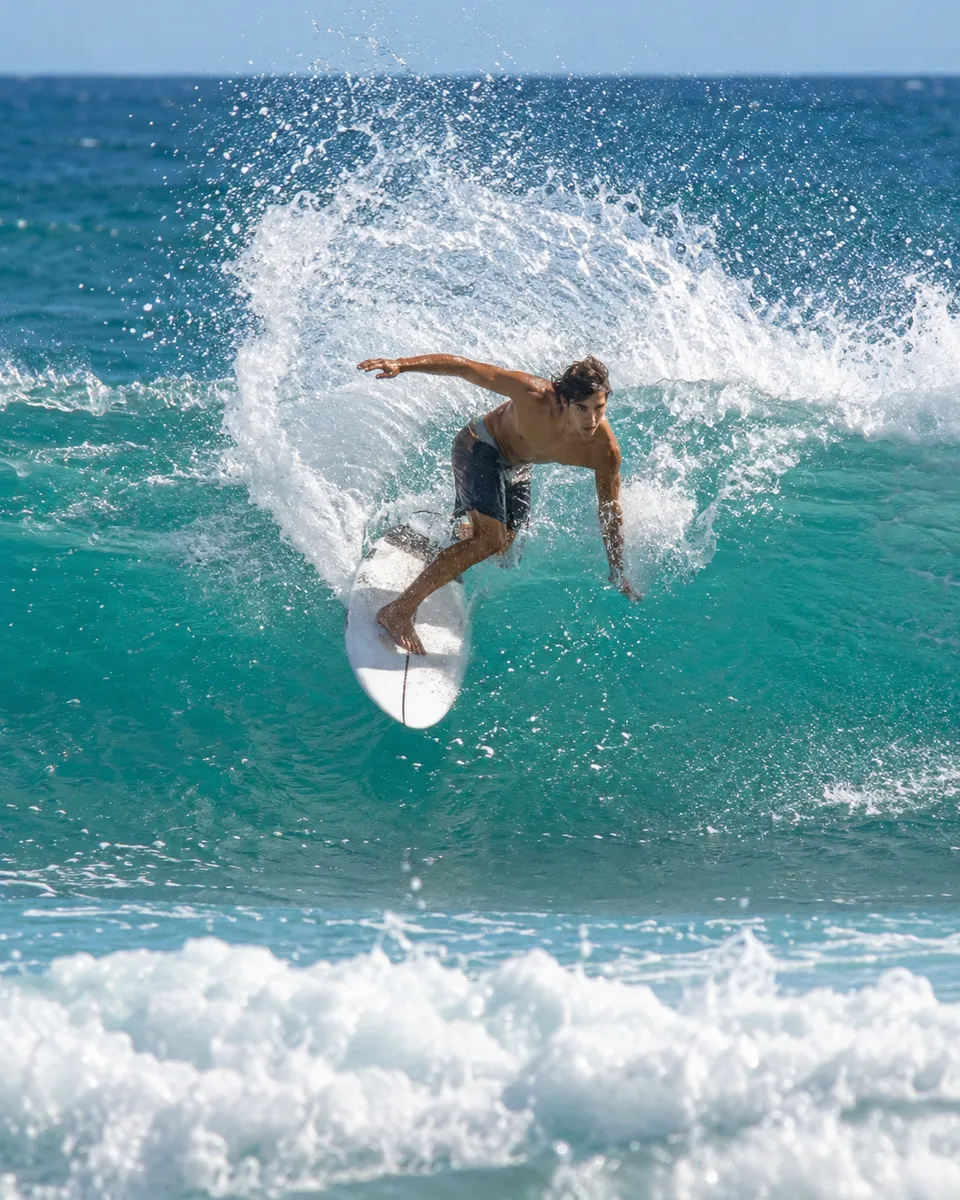
H3 Max handles flips, falls and fights, where bodies need to land with real weight. Big moves are where clips usually break: legs bend the wrong way or a jump floats. Describe the move and where it ends, like “backflips and lands on one knee”, and leave the camera steady so the motion reads. Action ideas with the prompt already written are in trends.
A surfer carves a hard turn on a turquoise wave, spray arcing behind him, slow motion, shot from the water
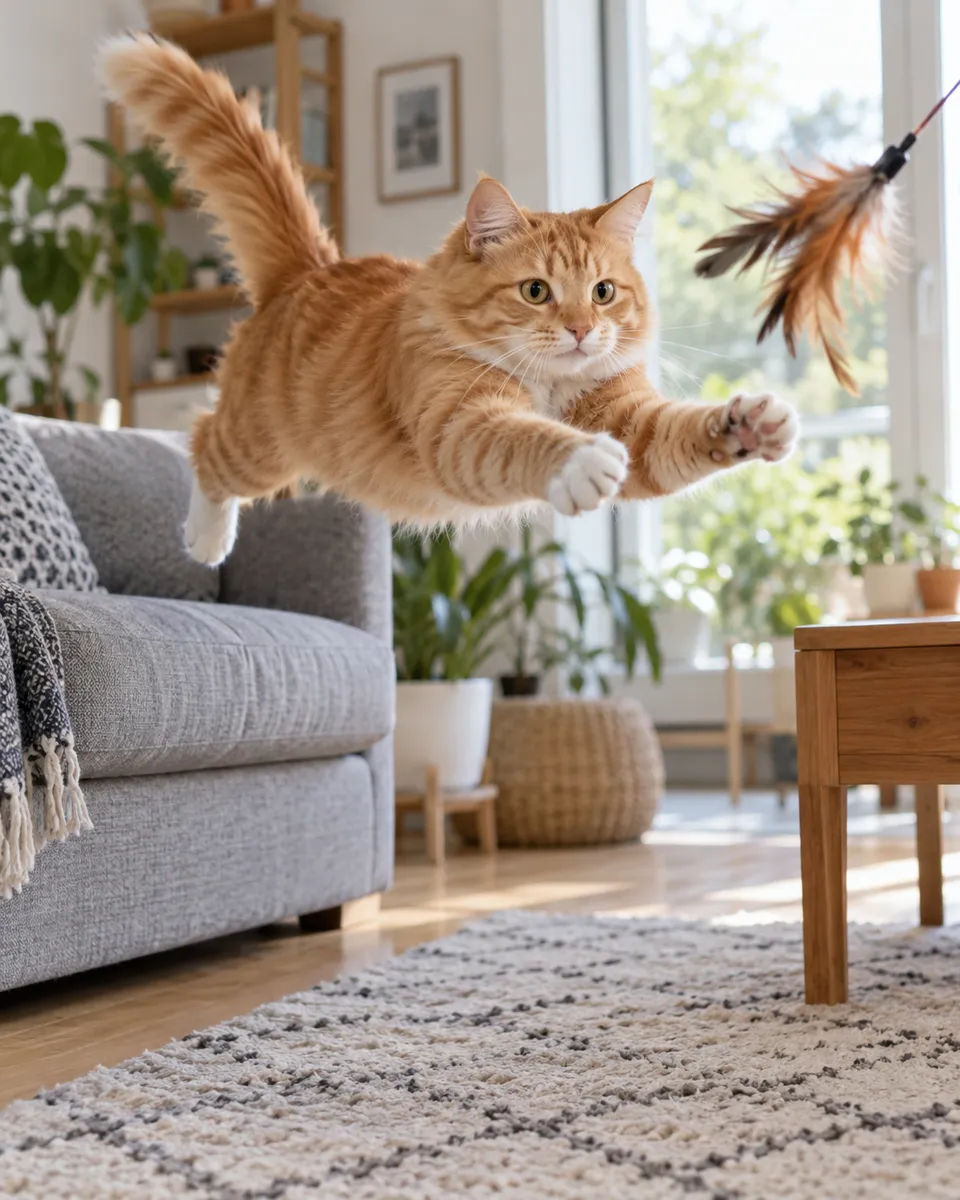
H3 and Hailuo 2.3 Fast bring a photo to life for a few credits, so you can try a few takes. That makes them a good first stop for a new idea: see how the photo moves, then decide whether it’s worth a longer or sharper run. Keep the prompt short on drafts and add detail only once the motion is right. Every family’s price is on the models page.
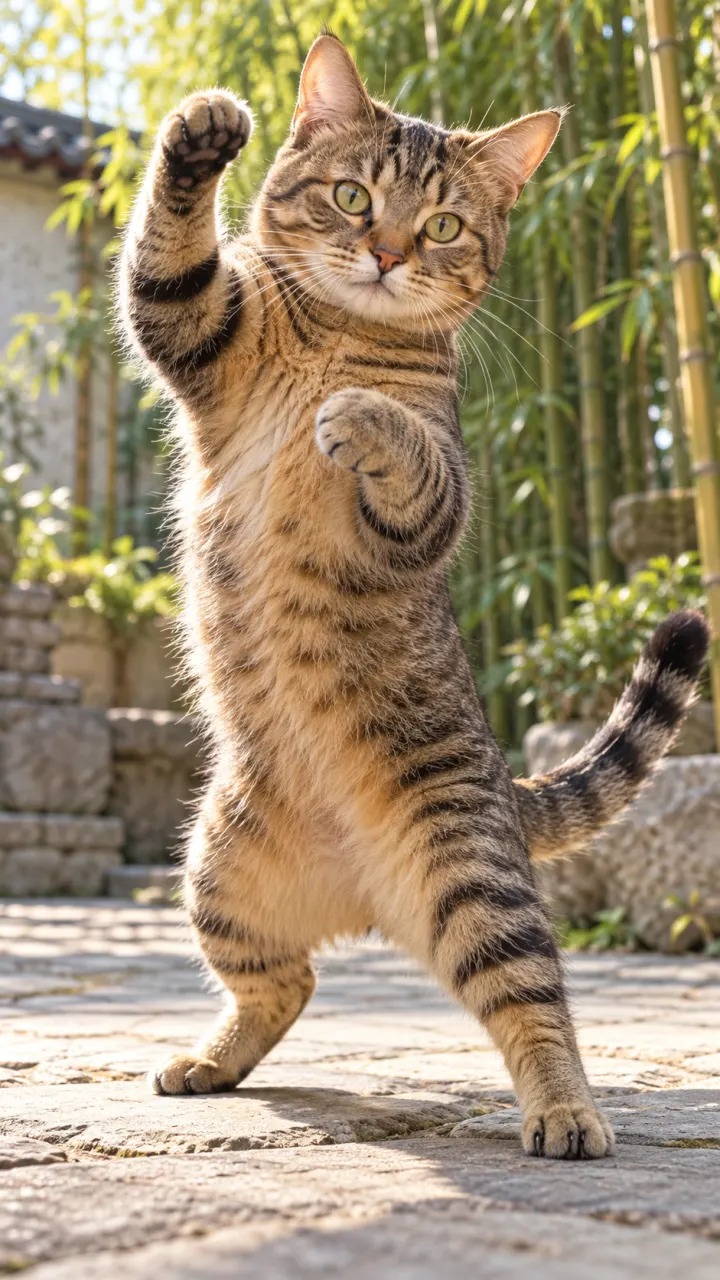
A tabby cat stands on its hind legs in a sunny courtyard and throws a quick kung fu combo, bamboo swaying behind, low angle
 A selfie that moves
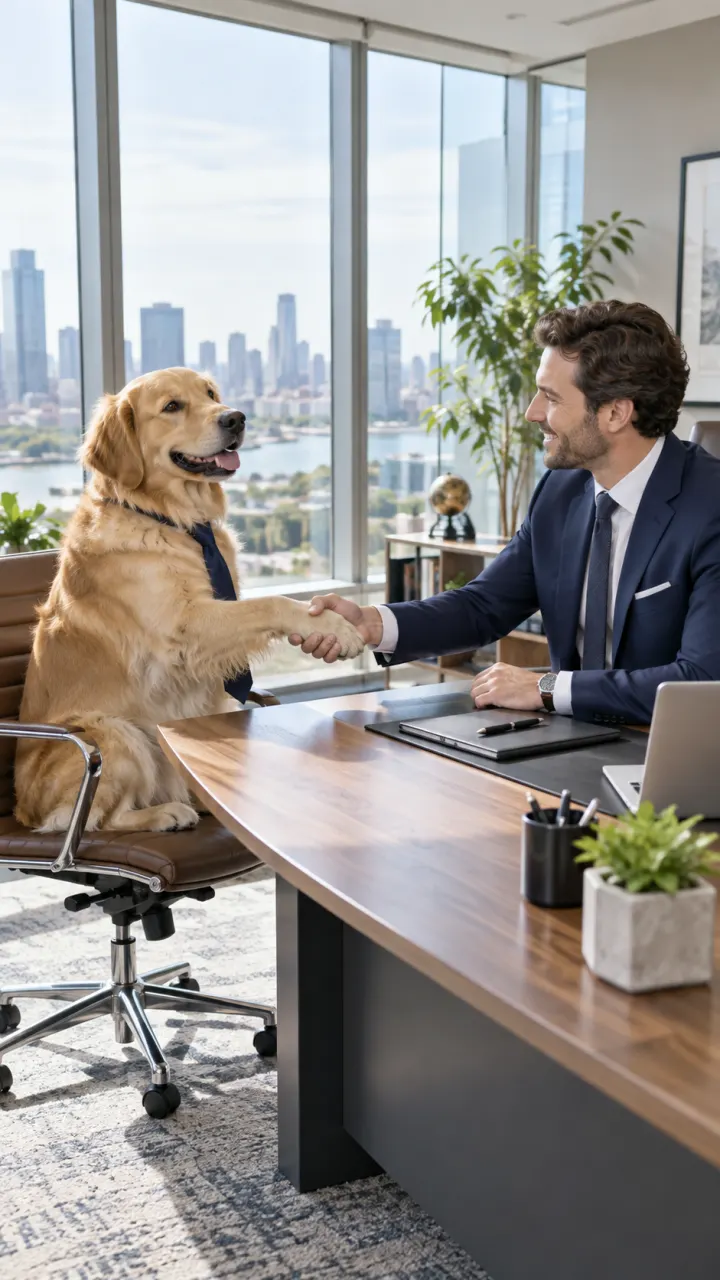 Stunts and action moments
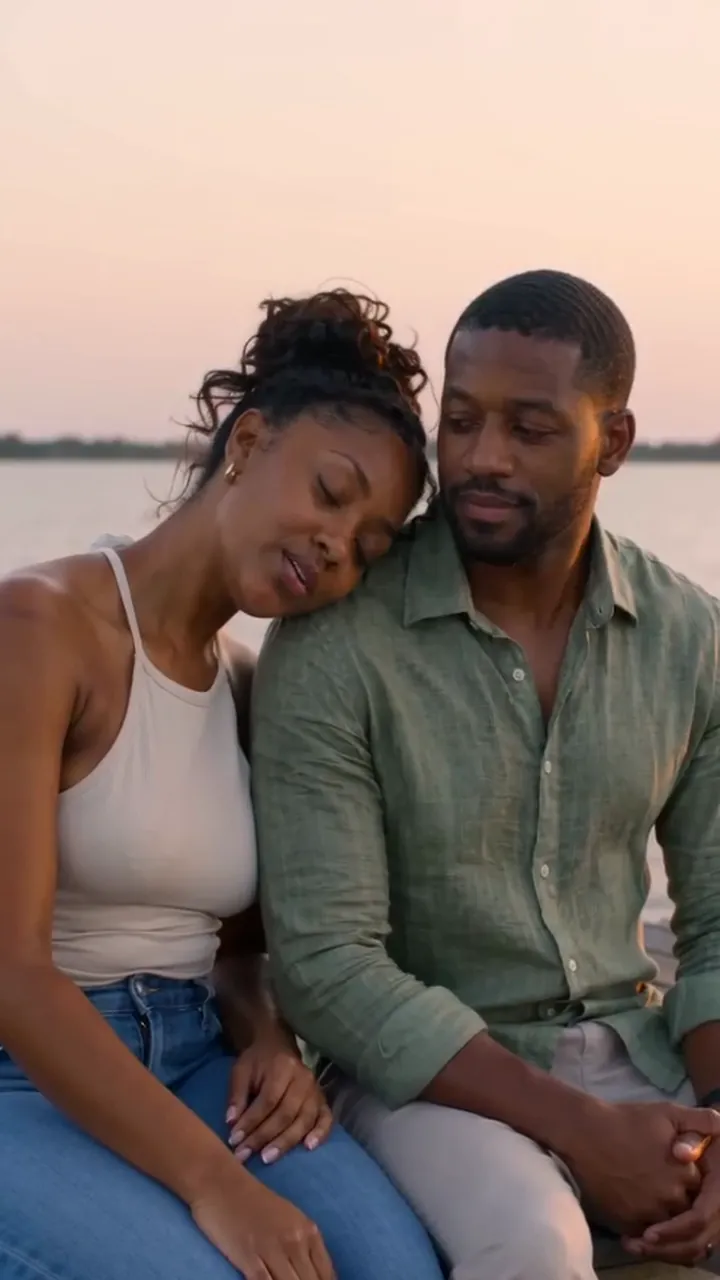 Wide 16:9 scenesSurreal everyday clipsSports and slow motion
Pictures are illustrations of the kind of result, not outputs of MiniMax.
Every version runs in the composer above. Switch any time; your photo and prompt stay put.
Flips, falls and fights with real weight
Bring a selfie to life for a few credits
Wide 16:9 clips from text or a photo
A photo to a wide clip for the fewest credits
A man in a white shirt slowly floats up off the stones of a sunny old-town square, body relaxed, his shadow stays on the ground
One clear subject works best: a person, a pet, a product or a place. Or switch to Text to Video and skip it.
One line about what moves and how the camera follows. Then set the shape, length and sound.
The button shows the cost first. Your clip lands in the feed when it’s done, and you can leave the page.
Other models do other jobs. All of them run in the same composer.
 SeedanceByteDanceMulti-shot scenes with native sound
 KlingKuaishouFaces, hands, dance and body motion
 Veo & Gemini OmniGoogleCinematic shots with dialogue and sound
 WanAlibabaStylized looks, anime and long takes
No. MiniMax is made by MiniMax. Reelfie is an independent studio that runs it for you next to other models, with one account and one set of credits. Reelfie isn’t affiliated with MiniMax.
From 10 credits a clip, depending on the version, the length, the resolution and sound. The Generate button shows the exact cost before you start, and a run that fails costs nothing.
Yes. Add a photo of yourself, or of someone who agreed, and nobody under 18. Your photos are deleted 7 days after upload and never used to train AI.
MiniMax H3 Max: Flips, falls and fights with real weight. MiniMax H3: Bring a selfie to life for a few credits. Hailuo 2.3: Wide 16:9 clips from text or a photo. Hailuo 2.3 Fast: A photo to a wide clip for the fewest credits. Switch versions in the Model row; your photo and prompt stay put.
MiniMax makes clips of 5, 6, 10 and 15 seconds. Sound by version: MiniMax H3 Max, always on; MiniMax H3, always on; Hailuo 2.3, silent; Hailuo 2.3 Fast, silent. Pick the shape and resolution in the composer.
No. Your Reelfie account runs MiniMax and every other model here on the same credits. You don’t sign up with MiniMax or bring a key.
You get the credits back automatically, and the run shows Retry in your feed.
Model names belong to their makers. Reelfie isn’t affiliated with MiniMax.