Quick answer
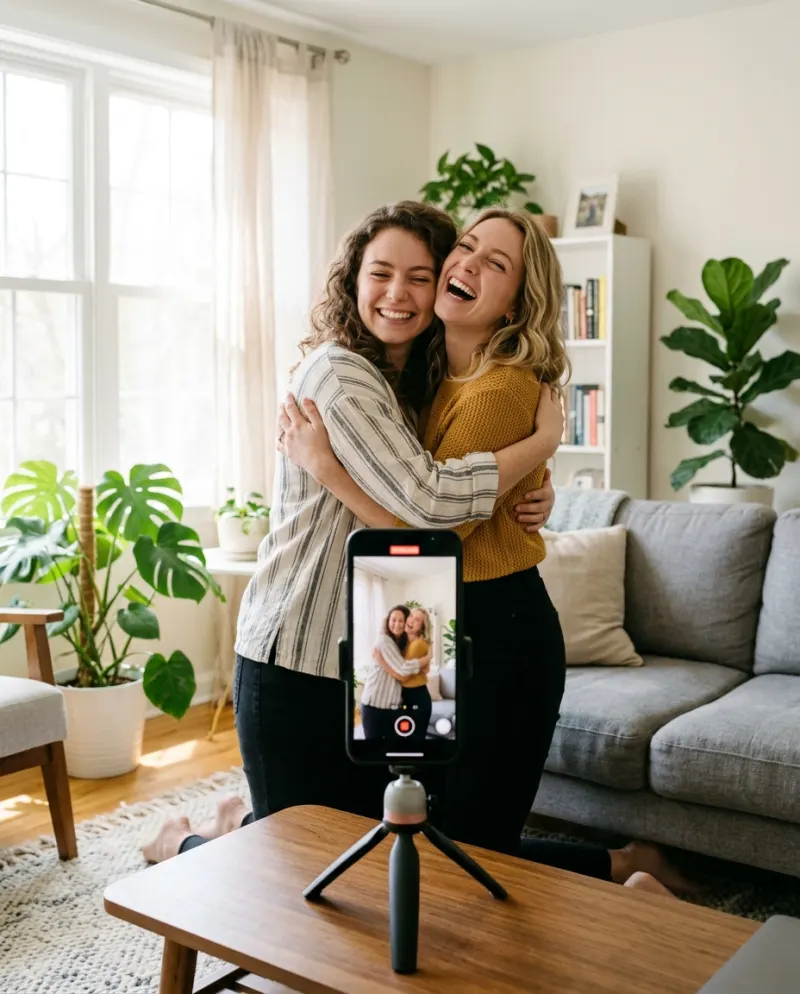
In most tools the AI hug takes two steps. Ask Gemini or ChatGPT to put both people in one picture, a step apart, then give that picture and the hug prompt to a video tool. For a hug with your younger self, use the third prompt. AI Hug on Reelfie takes the two photos directly, with no prompt.
“Gemini AI hug trend prompt” and “AI hug video prompt” are after different things. Gemini’s image editing gives you the starting picture; the walk-in and the sway come from a video model, which some Gemini plans include and other tools offer on their own. Both prompts are below. They’re written for general tools, not taken from our template.
Step 1 · One picture with both people
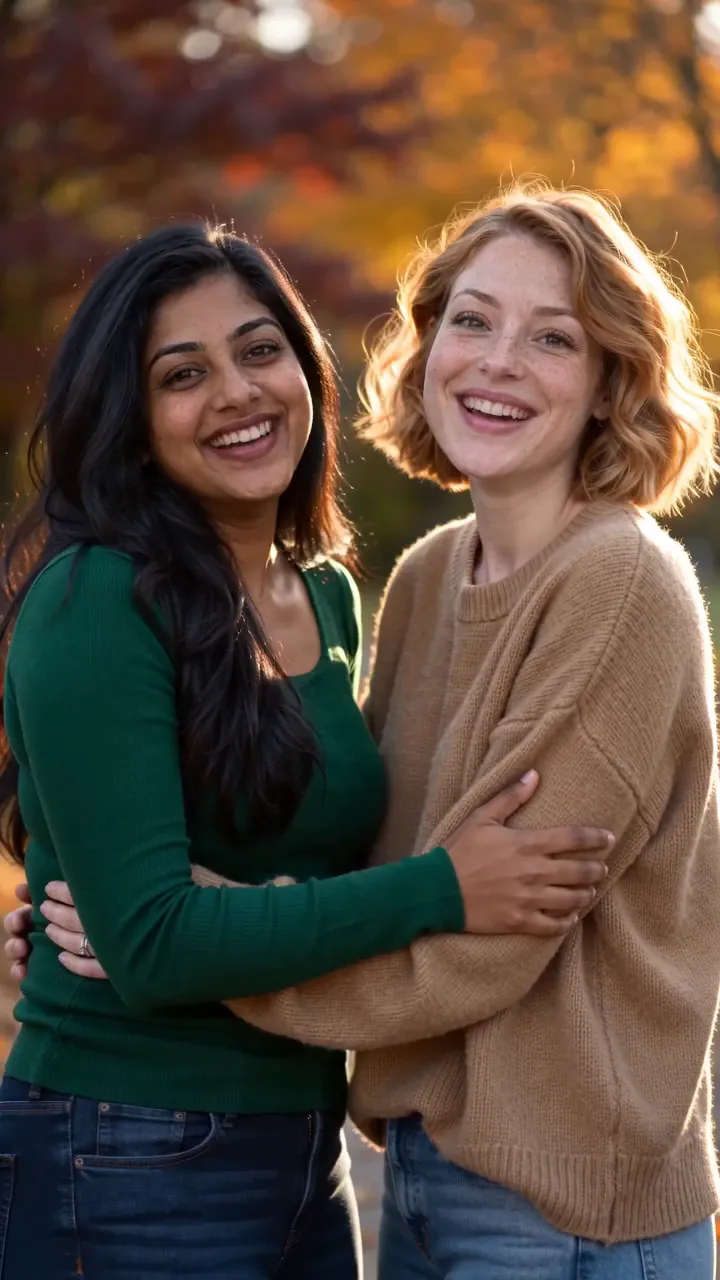
Put the person from the first photo and the person from the second photo together in one picture. They stand a step apart, facing the camera and smiling, in a bright, plain room with soft daylight from a window. Keep both faces, hairstyles and clothes exactly as in the photos. Realistic photo, both shown from the knees up, vertical 9:16.
Upload both photos, then paste. “A step apart” leaves room for the walk-in: if they’re already touching, there’s no meeting to animate.
Step 2 · The hug
Vertical 9:16 video, 8 seconds. The two people in the picture turn toward each other, take a few steps, smile and wrap their arms around each other’s backs in a long, warm hug. They hold it and sway gently from side to side. Soft daylight, plain blurred background, natural movement, realistic hands and arms. Keep both faces exactly as in the picture. No text.
- “Take a few steps”: the walk is the build-up. A clip that opens mid-hug has nothing to land.
- “Wrap their arms around each other’s backs”: say where the arms go, or they hover.
- “Hold it and sway”: a held hug reads as real; a quick squeeze looks like a glitch.
- “Plain blurred background”: fewer edges for an arm to melt into.
- “Keep both faces exactly”: with two people, one face nearly always drifts first.
Hugging your younger self
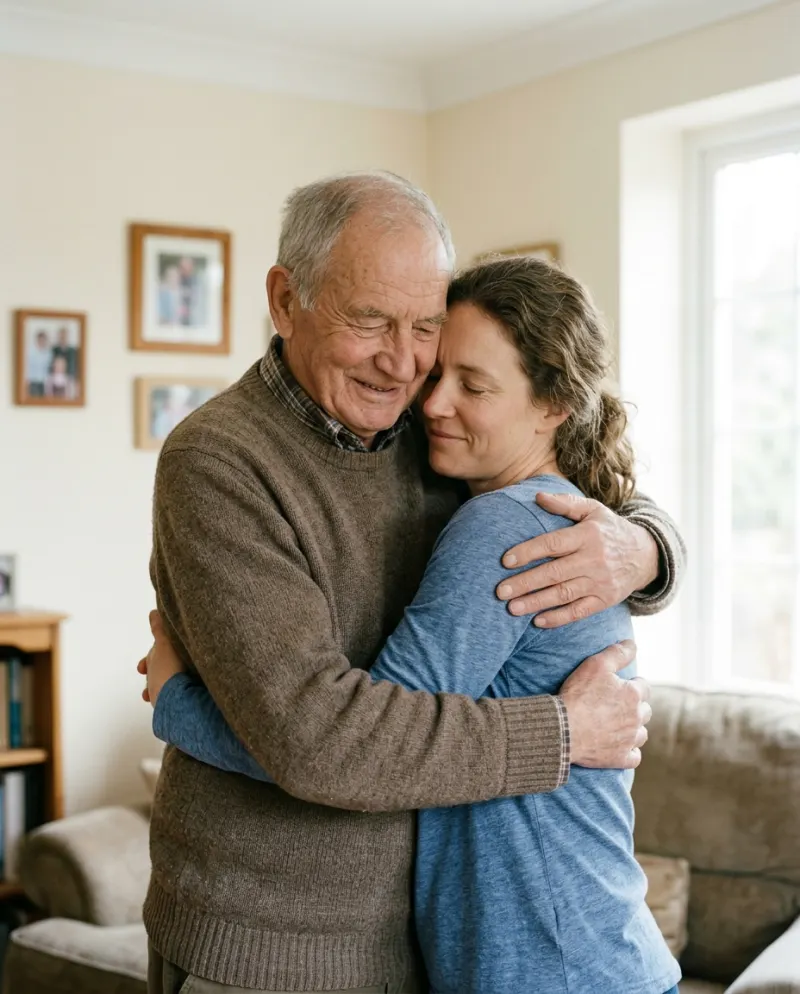
The most searched twist. In step 1, use a childhood photo and a recent one. Then state the age, or the tool draws a very small adult.
The adult from the second photo kneels down and hugs the child from the first photo, who is about six years old and the size of a real six-year-old. Both smile and close their eyes. Warm afternoon light in a quiet living room. Keep both faces as in the photos. No text.
Reelfie’s AI Hug template is for two adults, so this one belongs in a general tool.
Partners, pets and characters
Swap the action sentence in the step 2 prompt for one of these.
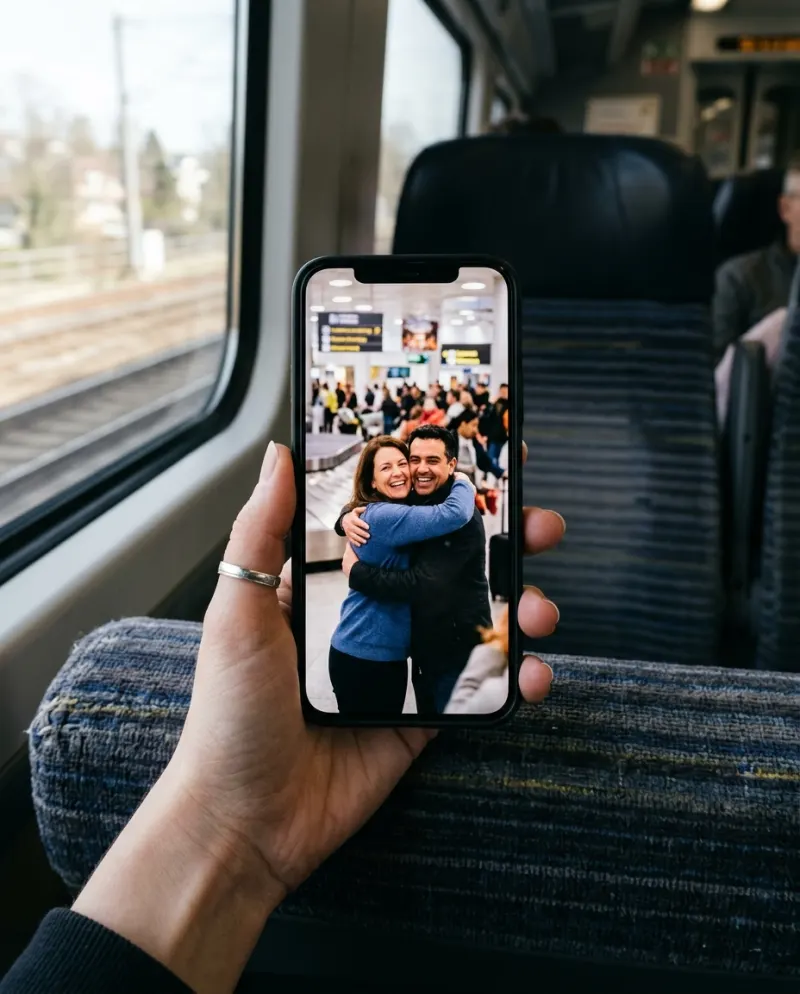
Arrivals hall
The long-distance reunion.
they spot each other across a bright airport arrivals hall, hurry over and hug, one lifting the other slightly off the ground
With a pet
Ask for a cuddle, not a two-armed hug.
the person kneels and wraps their arms around the dog, which leans in and rests its head on their shoulder
Drawn characters
Gacha and anime hugs hold together best when both sides are drawn.
both are 2D anime characters in the style of the first picture, hugging under falling cherry blossoms
A hug with a famous face, or with anyone who didn’t agree, is another matter. Many tools block it, and posting one can hurt the person in it. Use photos of people who said yes.
Skipping both steps
AI Hug takes one photo of each person as they are: no starting picture to build and no prompt to tune. Both have to be adults who agreed. It costs 80 credits, shown before it runs.
Common problems
They’re already hugging in the first frame
Start from a picture where they stand apart, and keep “take a few steps” in the prompt.
A hand disappears into a back
Add “hands resting flat on each other’s backs” and keep the background plain.
The child looks like a tiny adult
Give the age and add “the size of a real child”. A sharp childhood photo helps more than any wording.
Gemini won’t combine the photos
Edits of real people are sometimes declined. Try photos where the faces are smaller, or join them in a collage app instead.
FAQ
What is the prompt for the AI hug trend?
Two prompts: one that puts both people side by side in one picture, and one that animates them walking in and holding a long hug. Both are above, ready to copy.
Can Gemini make the hug video itself?
Gemini’s image editing makes the starting picture. Whether it can animate it depends on your plan; if not, take the picture to any image-to-video tool.
Does Reelfie use these prompts?
No. The template runs its own, tuned to its model, and you don’t write anything there.
Can I do it for free?
Partly. Can you make an AI hug video for free? goes through the free routes and their catches.
Make your first one
AI Hug: Two photos, one long hug.
Try AI HugYour photos are deleted 7 days after upload and never used to train AI.