Quick answer
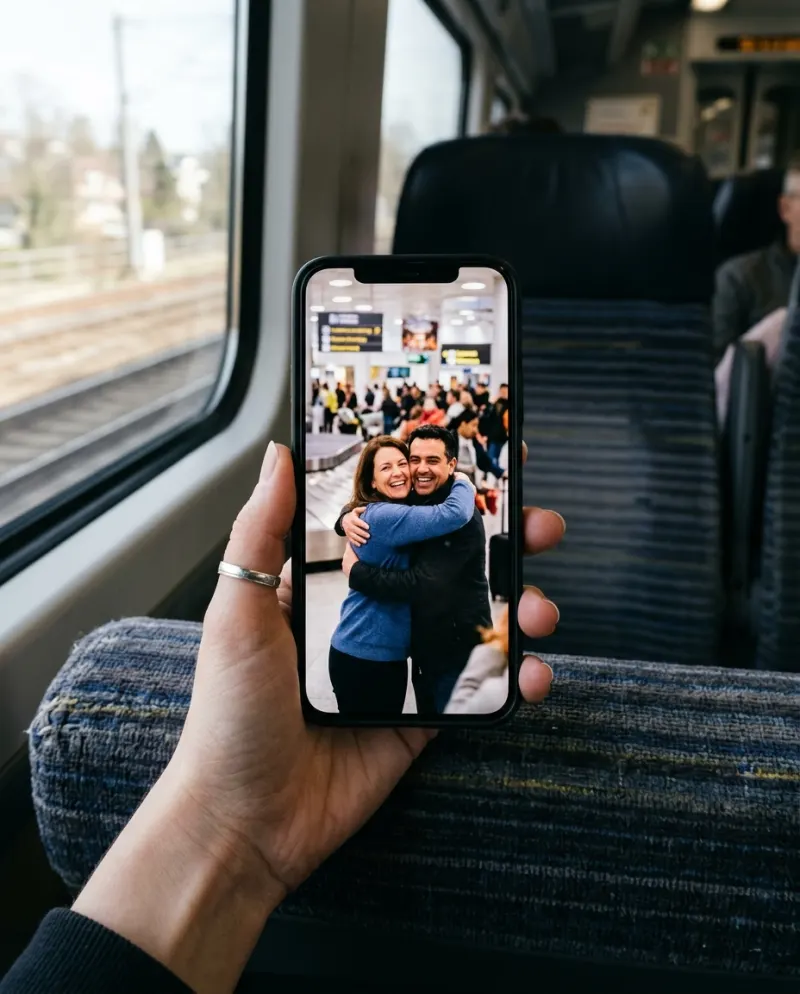
A CapCut template edits pictures you already have: it can slide two photos together, zoom and add a sound, but it won’t make two people walk into a hug unless it runs an AI effect. An AI generator draws the hug itself. AI Hug makes it from one photo of each person for 80 credits, and CapCut is still handy for the caption afterwards.
“AI hugging trend CapCut template” is a big search because CapCut is where most TikTok edits begin. Some hug templates run an AI effect on your picture; others are slideshows with a hug sound on top. Templates change often and differ by region, so it pays to know which kind you’ve opened before adding photos.
Edit versus generate
CapCut template
Arranges your photos or clips to a sound with cuts, zooms, text and transitions. Arms only move if the template runs an AI effect.
Good for a slideshow of real hugs
AI generator
Draws an 8-second scene of two people walking in and hugging, from one photo each. The hug never has to have happened.
Good for someone far away
How to tell what a template does
- Count what it asks for. A template that wants five clips is an edit, not a hug.
- Watch the preview to the end. If nobody’s arms move, it’s a zoom over a still.
- Templates with an AI hug effect usually want one picture with both people in it, and may limit free use.
- Can’t find one? Search #aihug in CapCut’s template tab, or skip the template and make the clip first.
The AI route, then TikTok
- 1Make the hug on AI Hug from one photo of each person, then download the MP4 from Assets.
- 2In TikTok, upload that file rather than a screen recording, and choose a slow sound from a hug post you liked.
- 3Turn on the AI-generated content label: TikTok asks for it on realistic AI video.
- 4Keep the caption to who it’s for. The hug says the rest.
CapCut after the AI
CapCut is good at what the generator leaves out: a title card before the hug (“Day 212 apart”), a slowed-down last two seconds, or the two original photos shown first as a before-and-after. Open the downloaded file, not a copy saved from a chat.
Hug and kiss in one video
Many apps sell “hug and kiss” as one generator. On Reelfie they’re two templates that take the same two photos: make the hug here and AI Kiss there, then put them back to back in CapCut. Want the hug with a Halloween twist? AI Zombie Love Story turns the two of you undead before a slow dance.
Common problems
The template only zooms in on my photo
That’s a motion effect on a still, not a hug. Use it for real photos of you together, or generate the hug instead.
The hug looks soft once it’s on TikTok
Upload the MP4 itself and don’t export from CapCut at a lower resolution than the clip.
The sway fights the music
Pick a slower sound, or nudge the clip in CapCut so the moment of contact lands on a downbeat.
FAQ
Is there a CapCut template for the AI hug trend?
Creators post them, and they come and go by region. Some run an AI effect on one picture; many just arrange photos you already have.
Can I put my own song on the AI clip?
Yes. It comes with its own sound; lower that and pick your song in TikTok as you post, or swap it in CapCut.
Can I make a hug and a kiss video from the same photos?
Yes. AI Hug and AI Kiss each take one photo of each person, so you can make both and join them in CapCut.
What does the AI version cost?
80 credits on Reelfie, about $4.95 at the smallest pack’s rate. A run that fails costs nothing, and paid videos have no watermark.
Make your first one
AI Hug: Two photos, one long hug.
Try AI HugYour photos are deleted 7 days after upload and never used to train AI.