Quick answer
Filming a real hug on your phone is the only route that’s free from start to finish. Free tiers of image-to-video tools can make one too, usually after you sign in, with a watermark and a wait. On Reelfie, AI Hug costs 80 credits (about $4.95); the free gift for new accounts is a photo trend, not this video.
“Free, without login” is the most common way people look for an AI hug video, and it’s more of a headline than a product. Every clip takes real computing time, so nearly every tool wants an account before it spends any, and then caps or marks the free clips.
Here is what each route costs, what “free” means on each, and the one thing all of them need from you: a usable photo of both people.
Four routes, with the catch in each
Film a real hug
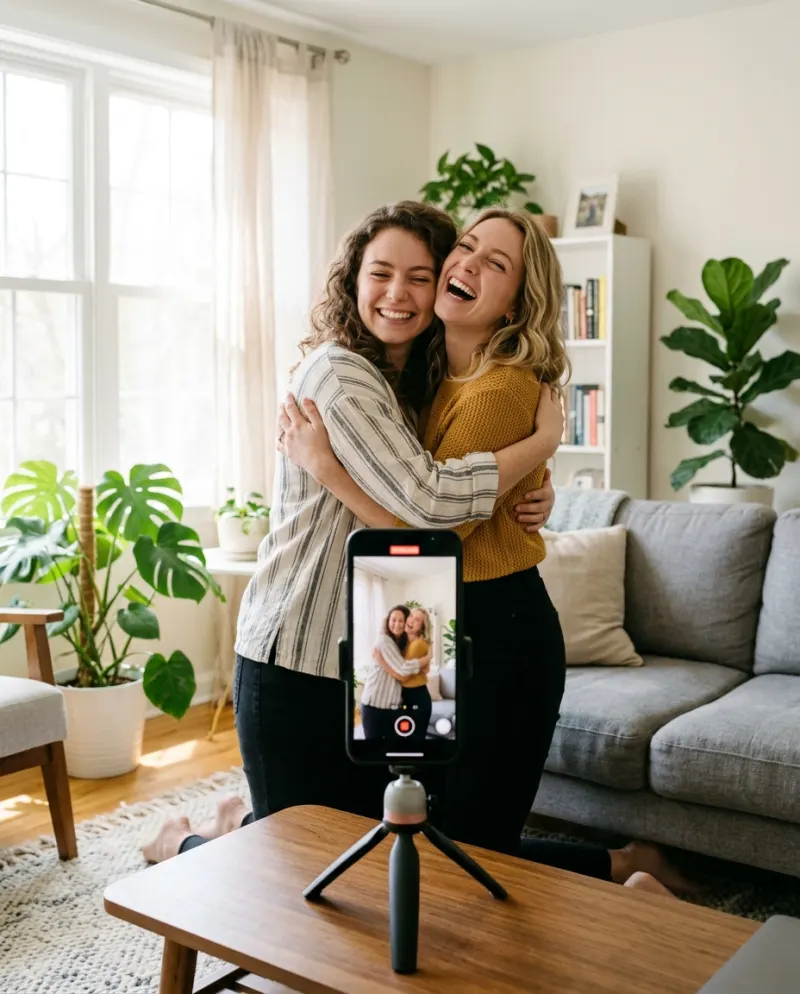
Free if you can be in the same room. A propped-up phone and a slow count of five.
Catch: you have to be together
A video tool’s free tier
Usually needs an account. Free clips tend to carry a watermark, and you write the prompt.
Catch: sign-in and retries
“No login” sites
Some let you upload without an account. Read what they keep, and expect a mark or a short, low-resolution clip.
Catch: where your photos go
Reelfie
80 credits, shown on the button first. No watermark on paid videos, and a run that fails is refunded.
Catch: about $4.95
The free one: film the hug
- 1Stand the phone upright at chest height near a window, so daylight falls on both faces.
- 2Start out of shot, one of you on each side. Walk in and hold the hug for a slow count of five.
- 3Do three takes and keep the one where nobody laughs too soon.
- 4Trim the start so the walk-in is short, then post with a slow sound.
The AI version caught on because most people searching for it can’t do this: the other person is far away, or a photo is all they have.
Free route two: a video tool’s allowance
Most image-to-video tools start from a single picture, and a hug needs two people in it. Join your photos first:
- 1In any collage or photo editor, set the two photos next to each other on one tall canvas, faces about the same size and at the same height.
- 2Upload that picture and paste a hug prompt. Our AI hug prompts include one for the joined picture too.
- 3Pick vertical if there’s a setting, and expect several tries before the arms look right.
- 4Keep the first clip where both faces still match the photos.
Gemini or ChatGPT can do the joining: ask for “these two people standing side by side, a step apart, in soft daylight”. Free accounts have a daily cap on image edits.
About “no login” sites and free APKs
A site that skips the account still keeps your upload somewhere, at least for a while. Before you add a photo of someone else, check what it says it does with uploads.
Modded APKs promising unlimited free hugs carry more risk. They come from outside the app stores, can ask for access to your whole gallery, and there’s nobody to hold to account for what they do with it. Skip them.
The paid route: two photos, no prompt
Reelfie asks you to sign in, with an emailed code or Google and no password. Then it takes the two photos as they are, so there’s no collage to make, and shows the price before anything runs. The smallest pack is up to 2 videos for $9.90.
- 1Open AI Hug and add a photo of each person.
- 2Check the button: 80 credits for an 8-second clip.
- 3Press make, then save the MP4 from Assets when it’s ready.
New accounts get one photo trend free, two images, with no card. Couple Photoshoot takes the same two photos you’d use for the hug, so it doubles as a test of whether they work.
Common problems
The free clip is watermarked
That’s how free tiers pay for themselves. Cropping the mark out crops the hug too; film it yourself or pay for one clean clip.
The tool has them shake hands or just stand there
Put “hug” in the first sentence and give it time: “they hold the hug for several seconds”.
You can see the seam between the two photos
Pick photos with plain, similar backgrounds, or have Gemini or ChatGPT redraw both people in one room before animating.
FAQ
Is there an AI hug generator that’s free with no login?
Some sites let you try without an account, usually with a watermark, a short clip or a slow queue. We don’t know of one that is free, unlimited and clean.
Is AI Hug free on Reelfie?
No. The video costs 80 credits. What new accounts get free is one photo trend (two images), such as Couple Photoshoot.
Can I hug my younger self for free?
In a general tool’s free tier, yes, with a childhood photo beside a recent one and the younger-self prompt. Reelfie’s template is for two adults, so it can’t.
Do I need a card to sign up?
No. A card only comes in if you buy a pack or a plan.
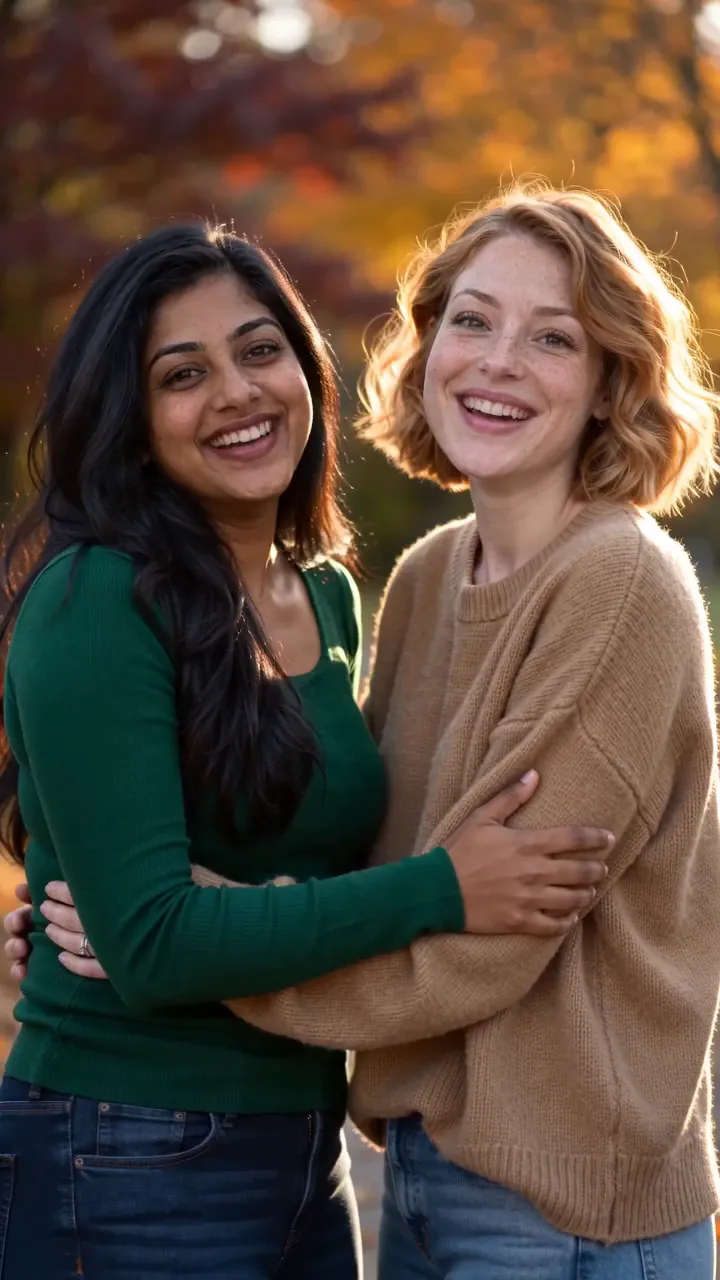
Make your first one
AI Hug: Two photos, one long hug.
Try AI HugYour photos are deleted 7 days after upload and never used to train AI.