Quick answer
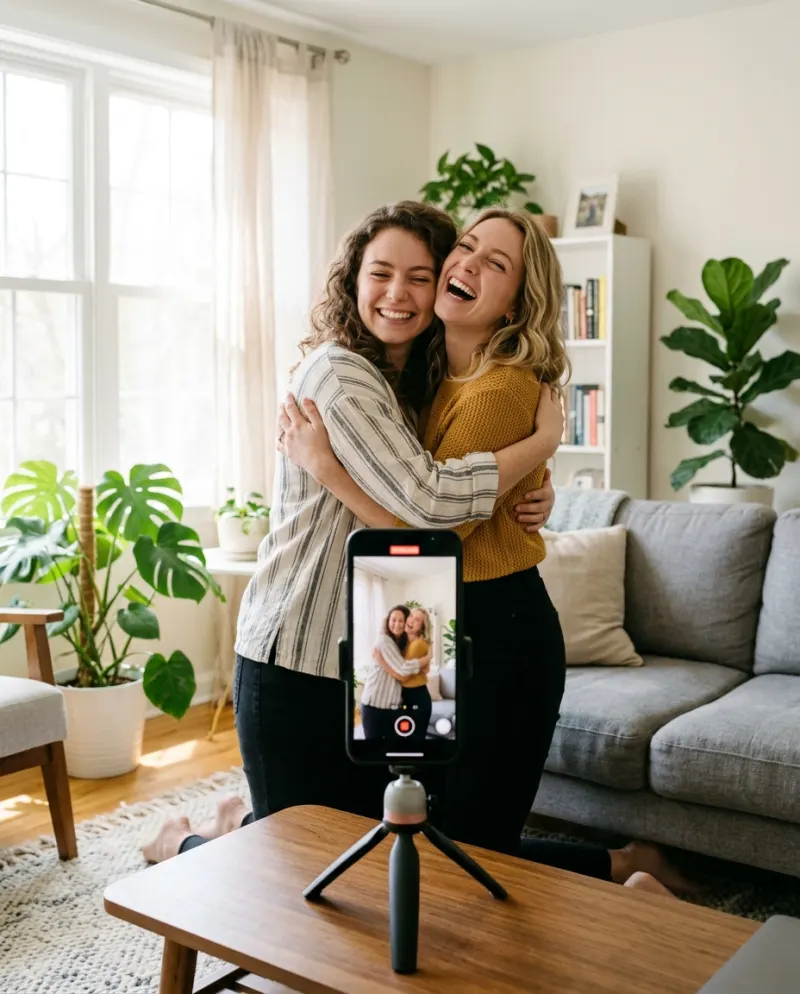
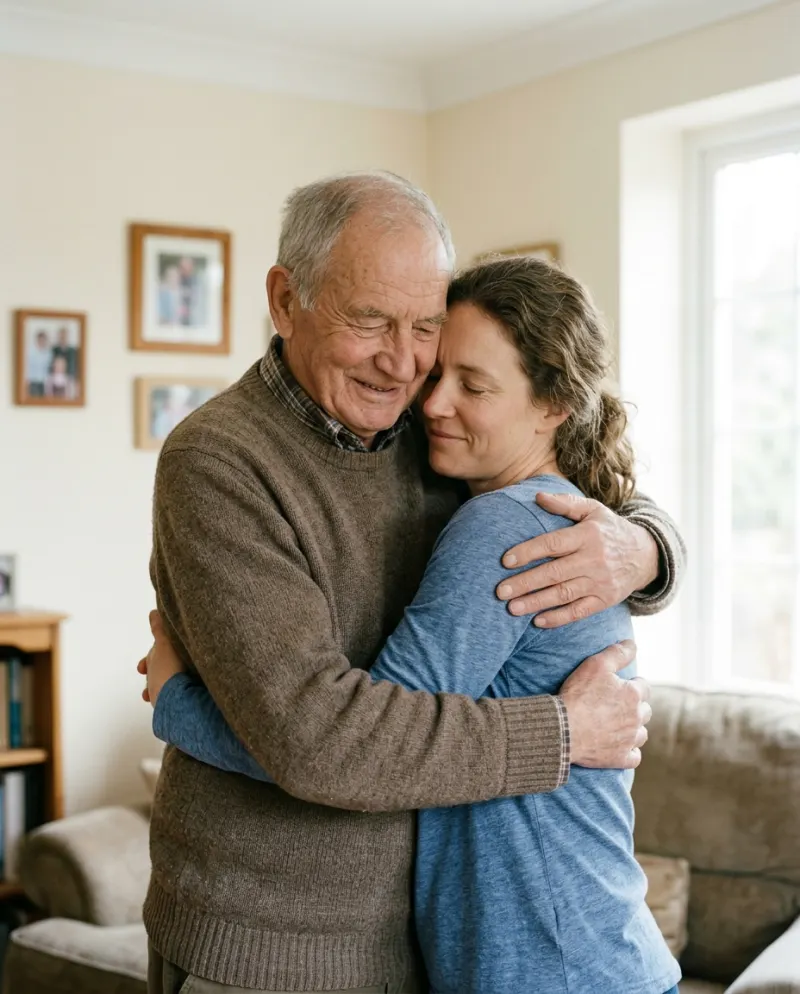
Open AI Hug on Reelfie, add a photo of each person (they don’t need to be taken together) and press make. A few minutes later you have an 8-second vertical clip: you start apart, walk toward each other and hold a long, swaying hug. It costs 80 credits, and the other person has to be an adult who is happy to be in it.
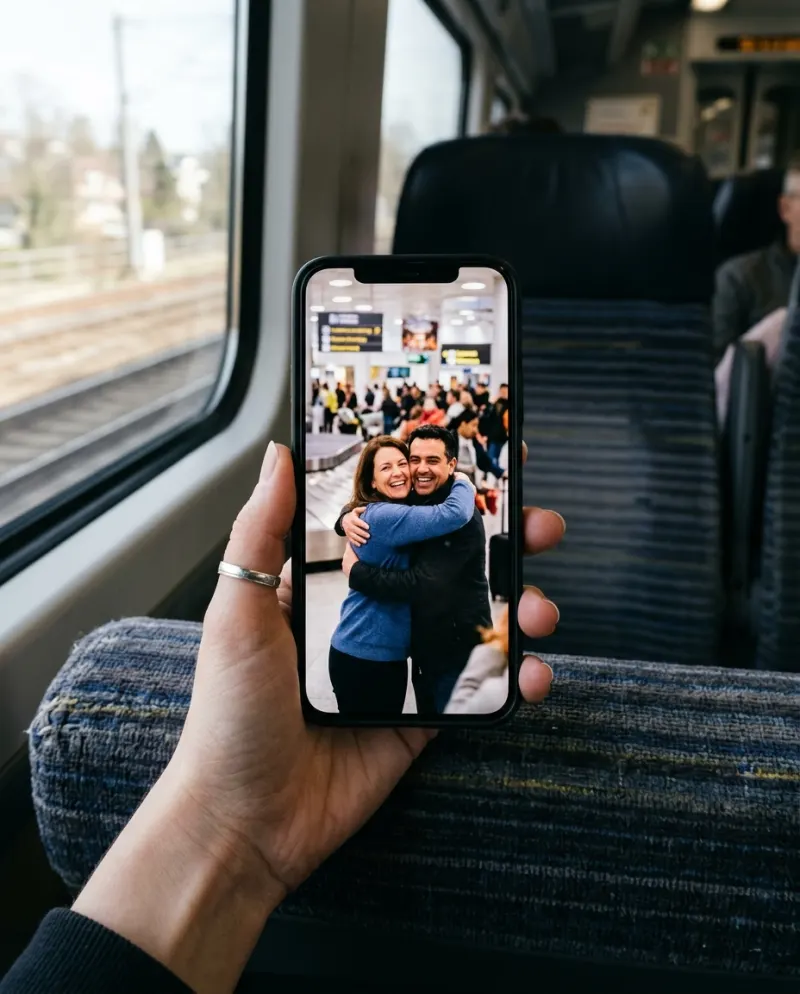
The AI hug trend is about the hug a camera can’t catch: a partner in another time zone, a friend who moved away, a brother you see twice a year. Two photos go in, one meeting comes out, and it’s posted or sent straight to the person in it.
AI Hug makes that meeting from two separate photos. This page covers which photos survive the moment arms wrap around a back, the steps, and what to do with the clip. Wanting a hug with your younger self or a cartoon character? That’s a job for the AI hug prompts: the template is built for two adults.
What the clip shows
- 1The two of you stand apart in soft daylight, against a plain backdrop.
- 2You turn, walk toward each other and smile.
- 3You meet in a long hug, arms around each other’s backs.
- 4The hug sways slowly from side to side until the end.
It runs 8 seconds, in the tall 9:16 shape phones fill, with its own sound. Neither photo’s background survives: the scene is new every time, so a selfie on a bus and one on a beach can meet in the same quiet room.
Two photos that survive a hug
A kiss only needs faces. A hug needs shoulders and arms too, because the clip has to wrap them around another person. Pick photos with that in mind:
- Head, shoulders and some chest in view. A tight face crop leaves the arms to be invented, and invented arms are where hugs go wrong.
- Just one person in each. Cut a group shot down to the one face you want before you upload.
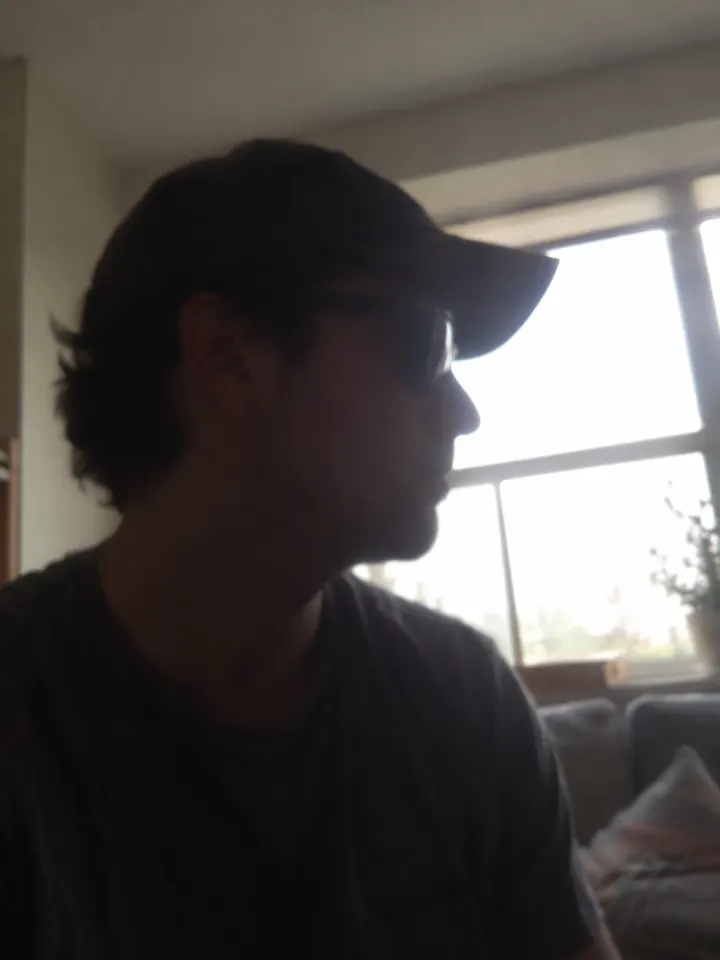
- Looking at the lens, or nearly. A side profile becomes someone else once the head starts to move.
- Light that roughly matches: two window-lit photos blend better than one in sun and one under a camera flash.
- No sunglasses, caps pulled low or hands near the face.
Ask first. Both people have to be adults, and the other person should know their photo is going into a hug video before you make it.
Not sure which shot to use? Which photos work best with AI compares good and bad ones side by side.
Making it, step by step
- 1Open AI Hug on Reelfie. It’s a two-person template, so it asks for two photos.
- 2Upload one photo of you and one of the other person. They can come from different years, places or phones.
- 3The make button shows the cost before anything runs: 80 credits for an 8-second 9:16 clip.
- 4Press make and wait a few minutes. You can close the tab; if the run fails, its credits come back.
- 5Download the MP4 from Assets, then send it to the person in it or post it to TikTok, Reels or Shorts.
Send it, or post it
Plenty of hug clips are made for an audience of one. Nothing is public until you share it, so the person in it can see it first.
- Name who it’s for in the caption. “Mom, 3,000 miles away” does more than any hashtag.
- Choose a slow, warm sound. The sway is gentle and gets lost under a fast beat.
- Watch the arms before you post. If a hand looks odd, a sharper pair of photos usually fixes it.
On TikTok, tag it #aihug and switch on the AI-generated label, which the app asks for on realistic AI video. Posting an AI video to TikTok covers the upload settings that keep it sharp.
Without the template
- Together in one place? Film the real thing. The free AI hug guide has a five-second shot list.
- Using a general video tool? You’ll need a starting picture with both people and a prompt: the hug prompts.
- Found a CapCut template? CapCut or an AI generator explains what those templates really do.
Common problems
An arm sinks into the other person’s back
Use photos that show both shoulders and the upper arms, then make it again. The more body the clip can see, the less it has to guess.
One of you looks like a cousin, not like you
Swap in a sharper, front-on photo where that face fills more of the frame. Filters that smooth the skin make this worse.
A photo is turned down
AI Hug takes adults only, so a photo of a child, or of anyone who looks under 18, won’t go through. See why a photo gets blocked.
FAQ
Can I use two photos taken years apart?
Yes. Each photo is read on its own and the scene is drawn fresh, so sharpness matters far more than when or where they were taken. Both have to show adults.
Can I hug my younger self with it?
Not with this template, since it takes two adults. General video tools can, with a prompt that states the child’s age: AI hug prompts has one.
What does it cost, and how long does it take?
80 credits, about $4.95 at the smallest pack’s rate (up to 2 videos for $9.90), and usually a few minutes. A run that fails gives the credits back.
Do I need an app?
No. It runs in the browser on your phone: pick both photos from the camera roll and save the MP4 back to it.
Make your first one
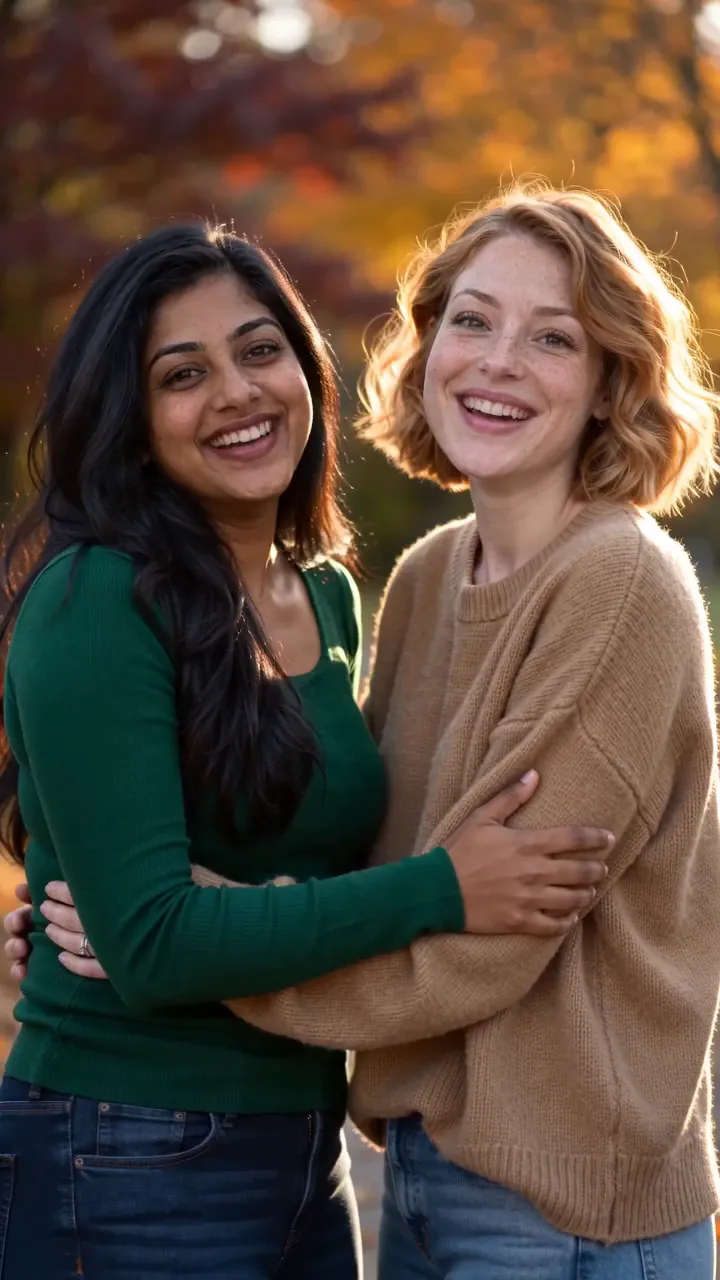
AI Hug: Two photos, one long hug.
Try AI HugYour photos are deleted 7 days after upload and never used to train AI.